
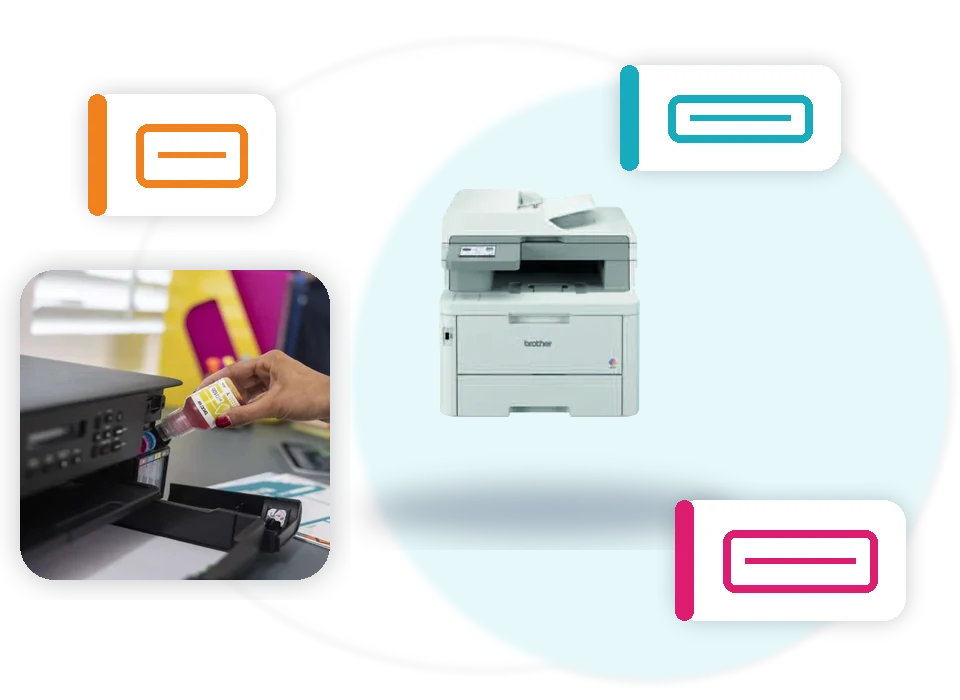
Read the complete model
Check the machine label and include the final letters, such as DW, CDW or CDN. The suffix can distinguish connectivity and product variations.

DeviceDeal supply and accessory search
Search the Brother supplies listed at DeviceDeal by complete printer model, cartridge code or part number. Find ink, toner, drums, maintenance units, paper trays, label media and selected accessories without searching hundreds of unrelated products.
Use the complete model, including its final letters, or enter the exact code from the old cartridge, box or part.
Enter the complete Brother model, such as MFC-L8390CDW, or a supply code such as TN-258BK. You can also browse toner, ink, drums, parts, tapes and label rolls by category.
A safer way to choose
The safest method is to match the complete machine model and the exact supply code. A similar-looking printer or cartridge family is not enough.
Check the machine label and include the final letters, such as DW, CDW or CDN. The suffix can distinguish connectivity and product variations.
Use model search when you know the printer. Use code search when you have the old toner, ink, drum, tape or part in front of you.
Open the DeviceDeal product page, compare the exact model compatibility and review the current product information before ordering.
Browse the supplied DeviceDeal range
The attached Brother feed also includes drums, belt and waste units, paper handling, label media, thermal paper and selected replacement parts.
Current business-model shortcuts
Select a model to prefill the finder. Results are limited to matching SKUs that are present in the supplied DeviceDeal Brother feed.
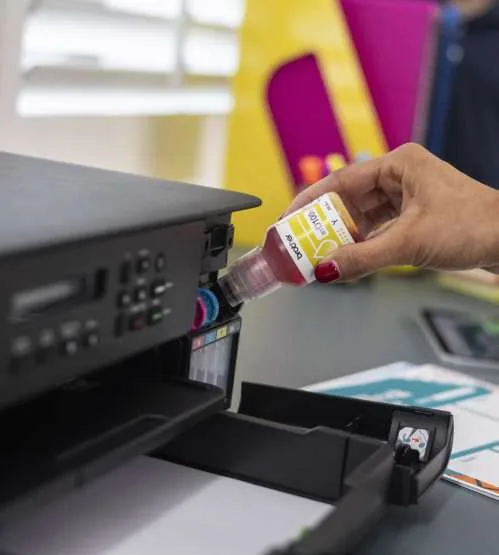
Know what you are replacing
Brother printer families can use cartridges, refill bottles or toner, and many laser models list separate maintenance components. The finder keeps these product types clearly labelled.
Labels, tapes and specialist media
Brother's supplied guide separates TZe and specialist tapes from DK, RD and CZ roll media. Search the exact code or browse the matching media category.
.webp)
Browse TZe laminated tapes, heat-shrink tube, strong adhesive, flexible ID and other tape listings available in the DeviceDeal feed.
Search paper, film, die-cut, continuous and colour label-roll codes listed for Brother professional label-printing systems.
Brother's supplied professional label guide identifies DK rolls with QL, RD rolls with TD, and CZ rolls with VC systems. Exact model and roll compatibility should still be confirmed before purchase.
Search the complete model
The supplied Brother naming guide explains that the model name uses common feature letters. Keeping those final letters in your search reduces the risk of matching a different machine.
The model name lists common features only. Always check the full specifications and the exact supply compatibility.
.webp)
Frequently asked questions
Clear answers for model matching, cartridge codes, maintenance units, label media and safer ordering.
Use the full model number printed on your Brother machine, including letters such as DW, CDW or CDN. Enter that model in the finder and review only products returned for that exact model.
Yes. Switch to cartridge or part-code search and enter a code such as TN-258BK, LC-432XLBK, DR-2530, TZe-231 or DK-11202.
Check the front, top, rear or underside label of the machine. The model normally begins with letters such as MFC, DCP, HL, FAX, PT, QL, TD, RJ, PJ, ADS or DS.
Suffixes can identify important variations. Brother's naming guide uses D for duplex, W for wireless, N for Ethernet and BT or B for Bluetooth. Always search the complete model because similar-looking models can use different supplies.
Toner is the replaceable powder supply used for printing. A drum unit is a separate imaging component on many Brother laser models. Some printers therefore require toner and a drum as separate items.
Not every product uses the same replacement design. Check the exact model and the items shown by the finder. The supplied Brother brochure specifically notes separate toner and drum units for the HL-L2445DW.
These names distinguish cartridge capacities within a supported product family. Availability depends on the printer model. Use the exact code and product title to compare the options listed for your machine.
Yes. The finder includes Brother waste toner or waste ink items, belt units, drums, paper trays and other parts that are present in the current DeviceDeal Brother product data.
Yes. Search the complete printer model or a bottle code. For example, the supplied data links the BTD180 bottle family to the DCP-T580DW.
Yes. Search a TZe, HSe, STe or M-series code, or use the P-touch tape category filter. Tape width, colour and special-purpose wording are shown only when they appear in the supplied product title.
Yes. Use the label-roll category or search the exact roll code. The supplied Brother guide identifies DK rolls with QL printers, RD rolls with TD models and CZ rolls with the VC range.
The finder includes PocketJet and mobile-print items that are present in the DeviceDeal product data, including thermal paper and selected accessories. Confirm the complete model before ordering.
No. The finder links to the live DeviceDeal product page, which is the place to check current price, stock and purchasing information.
The finder uses curated mappings for selected current Brother business models plus compatibility wording in the supplied DeviceDeal product titles. Always confirm the complete model number on the linked product page before ordering.
Try the full model without spaces, search the consumable code if you know it, browse by supply type, or contact DeviceDeal with a photo of the model label and the old cartridge or part.
Yes. The search normalises spaces, hyphens and letter case, so searches such as MFCL8390CDW and MFC-L8390CDW are treated consistently.
This page is focused on supplies, media, replacement parts and accessories. Use the Brother business-printer page or the Brother brand catalogue to shop machines.
Use the full machine model, compare the exact supply code, read the complete product title and verify the linked product page before checkout. Do not rely only on a similar model name or cartridge shape.
Send DeviceDeal the complete machine model and, where possible, a photo of the model label and the old cartridge, tape, roll or part. This provides a safer basis for checking the correct listing.