
Mesh WiFi Systems Australia
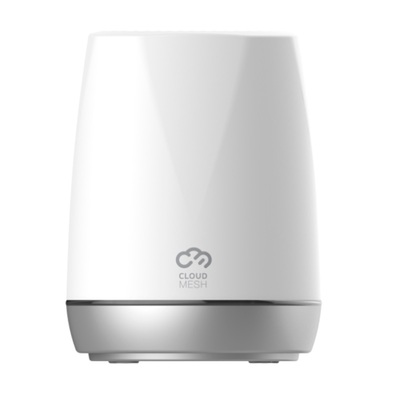
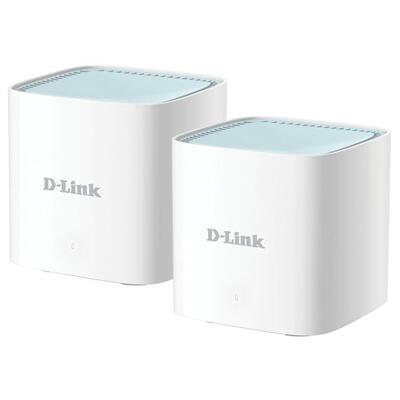

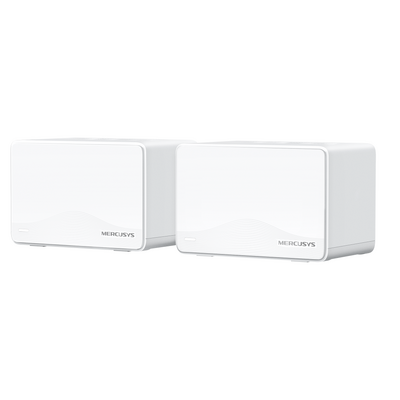
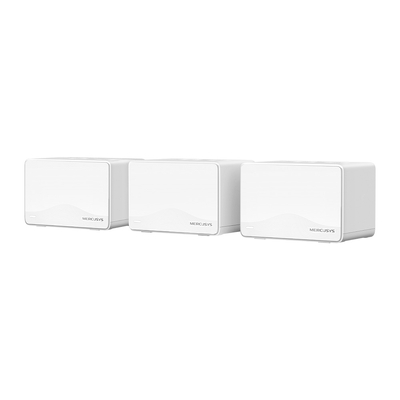
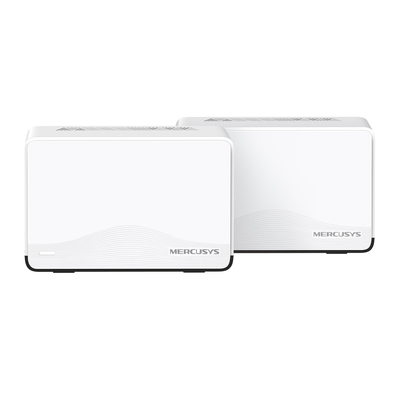
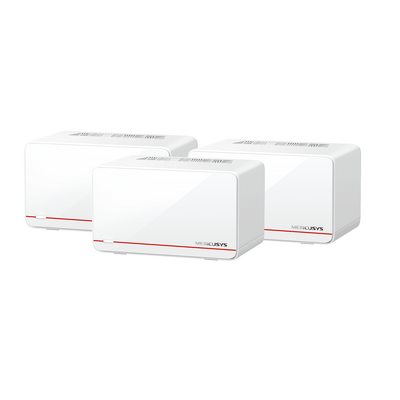
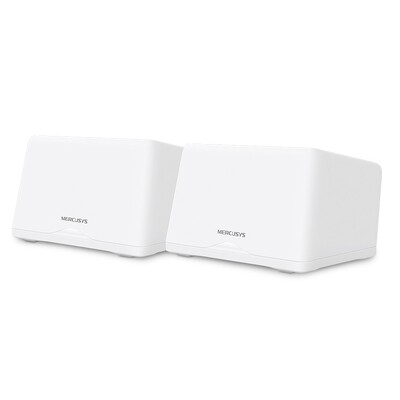
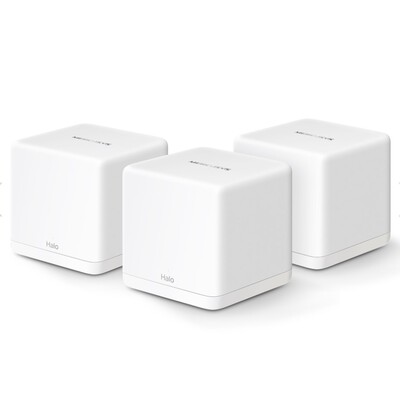
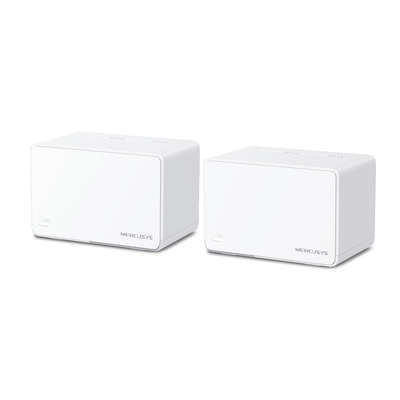
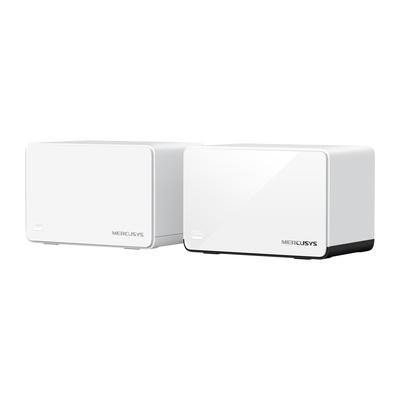
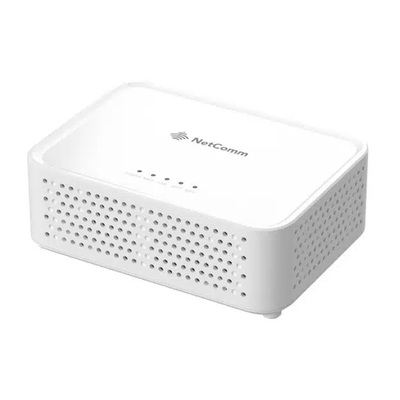
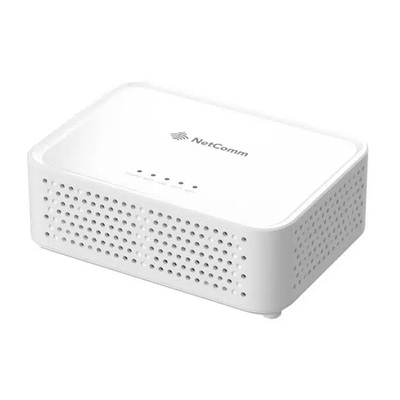
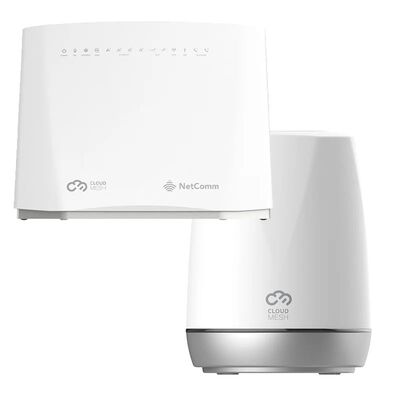
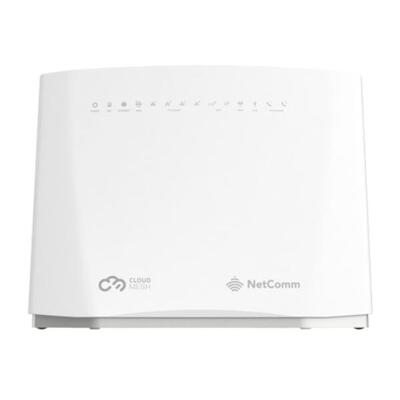
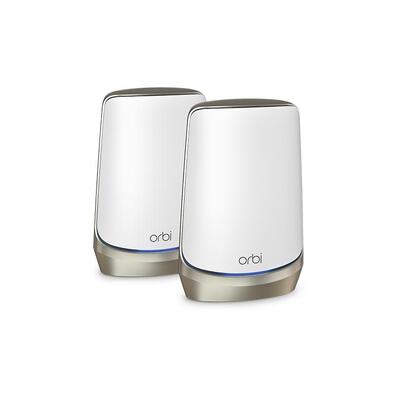
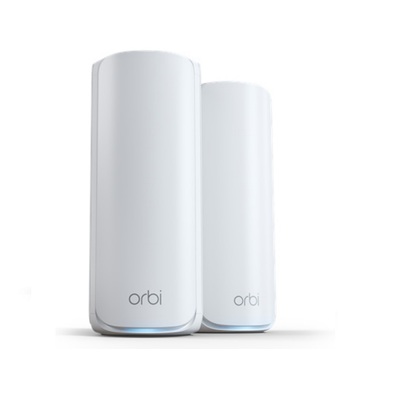
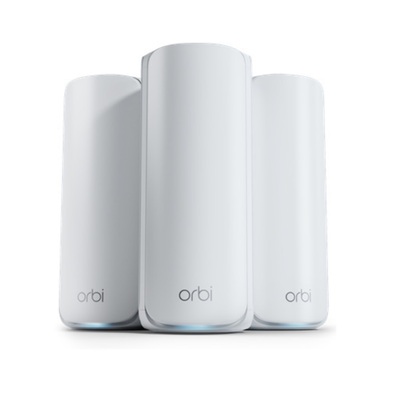

Netgear Orbi WiFi 7 970 Series Quad-Band Mesh System 27Gbps 3-Pack 1-year NETGEAR Armor included
$3,485.00 $4,299.00
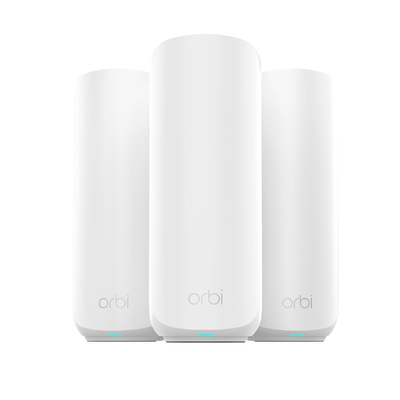
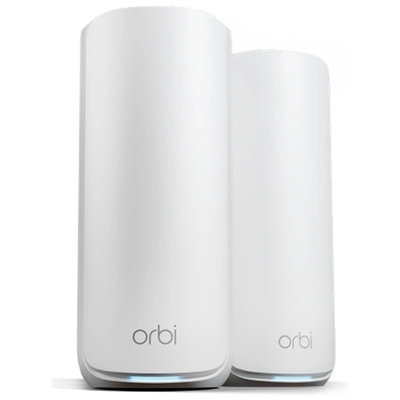
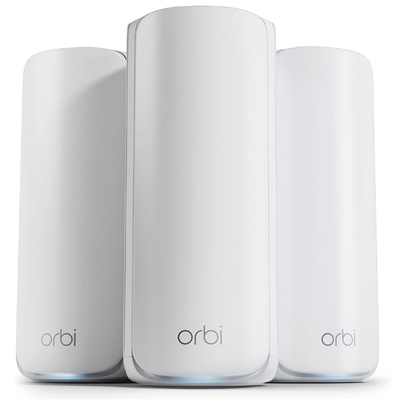
Smarter coverage across every room
Mesh WiFi Systems for Homes and Businesses
A mesh WiFi system uses two or more coordinated units to extend wireless coverage across larger, multi-storey or difficult-to-cover properties. DeviceDeal offers WiFi 6, WiFi 6E and WiFi 7 mesh systems from brands including Netgear Orbi, TP-Link, D-Link, NetComm, Tenda, Ubiquiti and more. Compare one-unit add-ons, two-pack and three-pack systems by supported coverage, connected devices, wireless generation, Ethernet ports and backhaul options.
Mesh WiFi is a wireless network made from a main router or gateway and one or more compatible mesh nodes. The units work together under one network name and help compatible devices connect through a suitable nearby node as they move around the property. Coverage and speed still depend on node placement, building materials, interference, backhaul and client-device capability.
Choose the Right Pack Size
Match the number of mesh units to the floor plan, levels and signal obstacles. Manufacturer coverage figures are useful guides, but real buildings can produce different results.
WiFi 6, 6E or WiFi 7
WiFi 6 provides excellent everyday capacity, while 6E and WiFi 7 add newer capabilities for compatible devices and higher-performance networks.
Wireless or Wired Backhaul
Backhaul carries traffic between mesh units. Ethernet backhaul can provide a consistent node-to-node link when suitable cabling is available.
Ports, Devices and NBN
Check WAN and LAN port speeds, device capacity, router or access-point mode, and compatibility with your NBN technology and internet provider.
How to plan a mesh network
Good placement matters as much as the number printed on the box. A satellite placed inside an existing dead zone may receive too little signal to perform well. Start with fewer well-positioned units and expand only with compatible nodes if testing shows more coverage is needed.
Mesh WiFi buying questions
Clear answers for choosing and installing a whole-home or business mesh network.
Is mesh WiFi better than a WiFi extender?
Mesh systems are generally designed as one coordinated network with central management and compatible nodes working together. A traditional extender usually repeats an existing wireless signal as a separate device. Mesh is often easier to manage across larger properties, but a well-placed extender can still suit a small, specific coverage gap.
How many mesh WiFi units do I need?
The correct number depends on the size, layout, storeys, wall materials and location of the internet connection. A two-pack may suit many smaller or medium properties, while larger or multi-level buildings may require three or more units. Use each manufacturer’s stated coverage as a guide and confirm compatibility before adding nodes.
Will mesh WiFi work with NBN?
Most mesh systems can work with an appropriate NBN service, but the required setup depends on your connection type and provider. FTTP and HFC commonly connect from the NBN connection box to the mesh router’s WAN port. FTTN and FTTB generally require a compatible VDSL2 modem or modem router unless that function is built into the selected gateway.
What is mesh WiFi backhaul?
Backhaul is the connection used to carry data between mesh units. It may use shared wireless capacity, a dedicated wireless band or Ethernet cabling, depending on the system. Wired Ethernet backhaul can be valuable where stable cabling is available, especially across larger or high-traffic networks.
Can I mix mesh units from different brands?
Do not assume that mesh products from different brands—or even different ranges from the same brand—will form one mesh network. Some products support interoperability standards, but features and compatibility vary. The safest approach is to check the manufacturer’s supported-node list for the exact model and firmware.
Should I buy WiFi 6 or WiFi 7 mesh?
WiFi 6 mesh is a strong-value option for most current homes and offices. WiFi 7 is suited to buyers planning for newer compatible devices, multi-gigabit networking and heavier local traffic. Your internet plan, client devices, backhaul and port speeds can all limit the performance you actually receive.
Does mesh WiFi increase my internet speed?
Mesh WiFi does not increase the speed of your internet plan. It can improve how effectively that connection reaches areas where a single router provides weak coverage. Performance at each node depends on its connection back to the main unit and the capabilities of the mesh system and client device.