
Monitor Mounts & Stands



Monitor Mounts & Stands Buying Guide SEO guide & FAQs
Choosing a Monitor Arm, Mount or Stand
Build a cleaner and more adjustable display setup with monitor mounts and stands for home offices, gaming desks, commercial workstations, POS systems and digital signage. DeviceDeal offers single, dual, triple and multi-monitor solutions from brands including Atdec, Brateck, Ergotron, Kensington and StarTech.
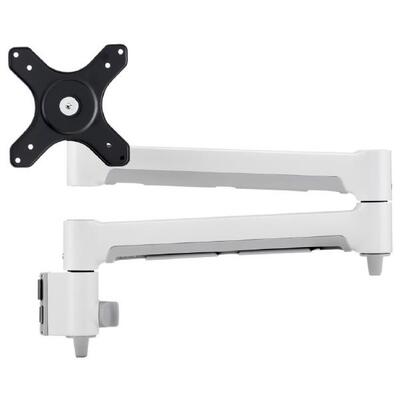
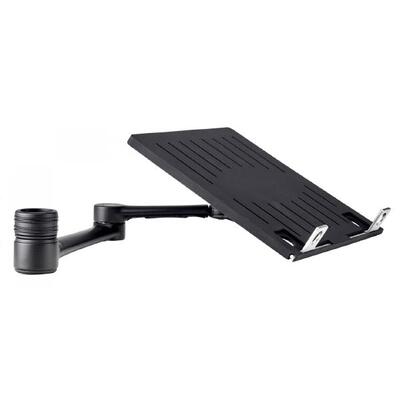
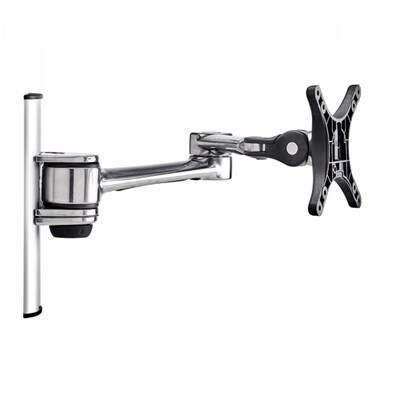
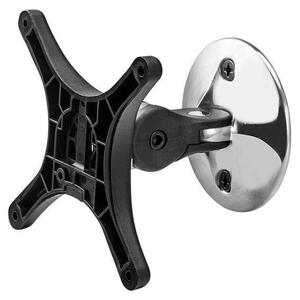
What is a monitor mount? A monitor mount supports a compatible display through its rear mounting points, commonly identified by a VESA pattern. Depending on the design, it can attach to a desk, wall, ceiling, pole or freestanding base and may provide height, tilt, swivel, rotation or extension adjustment.
The correct mount depends on more than screen size. Before ordering, confirm the monitor's mounting pattern, weight without its original stand, number of displays and the desk or wall structure that will support the installation.
VESA pattern
Match the horizontal and vertical spacing between the monitor's mounting holes to a pattern supported by the mount.
Size and weight
Keep every screen within the stated size and load range. Multi-monitor capacity may be listed per screen or for the complete mount.
Movement
Choose fixed or adjustable positioning based on the height, tilt, swivel, rotation and extension your workspace requires.
Mounting surface
Check desk thickness and clearance for clamps or grommets. Wall and ceiling mounts require an appropriate supporting structure.
Which monitor mounting style suits your setup?
- Desk arm: saves desk space and offers flexible screen positioning.
- Freestanding stand: avoids desk clamping and is easier to reposition.
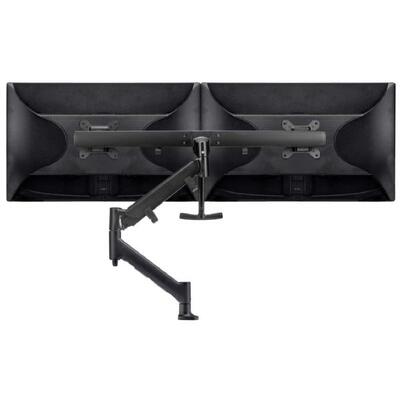
- Dual or multi-monitor mount: organises several compatible screens on one structure.
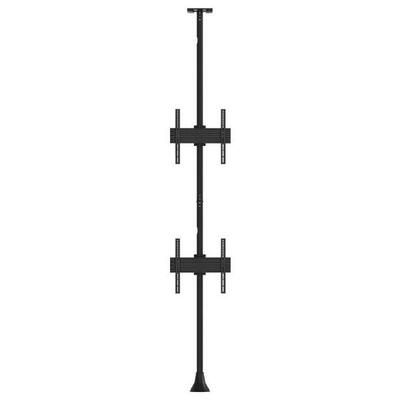
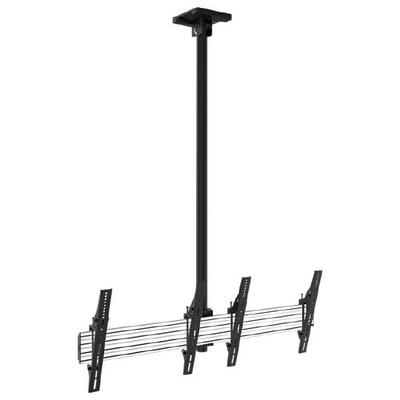
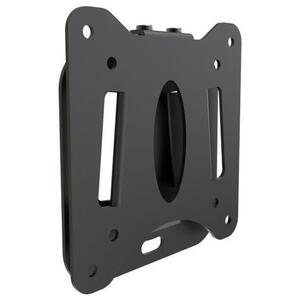
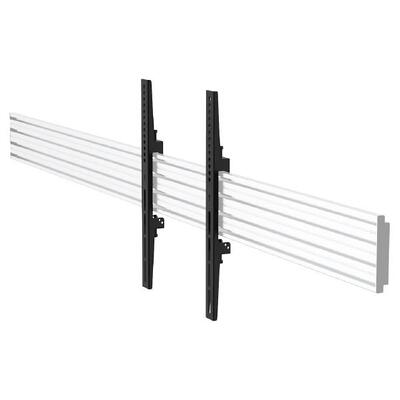
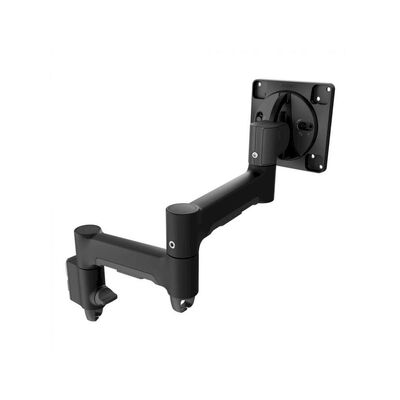
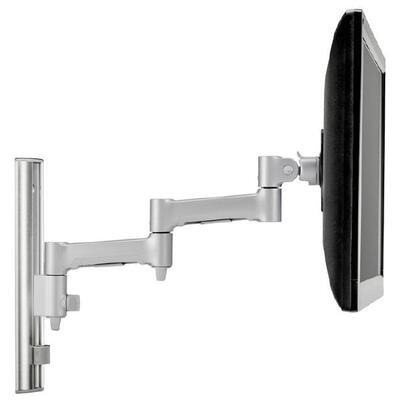
- Wall, ceiling or floor mount: suits signage, menu boards, POS and shared displays.
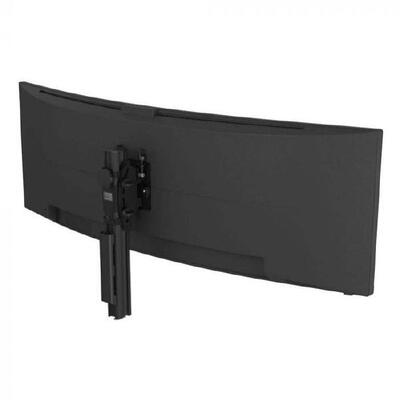
Important for curved and ultrawide displays: do not select a monitor arm by diagonal size alone. Confirm the display's weight, VESA pattern, depth and centre-of-gravity requirements, and choose a model that explicitly supports the relevant screen format.
Monitor Mounts & Stands FAQs
How do I know whether a monitor mount will fit my monitor?
Check the monitor's VESA mounting pattern, weight without the original stand and screen size. All three must fall within the mount manufacturer's supported range. For curved or ultrawide screens, also confirm that the mount explicitly supports that display type.
What does VESA mean on a monitor mount?
VESA compatibility describes the spacing of the mounting holes on the back of a display. A pattern such as 100 × 100 means the holes are spaced 100 mm horizontally and 100 mm vertically. The monitor and mount must share a compatible pattern, or an approved adaptor must be used.
Is monitor-mount weight capacity measured per screen?
It depends on the product. Many multi-monitor mounts specify a maximum weight for each screen, while others state a total system capacity. Check the manufacturer's specification. Some spring-assisted arms also have a minimum supported weight.
Should I choose a C-clamp or grommet monitor arm?
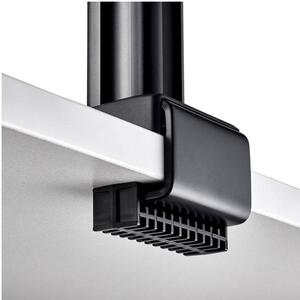
A C-clamp attaches around the edge of a compatible desk and is usually easy to reposition. A grommet mount passes through a suitable desk opening and can help when edge access is limited. Check desktop thickness, material and under-desk clearance.
Can I mount a curved or ultrawide monitor?
Yes, if the mount supports the monitor's VESA pattern, weight, size and display format. Curved and ultrawide screens can place additional leverage on an arm, so choose a mount specifically rated for the model's dimensions and weight.
Can a dual monitor arm hold two different monitor sizes?
Often yes, provided each monitor is compatible with the mount's VESA pattern, size and per-arm weight range. Different dimensions may affect alignment, available travel and the balance of spring-assisted arms.
Is a monitor arm better than a monitor riser?
A monitor arm normally provides more positioning control and can free space beneath the screen. A riser is simpler, requires no VESA mount and works with monitors using their original stands. The better choice depends on adjustment needs, desk construction and compatibility.
Can I install a monitor wall mount myself?
Installation depends on display weight, wall construction, mount design and fixing method. The supporting structure and fasteners must suit the full load. Follow the manufacturer's instructions and use a qualified installer when the structure or safe fixing method is uncertain.