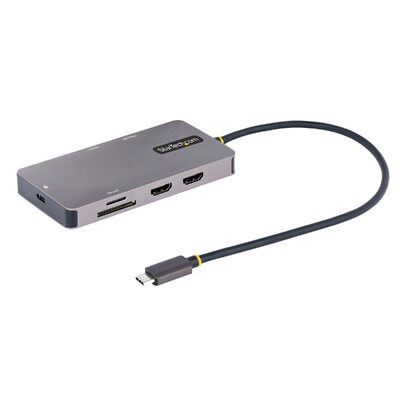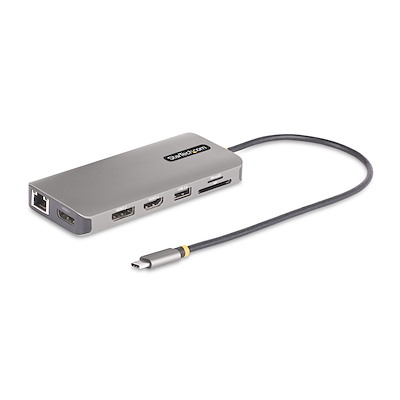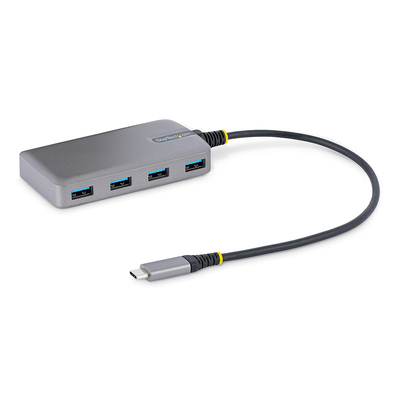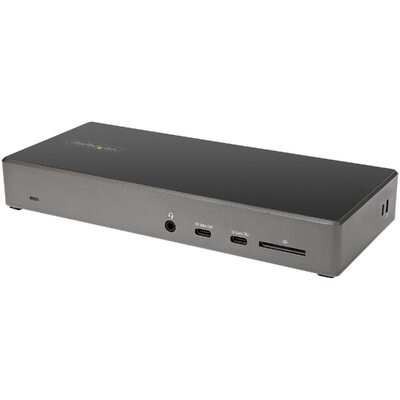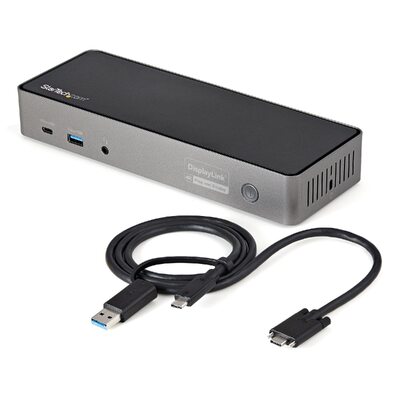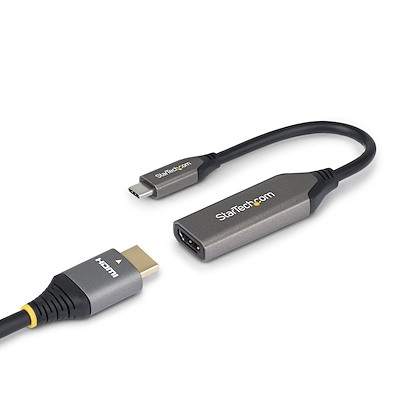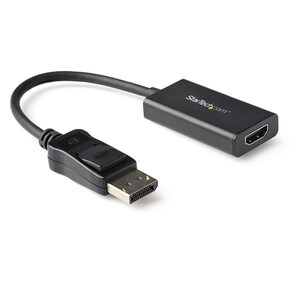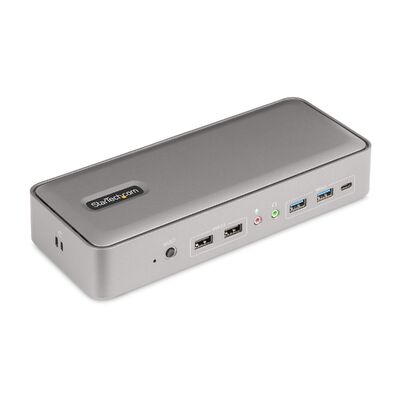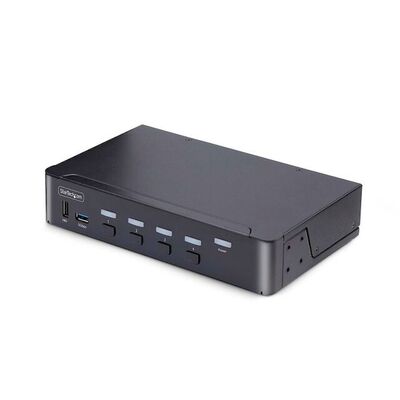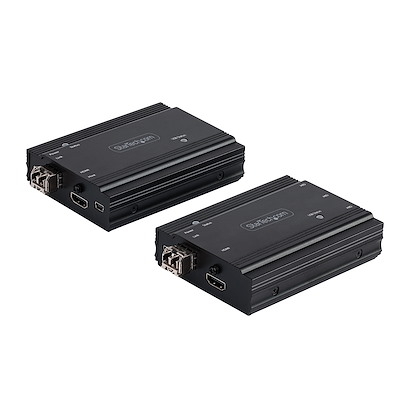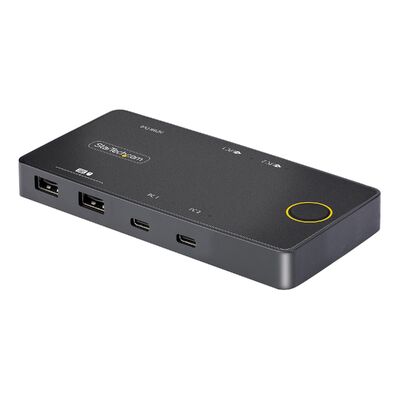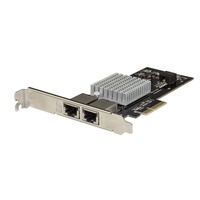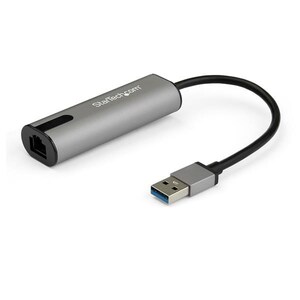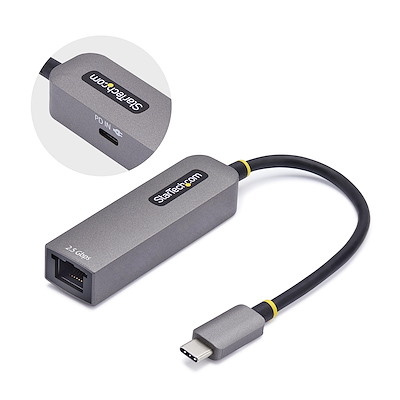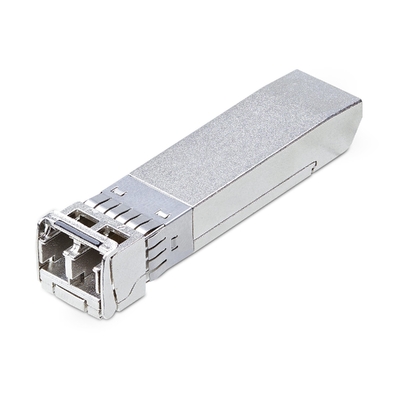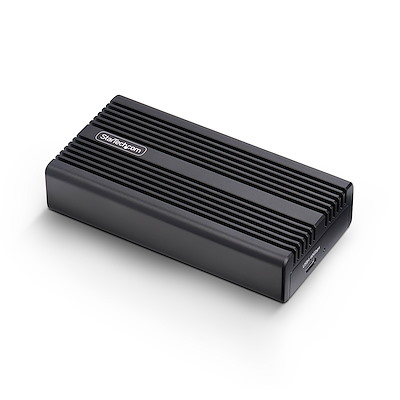
Find the right adapter, dock, KVM switch, cable, network module, storage accessory, monitor mount or server rack by matching the connections and specifications that matter.
Start with the connection at each end, confirm the required signal direction, then check performance and fit. For displays, verify resolution, refresh rate and monitor count. For USB-C and Thunderbolt, confirm the host port supports the video, data and charging features you need. For networking, match speed, media type and transceiver compatibility. For mounts, racks, locks and storage accessories, compare the exact physical specification before ordering.
Use the exact StarTech.com product ID to compare the specification on the product page and your equipment documentation.
Start with the job you need to complete. Each path below explains the compatibility checks that matter and shows current options from the supplied DeviceDeal range.
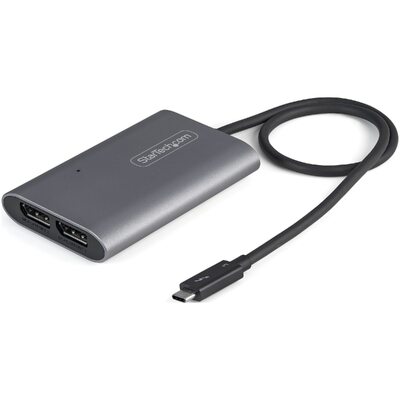
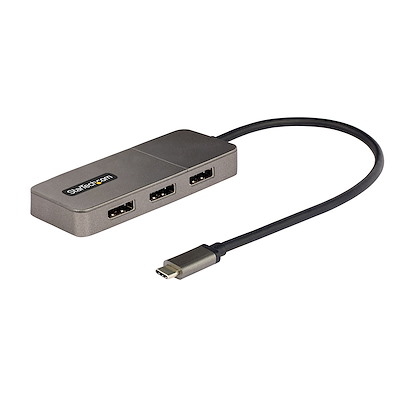
 Docks & USB hubsAdd displays, peripherals, Ethernet and charging through one host connection.Compare options →
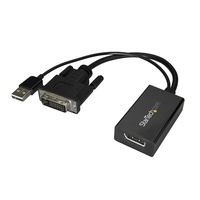
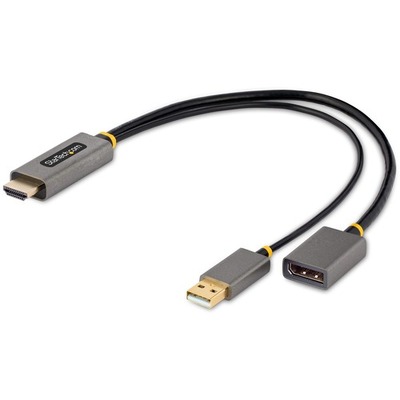
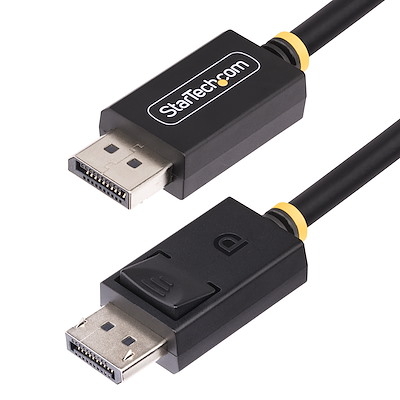
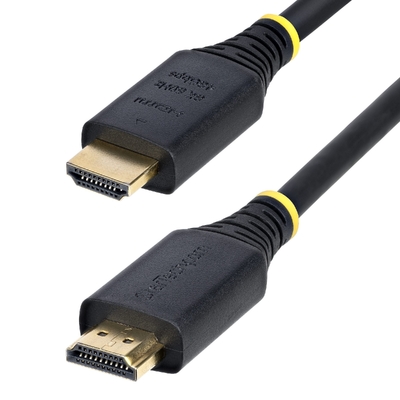
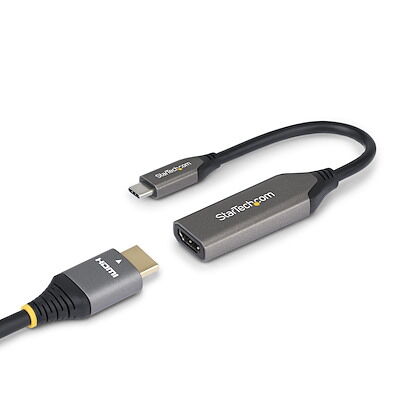 Display & AVConvert or distribute HDMI, DisplayPort, USB-C, DVI and Thunderbolt video.Compare options →
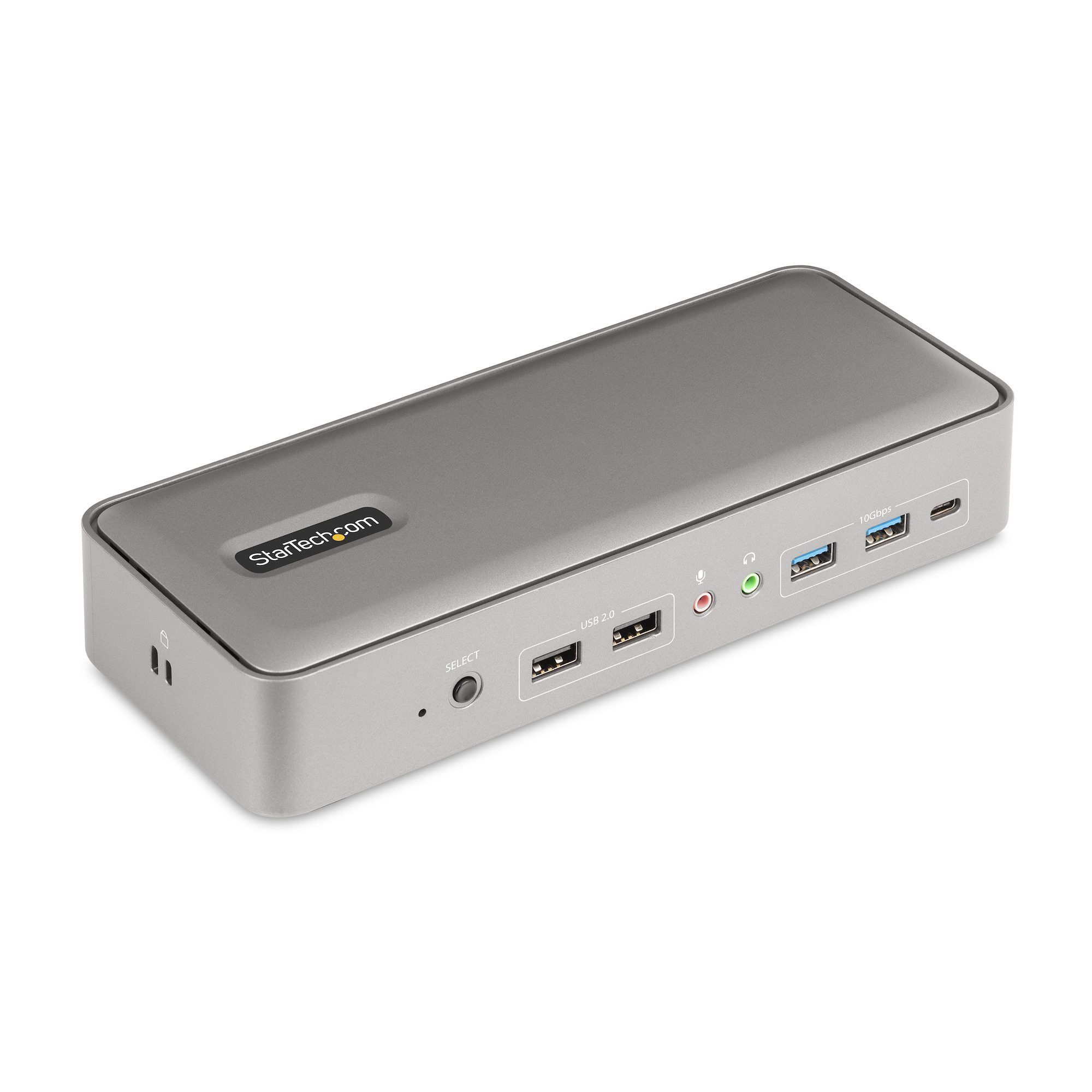 KVM & remote accessShare a screen, keyboard and mouse or extend console access.Compare options →
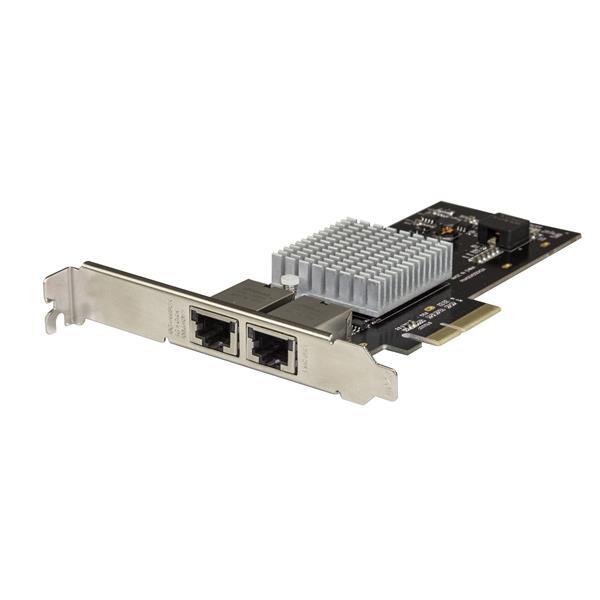 Network & fibreAdd multi-gigabit Ethernet, PoE switching, media conversion or optical links.Compare options →
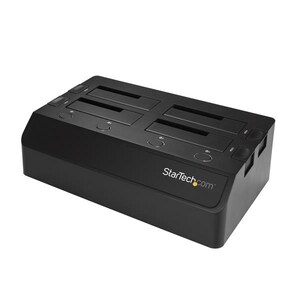
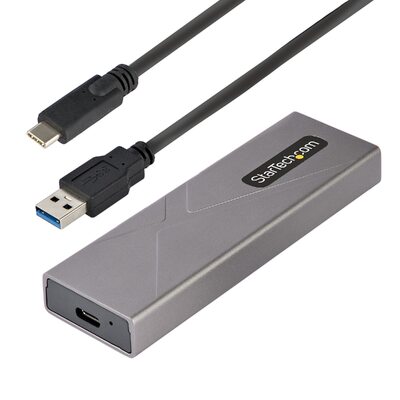
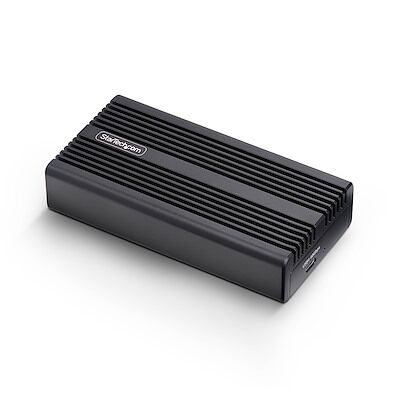 Storage & drive toolsConnect, dock, duplicate or erase SATA and NVMe drives.Compare options →
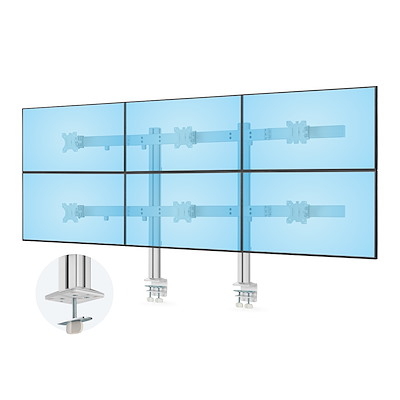
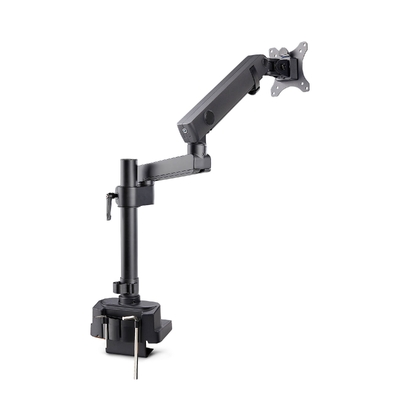
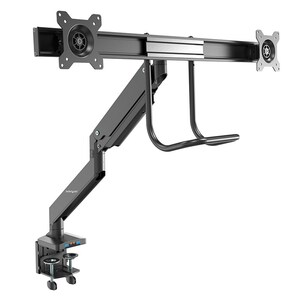
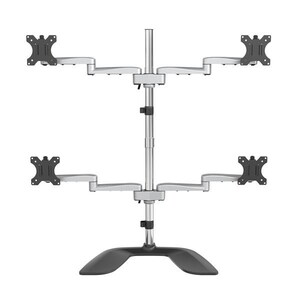
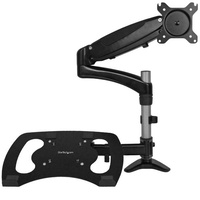
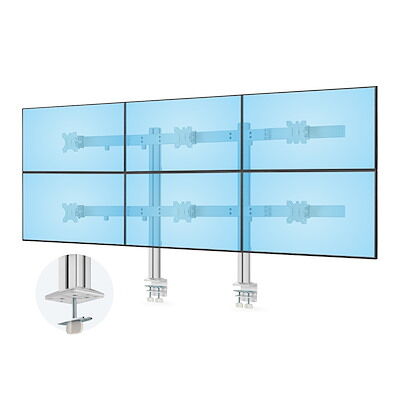 Mounts & ergonomicsPosition one or more monitors and build a more adjustable workspace.Compare options →
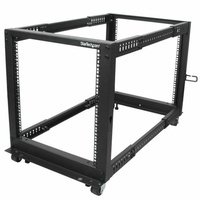
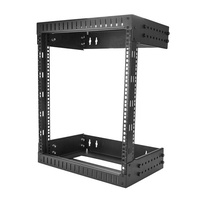
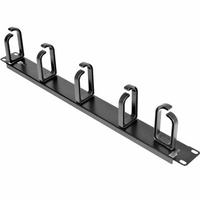
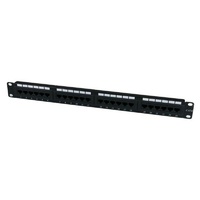
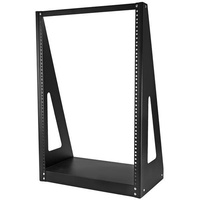
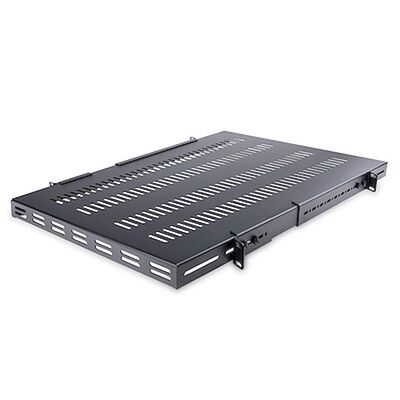
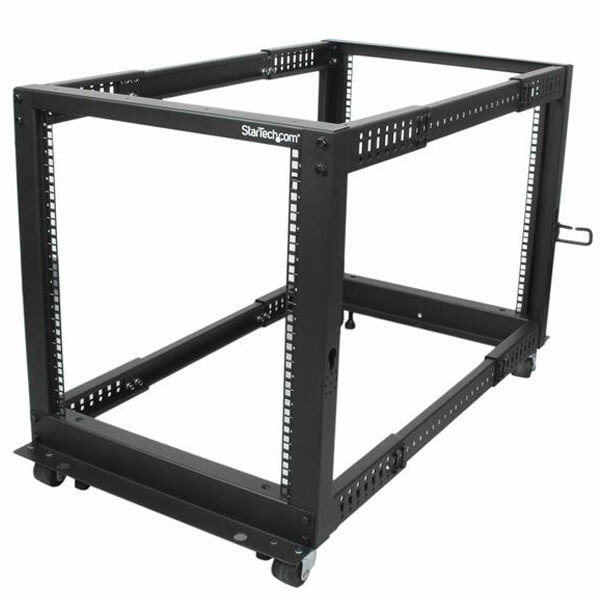 Racks & cable managementOrganise servers, switches, patching and rack accessories.Compare options →
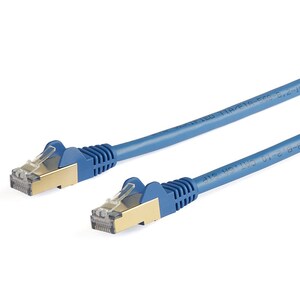
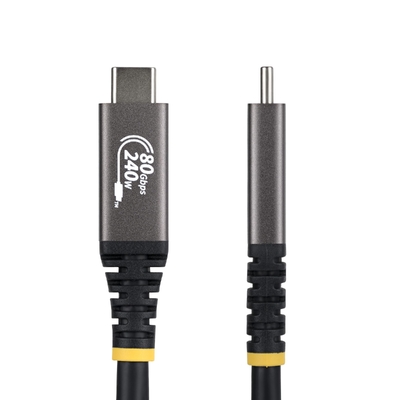
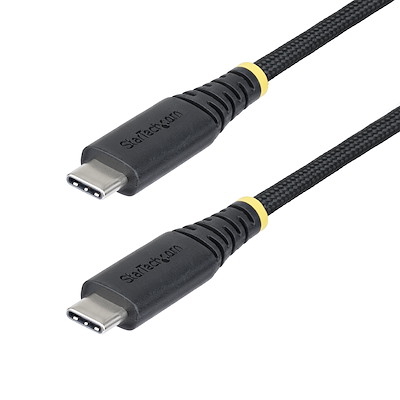
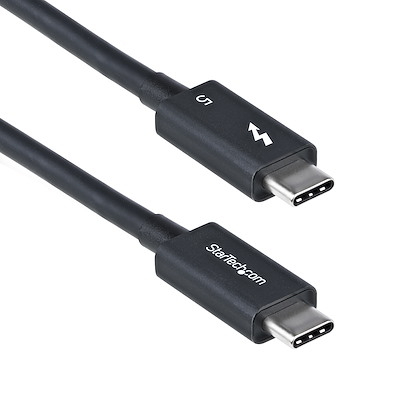
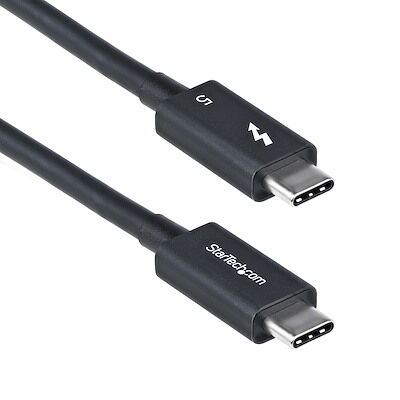 Cables & chargingMatch the required connector, speed, video mode, power rating and length.Compare options →
Choose the row that best matches your task, then confirm the listed details before ordering.
| If you need to… | Start here | Confirm before buying |
|---|---|---|
| Build a one-cable desk setup | Docks & USB hubs | Host USB-C, USB4 or Thunderbolt capability; displays; charging; operating system |
| Connect a computer to a display | Display & AV | Source connector, display connector, direction, resolution and refresh rate |
| Control multiple computers | KVM & remote access | Computer count, video format, USB devices, audio and switching method |
| Add or extend wired networking | Network & fibre | Speed, RJ45 or fibre, transceiver type, distance and switch compatibility |
| Access or manage drives | Storage & drive tools | SATA or NVMe, M.2 key and length, drive size, host interface and workflow |
| Position displays | Mounts & ergonomics | Monitor size, weight, VESA pattern, desk fit and number of displays |
| Build or organise an IT rack | Racks & cable management | Rack units, mounting width, usable depth, load, airflow and accessories |
| Replace or upgrade a cable | Cables & charging | Connector, certified standard, bandwidth, power rating and length |
Choose a dock when you need displays, Ethernet, USB peripherals and possibly laptop charging through one host connection. Choose a hub when the main goal is adding USB ports or basic Ethernet. A USB-C connector alone does not guarantee video output, Thunderbolt performance or power delivery, so check the host device specification first.
Compatibility tip: Search and compare by the exact StarTech.com product ID. Explore docking and multiport guidance.
Identify the source port on the computer, the input port on the display and the required signal direction. Then match the adapter to the target resolution, refresh rate, HDR requirement and monitor count. Similar-looking adapters can convert in opposite directions, so use the exact product title and product ID when comparing options.
Compatibility tip: Search and compare by the exact StarTech.com product ID. Explore display and video adapters.
Choose a desktop KVM to share a display, keyboard and mouse between nearby computers. Choose a KVM dock when laptops also need docking functions. Use a console or extender when access is required at a rack or over a longer point-to-point connection. Match every computer and display to the KVM's supported video and USB standards.
Compatibility tip: Search and compare by the exact StarTech.com product ID. Explore KVM switches and accessories.
Match the endpoint speed and media first: copper Ethernet uses RJ45, while fibre links use compatible transceivers and fibre. Confirm the slowest device in the path, the cable or fibre type, link distance and supported module coding. Multi-gigabit products still negotiate only the speeds supported across the full connection.
Compatibility tip: Search and compare by the exact StarTech.com product ID. Explore networking and I/O.
Choose an enclosure for a portable, protected drive; choose a dock for quick access to bare drives; and choose a duplicator or eraser for repeatable service workflows. Confirm whether the drive uses SATA or PCIe NVMe, its physical size and key, and the speed supported by both the enclosure and host port.
Compatibility tip: Search and compare by the exact StarTech.com product ID. Explore drive enclosures.
Match the mount to the number of displays, the weight of each display and its VESA pattern. Then check how the mount attaches to the desk, its height and reach adjustment, and the available clearance. Screen size is a guide; weight and VESA compatibility are the decisive specifications.
Compatibility tip: Search and compare by the exact StarTech.com product ID. Explore monitor mounts.
Start with the equipment's rack width, rack-unit requirement and mounting depth. Add space for power, patching, airflow and future changes. A rack's external size does not by itself confirm that a server or shelf will fit, so compare the usable mounting depth and load rating in the current specification.
Compatibility tip: Search and compare by the exact StarTech.com product ID. Explore server racks.
A connector shape does not identify a cable's full capability. Match the cable to the required data rate, display mode, charging power and length, and prefer the relevant certification where the application depends on maximum performance. The connected devices still determine the final negotiated speed, video mode and charging rate.
Compatibility tip: Search and compare by the exact StarTech.com product ID. Explore cables.
These answers cover the checks that most often determine whether a connectivity or infrastructure product will work as intended.
StarTech.com makes connectivity and IT infrastructure products, including adapters, cables, docking stations, USB hubs, KVM switches, extenders, network adapters, SFP transceivers, storage enclosures, drive docks, monitor mounts, server racks and related accessories.
Yes. DeviceDeal is an authorised StarTech.com reseller in Australia. Use the exact StarTech.com product ID when comparing products so the connection type and specification can be checked before purchase.
Identify the video output on the source device, the input on the display and the required signal direction. Then confirm the product supports the target resolution, refresh rate, HDR requirement, operating system and number of displays.
Yes. Many display adapters work in one direction only. For example, a DisplayPort-to-HDMI adapter is not automatically suitable for an HDMI source and DisplayPort monitor. Follow the direction stated in the product title and specification.
No. USB-C describes the connector, while supported functions depend on the host port and device. Check for DisplayPort Alt Mode or Thunderbolt for video, the supported USB or USB4 data rate, and USB Power Delivery support for charging.
Choose the dock that matches the host port and the displays, data rate and charging power you need. Thunderbolt docks require a compatible Thunderbolt or supported USB4 host for their full feature set. A USB-C dock may be the better fit when the host provides the required USB-C video and data functions.
The answer depends on the exact product, host graphics hardware, connection standard, operating system and selected resolution. Check the product's supported display configurations rather than relying only on the number of video ports.
Check the number of computers and monitors, video connector, maximum resolution and refresh rate, USB keyboard and mouse support, any required audio or USB peripheral sharing, cable inclusion and preferred switching method.
Match the switch or network card's supported module type and speed, vendor coding requirement, wavelength, fibre type, connector and maximum link distance. Both ends of the link must use compatible optical specifications.
Choose the category for the required network speed, run length and environment. Cat6a is designed to support 10Gb Ethernet over the full 100-metre channel when correctly installed. Also check shielding, conductor type, PoE needs and connector format.
Confirm whether the drive uses SATA or PCIe NVMe, its physical format and size, and the host connection. Choose an enclosure for protected portable use, a dock for quick access to bare drives, or a duplicator when standalone copying or erasure is required.
Compatibility varies by product and feature. Check the current operating-system requirements and driver notes on the exact product page. Multi-display behaviour can also depend on the host graphics system and operating system.
Compare the monitor's weight and VESA mounting pattern with the mount specification, then check screen count, desk thickness, clamp or grommet clearance, required reach and available space. Weight and VESA fit matter more than screen size alone.
Check the equipment's rack width, total rack units, mounting depth and weight. Allow additional room for shelves, rails, patching, power distribution, airflow, cables and future expansion, then confirm whether the installation needs a wall-mount, two-post or four-post rack.
Identify the security-slot type in the device manual or manufacturer's specification. Common formats include K-slot or T-bar, Nano and Noble Wedge-style slots. A combination lock or keyed lock still needs the correct compatible head.
Warranty periods vary by product. Check the Warranty Information field in the exact product's current Technical Specifications. StarTech.com also states that it provides lifetime technical support. Your rights under the Australian Consumer Law also apply.
The product ID appears in the product title, specification and packaging, using a code such as DP2HD4K60H or 129N-USBC-KVM-DOCK. Search by that exact code when you need to compare or reorder the same model.
Send DeviceDeal the source device and port, destination device and port, operating system, target resolution or network speed, cable length, and any charging or mounting requirements. Exact device model numbers help narrow the compatible options.
Content reviewed 5 September 2026. Product specifications, compatibility and warranty periods can vary by exact product ID; check the current product page before purchase.