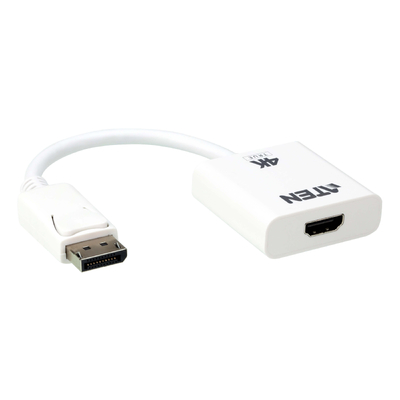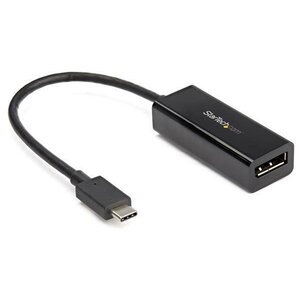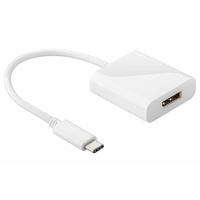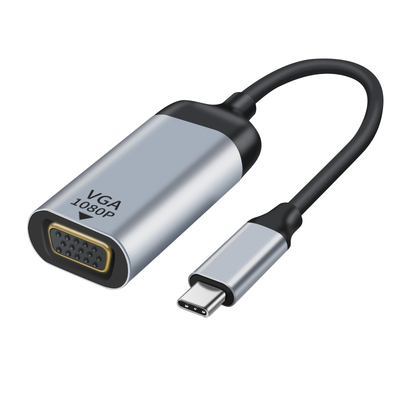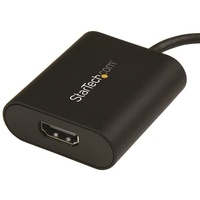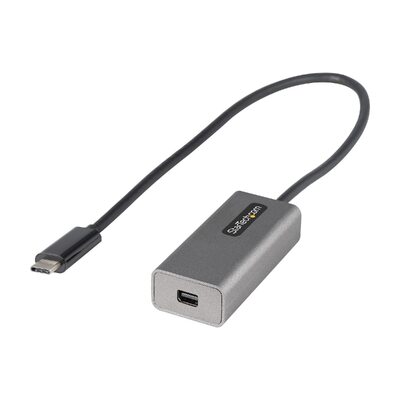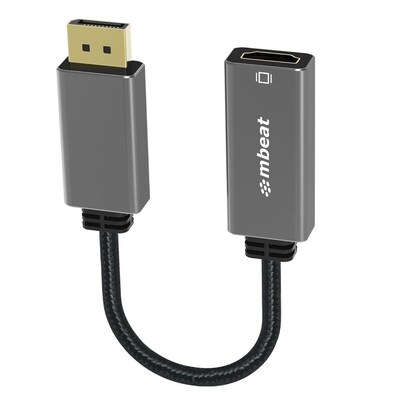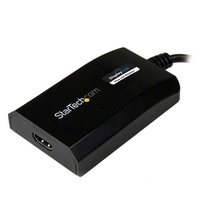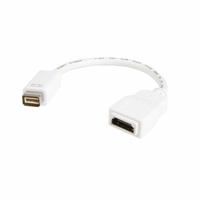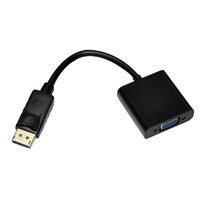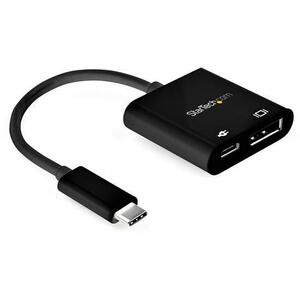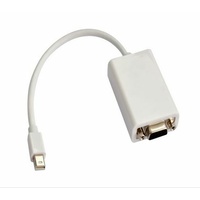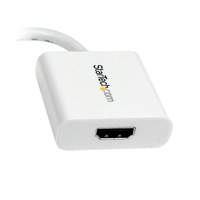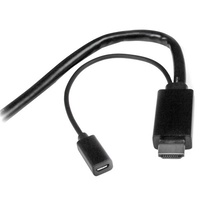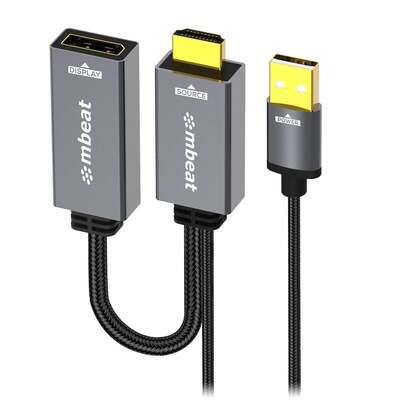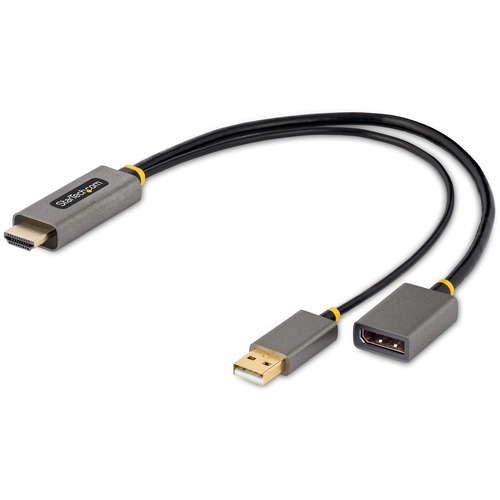
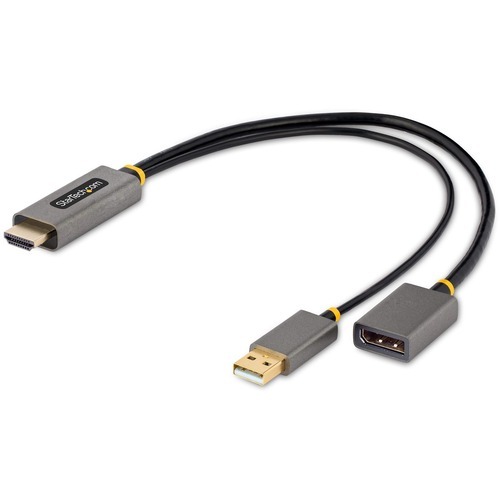
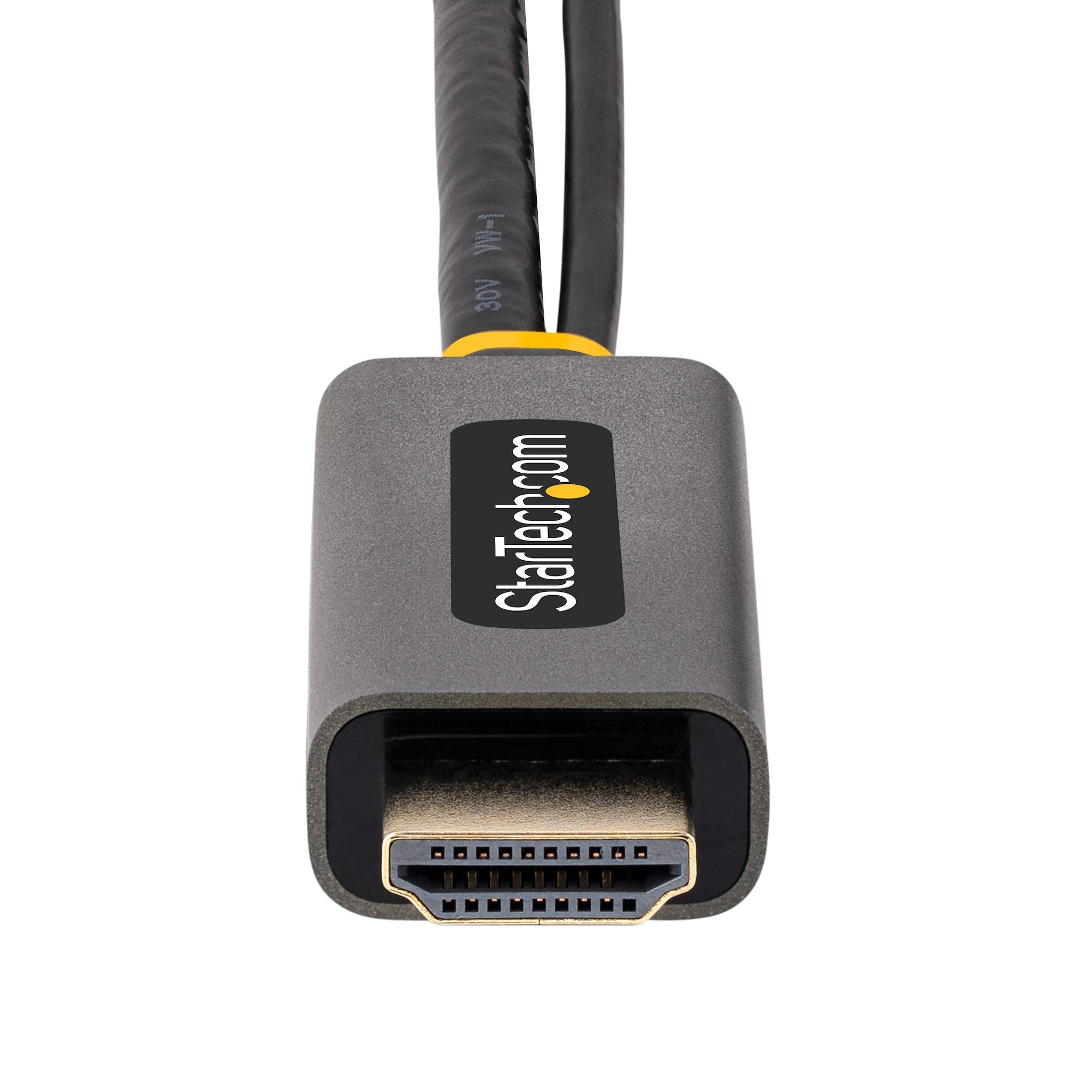
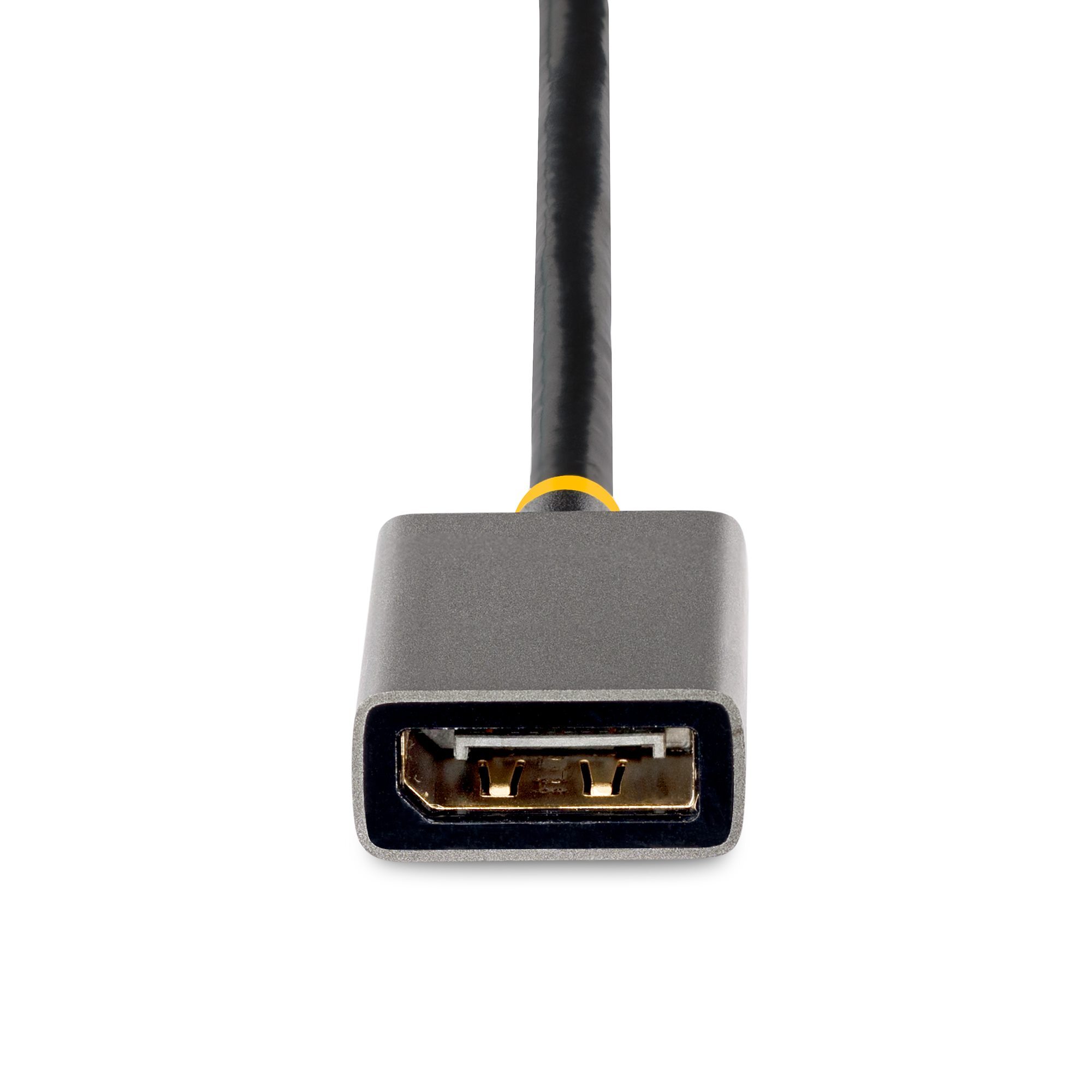
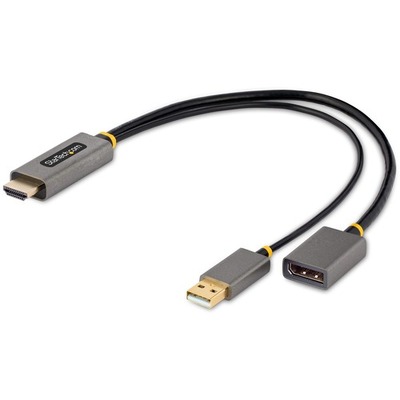
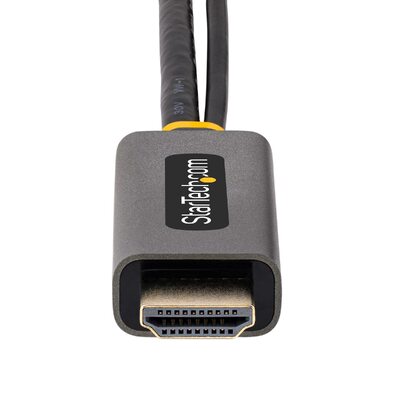
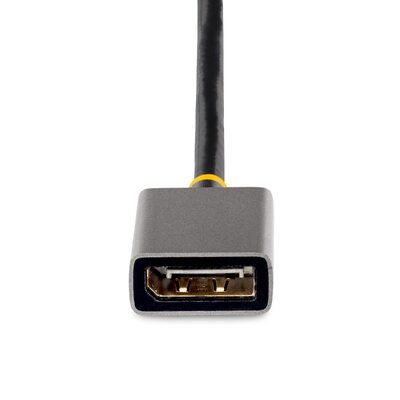




Active HDMI to DisplayPort Adapter with 4K 60Hz
Connect an HDMI 2.0 source to a DisplayPort 1.2 monitor or projector with an active, USB-powered adapter supporting 4K 60Hz HDR and DisplayPort audio.
Key features
Correct HDMI-to-DisplayPort direction
Converts an HDMI source for connection to a DisplayPort monitor or projector; it is not bidirectional.
4K 60Hz HDR output
Supports up to 3840 x 2160 at 60Hz with HDR when the HDMI source and DisplayPort display support the mode.
Active USB-powered conversion
The integrated USB-A power lead connects to a powered USB port or compatible USB wall charger.
Plug-and-play compatibility
Works without drivers across HDMI-enabled computers, including Windows, macOS, Ubuntu and ChromeOS systems.
What to know
Reuse a DisplayPort display with an HDMI source
Connect an HDMI laptop, desktop, Ultrabook, MacBook or Chromebook to a DisplayPort monitor or projector for primary or extended desktop use.
Integrated cables reduce setup strain
A 30 cm cable sits between the HDMI and DisplayPort ends, while the attached USB-A lead provides the power required for active conversion.
Australian version with official StarTech.com warranty
3-Year manufacturer warranty
This is the Australian version supplied by DeviceDeal and is covered by a three-year official StarTech.com manufacturer warranty in Australia. Keep your DeviceDeal invoice as proof of purchase. Warranty coverage and claims are subject to StarTech.com warranty terms and product assessment.
StarTech 128-HDMI-DISPLAYPORT FAQ
Which direction does the 128-HDMI-DISPLAYPORT convert?
It converts an HDMI source, such as a laptop or desktop, to a DisplayPort monitor or projector. It is not bidirectional.
What is the maximum supported resolution?
It supports up to 3840 x 2160 at 60Hz. Both the HDMI source and DisplayPort display must support 4K 60Hz to achieve this mode.
Does the adapter support HDR?
Yes. The official specifications list Dynamic HDR support on compatible source, content and display equipment.
Does it carry audio?
Yes. It supports two-channel audio over the DisplayPort connection.
Why does the adapter have a USB-A cable?
The USB-A lead supplies 5V power for the active HDMI-to-DisplayPort conversion and should be connected to a powered USB port or compatible charger.
Does it require drivers?
No. It is a plug-and-play adapter and works independently of the operating system.
Can it be used for an extended desktop?
Yes. It may connect a primary or secondary DisplayPort display, subject to the source device's display capabilities.
What warranty covers the 128-HDMI-DISPLAYPORT?
This Australian-version product is covered by a three-year official StarTech.com manufacturer warranty in Australia. Keep the DeviceDeal invoice as proof of purchase; claims remain subject to StarTech.com terms and assessment.