
Document Scanners Australia
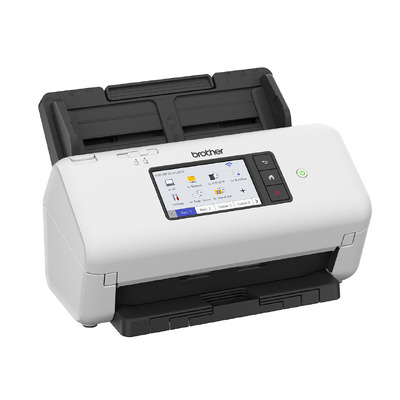
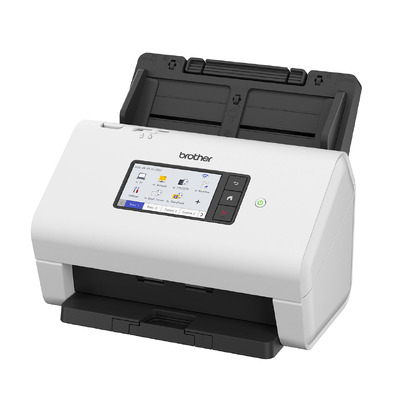
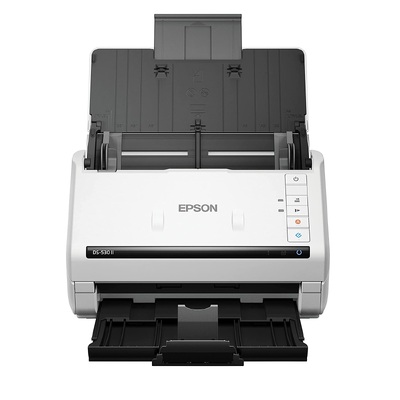
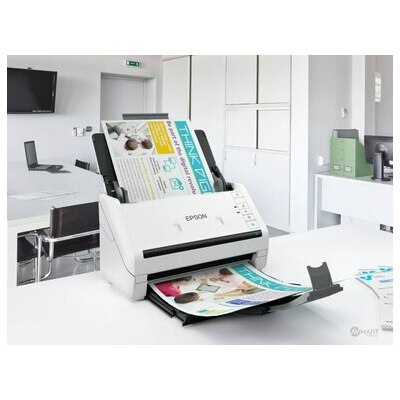
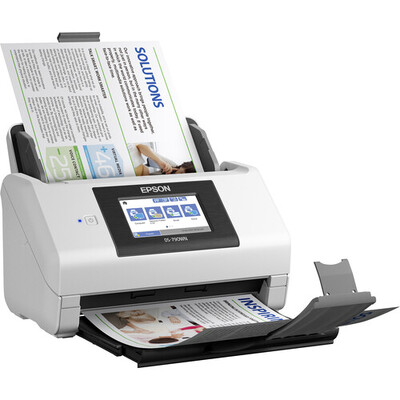
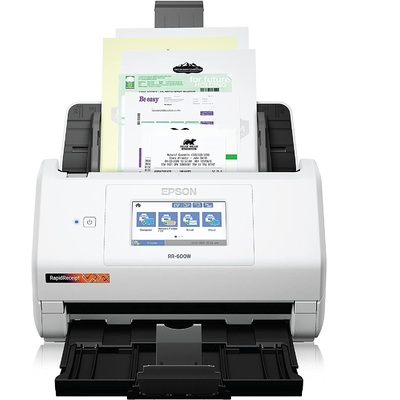
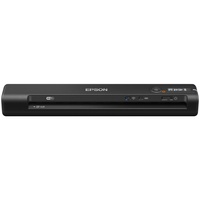
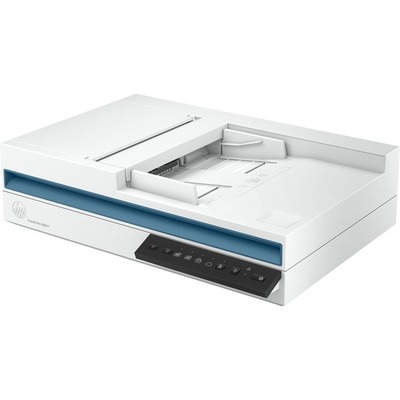
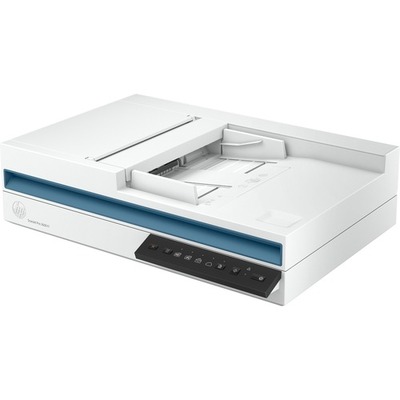
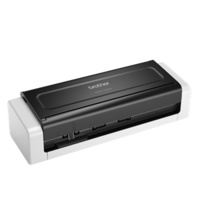
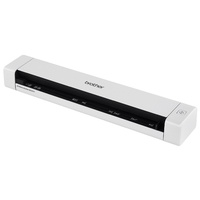
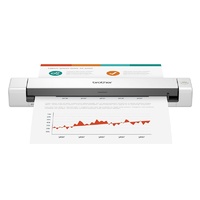
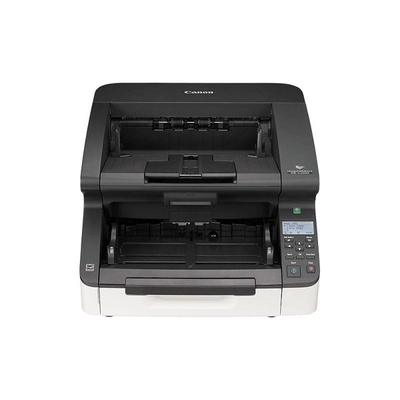
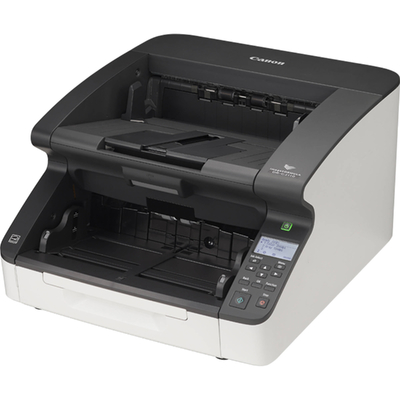
Document Scanners for Home, Office and High-Volume Workflows
Convert invoices, contracts, receipts, forms and business records into clear digital files with a document scanner suited to your workload. DeviceDeal offers A4 and A3 document scanners from Brother, Canon, Epson and HP, including compact portable models, duplex sheet-fed scanners, flatbed scanners and network-ready systems for shared teams.
What is a document scanner? A document scanner captures paper records as digital images or PDF files. Models with an automatic document feeder can process a stack of pages in sequence, while duplex scanners capture both sides of a sheet in one pass. Compatible OCR software can then make printed text searchable and, in some workflows, editable.
What to compare before buying a document scanner
The best scanner is not simply the fastest model. Match its paper handling, feeding system, connectivity and software to the documents you scan most often.
ADF and duplex scanning
An automatic document feeder is useful for multi-page jobs. Choose duplex scanning when contracts, forms or records regularly contain information on both sides.
Speed and daily volume
Compare pages per minute, ADF capacity and the manufacturer's recommended daily volume. A faster scanner helps only when its feeder and duty rating also suit the workload.
A4, A3 and media types
A4 covers most office records; A3 supports larger drawings, forms and plans. Check support for receipts, business cards, plastic cards, long paper and mixed-size batches.
USB, WiFi or Ethernet
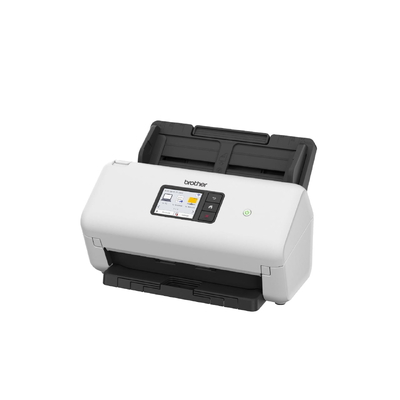
USB suits a dedicated workstation. WiFi adds placement flexibility, while Ethernet is often preferable for a stable shared-office connection. Scan destinations vary by model.
Which document scanner type should you choose?
Start with the documents you handle and the number of people who need access. These three common profiles narrow the choice quickly.
Portable scanner
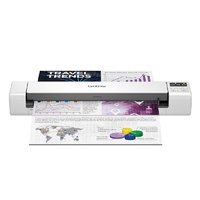
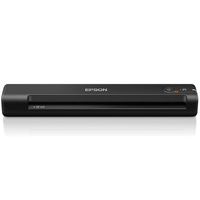
A compact USB or wireless model is practical for travel, field work, home offices and occasional receipts or forms. Confirm whether duplex operation and battery power are included.
Sheet-fed ADF scanner
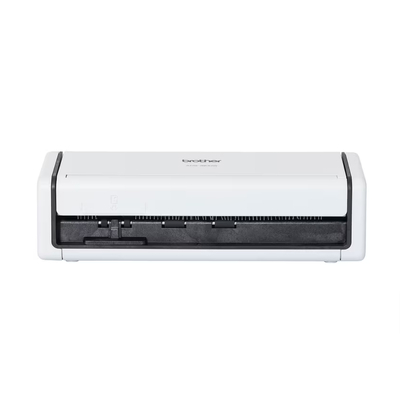
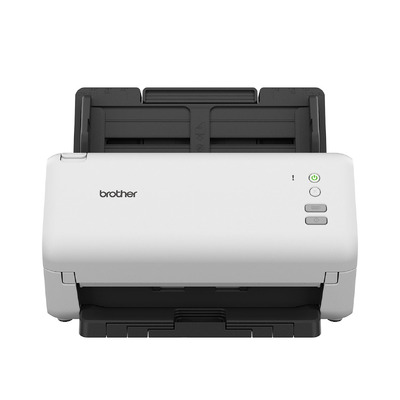
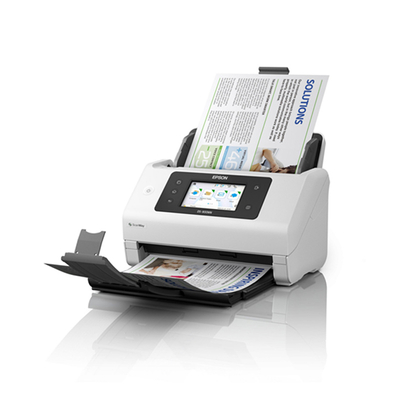
A duplex A4 scanner with an ADF is a strong fit for recurring invoices, customer records and administration. Select speed and feeder size around the typical batch.
Flatbed or production scanner
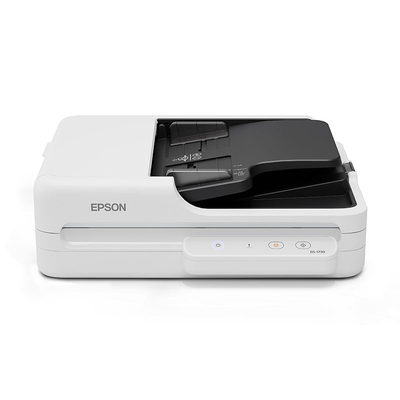
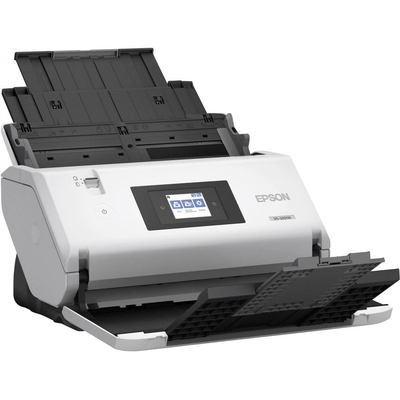
Flatbeds suit fragile, bound or irregular originals. High-volume A3 and production models are designed for larger batches, faster capture and more demanding document handling.
Common questions before you buy
What is the difference between a document scanner and a flatbed scanner?
A sheet-fed document scanner pulls loose pages through a feeder and is usually more efficient for multi-page office records. A flatbed scanner places the original on glass, making it better suited to books, fragile pages, photographs and irregular items that should not pass through rollers.
What does duplex scanning mean?
Duplex scanning means capturing both sides of a sheet. A single-pass duplex scanner reads the front and back during one feed, reducing manual handling when scanning double-sided documents.
Do I need an automatic document feeder?
An automatic document feeder, or ADF, is recommended when you regularly scan multi-page files. It lets the scanner process a stack automatically. Check both the feeder capacity and the paper weights or media types supported by the model.
How fast should an office document scanner be?
For light use, convenience and reliable feeding may matter more than maximum speed. Busy offices should compare pages per minute, duplex images per minute, ADF capacity and recommended daily volume. Choose against your normal batch size rather than the largest possible job.
What is OCR in document scanning?
Optical character recognition, or OCR, identifies printed characters within a scanned image. Depending on the supplied software, it can create searchable PDFs or export recognised text. Accuracy depends on document clarity, language, formatting and software capability.
Should I choose a USB, WiFi or Ethernet document scanner?
USB is straightforward for one computer. WiFi allows more flexible placement and may support compatible mobile workflows. Ethernet is useful for a stable shared network connection. Always confirm supported operating systems, scan destinations and whether a computer is required.
Can a document scanner scan receipts and plastic cards?
Many document scanners can handle receipts, business cards or plastic cards, but support varies. Check the minimum paper size, thickness, card path and any carrier-sheet requirement before scanning delicate, laminated or unusually shaped originals.