
Printers, scanners & supplies
Printers & Scanners for Home, Office & Business
Compare inkjet, laser, multifunction, label and document-scanning solutions from established brands. Find the right features, format and consumables for the way you work.
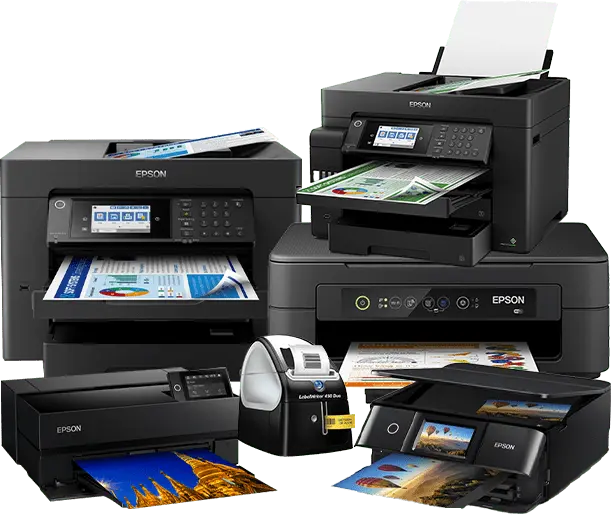
Shop by category
Find the right printer or scanner
Start with the task you need to complete, then compare the size, speed, connectivity and running costs of suitable models.
Multifunction Printers
Print, scan and copy from one space-saving device for everyday home and office work.
Shop category →
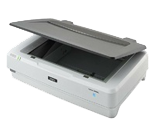
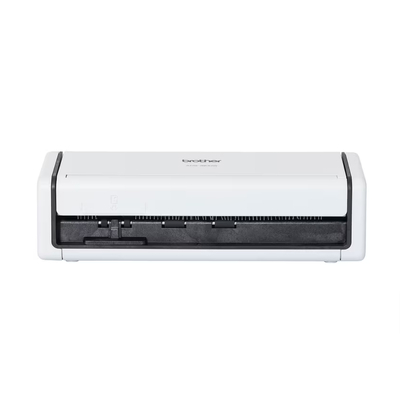
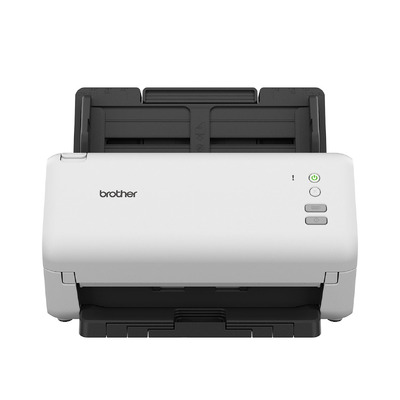
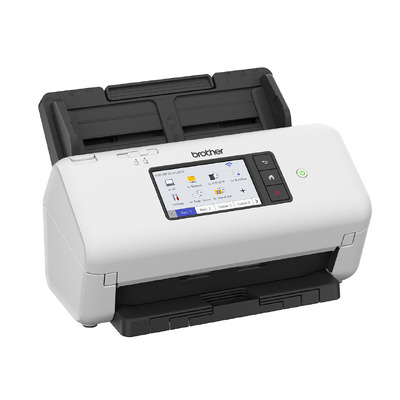
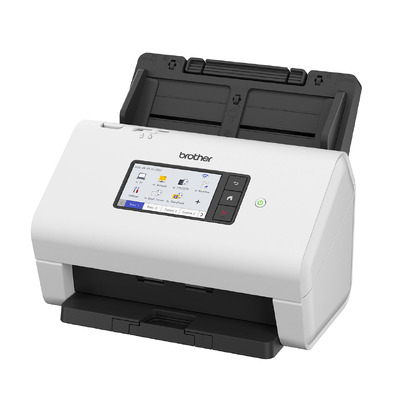
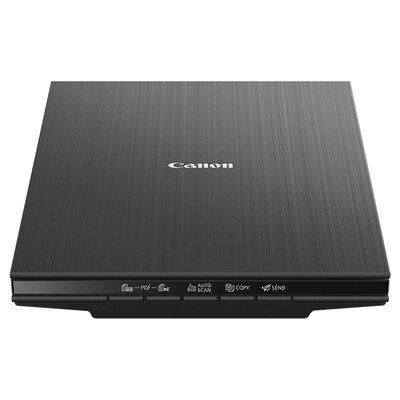
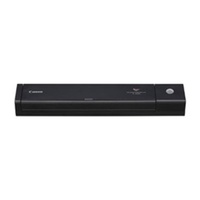
Document & Image Scanners
Digitise documents, receipts and images with flatbed and sheet-fed scanner options.
Shop category →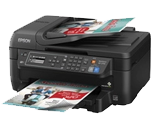
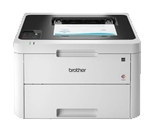
Home & Small Office Printers
Practical printers for study, household paperwork and small-office workflows.
Shop category →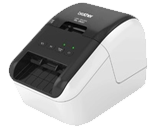
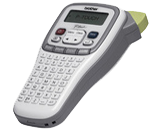
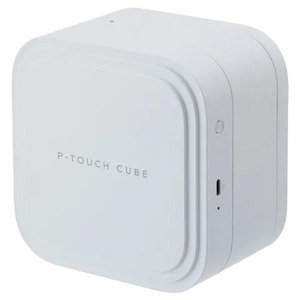
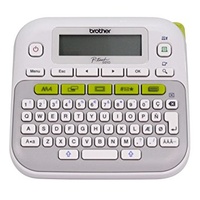
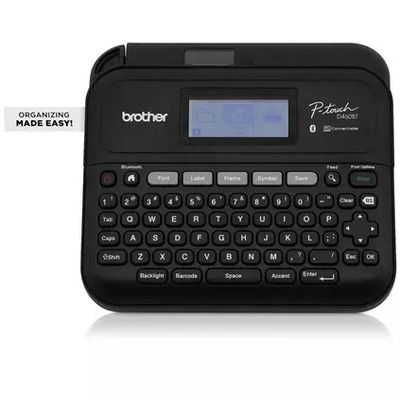
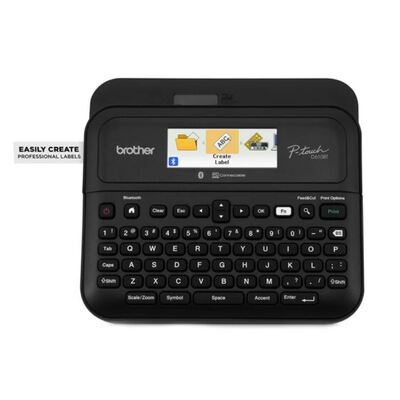
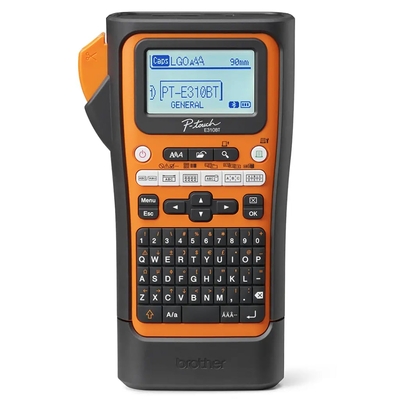
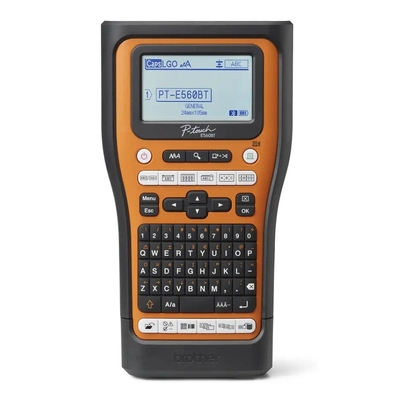
Receipt & Label Printers
Purpose-built printing for product labels, shipping labels, receipts and point of sale.
Shop category →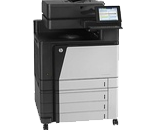
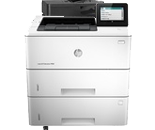
Business & Corporate Printers
Higher-capacity models designed for shared workgroups and regular business printing.
Shop category →
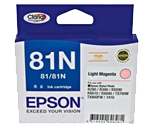
Printer Ink & Consumables
Find ink cartridges, toner and printer supplies for compatible models.
Shop category →Move your pointer over a category image to view the second product example.
Featured brands
Shop printers and scanners by brand
Browse compatible devices and supplies from leading printer manufacturers.




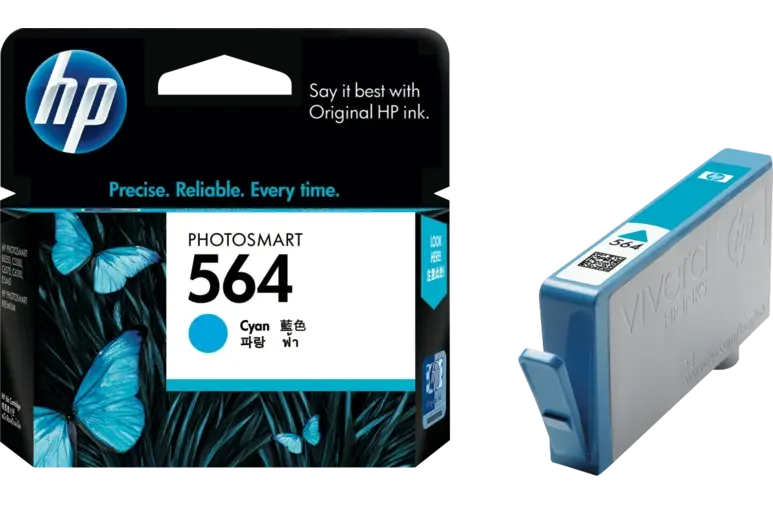
Ink, toner & supplies
Keep your printer ready
Search printer consumables by the exact printer model or supply code. Confirm compatibility before ordering, particularly when similar model names use different cartridges, bottles or toner.
- Ink cartridges and refill bottles
- Laser toner and maintenance supplies
- Printer accessories and compatible media
Popular choices
Featured printer and scanner models
Explore current products by category. Product availability and pricing are loaded directly from the DeviceDeal catalogue.
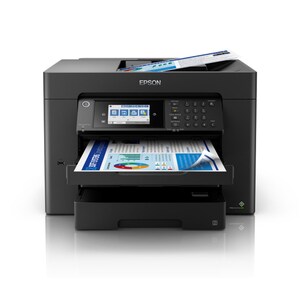
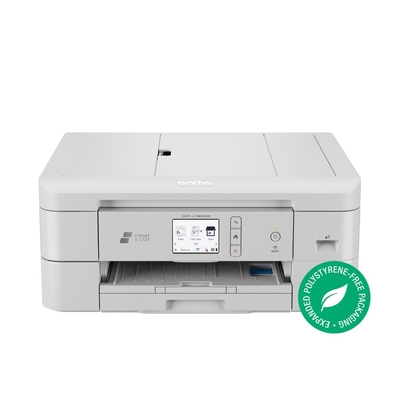
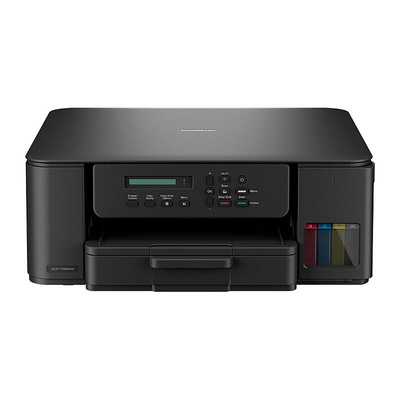
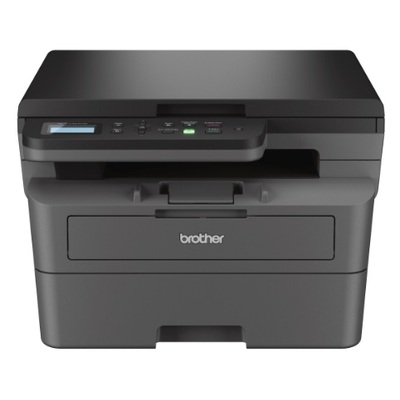
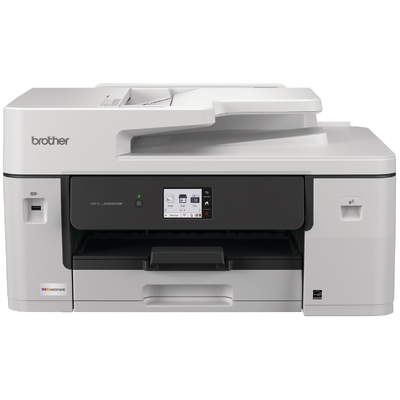
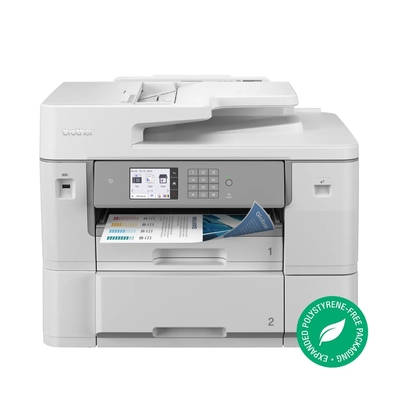
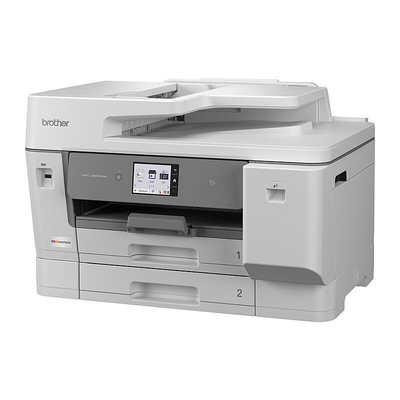
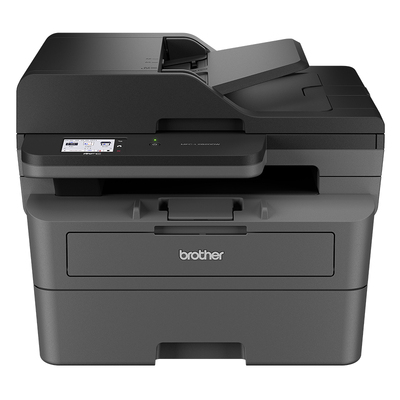
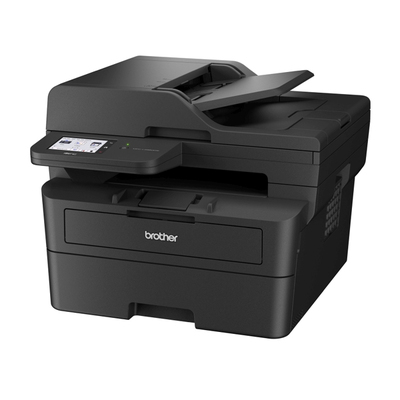
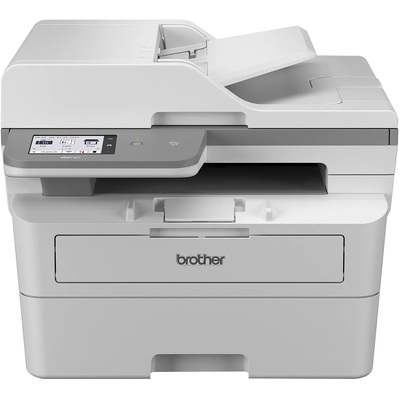
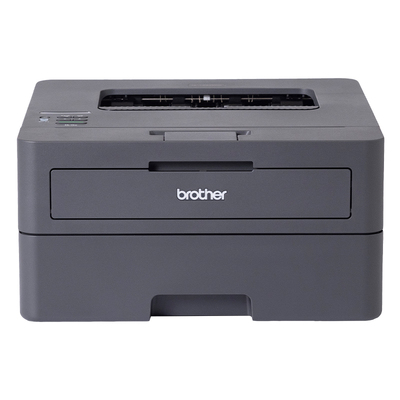
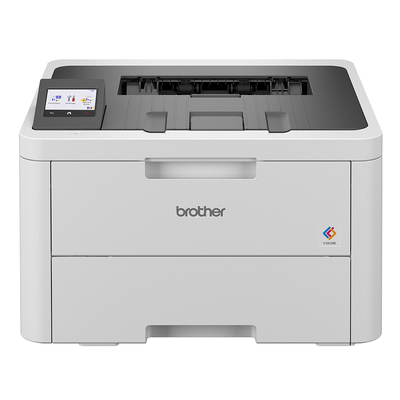
Brother HL-L3280CDW A4 Colour LED Laser Printer 26ppm Duplex WiFi Ethernet (HL-L3280CDW)
$379.00 $499.00
Printer buying guide
Inkjet or laser: where should you start?
There is no single best technology for every buyer. Match the device to the documents you produce, how often you print and the ongoing supplies you are comfortable managing.
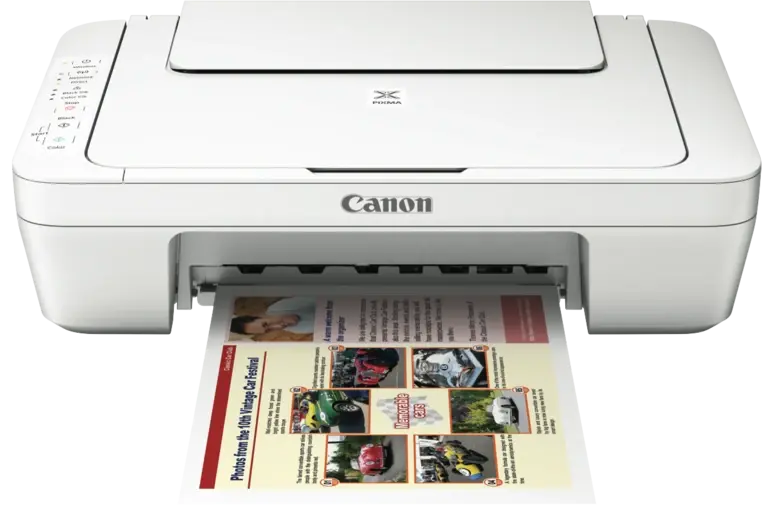
Inkjet printers
Flexible colour and everyday printing
Inkjet models can be a practical choice for mixed colour documents, schoolwork and images. Compare cartridge or tank design, page yield, paper handling and how regularly the printer will be used.
- Check colour and photo requirements
- Compare cartridge versus refillable tank systems
- Confirm borderless, duplex and paper-size support
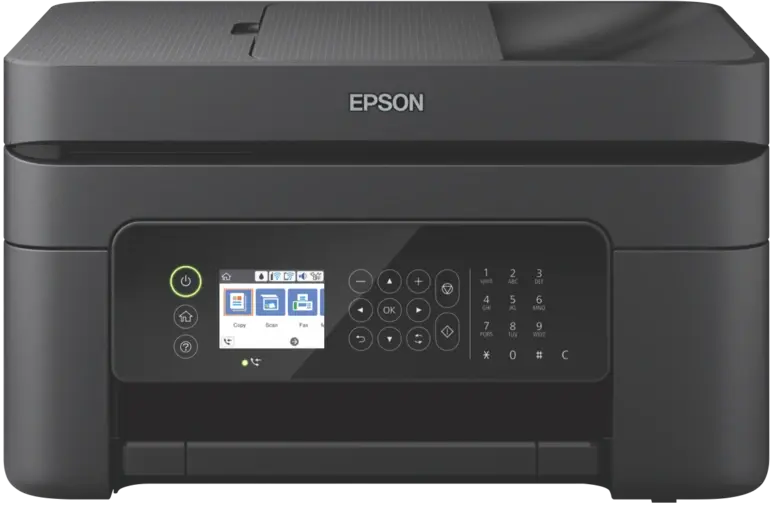
Laser printers
Efficient text and office workflows
Laser models are often considered for frequent document printing and shared offices. Compare mono versus colour, print speed, recommended workload, toner yield, paper capacity and network features.
- Decide whether colour output is essential
- Review toner, drum and maintenance items
- Check network, security and paper-handling needs
Before you buy
Eight details worth checking
- Print volumeEstimate pages per week or month.
- Colour or monoPay for colour only if the work requires it.
- Maximum sizeConfirm A4, A3 and media support.
- DuplexCheck two-sided printing and scanning separately.
- Document feedingCompare ADF capacity and supported originals.
- ConnectivityMatch USB, Wi-Fi or Ethernet to your setup.
- Running costReview supplies, yields and maintenance items.
- Available spaceAllow room for trays, lids and ventilation.
Business & corporate printer guide
Plan for the whole organisation, not only the printer
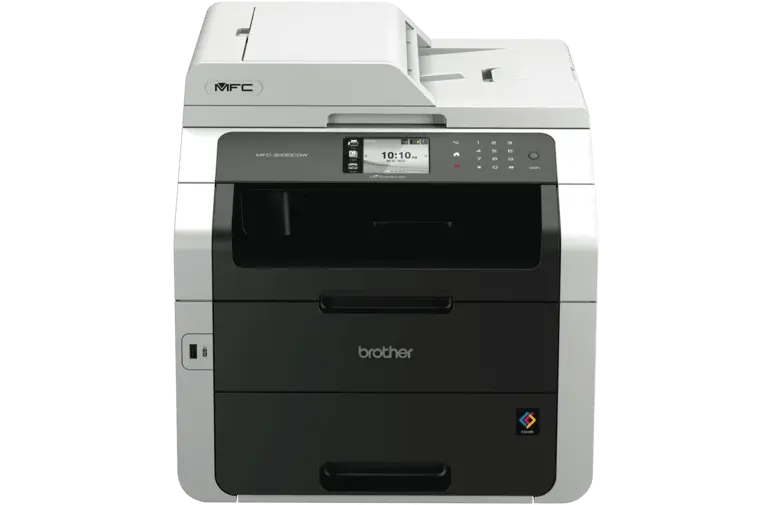
A shared printer becomes part of a wider workflow. Assess users, documents, locations, network policies and ongoing supplies before choosing a model or standardising a fleet.
Users and workload
Estimate users, peak periods and monthly pages for each workgroup. Check the manufacturer’s recommended usage information for the exact model.
Document workflow
Define mono or colour, A4 or A3, duplex, scan destinations, ADF needs and any finishing requirements such as sorting or stapling.
Network and security
Confirm Ethernet or wireless requirements, supported operating systems, administration controls and the organisation’s secure-print and data-handling policies.
Paper and supplies
Compare input capacity, supported media, toner or ink yields, drums, maintenance items and how replacement supplies will be stocked across locations.
Ease of use
Shared devices should suit different users. Review the control panel, scan shortcuts, accessibility needs, driver deployment and everyday maintenance process.
Total cost and rollout
Consider device cost, supplies, support effort and standardisation. For multiple locations, document quantities, delivery requirements and implementation timing.
Corporate & enterprise
Shared workgroup printers, multi-office requirements, standardised models, consumable planning and volume quotations.
Government
Purchasing assistance, custom quotations, account requirements and product selection aligned with submitted procurement needs.
Schools & education
Solutions for administration, teaching spaces, libraries and shared departments, with support for volume purchasing enquiries.
Hospitals & healthcare
Printer and scanner selection for administrative and operational workflows, subject to the organisation’s security and compliance policies.
Special organisational pricing
Planning a large printer or scanner purchase?
DeviceDeal offers business purchasing assistance, custom quotations and volume-based pricing for eligible corporate, government, education and healthcare enquiries. Our team can help compare suitable models, coordinate product availability and support your purchasing requirements.
Choose by use
Match the printer to the job
Use these starting points to narrow the range, then verify every required feature on the individual product page.
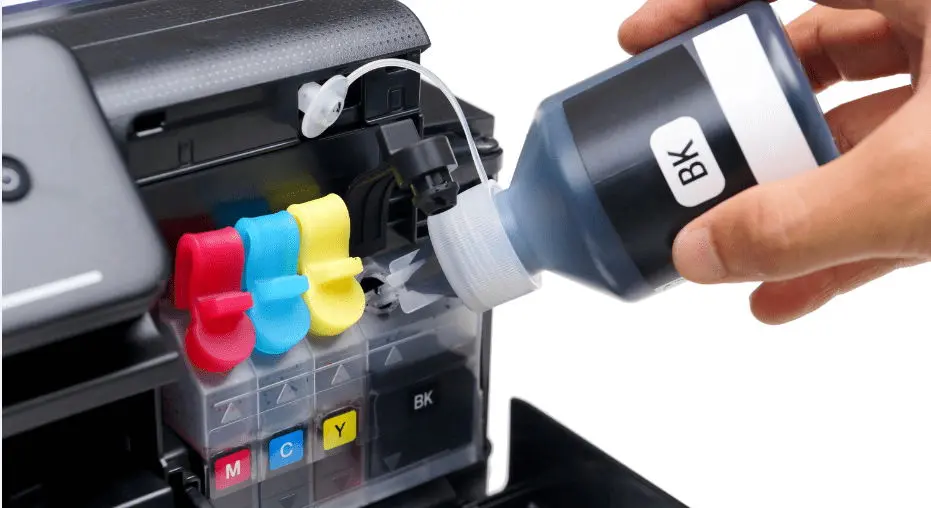
Ink tank printers
Designed around refillable ink reservoirs. Compare page yield, included ink, colour set and replacement-bottle availability.
Explore options →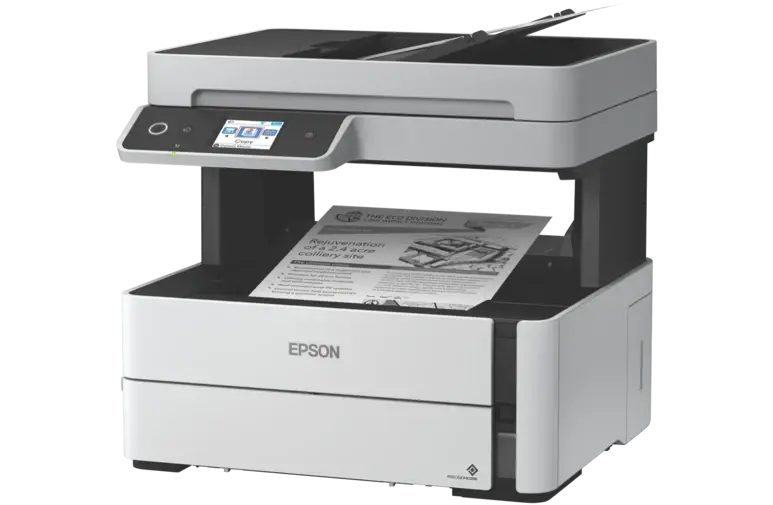
Multifunction printers
A convenient choice when printing, scanning and copying are all needed. Check ADF, duplex and connectivity features by model.
Explore options →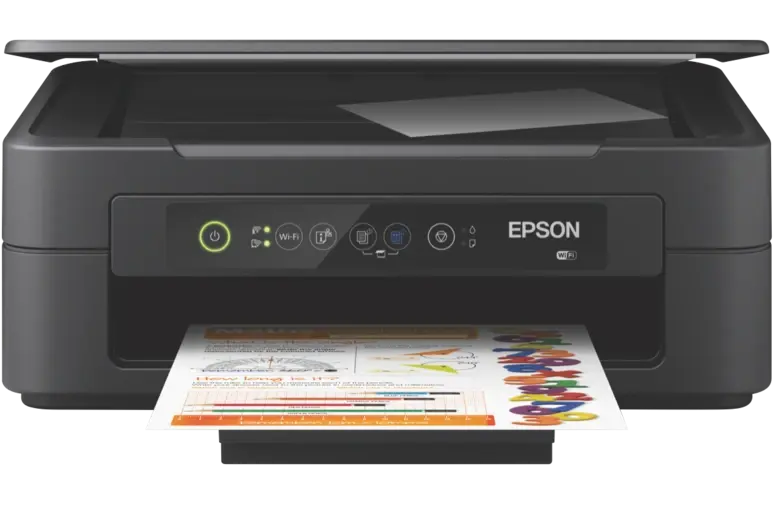
Home office printers
Balance compact size, wireless access and consumable cost against how frequently and how much you print.
Explore options →Business printers
Look for suitable monthly workload, paper capacity, network options and security features for the intended workgroup.
Explore options →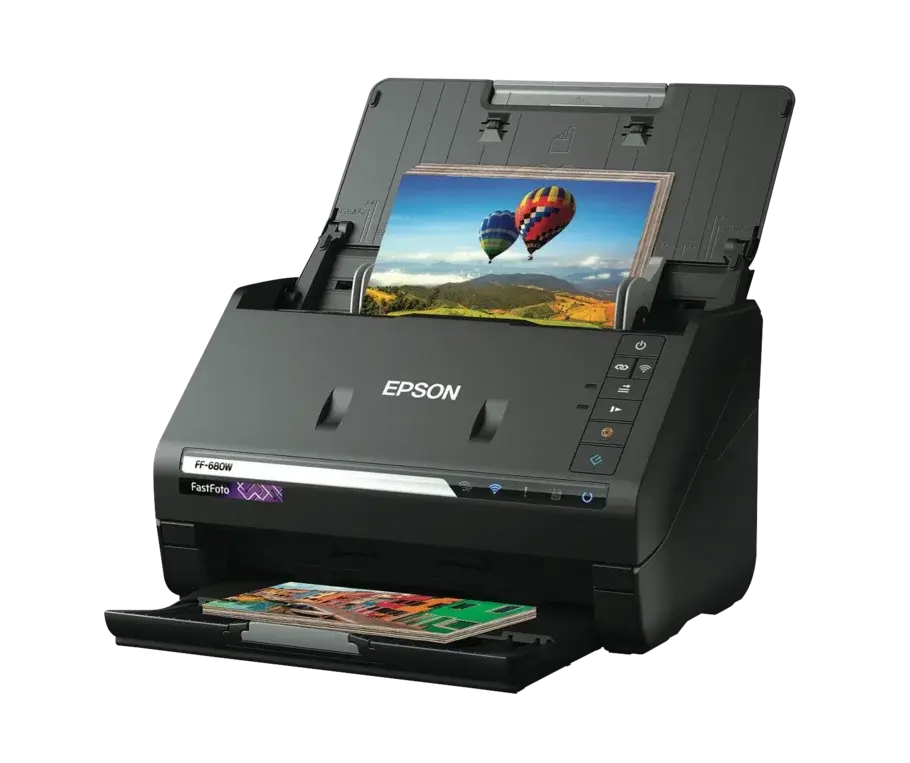
Document scanners
Compare flatbed and sheet-fed designs, scan speed, duplex support, ADF capacity and compatible software.
Explore options →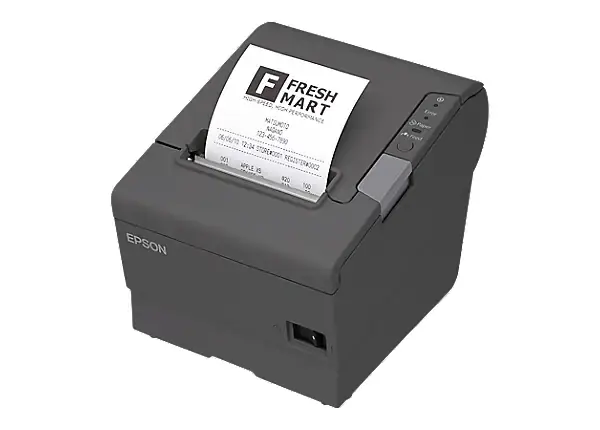
Label & receipt printers
Confirm the label width, media type, connection and printing method required by your point-of-sale or shipping workflow.
Explore options →Buy with clarity
Printers and scanners for Australian homes and workplaces
Choosing a printer begins with a clear picture of the work it needs to handle. A compact home printer may prioritise wireless access and simple maintenance, while a shared office model may need faster output, larger trays, an automatic document feeder and wired networking. Creative users may care more about colour, borderless output and supported media, while retail and warehouse teams need labels or receipts in specific widths and materials.
DeviceDeal brings printer, scanner and consumable categories together so you can compare options from HP, Epson, Brother and Canon. Check the complete product specifications for supported paper sizes, print and scan features, operating-system compatibility and included supplies. For replacement ink or toner, always match the full printer model and consumable code before purchase.
Help centre
Printer & scanner FAQs
Clear answers to common questions about printer types, features, compatibility and supplies.
Browse all printersShould I buy an inkjet or laser printer?
Inkjet printers are versatile for colour documents and images, while laser printers are often chosen for frequent, fast text printing. Compare the exact model’s print speed, recommended volume, consumable yield and cost per page before deciding.
What is an all-in-one or multifunction printer?
An all-in-one printer combines printing with scanning and copying; some models also include fax. Features vary, so check whether the model includes an automatic document feeder, duplex printing and the connectivity you need.
What is an ink tank printer?
An ink tank printer uses refillable reservoirs instead of conventional cartridges. It can suit higher-volume printing, but you should compare the purchase price, quoted yields, replacement ink and your expected print volume.
How do I compare printer running costs?
Consider the replacement ink or toner price, quoted page yield, separate colour replacement, drums or maintenance items, and the paper you use. Manufacturer yields are comparative estimates; actual yield varies with coverage and settings.
How do I find compatible ink or toner?
Use the printer’s complete model number and match it against the consumable compatibility list. Similar printer names can use different supplies, so confirm the exact cartridge, bottle or toner code before ordering.
Do I need an A3 printer or will A4 be enough?
A4 covers common letters, reports and schoolwork. Choose A3 only when you regularly need larger spreadsheets, plans, posters or artwork, and confirm whether the model prints, scans or copies at A3 size.
What does automatic duplex printing mean?
Automatic duplex printing lets a printer produce both sides of a sheet without manual reinsertion. If you also need two-sided scanning, check for duplex scanning separately because it is a different feature.
What is an automatic document feeder (ADF)?
An ADF feeds a stack of pages through the scanner automatically. It is useful for multi-page documents; compare its capacity, supported paper sizes and whether it scans both sides.
Can I print wirelessly from a laptop or phone?
Many printers support Wi-Fi, but setup and mobile-printing options differ. Check the exact model for Wi-Fi, Wi-Fi Direct, Apple AirPrint, Mopria or the manufacturer’s app as appropriate.
What should I look for in a photo printer?
Review supported photo sizes, borderless printing, ink configuration, paper compatibility and the manufacturer’s sample output. Also consider how often you will print so ink does not sit unused for long periods.
Which printer is suitable for a home office?
Start with your monthly print volume, colour requirement and available space. Then compare duplex printing, scanning or ADF needs, Wi-Fi or Ethernet, paper capacity and ongoing consumable cost.
Which printer is suitable for a business workgroup?
Look for a model designed for the expected workload and number of users. Paper capacity, print speed, network management, security, duplexing and serviceable consumables can be important.
Should I choose a flatbed or sheet-fed scanner?
A flatbed handles photos, books and delicate originals one item at a time. A sheet-fed scanner is usually more efficient for stacks of loose documents. Some multifunction printers combine a flatbed with an ADF.
What is duplex scanning?
Duplex scanning captures both sides of a document. Confirm whether the scanner does this in a single pass or by reversing the sheet, and check supported paper sizes and ADF capacity.
What is the difference between direct thermal and thermal-transfer label printing?
Direct thermal printing uses heat-sensitive media and does not require ribbon, while thermal transfer uses a ribbon and can produce more durable labels. Match the technology to label life, environment and media requirements.
Can several computers share one printer?
A network-capable printer can usually be shared over Wi-Fi or Ethernet, subject to the network and operating-system setup. Confirm supported connections, drivers and user-management features for the exact model.
How can I keep a printer working reliably?
Use compatible supplies, suitable paper and the manufacturer’s maintenance process. Keep firmware and drivers current, avoid blocking ventilation and print periodically if the manufacturer recommends it.
What is the difference between a home printer and a business printer?
Business printers are generally designed around shared access, higher workloads, larger paper handling and central network administration. The right choice still depends on the exact number of users, expected volume, document types and required features.
How do I choose a printer for a large organisation?
Begin with department-level print volumes, user numbers, colour requirements, paper sizes, scan workflows, security policies and network standards. Standardising a smaller group of approved models can also simplify consumables, training and support.
Does DeviceDeal offer volume pricing for printer projects?
DeviceDeal can provide business and volume-based quotations for eligible orders. Project size, products, availability and order requirements affect the final quotation, so organisations should submit their requirements to the business team.
Can government departments request a printer quotation?
Yes. Government buyers can contact DeviceDeal’s business team for project quotations, purchasing assistance and account requirements. Include the organisation, delivery locations, quantities, required features and purchasing timeframe.
Can schools and education providers receive purchasing support?
Yes. Schools, universities and education organisations can request assistance with product selection, volume quotations and procurement requirements. Providing expected print volume and shared-user needs helps the team recommend suitable options.
Can hospitals and healthcare organisations request business printer support?
Yes. Healthcare organisations can discuss printer and scanner requirements with DeviceDeal’s business team. Include workflow, connectivity, security, location and procurement requirements; verify that each selected product meets the organisation’s policies.
Can my organisation purchase using a purchase order?
Purchase-order and account options depend on eligibility and approval. Contact the DeviceDeal business team with your organisation details and purchasing requirements before placing the order.
Why should an organisation standardise printer models?
Standardising suitable models can reduce the number of consumables, drivers and user procedures a team must manage. The approved models should still cover different workgroups, paper sizes, scan needs and expected volumes.
What printer security features should a business review?
Review the organisation’s security requirements and the exact model’s supported controls, such as user authentication, secure print release, network protocols, administration, storage handling and firmware management. Features vary by model.
What information should I provide when requesting a business printer quote?
Include quantities, locations, preferred brands, mono or colour output, A4 or A3, expected monthly volume, scan and finishing needs, network requirements, consumables, delivery timing and any procurement conditions.
Should a business compare purchase price or total cost of ownership?
Both matter. Consider the device price together with ink or toner yield, drums and maintenance items, paper capacity, staff time, expected service life and the cost of supporting several different models.
Can DeviceDeal help with printers for multiple offices or departments?
The business team can review a multi-location or multi-department enquiry and prepare a quotation based on the submitted requirements and available products. Provide quantities and delivery details for each location when possible.
Ready to compare?
Find a printer or scanner for the way you work
Browse the current DeviceDeal range, then filter by category, brand and the features that matter to your setup.