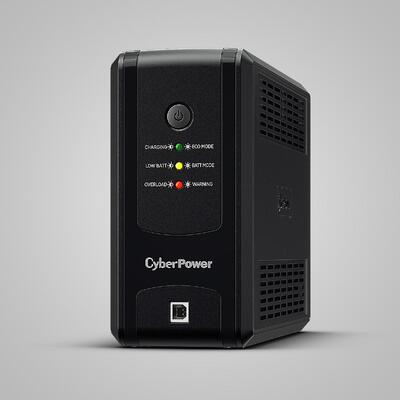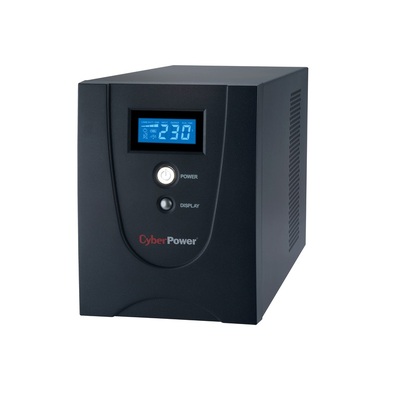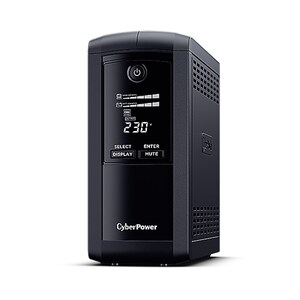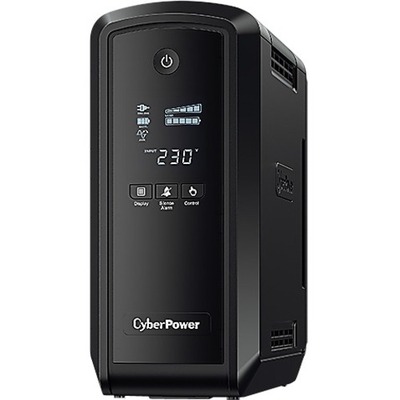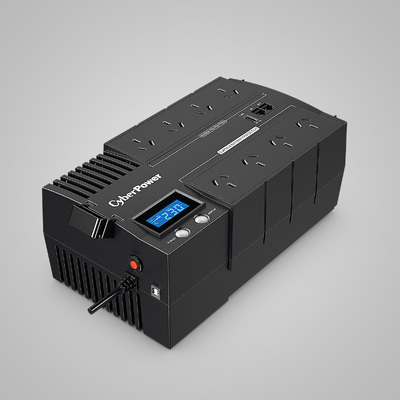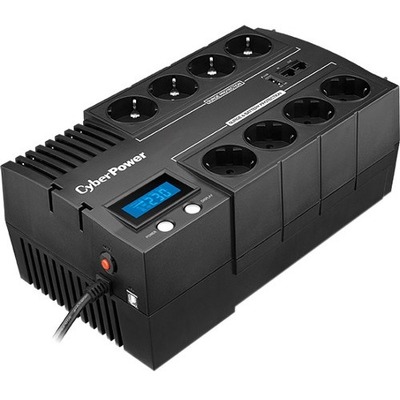
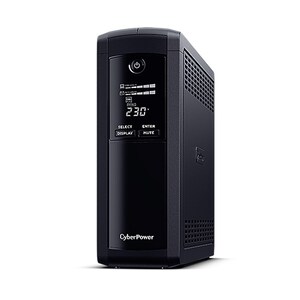
CyberPower tower UPS systems protecting business equipment
 
DeviceDeal Australian CyberPower UPS Guide

CyberPower UPS Buying Guide & Product Finder

Choose the right CyberPower UPS, rackmount power protection, PDU, management card and battery solution for your home, office, NAS or server room.

Reviewed by the DeviceDeal power-protection team • Updated July 2026

Answer-first UPS guidance for Australian homes and businesses This guide compares CyberPower products by connected load, required runtime, waveform, topology, form factor and management requirements.
Updated July 2026

Which CyberPower UPS Should You Buy?

Quick answer: choose a line-interactive UPS with AVR for most home and office equipment, a pure sine wave model for active-PFC computers and sensitive electronics, and an online double-conversion UPS when critical systems require continuously conditioned power and zero transfer time. Always size by the UPS watt rating—not VA alone—and allow capacity for startup load and future expansion.
Router, modem or basic PC Start with line-interactive AVR

A 700–1000VA model is commonly suitable when the connected watt load is modest and long runtime is not required.

Gaming PC or workstation Prefer pure sine wave

Choose a PFC-compatible pure sine wave UPS and check that its watt capacity exceeds the computer, monitor and peripherals.

NAS or small server Add shutdown management

Prioritise pure sine wave output, USB or network management and enough runtime for an orderly automatic shutdown.

Critical server or comms rack Consider online double conversion

Use online UPS protection when zero transfer time, stable output and optional remote management are required.

1 Total the real watt load Add the expected operating wattage of every device connected to battery-backed outlets.
2 Add practical headroom Select a UPS with approximately 20–30% more watt capacity for peaks, battery ageing and future devices.
3 Check runtime at your load Use the model runtime chart because backup time changes significantly with load, battery condition and operating environment.

Standby vs Line-Interactive vs Online UPS

The topology determines how the UPS regulates power and how quickly it responds when utility power fails.

UPS topology How it works Transfer behaviour Best suited to What to check
Standby Runs equipment from utility power and switches to battery when an outage is detected. Has a brief transfer time. Basic home electronics and low-cost desktop protection. Watt capacity, outlet count and whether the equipment tolerates simulated sine wave output.
Line-interactive Uses automatic voltage regulation to correct many voltage changes without using the battery. Has a short transfer time when moving to battery. Home offices, workstations, networking, NAS and general business equipment. Simulated or pure sine wave, AVR range, management connectivity and runtime.
Online double conversion Continuously converts incoming power and supplies conditioned output through the inverter. Zero transfer time in normal online operation. Critical servers, communications, surveillance, medical or infrastructure systems. Efficiency, fan noise, rack space, output outlets, EBM compatibility and remote management.

Why Consider CyberPower for UPS and Power Management?

CyberPower’s Australian range includes home and office UPS systems, enterprise rackmount and online models, power-distribution products, management software, network cards, environmental sensors, surge protection and battery solutions.

Multiple UPS Topologies

Choose standby, line-interactive or online double-conversion protection according to equipment sensitivity and continuity requirements.

PowerPanel Management

Compatible products can use PowerPanel software for monitoring, event logging, configuration and controlled shutdown.

Home to Server Room

The range covers compact desktop units, tower UPS systems, 1U rackmount models and rack/tower online systems.

Remote Management Options

Selected models support optional network cards and environmental sensors for browser, SNMP and alert-based management.

How Do You Choose the Right UPS Topology and Capacity?

Topology First: Standby, Line-Interactive or Online

Topology should match how sensitive the connected equipment is to voltage variation and short interruptions. Line-interactive systems are the common choice for home and general office protection because AVR can correct many voltage changes without using the battery. Online double-conversion systems are designed for critical loads that require continuously conditioned output and zero transfer time.

VA vs Watts: Which Rating Matters?

Use the UPS watt rating to determine whether it can carry your equipment. VA and watts are related but they are not interchangeable, and the ratio varies by model. Add the expected operating watts of the connected equipment, allow approximately 20–30% headroom, then review the manufacturer’s runtime chart at a similar load.

Important: high-inrush devices such as laser printers, heaters, motors and some power tools should generally not be connected to battery-backed UPS outlets unless the exact UPS and load are approved for that use.

Which CyberPower UPS Is Best for Home, Internet and Gaming?

Choosing a Home UPS

CyberPower’s Value Pro range provides line-interactive protection with AVR and simulated sine wave output. It is suited to compatible home and office electronics such as routers, monitors and general desktop equipment.
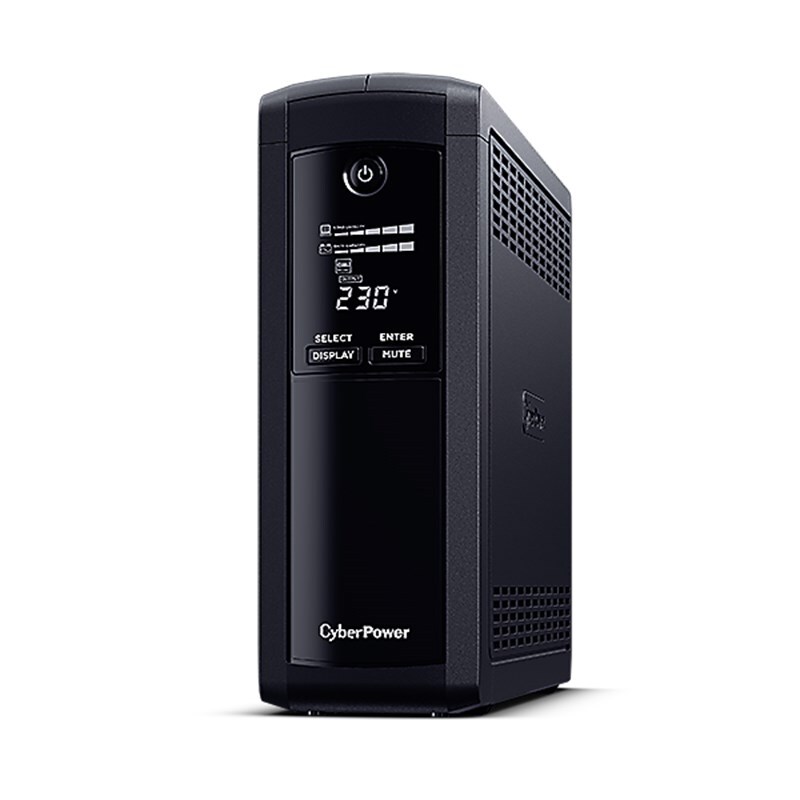
  • Home router & modem: VP700ELCD (700VA/390W) — a compact line-interactive option for protecting a router, modem or low-power workstation.
  • Desktop PC + monitor: VP1000ELCD (1000VA/550W) or VP1200ELCD (1200VA/720W) — enough headroom for a mid-range gaming rig.
  • Gaming PC + peripherals: VP1600ELCD (1600VA/960W) — offers higher watt capacity for larger workstation loads, but confirm waveform compatibility and runtime at the expected load.
  • Home office / multi-device: Value2200ELCD (2200VA/1320W) — a higher-capacity line-interactive model for multiple compatible home or office devices.
  • Budget option: UT850EG (850VA/425W) — standby topology, great for a single PC or entertainment centre.
CyberPower Value Pro UPS

Top-Selling Home & Gaming UPS


Which CyberPower UPS Is Best for Office PCs, NAS and Active-PFC Equipment?

Why Pure Sinewave Matters

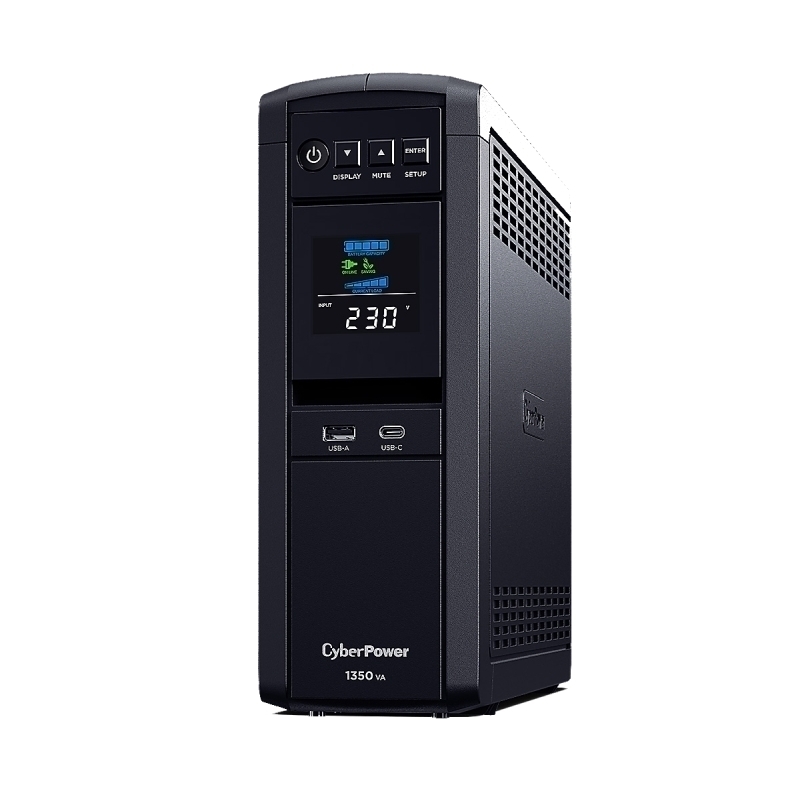
Pure sine wave output is commonly recommended for computers and equipment using active-PFC power supplies. CyberPower’s CP PFC Sinewave models are designed for this use. BRICs LCD models are line-interactive units with simulated sine wave output and should be selected only when that waveform is suitable for the connected equipment.
  • General desktop and networking: BR700ELCD (700VA/420W) — line-interactive, simulated sine wave and multiple protected outlets.
  • Active-PFC workstation: CP900EPFCLCDa (900VA/540W) — pure sine wave output with USB monitoring.
  • Higher-capacity general office load: BR1200ELCD (1200VA/720W) — line-interactive simulated sine wave; confirm compatibility before using it with a NAS or active-PFC power supply.
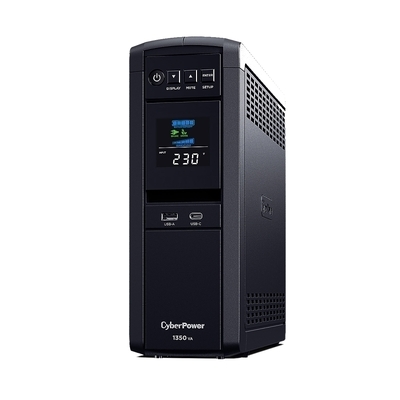
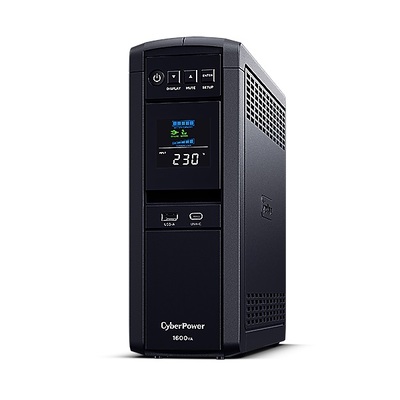
  • Office server + switch: CP1350EPFCLCD (1350VA/810W) or CP1600EPFCLCD (1600VA/960W) — PFC-compatible with LCD display and multiple outlet groups.
CyberPower PFC Sinewave UPS

Top-Selling Business UPS


Which CyberPower Rackmount or Online UPS Should You Choose?

Line-Interactive Rackmount vs Online Double Conversion

CyberPower’s OR rackmount models are line-interactive systems with AVR and a short transfer time. CyberPower OLS models use online double-conversion topology, pure sine wave output and zero transfer time for critical equipment.

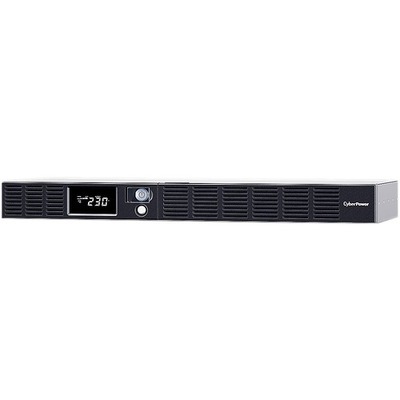
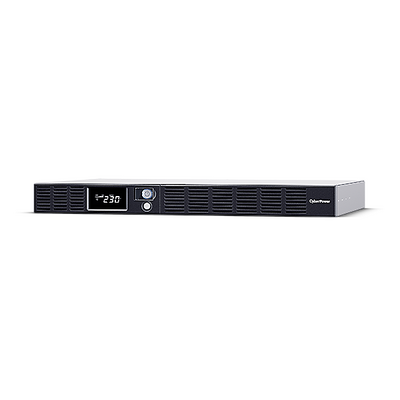
  • Small comms rack: OR600ERM1U-AU (600VA/360W, 1U) — line-interactive simulated sine wave with AVR for compatible network and office equipment.
  • Higher-capacity 1U rack: OR1500ERM1U (1500VA/900W, 1U) — line-interactive simulated sine wave with optional remote management; verify compatibility with the connected server power supply.
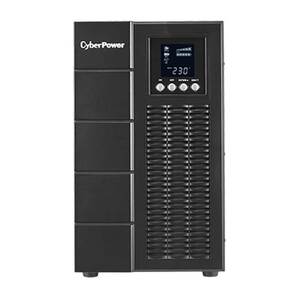
  • Tower deployment: OLS2000E (2000VA/1800W) — high-efficiency online tower UPS with ECO mode.
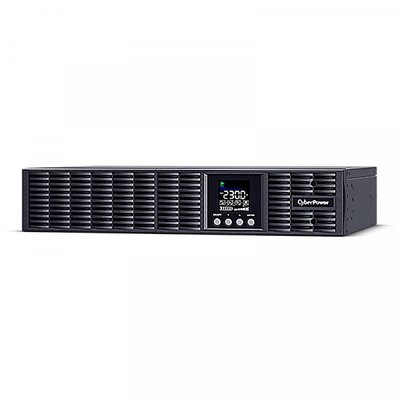
  • Rack/tower convertible: OLS2000ERT2Ua (2000VA/1800W, 2U) — our most versatile online UPS, fits 19″ racks or stands as a tower.
CyberPower Online UPS

Top-Selling Enterprise UPS


When Do You Need a CyberPower PDU or Remote Management Card?

Power Distribution & Remote Monitoring

A proper rack setup needs PDUs for clean power distribution and network management cards for remote UPS monitoring.

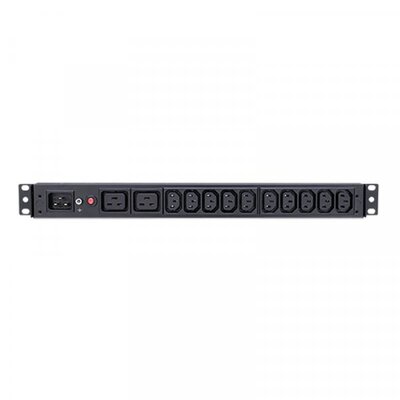
  • Basic PDU: PDU20BHVIEC12Ra (1U, 16A, 12x IEC C13) — simple, reliable power distribution for rack equipment.
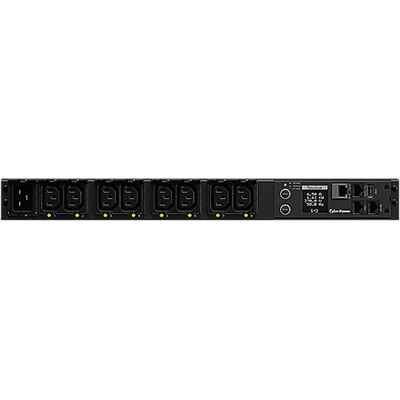
  • Switched PDU: PDU41005 (1U, 16A) — individually switchable outlets with current monitoring, controllable via web interface.
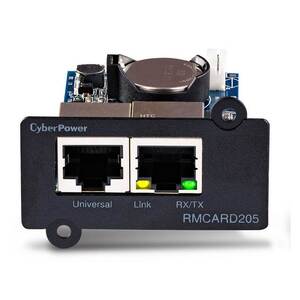
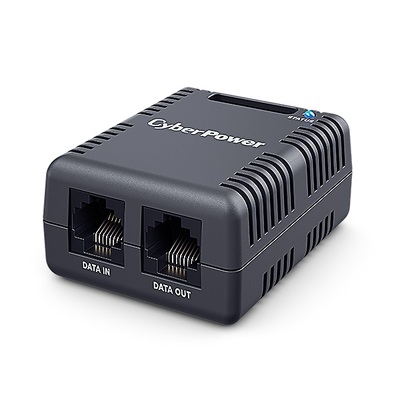
  • SNMP card: RMCARD205 — adds network management (SNMP, web, email alerts) to any compatible CyberPower UPS.
  • Environmental sensor: SNEV001 — monitors temperature and humidity in your server room or comms cabinet. Pairs with RMCARD for alerts.
  • Environmental monitoring: Pair the SNEV001 with an RMCARD for comprehensive temperature, humidity and contact-closure monitoring.
CyberPower PDU

Top-Selling PDUs & Management


When Is a Surge Protector Better Than a UPS?

Protect Without Battery Backup

Not everything needs a UPS. CyberPower’s surge protectors guard against voltage spikes from lightning, switching events and noisy appliances — at a fraction of the cost of a UPS.

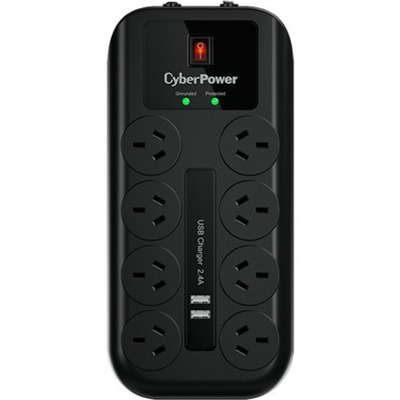
  • Home & office: CPSURGE08USB-ANZ (8-outlet with USB-A charging) — protects TVs, consoles, PCs and chargers with 2160J surge protection.

Surge Protectors


How Do You Maintain and Extend a CyberPower UPS?

Keep Your UPS Running

UPS battery service life varies with temperature, cycling, load and storage conditions. Replacement procedures differ by model; some systems support hot-swapping, while others require shutdown or qualified personnel. Always check the exact UPS manual and approved replacement cartridge.

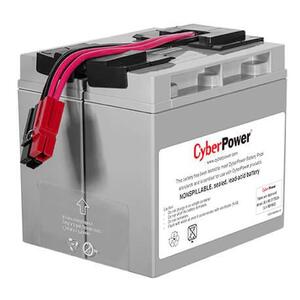
  • Replacement battery: RB12170X2A — fits multiple CyberPower UPS models, hot-swappable for zero-downtime replacement.
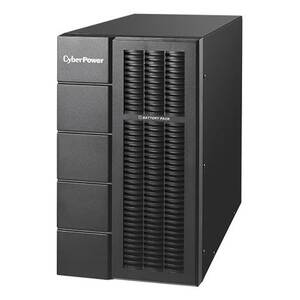
  • Extended runtime module: BPSE72V45A — external battery module for compatible CyberPower systems. Confirm the exact UPS compatibility list before ordering.
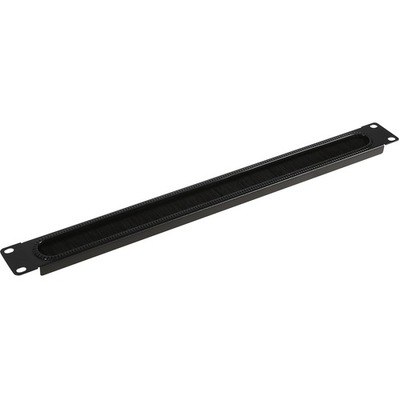
  • Cable management: CRA30005 (1U brush panel) — our most popular rack accessory, keeps cable runs neat and improves airflow.
Compatibility check: replacement batteries and extended battery modules are model-specific. Match the exact UPS SKU to CyberPower’s current accessory list before purchase.

Top-Selling Batteries & Accessories


What Is the Best CyberPower Setup for Your Equipment?

Not sure where to start? Here are three proven setups based on real customer purchases.

Home / Gaming Bundle

Keep your PC, monitor and router running during outages.

Role Product Why
PC + Monitor Value2200ELCD 2200VA/1320W line-interactive UPS with simulated sine wave output
Router / Modem VP700ELCD Backup time depends on the router, modem and any other connected load
Surge protection CPSURGE08USB-ANZ Protects TV, console & chargers

Office Bundle

Protect workstations, NAS and networking gear in a small office.

Role Product Why
Server / NAS CP1600EPFCLCD Pure sinewave, PFC-compatible for active PSUs
Workstations VP1600ELCD Line-interactive with AVR for 2–3 PCs
Network switch VP700ELCD Keeps network running during outages

Server Room Bundle

Enterprise-grade protection for rack-mounted servers and switches.

Role Product Why
Primary UPS OLS2000ERT2Ua Online double-conversion, 0ms transfer, 2U rack
PDU PDU41005 Switched PDU with per-outlet control
Monitoring RMCARD205 SNMP network management card
Environment SNEV001 Temperature & humidity monitoring
Cable management CRA30005 1U brush panel for neat cabling

Frequently Asked Questions About CyberPower UPS Systems

How do I choose the correct CyberPower UPS size?
Add the normal operating wattage of all devices connected to the battery-backed outlets, then choose a UPS with approximately 20–30% additional watt capacity. After confirming capacity, check the model’s runtime chart at a similar load. Do not size a UPS from VA alone.
What is the difference between simulated and pure sine wave output?
Simulated sine wave output is suitable for many general home and office devices. Pure sine wave output more closely matches utility power and is commonly recommended for active-PFC computer power supplies, servers and sensitive equipment. Check the equipment manufacturer’s requirements when compatibility is uncertain.
Should a gaming PC use a pure sine wave UPS?
A pure sine wave, active-PFC-compatible UPS is the safer choice for a modern gaming PC. Select the UPS by its watt rating and include the monitor and essential peripherals in the load calculation. Avoid sizing from the PC power-supply rating alone because actual consumption may be lower, but startup and gaming peaks still need headroom.
What is the difference between line-interactive and online UPS protection?
A line-interactive UPS uses AVR and switches to battery during an outage, resulting in a short transfer time. An online double-conversion UPS continuously supplies conditioned power through its inverter and provides zero transfer time in normal online operation. Online models are preferred for critical systems, while line-interactive models are suitable for many home and business loads.
How long will a UPS keep my equipment running?
Runtime depends on the exact UPS, connected watt load, battery age, battery charge, temperature and operating conditions. Use the runtime chart for the specific model and compare it with your expected load. External battery modules can extend runtime only when they are listed as compatible with that UPS.
Can a CyberPower UPS shut down a NAS or server automatically?
Compatible CyberPower UPS models can communicate through USB or an optional network-management card. PowerPanel software or supported NAS integration can then initiate an orderly shutdown. Confirm software, operating-system and NAS compatibility for the exact UPS model before deployment.
Can I connect a laser printer to a UPS?
Laser printers can draw a high startup current and are generally not recommended on battery-backed UPS outlets unless the UPS manufacturer specifically approves the load. Use a suitable surge-protected outlet or separate circuit and follow the printer and UPS instructions.
When should a UPS battery be replaced?
Replace the battery when the UPS reports a battery fault, fails a self-test or provides substantially less runtime than expected. Battery life varies with heat, charging conditions and cycling. Use only the approved replacement battery for the exact model and follow the specified service procedure.
Can I monitor a CyberPower UPS remotely?
Selected CyberPower UPS systems support optional network-management cards such as the RMCARD205. Depending on the model and software, this can provide browser access, alerts, SNMP monitoring and managed shutdown functions.

Still Not Sure Which CyberPower UPS You Need?

Send the DeviceDeal team your equipment list, estimated watt load, required runtime, outlet type, form factor and remote-management requirements. Our Australian team can help narrow the options before you order.

Ask a Power-Protection Specialist
<