
Routers
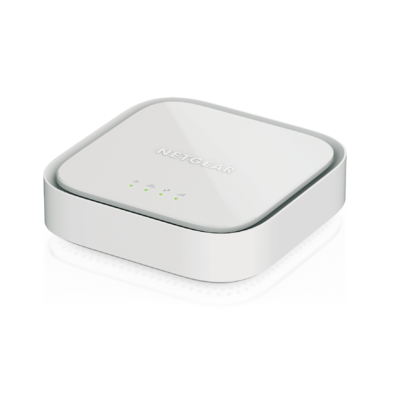
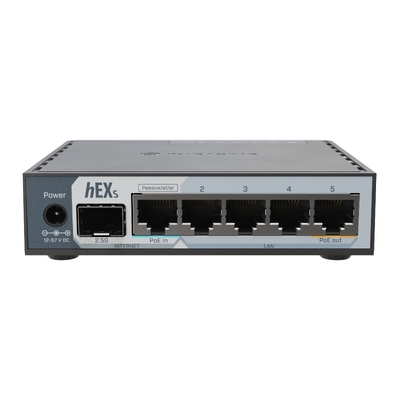
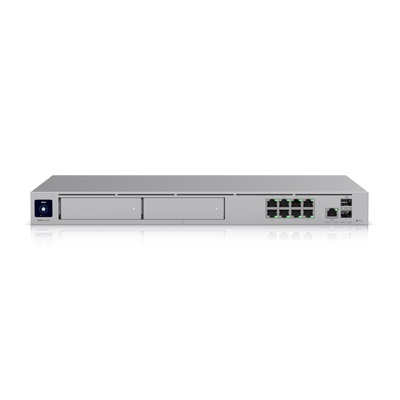
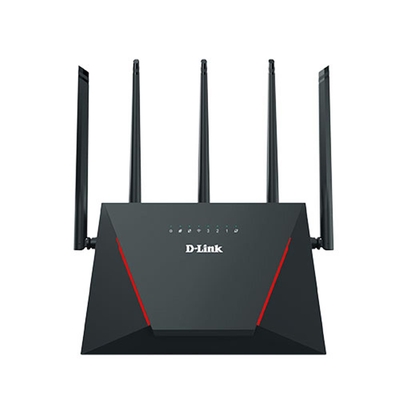
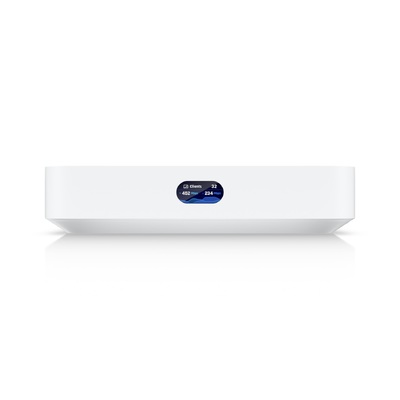
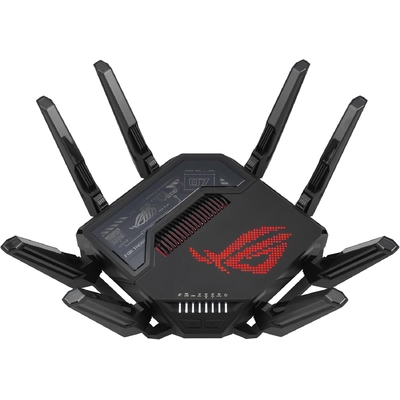
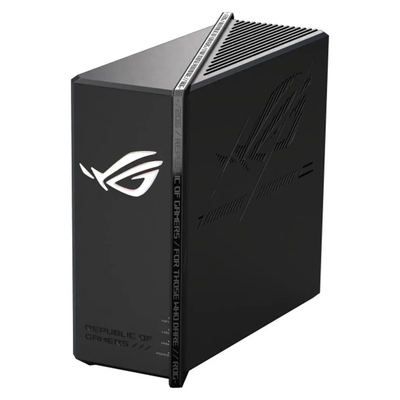

Reliable connectivity starts here
Choose the Right Router for Home, Business or NBN
Shop routers for everyday home Wi-Fi, high-performance gaming, business networks, remote sites and mobile connectivity. DeviceDeal offers wireless, modem, mesh, VPN, enterprise and industrial routers from leading networking brands including ASUS, D-Link, MikroTik, Netgear, Teltonika, TP-Link and Ubiquiti. Compare Wi-Fi 6, Wi-Fi 6E and Wi-Fi 7 models alongside wired, 4G and 5G solutions to match your internet service, coverage area, device count and security requirements.
A router connects your local devices to an internet service and directs data between them. A wireless router also creates a Wi-Fi network, while a modem router combines routing with the modem function required by certain connection types. The right model depends first on your internet connection, then on coverage, speed, connected devices and management features.
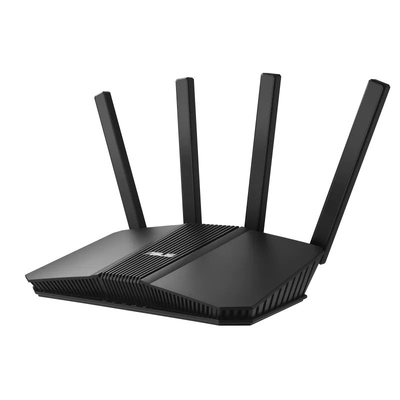
Wireless Routers
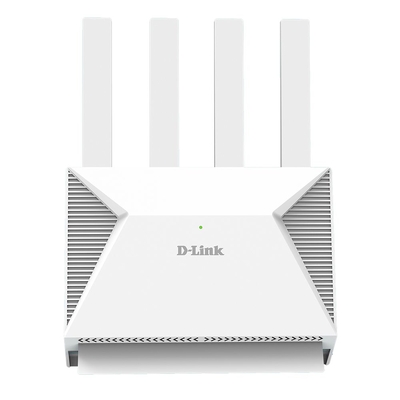
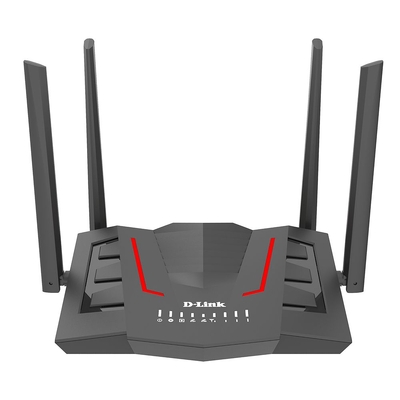
For home and office Wi-Fi, with options for faster wireless standards, multi-gigabit ports, larger device counts and mesh expansion.
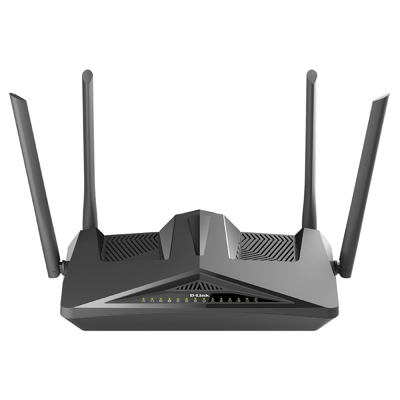
Browse wireless routers →Modem Routers
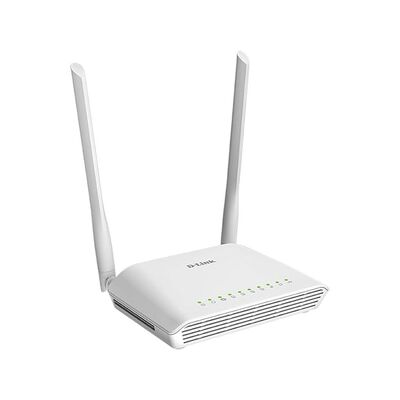
Combined modem and router solutions for compatible copper-based services, including models designed for VDSL2 connections.
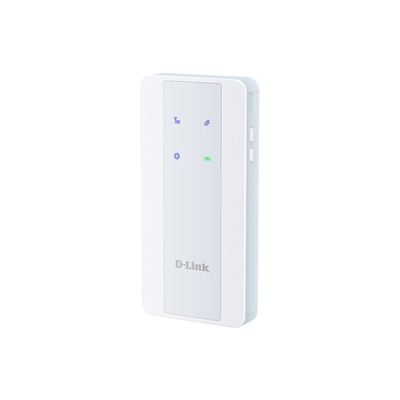
Browse modem routers →4G & 5G Routers
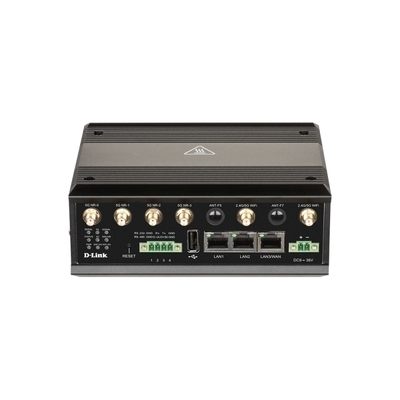
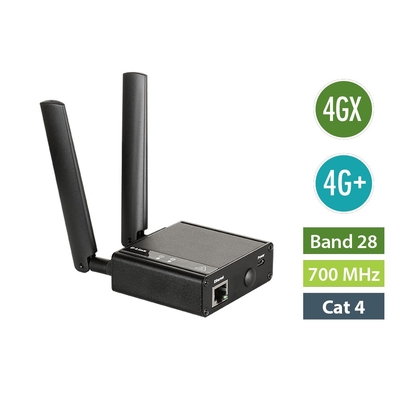
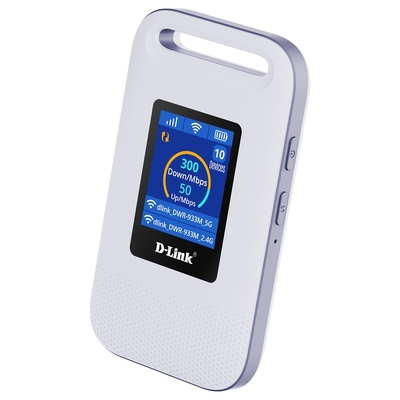
SIM-based internet for temporary locations, backup connectivity, remote operations, vehicles and sites without fixed-line access.
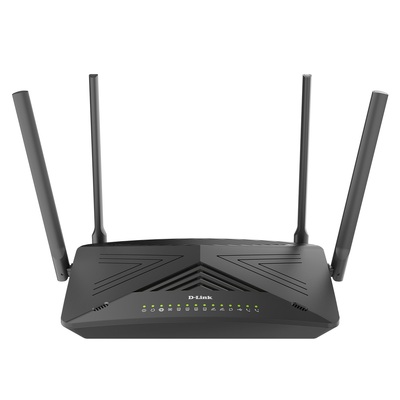
Browse mobile routers →Enterprise Routers
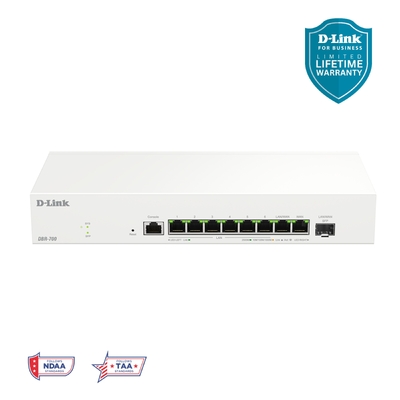
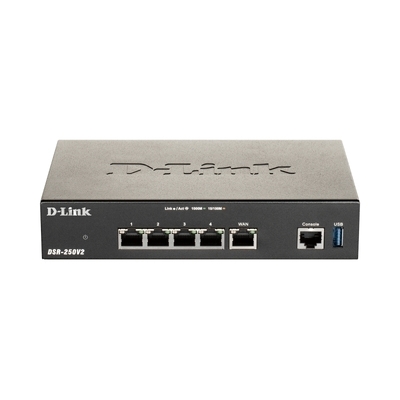
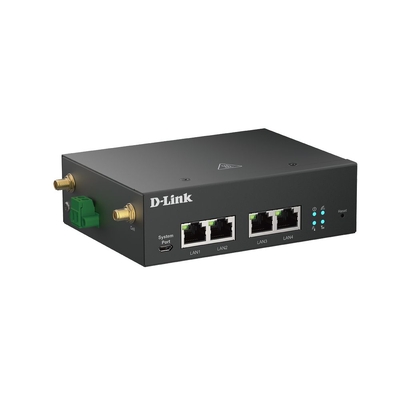
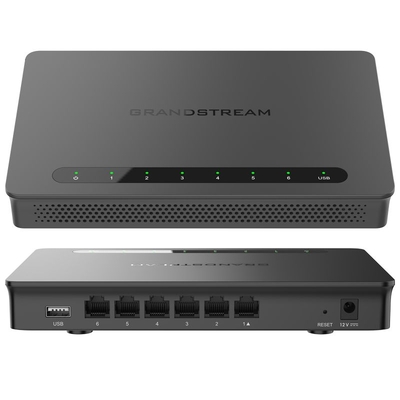
Advanced routing for organisations requiring stronger management, multiple WAN options, VLAN support and scalable network control.
Browse enterprise routers →How to choose a router
Check your internet connection and provider requirements before comparing wireless specifications. A high-end router cannot exceed the speed of your internet plan, but it can improve local Wi-Fi capacity, coverage, wired performance and how reliably multiple devices share the connection.
Router buying questions
Practical answers for selecting a compatible router in Australia.
What is the difference between a modem and a router?
A modem connects to the technology delivering your internet service, while a router shares that connection with wired and wireless devices. A modem router combines both functions in one unit. Some NBN connection types use an NBN-supplied connection box and require a router rather than a DSL modem router.
Which router do I need for NBN?
It depends on your NBN connection and provider. FTTN and FTTB services generally require a compatible VDSL2 modem router. FTTP and HFC services normally use an NBN connection box connected to a router by Ethernet. Always confirm authentication, VLAN, voice and hardware requirements with your internet provider.
Should I choose Wi-Fi 6 or Wi-Fi 7?
Wi-Fi 6 remains a strong choice for most current homes and offices. Wi-Fi 7 is better suited to buyers wanting newer wireless capabilities, greater network capacity and longer-term device support. Actual performance depends on compatible client devices, interference, router placement and your internet plan.
When is a mesh Wi-Fi system better than one router?
Mesh Wi-Fi can be useful in larger, multi-storey or difficult-to-cover properties where one router leaves weak-signal areas. Multiple coordinated mesh units extend coverage under one network name, although placement and the connection between units still affect performance.
Does buying a faster router increase internet speed?
A faster router does not make your internet plan faster than the speed supplied by your provider. It may improve Wi-Fi efficiency, local network transfers, wired port speeds and performance when many compatible devices are active at the same time.
What is a VPN router?
A VPN router can create or manage encrypted network connections at the router level. Depending on the model, it may support secure remote access, site-to-site links or VPN client services for multiple devices. Confirm the required VPN protocol, throughput and licensing before purchase.