
PoE Switches
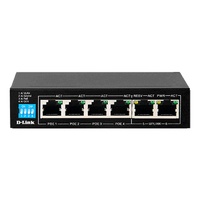
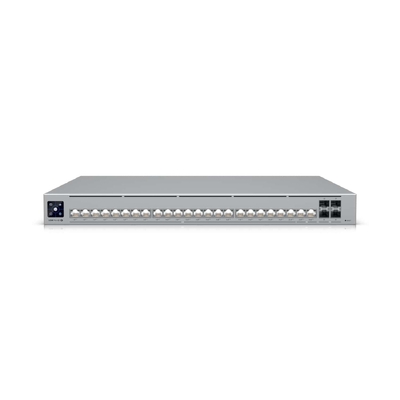
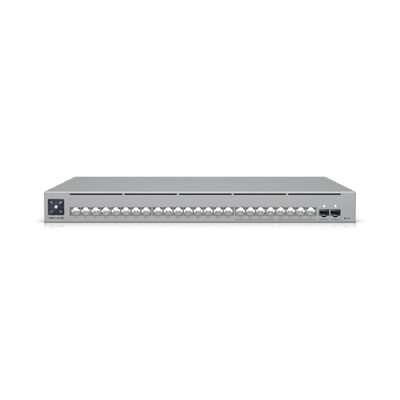
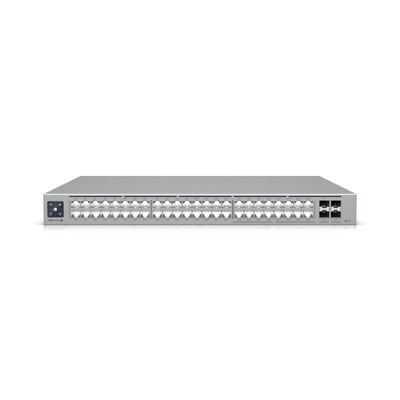
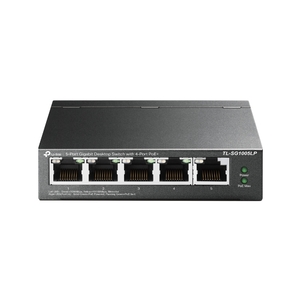
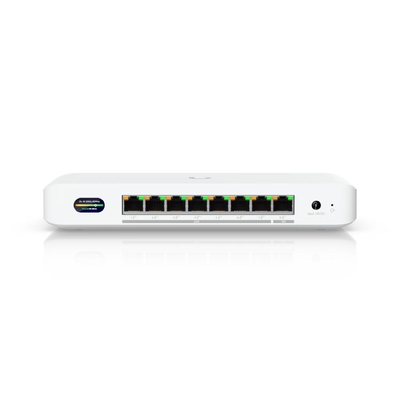
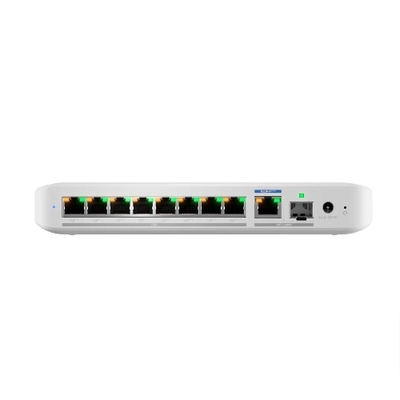
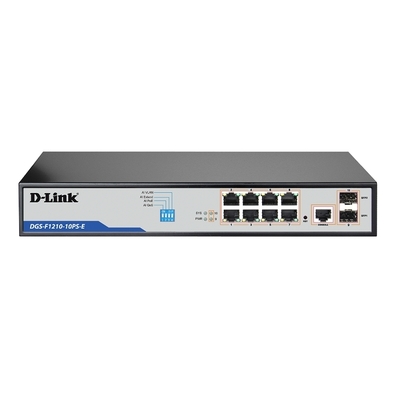
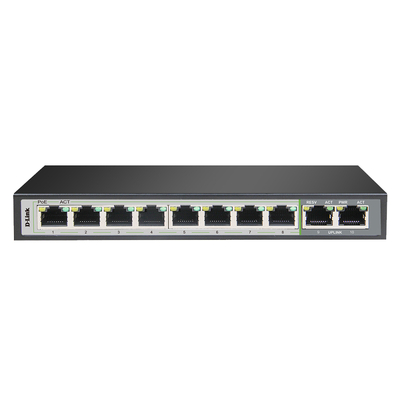
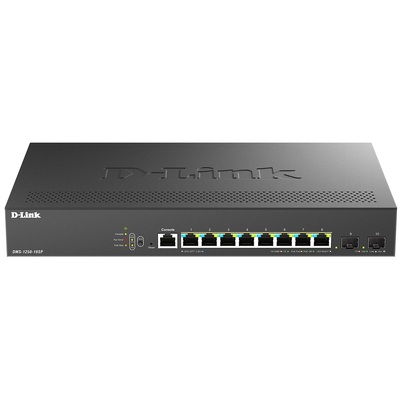
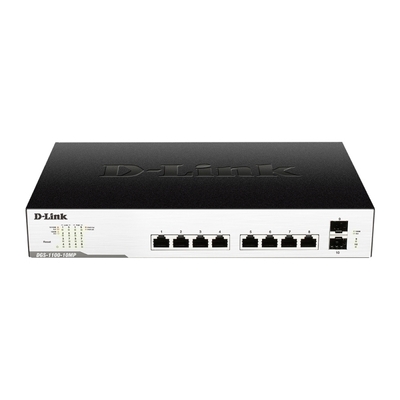
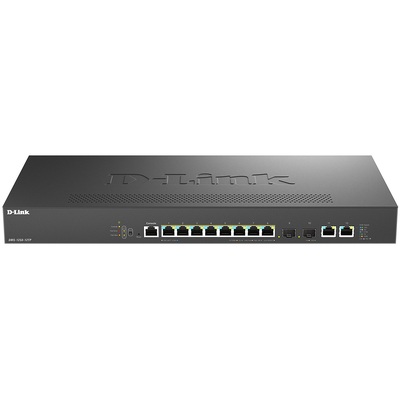
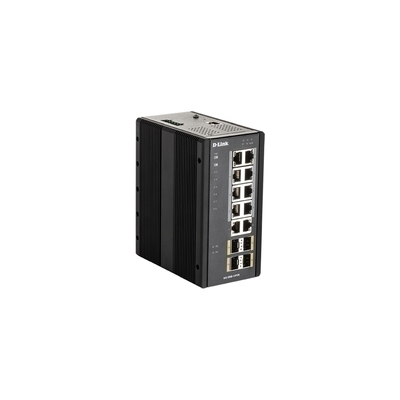

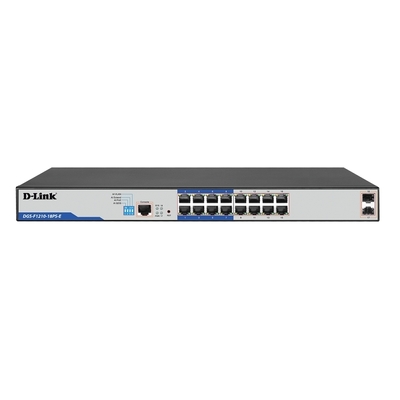
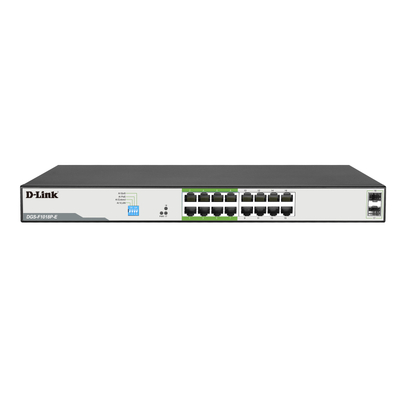
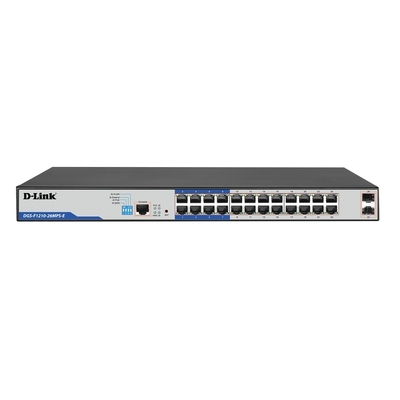
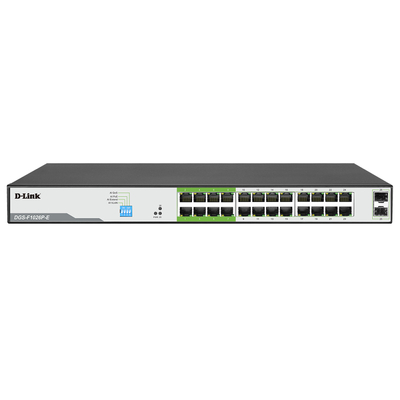
PoE switch buying guide
Choose the right PoE switch
A Power over Ethernet switch carries network data and electrical power over the same copper Ethernet cable. To choose correctly, match the powered device’s IEEE PoE standard, calculate the total wattage required and confirm the number and speed of PoE output ports.
Check whether each camera, access point or IP phone requires PoE, PoE+ or PoE++ and verify vendor compatibility.
Total the maximum wattage of all powered devices, allow practical headroom and confirm the switch can supply it simultaneously.
Confirm which ports provide PoE output, then match Ethernet speed, uplinks, management features and future expansion.
Complete PoE switch buying guide PoE standards, wattage, ports, cabling and selection checklist
What is a PoE switch?
A PoE switch is Power Sourcing Equipment (PSE) that can deliver Ethernet data and DC power to a compatible Powered Device (PD) through one network cable. Common powered devices include IP security cameras, wireless access points, VoIP phones, door-access controllers and other networked equipment. Standards-based PoE detects and classifies a compatible device before supplying power.
PoE vs PoE+ vs PoE++
| Common name | IEEE standard | PoE type | Maximum PSE output | Power available to device | Typical use |
|---|---|---|---|---|---|
| PoE | 802.3af | Type 1 | 15.4W | Up to 13W | Many IP phones, basic cameras and lower-power devices |
| PoE+ | 802.3at | Type 2 | 30W | Up to 25.5W | Many access points, cameras and higher-power phones |
| PoE++ | 802.3bt | Type 3 | 60W | Up to 51W | Selected multi-radio access points, PTZ cameras and other high-power devices |
| PoE++ | 802.3bt | Type 4 | 90W | Up to 71.3W | Compatible displays, lighting, advanced access points and specialist equipment |
Marketing names can vary between manufacturers, so confirm the IEEE standard, PoE type, supported class and actual wattage shown in both product specifications. Labels such as “PoE+++” are not a universal IEEE standard name.
How to calculate a PoE power budget
The PoE budget is the maximum combined power a switch can allocate to connected devices. Add the maximum input requirement of every device that will be powered at the same time—not only its average usage—then select a switch with a higher total budget and sufficient per-port output. Some switches provide PoE on only part of their port count, so check the number of powered ports separately.
Example: four cameras requiring up to 12W each plus two access points requiring up to 25W each need 98W in total. Choose a compatible switch that can provide more than 98W across the required ports, with suitable headroom for startup demand and expansion.
PoE input is not the same as PoE output
A switch with PoE input can receive its own power through Ethernet, but that does not automatically mean it can power connected devices. To power cameras, access points or phones, verify that the switch specifically lists PoE output ports and an output power budget. PoE passthrough models can use incoming PoE to power selected downstream devices, but their available output is reduced by the switch’s own consumption and input limit.
Ports, management, speed and uplinks
Count every powered and non-powered device, the connection to your router or upstream switch, and spare capacity for future expansion. Gigabit Ethernet suits many camera and phone deployments, while multi-gigabit ports can prevent a bottleneck for compatible WiFi 6 or WiFi 7 access points. Managed PoE switches add useful controls such as VLANs, QoS, port monitoring, remote power cycling and power allocation; feature availability varies by model. SFP or SFP+ uplinks can help connect switches, network cores or longer-distance fibre runs.
Cabling, distance and passive PoE
Standards-based PoE is designed for compliant twisted-pair Ethernet cabling and standard Ethernet channel distances. Cable category, conductor material, length, bundle temperature, installation quality and required data speed can all affect performance. Use standards-compliant equipment and suitable certified cabling. Passive PoE can place voltage on a cable without IEEE device detection, so voltage, polarity and pinout must match exactly; never assume passive PoE is interchangeable with 802.3af, 802.3at or 802.3bt.
PoE switch selection checklist
- Standard: 802.3af, 802.3at or 802.3bt requirement
- Per-port power: enough wattage for the most demanding device
- Total budget: combined maximum load plus practical headroom
- PoE outputs: number of ports that actually supply power
- Data speed: Gigabit, 2.5GbE, 5GbE or 10GbE requirements
- Uplinks: RJ45, SFP, SFP+ or other required interfaces
- Management: unmanaged, smart, full or cloud managed
- Deployment: desktop, rack, fanless, outdoor or industrial needs
- Cabling: suitable category, conductor quality and installation
- Compatibility: device standard, vendor requirements and licensing
PoE switch FAQs Concise answers to common power, compatibility and installation questions
What is a PoE switch?
A PoE switch provides network data and electrical power through the same copper Ethernet cable to compatible devices. It can simplify installation for IP cameras, wireless access points, VoIP phones and other powered network equipment.
What is the difference between PoE, PoE+ and PoE++?
IEEE 802.3af PoE can provide up to 15.4W from the switch port, 802.3at PoE+ up to 30W, and 802.3bt PoE++ up to 60W for Type 3 or 90W for Type 4. Less power reaches the device because cable loss is included in the standards.
How do I calculate the PoE budget for a switch?
Add the maximum power requirement of every device that will be powered simultaneously. Choose a switch with enough total PoE budget, adequate per-port output and practical headroom for startup demand, cable loss and future expansion.
What devices can a PoE switch power?
Depending on the supported standard and wattage, a PoE switch can power compatible IP cameras, wireless access points, VoIP phones, intercoms, door controllers, sensors, displays and other network devices. Always check the device’s input specification.
Does every port on a PoE switch provide power?
Not necessarily. Some switches provide PoE output on every Ethernet port, while others power only selected ports. The total port count, number of PoE output ports and overall PoE wattage are separate specifications that should all be checked.
Does PoE input mean a switch can power other devices?
No. PoE input means the switch can receive power through Ethernet. It can power other devices only if it also has specified PoE output or PoE passthrough ports, with enough remaining output budget.
Can a higher-power PoE switch damage a lower-power device?
A standards-compliant IEEE PoE switch normally detects and negotiates with the powered device before supplying power, so a higher-capacity port can support a compatible lower-power device. Passive or proprietary PoE may behave differently and must be matched exactly.
What is the maximum distance for PoE?
Standard Ethernet channel length is generally up to 100 metres, including patch leads, when compliant equipment and cabling are used. Cable quality, temperature, power level and installation conditions matter; longer links may require an extender, fibre or an additional switch.
Do I need a special Ethernet cable for PoE?
PoE uses compatible twisted-pair Ethernet cabling, but the cable category and construction must also support the required data speed, power level, distance and installation environment. Use certified solid-copper cabling and avoid unsuitable copper-clad aluminium cable.
Should I choose a managed or unmanaged PoE switch?
Choose unmanaged PoE for straightforward plug-and-play installations. Choose a smart, fully managed or cloud-managed PoE switch when you need VLANs, QoS, monitoring, remote power cycling, power allocation, redundancy or stronger operational control.
Is a PoE switch better than a PoE injector?
A PoE switch is usually more convenient when powering several devices because it combines switching and centralised power. A PoE injector can be economical for adding power to one or a few links without replacing an existing non-PoE switch.
Does PoE reduce network speed?
PoE itself does not reduce Ethernet data speed. Actual performance depends on the switch port, powered device, uplink and cabling. A Fast Ethernet port remains limited to 100Mbps, while Gigabit or multi-gigabit PoE ports can support higher compatible speeds.
Can PoE power WiFi 6 and WiFi 7 access points?
Yes, when the switch meets the access point’s stated PoE standard and wattage. Higher-performance access points may require PoE+ or PoE++ and a multi-gigabit port to deliver their full feature set and network performance.
Can one PoE switch power multiple security cameras?
Yes, if the switch has enough PoE output ports, total power budget and per-port power for all cameras. Include the maximum demand of infrared illumination, heaters, speakers or PTZ motors when calculating the required wattage.
What is passive PoE?
Passive PoE supplies a fixed voltage without the normal IEEE detection and negotiation process. It is not automatically compatible with 802.3af, 802.3at or 802.3bt devices, so voltage, polarity and pinout must match exactly to avoid equipment damage.