Two computers at one desk
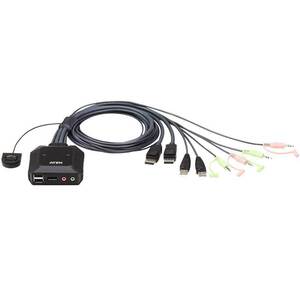
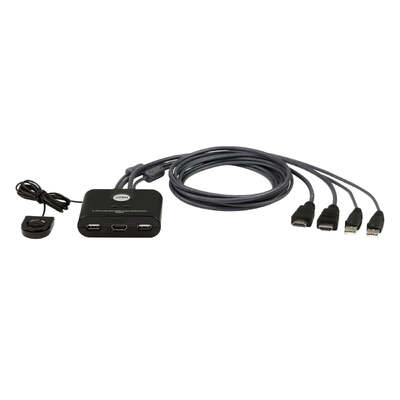
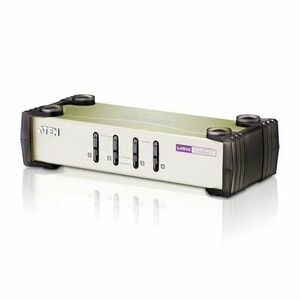
Choose a cable KVM such as CS22HF for HDMI or CS22DP for DisplayPort.
Compare ATEN cable KVM switches, desktop KVMP systems, secure KVM, LCD rack consoles, KVM over IP, USB sharing, serial adapters, EDID tools and professional AV extenders.
Start with the number of computers, monitor connection, display count, maximum resolution, USB-peripheral requirements and whether access is local or remote. For professional AV, also confirm signal type, distance, cable category, EDID, control and HDCP requirements.
Choose a cable KVM such as CS22HF for HDMI or CS22DP for DisplayPort.
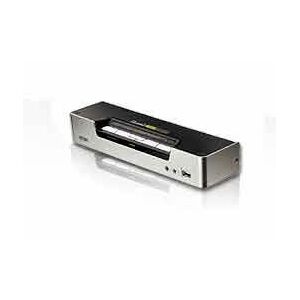
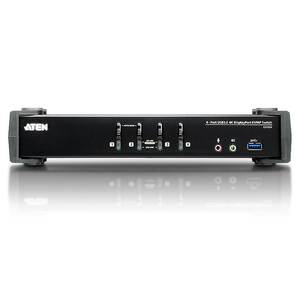
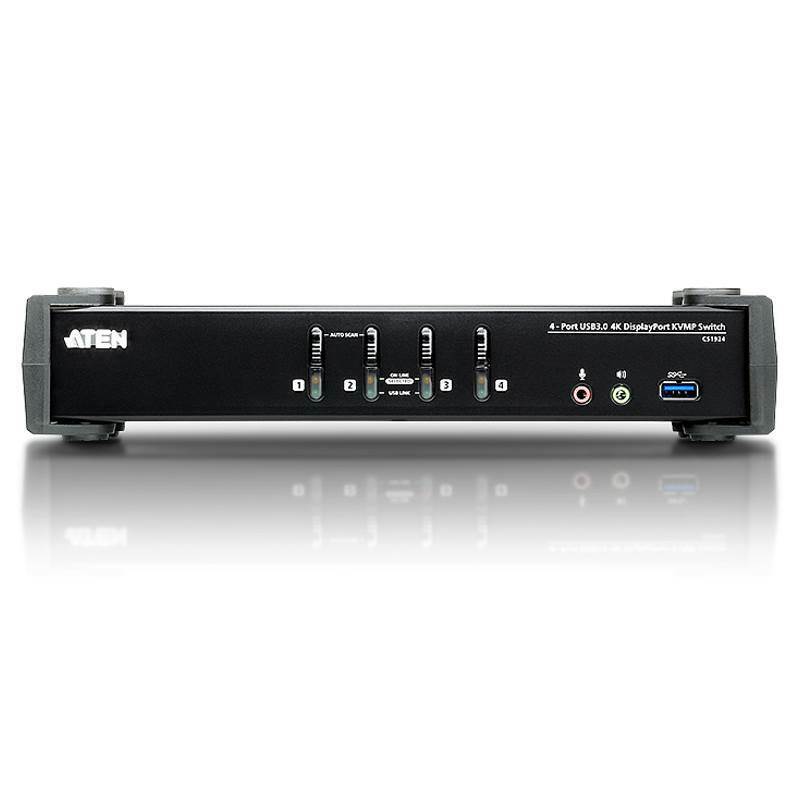
Choose a desktop KVMP such as CS1794 for HDMI or CS1924 for DisplayPort and USB 3.0 sharing.
Use an LCD KVM console, multi-port rack KVM or KVM over IP solution sized to the number of servers and remote users.
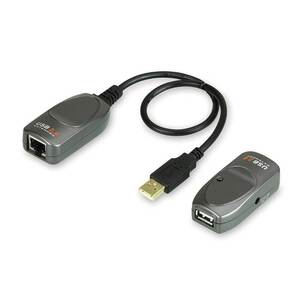
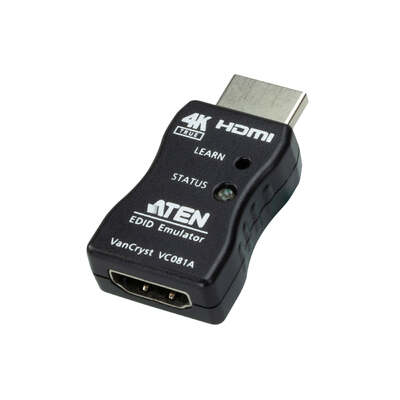
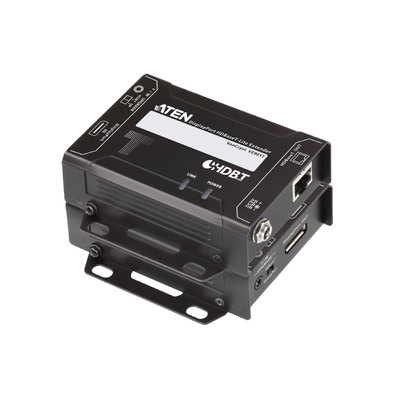
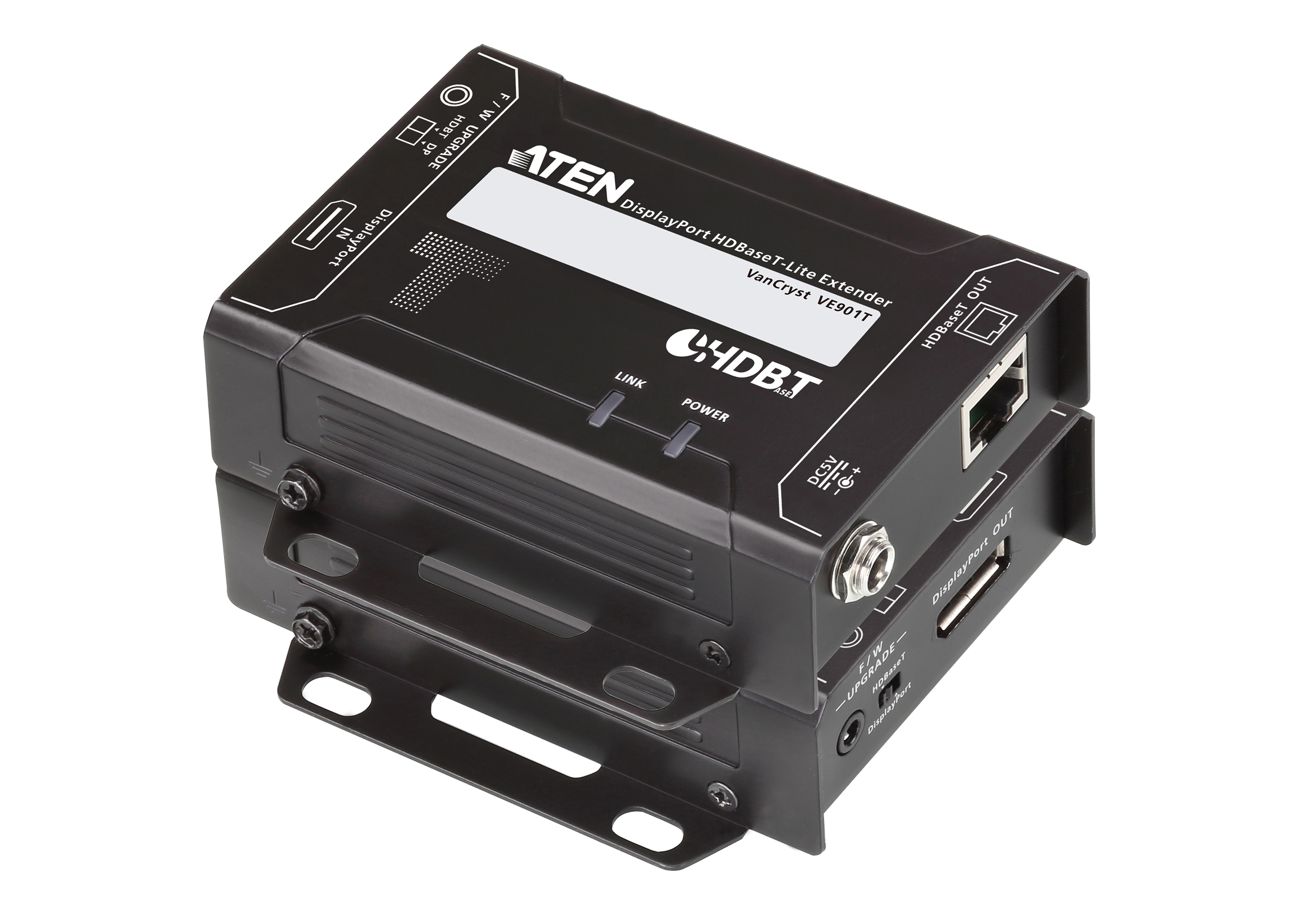
Choose an EDID emulator, MST hub, USB extender or HDBaseT extender according to signal type and distance.
ATEN products are highly specification-dependent. Device Deal can help check computer ports, console connections, video resolution, USB version, display count, operating-system compatibility, cabling and remote-access requirements before purchase.
Help matching HDMI, DisplayPort, VGA, USB-A, USB-C, serial and audio requirements.
Source compact desktop switches, secure KVM, LCD consoles, rack KVM and KVM over IP solutions.
Compare extenders, EDID tools, AV distribution, USB extension and control-room connectivity.
Request assistance for offices, control rooms, education, government, broadcast and data-centre projects.
KVM means keyboard, video and mouse. KVMP adds shared USB peripherals and often audio. Secure KVM isolates connected systems. KVM over IP provides remote, often BIOS-level, computer access through a network.
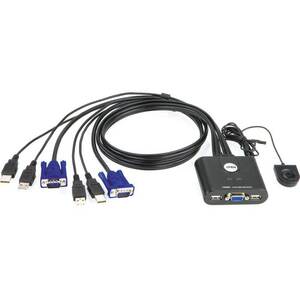
Compact two-computer switching with integrated cables and a remote selector button.
Control multiple computers while sharing USB peripherals, audio and a monitor.
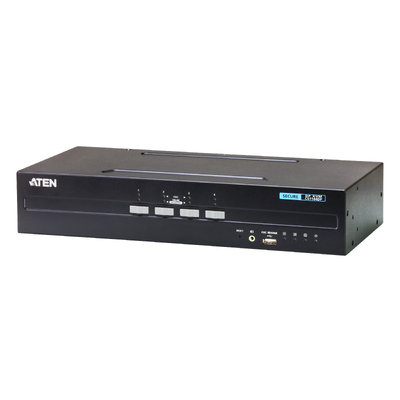
Isolated switching designed to reduce unauthorised data flow between systems of different security levels.
Rackmount LCD, keyboard and touchpad integrated into a space-saving sliding 1U console.
Remote computer and server access through a network, including BIOS-level administration on supported systems.
EDID tools, extenders, distribution, AV over IP and USB extension for boardrooms, signage and control rooms.
Use this table as a first filter, then confirm the exact ATEN product specification and cable requirements.
| Solution type | Best suited to | Key questions before buying | Example ATEN products |
|---|---|---|---|
| Cable KVM | Two-computer desks and home offices | HDMI, DisplayPort or VGA? Required resolution? Audio sharing? | CS22HF, CS22DP, CS22U |
| Desktop KVMP | Power users sharing USB peripherals across several PCs | Number of computers, USB speed, one or two displays, video standard | CS1794, CS1924 |
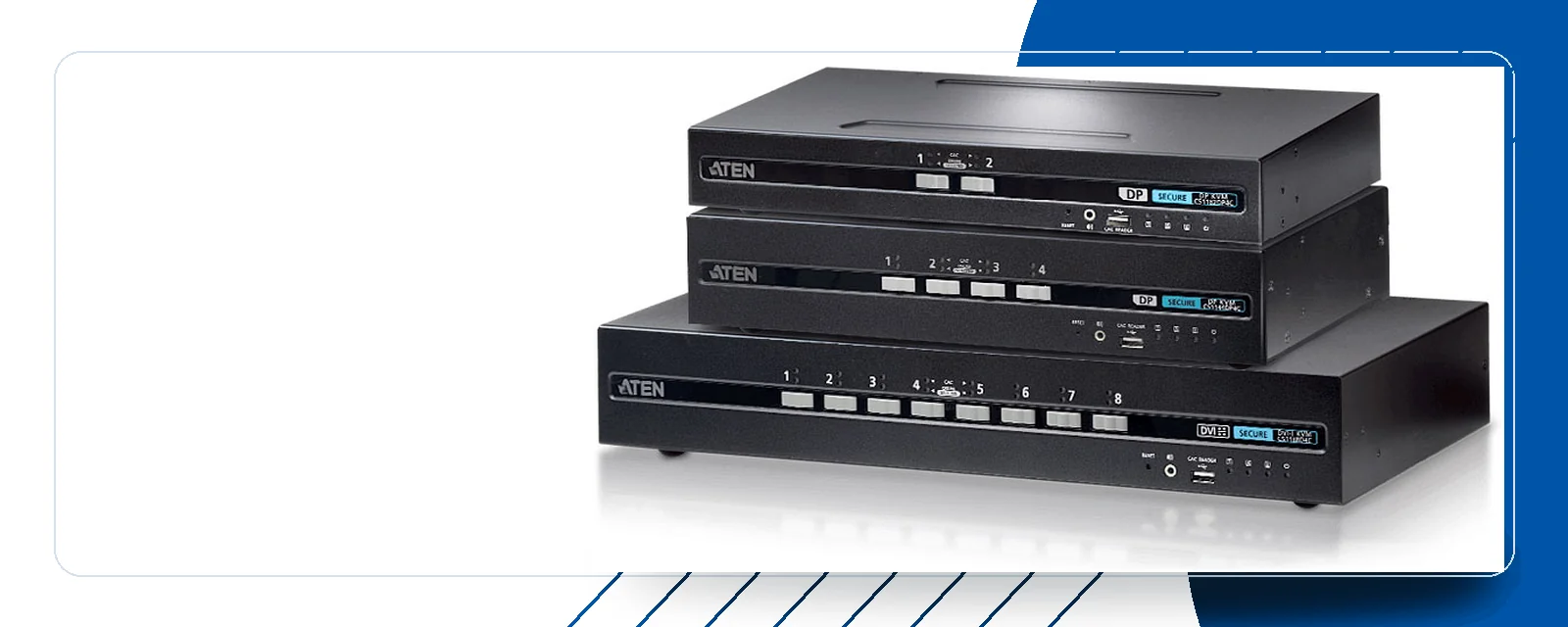
| Secure KVM | Government, finance and sensitive separated networks | Required security profile, CAC support, display count and interface | CS1144DP |
| LCD KVM console | Space-constrained server racks | Rack depth, display interface, local port count and single/dual rail | CL1000, CL3800, CL5716 |
| KVM over IP | Remote server management and distributed infrastructure | Local and remote users, server count, virtual media, resolution and security | CN9850, KN1108VA, KN-series |
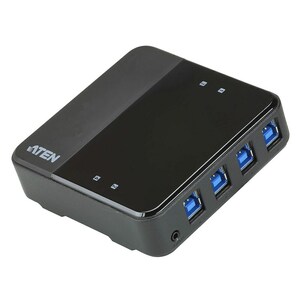
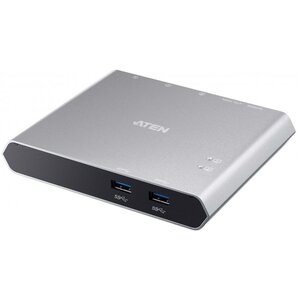
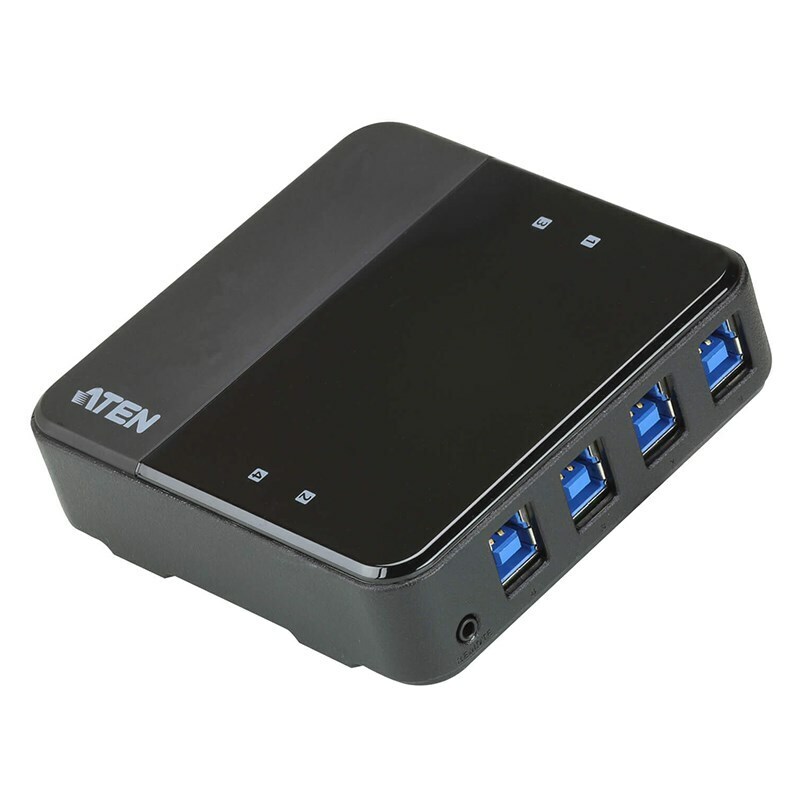
| USB sharing | Sharing printers, storage, docks and cameras | Number of computers, number of devices, USB speed and power demand | US3344, US3310 |
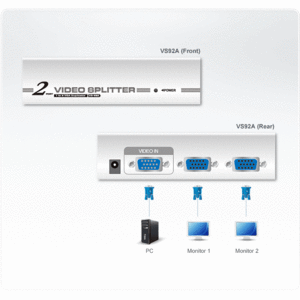
| Professional AV | Boardrooms, signage, broadcast and long-distance display links | Signal type, distance, resolution, HDCP, EDID, control and cabling | VC081A, VE901, VS92DP, UCE260 |
Use cable KVM for a simple two-computer setup. Choose a desktop KVMP when you need more computer ports, USB peripheral sharing, audio switching or advanced port-selection methods.
Confirm monitor resolution and refresh rate, keyboard and mouse compatibility, USB-device power requirements and whether every cable is included.
ATEN’s enterprise KVM range extends beyond desktop switching to secure isolated workstations, integrated rack consoles and remote server administration.
CS1144DP is a four-port dual-display DisplayPort secure KVM designed to isolate connected computer channels and peripherals for sensitive environments.
ATEN integrates an LCD panel, keyboard and touchpad into a 1U sliding rack console. Options vary by screen size, rail design, interface and KVM port count.
Remote-access products range from single-server appliances to multi-port KN-series platforms for local and remote data-centre administration.
Send us the number of servers, local and remote users, video interfaces, rack depth, security requirements and preferred management workflow.
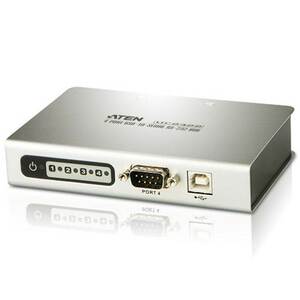
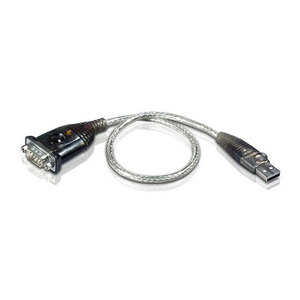
Request an ATEN Project QuoteThese products solve a different problem from KVM: they share USB peripherals, switch a USB-C dock between hosts or connect modern computers to legacy RS-232 equipment.
For USB-C video and charging, confirm that the host supports the required DisplayPort Alt Mode and power-delivery profile.
Professional AV selection depends on more than connector shape. Confirm video resolution, distance, cable quality, HDCP, EDID, control, audio and whether the system must support hot-plugging or displays being powered independently.
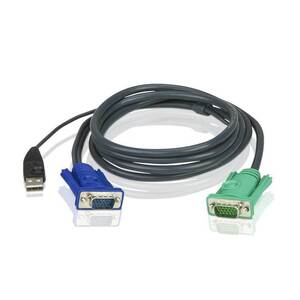
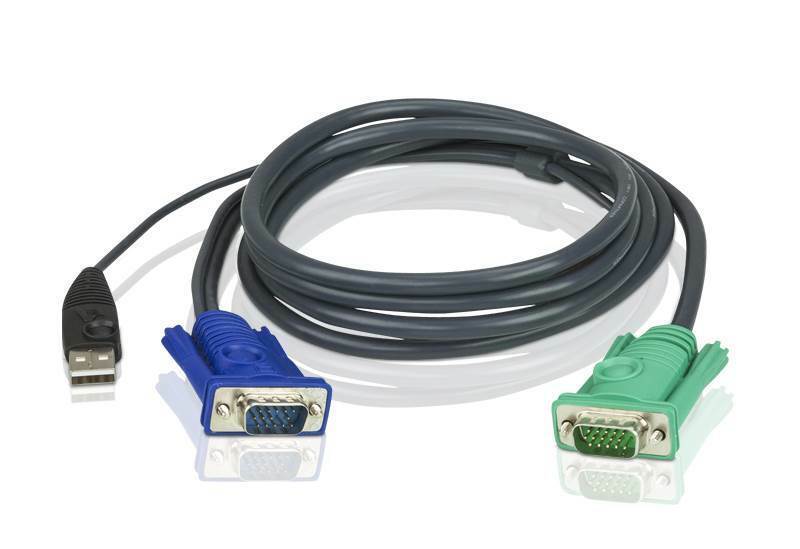
Some ATEN desktop and rack KVM products require model-specific SPHD or interface cables. Check the switch model, computer-side connection, console connection and cable length before ordering.
2L-5202U: 1.8 m USB KVM cable using ATEN’s 3-in-1 SPHD connection for compatible switches. A matching connector does not guarantee compatibility, so confirm the supported KVM model.
Direct answers to common ATEN product-selection and compatibility questions.
Send us the computer count, video connections, monitor resolution, display count, USB peripherals, distance, rack details and local or remote access requirements. Our team can help shortlist suitable ATEN products.
Request ATEN Product Advice