APC UPS systems for home, business, server racks and data centres
APC by Schneider Electric power protection

APC UPS Australia – Back-UPS, Smart-UPS & Rack Power Buying Guide

Compare APC Back-UPS, Smart-UPS, lithium-ion UPS, online double-conversion systems, rack PDUs, management cards and replacement batteries for Australian homes, offices, server racks and data centres.

  • Australian pre-sales advice
  • Home, office, rack and online options
  • UPS sizing and battery support
Quick answer

Which APC UPS should I buy?

Choose by the protected equipment’s actual watt load, required runtime, outlet type and protection topology. Do not choose using VA alone. Add the watts of every device, allow at least 20–30% capacity headroom, and check APC runtime data at your expected load.

Modem, router or NBN equipment

Start with a compact Back-UPS such as BE550G-AZ or BE700G-AZ for basic internet continuity.

Home PC or office workstation

Choose a BX-series Back-UPS for line-interactive protection and AVR, matched to the PC’s watt load.

NAS, small server or network rack

Use Smart-UPS C, SMT or SCL for pure sine wave line-interactive protection and stronger management options.

Critical infrastructure or zero transfer time

Choose Smart-UPS On-Line SRT or SRTL when double-conversion power and zero transfer time are required.

Why Device Deal?

Australian APC UPS advice, stock and project support

A correct APC solution may require a UPS, compatible outlet type, rack rails, PDU, network card, environmental sensor and the right replacement battery. Device Deal helps Australian customers compare the complete power-protection system before ordering.

Local pre-sales advice

Help matching watt capacity, runtime, topology, rack depth, outlets and management requirements.

Australian APC range

Source selected Back-UPS, Smart-UPS, PDUs, network-management hardware and replacement batteries.

Complete solution supply

Order the UPS together with compatible rack power, monitoring, battery and installation accessories.

Business and project quotes

Request assistance for offices, schools, government, installers, server rooms and multi-site deployments.

Product selector

Choose APC power protection by application

APC families overlap in capacity, so the model name alone does not determine suitability. Compare topology, waveform, watt capacity, outlets, rack format, battery technology, SmartConnect, SmartSlot and external-battery support.

Home internet

Back-UPS ES

Simple battery backup and surge protection for modems, routers, smart-home hubs and modest electronics.

Home and office

Back-UPS BX

Line-interactive protection with automatic voltage regulation for PCs, monitors and small office loads.

Enhanced home office

Back-UPS Pro

LCD status, AVR and user-replaceable battery options. Waveform varies by model, so verify the exact product.

Entry server rack

Smart-UPS C

Pure sine wave line-interactive protection for entry servers, networking, retail POS and business VoIP.

Managed rack power

Smart-UPS SMT / SMX

Advanced line-interactive rack or tower systems with SmartConnect or SmartSlot options and scalable runtime on supported models.

Mission critical

Smart-UPS On-Line SRT / SRTL

Double-conversion online protection with zero transfer time for critical servers, storage and infrastructure.

Range comparison

APC Back-UPS and Smart-UPS comparison

Use this table as a starting point, then check the exact APC model’s watt capacity, waveform, outlets, runtime and lifecycle status.

APC family Protection type Best suited to Important selection point
Back-UPS ES / BE Standby battery backup Modems, routers and basic home electronics Check which Australian outlets are battery-backed and which are surge-only.
Back-UPS BX Line-interactive with AVR Home PCs, monitors and office workstations Match the Australian outlet count and the UPS watt rating to the actual load.
Back-UPS Pro BR / Gaming Enhanced line-interactive High-performance PCs, storage and gaming systems Some current models provide sine wave output, but not every BR model does. Check the exact specification.
Smart-UPS C / SCL Line-interactive pure sine wave Entry servers, network equipment and shallow racks Choose lead-acid or lithium-ion and check SmartConnect or included network management.
Smart-UPS SMT Advanced line-interactive pure sine wave Business servers, network closets and distributed IT Check whether the exact model has SmartConnect, SmartSlot or an included network card.
Smart-UPS X / SMX Line-interactive, scalable runtime Multi-server racks and infrastructure requiring longer runtime Confirm rack depth, input plug, network card and supported external battery packs.
Smart-UPS On-Line SRT / SRTL Online double-conversion Mission-critical servers, storage and data-centre infrastructure Provides continuously conditioned output and zero transfer time; verify electrical installation requirements.
Home and office protection

APC Back-UPS for modems, PCs and workstations

Back-UPS covers straightforward home and small-office backup through higher-capacity line-interactive and Pro models. Check Australian outlet format, battery-backed outlet count, watt rating and expected runtime.

Recommended starting points

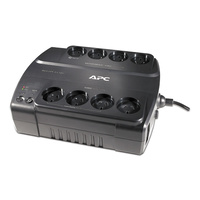
  • BE550G-AZ: 550VA Back-UPS ES with Australian outlets for basic modem, router and small-electronics backup.
  • BE700G-AZ: 700VA Back-UPS ES with eight Australian outlets, including battery-backed and surge-only connections.
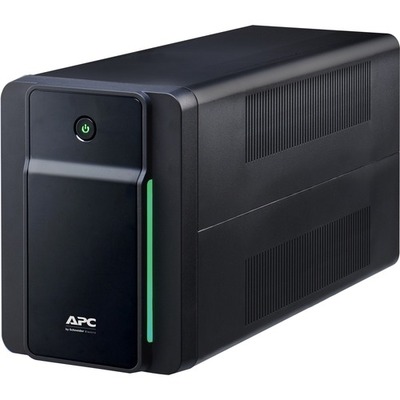
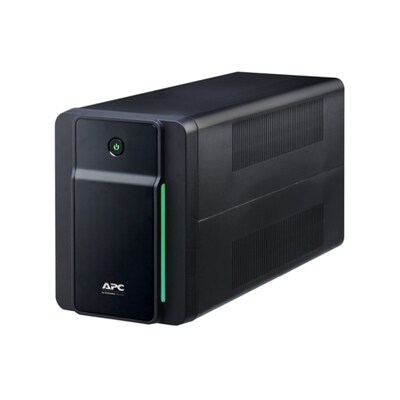
  • BX1200MI-AZ: 1200VA line-interactive Back-UPS with AVR and Australian outlets.
  • BX1600MI-AZ: 1600VA line-interactive Back-UPS for larger PC and office loads.
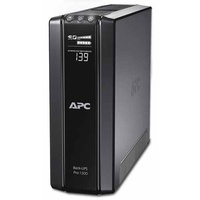
  • BR650MI: 650VA / 390W Back-UPS Pro with AVR, LCD and a user-replaceable battery.
  • BR1500GI: 1500VA / 865W Back-UPS Pro with LCD, AVR and ten IEC C13 outlets.

Do not assume every Back-UPS Pro provides sine wave output. Verify the exact model. For example, current sine-wave models are explicitly identified as such in Schneider Electric specifications.
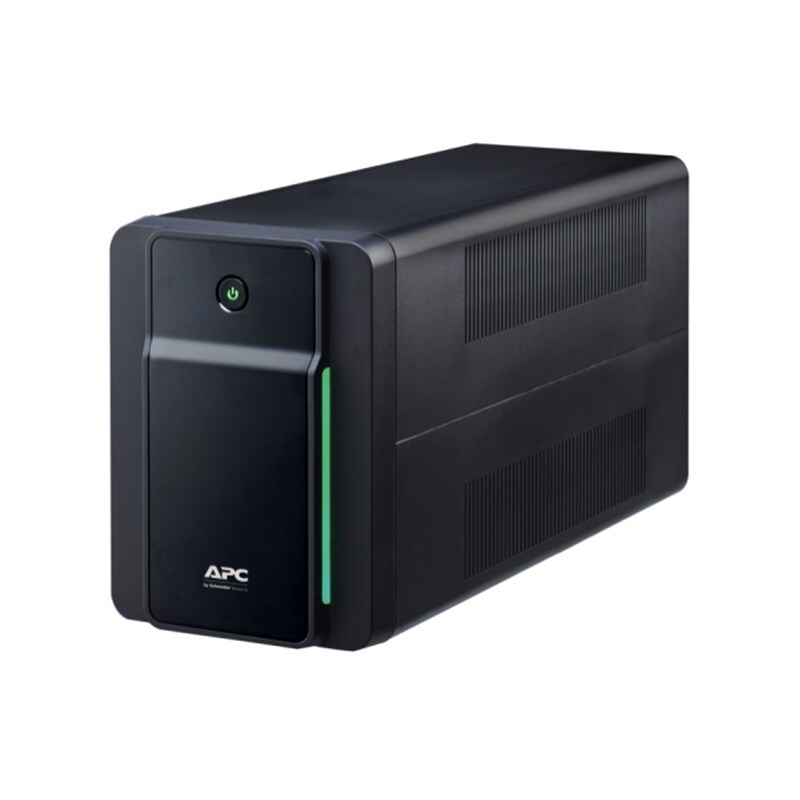
APC BX1600MI-AZ Back-UPS with Australian outlets
Featured APC Back-UPS products
 
Business and server protection

APC Smart-UPS for network racks, servers and edge IT

The products below are line-interactive Smart-UPS models. They provide pure sine wave output and business-focused management features, but they are not online double-conversion UPS systems.

Popular Smart-UPS options

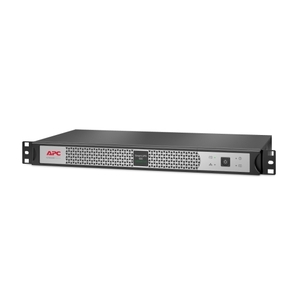
  • SCL500RMI1UNC: short-depth 1U, 500VA / 400W lithium-ion Smart-UPS with an included network-management card.
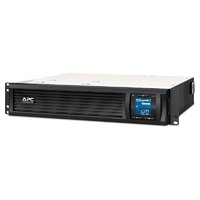
  • SMC1500I-2UC: 1500VA / 900W 2U Smart-UPS C with pure sine wave output, AVR and SmartConnect.
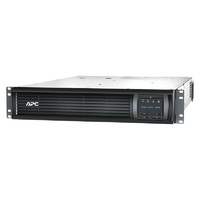
  • SMT3000RMI2UC: 3kVA 2U Smart-UPS with SmartConnect and SmartSlot for business server and network racks.
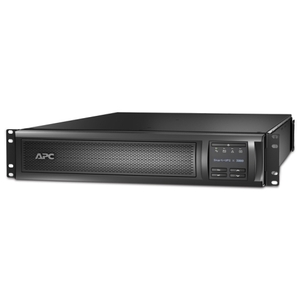
  • SMX3000RMHV2UNC: 3kVA rack/tower Smart-UPS X with a network card and support for extended runtime.

For zero transfer time, choose a Smart-UPS On-Line SRT or SRTL model rather than SMC, SMT or SMX.
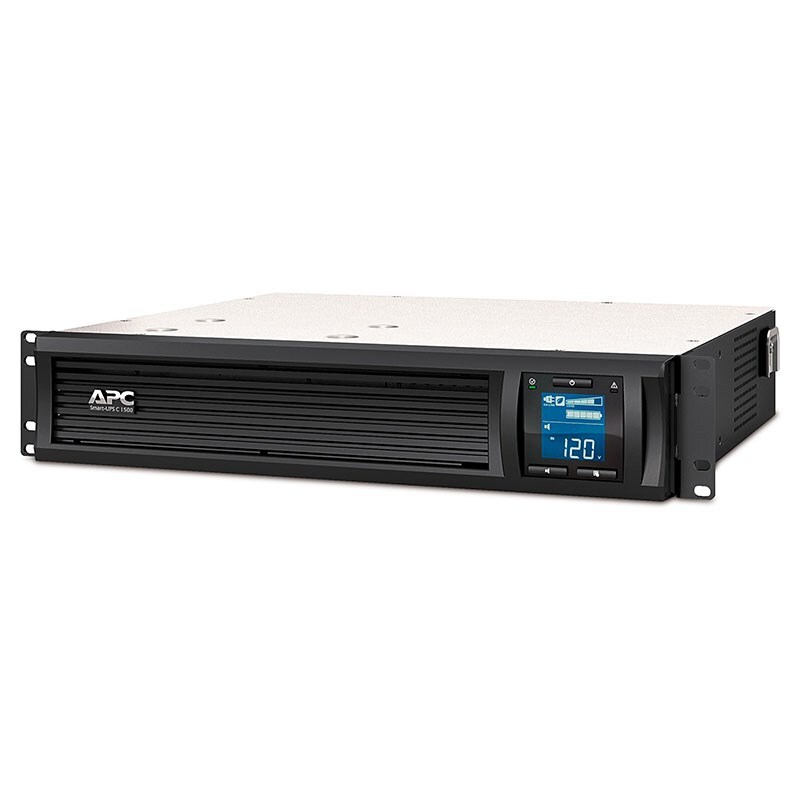
APC Smart-UPS C rackmount UPS with SmartConnect
Featured APC Smart-UPS products
 
Monitoring and lifecycle

What are APC SmartConnect and lithium-ion Smart-UPS?

APC provides local, cloud and network-card management options. The correct method depends on the exact Smart-UPS model, available communication ports and whether the site requires remote shutdown or environmental monitoring.

SC EcoStruxure IT SmartConnect

SmartConnect uses the built-in Ethernet port on compatible Smart-UPS models for secure cloud-based UPS monitoring, lifecycle notifications, diagnostics and supported firmware functions. Available capabilities and subscription level can vary.

Li Lithium-ion Smart-UPS

APC states that its lithium-ion UPS batteries are designed for a service life of up to about ten years in suitable conditions and may last roughly three times as long as traditional lead-acid batteries.

Rack power and remote management

APC rack PDUs, cables, network cards and sensors

A UPS protects and backs up the load; the PDU distributes that power to rack equipment. Add secure remote monitoring, environmental sensing and locking cables where the installation requires them.
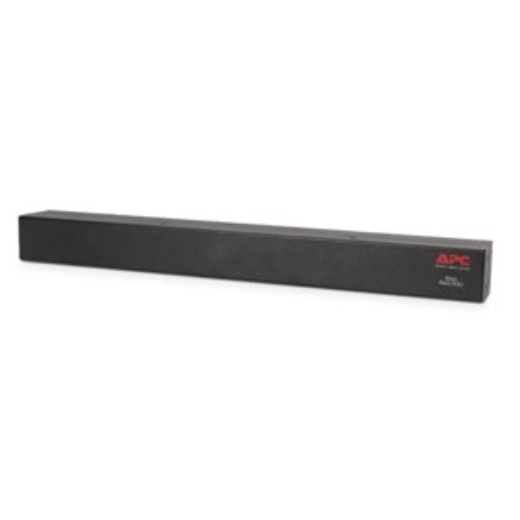
Common APC rack-power components

  • AP9565: 1U NetShelter Basic Rack PDU with 12 IEC C13 outlets and a C20 input cord.
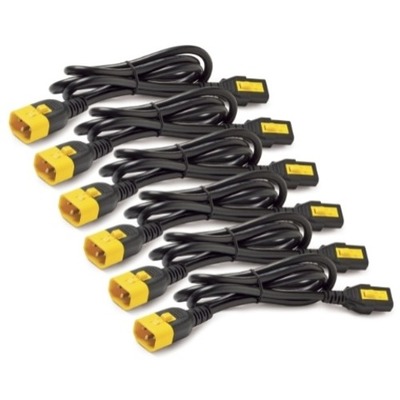
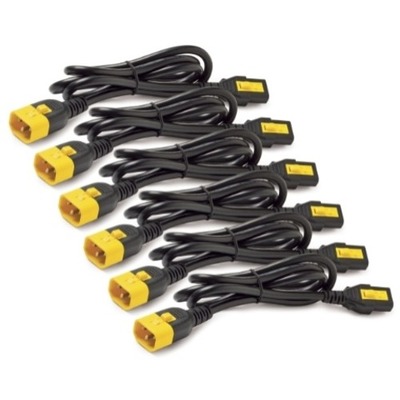
  • AP8702S-WW / AP8704S-WW: locking C13-to-C14 power cables for supported rack connections.
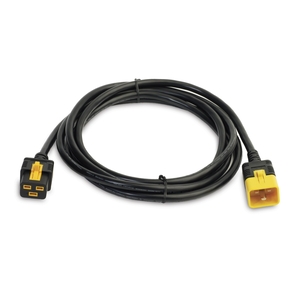
  • AP8760: locking C19-to-C20 cable for higher-current compatible equipment.
  • AP9641: Network Management Card 3 with environmental-monitoring support and secure remote UPS management.
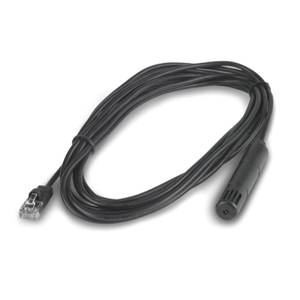
  • AP9335TH: temperature and humidity sensor for compatible environmental-monitoring installations.
APC NetShelter basic rack power distribution unit
Featured APC PDUs and power cables
 
Featured APC management accessories
 
Replacement batteries

How to choose the correct APC replacement battery cartridge

Match the full UPS model to Schneider Electric’s replacement-battery compatibility information. Do not choose an RBC only by voltage, physical size or appearance.

Common replacement battery cartridges

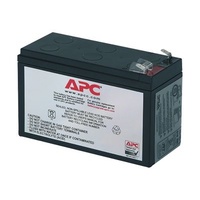
  • RBC17: used with specified Back-UPS models.
  • APCRBC124: used with specified Back-UPS Pro models.
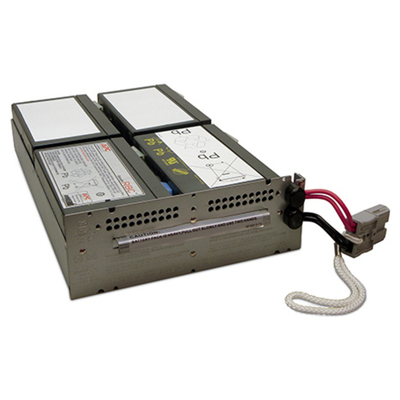
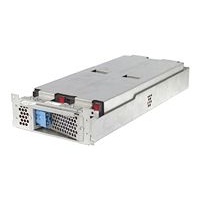
  • RBC43: replacement cartridge for specified rackmount Smart-UPS products.
  • APCRBC132: replacement cartridge for specified higher-capacity Smart-UPS models.

APC notes that a replacement battery is often appropriate when a UPS is around three to five years old, but environment, testing results and the age of the UPS should guide the decision.
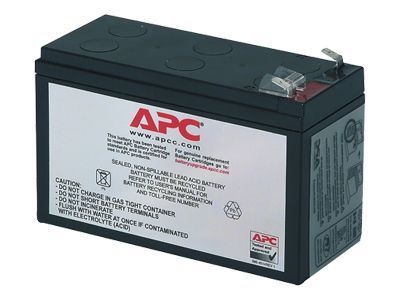
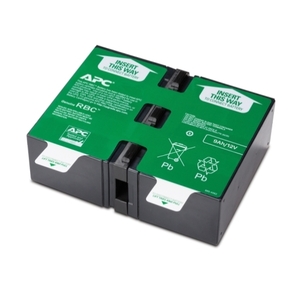
APC replacement battery cartridge
Featured APC replacement batteries
 
UPS sizing explained

How to size an APC UPS

Capacity and runtime are different. The watt rating tells you the supported load; runtime tells you how long that load can remain powered.

Step 1: Calculate the protected watt load

Add the measured or expected watts of every device connected to battery-backed outlets.

Total device watts × 1.25 = practical minimum UPS watt capacity

Step 2: Check runtime at that load

Use the exact APC model’s runtime curve. Runtime decreases as load rises and also varies with battery age and temperature.

Choose capacity first, then choose the required runtime
Recommended configurations

Example APC power-protection setups

These are starting points. Final selection should be based on measured load, runtime, outlet type, rack depth and management requirements.

Home office

  • BE-series UPS for modem and router
  • BX1200MI-AZ or BX1600MI-AZ for PC and monitors
  • Confirm Australian outlet count and battery-backed sockets

Small business rack

  • SMC1500I-2UC or suitable SMT model
  • AP9565 rack PDU
  • SmartConnect or AP9641 where remote management is required

Critical server infrastructure

  • SRT or SRTL online double-conversion UPS
  • Compatible network-management and environmental monitoring
  • Bypass, battery expansion and redundant power design as required
Frequently asked questions

APC UPS FAQs

Direct answers to common questions about Back-UPS, Smart-UPS, SmartConnect, batteries and rack power.

What is the difference between APC Back-UPS and Smart-UPS?
Back-UPS is primarily designed for home and small-office electronics. Smart-UPS is designed for business servers, networking and edge infrastructure, with pure sine wave output and stronger local, cloud or network-management options depending on the model.
Which APC UPS is best for a modem and router?
A compact BE-series Back-UPS such as BE550G-AZ or BE700G-AZ is a practical starting point. Confirm the modem and router’s combined watt draw and connect them only to battery-backed outlets.
Which APC UPS is best for a NAS?
Select by the combined load of the NAS, drives, switch and router. A BX model may suit a basic home NAS, while Smart-UPS C, SMT or SCL is preferable where pure sine wave output, USB shutdown or remote monitoring is required.
What is APC SmartConnect?
EcoStruxure IT SmartConnect is secure cloud-based monitoring for compatible APC Smart-UPS models with a SmartConnect Ethernet port. It can provide status monitoring, lifecycle notifications, diagnostics and supported firmware functions. Features and subscriptions vary.
What is the difference between line-interactive and online APC UPS?
A line-interactive UPS such as SMC, SMT or SMX normally supplies conditioned mains power and switches to battery during an outage. Smart-UPS On-Line SRT or SRTL continuously recreates the output power through double conversion and provides zero transfer time.
Should I choose lithium-ion or lead-acid Smart-UPS?
Lithium-ion UPS products are lighter and can provide a longer service life. APC states that its lithium-ion batteries are designed for up to about ten years under suitable conditions and can last around three times longer than traditional lead-acid batteries. Lead-acid systems usually cost less initially.
How do I find the correct APC replacement battery?
Use the complete UPS model number and Schneider Electric’s official replacement-battery compatibility information. Do not select an RBC only because the voltage, dimensions or connectors appear similar.
Can I connect a laser printer to an APC UPS?
Usually not to a standard small UPS. Laser printers can draw high startup and fuser current, which may overload the UPS. Use mains power or a surge-only outlet unless the UPS and printer documentation explicitly approve the connection.
Can an APC tower UPS be rack-mounted?
Only models designed as rack/tower convertible or supported by an approved rack kit should be installed horizontally. Do not place a tower-only UPS in a rack without confirming its mounting and airflow requirements.
How much UPS capacity headroom should I allow?
A practical starting point is at least 20–30% more watt capacity than the expected continuous load. More headroom may be needed for future expansion, inrush current or longer runtime.

Need help choosing an APC UPS in Australia?

Send us your equipment list, estimated or measured watt load, required runtime, outlet type, rack depth and management requirements. Our team can help shortlist compatible APC UPS, PDU, battery and monitoring options.

Request APC Product Advice
<