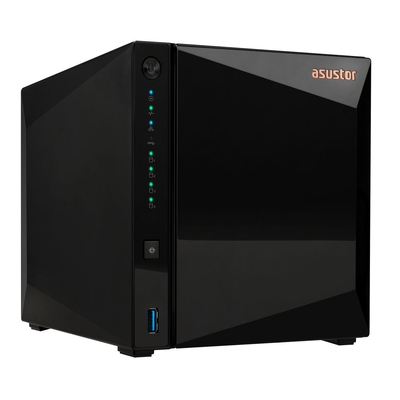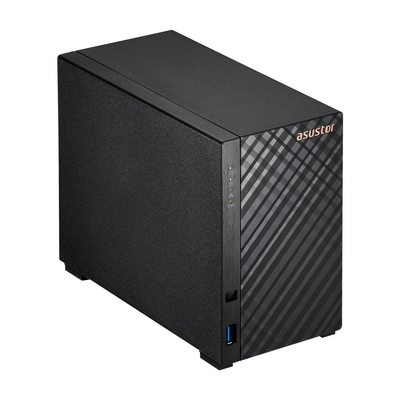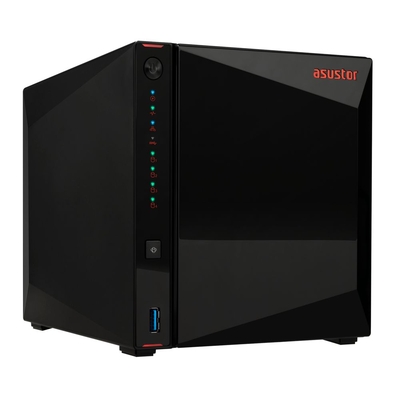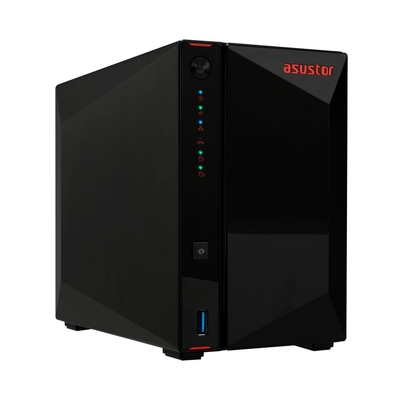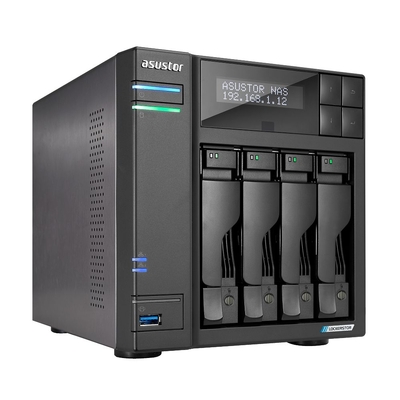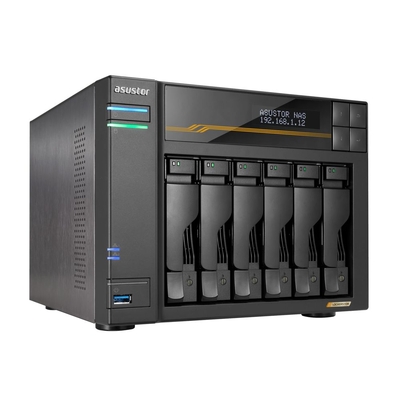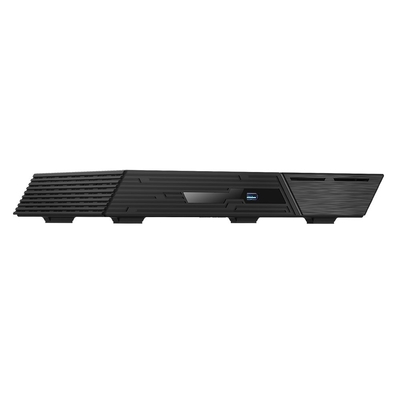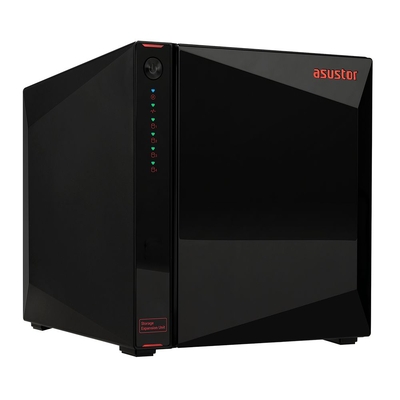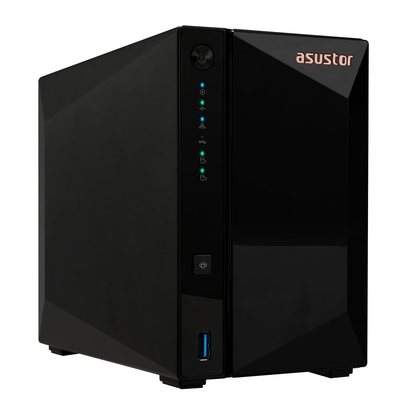
ASUSTOR NAS systems for home, media, business and all-flash storage
 
DeviceDeal Australian ASUSTOR NAS Guide

ASUSTOR NAS Buying Guide & Product Finder

Compare ASUSTOR Drivestor, Nimbustor, Lockerstor, Flashstor and Xpanstor products for backup, Plex, file sharing, creative workflows and business storage.

Reviewed by the DeviceDeal storage team • Updated July 2026

Answer-first guidance for ASUSTOR home, media, business and all-flash NAS This page compares series by drive bays, processor class, network speed, media features, expansion and workload.
Updated July 2026

Which ASUSTOR NAS Series Should You Choose?

Quick answer: choose Drivestor for affordable backups and basic file sharing, Nimbustor for home media and a stronger Intel-based application platform, Lockerstor for business workloads and higher expansion or networking requirements, and Flashstor when NVMe performance, low latency and compact all-flash storage matter most.
Entry-level storage Choose Drivestor

Best for personal backups, shared folders, remote access and direct-play media where a simple, efficient NAS is sufficient.

Home media and apps Choose Nimbustor

Intel Celeron models add expandable memory, M.2 NVMe slots, dual 2.5GbE and HDMI on supported models.

Business and power users Choose Lockerstor

Use Lockerstor for more bays, stronger processors, memory expansion, multiple network interfaces and demanding services.

Creative and all-flash Choose Flashstor

All-NVMe storage suits high IOPS, media production, virtual machines and fast 10GbE workflows when capacity planning supports SSDs.

1 Choose the number of bays Plan for usable capacity, RAID protection, future growth and whether you need SATA drives, M.2 NVMe storage or both.
2 Match processor and memory Basic backup needs less processing power than Plex transcoding, containers, surveillance, virtual machines or multi-user work.
3 Match network and expansion Choose 2.5GbE, 5GbE or 10GbE according to clients, switches and storage speed. Check HDMI, USB4 and expansion compatibility by model.

ASUSTOR NAS Series Compared at a Glance

Use this summary to narrow the series before comparing individual models.

Series Best for Typical strengths What to check before buying
Drivestor Personal cloud, backups, file sharing and entry-level NAS use Affordable ARM-based systems, 2.5GbE on current models shown here and low power consumption Fixed memory, application requirements, direct-play compatibility and the number of drive bays
Nimbustor / AS54 Plex, home labs, content storage and more demanding home users Intel N5105, expandable memory, four M.2 NVMe slots, dual 2.5GbE and HDMI 2.0b Plex Pass for hardware acceleration, media codec compatibility, RAM and required storage capacity
Lockerstor Gen2 Power users, small businesses, surveillance and virtualisation Intel platform, multiple SATA bays, M.2 NVMe, expandable RAM, dual 2.5GbE and HDMI on models such as AS6704T Bay count, memory, network speed, camera licences and whether Gen2 or newer Gen3 hardware is required
Lockerstor Gen3 High-performance business storage and creative teams AMD Ryzen Embedded, ECC DDR5 support, PCIe 4.0 NVMe, USB4 and multi-gigabit networking Exact model ports, optional expansion cards, client network capability and workload software compatibility
Flashstor Gen2 All-flash shared storage, low-latency workloads and media production Six or twelve NVMe slots, AMD Ryzen Embedded, ECC DDR5, USB4 and 10GbE networking NVMe compatibility, RAID design, cooling, usable capacity and whether one or two 10GbE ports are required
Xpanstor Adding SATA drive bays to compatible ASUSTOR NAS systems Four hot-swappable SATA bays and USB 3.2 Gen 2 Type-C connectivity NAS compatibility, expansion-unit limits, cable connection and whether storage will be used for expansion or MyArchive

Why Buy an ASUSTOR NAS from DeviceDeal?

DeviceDeal supplies ASUSTOR NAS systems for Australian homes, creative users and businesses. Our team can help match drive bays, RAID, processor, memory, network speed, media requirements and compatible drives before you order.

Australian Supply

Order ASUSTOR NAS hardware and compatible storage through an established Australian ICT retailer.

NAS Selection Help

Get pre-sales guidance for backup, Plex, surveillance, file sharing, creative work and business storage.

Complete Storage Solutions

Combine the NAS with compatible hard drives, SSDs, switches, UPS protection and expansion accessories.

Business & Project Supply

Suitable for individual orders, office deployments, creative teams and larger storage projects.

Which ASUSTOR NAS Models Suit Common Use Cases?

A practical shortlist covering entry-level backups, Intel-based home media and AMD Ryzen all-flash storage.
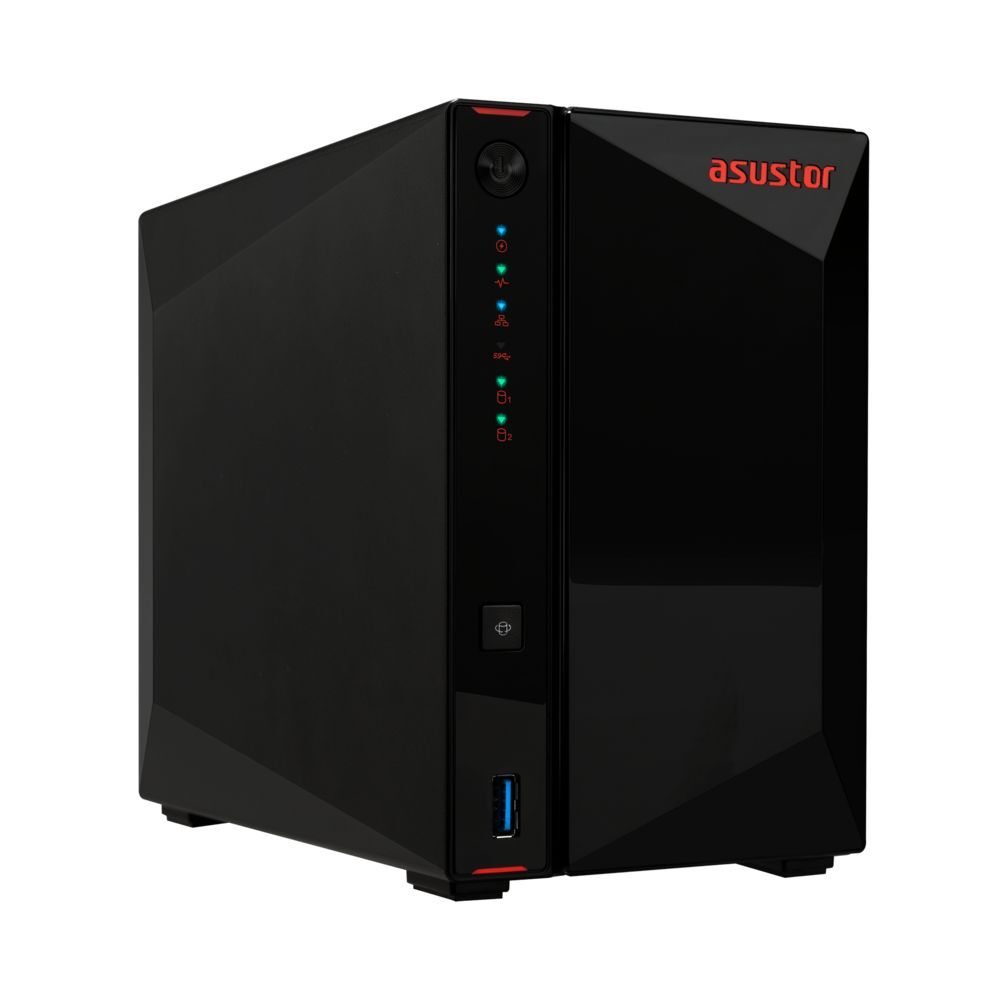
Asustor AS5402T Nimbustor
Best Seller

AS5402T Nimbustor — 2-Bay Performance NAS

An Intel Celeron N5105 two-bay NAS with 4GB DDR4, four M.2 NVMe slots, dual 2.5GbE and HDMI 2.0b. It is a strong option for home media, application hosting and faster local-network storage.
  • CPU: Intel Celeron N5105 (4-core, 2.9GHz burst)
  • RAM: 4GB DDR4 (expandable to 16GB)
  • Network: 2x 2.5GbE
  • Output: HDMI 2.0b (4K 60Hz)
View Product
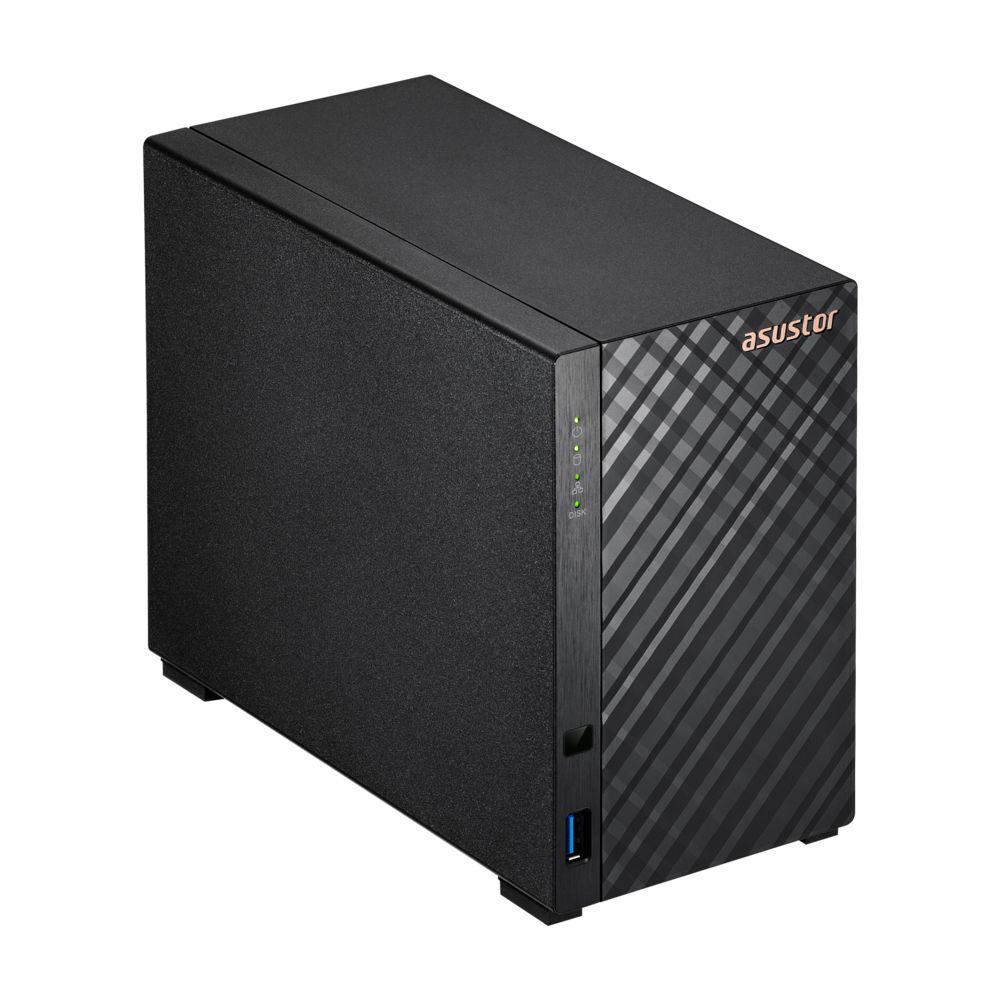
Asustor AS1102TL Drivestor
Budget Pick

AS1102TL Drivestor — 2-Bay Budget NAS

An entry-level two-bay NAS using a Realtek RTD1619B processor with 1GB DDR4 and 2.5GbE. It suits personal backups, shared folders, remote access and compatible direct-play media.
  • CPU: Realtek RTD1619B (4-core, 1.7GHz)
  • RAM: 1GB DDR4
  • Network: 1x 2.5GbE
  • Power: Ultra low-power design
View Product
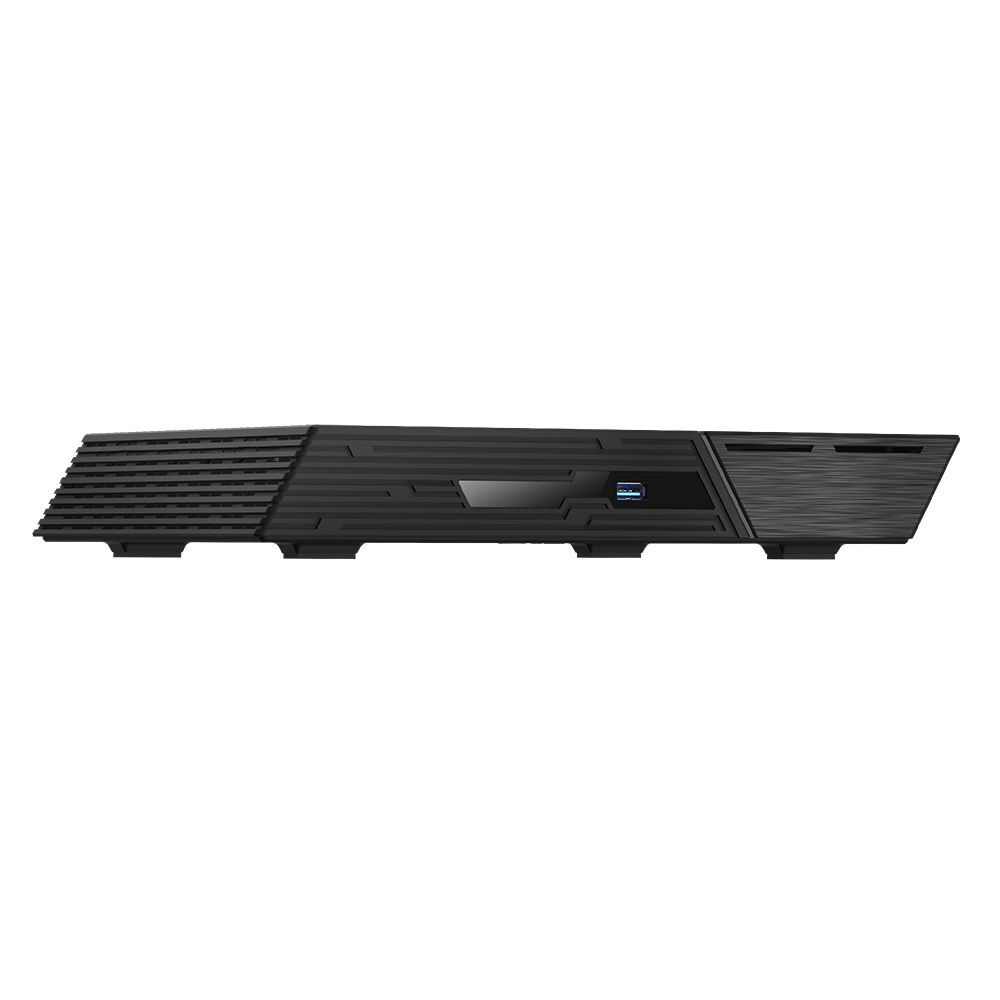
Asustor FS6806X Flashstor
Performance Pick

FS6806X Flashstor — 6-Bay All-NVMe NAS

A six-slot M.2 NVMe NAS powered by AMD Ryzen Embedded V3C14 with ECC DDR5 support, USB4 and 10GbE networking. It suits low-latency storage, creative workflows and high-speed backups.

  • CPU: AMD Ryzen V3C14
  • Storage: 6x M.2 NVMe slots
  • Network: 1x 10GbE
  • Use case: Video editing, creative workflows
View Product

Is ASUSTOR Drivestor the Right Entry-Level NAS?

Affordable Storage Without Compromise

The Asustor Drivestor series is designed for first-time NAS buyers and home users who want reliable network storage at the lowest possible price. The Drivestor models shown on this page include 2.5GbE networking, providing faster-than-Gigabit transfer potential when the rest of the network supports 2.5GbE.

  • Entry-level 2-bay: AS1102TL (Realtek RTD1619B, 1GB RAM) — the most affordable Asustor NAS. Ideal for personal file storage, Time Machine backups and light Plex streaming. Single 2.5GbE port for faster-than-gigabit transfers.
  • Upgraded 2-bay: AS3302T-V2 (Realtek RTD1619B, 2GB RAM) — double the RAM of the AS1102TL for better multitasking and Docker container support. Great for home users who want to run a few apps alongside file sharing.
  • 4-bay budget: AS3304T-V2 (Realtek RTD1619B, 2GB RAM) — four drive bays for RAID 5/6 data protection on a budget. Perfect for growing media libraries and small office backups.

Drivestor models run ADM and support a range of apps through App Central. Check the exact model and ADM version for application, container and media-transcoding compatibility.

Asustor Drivestor AS1102TL

Drivestor Series


Is ASUSTOR Nimbustor a Good NAS for Plex and Home Labs?

The Sweet Spot for Plex & Power Users

The AS54 Nimbustor models combine Intel Celeron N5105 processors, 4GB DDR4, four M.2 NVMe slots, dual 2.5GbE and HDMI 2.0b. They suit home media, application hosting, content storage and home-lab use.

  • 2-bay performance: AS5402T (Celeron N5105, 4GB DDR4) — our best-selling Asustor NAS. Intel Quick Sync can support Plex hardware-accelerated transcoding when Plex Pass, compatible codecs and the correct ADM media settings are used. Dual 2.5GbE supports link aggregation or SMB Multichannel in compatible network configurations.
  • 4-bay performance: AS5404T (Celeron N5105, 4GB DDR4) — same powerful platform as the AS5402T with four drive bays for RAID 5 redundancy. Ideal for large Plex libraries, family media servers and small business file sharing.

Both AS54 models support memory expansion up to 16GB and can run supported container applications through ADM. Confirm application requirements before deployment.

Asustor Nimbustor AS5404T

Nimbustor Series


Which ASUSTOR Lockerstor Is Best for Business or Power Users?

Business-Grade Storage with 10GbE

The Lockerstor family covers power-user and business NAS systems with expandable memory, M.2 NVMe support and multi-gigabit networking. Features vary significantly between Lockerstor Gen2 and newer AMD Ryzen-based Gen3 models.

  • 4-bay premium: AS6704T (Celeron N5105, 4GB DDR4) — four 3.5″ bays plus dual M.2 NVMe cache slots for SSD-accelerated reads and writes. Dual 2.5GbE ports with link aggregation. Ideal for SMBs and power users who need more than Nimbustor.
  • 6-bay powerhouse: AS6806T (AMD Ryzen V3C14) — six SATA bays with AMD Ryzen Embedded V3C14, 16GB ECC DDR5, four M.2 NVMe slots, dual 10GbE, dual 5GbE and USB4 for demanding business and creative workloads.

Lockerstor systems can support surveillance, containers, virtualisation and high-throughput file services, but camera limits and application support depend on the exact model, memory and licence configuration.
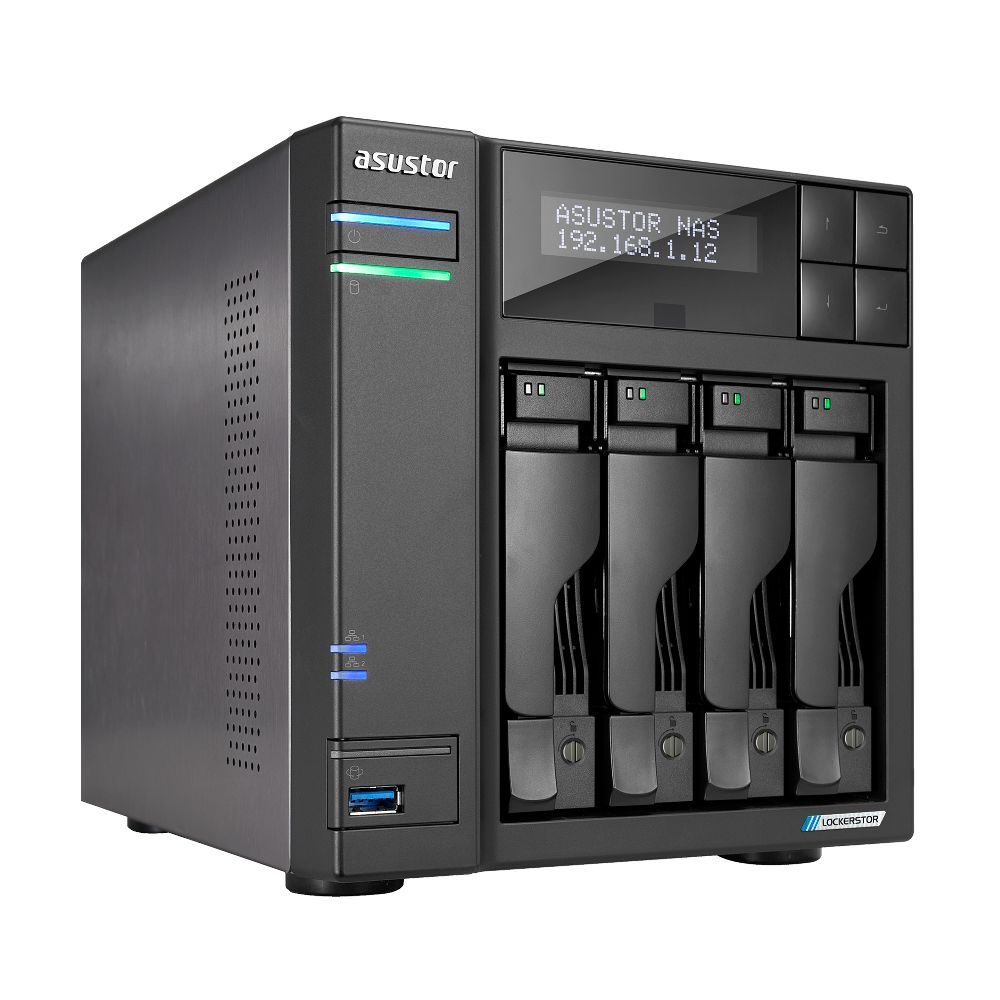
Asustor Lockerstor AS6704T

Lockerstor Series


When Should You Choose an ASUSTOR Flashstor All-NVMe NAS?

Blazing-Fast NVMe for Creative Professionals

The Flashstor series uses M.2 NVMe storage for high IOPS, low latency and compact all-flash capacity. It is suited to media production, virtual machines, shared project storage and other workloads that benefit from SSD performance.

  • 6-bay NVMe: FS6806X (AMD Ryzen V3C14, 6x M.2 NVMe) — six M.2 2280 NVMe slots, one 10GbE port, 16GB ECC DDR5 and USB4. It is suited to fast shared storage and creative workflows when the client network and SSD configuration can support the required throughput.
  • 12-bay NVMe: FS6812X (AMD Ryzen V3C14, 12x M.2 NVMe) — twelve M.2 NVMe slots, dual 10GbE, 16GB ECC DDR5 and USB4 for larger all-flash pools and multi-user creative environments.

Flashstor Gen2 models use active cooling and support multiple RAID levels through ADM. Check the current compatibility list for NVMe drives, expansion and applications.

Asustor Flashstor FS6806X

Flashstor Series


How Can You Expand an ASUSTOR NAS?

Add More Drives Without Replacing Your NAS

When your Asustor NAS runs out of bays, the Xpanstor USB expansion unit lets you add more storage without migrating to a larger NAS.

  • 4-bay USB-C DAS: AS5004U (USB 3.2 Gen 2, 10Gbps) — connect to any Asustor NAS via USB-C to add four additional 3.5″ SATA drive bays. Connects to compatible ASUSTOR NAS systems through USB 3.2 Gen 2 Type-C to add four SATA drive bays. Check the official compatibility list and expansion limits for the host NAS.

The Xpanstor is also useful as a MyArchive companion — swap drives in and out for offline cold storage, archival backups and media rotation.

Expansion Units


What Is the Best ASUSTOR NAS Setup for Your Use Case?

Example configurations to help plan capacity, RAID, networking and backup. Final compatibility and usable capacity depend on the selected drives, RAID level and workload.

Home Media Server

A two-bay Intel-based home media setup with HDMI and optional Plex hardware acceleration.

Role Product Why
NAS AS5402T Celeron N5105 hardware Plex transcoding, HDMI out
Storage 2x WD Red Plus 4TB CMR drives optimised for NAS, RAID 1 mirror
Use case Plex + Jellyfin + Kodi Use direct play where possible; transcoding capability depends on codecs, clients and Plex configuration

Creative Pro Studio

All-NVMe shared storage for low-latency media and photography workflows.

Role Product Why
NAS FS6806X 6x NVMe, dual 10GbE, AMD Ryzen
Storage 4x 2TB NVMe SSDs RAID 5 for speed + redundancy
Network 10GbE switch + DAC cables 10GbE client and switch connectivity for fast shared storage

Small Office / SOHO

Reliable file sharing, backups and surveillance for small teams.

Role Product Why
NAS AS5404T 4-bay, Celeron N5105, dual 2.5GbE
Storage 4x WD Red Plus 8TB RAID 5 with 24TB usable, one-drive redundancy
Backup AS5004U Xpanstor USB expansion for offline backup rotation
Surveillance Asustor Surveillance Center Four licence-free Surveillance Center channels on supported ASUSTOR NAS models

Frequently Asked Questions About ASUSTOR NAS

Which ASUSTOR NAS is best for Plex?
For a home Plex server, the AS5402T or AS5404T is a practical starting point because the Intel Celeron N5105 includes integrated graphics, and the models provide expandable memory, dual 2.5GbE, M.2 NVMe slots and HDMI 2.0b. Plex hardware-accelerated transcoding requires Plex Pass, compatible media and the correct ADM media settings. Direct play is preferable whenever the client supports the file format.
How many drive bays should an ASUSTOR NAS have?
Choose two bays for a compact RAID 1 setup, four bays when you need RAID 5, more capacity or better expansion, and six or more bays for larger business or creative storage. Include future growth and remember that RAID is not a backup.
What is ADM?
ADM is ASUSTOR Data Master, the operating system used to configure storage, users, file services, backups, snapshots, remote access, surveillance and applications. App availability and hardware features depend on the NAS model and ADM version.
What is the difference between Drivestor and Nimbustor?
Drivestor is an affordable ARM-based range for backups, file sharing and lighter applications. The AS54 Nimbustor models use Intel Celeron processors and add expandable memory, four M.2 NVMe slots, dual 2.5GbE and HDMI, making them more suitable for Plex, containers and home-lab applications.
What is the difference between Lockerstor Gen2 and Lockerstor Gen3?
Lockerstor Gen2 models such as the AS6704T use Intel Celeron hardware with dual 2.5GbE, M.2 slots and HDMI. Lockerstor Gen3 models such as the AS6806T use AMD Ryzen Embedded processors, ECC DDR5, PCIe 4.0 NVMe, USB4 and faster multi-gigabit networking. Choose by workload, software compatibility, bays and network requirements.
When should I choose Flashstor instead of a hard-drive NAS?
Choose Flashstor when low latency, high IOPS, quiet compact storage or fast 10GbE workflows are more important than the lowest cost per terabyte. A hard-drive NAS is normally more economical for large backup archives and media libraries.
Does every ASUSTOR NAS have 2.5GbE and HDMI?
No. Network and multimedia ports vary by series and model. The Drivestor, AS54 and Lockerstor models shown on this page have multi-gigabit networking, but HDMI is only included on selected Intel models. Flashstor Gen2 models do not include HDMI.
Can an ASUSTOR NAS back up Windows PCs, Macs and cloud services?
ASUSTOR NAS systems support SMB file services, Time Machine and multiple backup or synchronisation applications. The exact cloud providers, software features and retention options depend on the ADM version and installed applications.
Is RAID a backup?
No. RAID can improve availability when a drive fails, but it does not protect against accidental deletion, ransomware, theft, fire or multiple failures. Keep another backup on a separate NAS, external drive, cloud service or off-site location.

Still Not Sure Which ASUSTOR NAS You Need?

Send the DeviceDeal storage team your required capacity, number of users, backup plan, Plex or application needs, network speed and preferred RAID level. We can help narrow the suitable NAS, drives and accessories before you order.

Ask an ASUSTOR NAS Specialist