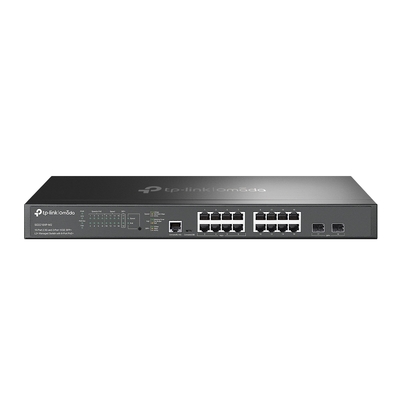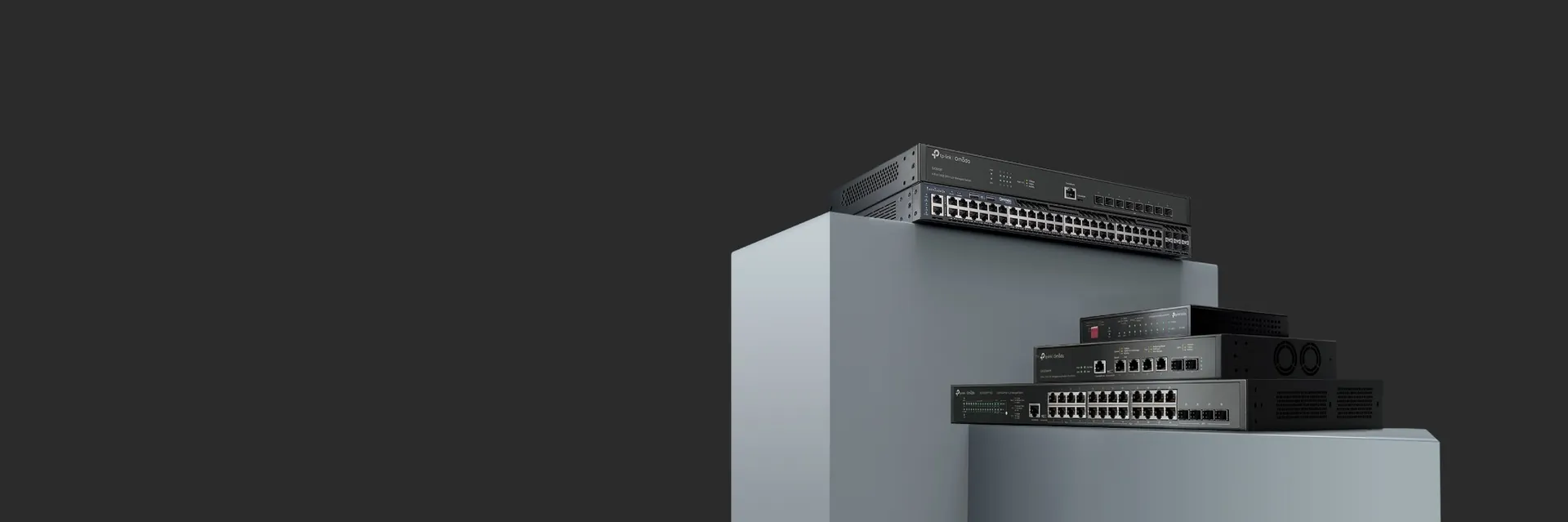
TP-Link Omada managed switches for business networking
 
DeviceDeal Australian TP-Link Buying Guide

TP-Link Buying Guide & Product Finder for Home and Business

Compare TP-Link Omada, Archer, Deco, switches, VIGI cameras and Tapo products, with practical recommendations for Australian homes and businesses.

Reviewed by the DeviceDeal networking team • Updated July 2026

Expert-reviewed guidance for Australian home and business buyers This guide compares TP-Link ranges by use case, management platform, network size, performance, PoE requirements and expansion plans.
Updated July 2026

Which TP-Link Product Range Should You Choose?

Quick answer: choose Omada for centrally managed business networks, Archer or Deco for home internet and whole-home WiFi, VIGI for professional surveillance, and Tapo for affordable smart-home devices. Select switches and PoE equipment according to port speed, PoE budget, device count and future expansion.
Business networking Choose Omada SDN

Best for offices, retail, hospitality, warehouses and multi-site networks requiring central management.

Home WiFi Choose Archer or Deco

Use Archer for a single-router setup and Deco when you need seamless whole-home mesh coverage.

Business surveillance Choose VIGI

Pair VIGI cameras with a compatible NVR when you need local recording and business-focused monitoring.

Smart home Choose Tapo

Start with smart bulbs, plugs, cameras and sensors controlled through the Tapo mobile app.

1 Choose the environment Decide whether the deployment is for a home, office, site-to-site link, surveillance system or smart home.
2 Choose management Select Omada for centralised business management or standalone Archer, Deco, VIGI and Tapo products for simpler setups.
3 Match performance Check internet speed, WiFi standard, switch port speed, PoE budget, coverage and the number of connected devices.

TP-Link Product Families Compared at a Glance

Use this summary to identify the right product family before reviewing individual models and specifications.

Product family Best for Management What to compare before buying
Omada Offices, retail, hospitality, warehouses and multi-site business networks Centralised Omada controller or cloud management on supported models Gateway throughput, WiFi standard, switch uplinks, PoE budget, VLAN requirements and expansion
Archer Homes and small offices needing a single standalone router TP-Link web interface or mobile app, depending on model Internet connection type, WiFi generation, coverage, Ethernet ports and 4G/5G support
Deco Whole-home mesh WiFi and properties with multiple rooms or levels Deco mobile app Coverage, number of mesh units, wired backhaul, PoE support and WiFi generation
VIGI Professional IP surveillance for homes, shops, offices and commercial sites VIGI app, VIGI Security Manager or compatible NVR Resolution, lens, night vision, PoE, weather rating, recording capacity and channel count
Tapo Affordable smart-home lighting, plugs, sensors and consumer cameras Tapo mobile app Fitting type, indoor or outdoor use, hub requirements, voice-assistant support and app features
Switches & PoE Adding wired ports and powering access points, cameras and IP phones Unmanaged, Easy Smart, JetStream or Omada-managed, depending on model Port count, 1G/2.5G/10G speed, PoE standard, total PoE budget, SFP uplinks and rack mounting

Why Buy TP-Link from DeviceDeal?

DeviceDeal supplies TP-Link products for home users, businesses, installers and managed-service providers across Australia. Our team can help match Omada, Archer, Deco, VIGI, Tapo, switching and PoE products to the requirements of your project.

Best Prices

Consistently competitive pricing across 775+ TP-Link SKUs — Omada, Archer, VIGI and Tapo.

Australian Stock

All products ship from our Australian warehouse. Same-day dispatch on orders before 2pm AEST.

Omada SDN Experts

We design and spec complete Omada deployments for offices, hotels, warehouses and campuses.

Full Ecosystem

From $15 Tapo smart bulbs to enterprise WiFi 7 APs — one supplier for the entire TP-Link range.

Which TP-Link Products Are Popular with Australian Buyers?

Hand-picked products based on what Australian businesses and home users are buying most.
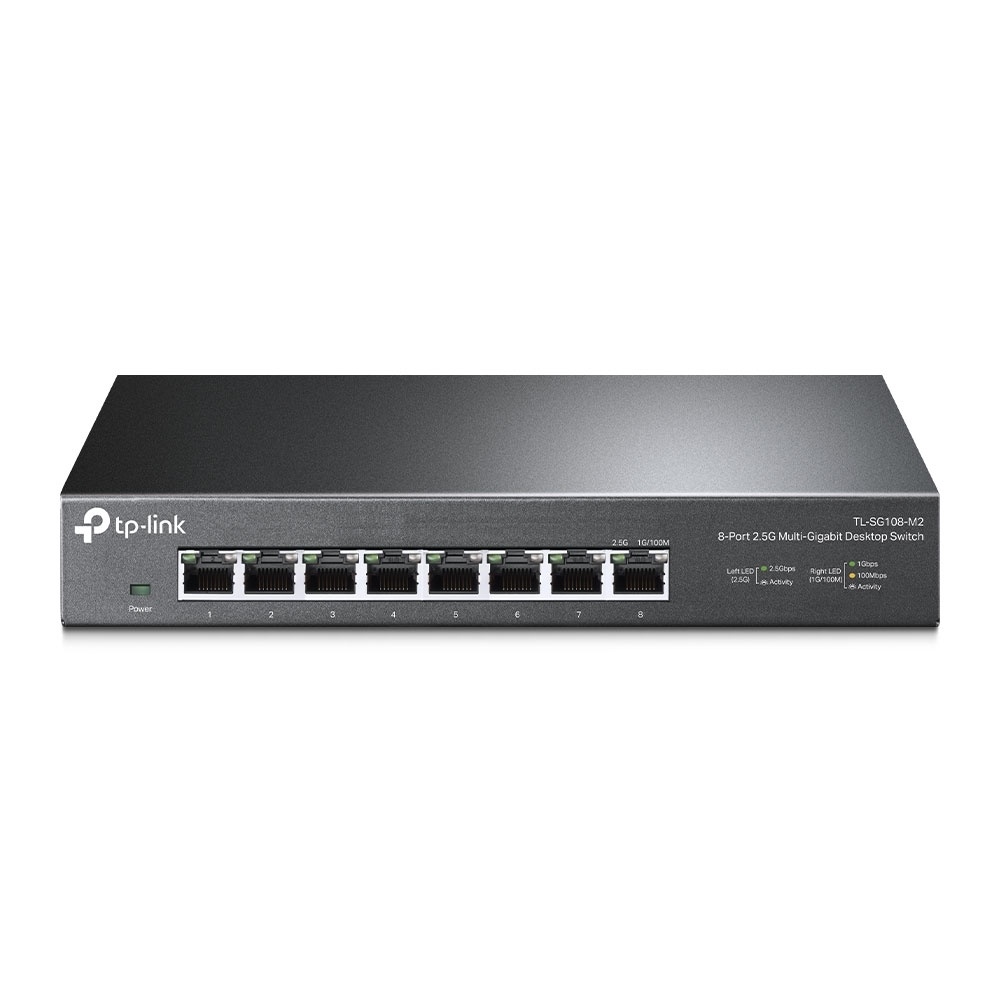
TP-Link TL-SG108-M2 2.5G Switch
Best Seller

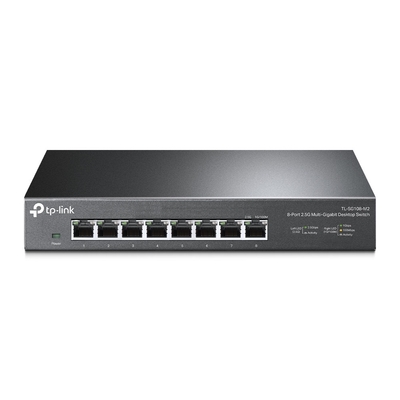
TL-SG108-M2 — 8-Port 2.5G Switch

Our #1 selling TP-Link product. 8 ports of 2.5GbE for WiFi 6/7 AP uplinks, NAS and multi-gig devices. Fanless, plug-and-play, desktop form factor.
  • Ports: 8x 2.5GbE RJ45
  • Switching: 40 Gbps non-blocking
View Product
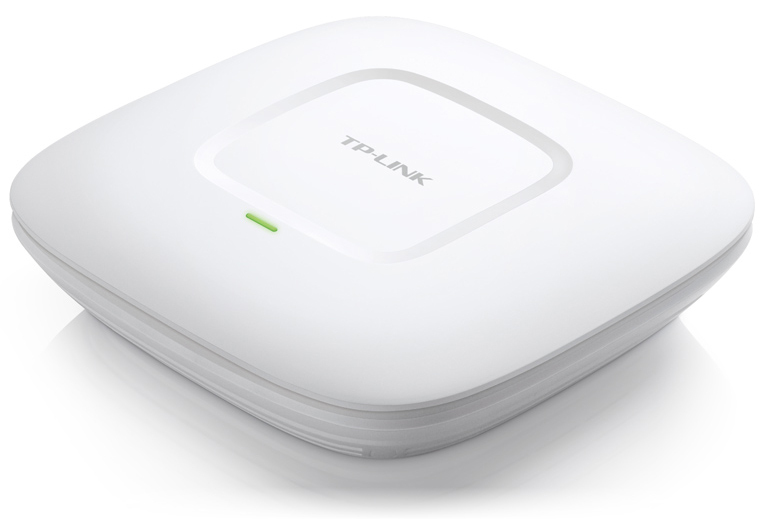
TP-Link EAP225 Omada AP
Best Seller

EAP225 — Omada AC1350 Ceiling-Mount AP

The proven workhorse of Omada deployments. PoE-powered ceiling mount with centralised cloud management.  — our top-selling Omada access point.
  • WiFi: AC1350 dual-band (450 + 867 Mbps)
  • PoE: 802.3af powered
  • Management: Omada SDN (free cloud controller)
View Product
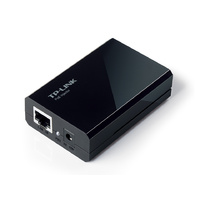
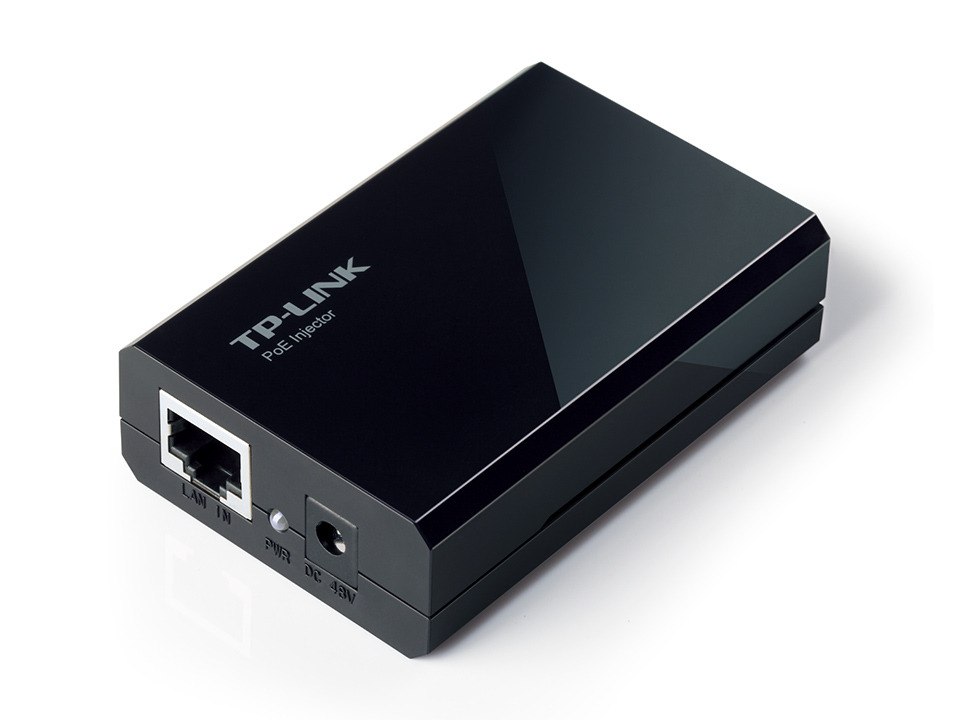
TP-Link TL-PoE150S PoE Injector
Best Value

TL-PoE150S — 802.3af PoE Injector

Our #1 PoE accessory. Powers any 802.3af device (APs, cameras, IP phones) up to 15.4W via a single Ethernet cable. Essential for every Omada deployment.
  • Standard: IEEE 802.3af (15.4W)
  • Data rate: Gigabit pass-through
View Product
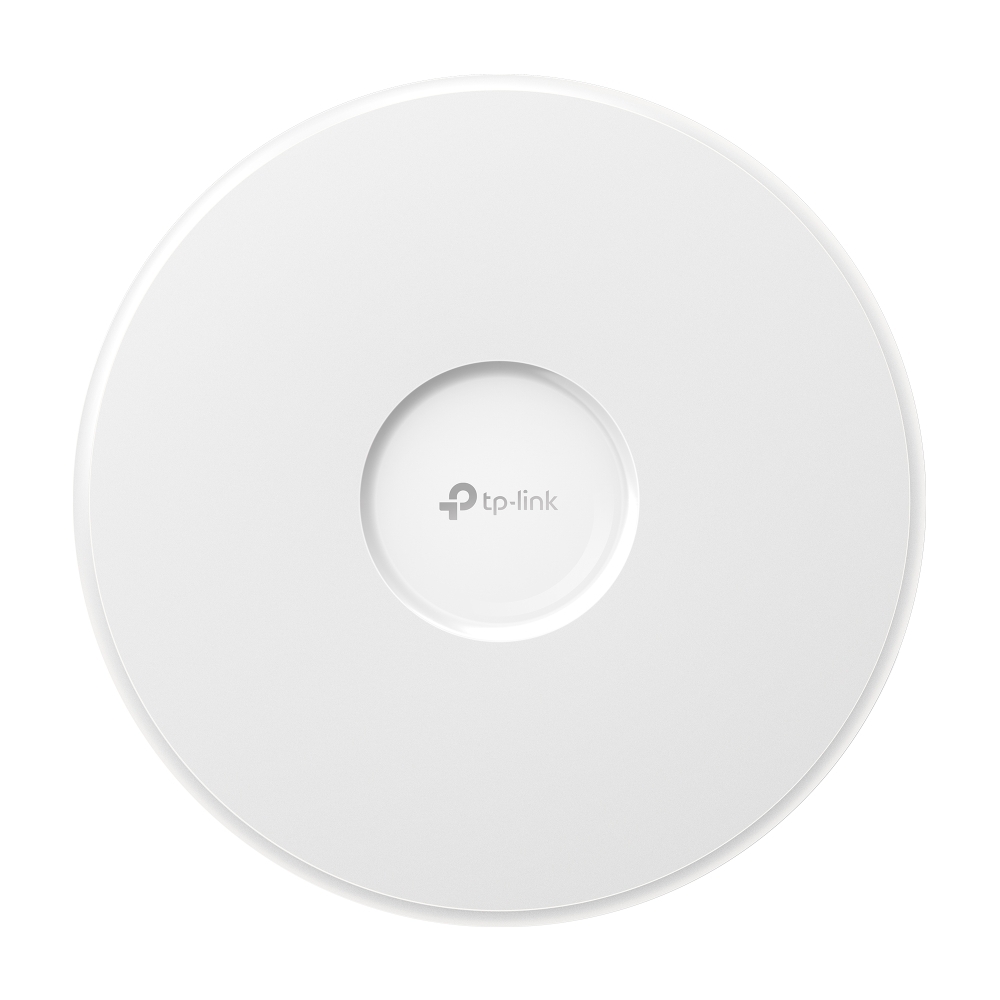
TP-Link EAP772 WiFi 7 AP
New — WiFi 7

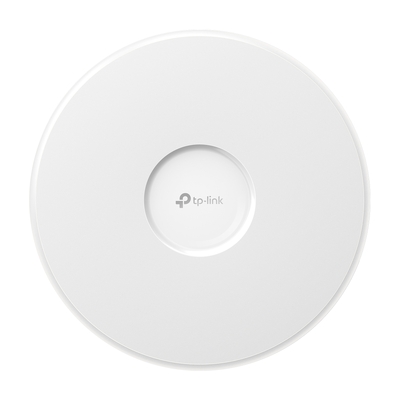
EAP772 — Omada BE9300 Tri-Band WiFi 7 AP

The flagship Omada ceiling-mount AP. WiFi 7 with 10G uplink, AI-driven roaming and multi-link operation. Ideal for high-density offices, hotels and stadiums.

  • WiFi: BE9300 tri-band (WiFi 7)
  • Uplink: 10GbE + 2.5GbE
View Product

Which TP-Link Omada Products Should You Choose for a Business Network?

Enterprise-Grade WiFi Without the Enterprise Price Tag

TP-Link’s Omada SDN platform delivers centralised cloud management for access points, switches, routers and gateways — similar to Ubiquiti UniFi but often at a lower price point with free cloud controller access.

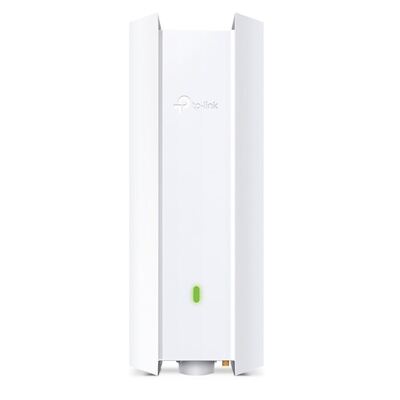
  • WiFi 7 flagship: EAP772 (BE9300 tri-band) — the newest Omada ceiling-mount AP with WiFi 7, 10G uplink and AI-driven roaming. Ideal for high-density offices and hotels.
  • Budget workhorse: EAP225 (AC1350 dual-band) — our best-selling Omada AP. Proven reliability for offices, warehouses and retail with PoE powered ceiling mount.
  • Indoor/outdoor WiFi 6: EAP650-Outdoor (AX3000, IP67) — weatherproof dual-band AP for car parks, patios and outdoor areas.
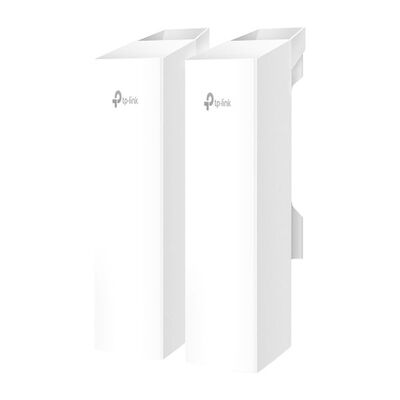
  • Wireless bridge: EAP211-BRIDGE-KIT (5GHz, 867Mbps) — point-to-point bridge kit for connecting buildings up to 1km apart without cabling.
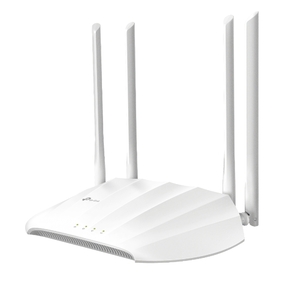
  • Budget AP: TL-WA1201 (AC1200) — affordable ceiling/wall mount for small offices that don’t need Omada controller.
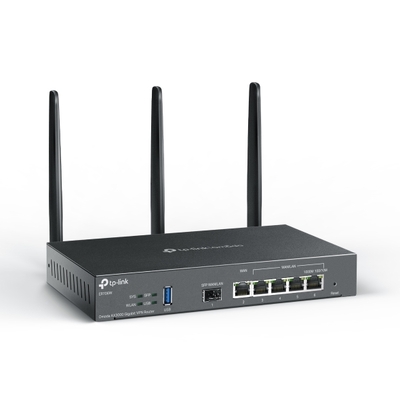
  • VPN Router: ER706W (AX3000 Omada) — multi-WAN VPN router with WiFi 6 and Omada cloud management. Perfect SMB gateway.
TP-Link Omada EAP772

Top-Selling Omada Access Points & Routers


Which TP-Link Router or Deco Mesh System Is Right for Your Home?

Fast, Reliable WiFi for Every Home

From budget AC1200 routers to WiFi 6 mesh systems that blanket your entire home, TP-Link’s Archer and Deco ranges cover every need and budget.
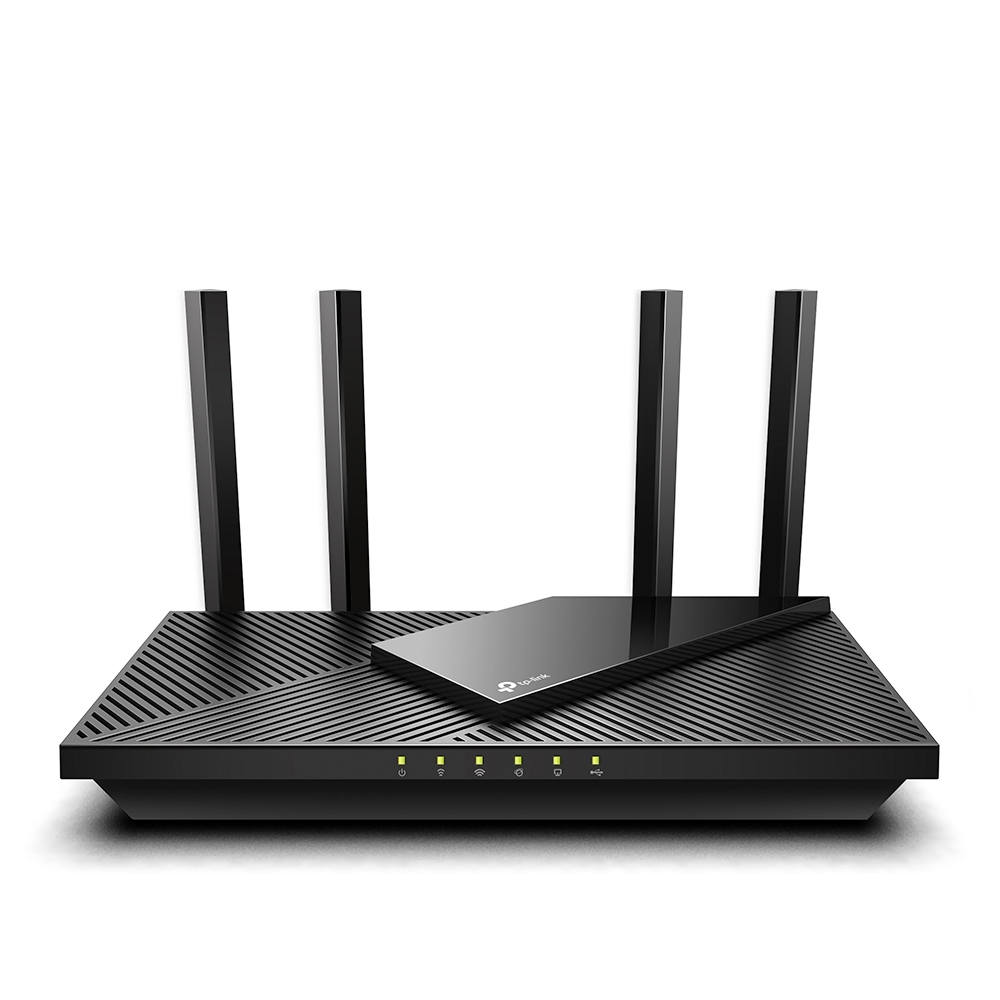
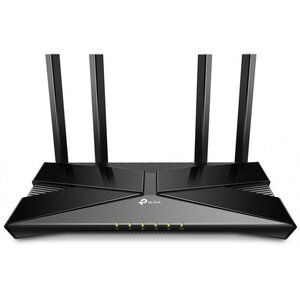
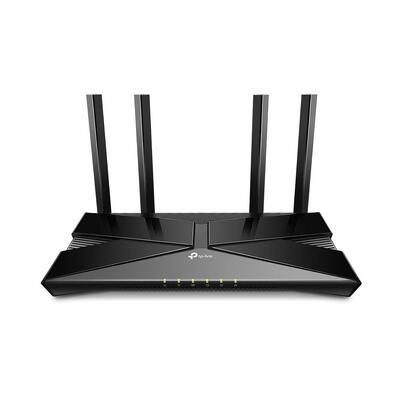
  • WiFi 6 value king: Archer-AX1500 (AX1500) — dual-band WiFi 6 at an unbeatable price. Perfect for apartments and small homes.
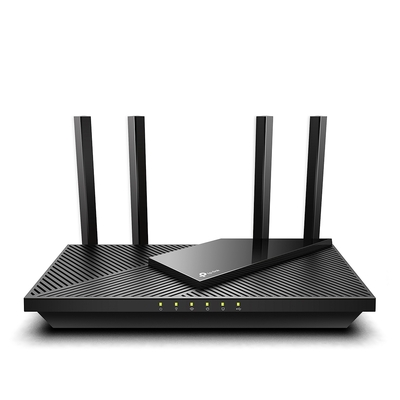
  • Mid-range WiFi 6: AX1800 (AX1800) or Archer-AX55 (AX3000) — faster throughput, ideal for streaming 4K and gaming households.
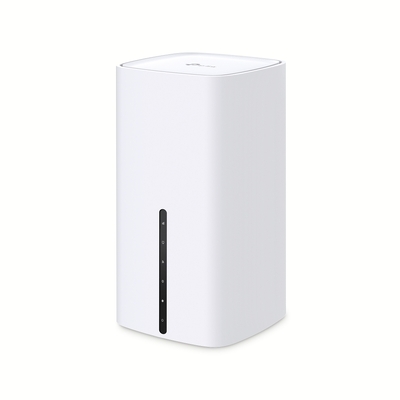
  • 5G home broadband: Archer-NX200 (AX1800 + 5G) — dual-band WiFi 6 router with built-in 5G modem. Fast broadband where NBN isn’t available.
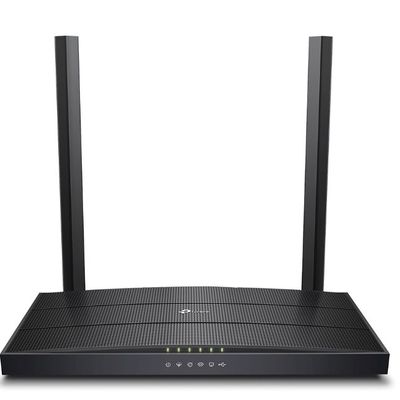
  • VDSL/ADSL modem: Archer-VR400 (AC1200) — all-in-one modem router for NBN FTTN/FTTB and ADSL connections.
  • 4G backup: ArcherMR200 (AC750 + 4G LTE) — dual-band router with 4G failover for business continuity.
  • Budget classic: ArcherA6 (AC1200) — reliable, affordable dual-band gigabit router.
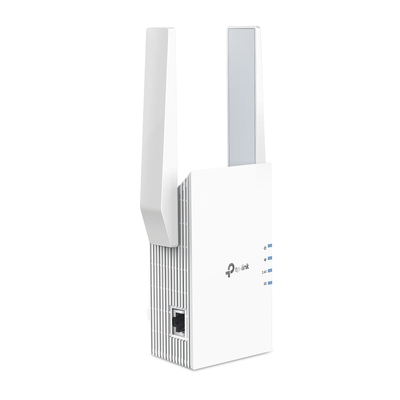
  • WiFi extender: RE705X (AX3000) — mesh-capable range extender to eliminate dead spots.

Deco Whole-Home Mesh WiFi

  • WiFi 6 mesh: DECO-X55-2PK (AX3000, 2-pack) — seamless whole-home coverage up to 370m². Easy Deco app setup.
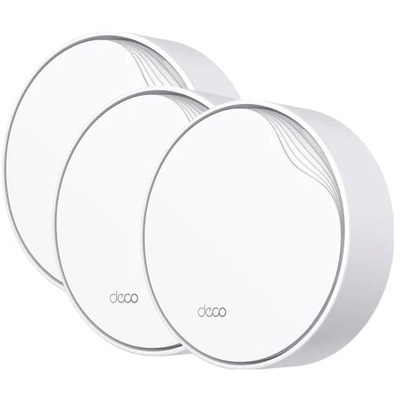
  • PoE mesh: DECO-X50-POE-3PK (AX3000, PoE, 3-pack) — power Deco nodes via Ethernet — no power adapters needed.
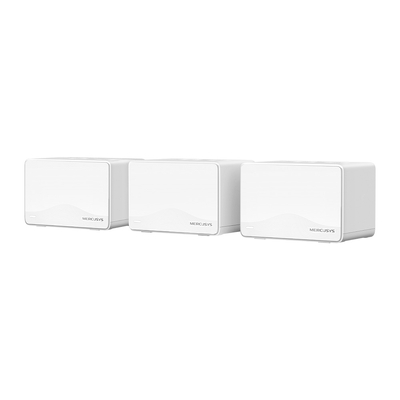
  • WiFi 7 mesh (Mercusys): Halo-H25BE-3-pack (BE3600, 3-pack) — affordable WiFi 7 whole-home mesh at an incredible price.
TP-Link Archer AX55

Top-Selling Routers & Mesh WiFi


Which TP-Link Network Switch Do You Need?

Unmanaged, Smart & Managed Switches for Every Budget

TP-Link offers one of the widest switch ranges on the market — from simple 5-port desktop switches to 48-port L2+ managed PoE switches with 10G uplinks.

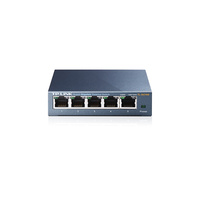
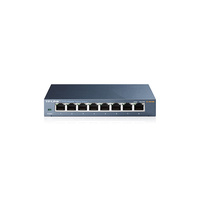
  • 5-port desktop: TL-SG105  or MS105G (Mercusys) — simple plug-and-play gigabit desktop switches from under $20.
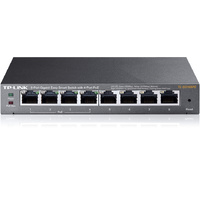
  • 8-port gigabit: TL-SG108  or TL-SG108E (smart managed) — add VLANs, QoS and IGMP snooping with the Easy Smart range.
  • 8-port 2.5G: TL-SG108-M2 — our most popular multi-gig switch. 8x 2.5GbE ports for WiFi 6/7 AP uplinks.
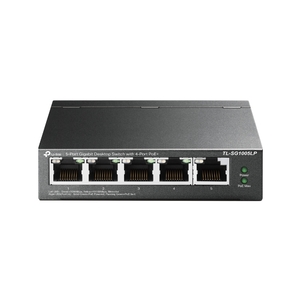
  • 5-port PoE: TL-SG1005P (4x PoE) or TL-SG1005LP (4x PoE, 40W budget) — power APs and IP cameras without injectors.
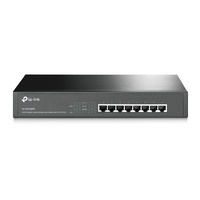
  • 8-port PoE: TL-SG1008MP (8x PoE+, 153W) — desktop/rackmount PoE switch for medium deployments.
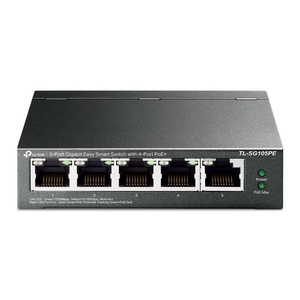
  • 5-port smart PoE: TL-SG105PE (4x PoE) — managed 5-port with VLANs and PoE control.
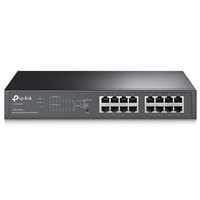
  • 16-port PoE rack: TL-SG1016PE (8x PoE) or TL-SG116P (16x PoE) — rackmount PoE for structured cabling.
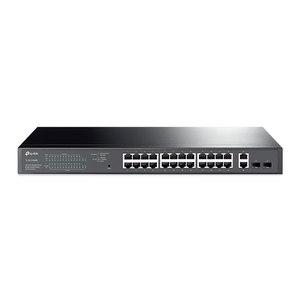
  • 28-port enterprise: TL-SG1428PE (24x GbE + 2x SFP, PoE) — large office PoE switch.
  • 2.5G managed: SG3218XP-M2 (16x 2.5G + 2x 10G SFP+, PoE) — Omada L2+ managed multi-gig switch with 10G uplinks.
  • 24-port L2+ PoE: TL-SG3428XMP (24x PoE+ GbE + 4x 10G SFP+) — JetStream enterprise managed switch.
  • 48-port L2+: TL-SG3452 (48x GbE + 4x SFP) — large-scale wired backbone.
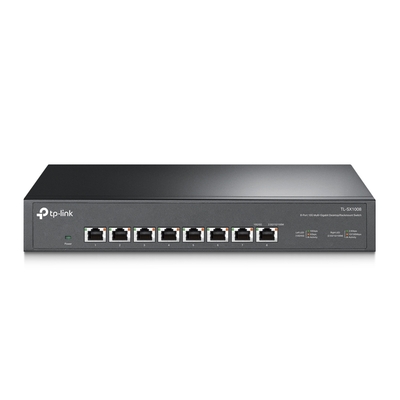
  • 10G switch: TL-SX1008 (8x 10GbE) — multi-gigabit switch for NAS, server and high-speed backbone.
TP-Link 2.5G Switch

Top-Selling Switches


When Should You Use a PoE Injector or Fibre Converter?

Power & Connect Your Devices

TP-Link’s PoE injectors and media converters are essential accessories for deploying APs, cameras and connecting fibre runs.

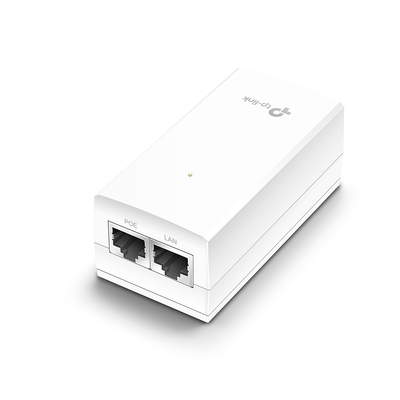
  • PoE injector (802.3af): TL-PoE150S — our #1 PoE accessory. Powers any 802.3af device up to 15.4W via Ethernet.
  • Passive PoE injector: TL-POE4818G (48V) — passive PoE for Omada EAP and other 48V devices.
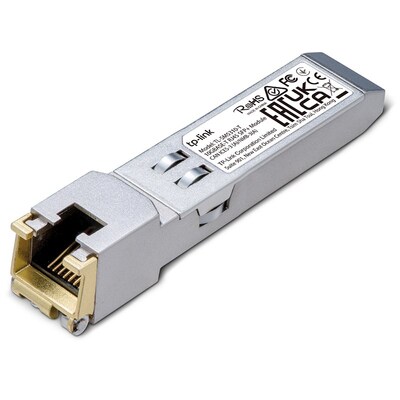
  • 10G SFP+ RJ45: TL-SM5310-T — 10GBase-T copper SFP+ module for connecting to any RJ45 device at 10Gbps.
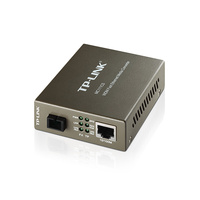
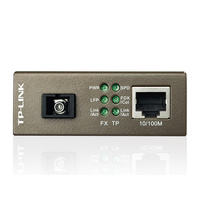
  • Fibre converter (100M): MC111CS + MC112CS — single-mode fibre media converter pair for long-distance connections up to 20km.
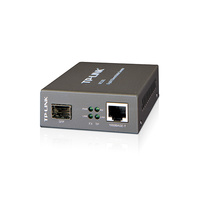
  • Fibre converter (1G): MC220L — gigabit SFP fibre converter for backbone and building-to-building links.
TP-Link PoE Injector

Top-Selling PoE & Fibre


Which TP-Link Network Adapter Should You Choose?

Upgrade Your PC’s Networking

Add 2.5G Ethernet, WiFi 6/6E or Bluetooth to any desktop or laptop with TP-Link’s PCIe and USB adapters.

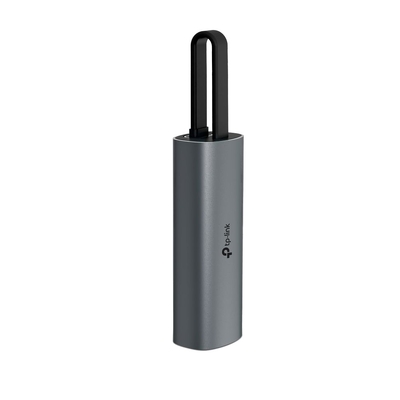
  • USB-C 2.5G Ethernet: UE302C — plug-and-play 2.5GbE for laptops. Works with Mac, Windows and Linux.
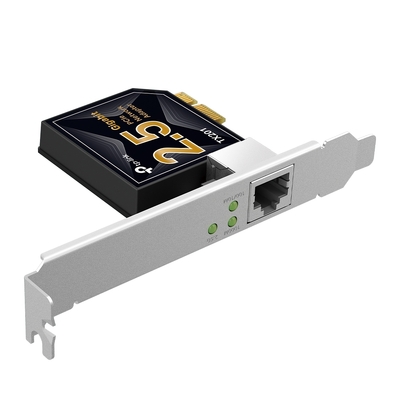
  • PCIe 2.5G Ethernet: TX201 — add a 2.5G wired port to any desktop PC. Low-profile bracket included.
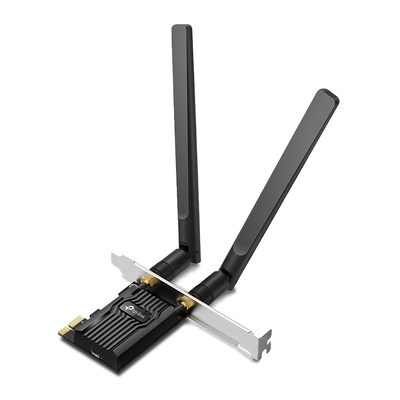
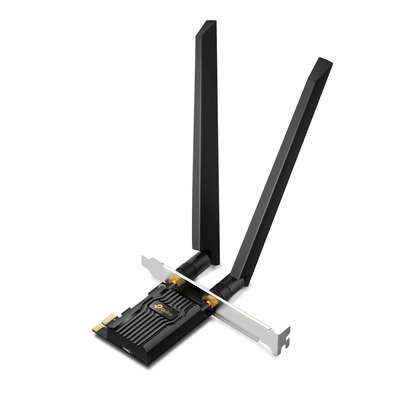
  • WiFi 6E + BT 5.3 PCIe: Archer-TXE72E (AXE5400) — tri-band WiFi 6E with 6GHz support and Bluetooth 5.3.
  • WiFi 6 + BT 5.2 PCIe: ARCHER-TX20E (AX1800) — budget WiFi 6 with Bluetooth for desktop PCs.

Top-Selling Adapters


Which TP-Link VIGI Camera and NVR Setup Should You Choose?

Professional Surveillance at SMB Prices

TP-Link’s VIGI range brings professional-grade IP surveillance to small and medium businesses. Managed through the VIGI app or Omada SDN controller for unified networking + security management.
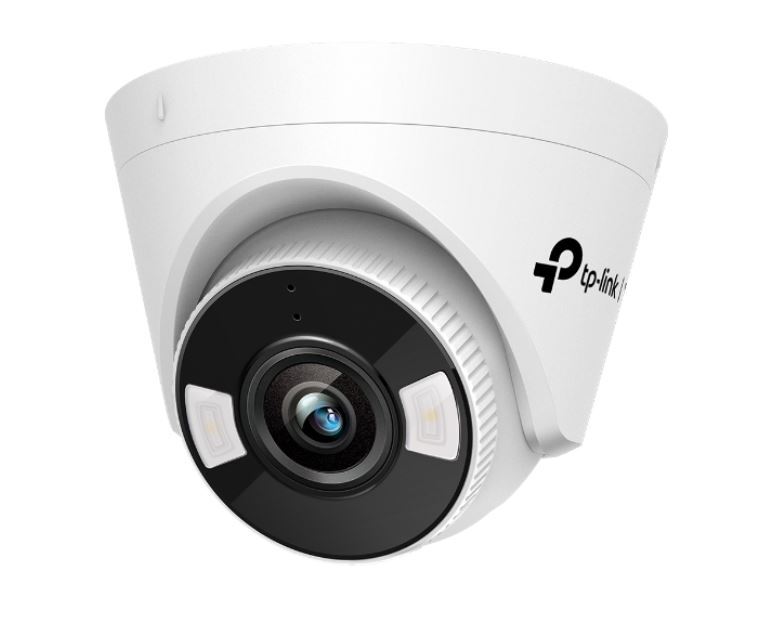
  • 5MP turret camera: VIGI-C450-4mm (full-colour) — indoor/outdoor turret with Smart IR, PoE powered, ONVIF compatible. Full-colour night vision up to 30m.
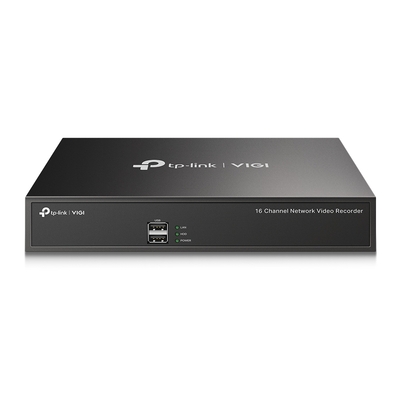
  • 16-channel NVR: VIGI-NVR1016H — 16-channel network video recorder with RAID support, 2x SATA bays, H.265+ compression. Manages up to 16 VIGI cameras.
TP-Link VIGI Camera

VIGI Security Products


Which TP-Link Tapo Smart-Home Products Should You Start With?

Affordable Smart Home That Just Works

TP-Link’s Tapo range makes smart home accessible and affordable. Easy WiFi setup via the Tapo app, no hub required, and compatible with Alexa and Google Home.

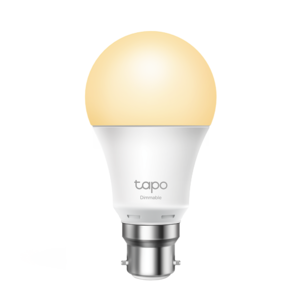
  • Smart bulb (bayonet): Tapo-L510B (dimmable) — B22 bayonet fitting, dimmable warm white, schedule via app. Under $15 per bulb.
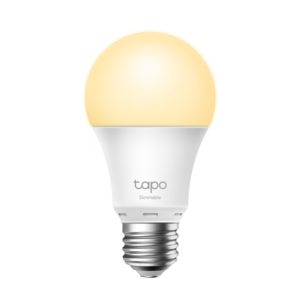
  • Smart bulb (Edison): Tapo-L510E (dimmable) — E27 Edison screw fitting, same features as above.

The Tapo ecosystem also includes smart plugs, cameras, robot vacuums and sensors — all managed from one app.

Tapo Smart Home


Which TP-Link Mobile WiFi Device Should You Choose?

Internet On the Go

TP-Link’s pocket-sized 4G routers give you instant WiFi anywhere — perfect for travel, remote sites, temporary offices and event spaces.

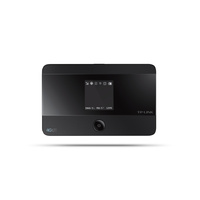
  • Premium 4G hotspot: M7350 (150Mbps) — our #1 mobile WiFi. 2000mAh battery, 8-hour runtime, supports 10 devices. Micro SD slot for file sharing.
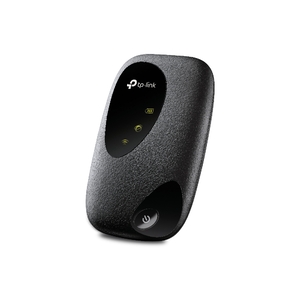
  • Budget 4G hotspot: M7000 (150Mbps) — compact, affordable 4G hotspot with 2000mAh battery and 10-device support.

Mobile WiFi


What Is the Best TP-Link Setup for Your Home or Business?

Proven setups based on real customer purchases and our team’s recommendations.

Home Networking Upgrade

Fast WiFi 6 with wired 2.5G backbone and smart home.

Role Product Why
Router Archer-AX55 AX3000 WiFi 6 with OneMesh support
Switch TL-SG108-M2 8-port 2.5G for NAS & AP uplinks
WiFi extender RE705X AX3000 mesh extender for dead spots
Smart bulbs (x4) Tapo-L510B Dimmable Tapo bulbs, app-controlled

Small Office (10–30 Users)

Omada-managed WiFi, PoE switch and VPN gateway for a professional office.

Role Product Why
Gateway ER706W Omada VPN router with WiFi 6
PoE Switch TL-SG1008MP 8-port PoE+ (153W) for APs & cameras
WiFi APs (x2–3) EAP225 Ceiling-mount AC1350, Omada managed
PoE injectors TL-PoE150S For remote AP placement beyond switch
Security (x2) VIGI-C450-4mm 5MP full-colour turret cameras

Enterprise / Multi-Site

High-performance Omada deployment with WiFi 7, 10G backbone and centralised management.

Role Product Why
WiFi 7 APs (x5+) EAP772 BE9300 tri-band, 10G uplink, Omada cloud
Core Switch TL-SG3428XMP 24-port PoE+ L2+ with 4x 10G SFP+
2.5G Access Switch SG3218XP-M2 16x 2.5G PoE + 2x 10G SFP+ for AP uplinks
NVR VIGI-NVR1016H 16-channel recorder with RAID
10G SFP+ modules TL-SM5310-T 10GBase-T copper SFP+ for inter-switch links

Frequently Asked Questions About TP-Link and Omada

What is Omada SDN and do I need it?
Omada SDN (Software-Defined Networking) is TP-Link’s centralised management platform for business networking. It lets you manage access points, switches and routers from one cloud dashboard — similar to Ubiquiti UniFi. You need it if you have 2+ Omada devices and want unified management, seamless roaming, and VLAN control. The Omada cloud controller is free — no licence fees.
What is the difference between EAP and Archer access points?
EAP (Enterprise Access Point) models are part of the Omada ecosystem — ceiling-mount, PoE-powered, centrally managed, designed for multi-AP deployments. Archer models are standalone home routers/APs with their own web interface. For business use, always choose EAP. For home use, Archer is simpler and more cost-effective.
Do I need a PoE switch or can I use PoE injectors?
Both work. PoE injectors (like TL-PoE150S) are cheaper for 1–3 devices. A PoE switch (like TL-SG1008MP) is more cost-effective and cleaner for 4+ PoE devices, as it eliminates multiple injectors and power adapters. For business deployments, we always recommend PoE switches.
Is Mercusys the same as TP-Link?
Mercusys is a sub-brand of TP-Link that offers budget-friendly networking products. They share TP-Link’s engineering and quality standards but at lower price points. Products like the MS105G switch and Halo-H25BE-3-pack mesh system offer excellent value for home users.
Can I mix Omada and non-Omada TP-Link products?
Yes. Non-Omada TP-Link switches and devices work alongside Omada gear — they just can’t be managed through the Omada controller. For unified management, we recommend sticking with Omada-compatible models (marked with “Omada” in the product name).
Is TP-Link Omada better than Deco?
Omada and Deco are designed for different users. Omada is better for businesses and advanced networks that need centralised access-point, switch and gateway management, VLANs and scalable deployment. Deco is better for simple whole-home mesh WiFi managed through an easy mobile app.
Which TP-Link range is best for a small business?
For most small businesses, start with Omada access points, an Omada-compatible gateway and a managed PoE switch. This provides centralised management and room to add more access points, cameras, VLANs and sites later. VIGI can be added when local business surveillance is required.

Still Not Sure Which TP-Link Products You Need?

Tell the DeviceDeal team about your property, users, internet service, required coverage, PoE devices, cameras and future expansion. Our Australian networking specialists can help you select a practical TP-Link or Omada solution before you order.

Ask a TP-Link Specialist
<