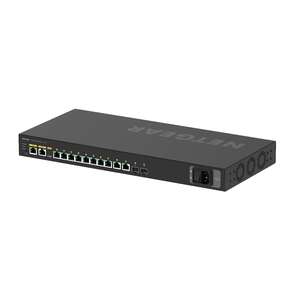
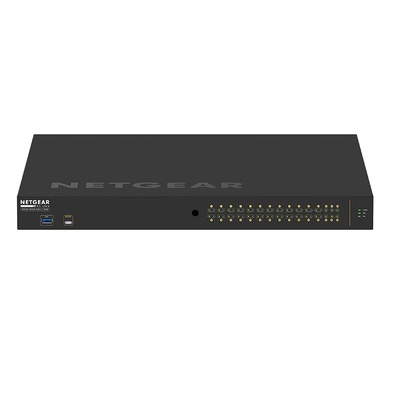
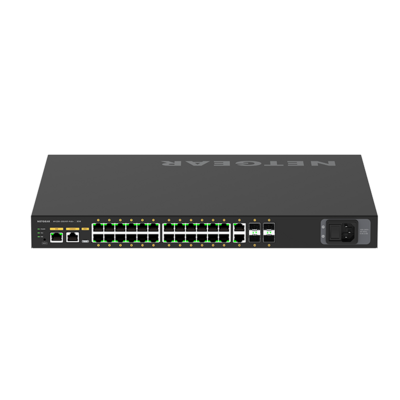
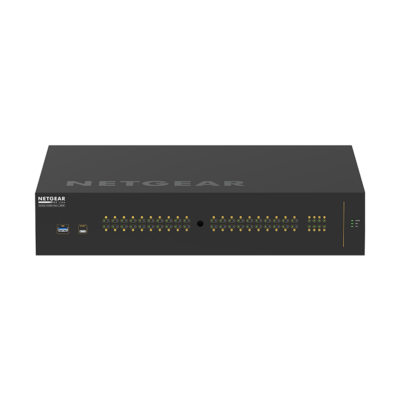
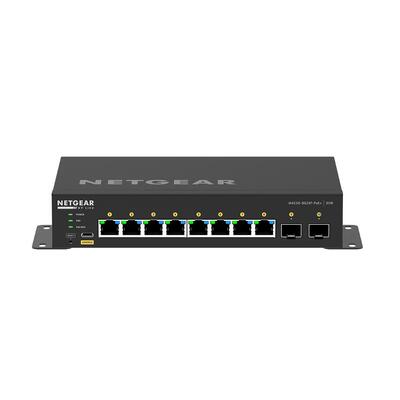
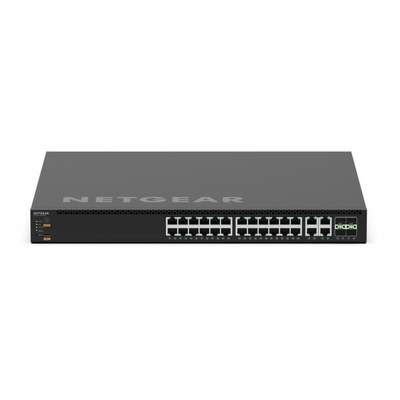
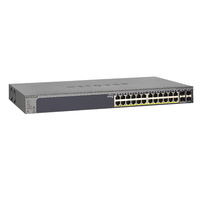
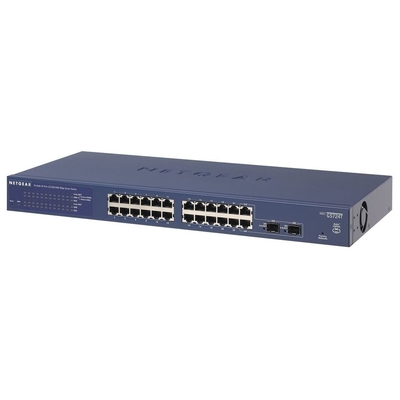
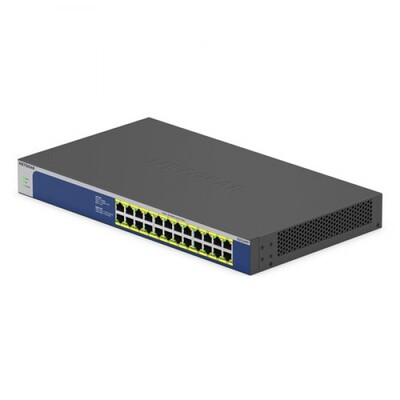
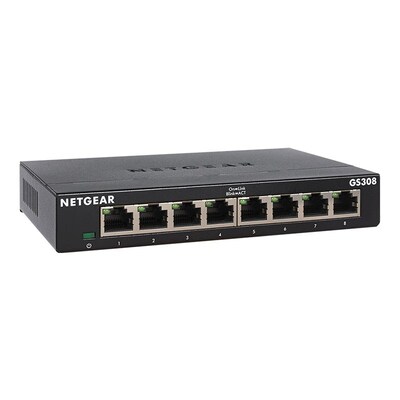
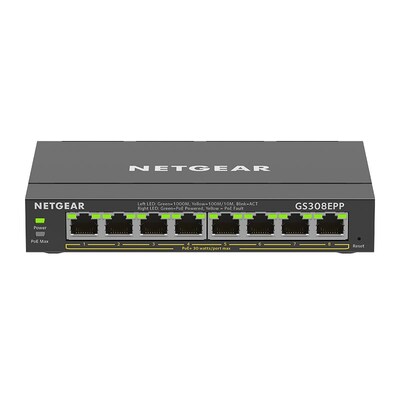
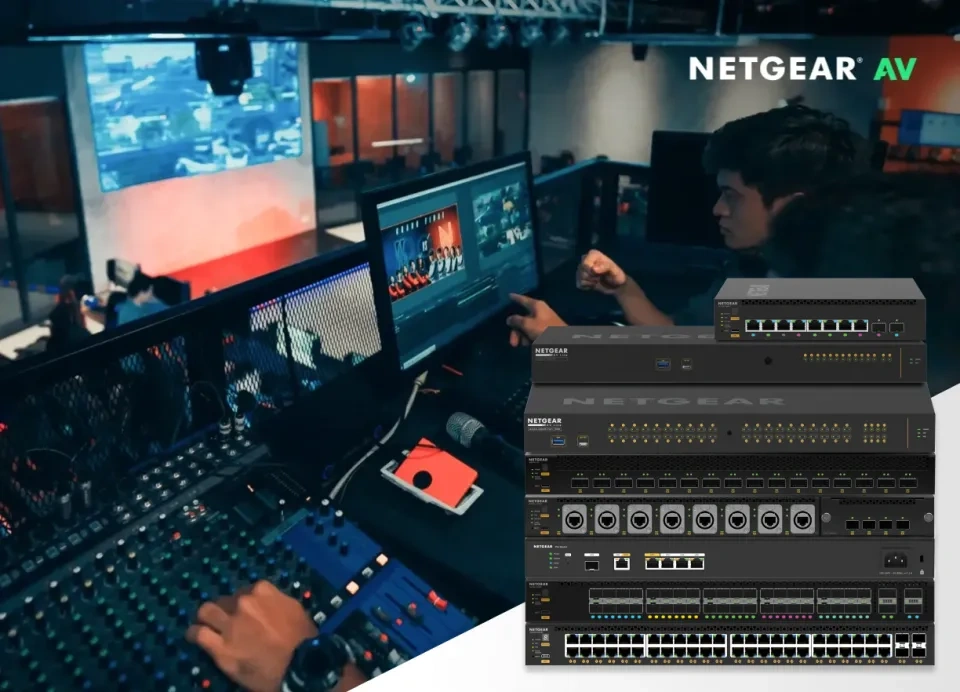
NETGEAR AV Line managed switches for professional AV-over-IP networks
 
DeviceDeal NETGEAR AV & Business Switch Guide

NETGEAR AV & Business Switch Buying Guide

Choose the right M4250, M4350, M4500, PoE, smart managed or unmanaged NETGEAR switch for AV-over-IP, conferencing, digital signage, business networks and high-speed aggregation.

Reviewed by the DeviceDeal networking team • Updated July 2026

1
You are here

NETGEAR Switch Buying Guide

Understand AV series, bandwidth, PoE, uplinks, management levels and recommended deployment types.

Read the buying guide
2

NETGEAR Switch Product Finder

Filter the available NETGEAR switch catalogue by AV series, speed, PoE, port count and management.

Filter and compare switches →
AEO-focused selection guidance for AV-over-IP and business switching The page answers which NETGEAR series to use, how to calculate PoE and bandwidth, and when a simpler managed or unmanaged switch is sufficient.
Updated July 2026

Which NETGEAR Switch Is Best for AV-over-IP?

Quick answer: choose M4250 for dedicated 1G and 10G professional AV networks with an AV-focused interface and pre-configured profiles; choose M4350 for larger, converged AV and IT networks requiring multi-gigabit access, 25G uplinks, PoE++ and advanced Layer 3 features; choose M4500 for large 10G/25G/100G AV cores and spine-and-leaf architectures.
Dedicated AV edge NETGEAR M4250

Designed for AV installers with AV profiles, IGMP Plus, an AV-oriented interface and models for 1G, 2.5G and 10G endpoint connectivity.

Scalable AV and IT NETGEAR M4350

Use for multi-gig PoE++, 10G/25G uplinks, larger multicast systems, advanced routing and converged AV/IT deployments.

Large AV core NETGEAR M4500

Use for high-capacity 10G, 25G and 100G aggregation, redundant spine-and-leaf designs and very large endpoint counts.

Standard business network Smart or Unmanaged

Choose smart managed switches for VLANs, QoS and basic control; unmanaged models suit simple plug-and-play expansion without AV multicast requirements.

1 Identify the AV protocol Confirm Dante, AES67, NDI, Q-SYS, NVX, SDVoE or the manufacturer-specific network requirements.
2 Calculate port bandwidth Determine whether endpoints require 1G, 2.5G or 10G, then provide sufficient uplink and core capacity.
3 Total the PoE budget Add the maximum power requirement for encoders, decoders, cameras, access points and controllers, then include headroom.
4 Plan topology and redundancy Check stacking, LAG, redundant power, multicast design, fibre distances and future endpoint expansion.
NETGEAR range Best suited to Typical access speeds AV and management strengths Choose it when
M4250 AV Line Meeting rooms, education, live production, digital signage and dedicated AV networks 1G, 2.5G and 10G depending on model AV UI, protocol profiles, IGMP Plus, AV-oriented rack design and quiet operating modes You need fast AV commissioning without building every multicast setting manually
M4350 Large AV systems, broadcast, campuses and converged AV/IT networks 1G, 2.5G, 10G and 25G uplinks AV profiles, IGMP Plus, Auto-LAG, Auto-Trunk, advanced Layer 2/3 and redundant power options You need multi-gig PoE++, higher scalability or advanced routing
M4500 Large AV cores, aggregation and redundant spine-and-leaf networks 10G, 25G, 40G, 50G and 100G High-capacity line-rate switching, IGMP Plus and large AV endpoint aggregation You are building a high-bandwidth core for many 10G or higher AV endpoints
Smart managed SMB networks, cameras, access points, VoIP and straightforward VLAN deployments 1G, 2.5G and 10G depending on model VLAN, QoS, PoE management and web or cloud management on supported models You need network control but not the full AV-specific workflow
Unmanaged Simple wired expansion, small offices and basic PoE deployments 1G, 2.5G or 10G depending on model Plug-and-play installation with no configuration You do not need VLANs, multicast tuning, monitoring or remote management

Why Are NETGEAR AV Switches Different from Standard Network Switches?

NETGEAR’s professional AV switching ranges are designed to simplify multicast-heavy audio and video networks. The exact capabilities vary by series and model, but the platform is built around AV-oriented configuration, high PoE capacity and scalable uplinks.

AV-Oriented Interface

AV Line models provide an interface using terminology and workflows familiar to AV integrators rather than only traditional IT configuration.

Pre-Configured Profiles

Profiles are available for common AV-over-IP environments, helping apply appropriate multicast, QoS and VLAN settings.

NETGEAR IGMP Plus

IGMP Plus simplifies multicast operation and helps prevent AV multicast traffic from flooding ports that do not require it.

Engage Controller

Supported professional AV switches can be discovered, configured and monitored through NETGEAR Engage Controller.

Important: protocol profiles simplify configuration, but the final design must still match the AV manufacturer’s bandwidth, multicast, PTP, VLAN, QoS, PoE and redundancy requirements.

When Should You Choose a NETGEAR M4250 AV Line Switch?

Dedicated AV-over-IP Access Switching

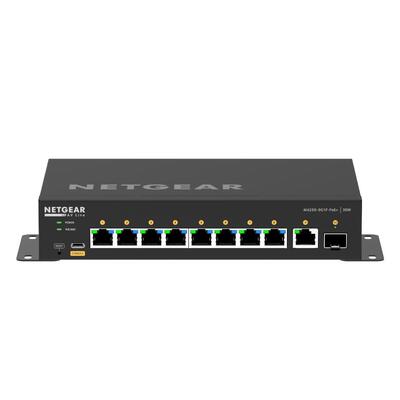
M4250 is the practical starting point for professional AV installations. It includes an AV-focused configuration interface and pre-configured profiles for common audio and video protocols.

  • 1G audio and control: suitable models support Dante, AES67, Q-SYS and other multicast audio environments.
  • PoE endpoints: choose the required number of PoE+ or PoE++ ports and calculate the total switch power budget.
  • Video endpoints: confirm whether the encoder or decoder needs 1G, 2.5G or 10G connectivity.
  • Rack and room placement: review port orientation, fan mode, acoustic requirements and rack depth.

NETGEAR M4250 AV Line Switches

When Should You Choose a NETGEAR M4350 Switch?

Scalable AV and Converged AV/IT Networks

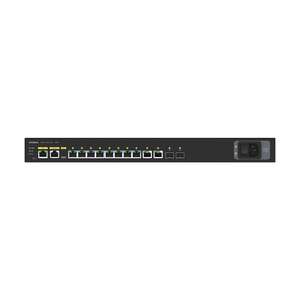
M4350 expands the professional AV approach into larger and more demanding deployments. Models cover 1G through 25G connectivity, high PoE++ budgets and advanced Layer 2 and Layer 3 features.

  • Multi-gig endpoints: useful for WiFi 7 access points, high-bandwidth AV devices and converged edge networks.
  • High-capacity uplinks: SFP28 and QSFP28 options support larger aggregation designs.
  • Advanced networks: suitable where dynamic routing, multicast routing or redundant power is required.
  • Multi-switch AV: Auto-LAG and Auto-Trunk help simplify supported inter-switch connections.

NETGEAR M4350 Managed Switches

When Is a NETGEAR M4500 Required for AV-over-IP?

Large 10G, 25G and 100G AV Cores

M4500 is designed for large-scale aggregation and core switching. It is relevant when many high-bandwidth AV endpoints must communicate at line rate or when a redundant spine-and-leaf topology is required.

  • XSM4556: 48 SFP28 ports for 10G/25G access and eight QSFP28 ports for 100G aggregation.
  • CSM4532: 32 QSFP28 ports supporting high-capacity core and spine deployments.
  • Large endpoint counts: designed for systems where access switches aggregate many high-bandwidth AV streams.
  • Advanced routing: suitable for complex campus, broadcast and data-centre-style designs.

Which NETGEAR Business Switch Should You Choose Outside Pro AV?

Smart Managed and PoE Switches

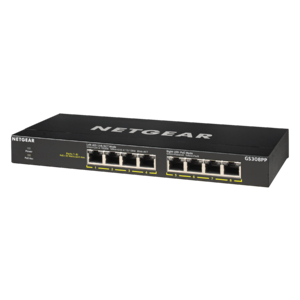
Choose a smart managed switch when you need VLANs, QoS, link aggregation, PoE monitoring or basic network visibility. This is normally the right level for office access points, IP cameras, VoIP phones and standard business networks.

Popular Smart Managed Switches

Unmanaged Switches

Choose an unmanaged switch for simple plug-and-play Ethernet expansion. It is not the right choice for complex AV multicast, segmented networks or deployments that require monitoring and configuration.

Popular Unmanaged Switches
Which NETGEAR AV Switch Fits Each Deployment?

Deployment Recommended starting range What to calculate Common design priority
Dante audio system M4250 1G ports, PoE requirements, uplinks and clocking/PTP guidance Reliable multicast and quiet operation
Corporate AV and conferencing M4250 or M4350 Encoders, decoders, cameras, access points, control devices and future rooms PoE budget, AV profiles and simple support
NDI and video production M4250 for smaller systems; M4350 for scale Stream bandwidth, endpoint speed, uplink oversubscription and recording traffic Non-blocking throughput and multicast control
Large campus or broadcast M4350 access with M4500 core 10G/25G/100G links, redundancy, spine capacity and multicast routing Scalability and failure-domain design
Standard office PoE Smart managed or Insight managed Port count, PoE budget, VLANs, uplinks and cloud-management needs Cost-effective control and visibility

Frequently Asked Questions About NETGEAR AV and Business Switches

What is the difference between NETGEAR M4250 and M4350?
M4250 is purpose-built as an AV Line access-switch family with an AV-oriented interface and profiles for common AV protocols. M4350 is designed for larger and converged AV/IT networks, adding broader multi-gigabit options, 25G uplinks, high PoE++ capacity, advanced routing and redundant power options on supported models.
Do I need an AV-specific switch for Dante or NDI?
A standard managed switch can sometimes be configured correctly, but an AV-focused switch reduces commissioning risk by providing suitable multicast, QoS and VLAN profiles. The final configuration must still follow the Dante, NDI or AV-equipment manufacturer’s requirements.
How do I calculate the required PoE budget?
Add the maximum power draw of every powered endpoint connected to the switch, not only its typical consumption. Include cameras, encoders, decoders, access points and controllers, then select a switch and power supply with reasonable headroom. Confirm whether each device requires PoE, PoE+ or PoE++.
What is NETGEAR IGMP Plus?
NETGEAR IGMP Plus is designed to simplify multicast configuration across supported NETGEAR AV switches. It helps direct multicast streams only where they are needed and reduces the amount of manual multicast configuration required for many AV-over-IP deployments.
When do I need 10G, 25G or 100G uplinks?
Higher-speed uplinks are required when the combined traffic from endpoint ports could exceed the uplink capacity. Add the expected simultaneous stream bandwidth, allow for overhead and growth, and consider redundant links. Large 10G endpoint deployments commonly require 25G or 100G aggregation.
Can AV traffic and normal IT traffic use the same switch?
Yes, particularly on M4350 and other capable managed switches, but the design should use appropriate VLANs, multicast control, QoS, security and capacity planning. Some projects still use physically separate AV networks for operational or support reasons.
What is NETGEAR Engage Controller?
NETGEAR Engage Controller is a management application for supported professional AV switches. It can assist with discovery, configuration, monitoring and firmware management across an AV switching environment.
Should I buy a managed or unmanaged NETGEAR switch?
Choose managed switching when you need AV multicast, VLANs, QoS, PoE control, link aggregation, monitoring or remote management. Choose unmanaged switching only for simple networks where plug-and-play connectivity is sufficient.

Need Help Designing a NETGEAR AV-over-IP Network?

Send DeviceDeal your AV protocol, endpoint models, port speeds, number of transmitters and receivers, PoE requirements, uplink design and redundancy needs. Our Australian team can help narrow the suitable M4250, M4350 or M4500 architecture.
<