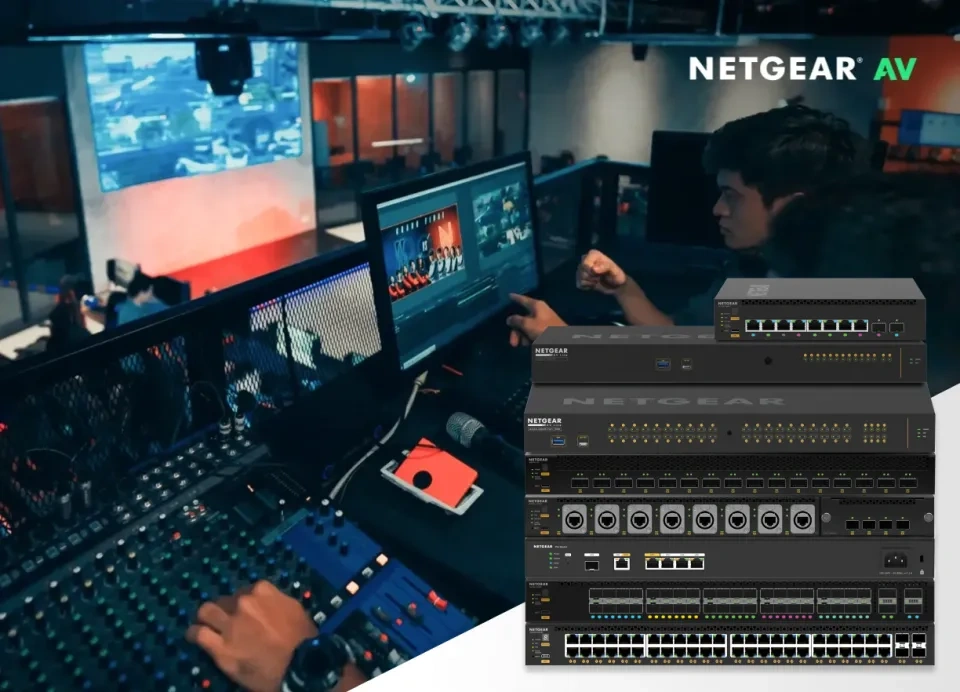
NETGEAR AV, PoE and managed network switches
 
DeviceDeal Interactive Switch Selection Tool

NETGEAR Switch Product Finder

Filter NETGEAR AV-over-IP, PoE, fully managed, smart managed, cloud managed and unmanaged switches by series and technical requirements.

Switch-focused catalogue • Updated July 2026

1

NETGEAR Switch Buying Guide

Understand M4250, M4350, M4500, AV protocols, bandwidth, PoE and switch-management levels.

Read the buying guide →
2
You are here

NETGEAR Switch Product Finder

Filter the switch catalogue by AV series, speed, PoE, port count and management features.

Use the product finder

How Do You Find the Right NETGEAR Switch?

Quick answer: choose the product category first, then filter by speed, port count, PoE type, PoE budget and management. For professional AV, begin with the AV-over-IP category and select M4250 for dedicated AV access, M4350 for scalable AV/IT, or M4500 for large 100G cores.
Professional AV

Start with AV-over-IP Switches and filter by M4250, M4350 or M4500 according to endpoint speed and network scale.

PoE Devices

Choose PoE, PoE+ or PoE++ and make sure the total power budget covers every powered device with headroom.

Standard Business

Use smart managed or cloud managed switching for VLANs and visibility; use unmanaged only for simple plug-and-play expansion.

Filter NETGEAR Switches by Specification

The finder now excludes routers, hotspots and wireless access points so the page has one clear search topic: NETGEAR network switches.


Frequently Asked Questions About the NETGEAR Switch Finder

Which category should I use for a Dante or NDI network?
Start with AV-over-IP Switches. M4250 is commonly used for dedicated AV access switching, while M4350 suits larger and converged AV/IT environments. M4500 is designed for large 10G, 25G and 100G aggregation.
What is the difference between smart managed and fully managed switches?
Smart managed switches provide common VLAN, QoS, PoE and link-aggregation features through a simpler interface. Fully managed models provide broader Layer 2 and Layer 3 control, advanced multicast, routing, redundancy and professional management options.
How should I filter for PoE cameras, access points or AV endpoints?
Select the correct PoE standard, number of powered ports and total PoE budget. Add the maximum power draw of every endpoint and include headroom. Also confirm the required Ethernet speed and uplink capacity.
Why are WiFi access points and mobile hotspots no longer included?
Removing unrelated categories gives this page a much clearer search and AEO topic. The page now focuses entirely on NETGEAR switches, making the filters more useful and reducing competition between unrelated NETGEAR landing pages.