
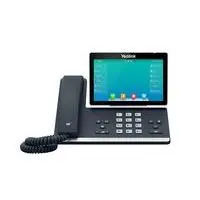
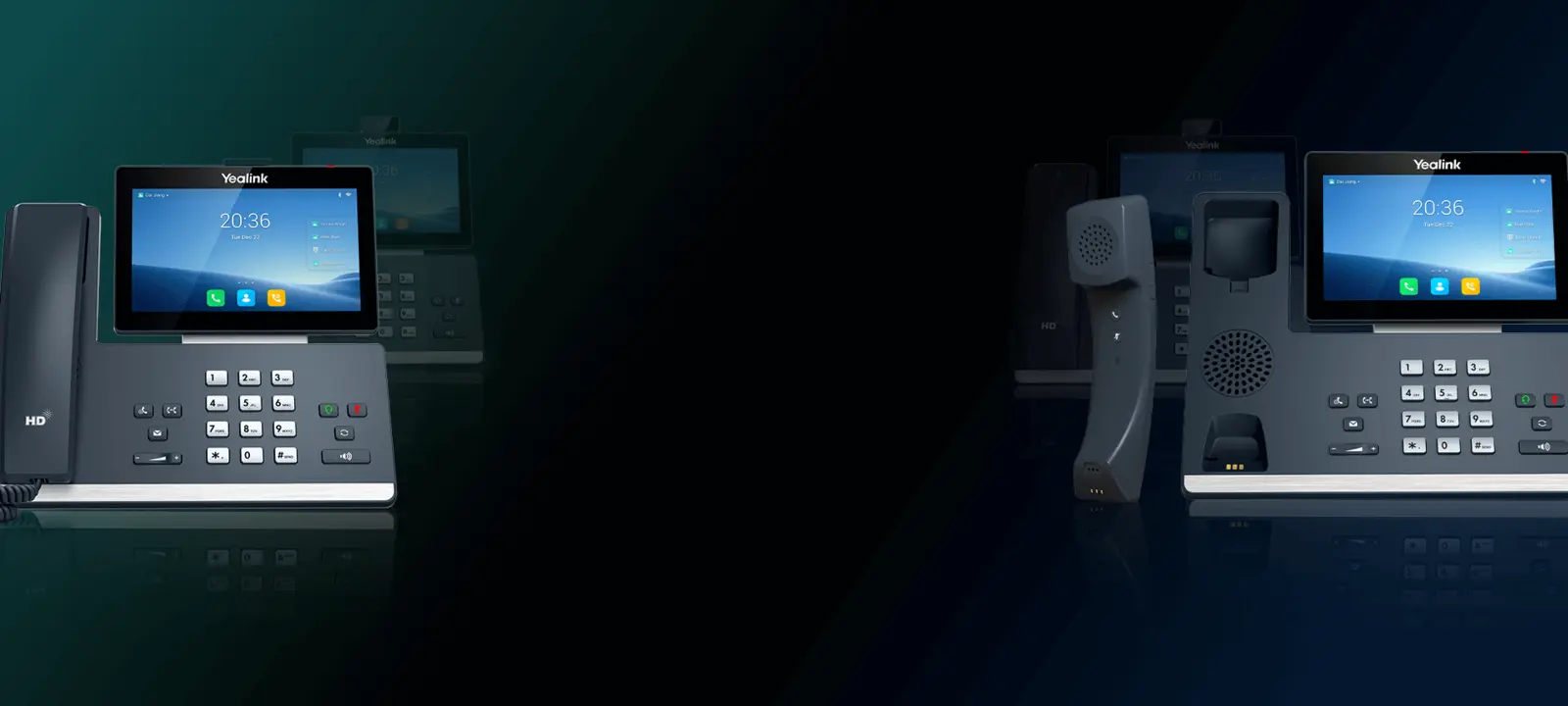
T3, T4, T5, T7 & T8 desk phones
Compare value, professional, executive and smart desk-phone families. Newer T7 and T8 models expand the current Yealink SIP range.
Browse desk phones →
Compare Yealink SIP desk phones, wireless DECT systems, conference phones, headsets, speakerphones and meeting-room solutions for business communication.
Choose the calling platform first, then match features, power, network and accessories.
Choose a SIP phone for a compatible VoIP service or PBX, a Teams or Zoom device for that platform, DECT for workplace mobility, and a room or personal audio solution based on the space and connection method.
Each category card changes to a second product image on mouse hover. Open a category to compare current products, pricing and availability.
 Hover to view another image
SIP desk phones
Yealink desk phones
Compare entry, professional and executive IP phones across the current Yealink desk-phone families.
Shop category
Hover to view another image
SIP desk phones
Yealink desk phones
Compare entry, professional and executive IP phones across the current Yealink desk-phone families.
Shop category
 Hover to view another image
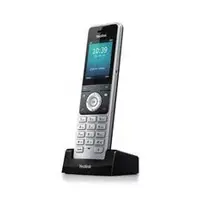
Mobile voice
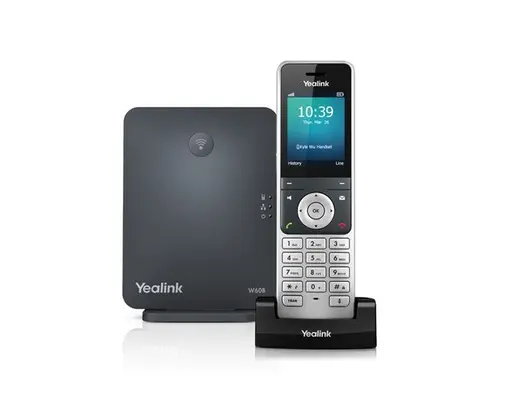
Wireless DECT IP phones
Choose single-base or multi-cell DECT systems, then match compatible bases, repeaters and handsets.
Shop category
Hover to view another image
Mobile voice
Wireless DECT IP phones
Choose single-base or multi-cell DECT systems, then match compatible bases, repeaters and handsets.
Shop category
 Hover to view another image
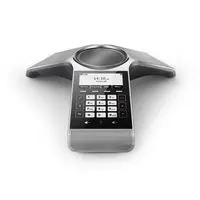
Meeting-room audio
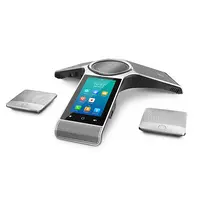
Audio conference phones
Compare IP, wireless and touch-enabled conference phones by room size, platform and microphone needs.
Shop category
Hover to view another image
Meeting-room audio
Audio conference phones
Compare IP, wireless and touch-enabled conference phones by room size, platform and microphone needs.
Shop category
 Hover to view another image
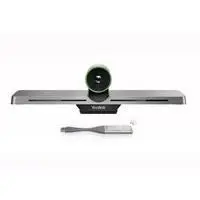
Rooms & collaboration
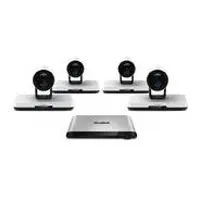
Video conferencing systems
Explore Yealink room systems, cameras and collaboration equipment for Teams, Zoom and BYOD workflows.
Shop category
Hover to view another image
Rooms & collaboration
Video conferencing systems
Explore Yealink room systems, cameras and collaboration equipment for Teams, Zoom and BYOD workflows.
Shop category
 Hover to view another image
Hybrid work audio
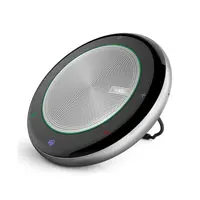
Personal speakerphones
Portable USB and Bluetooth speakerphones can simplify calls at a desk, in a small room or while travelling.
Shop category
Hover to view another image
Hybrid work audio
Personal speakerphones
Portable USB and Bluetooth speakerphones can simplify calls at a desk, in a small room or while travelling.
Shop category
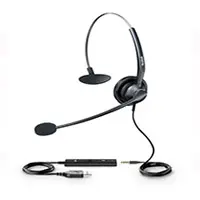 Hover to view another image
Wired & wireless
Yealink headsets
Compare Bluetooth, DECT, USB and phone-connected headsets for office, contact-centre and hybrid work.
Shop category
Hover to view another image
Complete range
All Yealink products
Browse Yealink phones, headsets, meeting-room equipment, accessories and current product availability.
Shop category
Hover to view another image
Wired & wireless
Yealink headsets
Compare Bluetooth, DECT, USB and phone-connected headsets for office, contact-centre and hybrid work.
Shop category
Hover to view another image
Complete range
All Yealink products
Browse Yealink phones, headsets, meeting-room equipment, accessories and current product availability.
Shop category
The current Yealink portfolio extends across newer desk-phone families, workplace mobility, personal audio and complete Microsoft Teams, Zoom and BYOD meeting spaces.
Compare value, professional, executive and smart desk-phone families. Newer T7 and T8 models expand the current Yealink SIP range.
Browse desk phones →Current DECT options include single-base systems and W75, W80 and W90 multi-cell designs for larger mobility requirements.
Browse DECT phones →MeetingBar, MeetingBoard, MVC, USB camera and BYOD options cover personal spaces through to larger meeting rooms.
Browse video systems →Compare Bluetooth, DECT and USB headsets alongside portable speakerphones for desk, hybrid and contact-centre users.
Browse headsets →Availability note: Yealink's global catalogue changes over time, and not every announced model is stocked locally. Check the linked DeviceDeal category or contact the team for current Australian availability.
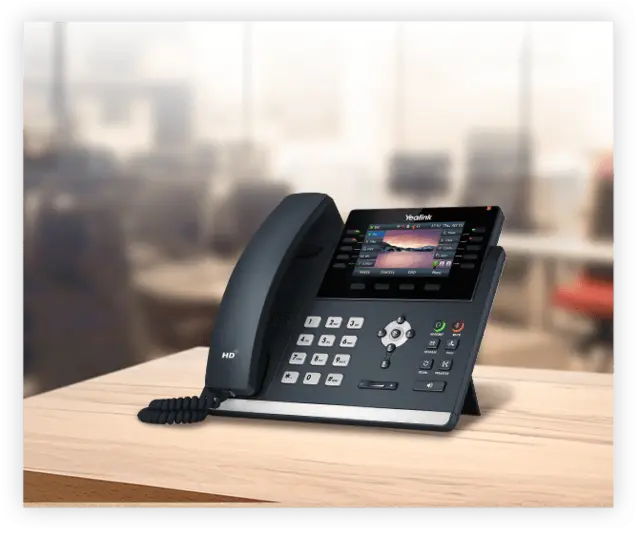
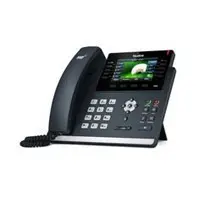
The T46U remains part of Yealink's current T4 Series and provides a useful example of the features to compare when selecting a professional SIP desk phone.
Accessory, firmware and PBX compatibility should be checked for the exact SKU and deployment.
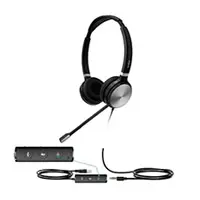
Yealink's headset portfolio now spans Bluetooth, DECT, wired USB and direct phone-connect options. Compare wearing style, microphone design, wireless range, platform controls, connector type and compatibility with the exact desk phone or computer.
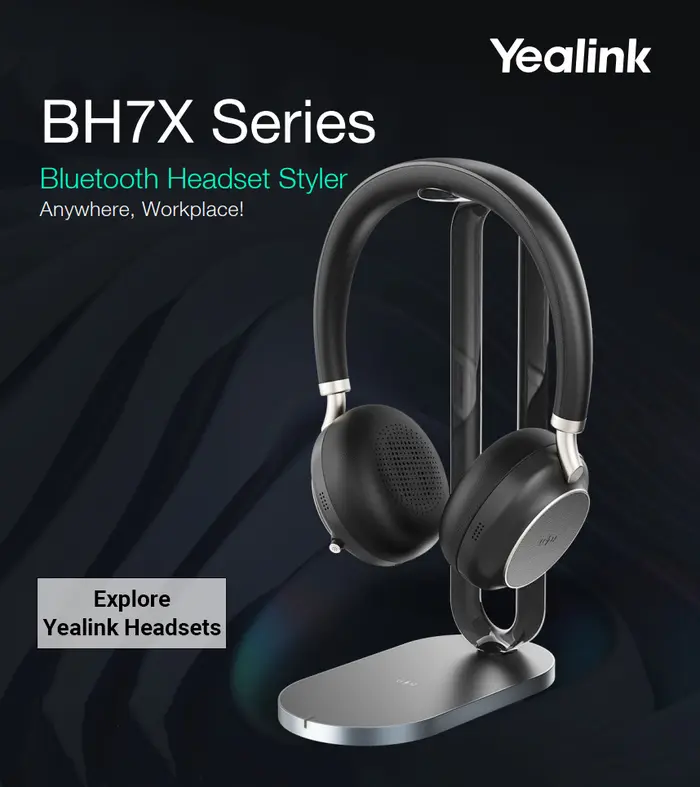
Yealink covers desk, mobile, personal and meeting-room communication. The right result still depends on checking the exact model against the calling service, network and accessories.
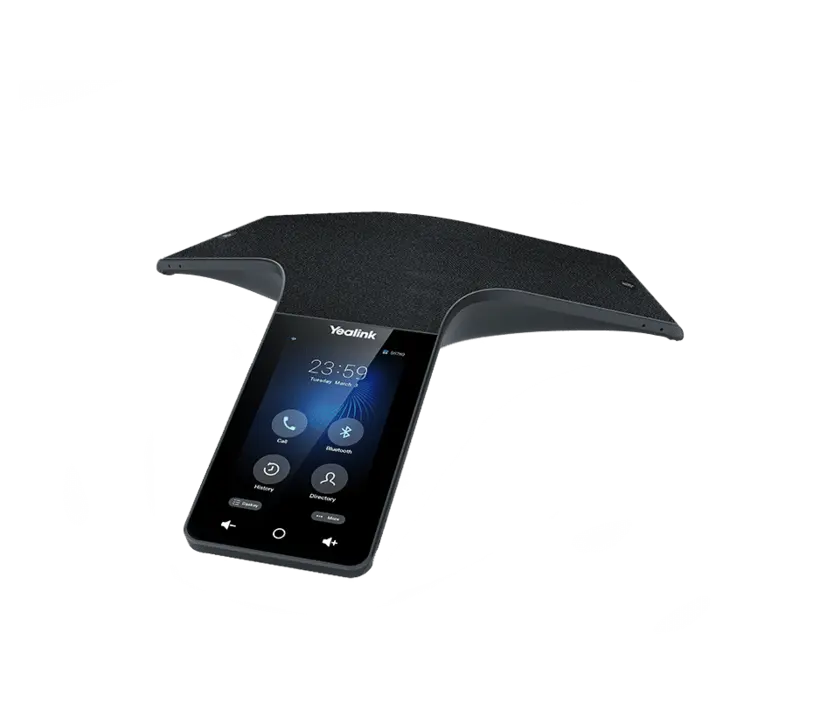
Yealink's collaboration range includes conference phones, personal speakerphones, meeting bars, interactive boards, modular room systems, USB cameras and room audio equipment.
Start with the room size and calling platform, then check camera coverage, microphone pickup, speakers, displays, controllers, cabling and installation requirements.
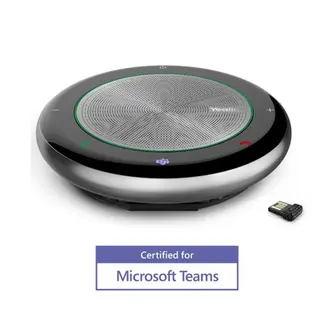
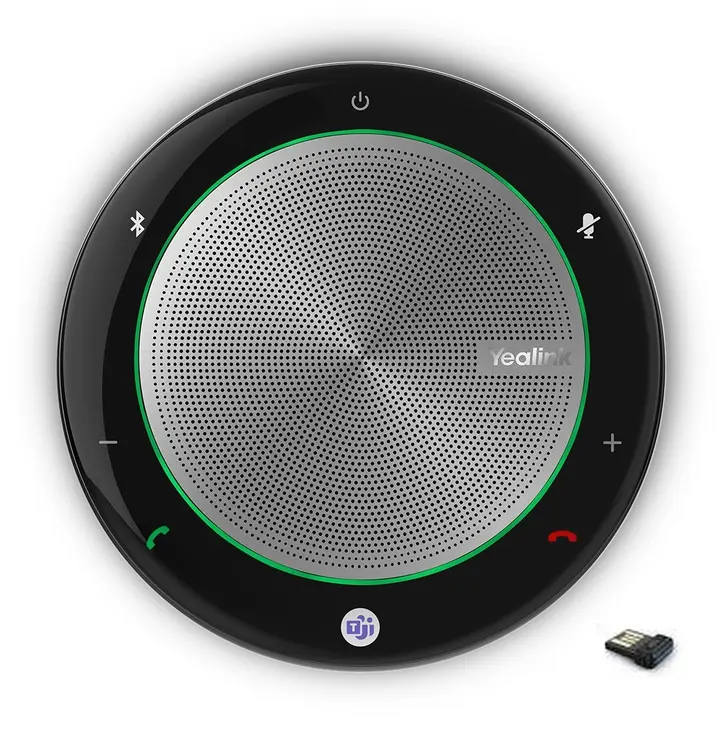
The Yealink CP Series includes compact speakerphones designed for convenient personal and small-group calls. Compare USB and Bluetooth connectivity, platform controls, microphone coverage and battery requirements for the way you work.
The two videos from the original page are retained in responsive, mobile-friendly frames.
Yealink product overview
Yealink CP700 and CP900 speakerphone review
Use these answers to narrow the range, then confirm the exact model, service, firmware and accessories before ordering.
A Yealink IP phone is a network-connected business phone. Depending on the model, it may register to a standards-based SIP service or be designed for a platform such as Microsoft Teams or Zoom. Choose the platform first, then compare the phone features.
Confirm your phone service or PBX, the required user or SIP credentials, network connection, power method, number of lines or keys, headset needs and any provisioning requirements. This prevents buying a phone that your service cannot register.
An NBN internet connection provides connectivity, but it does not automatically provide a compatible SIP account. You still need a supported VoIP provider, hosted PBX or on-premises PBX and the correct credentials or provisioning method.
Do not assume universal compatibility. Confirm the exact Yealink model, firmware, SIP registration method, provisioning support and required call features with your provider or PBX administrator before ordering.
A SIP phone normally registers to a SIP-based VoIP service or PBX. A Teams phone is built for the Microsoft Teams calling experience. They are not automatically interchangeable, so select the device version that matches your organisation's platform.
Yealink offers devices for Zoom Phone and Zoom Rooms, but support is model- and software-specific. Check the current platform certification, licence requirements and your Zoom deployment before purchase.
Compare the number of users and line appearances, display and touch requirements, programmable keys, network speed, built-in wireless features, USB ports, expansion-module support and your calling platform. Features vary between models within every family.
A Gigabit model is useful when a computer connects through the phone and the network requires more than 100 Mbps. Check both Ethernet ports on the exact model, because connection speed and pass-through support vary.
The number varies by model. Count the extensions, line appearances and shared-line keys required for each user, then check the current product specification and PBX support.
Some models support wall mounting directly or with a model-specific bracket. Confirm the mounting accessory, handset retention method, cabling and wall location before installation.
Many Yealink desk and conference phones support PoE, but it is not universal. Check the exact model and make sure the network switch or injector provides the required PoE standard and available power budget.
No. Package contents vary, and some models are commonly powered by PoE. If you are not using PoE, confirm that the correct Australian power adapter is included or order the approved adapter separately.
Some Yealink models include Wi-Fi, some support a compatible USB Wi-Fi adapter and others require wired Ethernet. Confirm the exact wireless standard, accessory and firmware support for the model you are considering.
Bluetooth may be built in, enabled by a compatible adapter or unavailable, depending on the model. Also check whether you need Bluetooth for a headset, mobile-phone pairing or another specific function.
Many desk phones provide a second Ethernet port for a connected computer, but port speed and VLAN behaviour vary. Confirm the model and your network design before relying on phone pass-through.
A cloud-hosted phone service normally requires internet access. A local PBX may allow internal calls across the local network, while external calling, remote management and updates can still depend on internet connectivity and the system design.
Only if your provider or PBX allows it. Some services bind credentials to a device, restrict simultaneous registrations or use automatic provisioning instead of manual credentials. Confirm the migration process first.
They can be straightforward to deploy when the provider or PBX has a supported provisioning profile. A phone may still need network settings, firmware, credentials, time zone, emergency-calling configuration and feature templates before it is ready.
Use firmware approved for the exact model and your service environment. Follow the provider, PBX administrator or Yealink guidance, preserve the configuration where required and never interrupt power during an update.
Use unique administrator credentials, current approved firmware, encrypted signalling and media where supported, controlled provisioning, appropriate network segmentation and secure PBX or provider settings. Security depends on the complete deployment, not the handset alone.
A DECT IP system connects a base station to the IP network while compatible handsets communicate wirelessly with that base. It is designed for users who need to move around rather than remain at a fixed desk.
DECT and Wi-Fi use different wireless infrastructure. Compare required coverage, roaming, call density, battery life, existing network design and handset features. A site survey may be appropriate for larger or more complex deployments.
Many systems can, but the permitted number of handsets, simultaneous calls and SIP accounts depends on the base, handset combination and deployment. Check the current capacity specification before ordering.
A single-base system such as W70 is generally suited to a defined smaller area, while W80 and W90 multi-cell systems are designed for broader coverage, roaming and larger deployments. Capacity and design limits must be checked for the chosen system.
No. Use only combinations listed as compatible, and check the required firmware. Handset features can also be limited by the base or PBX even when registration is supported.
Yealink offers wired, USB, DECT and Bluetooth headset options, but compatibility depends on the phone connector, USB support, Bluetooth implementation, headset cable and firmware. Check the exact phone and headset combination.
An electronic hook switch adapter can provide remote call control, such as answering or ending a call from a compatible wireless headset. The phone, headset and EHS cable or adapter must all be a supported combination.
Start with room size and participant count, then check whether you need SIP, USB, Bluetooth, Wi-Fi or DECT connectivity, a Teams version, expansion microphones, external speakers or integration with a room system.
A Teams Rooms system is a dedicated room solution with its own certified compute or appliance and controller. A BYOD setup normally uses a participant's laptop as the meeting host and connects to room audio and video by USB or a compatible sharing device.
Yes. Yealink's current collaboration portfolio includes equipment for Zoom Rooms as well as Teams Rooms and USB or BYOD use. Select the exact platform version and confirm the current software and licence requirements.
MeetingBar products combine room audio and video in an all-in-one bar. MeetingBoard combines collaboration with an interactive display. MVC systems are modular Microsoft Teams Rooms on Windows solutions. Choose by platform, room size, display plan and installation needs.
A personal speakerphone commonly connects to a computer or mobile device by USB or Bluetooth. An IP conference phone can register to a phone service or PBX and may be designed for a shared meeting room. Some products support more than one connection type.
Some variants are certified or supplied with Teams-oriented controls. Check the exact SKU, connection type, operating system and the current Teams requirements rather than relying only on the CP700 or CP900 family name.
Recording depends on the phone model, connected storage, PBX or service features and your organisation's policies. Confirm the technical method and comply with applicable privacy, workplace and telecommunications requirements.
Larger deployments normally use the service provider, PBX provisioning system or a compatible device-management platform. Plan configuration templates, firmware policy, user assignment, network settings, testing and staged rollout with the system administrator.
Provide the user count, phone service or platform, desk-phone and DECT needs, room sizes, headset requirements, network and PoE details, required accessories, deployment locations and target timing. This helps DeviceDeal identify suitable models and current availability.
Share your calling platform, user count, room sizes, network and PoE setup, headset needs, accessories and delivery timing for a more accurate recommendation and project quote.