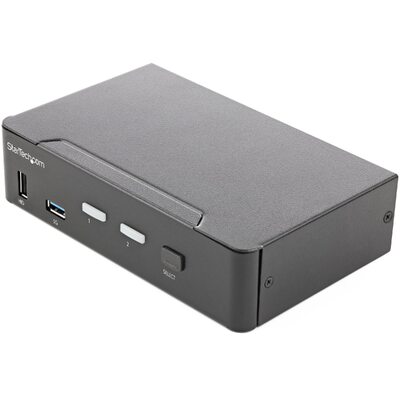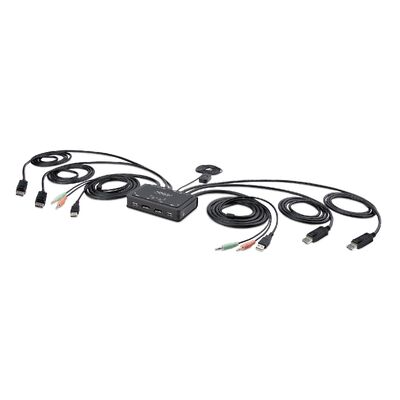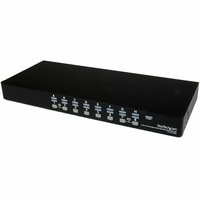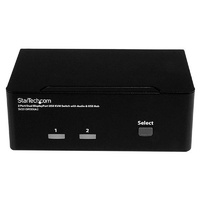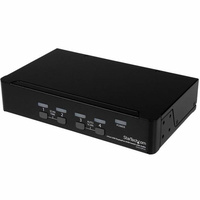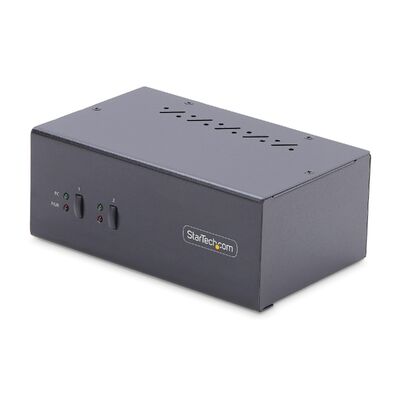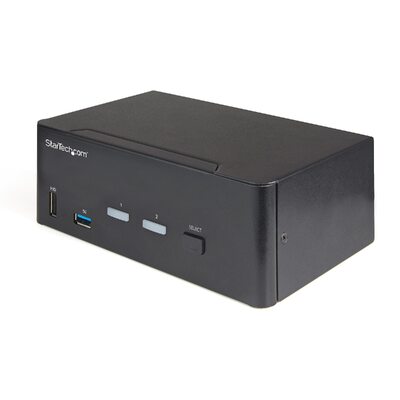





Dual-Laptop USB-C KVM Dock with Dual 4K 60Hz
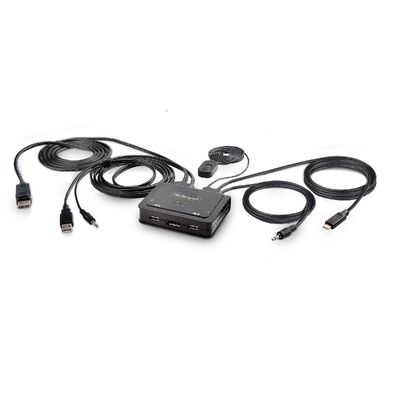
Share two 4K displays, keyboard, mouse, USB peripherals, audio and Gigabit Ethernet between two laptops, then switch hosts by front button or supported hot-key software.
Key features
Two laptops, one workstation
Switch shared displays, keyboard, mouse, USB peripherals, network and audio between two connected host computers.
Dual 4K 60Hz DisplayPort
DisplayLink-certified output supports two DisplayPort displays at up to 4096 x 2160 60Hz each.
Charges both hosts
The included 180W power adapter provides 90W to the active laptop and 45W to the second laptop simultaneously.
Full workstation connectivity
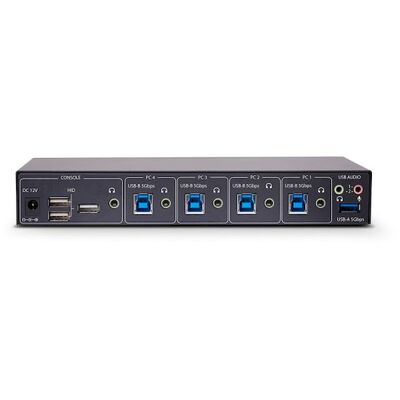
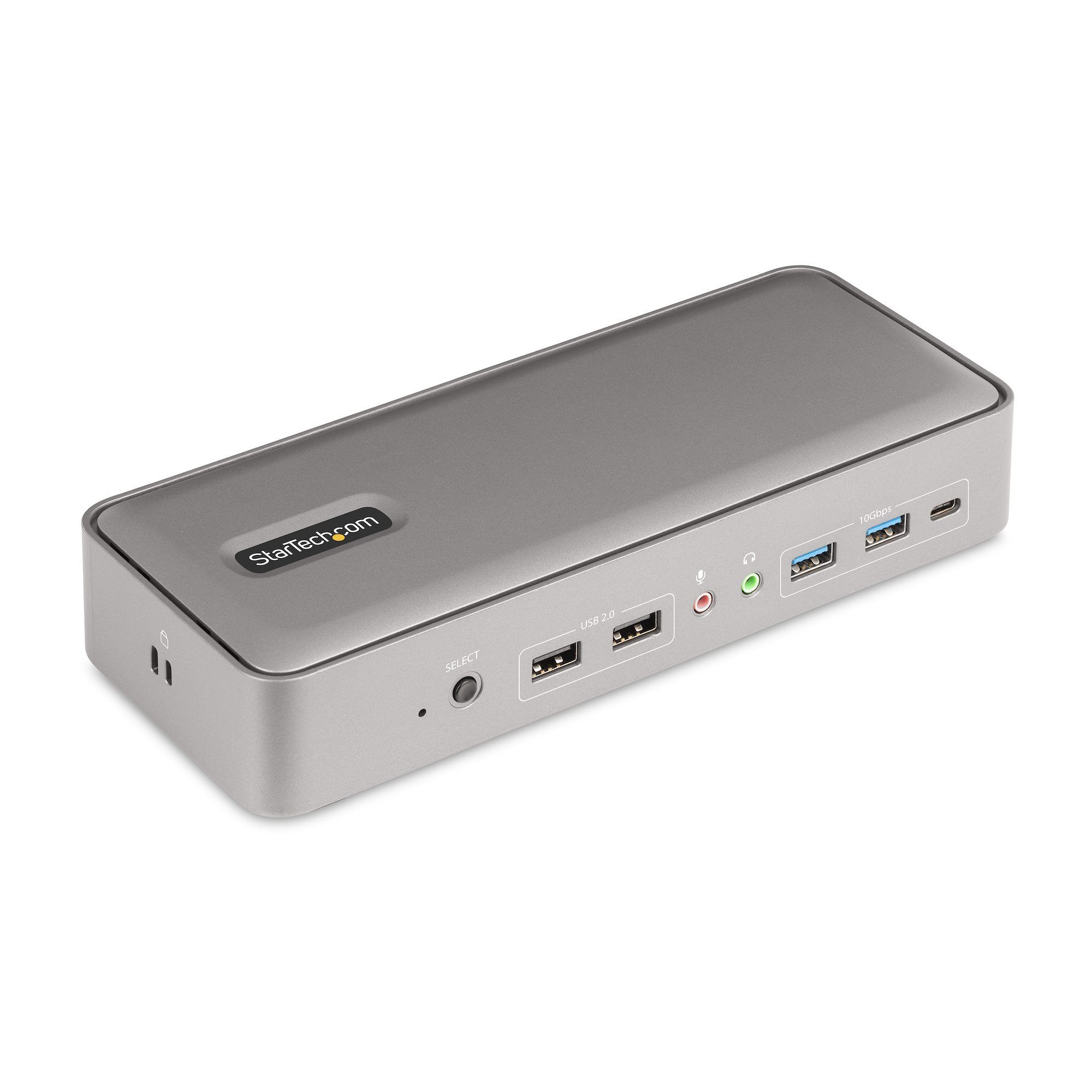
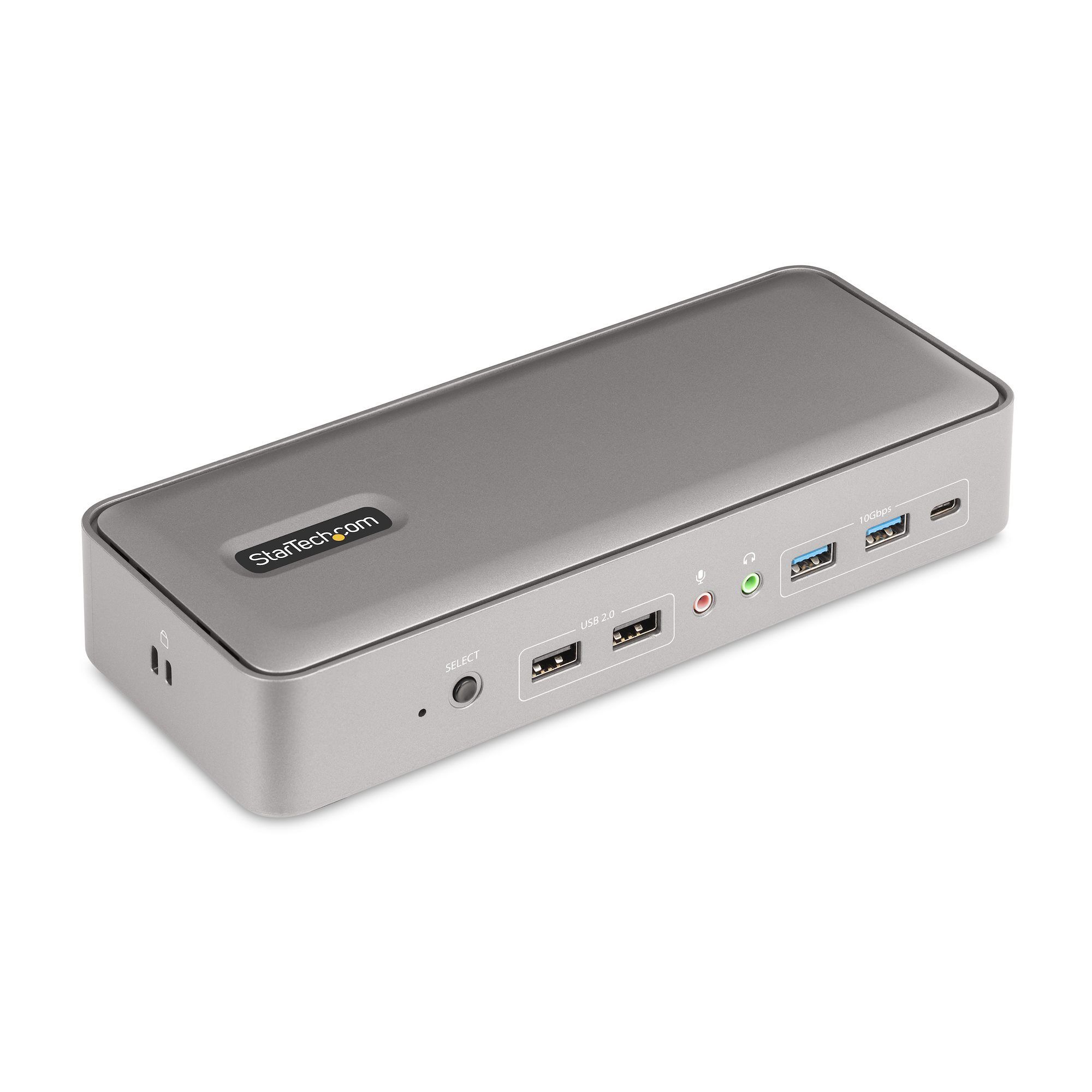
Adds three 10 Gbps USB ports, two USB 2.0 HID ports, Gigabit Ethernet with Wake-on-LAN, audio and microphone ports.
What to know
Mixed-platform KVM workflow
DisplayLink supports Windows, macOS and ChromeOS environments and enables dual external displays on compatible base Apple M-series MacBooks. Linux supports base hardware KVM switching with software limitations.
Flexible switching and mounting
Switch using the front toggle button or supported keyboard hot keys. Standard and Nano K-slots are built in, and optional StarTech SSPMSUDWM or SSPMSVESA accessories support surface or VESA mounting.
Product videos
Dual-Laptop USB-C KVM Docking Station
StarTech.com Connectivity Tools
Install DisplayLink Video Adapters on Windows
Install DisplayLink Video Adapters on macOS
Australian version with official StarTech.com warranty
3-Year manufacturer warranty
This is the Australian version supplied by DeviceDeal and is covered by a three-year official StarTech.com manufacturer warranty in Australia. Keep your DeviceDeal invoice as proof of purchase. Warranty coverage and claims are subject to StarTech.com warranty terms and product assessment.
StarTech 129N-USBC-KVM-DOCK FAQ
What does the 129N-USBC-KVM-DOCK allow me to share?
It lets two laptops share two displays, a keyboard, mouse, high-speed USB peripherals, Gigabit Ethernet, audio output and microphone input.
What display resolution does the KVM dock support?
It supports two DisplayPort displays at up to 4096 x 2160 60Hz each through DisplayLink technology.
Can it charge both laptops at the same time?
Yes. The included 180W adapter supplies 90W to the active host and 45W to the second host simultaneously.
How do I switch between the two computers?
Use the front push button or supported keyboard hot keys through the downloadable Windows or macOS software.
What USB and network ports are included?
It provides two USB-A 10 Gbps ports, one USB-C 10 Gbps port, two USB-A HID ports and Gigabit Ethernet with Wake-on-LAN.
Which operating systems are supported?
The official information lists Windows, macOS, ChromeOS and Linux. DisplayLink drivers are required on Windows and macOS; Linux supports base KVM hardware but not StarTechLink software features.
What comes in the package?
The package includes the dock, 180W power adapter, two 1 m USB-C host cables, regional power cables for ANZ and NA/JP, and a quick-start guide.
What warranty covers the 129N-USBC-KVM-DOCK?
This Australian-version product is covered by a three-year official StarTech.com manufacturer warranty in Australia. Keep the DeviceDeal invoice as proof of purchase; claims remain subject to StarTech.com terms and assessment.