Home & Office
Computers, monitors and internet equipment
Explore options →UPS SYSTEMS, BATTERIES & POWER PROTECTION
Protect computers, networks, NAS and servers against outages and power-quality problems. Compare trusted UPS systems by capacity, topology and installation type.
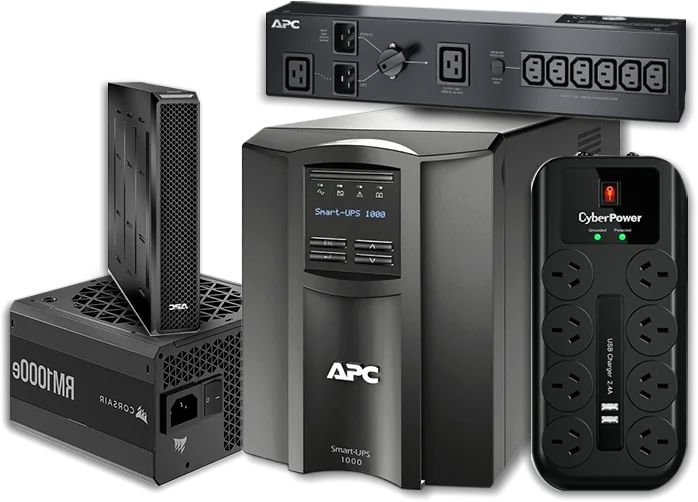
SHOP THE COMPLETE RANGE
Start with a complete UPS system or find batteries, rails, PDUs and protection accessories for an existing installation.
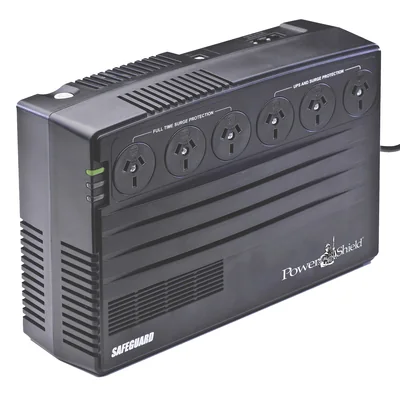
Compare desktop, tower and rackmount UPS options across the full range.
Shop category →
Find model-specific replacement batteries for supported UPS systems.
Shop category →
Extend runtime with an approved module for a compatible UPS.
Shop category →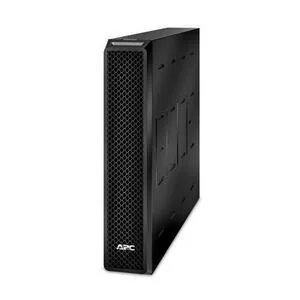
Browse replacement cartridges designed for supported UPS families.
Shop category →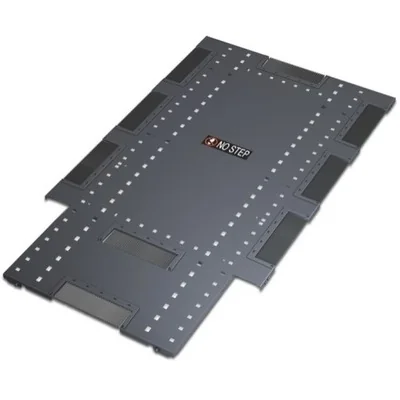
Mount compatible UPS equipment in rack and cabinet installations.
Shop category →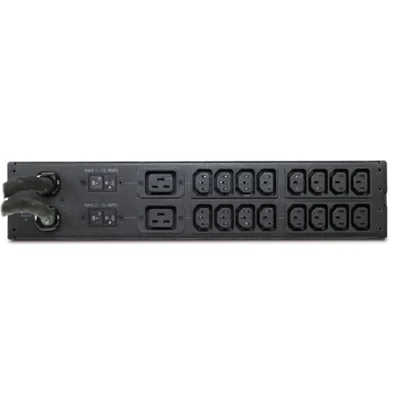
Distribute power across rack equipment with suitable PDUs and cabling.
Shop category →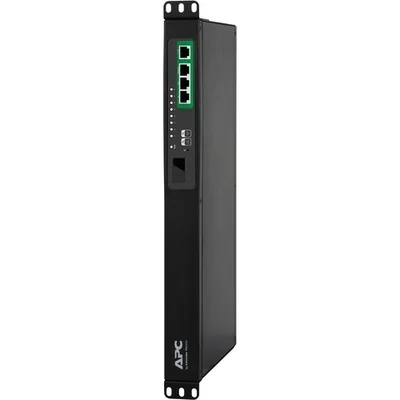
Protect suitable electronics from spikes and power distribution risks.
Shop category →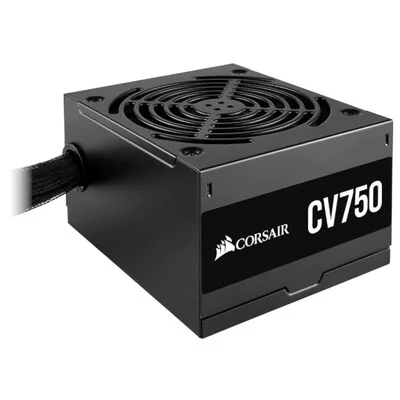
Browse compatible power supplies and adapters for everyday equipment.
Shop category →START WITH WHAT YOU NEED TO PROTECT
A faster route to commonly considered technology. Final sizing still depends on the exact load and runtime required.
Computers, monitors and internet equipment
Explore options →Safe shutdown and continuity for compatible storage
Explore options →Routers, switches, access points and phones
Explore options →Clean power for critical infrastructure
Explore options →VA alone does not size a UPS. Confirm the watt and VA ratings, then use the manufacturer’s runtime data for your expected load.
Read the sizing guide →UPS QUICK FINDER
Jump into the live DeviceDeal catalogue with useful selection filters already applied.
A CLEARER BUYING DECISION
Work through these in order and avoid choosing on VA alone.
Add expected watts and VA for every connected device.
Leave capacity for peaks, future equipment and runtime.
Match protection architecture to the application.
Confirm output suits connected equipment.
Use the model’s runtime curve at your expected load.
Check format, phase, plugs, outlets and software.
UNDERSTAND UPS TOPOLOGY
Topology describes how a UPS handles incoming power and when its inverter and battery become involved.
Basic battery backup for suitable home and office electronics that primarily need outage protection.
Shop standby UPS →Automatic Voltage Regulation can correct certain input variations without using the battery.
Shop line-interactive →Continuously regenerates output and offers strong isolation from input disturbances.
Shop online UPS →TRUSTED POWER PROTECTION BRANDS
Explore established brands for home, office, networking and business-critical environments.
UPS BUYING QUESTIONS
Clear guidance on capacity, runtime, topology, batteries and installation.
Browse all UPS →A UPS provides short-term battery power when mains power fails. Depending on its design, it can also provide surge protection, voltage regulation and power conditioning.
A surge protector helps reduce the effect of voltage spikes but does not normally keep equipment running in a blackout. A UPS adds battery backup for brief operation or safe shutdown.
Add the expected wattage of every connected device, then choose a UPS whose watt and VA limits both exceed that load. Allow headroom for peaks, future devices and useful runtime.
Watts measure real power used by equipment, while VA measures apparent power. The connected load must remain within both ratings.
Avoid planning to run at the maximum rating. Around 20% or more headroom is a useful starting point, but use the exact model’s sizing and runtime information.
Runtime depends on the battery system and connected load. Higher loads normally reduce runtime, so check the manufacturer’s runtime curve at your expected watt load.
Standby provides basic backup, line-interactive adds voltage regulation, and online double-conversion continuously regenerates output for more sensitive or critical equipment.
Automatic Voltage Regulation can boost or reduce incoming voltage on supported line-interactive systems without using battery power.
Pure sine wave is often preferred for sensitive electronics and active-PFC power supplies. Check the requirements of the equipment you intend to connect.
Choose the format that fits the installation. Capacity and runtime still need to be sized separately.
Single-phase is common in homes, offices and small server environments. Three-phase supports larger loads. Match the UPS to the site supply and protected equipment.
VRLA is sealed lead-acid technology widely used in UPS systems. Lithium-ion designs may offer lower weight, faster charging and longer service life in supported products.
Many models support replacement batteries, but the battery or cartridge must be specified as compatible with the exact UPS.
Service life varies with chemistry, temperature, loading and discharge frequency. Use battery-health indicators, testing and manufacturer guidance.
No. Extended battery modules are model-specific because voltage, connectors, charging capability and firmware support can differ.
READY TO PROTECT YOUR EQUIPMENT?