
 EcoTank ink bottles
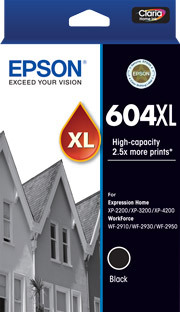 Ink cartridges & multipacks
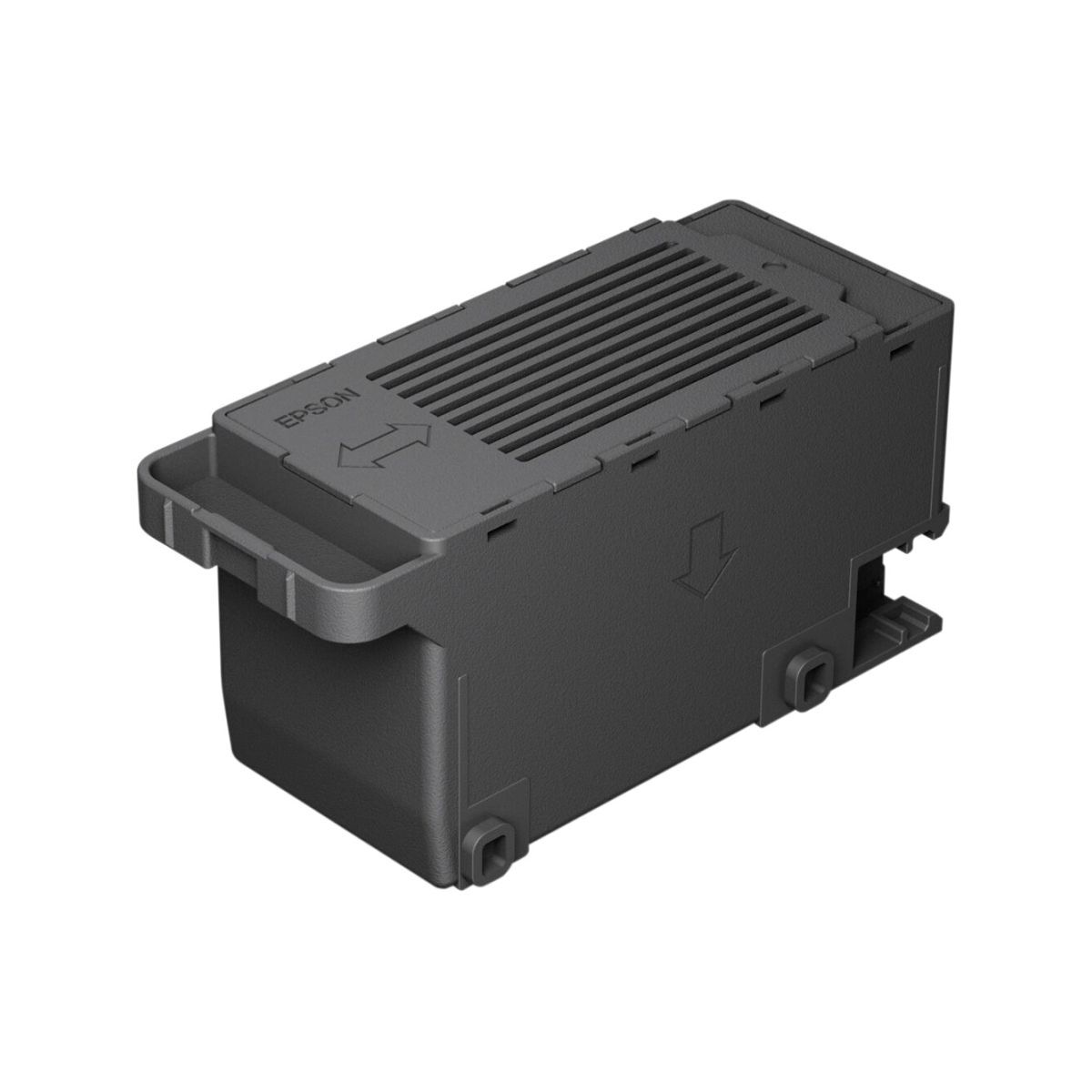 Maintenance products
Locate the printer model
Check the front panel, rear label or printer settings screen for the complete model, including letters and numbers.
 Verified model matching
Enter your Epson printer model to find matching ink cartridges, EcoTank bottles, maintenance products and other verified consumables available from DeviceDeal.
Compatibility is based on the Epson April 2026 range guide and explicit model information in the supplied DeviceDeal product data. Always confirm the model on the linked product page before ordering.
Use the model printed on your Epson printer, such as ET-2950, XP-4200 or WF-C5890. You can also switch to product-code search for an ink, ribbon or maintenance code.
Model names that look similar can use different supplies. Use the full model number and confirm the linked product page before ordering.
Check the front panel, rear label or printer settings screen for the complete model, including letters and numbers.
Enter the full model with or without spaces or hyphens. The finder normalises common formatting differences.
Open the DeviceDeal product page and check that your exact model is listed in the compatibility information.
Search the complete supplied Epson product data by consumable type when you already know what you need.
Standard, high-capacity and multipack cartridge products from the supplied DeviceDeal Epson data.
Bottled ink products for compatible Epson EcoTank printer families.
Ink-pack products are shown only where they are present in the supplied DeviceDeal data.
Maintenance boxes and tanks that collect excess ink on compatible models.
Ribbon cartridges for compatible Epson impact and point-of-sale printers.
Epson paper, photo media and selected roll-media products in the supplied catalogue.
Select a model below to send it directly to the finder. The ink-family relationships are taken from the supplied Epson retail range guide.
| Epson range | Printer models | Verified supply family |
|---|---|---|
| EcoTank | T522 | |
| EcoTank | T502 | |
| EcoTank Photo | T552 | |
| EcoTank Pro | T542 | |
| Expression Home | 604 / 604XL | |
| Expression Home | 49 / 49XL | |
| Expression Photo | 312XL | |
| Expression Photo | 277XL | |
| WorkForce | 215 | |
| WorkForce | 604 / 604XL | |
| WorkForce | 503 / 503XL | |
| WorkForce | 812 / 812XL / 812XXL Black | |
| WorkForce Pro | 812 / 812XL | |
| WorkForce Pro C-Series | T10 / T10XL / T10XXL Black | |
| WorkForce Pro C-Series | Replaceable Ink Pack System |
The current-range table covers the models in the supplied April 2026 Epson retail guide. Older and specialist models appear only when explicit compatibility is present in the supplied DeviceDeal product data.
Practical answers for selecting Epson ink, bottles, maintenance products and other consumables.
It matches an Epson printer model or consumable code with products in the supplied DeviceDeal Epson catalogue. Current retail-model relationships are based on the supplied April 2026 Epson guide, while older or specialist relationships are shown only when explicit compatibility appears in the supplied product data.
Check the front control panel, the label on the rear or underside of the printer, or the printer-information screen. Use the complete model, including letters, numbers and any suffix.
Yes. The finder normalises common spaces and hyphens, so searches such as ET2950 and ET-2950 are treated as the same model when that model is in the verified data.
Yes. Choose Ink or product code and enter a cartridge family, bottle family or exact product code, such as 604XL or C13T10G192.
Ink cartridges are replaceable sealed cartridges used by compatible Epson models. EcoTank printers use compatible bottled ink to refill their integrated ink tanks. These supply formats are not interchangeable.
XL and XXL identify higher-capacity options within selected compatible cartridge families. Capacity availability differs by family and colour, so check the linked product page for the exact item.
Some printer families support both standard and higher-capacity cartridges, but compatibility is model-specific. Confirm every colour and capacity against the exact printer model before ordering.
A maintenance box or tank is a replaceable component used by selected Epson printers to collect excess ink generated during cleaning and printing operations. It does not replace the printer's normal ink supply.
No. Maintenance products are model-specific. Search the complete printer model and confirm that the linked maintenance product lists that exact model.
The finder does not hardcode prices or availability. Each result opens the live DeviceDeal product page, where current purchasing information can be checked.
No. The finder provides exact current-range mappings from the supplied Epson guide and additional older or specialist mappings only where the supplied DeviceDeal product names state compatibility. It does not claim complete coverage of every historical Epson printer.
The Epson guide may verify the required family even when that family is not present in the supplied DeviceDeal export or the selected product-type filter. Use the Epson consumables category or contact DeviceDeal to confirm current availability.
Yes. Ribbon products from the supplied DeviceDeal Epson data can be searched by product code, browsed by type, or matched to a model when explicit compatibility is included in the product name.
Yes. Epson paper and selected media products in the supplied catalogue can be browsed by type. Paper choice also depends on printer capabilities, size and media handling, so check the printer and media product information.
Open the linked DeviceDeal product page and check that your complete printer model is listed. Do not choose a consumable only by colour, appearance or a similar-looking model number.
Recheck the complete model, try the consumable code if you have it, or contact DeviceDeal with a photo of the printer label and the supply type required. DeviceDeal can help confirm the appropriate item before ordering.
Send DeviceDeal your complete Epson printer model and the consumable type you need. The team can help you confirm the correct product before ordering.