
Refillable ink-tank printing
Cartridge-free printers with integrated high-capacity ink tanks for everyday home and office printing.
Shop Epson printers

Buy from a trusted Epson partner and explore the right Epson printers, scanners, consumables and business solutions for your requirements.
Explore Epson EcoTank, WorkForce, Expression, SureColor, document scanning, photo scanning, retail printing and projection solutions available through DeviceDeal, your Epson Premium Partner.
Which Epson should you choose? Start with what you need to print or scan, then compare the matching Epson range, paper size, functions and connectivity before selecting a model.

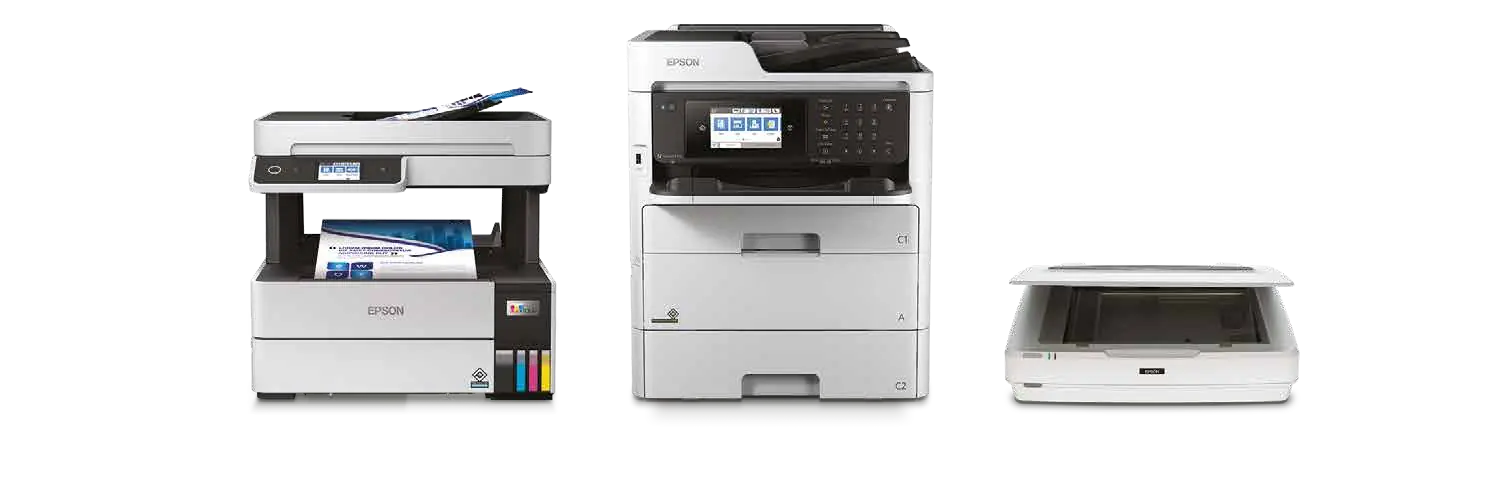
Move directly to Epson-filtered DeviceDeal results, or use the selector below when you are still comparing options.
If you already know your Epson printer or scanner model, the dedicated Epson Ink & Consumables Finder is the quickest way to search by model or consumable code before you buy.
Always confirm compatibility on the individual product page, because different Epson families can use different ink, maintenance and media systems.
Select the closest use case for a practical starting point. Individual specifications and features still vary by model.
EcoTank uses refillable ink tanks, while Expression Home models use individual ink cartridges. Compare expected printing habits, paper handling and multifunction requirements.
Look for the functions that match your workflow, such as an automatic document feeder, automatic two-sided printing, Ethernet, fax or a larger paper capacity.
EcoTank Pro and WorkForce Pro ranges are designed around business document requirements. Compare print format, speed, paper capacity, ADF capability and network features model by model.
The supplied Epson guide identifies six-colour EcoTank Photo and Expression Photo options, including selected A3 and A3+ models. Check media handling and maximum print size carefully.
Sheet-fed document scanners suit batches of paperwork, portable scanners help mobile workflows, and photo-focused scanners support archiving and image restoration tasks.
Epson TM models cover receipt and label applications, while the supplied SureColor T-Series guide covers technical output such as posters, plans, drawings, maps, CAD and GIS material.
These range descriptions are based on Epson’s supplied April 2026 Retail Print & Scan guide.
Cartridge-free printers with integrated high-capacity ink tanks for everyday home and office printing.
Shop Epson printersBusiness-oriented EcoTank models using DURABrite ET pigment inks and productivity-focused paper handling.
View EcoTank Pro ET-5800Photo-focused EcoTank models designed for high-quality photos and documents, with selected A3+ capability.
View EcoTank Photo ET-8550Expression Home focuses on general documents and images, while Expression Photo targets photo and creative output.
Shop home printersA broad range covering mobile, multifunction and networked document-printing requirements.
Shop business printersWorkForce, FastFoto, Perfection and Expression scanner options for different document and image workflows.
Shop Epson scannersThese examples are linked directly to live DeviceDeal product pages. Check each page for current availability, pricing and complete specifications.
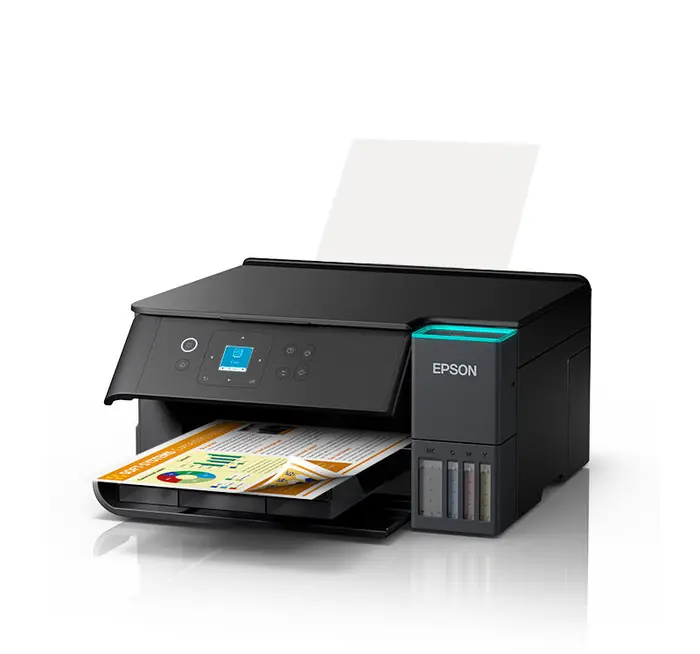 EcoTank
A4 colour ink-tank multifunction printer with duplex and Wi-Fi Direct.
View product →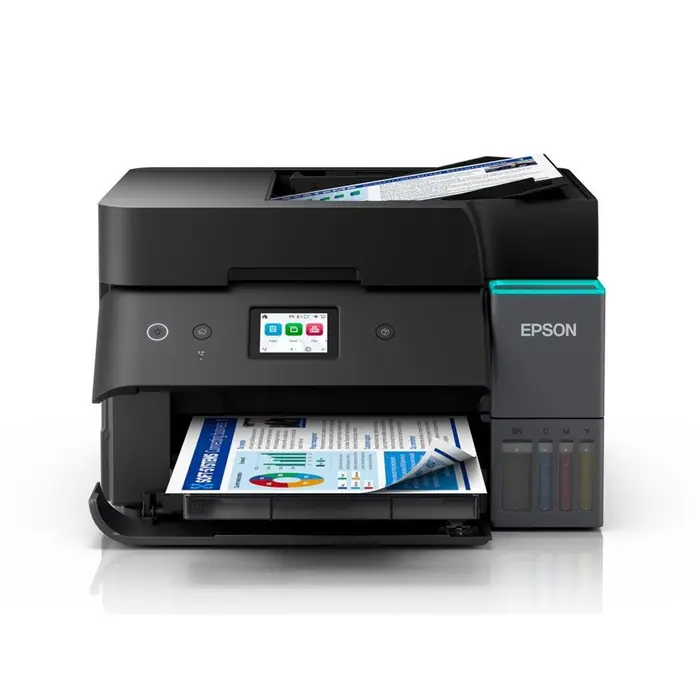 EcoTank
A4 multifunction model with duplex, ADF, Wi-Fi, Ethernet and fax.
View product →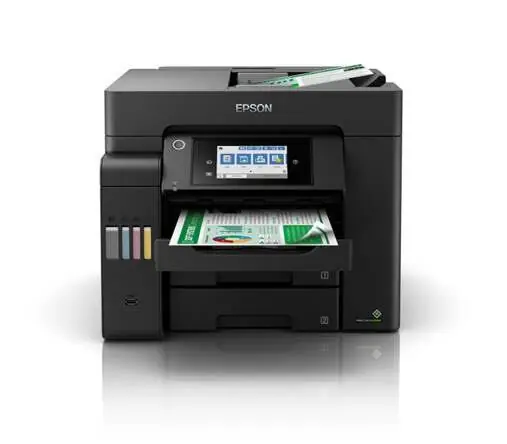 EcoTank Pro
A4 business multifunction model with duplex ADF and network connectivity.
View product →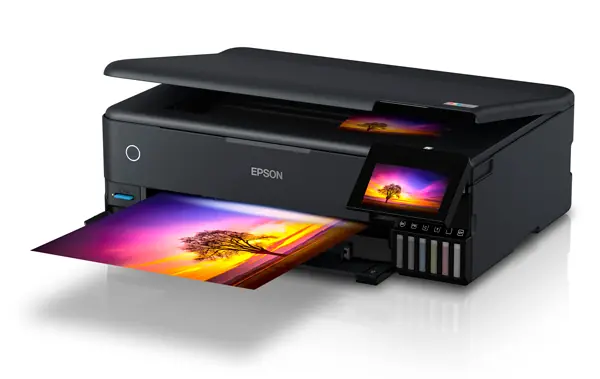 EcoTank Photo
Six-colour photo ink-tank multifunction printer with A3+ output.
View product →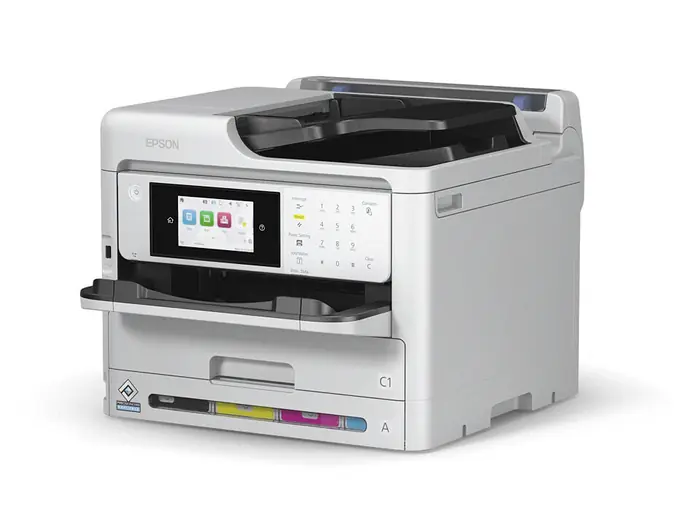 WorkForce Pro
A4 colour multifunction business inkjet printer.
View product →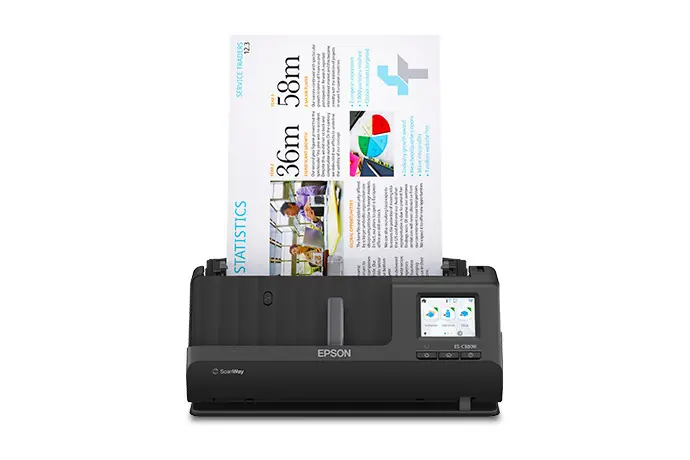 Document scanning
Compact A4 desktop document scanner with duplex and Wi-Fi.
View product →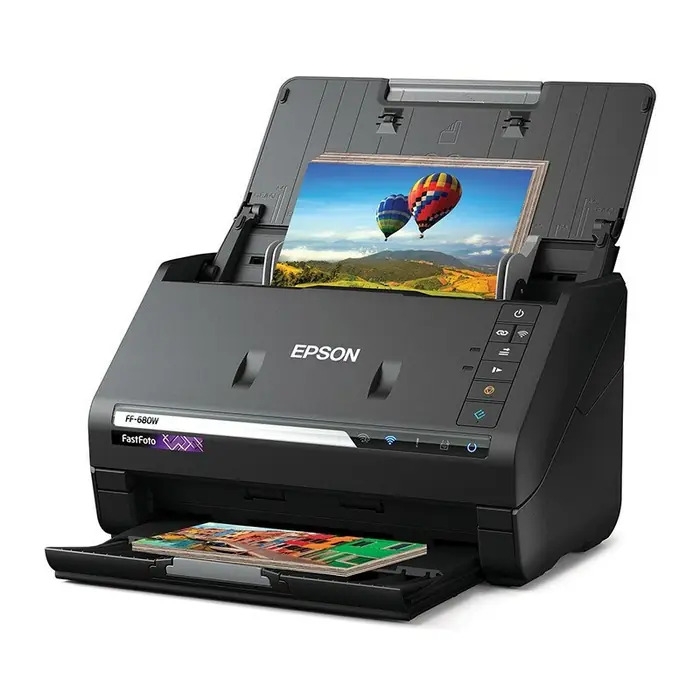 Photo scanning
A4 photo scanner with ADF, duplex scanning and Wi-Fi.
View product →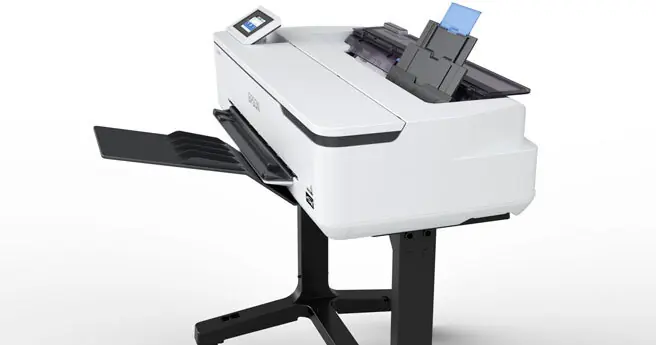 SureColor
24-inch large-format printer supplied with stand and basket.
View product →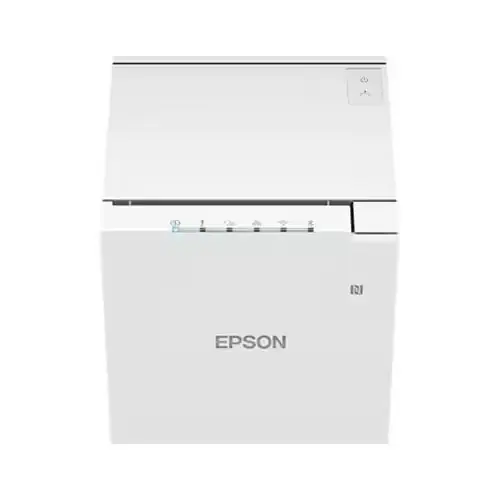 Receipt printing
80 mm direct-thermal receipt printer with multiple interfaces.
View product →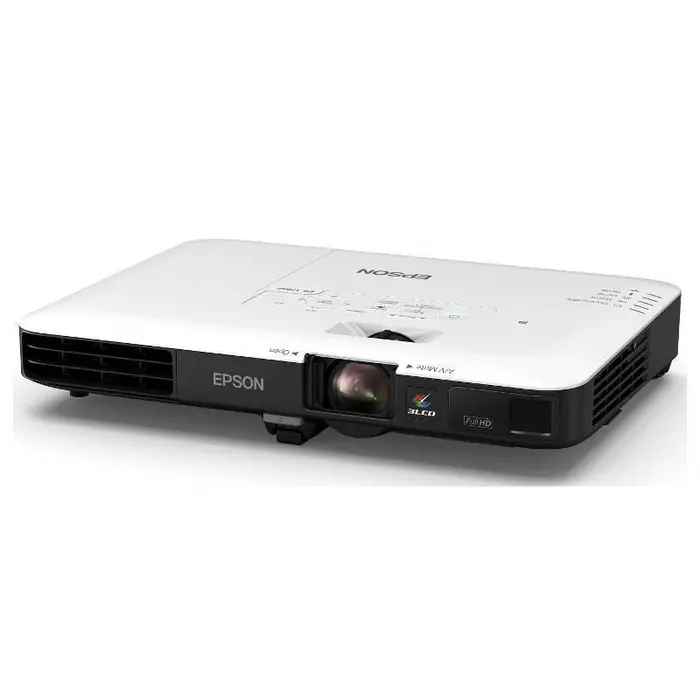 Projection
Full HD 3LCD corporate portable multimedia projector.
View product →
Epson’s supplied range spans compact home printing, business document workflows, creative photo output and specialist scanning. Choosing the right family first makes the model comparison much easier.
Support varies by product, so always confirm the exact feature list on the selected model.
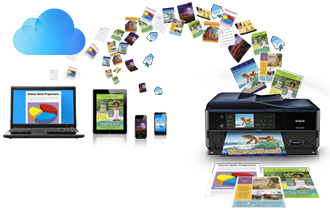
Many models in the supplied Epson guide include Wi-Fi, Wi-Fi Direct, Apple AirPrint or mobile-printing support. Check the model page for the exact supported services.
Compare Epson printers
Selected Epson photo scanners provide correction and restoration tools for family photos, film or other photographic material. Capabilities differ between models.
Browse photo scannersEpson’s DeviceDeal range extends beyond ordinary desktop printing.
Compare desktop or mobile Epson models by print method, media width and required USB, network or wireless interfaces.
Shop Epson receipt and label printersThe supplied T-Series guide covers posters, point-of-sale material, plans, drawings, maps, CAD, GIS and presentation output.
View SureColor T3160Browse DeviceDeal’s Epson-filtered projector results for corporate, portable and presentation requirements.
Shop Epson projectorsUse this table as a range-level guide, then verify the specifications of the exact model.
| Epson family | A useful starting point for | Main distinction in the supplied guide | Next step |
|---|---|---|---|
| EcoTank | Everyday home and office printing | Cartridge-free printing with integrated refillable ink tanks | Shop printers |
| EcoTank Pro | Business document printing | Business-focused models using DURABrite ET pigment inks | View ET-5800 |
| EcoTank Photo | Photo enthusiasts and mixed creative output | Six-colour ink system with selected A3+ capability | View ET-8550 |
| Expression Home | Compact general-purpose home use | Individual Claria Home ink cartridges | Shop home printers |
| Expression Photo | Photo and creative printing | Six-colour Claria Photo HD ink on listed models | Shop printers |
| WorkForce / WorkForce Pro | Home-office and business workflows | Document-focused models with functions varying by model | Shop business printers |
| WorkForce / FastFoto / Perfection scanners | Documents, portable capture and photos | Sheet-fed, portable and flatbed choices for different media | Shop scanners |
| SureColor T-Series | Plans, drawings, maps and presentation material | Technical large-format printing in listed 24-inch and 36-inch models | View T3160 |
Use the dedicated Epson Ink & Consumables Finder when you already know your printer or scanner model, then confirm the exact compatibility details on the linked DeviceDeal product page. DeviceDeal’s Epson range includes ink bottles, cartridges, ribbons, paper media, maintenance items, accessories and selected CoverPlus products.
Clear answers based on the supplied Epson range guide and DeviceDeal product data.
An Epson EcoTank printer uses integrated refillable ink tanks and ink bottles instead of conventional ink cartridges. Functions, print size, included ink and connectivity vary by model.
EcoTank models use refillable ink tanks. The Expression models in the supplied guide use individual cartridges, with Expression Home aimed at general documents and images and Expression Photo aimed at photo and creative output.
EcoTank and Expression Home are practical starting points for everyday home use. Compare print-only versus multifunction design, paper handling, two-sided printing and wireless features before choosing.
EcoTank Pro, WorkForce and WorkForce Pro contain business-oriented models. The right choice depends on required paper size, functions, print speed, paper capacity, document feeder and network features.
Yes. The supplied Epson guide includes selected A3 and A3+ models across EcoTank Pro, EcoTank Photo, Expression Photo, WorkForce and SureColor. Always confirm the maximum size and supported media on the exact model.
Epson multifunction printer models combine printing with scanning and copying, while some also include fax. Check the product title and full specification because functions vary between models.
An automatic document feeder, or ADF, feeds multiple pages into a compatible scanner or multifunction printer. Feeder capacity and one-sided or two-sided scanning capability vary by model.
Selected Epson models support automatic two-sided printing. It is not universal across the range, so confirm duplex support on the individual DeviceDeal product page.
Many models in the supplied Epson guide support Wi-Fi, Wi-Fi Direct, Apple AirPrint or Epson mobile-printing services. Compatibility depends on the printer, mobile device, network and selected service.
EcoTank Photo and Expression Photo are the main photo-focused ranges in the supplied guide. Compare ink set, maximum print size, borderless support, media trays and direct-printing features.
Choose a document scanner for paperwork and multi-page workflows. Choose a photo scanner when optical detail, photographic media handling, film support or restoration features are more important.
The FastFoto FF-680W is a photo scanner listed by DeviceDeal with an automatic document feeder, duplex scanning and Wi-Fi. Epson’s supplied guide positions it for fast personal photo scanning.
Yes. Epson’s supplied guide includes the WorkForce ES-60W as a wireless, lightweight and travel-friendly scanner. Other compact models may be intended for desktop rather than mobile use.
Yes. DeviceDeal’s Epson listings include desktop and mobile thermal receipt or label printer options. Compare media width, cutter requirements and USB, serial, Ethernet or wireless connectivity.
The supplied Epson guide describes the SureColor T-Series for posters, point-of-sale material, plans, drawings, maps, CAD, GIS and presentation material. Listed models include different print widths and multifunction options.
Use the Epson Ink & Consumables Finder to search by exact printer model or consumable code, then compare the compatibility information on the individual DeviceDeal product page. Do not select ink only by colour or appearance because different Epson families use different consumables.
Browse the complete Epson range, use the Epson Ink & Consumables Finder when you need supplies, or start with printers, scanners and consumables using the category links above. DeviceDeal also advertises its Epson Premium Partner status prominently near the top of this page.