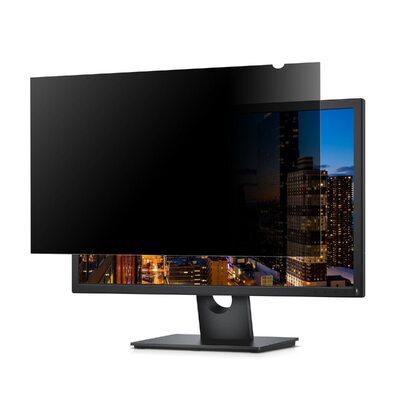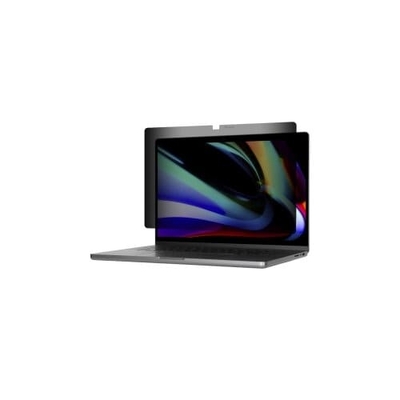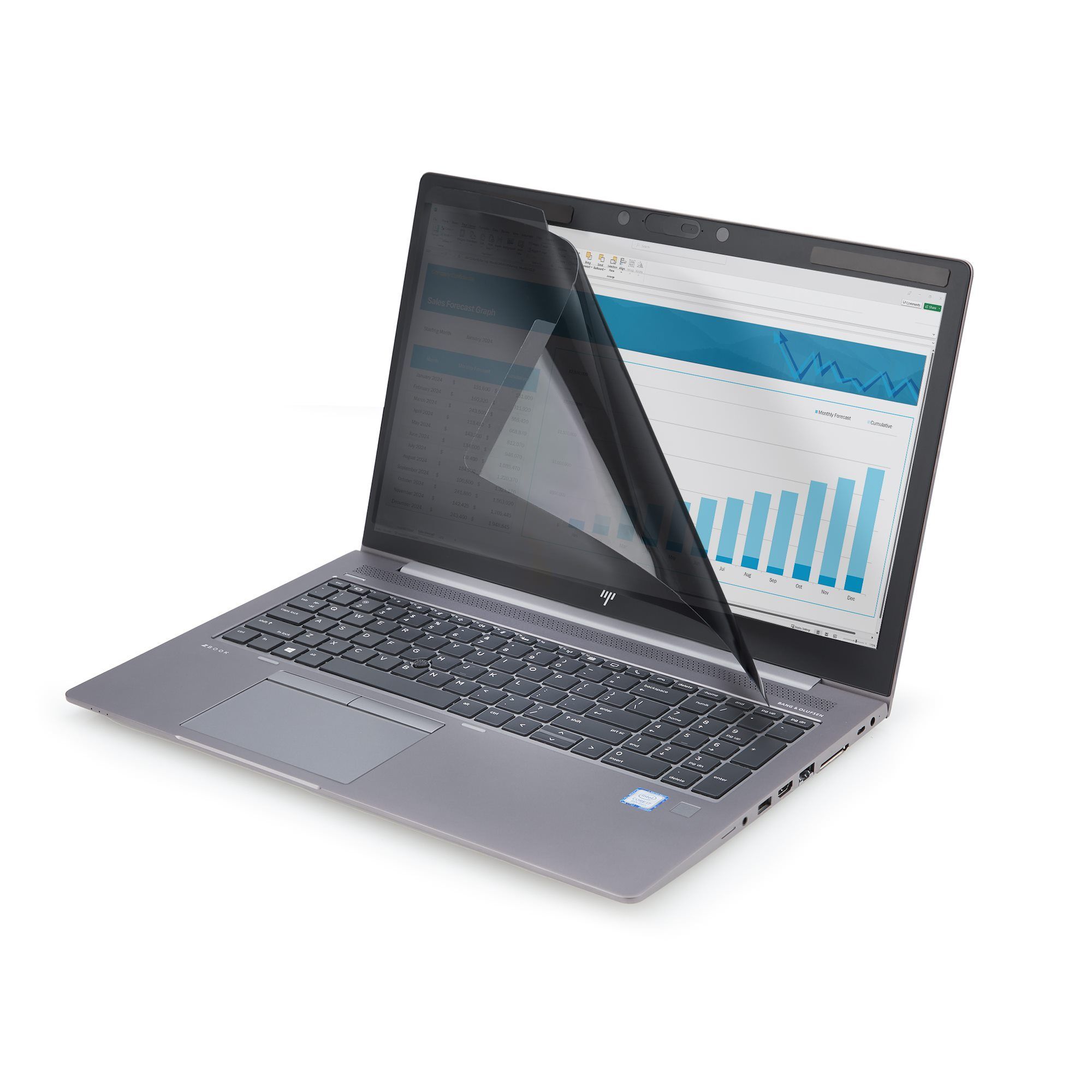



16-inch 16:10 Magnetic Laptop Privacy Screen
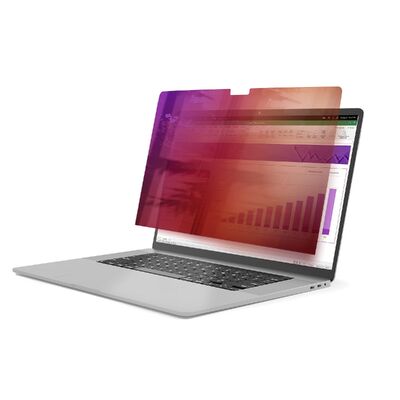
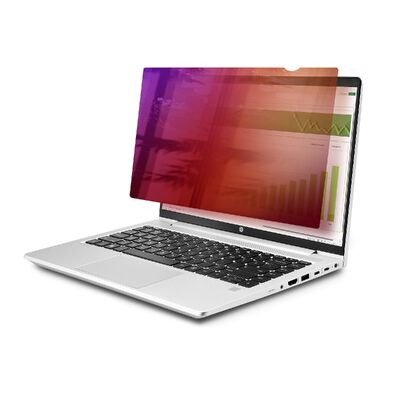
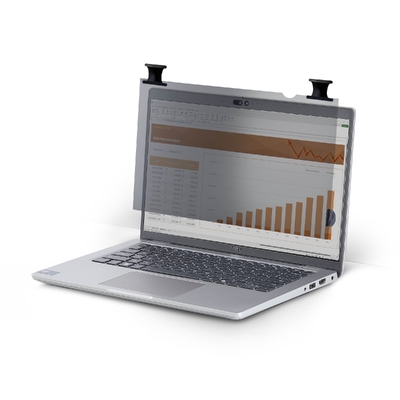
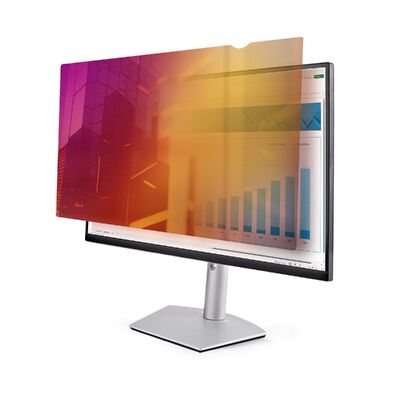
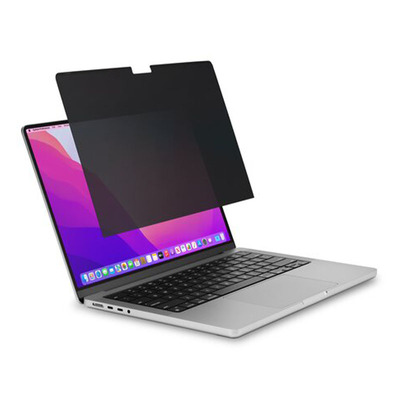
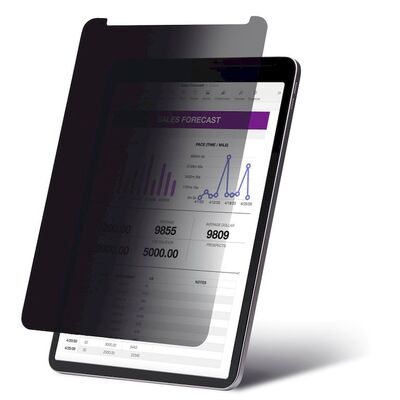
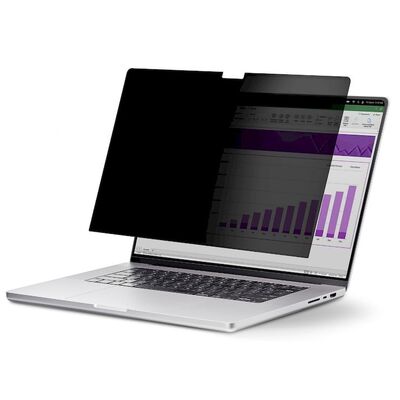
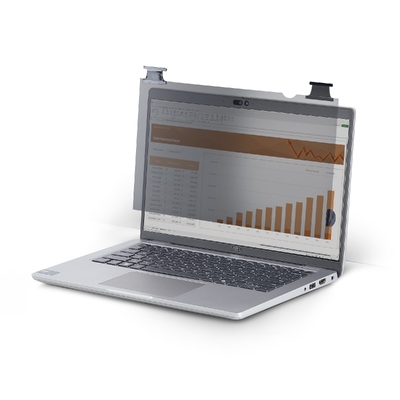
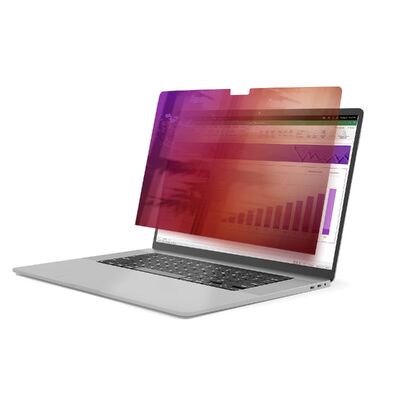
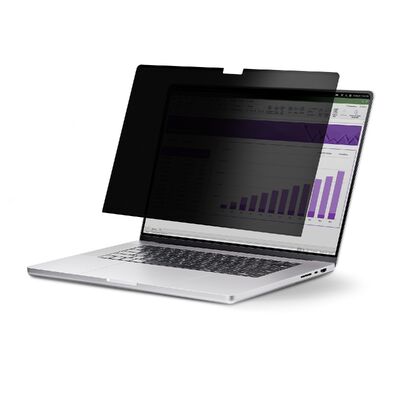
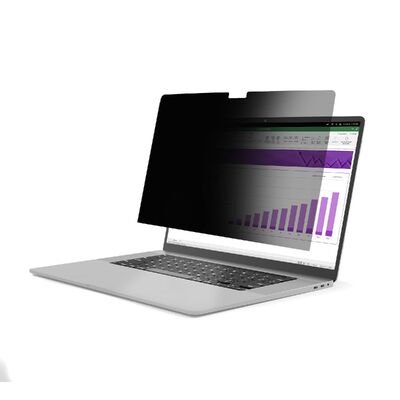
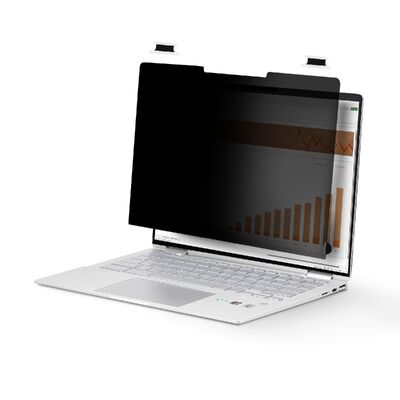
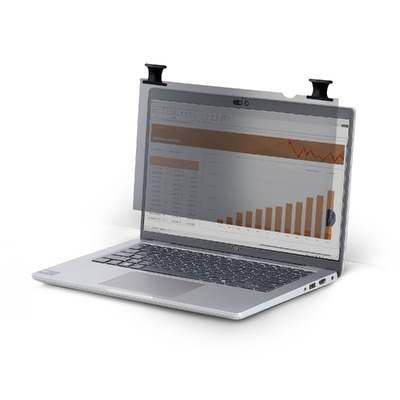
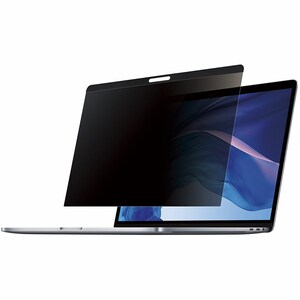
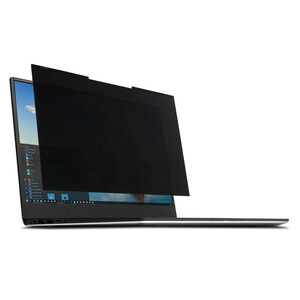
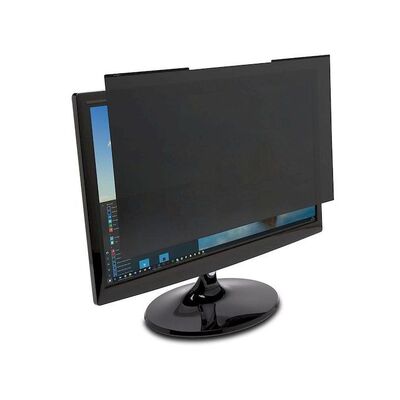
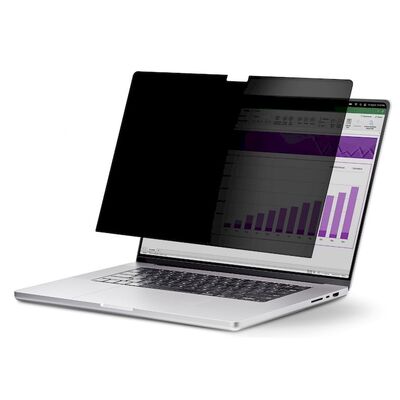
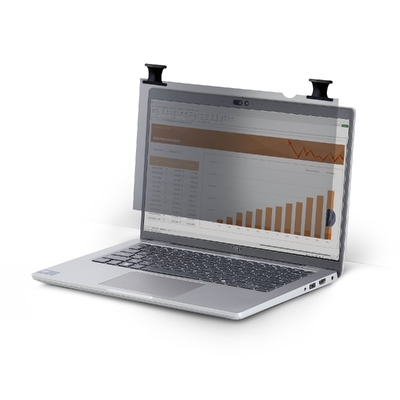
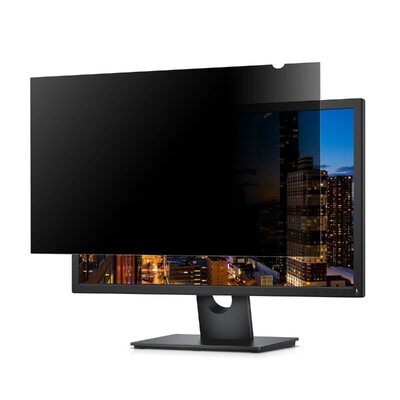
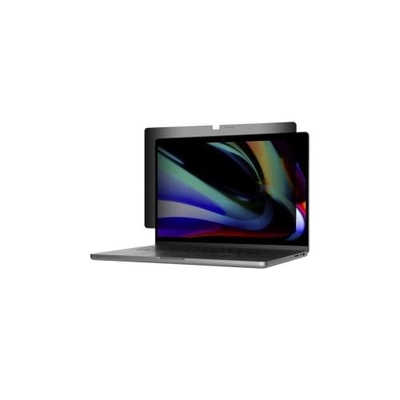
Add removable side-view privacy to a flat 16-inch 16:10 laptop using a lightweight magnetic filter with reversible anti-glare matte and glossy surfaces.
Key features
60-degree privacy viewing
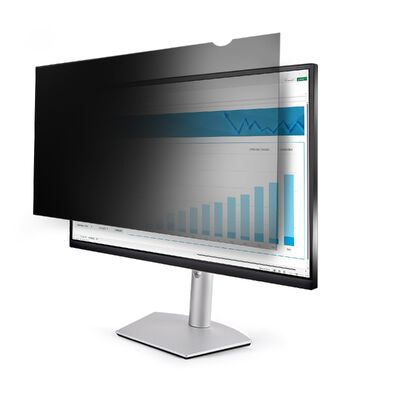
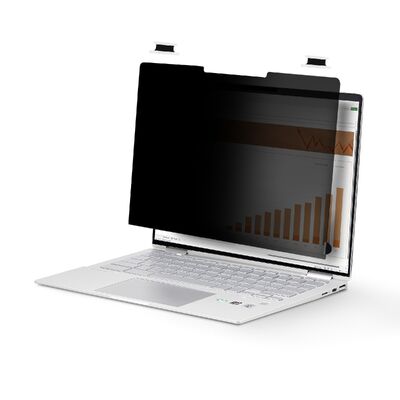
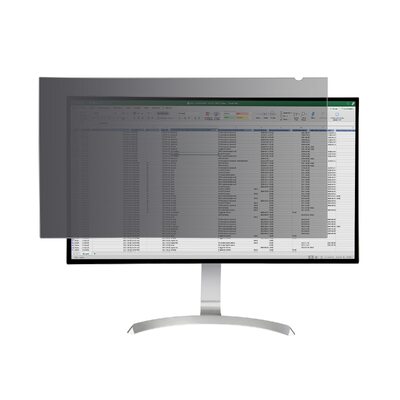
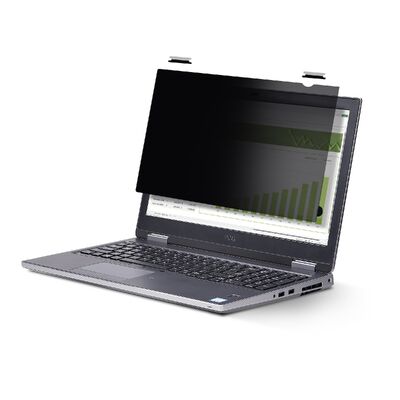
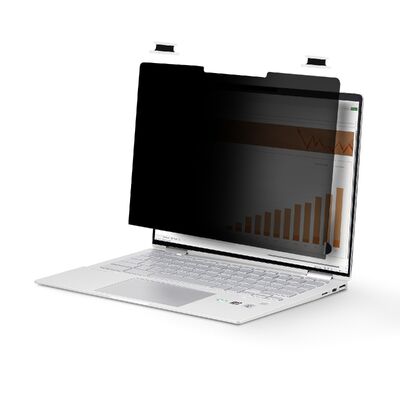
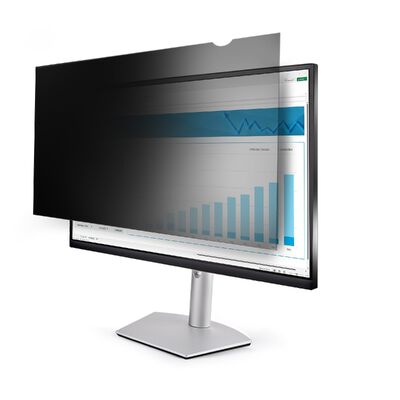
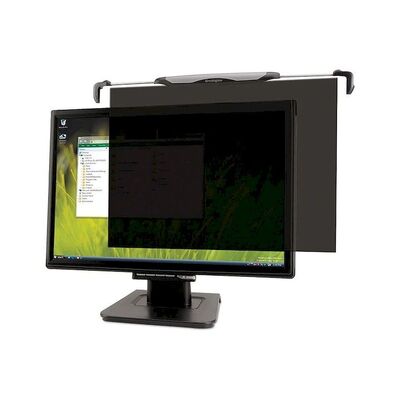
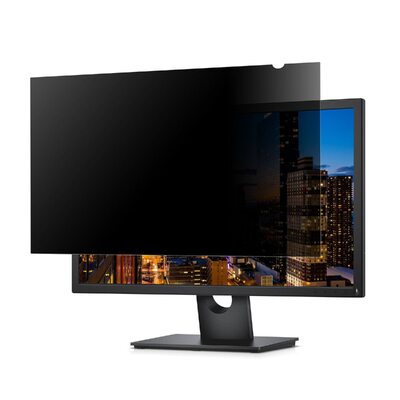
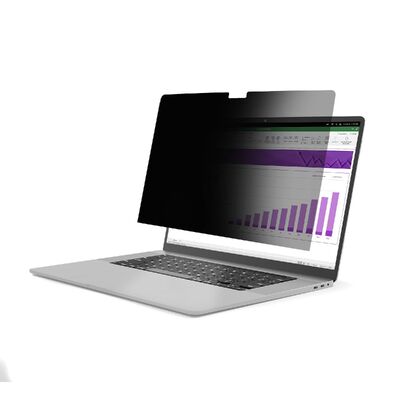
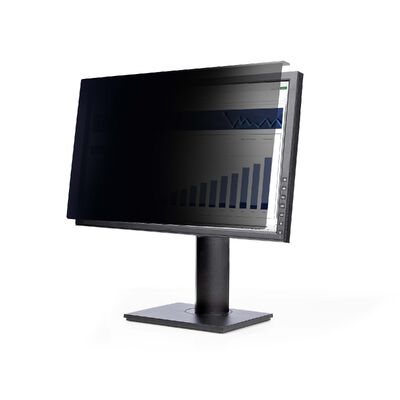
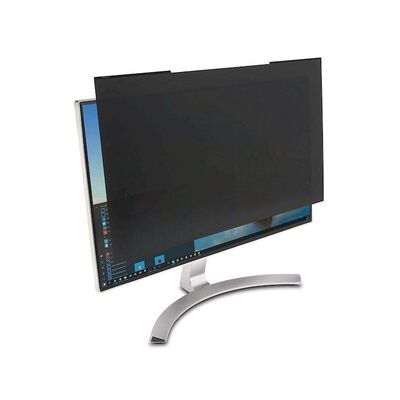
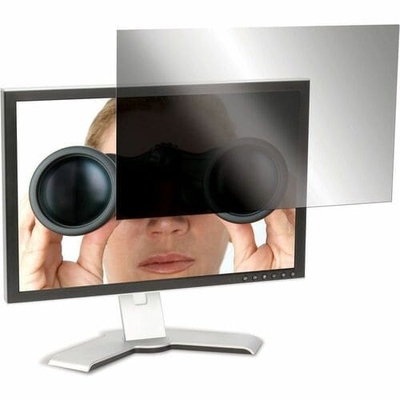
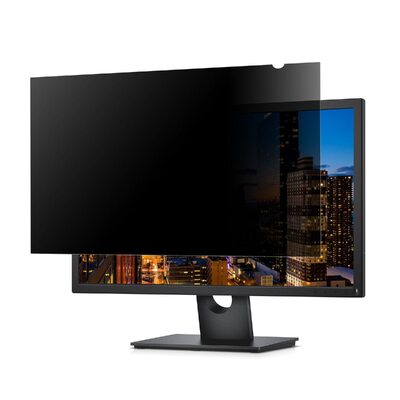
Microlouver technology darkens side views beyond 30 degrees from centre while keeping the direct viewing area clear.
Universal 16-inch 16:10 design
The 348 x 224mm filter fits many flat 16-inch laptop displays with a 16:10 aspect ratio and includes a camera and sensor cut-out.
Reversible matte or glossy sides
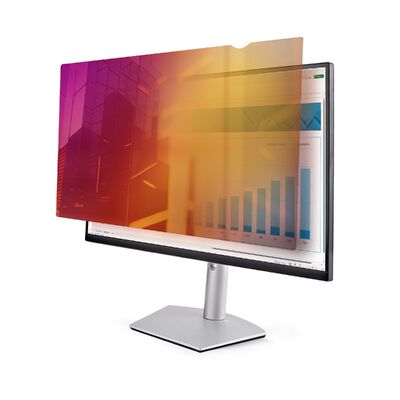
Use the anti-glare matte side in bright environments or the high-gloss side to help retain colour vibrancy; both sides resist fingerprints.
Quick magnetic installation
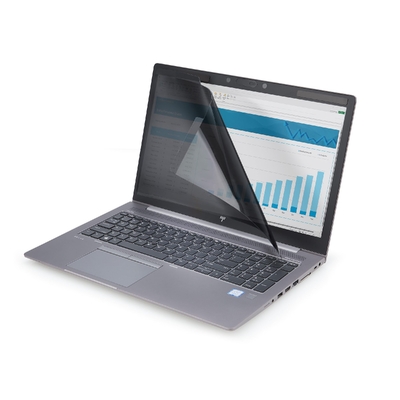
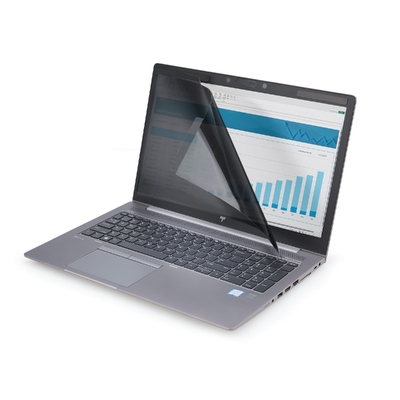
Apply the included metal strips to the laptop bezel, then snap the lightweight privacy filter on or remove it for screen sharing and storage.
What to know
Designed for confident mobile work
Microlouver technology limits the clear view to 60 degrees and obscures side views beyond 30 degrees to help protect sensitive information.
Installation and everyday care
The PET filter weighs only 5g and blocks up to 51% of blue light. A protective sleeve and wiping cloth support transport and care.
Product videos
Laptop Privacy Screens | StarTech.com
Privacy Filters Frequently Asked Questions | StarTech.com
How to Install Privacy Screens with Adhesive Strips | StarTech.com
Australian version with official StarTech.com warranty
2-Year manufacturer warranty
This is the Australian version supplied by DeviceDeal and is covered by a two-year official StarTech.com manufacturer warranty in Australia. Keep your DeviceDeal invoice as proof of purchase. Warranty coverage and claims are subject to StarTech.com warranty terms and product assessment.
StarTech 161LM-PRIVACY-SCREEN FAQ
Which devices fit the 161LM-PRIVACY-SCREEN?
It is designed for many flat 16-inch laptop displays with a 16:10 aspect ratio. It is not intended for curved or ultrawide screens.
What viewing angle remains private?
The clear viewing area is 60 degrees total, or 30 degrees to either side of centre; views outside this range are darkened.
How easily can the filter be removed?
After the metal strips are installed, the filter attaches magnetically and can be lifted off for screen sharing, reversal or storage.
What finish does the privacy screen use?
It is reversible, with an anti-glare matte side and a glossy side that helps retain colour vibrancy; both sides resist fingerprints.
How much blue light does it reduce?
The filter blocks up to 51% of blue light in the 380480nm range.
How is the privacy filter installed?
Apply the supplied metal adhesive strips to the laptop bezel, then align the magnetic filter with those strips.
What is included in the box?
The package includes the magnetic filter, metal-strip set, wiping cloth, protective sleeve and quick-start guide.
What warranty covers the 161LM-PRIVACY-SCREEN?
This Australian-version product is covered by a two-year official StarTech.com manufacturer warranty in Australia. Keep the DeviceDeal invoice as proof of purchase; claims remain subject to StarTech.com terms and assessment.