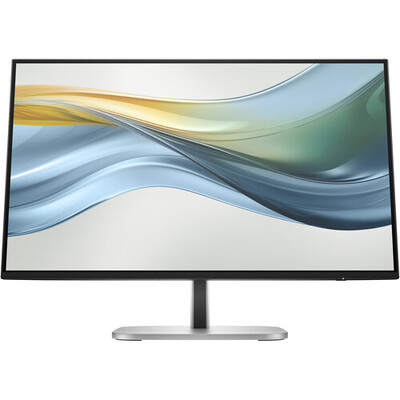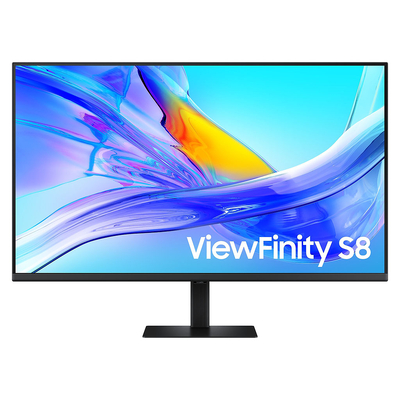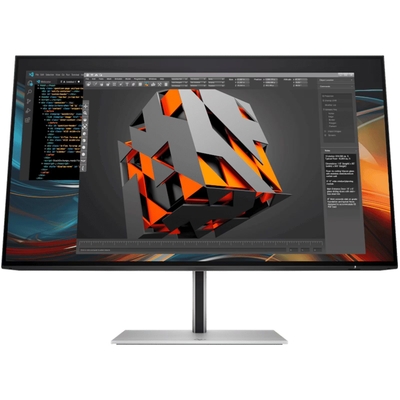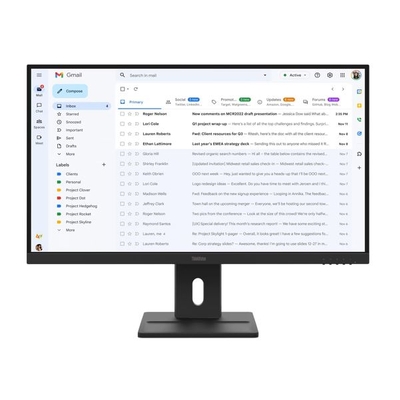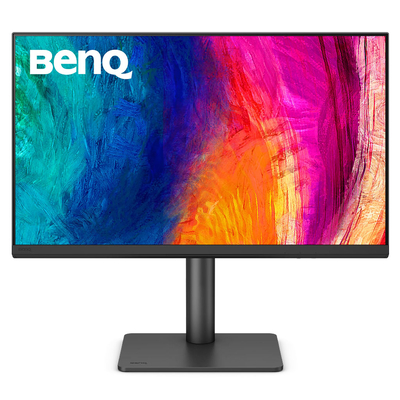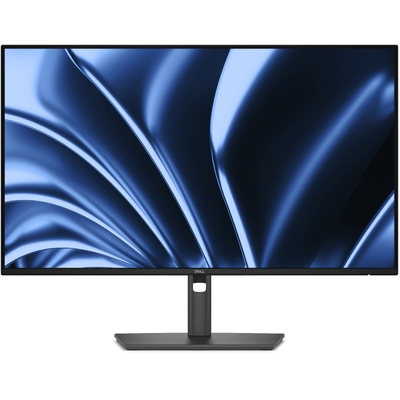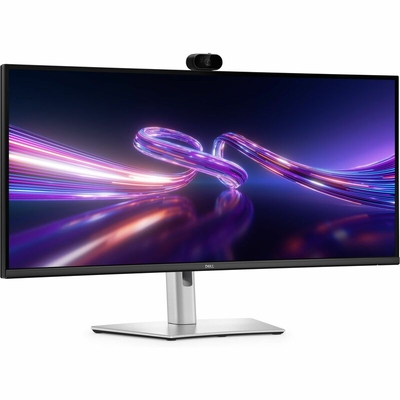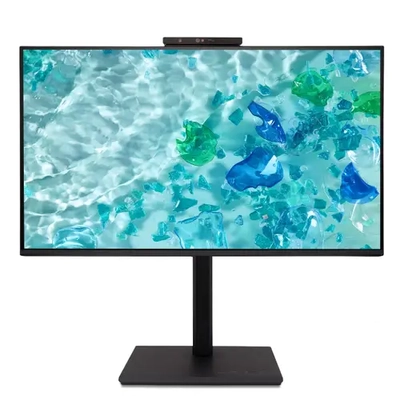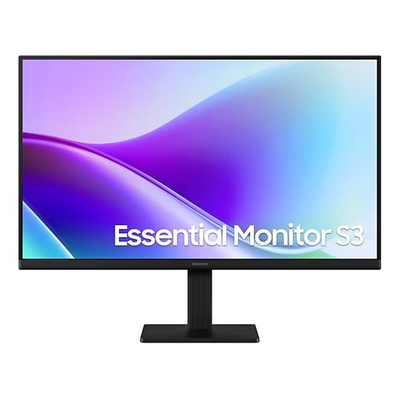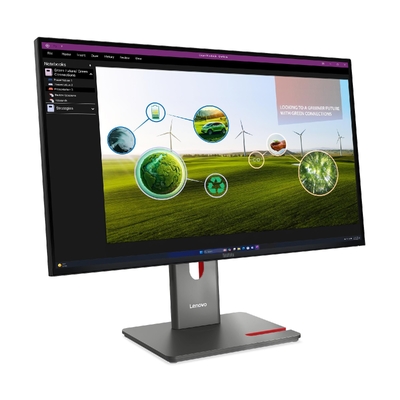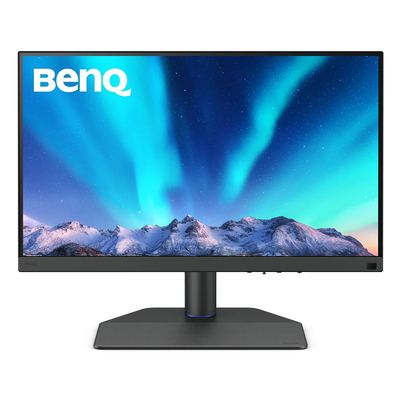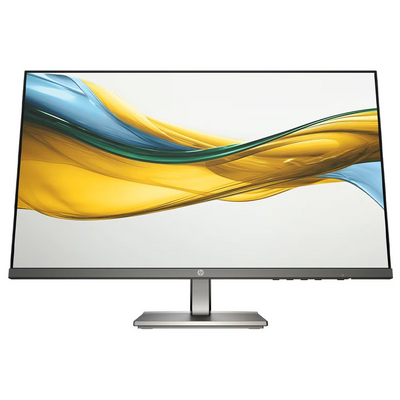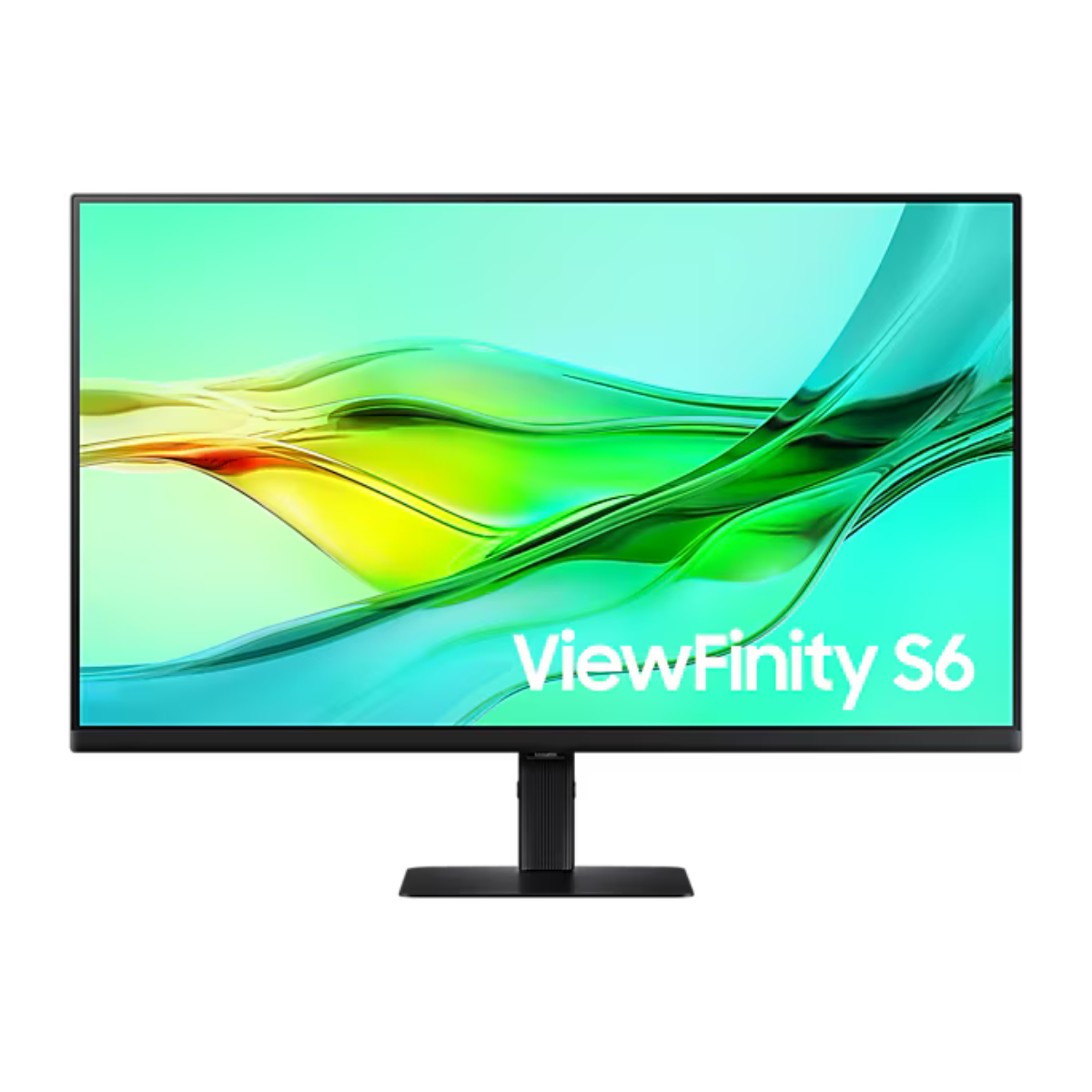
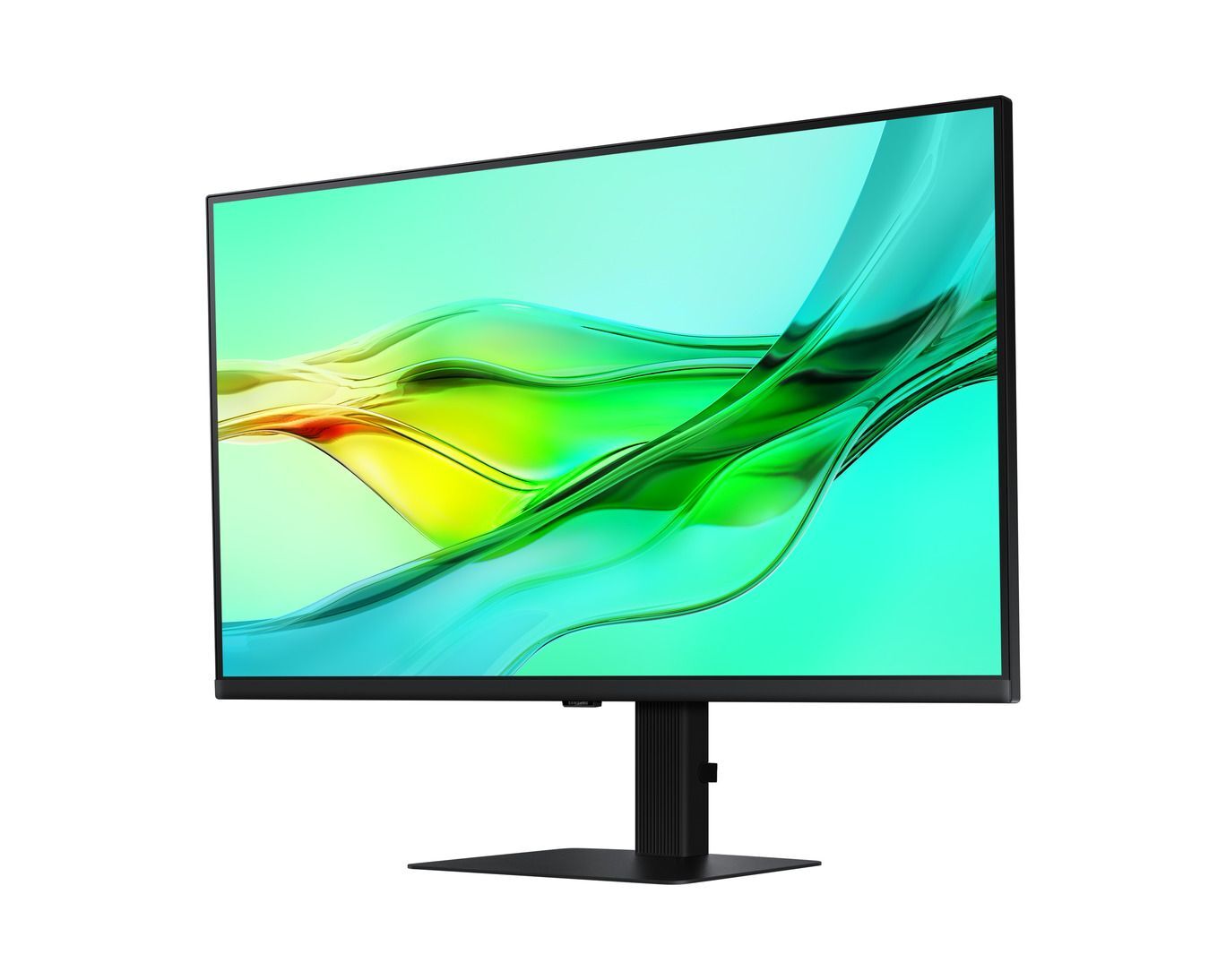
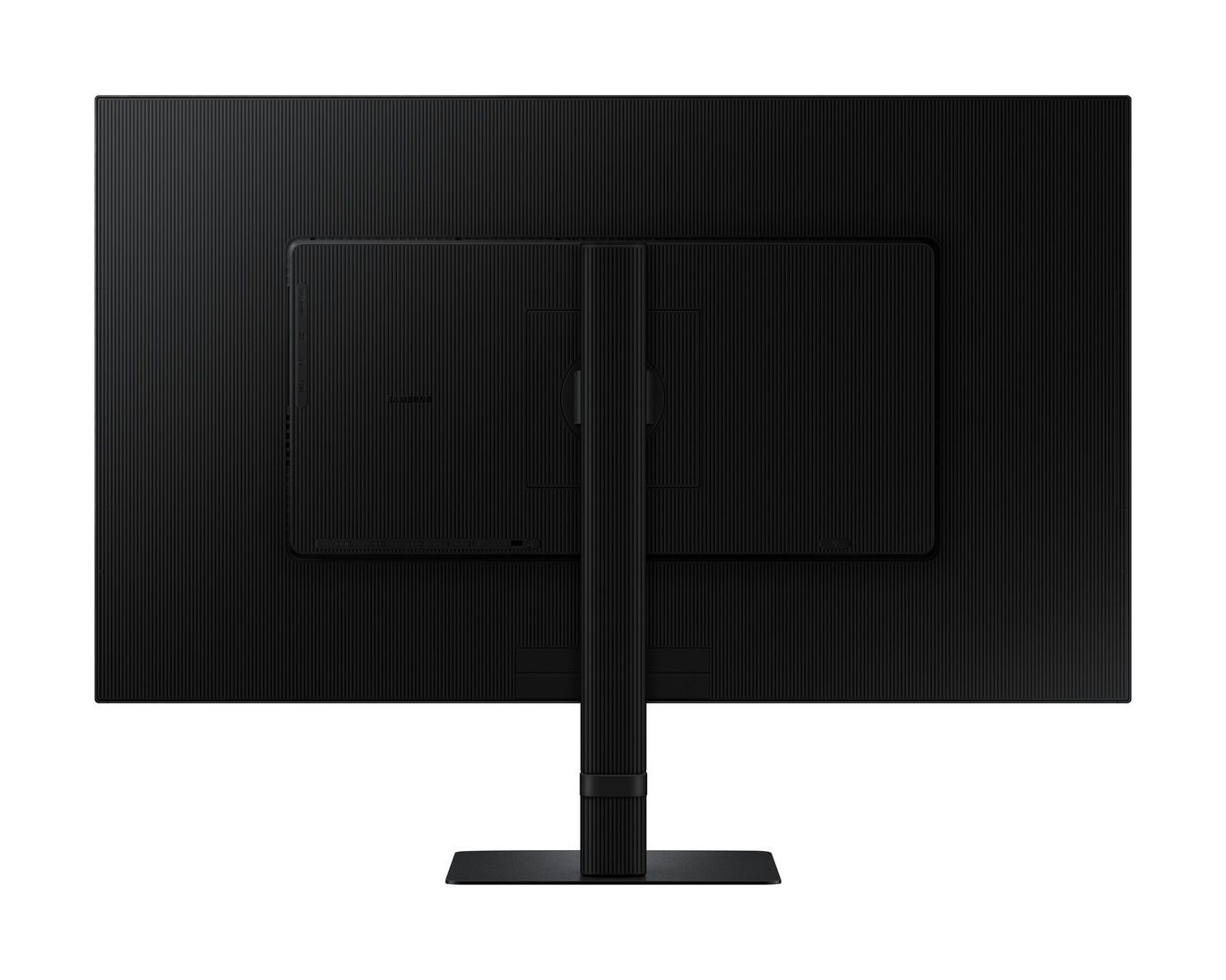
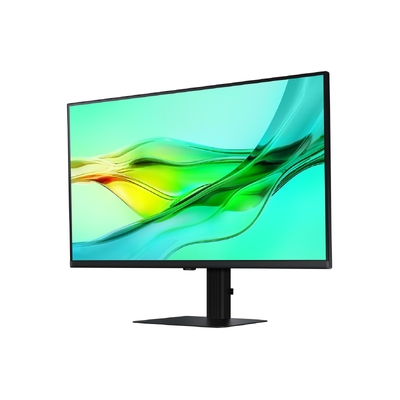
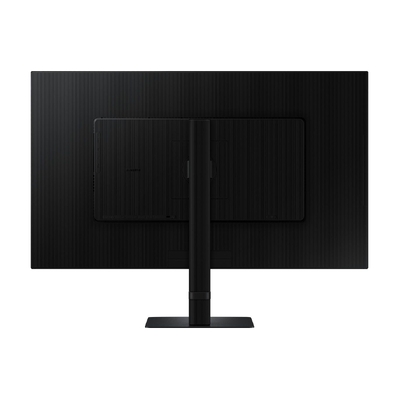
Samsung ViewFinity S6 S60UD 32" QHD 100Hz IPS HDR10 USB-C 90W KVM Docking Monitor - LS32D602UEEXXY
Model # LS32D602UEEXXY
-
SKU: LS32D602UEEXXY
Stock Availability
🟢Live
Allow 1–2 business days for stock transfer
- Pick Up Available
- Australian Warranty
- Checkout Securely


Samsung ViewFinity S60UD 32" QHD 100Hz USB-C IPS Monitor
The Samsung ViewFinity S60UD combines a spacious 32-inch QHD IPS display with smooth 100Hz performance, HDR10 and versatile business connectivity. USB-C with up to 90W charging, Ethernet, DisplayPort daisy chaining and a built-in KVM switch help create a streamlined workstation for professional productivity and multitasking.
QHD detail with smooth 100Hz performance
The 32-inch IPS panel delivers QHD 2560 x 1440 resolution, giving you a detailed and spacious workspace for documents, spreadsheets, design work and video content. A maximum 100Hz refresh rate provides smoother movement across compatible content, while wide 178-degree horizontal and vertical viewing angles help maintain consistent viewing across the display.
HDR10 and 1.07 billion colours
HDR10 support and a maximum colour range of 1.07 billion colours help deliver detailed gradations and a broad range of tones across compatible content. Samsung also specifies typical 99% sRGB coverage, making the ViewFinity S60UD suitable for visually detailed professional and creative workflows.
A connected workstation through USB-C
USB-C with 90W charging
A single USB-C connection can carry compatible display and data signals while providing up to 90W charging power, helping reduce the number of cables required around your workspace.
Built-in Ethernet
The integrated LAN connection provides Ethernet connectivity through the monitor, allowing compatible laptops to access a wired network as part of a streamlined desk setup.
DisplayPort daisy chaining
DisplayPort output and daisy chain support allow compatible additional monitors to be connected through the ViewFinity S60UD, helping create an expanded multi-display workspace.
Integrated USB hub
Three USB 3.0 hub connections and a USB-B upstream port provide additional connectivity for compatible peripherals and workstation accessories.
Control multiple devices with the built-in KVM switch
The integrated KVM switch allows two connected source devices to be controlled using one compatible keyboard and mouse setup. Picture-in-Picture and Picture-by-Picture are also supported, helping you view and manage content from multiple sources from a single monitor.
Ergonomic flexibility for professional workspaces
Height adjustment
The stand provides up to 120 mm of height adjustment within Samsung's specified tolerance, helping position the screen at a comfortable viewing height.
Tilt and swivel
Adjust the screen using tilt from -2 to 25 degrees and swivel from -30 to 30 degrees within Samsung's stated tolerances.
Pivot viewing
The display supports pivot adjustment from -92 to 92 degrees, allowing portrait orientation for long documents, coding and vertically oriented content.
Easy Setup Stand
Samsung's Easy Setup Stand is designed for quick installation without tools or screws, making the monitor easier to assemble and reposition when your workspace changes.
Intelligent eye care
Adaptive Picture can automatically optimise brightness and colour temperature for the surrounding environment. Eye Saver Mode and Flicker Free technology are also included, supporting more comfortable viewing during extended work sessions.
Flexible DisplayPort and HDMI connectivity
The LS32D602UEEXXY includes DisplayPort 1.4 input, DisplayPort 1.4 output, HDMI 2.0, USB-C, Ethernet, USB hub connectivity and a headphone connection. This broad selection of interfaces helps the monitor support modern office, notebook and multi-display workstation environments.
Why choose the Samsung ViewFinity S60UD?
The LS32D602UEEXXY combines a large QHD IPS display with 100Hz performance and extensive workstation connectivity. USB-C charging, LAN, daisy chaining, KVM functionality and an ergonomic stand make it particularly suited to professional users seeking a capable single-monitor hub for everyday productivity.
Frequently asked questions
What resolution does the Samsung LS32D602UEEXXY support?
The Samsung ViewFinity S60UD supports QHD resolution at 2560 x 1440 pixels with a 16:9 aspect ratio.
What panel type does the ViewFinity S60UD use?
The LS32D602UEEXXY uses a flat 32-inch IPS panel with 178-degree horizontal and vertical viewing angles.
Does the LS32D602UEEXXY support 100Hz?
Yes. Samsung specifies a maximum refresh rate of 100Hz.
Does the USB-C port charge a laptop?
Yes. The USB-C connection supports up to 90W charging power for compatible devices while also supporting compatible data and display connectivity.
Does the monitor have Ethernet?
Yes. One Ethernet LAN connection is built into the monitor.
Does the Samsung S60UD have a KVM switch?
Yes. A built-in KVM switch is included for controlling two compatible source devices using a shared keyboard and mouse setup.
Can the ViewFinity S60UD daisy chain another monitor?
Yes. Samsung specifies DisplayPort output and daisy chain support for compatible multi-monitor configurations.
Does the monitor support Picture-in-Picture and Picture-by-Picture?
Yes. Both Picture-in-Picture and Picture-by-Picture are supported.
Does this monitor have built-in speakers?
No. Samsung specifies that the LS32D602UEEXXY does not include built-in speakers.
Can the LS32D602UEEXXY be VESA mounted?
Yes. The monitor supports a 100 x 100 mm wall-mount pattern.
Not sure which monitor is right for you? Refer to the DeviceDeal Monitor Buying Guide to compare monitor features and choose a suitable display.
(LS32D602UEEXXY)
Samsung ViewFinity S60UD LS32D602UEEXXY Specifications
Display
Resolution and Image Quality
Colour
Performance and Features
Connectivity
Audio
Stand and Ergonomics
Environmental Certifications
Power
Dimensions
Weight
Operating Conditions
Included Accessories
| SKU | LS32D602UEEXXY |
| Barcode # | 8806097337188 |
| Brand | Samsung |
| Shipping Weight | 3.0000kg |
| Shipping Width | 0.001m |
| Shipping Height | 0.001m |
| Shipping Length | 0.001m |
Manufacturer Warranty: 3 Years Limited Warranty
Be The First To Review This Product!
Help other Device Deal users shop smarter by writing reviews for products you have purchased.