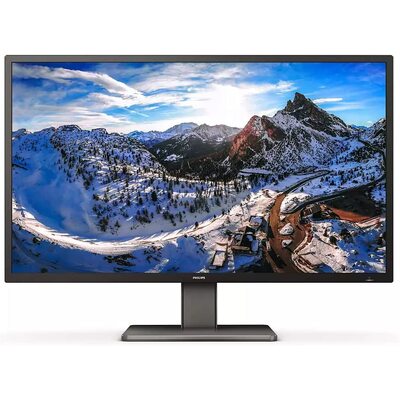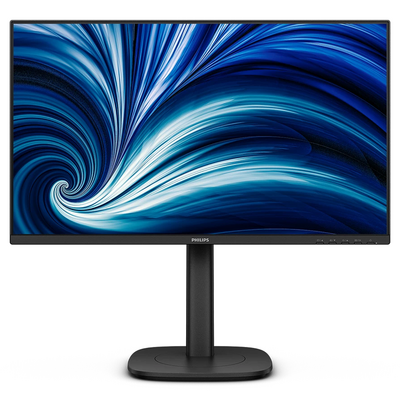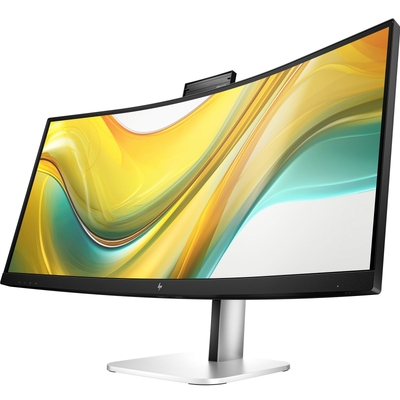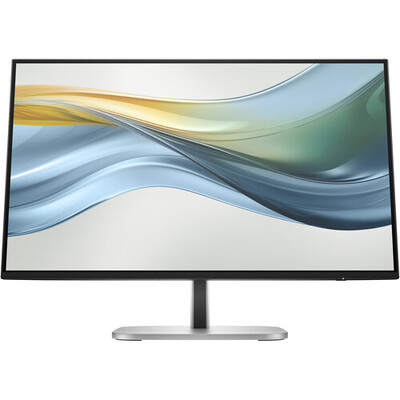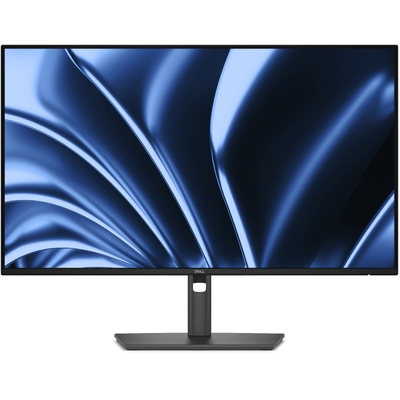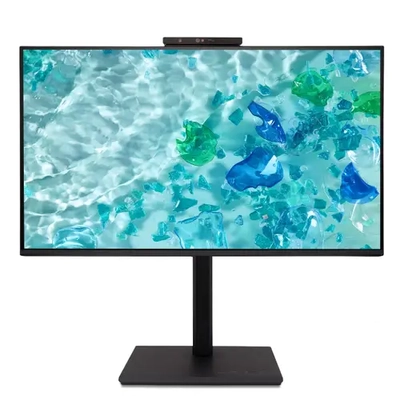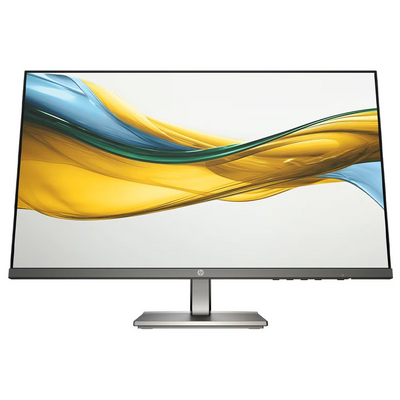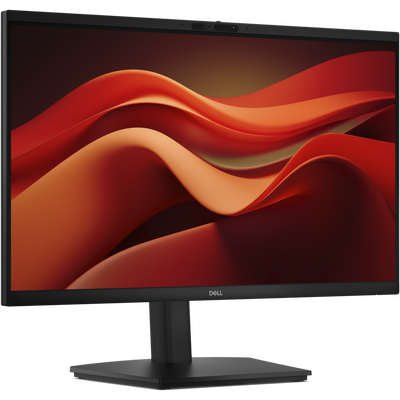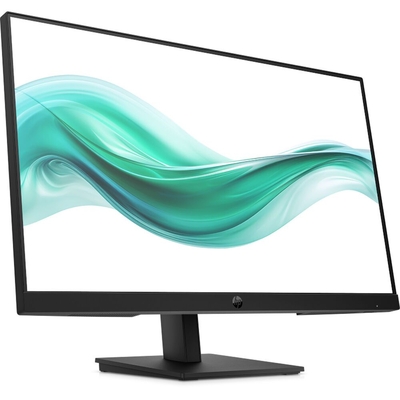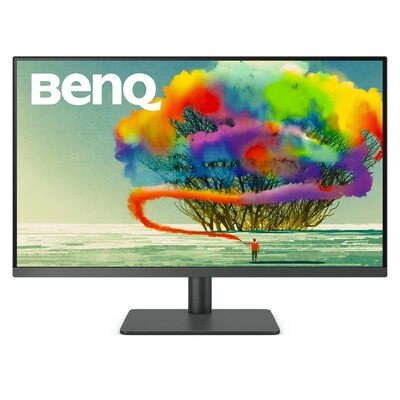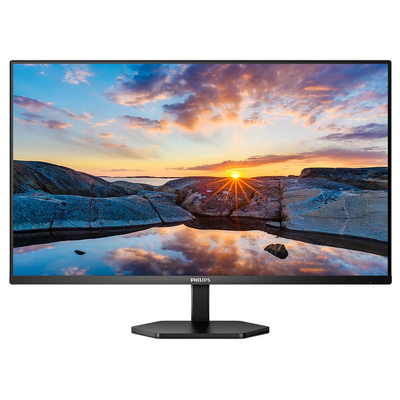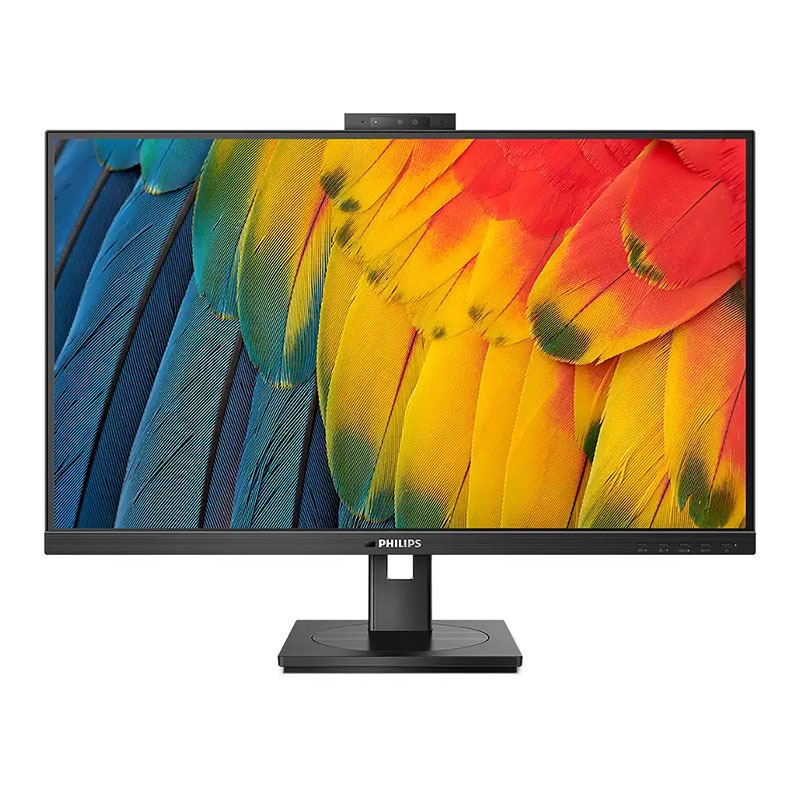
Philips 5000 Series 27" QHD 75Hz IPS USB-C 100W Docking Monitor with 5MP Webcam - 27B1U5601H
Model # 27B1U5601H
-

SKU: 27B1U5601H
Stock Availability
🟢Live
Allow 1–2 business days for stock transfer
- Pick Up Available
- Australian Warranty
- Checkout Securely




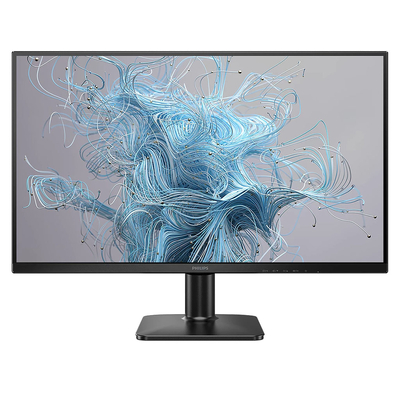
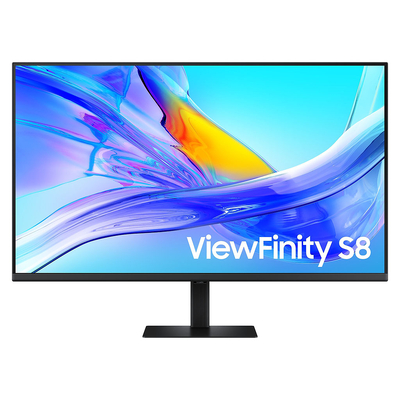
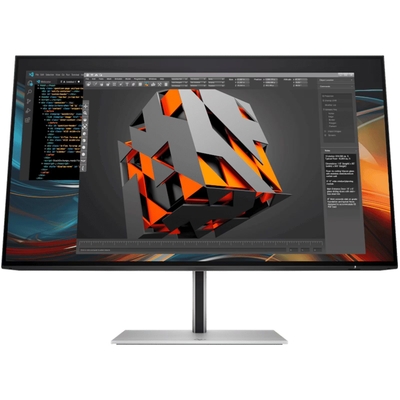
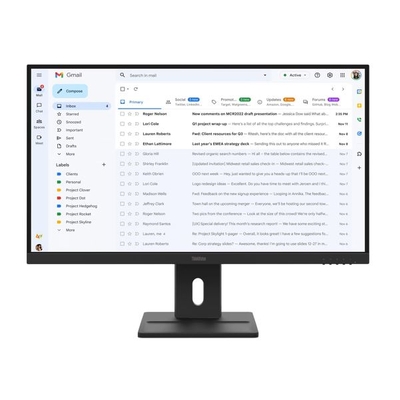
Philips 27B1U5601H 27in QHD 75Hz IPS USB-C Docking Webcam Monitor
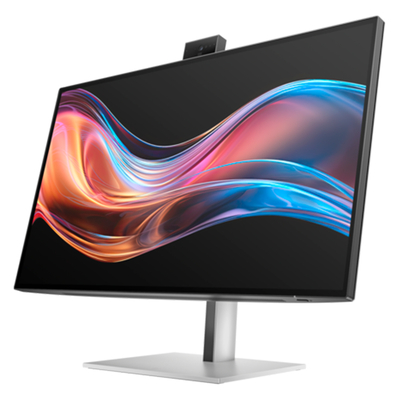
The Philips 27B1U5601H combines a 27-inch QHD IPS display with comprehensive USB-C docking, up to 100W power delivery, Gigabit Ethernet, a secure 5MP pop-up webcam, integrated KVM and an ergonomic stand for streamlined professional workspaces.
2560 x 1440 resolution with wide 178-degree viewing angles.
Video, data and notebook power delivery through a compatible USB-C connection.
Pop-up camera with microphone, LED indicator and Windows Hello support.
RJ45 Ethernet, USB hub, DisplayPort output and integrated KVM connectivity.
Sharp QHD IPS Display for Professional Work
The 27-inch IPS panel delivers a 2560 x 1440 Quad HD resolution at up to 75Hz, providing additional workspace and detail for documents, spreadsheets, business applications and visual content.
Wide 178-degree horizontal and vertical viewing angles help maintain consistent image quality when the screen is viewed from different positions. The display also provides 350 cd/m² typical brightness, 8-bit colour and a typical 1000:1 contrast ratio.
USB-C Docking with Up to 100W Power Delivery
The Philips 27B1U5601H can act as a central docking point for a compatible USB-C notebook. A single USB-C upstream connection can carry display, data and power, with USB Power Delivery rated at up to 100W.
The integrated USB 3.2 Gen 2 hub supports data transfer speeds up to 10Gbps and includes four USB-A downstream ports plus a USB-C downstream port with up to 15W power delivery.
Business Docking Connectivity
- USB-C upstream with DisplayPort Alt Mode, data and power delivery
- HDMI 1.4 input
- DisplayPort 1.4 input
- DisplayPort output for compatible daisy-chain setups
- RJ45 Ethernet with Gigabit capability through USB 3.0 mode
- USB 3.2 Gen 2 hub
- Audio output and microphone input combo jack
Workspace Features
- 5MP pop-up webcam
- Windows Hello facial recognition support
- Noise-cancelling microphone
- Dual 5W built-in speakers
- MultiClient integrated KVM
- MultiView PIP and PBP support
- PowerSensor and LightSensor
5MP Pop-Up Webcam for Video Collaboration
An integrated 5MP pop-up webcam, microphone and LED indicator provide a convenient setup for video meetings and remote collaboration. The webcam includes sensors compatible with Windows Hello facial recognition for supported Windows devices.
When the camera is not required, it can be retracted into the monitor. Philips also includes noise cancellation for the microphone and two integrated 5W speakers for voice and multimedia audio.
Integrated KVM and MultiView
The built-in MultiClient KVM function allows two connected computers to be controlled using one compatible keyboard and mouse setup, reducing the need for duplicated desk peripherals.
Philips MultiView supports Picture-in-Picture and Picture-by-Picture display from two devices, helping users view content from multiple connected sources on the same screen.
DisplayPort Output for Multi-Monitor Workspaces
A dedicated DisplayPort output enables compatible DisplayPort daisy-chain configurations, allowing additional displays to be connected through the monitor rather than requiring every display to connect directly to the computer.
This can help simplify cable management in business environments where multi-monitor productivity is required.
RJ45 Ethernet Through USB-C
The built-in RJ45 port allows a compatible USB-C notebook to access wired Ethernet through the monitor. Philips specifies support for up to Gigabit Ethernet when USB 3.0 mode is used, together with supported PXE, MAC Address Pass-Through and Wake-on-LAN functions on compatible systems.
Ergonomic Stand for Flexible Positioning
The supplied stand offers 150mm height adjustment, -5 to 30-degree tilt, -180 to 180-degree swivel and -90 to 90-degree pivot adjustment. This provides extensive flexibility for positioning the display around different desk layouts and working preferences.
A standard 100 x 100mm VESA mounting interface is also provided for compatible monitor arms and mounting solutions.
Eye Comfort Features
- TÜV Eye Comfort certified
- Flicker-free technology
- LowBlue Mode
- EasyRead mode
- Anti-glare 3H display coating
Energy Management
- PowerSensor presence detection
- LightSensor automatic brightness support
- EnergyStar 8.0
- Zero-watt off mode using the AC switch
- 85% post-consumer recycled plastic
Why Choose the Philips 27B1U5601H?
The Philips 27B1U5601H combines a QHD IPS display, notebook docking, high-power USB-C charging, wired networking, an integrated webcam, KVM functionality and extensive stand adjustment in one business-focused monitor. It is designed for professional desks where reducing separate cables, docks and peripherals can help create a more organised workspace.
Frequently Asked Questions
What resolution does the Philips 27B1U5601H support?
The monitor has a native Quad HD resolution of 2560 x 1440 and supports refresh rates up to 75Hz.
How much USB-C power can the Philips 27B1U5601H deliver?
Philips rates the USB-C connection for power delivery up to 100W, with actual power delivery dependent on the connected device.
Does the Philips 27B1U5601H have a webcam?
Yes. It includes a pop-up 5MP webcam with microphone, LED indicator and support for Windows Hello facial recognition on compatible systems.
Does the Philips 27B1U5601H have Ethernet?
Yes. An integrated RJ45 Ethernet connection provides wired networking through a compatible USB-C connected computer.
Does the Philips 27B1U5601H have a KVM switch?
Yes. The integrated MultiClient KVM allows two compatible computers to share a keyboard and mouse setup.
Can the Philips 27B1U5601H be VESA mounted?
Yes. It supports a 100 x 100mm VESA mounting pattern.
Not sure which monitor is right for you? View the DeviceDeal Monitor Buying Guide to compare the key features to consider before choosing your next display.
(27B1U5601H)
Key Specifications
Full Specifications
Display
| Panel Size | 27in / 68.5cm |
| Aspect Ratio | 16:9 |
| LCD Panel Type | IPS technology |
| Backlight Type | W-LED system |
| Maximum Resolution | 2560 x 1440 at 75Hz |
| Pixel Pitch | 0.2331 x 0.2331mm |
| Pixel Density | 109 PPI |
| Effective Viewing Area | 596.736 x 335.664mm |
| Brightness | 350 cd/m² |
| Contrast Ratio | 1000:1 typical |
| SmartContrast | 50,000,000:1 |
| Display Colours | 16.7 million, 8-bit |
| Viewing Angle | 178° horizontal / 178° vertical, C/R > 10 |
| Response Time | 4ms Gray-to-Gray typical |
| Scanning Frequency | 30-114kHz horizontal / 48-75Hz vertical |
| Display Coating | Anti-Glare, 3H, Haze 25% |
Colour and Image Features
| sRGB Colour Gamut | 101% typical |
| NTSC Colour Gamut | 89% typical |
| sRGB Mode | Yes |
| Picture Enhancement | SmartImage |
| Flicker-Free | Yes |
| LowBlue Mode | Yes |
| EasyRead | Yes |
Video and Network Connectivity
| HDMI | HDMI 1.4 x 1 |
| DisplayPort Input | DisplayPort 1.4 x 1 |
| DisplayPort Output | DisplayPort x 1 |
| USB-C Upstream | USB-C x 1, DisplayPort Alt Mode, data and power delivery |
| RJ45 | Ethernet LAN, USB 2.0: 10/100Mbps, USB 3.0: 1000Mbps |
| Network Features | PXE, MAC Address Pass-Through and Wake-on-LAN on compatible systems |
| Audio Connection | Audio out / microphone in combo jack |
| HBR3 | DisplayPort / USB-C |
| HDCP | HDCP 1.4 and HDCP 2.2 via HDMI, DisplayPort and USB-C |
USB Hub and Power Delivery
| USB Hub | USB 3.2 Gen 2, up to 10Gbps |
| USB-C Upstream | USB-C x 1 |
| USB-A Downstream | 4 x USB-A, including 1 x B.C 1.2 fast-charge port |
| USB-C Downstream | USB-C x 1, data and up to 15W power delivery |
| Maximum USB-C Power Delivery | Up to 100W |
| Typical Maximum Power Delivery | 96W typical |
| USB Power Delivery Version | USB PD 3.0 |
Webcam, Audio and Collaboration
| Built-in Webcam | Pop-up 5MP camera |
| Webcam Features | Microphone, LED indicator and Windows Hello support |
| Noise Cancellation | Yes |
| Built-in Speakers | 5W x 2 |
Productivity Features
| KVM | Yes, USB-C / USB-C |
| MultiView | PIP / PBP mode, 2 devices |
| Control Software | SmartControl |
| PowerSensor | Yes |
| LightSensor | Yes |
| Kensington Lock | Yes |
| VESA Mount | 100 x 100mm |
Stand and Ergonomics
| Height Adjustment | 150mm |
| Pivot | -90° to +90° |
| Swivel | -180° to +180° |
| Tilt | -5° to +30° |
Power
| Power Supply | Built-in, 100-240VAC, 50-60Hz |
| On Mode | 21.5W typical, EnergyStar test method |
| Standby Mode | 0.4W typical |
| Off Mode | Zero watts with AC switch |
| Power LED | Operation: White, Standby: White blinking |
Dimensions
| Product with Stand, Maximum Height | 613 x 537 x 225mm |
| Product without Stand | 613 x 366 x 55mm |
| Packaging | 730 x 471 x 193mm |
Weight
| Product with Stand | 7.30kg |
| Product without Stand | 5.54kg |
| Product with Packaging | 10.88kg |
Operating Conditions
| Operating Temperature | 0°C to 40°C |
| Storage Temperature | -20°C to 60°C |
| Relative Humidity | 20% to 80% |
| Operating Altitude | Up to 12,000ft / 3,658m |
| Non-Operating Altitude | Up to 40,000ft / 12,192m |
| MTBF | 70,000 hours, excluding backlight |
Sustainability and Cabinet
| PowerSensor | Yes |
| LightSensor | Yes |
| EnergyStar | EnergyStar 8.0 |
| Post-Consumer Recycled Plastic | 85% |
| Recyclable Packaging Material | 100% |
| Mercury Free | Yes |
| PVC / BFR Free Housing | Yes |
| Cabinet Colour | Black |
| Cabinet Finish | Texture |
Compliance
| Eye Comfort | TÜV Eye Comfort certified |
| Other Standards | CB, CE Mark, FCC Class B, ICES-003, CU-EAC, EAEU RoHS, TÜV Ergo, TÜV/GS, MEPS and RCM |
USB-C video requires the connected notebook or device to support DisplayPort Alt Mode over USB-C.
USB-C charging requires a compatible device supporting USB Power Delivery. Philips specifies up to 100W maximum power delivery, with 96W typical maximum output, and actual delivery depends on the connected device.
RJ45 network performance depends on the selected USB mode and connected system. Gigabit LAN operation requires USB 3.0 or higher mode.
| SKU | 27B1U5601H |
| Barcode # | 8712581801298 |
| Brand | Philips |
| Shipping Weight | 10.0000kg |
Manufacturer Warranty
Be The First To Review This Product!
Help other Device Deal users shop smarter by writing reviews for products you have purchased.