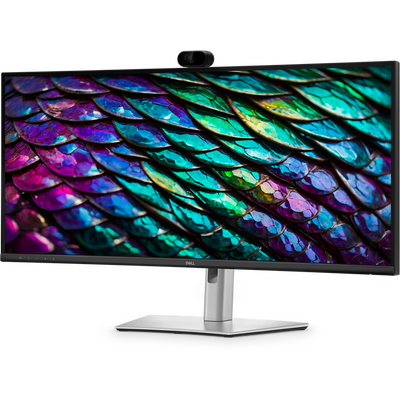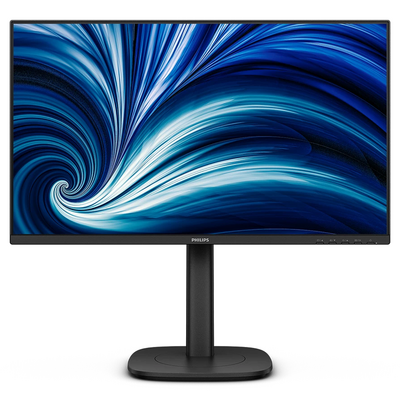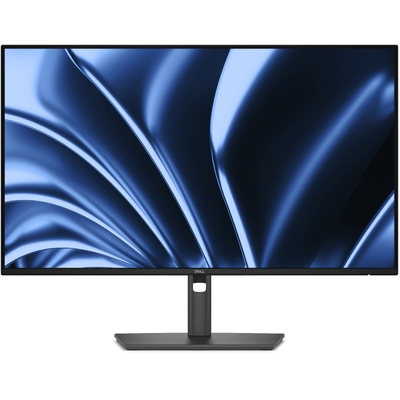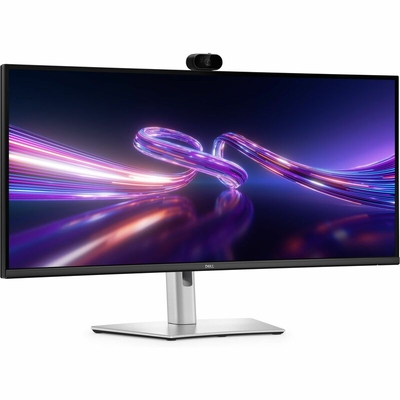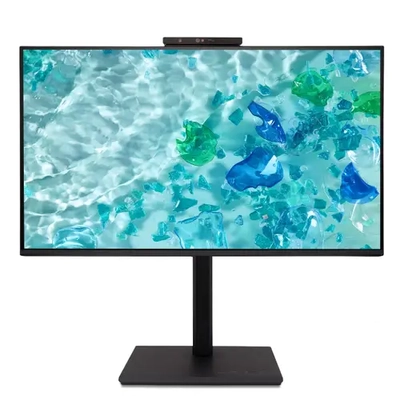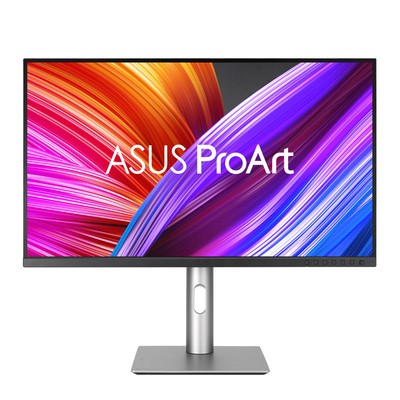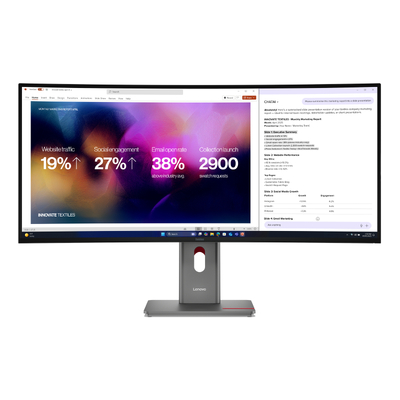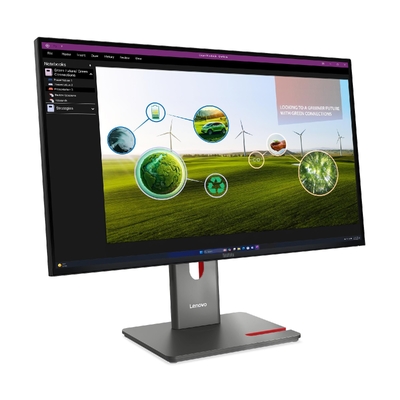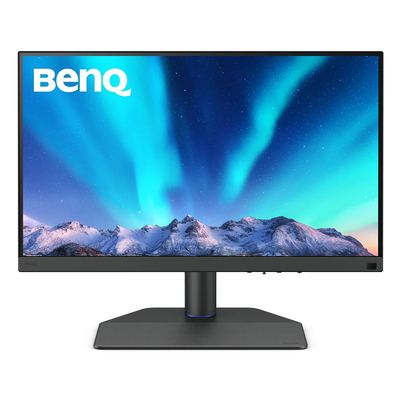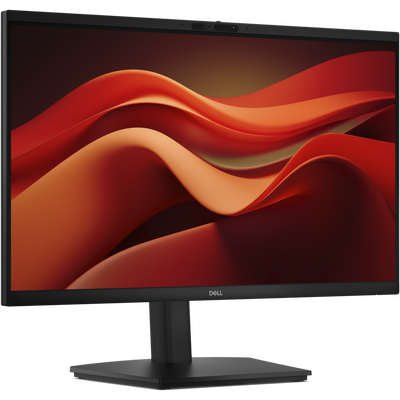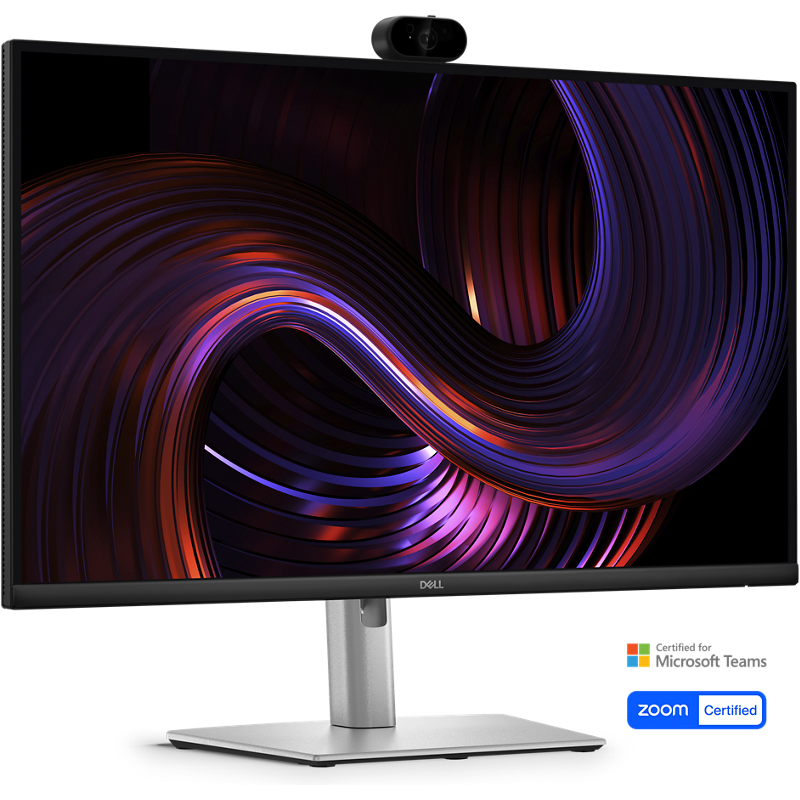
Dell Pro P2726DEV 27" QHD 100Hz IPS USB-C 90W 4MP Webcam KVM Monitor - P2726DEV
Model # P2726DEV
-

SKU: P2726DEV
Stock Availability
🟢Live
Allow 1–2 business days for stock transfer
- Pick Up Available
- Australian Warranty
- Checkout Securely




Dell Pro P2726DEV 27" QHD 100Hz IPS Webcam Monitor
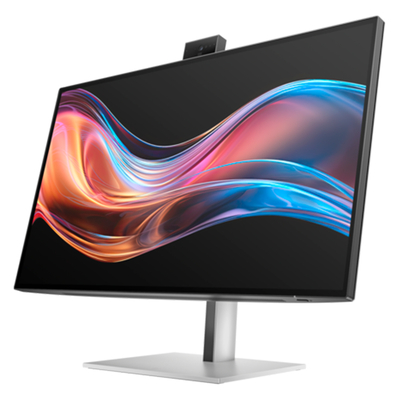
The Dell P2726DEV combines a detailed 27-inch QHD IPS display, a smooth 100Hz refresh rate and an integrated 4MP webcam in one business-focused monitor.
USB-C connectivity carries video and USB data while delivering up to 90W of power to a compatible laptop. Gigabit Ethernet, downstream USB ports, DisplayPort output and a built-in KVM switch help streamline office and hybrid workstations.
Detailed QHD viewing for productive work
More usable desktop space
The 2560 x 1440 QHD resolution provides more workspace than Full HD, helping users view documents, spreadsheets, dashboards and multiple application windows with less switching between screens.
Consistent IPS viewing
IPS panel technology and wide 178-degree horizontal and vertical viewing angles help maintain consistent image quality when the display is viewed from different positions.
Smoother 100Hz motion
A refresh rate of up to 100Hz makes scrolling, window movement and everyday on-screen transitions appear smoother during productivity and general multimedia use.
Reliable business colour
Support for 16.7 million colours and 99% sRGB coverage provides consistent colour for presentations, web content, business applications and everyday creative work.
Integrated webcam for modern collaboration
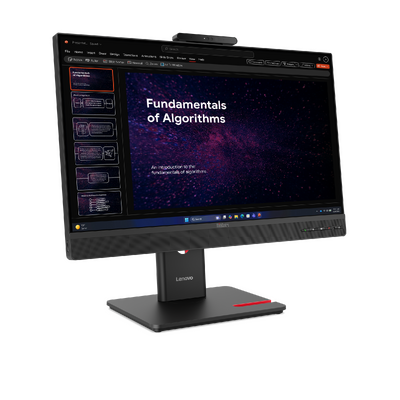
Built-in 4MP webcam
The integrated 4-megapixel webcam places video capability directly above the display, helping reduce the need for a separate desktop camera.
Windows Hello compatible
Windows Hello compatibility allows supported Windows systems to use the monitor's webcam for convenient biometric sign-in.
Suitable for open workspaces
The integrated camera and 27-inch QHD screen make the monitor suitable for individual desks, shared workstations, administration areas and hybrid workspaces.
Built-in KVM switch
The integrated KVM switch helps users manage compatible connected computers with shared USB peripherals through the monitor.
A streamlined USB-C workspace
Connect, charge and access your network
Connect a compatible laptop through the USB-C upstream port to carry DisplayPort video, USB data and up to 90W of power delivery through one cable.
The monitor also provides Gigabit Ethernet, three USB-A downstream ports and one USB-C downstream port with up to 15W power delivery for compatible devices.
HDMI, DisplayPort input and DisplayPort output provide additional options for compatible computers and multi-monitor configurations.
- 1 x USB-C 5Gbps upstream with DisplayPort 1.4 Alt Mode and up to 90W
- 1 x USB-C 5Gbps downstream with up to 15W power delivery
- 2 x USB-A 5Gbps downstream ports
- 1 x USB-A 5Gbps downstream port with Battery Charging 1.2
- 1 x USB Type-B 5Gbps upstream port
- 1 x HDMI supporting QHD at up to 100Hz
- 1 x DisplayPort 1.4 input
- 1 x DisplayPort 1.4 output
- 1 x RJ45 Gigabit Ethernet port
Flexible multi-computer and display operation
USB-C and USB-B upstream connections
Separate USB-C and USB Type-B upstream connections support compatible multi-computer workflows and the monitor's built-in KVM functionality.
DisplayPort output
The DisplayPort 1.4 output provides additional flexibility for compatible multi-monitor configurations.
Integrated USB hub
Multiple downstream USB-A and USB-C ports provide convenient connections for compatible keyboards, mice, storage devices and other desktop accessories.
Business display management
Dell Display and Peripheral Manager compatibility supports display management and remote asset management for compatible business deployments.
Designed for comfortable daily viewing
Four-star eye comfort
The Dell P2726DEV carries a four-star eye-comfort rating and includes low-blue-light and flicker-free technologies for comfortable viewing during extended work sessions.
Anti-glare screen surface
The anti-glare screen treatment with 3H hardness helps reduce distracting reflections while providing a durable surface for office and shared-workspace environments.
Bright, defined images
A typical brightness of 350 cd/m² and a 1500:1 native contrast ratio support clear text, defined interface elements and dependable everyday image quality.
Flexible response modes
The monitor provides an 8ms grey-to-grey response time in its standard setting and a 5ms grey-to-grey response time in Fast mode.
Adjust the monitor to suit your workspace
150mm height adjustment
Raise or lower the display through up to 150mm of height adjustment to position the screen at a comfortable viewing level.
Tilt and swivel adjustment
The stand supports -5 to +21 degrees of tilt and -45 to +45 degrees of swivel for flexible positioning on different desks.
Portrait orientation
Pivot adjustment of up to 90 degrees in either direction allows the monitor to rotate into portrait orientation for documents, coding and vertically arranged content.
VESA mounting support
The standard 100 x 100mm VESA mounting interface allows installation on a compatible monitor arm, wall bracket or multi-screen mounting system.
Who is the Dell P2726DEV designed for?
The Dell P2726DEV is designed for office professionals, hybrid workers, administrative teams and shared business environments that need detailed QHD viewing, an integrated webcam and a convenient single-cable laptop connection.
Its combination of video, laptop charging, wired networking, KVM functionality and USB peripheral connectivity is particularly useful for desks that would otherwise require a separate webcam and docking station.
Why choose the Dell P2726DEV?
The Dell P2726DEV combines a detailed 27-inch QHD IPS display, smooth 100Hz performance and an integrated 4MP Windows Hello-compatible webcam with up to 90W USB-C power delivery and Gigabit Ethernet.
Its built-in KVM switch, USB hub, DisplayPort output and fully adjustable stand provide a practical all-in-one display for business collaboration and hybrid workspaces.
Frequently asked questions
It supports a maximum resolution of 2560 x 1440 QHD at a refresh rate of up to 100Hz.
Yes. It includes an integrated 4-megapixel webcam.
Yes. Dell specifies Windows Hello compatibility for supported Windows systems.
Yes. Its USB-C upstream port can deliver up to 90W to a compatible laptop while carrying video and USB data.
Yes. It includes an RJ45 port supporting 1GbE wired network connectivity.
Yes. Dell lists a built-in KVM switch for managing compatible connected computers and shared USB peripherals.
It includes a DisplayPort 1.4 output for compatible multi-monitor configurations.
Yes. The included stand supports pivot adjustment of up to 90 degrees in either direction.
Yes. It supports the standard 100 x 100mm VESA mounting pattern.
Dell specifies a three-year limited warranty with Advanced Exchange Service and Premium Panel Exchange.
Not sure which monitor is right for your workspace? Review the DeviceDeal monitor buying guide to compare screen sizes, resolutions, panel types and connectivity options.
(P2726DEV)
- 27in 2560x1440 QHD IPS panel with 100Hz refresh rate
- Integrated 5MP HDR webcam (Sony STARVIS) with AI auto-framing and Windows Hello
- USB-C hub with up to 90W power delivery for single-cable laptop docking
- Built-in 1GbE Ethernet and USB-A hub for streamlined connectivity
- HDMI 2.1 and DisplayPort 1.4 inputs plus USB-C DP Alt Mode
- Fully adjustable stand: height (150mm), tilt, swivel and pivot
- Eye-comfort certified, 3-year Advanced Exchange warranty
Dell P2726DEV Monitor Specifications
Display
Resolution and Image Quality
Performance
- 8ms grey-to-grey standard setting
- 5ms grey-to-grey in Fast mode
Webcam and Collaboration
Video Connectivity
USB-C, USB and Network Connectivity
- 2 x USB-A 5Gbps downstream ports
- 1 x USB-A 5Gbps downstream port with Battery Charging 1.2
Stand and Ergonomics
Display Management and Security
Power
Dimensions and Weight
Operating Environment
Included Items
- Dell P2726DEV monitor
- Monitor stand
- Power cable
- DisplayPort to DisplayPort cable, 1.80m
- USB Type-A to Type-B cable, 1.80m
- USB-C to USB-C 5Gbps 100W cable, 1.80m
- Quick Start guide
- Safety information
Environmental Standards
- EPEAT Gold
- EPEAT Climate+
- TCO Certified 10.0
- TCO Certified Edge
- RoHS compliant
- ErP Lot 5 compliant
Warranty
| SKU | P2726DEV |
| Brand | DELL |
| Shipping Weight | 8.0000kg |
| Shipping Width | 0.490m |
| Shipping Height | 0.150m |
| Shipping Length | 0.810m |
3 Year Manufacturer Warranty
Be The First To Review This Product!
Help other Device Deal users shop smarter by writing reviews for products you have purchased.