
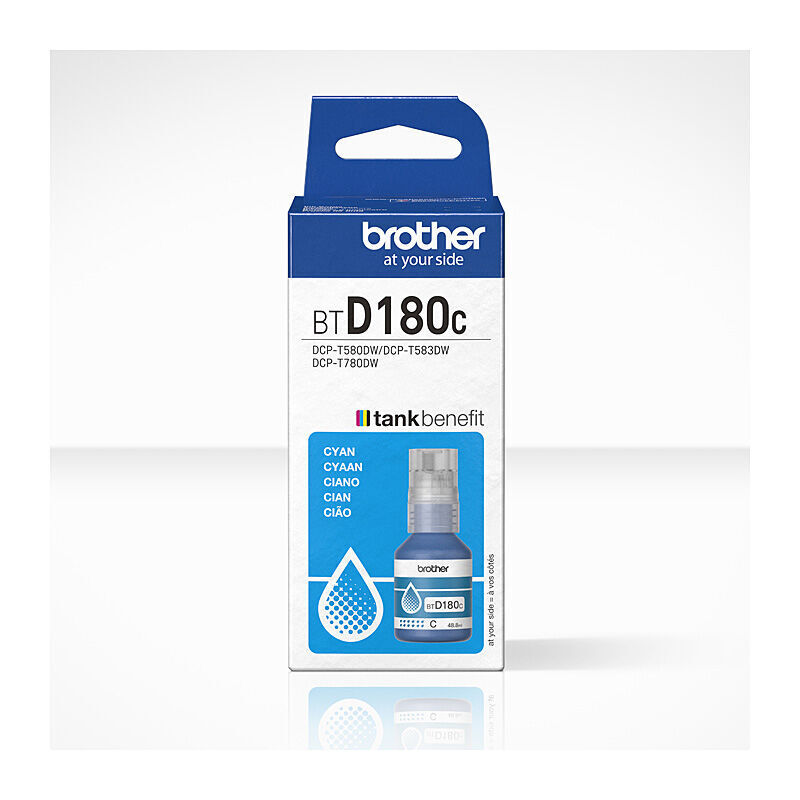
Start with your exact printer model
Enter your complete printer model to see the supplies listed for it. You can also search 4,609 products by cartridge code, brand, colour or supply type.
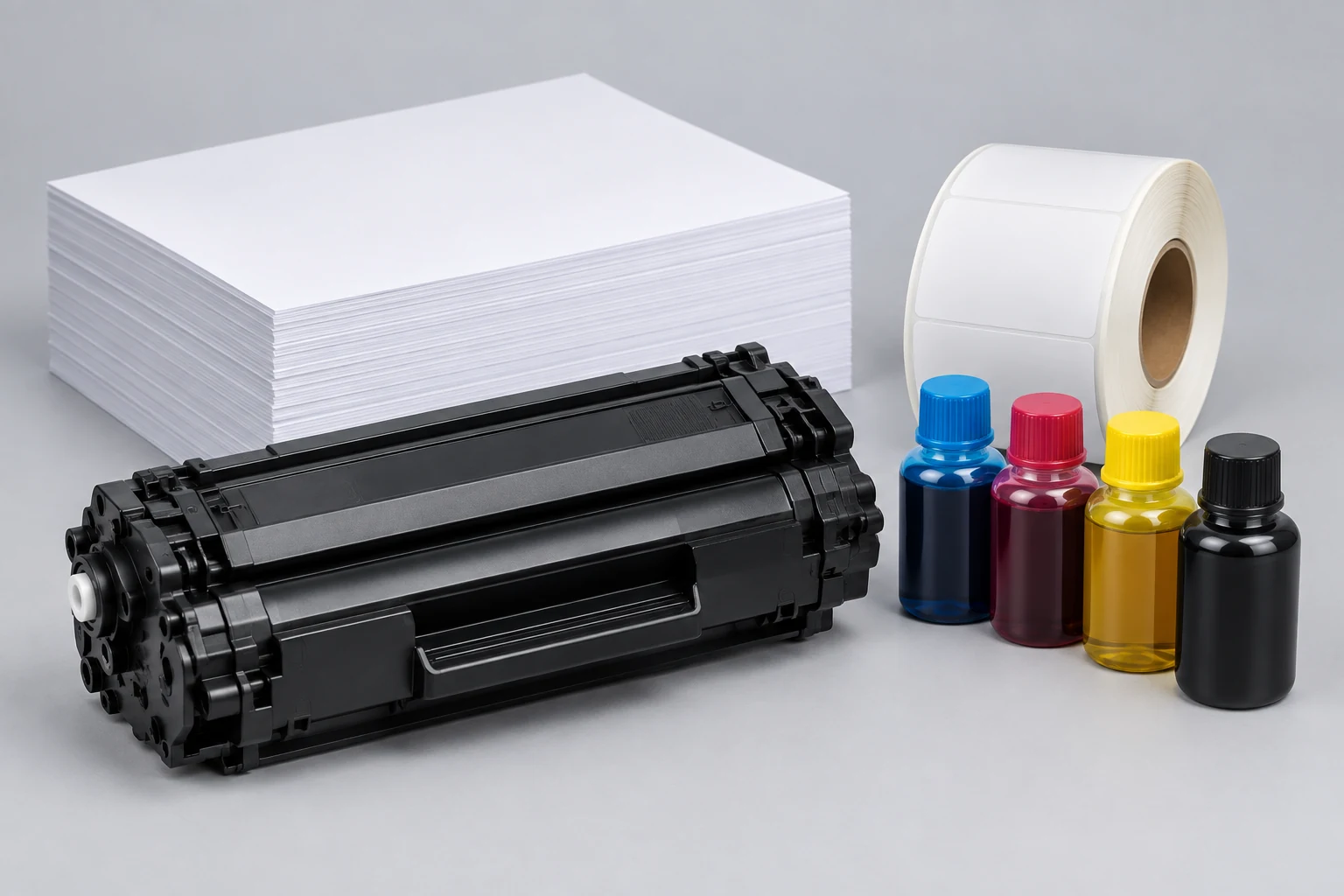
PRINTER SUPPLY FINDER
Choose how you want to search, then enter your complete printer model or supply code.
You can also browse all printer consumables.
FILTER THE RESULTS
Or browse the complete range by supply type.
MATCHING PRODUCTS
Check before ordering
Confirm printer make, complete model, supply code, colour, yield and pack details on the product page.
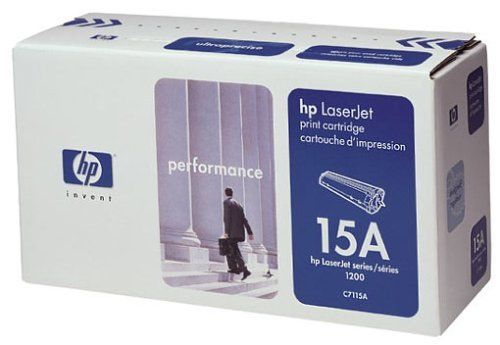

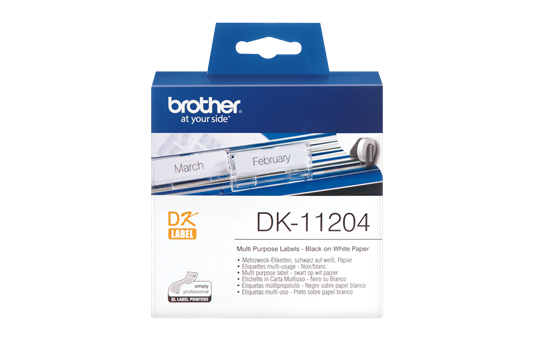
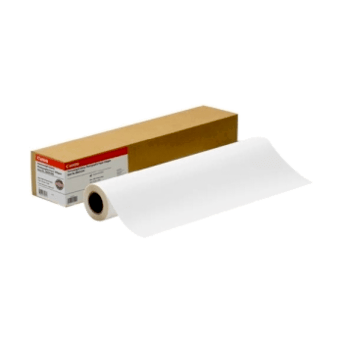
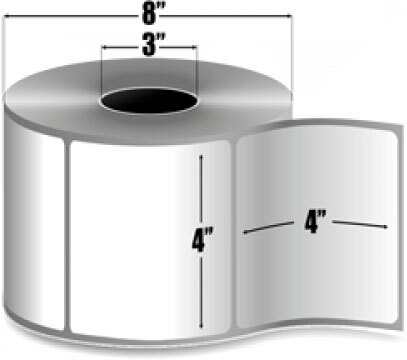
Product code DK-11204
View price & availability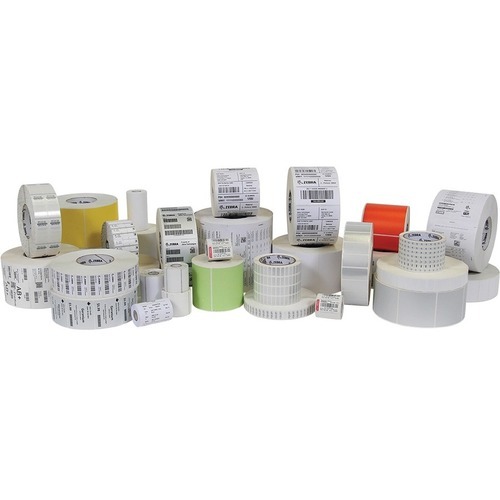
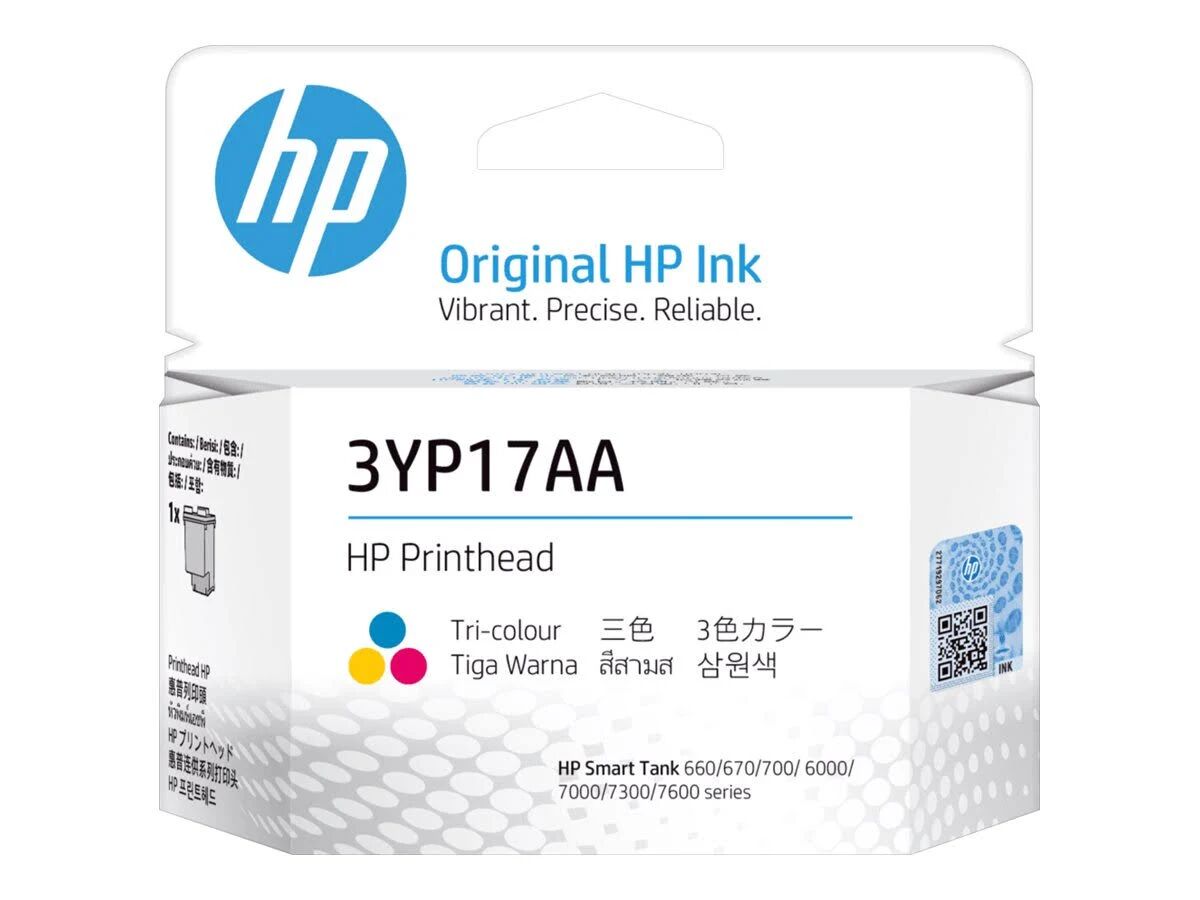
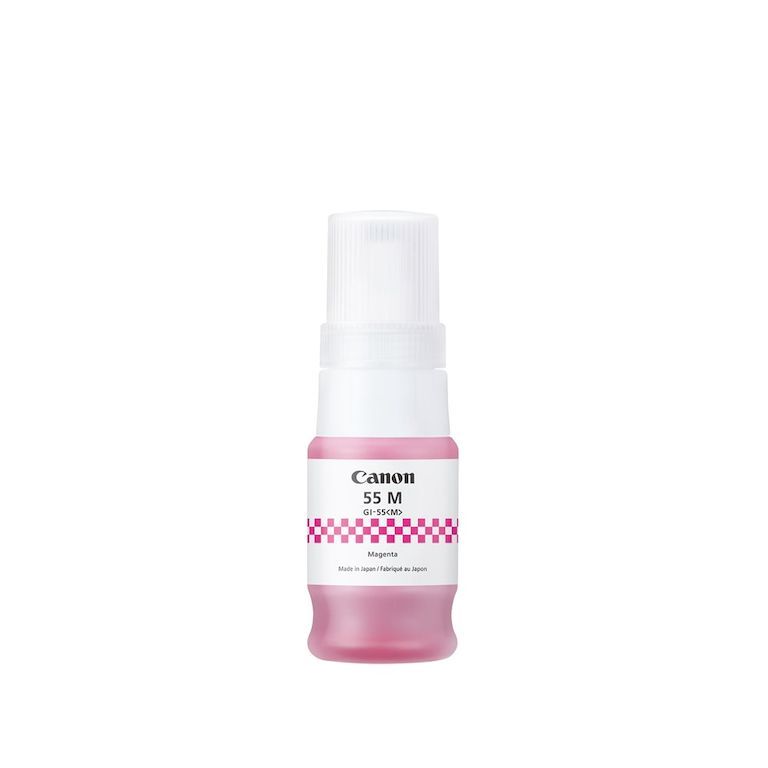
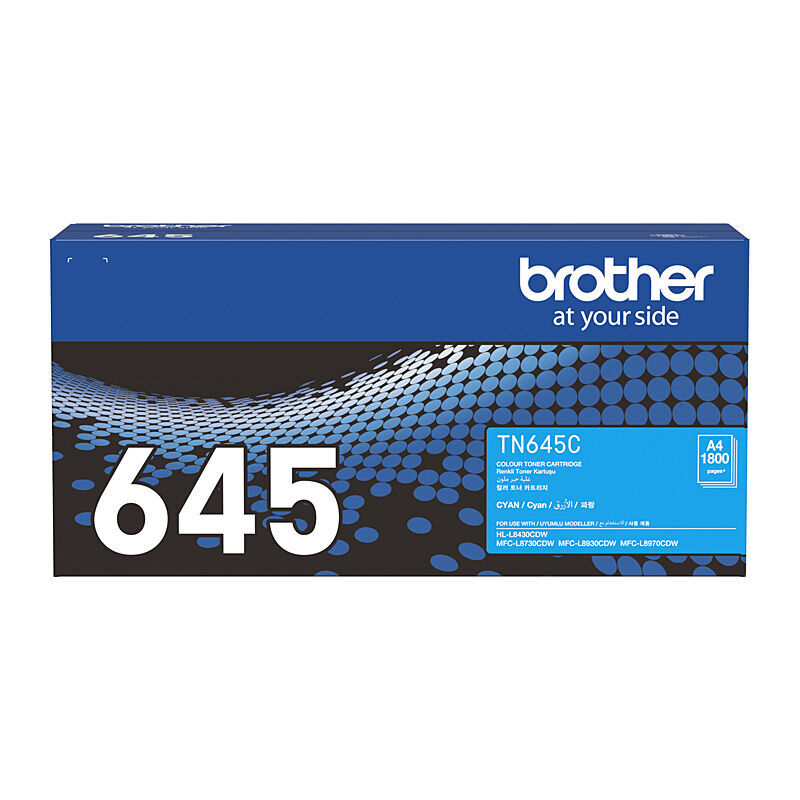

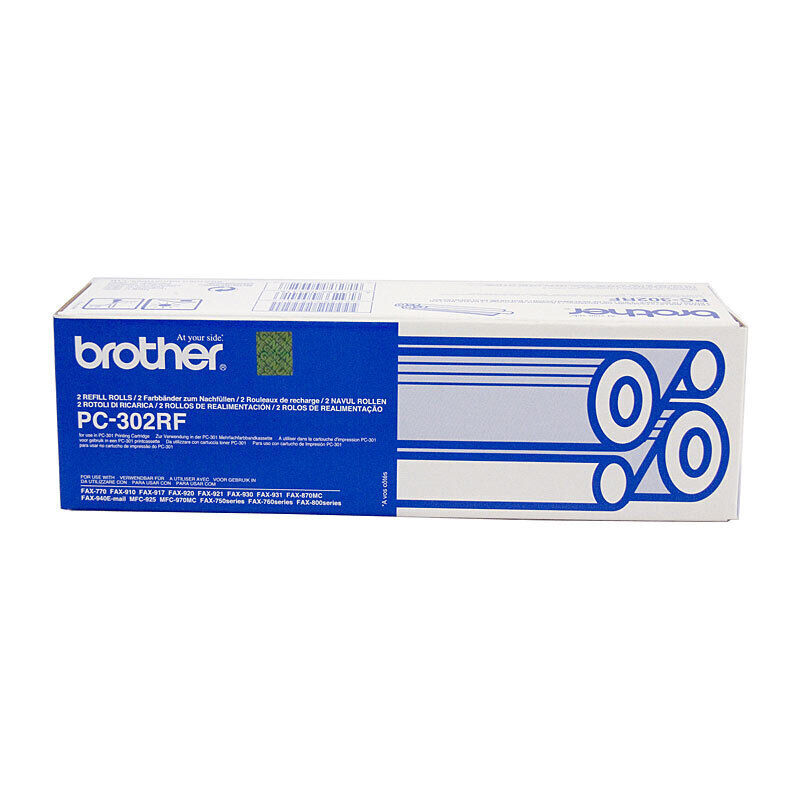
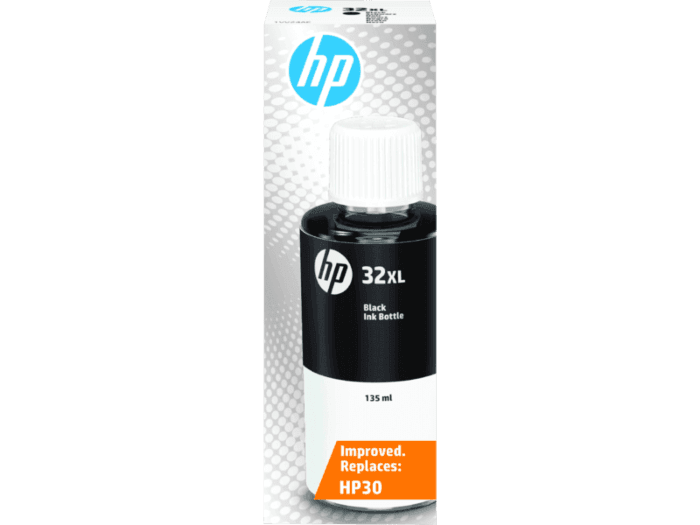
Product code C13S041288
View price & availability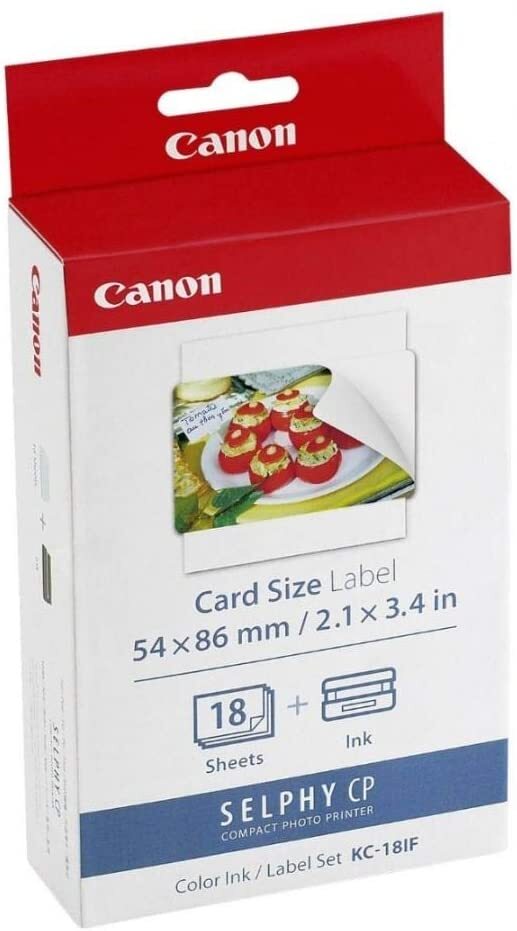
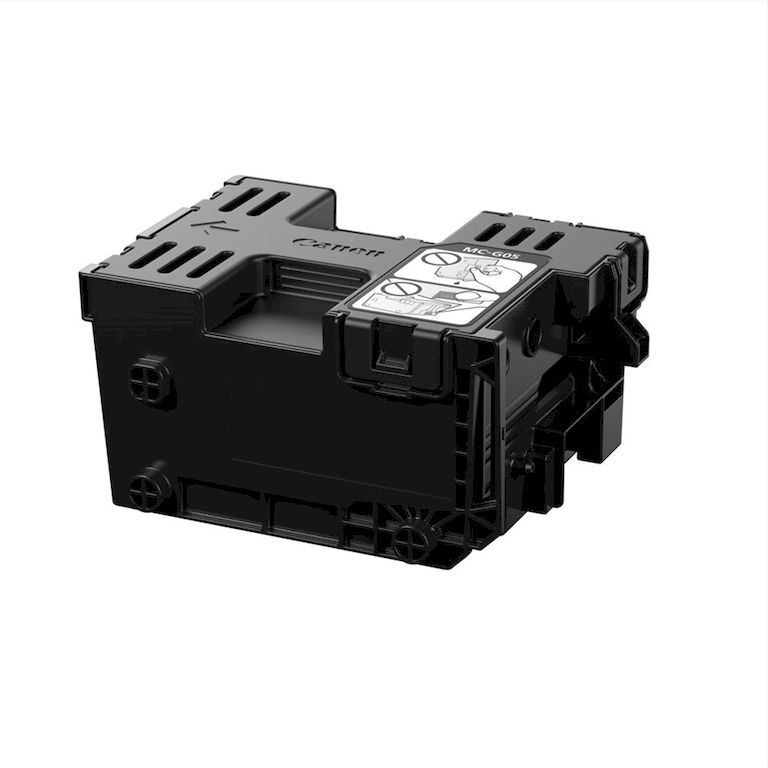
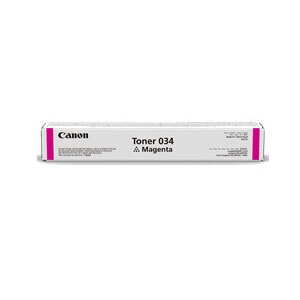
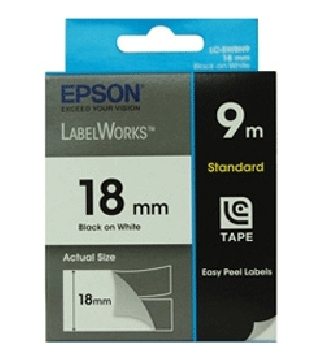
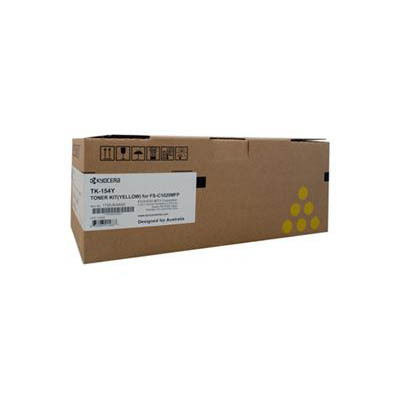
Product code C53S626100
View price & availability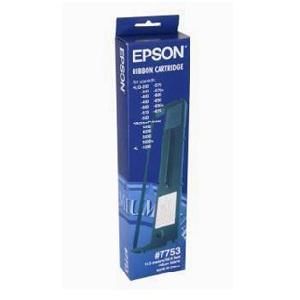
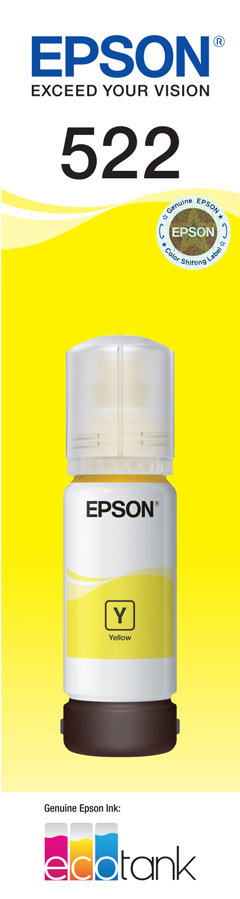
Product code C13S015021
View price & availability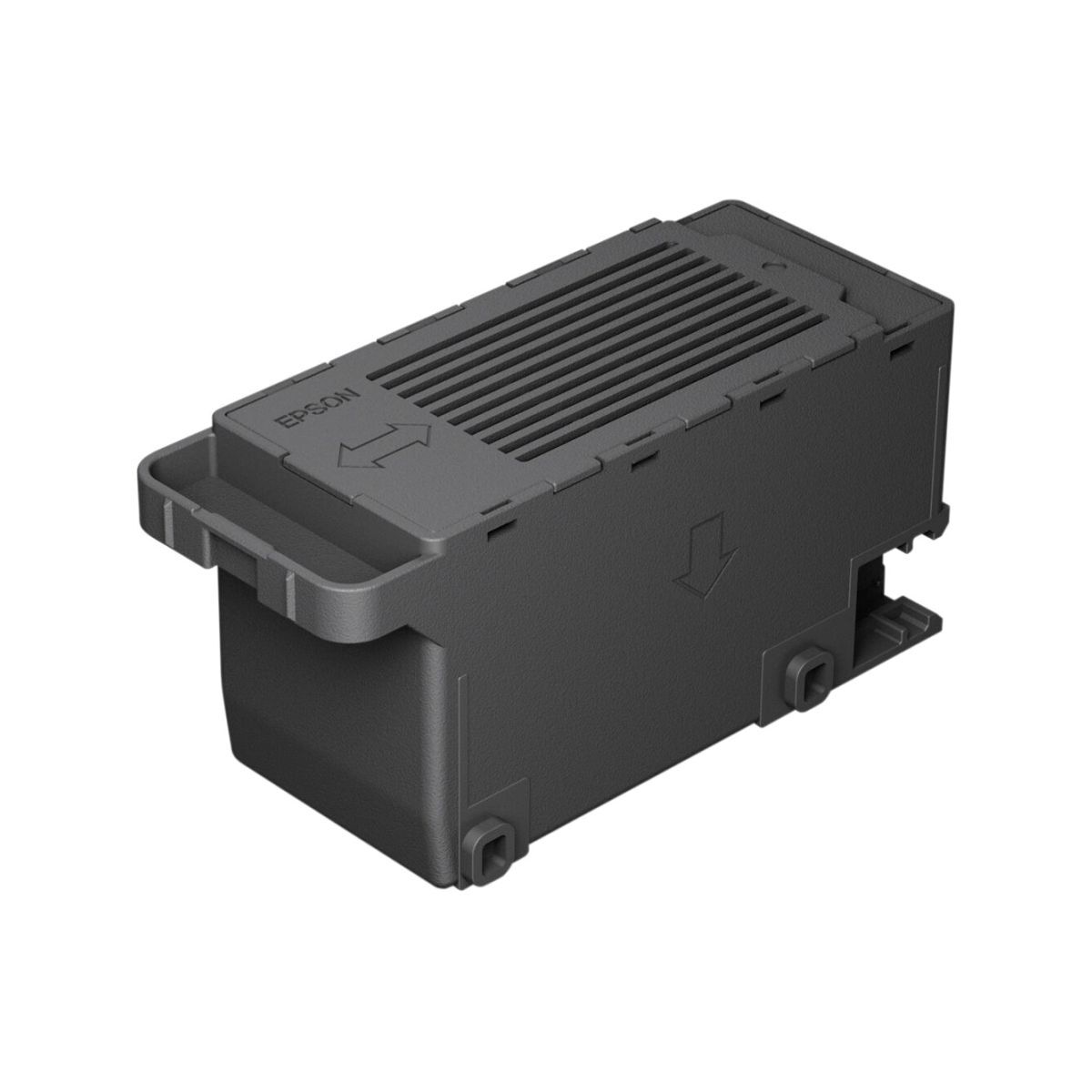
Try a complete supply code or clear a filter.
SHOP WITH CONFIDENCE
Start with your complete printer model. If it is not available, use the exact code printed on your current supply.
Start typing and choose the complete model from the suggestions, including every letter and suffix.
If your model is not listed, search the full code from your cartridge, bottle, ribbon box or replacement part.
Open the product page to check the full printer model, supply code, colour and pack contents.
Search using the full cartridge or bottle code, then check colour, capacity and supported printer models.
Shop ink cartridges and bottlesSearch by toner code and compare the standard or high-yield options shown for your printer.
Shop printer tonerCompare paper size, finish, weight and sheet or roll format against your printer specifications.
Shop paper and photo mediaCheck label dimensions, tape width, colour, material and roll or core specifications.
Find labels and labelling tapesMatch the ribbon part number, formulation, width, length and core size to the application.
Shop printer ribbonsToner, drums, waste containers, printheads and maintenance tanks are different replacement items.
Shop printer accessories and partsPOPULAR BRAND FINDERS
Use a dedicated brand finder or keep browsing Canon, HP, Kyocera, Lexmark, OKI, Zebra, Whitebox and more above.
Find Brother cartridges, drums, P-touch tapes, label rolls and selected parts.
Open Brother finder →Search Epson ink and consumables by complete printer model or supply code.
Open Epson finder →QUICK ANSWERS
Practical guidance for choosing ink, toner, paper, labels and replacement parts.
Start typing the complete printer model and choose the exact suggestion. The finder returns products whose supplied listing names that model. Compare the printer make, exact supply code, colour and model details on the product page before ordering. A similar model name or cartridge appearance is not enough.
Yes. Enter the code on the cartridge, bottle, ribbon box or replacement part. Using the complete code helps narrow the results when products have similar names. You can also browse by supply type when you know the kind of item you need.
Explore ink cartridges and bottles, toner, paper, photo media, labels, labelling tapes, ribbons, drums, printheads, waste containers, maintenance products and selected accessories. The range also includes selected printer warranty extensions.
Match the paper size, finish and format to the job and your printer. Check the printer specifications for supported media, including paper weight and whether it accepts sheets or rolls. Photo paper, label media and plain paper serve different printing needs.
Check the exact printer or label-maker model, supply series, width, colour and material. For rolls, also compare the label dimensions, roll format and core size. Products such as Brother TZe tapes and Zebra label rolls are different supply formats, so choose the one specified for your machine.
Use the printer model and ribbon part number to identify the correct item. Ribbon listings can differ in formulation, width, length and core size. Match these details to the printer and media requirements shown in the product information.
They are different replacement items. The catalogue lists toner cartridges, drum units and waste toner containers separately for supported models. Match the replacement part named in your printer message or manual, then confirm the exact part code.
Compare options within the supply family supported by your printer. Check the full code, colour, stated capacity or page yield, and whether the listing is a single item or a multipack. An XL or high-yield label does not by itself confirm that a cartridge fits your printer.
Yes. The range includes Whitebox supplies alongside printer-brand products. Check the supply brand and exact compatibility on each product page. A product described as compatible with a printer is not necessarily made by that printer brand.
Check the complete model or part number and clear filters that may be narrowing the results. If you have the old supply, try its exact code. You can also contact DeviceDeal with your printer model and the item you need so the team can help identify a suitable option.
No. A model result means the supplied product listing names the selected model; it is not a fit guarantee. Confirm the printer manufacturer, complete model including suffixes, supply code, colour, yield and pack details on the product page before ordering. Ambiguous short model codes are withheld from model search.
STILL NOT SURE?
Have your complete printer model and current supply code ready.