
4G & 5G Routers & Modems
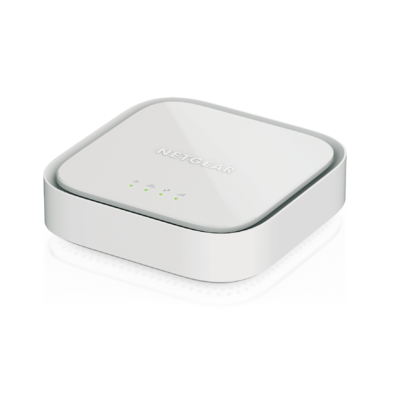
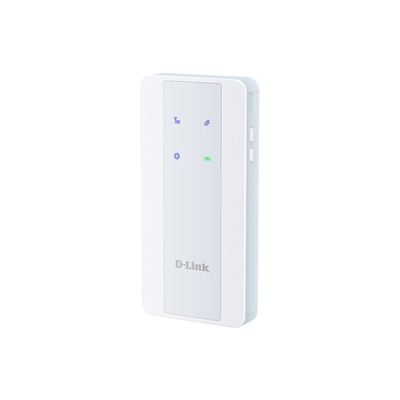
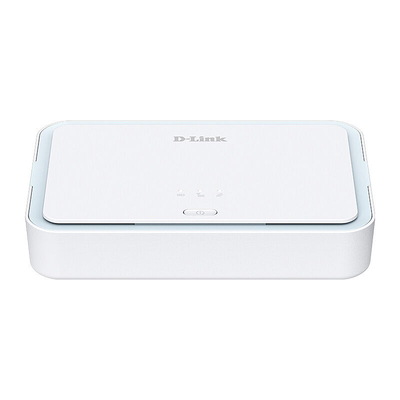


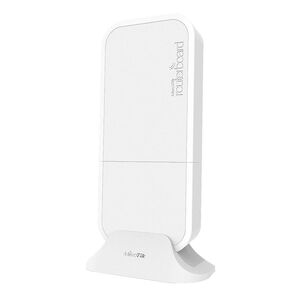
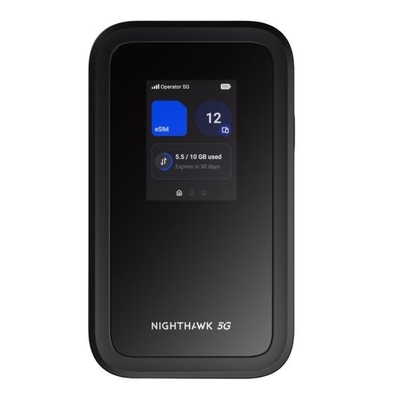
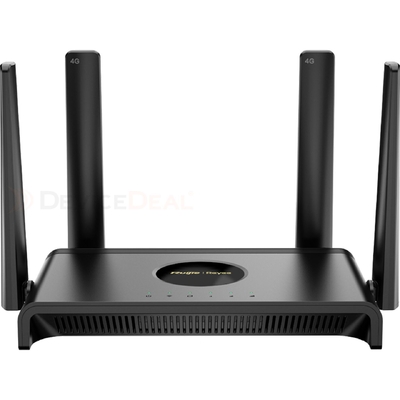
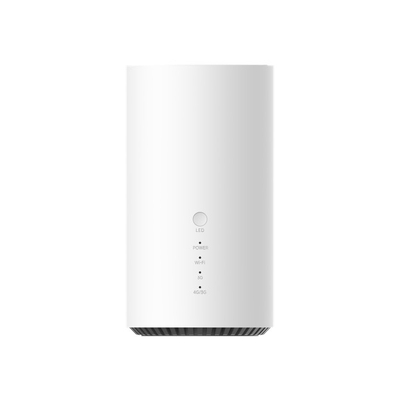
4G & 5G modem router buying guide
Choose the right LTE, 4G or 5G router
A cellular modem router uses a mobile network for primary internet, portable WiFi, remote-site connectivity or fixed-line backup. Start with Australian carrier and radio-band compatibility, choose the right deployment type, then compare signal, failover, Ethernet, WiFi, VPN and management features.
Check 4G or 5G bands, Australian carrier compatibility, SIM or eSIM support, APN settings and the mobile data plan.
Select a portable hotspot, fixed home or office router, WAN-failover modem, or rugged industrial and outdoor gateway.
Compare dual SIM, external antennas, Ethernet and WiFi, bridge mode, VPN, power options and remote management.
Complete 4G & 5G modem router buying guide Device types, Australian compatibility, LTE categories, antennas, failover, VPN and installation
Cellular modem, router, hotspot or industrial gateway?
These products all connect to a mobile network, but they solve different jobs. A modem passes cellular internet to another router or firewall; a router also manages a local network; a mobile hotspot prioritises portability and battery operation; and an industrial gateway adds rugged power, mounting, monitoring, security or machine-to-machine interfaces. Product names are not always used consistently, so confirm the actual operating modes and ports.
| Solution type | Best for | Typical connection and power | Important buying check |
|---|---|---|---|
| Fixed 4G/5G router | Home, small office, temporary site or primary mobile broadband | Mains powered with WiFi and one or more Ethernet ports | Coverage, carrier bands, LAN/WAN port roles and WiFi capacity |
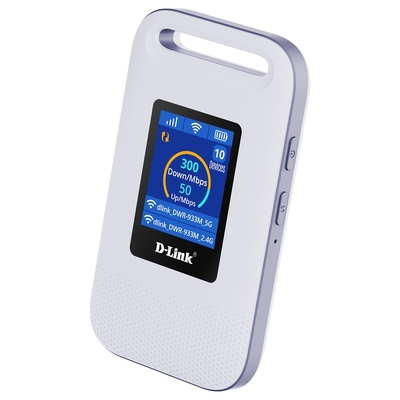
| Mobile hotspot | Travel, field work and sharing one connection between portable devices | Battery or USB powered, normally with integrated WiFi | Battery life, connected-device limit, charging, roaming and antenna options |
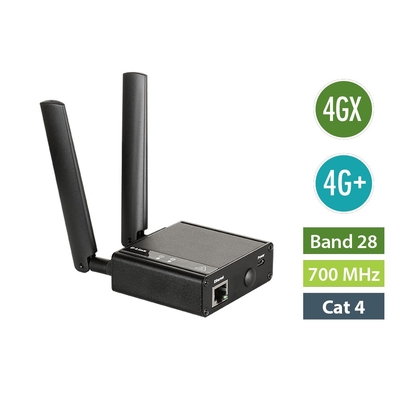
| Cellular modem or failover device | Adding 4G/5G internet or backup WAN to an existing router or firewall | Usually Ethernet or USB; may offer modem, router, bridge or passthrough modes | Operating mode, WAN-failover design, Ethernet speed and upstream-router compatibility |
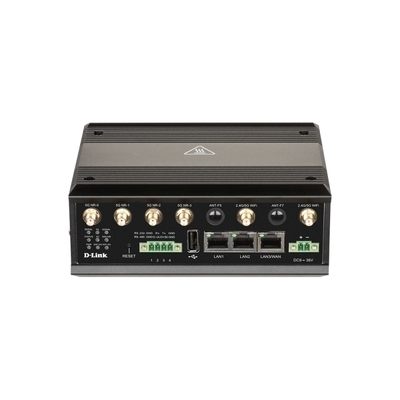
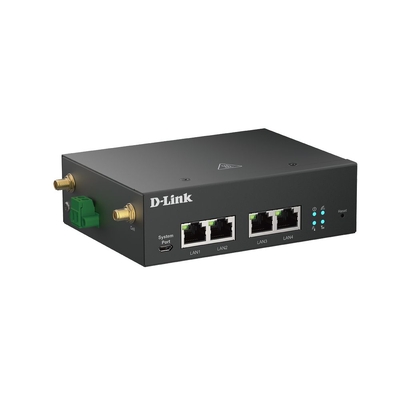
| Industrial or outdoor gateway | IoT, telemetry, vehicles, cabinets, utilities, surveillance and remote sites | DC terminal, automotive or PoE power; model-dependent industrial interfaces | Environmental rating, temperature range, mounting, antennas, VPN and remote management |
4G LTE, 4G+ or 5G?
| Mobile technology | What it means | When it can suit | Buying guidance |
|---|---|---|---|
| 4G LTE | Established fourth-generation mobile broadband | General internet, telemetry, failover and cost-conscious deployments | Confirm supported Australian carrier bands and the exact LTE category |
| 4G+ / LTE Advanced | LTE capabilities that can combine compatible carriers and other enhancements | Higher potential 4G performance where the network and device support it | Carrier aggregation combinations and maximum rates differ by modem and network |
| 5G | Newer mobile technology with higher potential capacity and lower latency | Faster primary access, demanding remote work or longer upgrade horizons | Check 5G and 4G fallback bands, coverage, SIM plan, device variant and Ethernet/WiFi limits |
LTE category labels such as Cat 4, Cat 6 or Cat 12 describe modem capabilities, including theoretical maximum rates and, on higher categories, features such as carrier aggregation. They do not guarantee real-world speed. Performance depends on carrier spectrum, supported band combinations, signal quality, congestion, plan, tower load, router placement and the connected device.
Australia no longer has public 3G mobile networks: TPG Telecom switched off 3G in January 2024, followed by Telstra and Optus in November 2024. Choose a compatible 4G LTE or 5G product rather than a 3G-only router. A product description that mentions 3G fallback does not make 3G service available in Australia.
SIM, carrier and Australian radio-band compatibility
A router must support the radio bands used by the selected carrier in the intended location. Check the exact regional hardware variant, not only the model family. Also confirm whether the device is carrier locked or unlocked, its physical SIM size, eSIM support where offered, APN configuration and whether the chosen mobile plan permits router, hotspot or machine-to-machine use. Coverage maps are a useful starting point, but they cannot guarantee indoor signal at one address.
Business and remote-access deployments should also check how the service handles public IP addressing. Many mobile services use carrier-grade NAT, which can prevent unsolicited inbound connections even when the router supports port forwarding. A carrier-provided public or static IP, a compatible VPN design or a cloud-mediated remote-management service may be required.
Signal quality, placement and external antennas
Place an indoor router high, open and away from large metal objects, dense walls and electrical interference. Test more than one position because a small move can change the serving band or signal quality. Where the router reports RSRP, RSRQ or SINR, use those measurements with speed and stability tests rather than relying only on signal bars.
External antennas can help when they are correctly selected and installed, but they are not an automatic upgrade. Confirm the router's antenna connectors, number of cellular antenna ports, supported MIMO arrangement, frequency range, connector type, cable length and mounting environment. Long or poor-quality coaxial cable can offset antenna gain. Outdoor and vehicle installations need appropriate weather rating, grounding, surge protection and professional cabling where required.
Dual SIM, WAN failover and connection resilience
Dual-SIM routers commonly use one SIM at a time and switch according to signal, data limit, roaming, network loss or a configured rule. Dual SIM does not automatically combine two mobile connections or double bandwidth; simultaneous use requires an explicitly supported dual-modem, bonding or load-balancing design. Confirm the failover trigger, switching time, recovery behaviour and whether both SIMs have suitable active plans.
Some routers use mobile broadband as the primary connection. Others monitor an Ethernet WAN service such as NBN and activate 4G or 5G only when the fixed service fails. Check how the router detects a genuine internet outage, whether it automatically returns to the preferred WAN, and whether sessions, VPNs, voice services or public IP addresses will change during failover.
Ethernet, WiFi, bridge mode, VPN and management
Count the required LAN ports and confirm their speeds and configurable roles. The cellular modem may be capable of more throughput than a slow Ethernet port or older WiFi radio can deliver. For an existing firewall or advanced router, look for bridge mode, modem-only mode or IP passthrough and verify how that mode handles management access, NAT and failover. Similar terms can behave differently between manufacturers.
For business use, compare supported VPN protocols, realistic encrypted throughput, firewall policies, VLANs, remote administration, monitoring, event alerts, firmware support and any ongoing cloud or licence cost. Industrial requirements may add DIN-rail mounting, wide-range DC input, ignition sensing, serial interfaces, digital I/O, GNSS, PoE input/output or environmental certification. Buy these features only where the exact model specification confirms them.
4G and 5G modem router checklist
- Mobile network: 4G LTE, 4G+ or 5G requirement
- Compatibility: Australian carrier bands and regional variant
- SIM: physical size, eSIM, lock status, APN and data plan
- Deployment: fixed, portable, vehicle, industrial or outdoor
- Resilience: dual SIM, Ethernet WAN and failover rules
- Signal: placement, diagnostics and external antenna support
- Local network: WiFi generation, capacity and Ethernet ports
- Operating mode: router, bridge, modem or IP passthrough
- Remote access: VPN, public IP, CGNAT and cloud management
- Business controls: VLAN, firewall, monitoring and alerts
- Power: mains, USB, battery, DC terminal, automotive or PoE
- Installation: mounting, temperature and environmental rating
LTE, 4G & 5G modem router FAQs Concise answers about SIMs, bands, 3G closure, 5G, dual SIM, failover, antennas and VPN
What is a 4G or 5G modem router?
A 4G or 5G modem router connects to a mobile network through a compatible SIM or eSIM and shares that connection with local devices through Ethernet, WiFi or both. It can be used for primary internet, portable access, remote sites or fixed-line backup.
What is the difference between a cellular modem, router and mobile hotspot?
A cellular modem provides the mobile internet connection to another device. A router also manages a local network and normally provides NAT, DHCP, firewall and Ethernet or WiFi. A mobile hotspot is a compact, usually battery-powered cellular router designed for portable WiFi.
Does a 4G or 5G router need a SIM card?
Usually yes. The router needs an active mobile data service supplied through a compatible physical SIM or, on selected models, eSIM. Check the SIM format, APN settings, carrier lock status and whether the plan permits use in a router or hotspot.
Will any Australian SIM work in any 4G or 5G router?
No. The router must be unlocked or approved for the carrier, support the carrier's relevant radio bands and accept the SIM or eSIM format. The mobile plan must also allow the intended router, hotspot or machine-to-machine use.
How do I check whether a modem router is compatible with my carrier?
Compare the exact regional model's supported 4G and 5G bands with the carrier's current network requirements, then confirm SIM, APN and device-approval requirements with the carrier. Check coverage for the installation address, but remember that indoor performance can vary.
Is 3G still available in Australia?
No. Australia's public 3G mobile networks have been switched off: TPG Telecom closed its network in January 2024, followed by Telstra and Optus in November 2024. Choose a compatible 4G LTE or 5G device rather than a 3G-only router.
What is the difference between 4G LTE, 4G+ and 5G?
4G LTE is established fourth-generation mobile broadband. 4G+ or LTE Advanced can add features such as carrier aggregation for higher potential performance. 5G offers higher potential capacity and lower latency, but results depend on coverage, spectrum, signal, congestion, plan and device compatibility.
Is a 5G router always faster than a 4G router?
No. A 5G router has higher potential performance, but actual speed depends on 5G coverage, supported bands, signal quality, network load, data plan, placement and the router's Ethernet or WiFi limits. Strong 4G+ can outperform weak or congested 5G in some locations.
What do LTE Cat 4, Cat 6 and Cat 12 mean?
LTE categories describe modem capabilities and theoretical maximum rates. Higher categories may support more carrier aggregation or other performance features, but real speed also depends on supported bands, carrier deployment, signal quality, congestion and the mobile plan.
What does dual SIM mean on a cellular router?
Dual SIM means the router can hold or use two mobile services according to its supported switching rules. It can provide carrier redundancy, roaming or data-limit control, but many dual-SIM routers use only one SIM connection at a time.
Does dual SIM double the internet speed?
Usually not. Dual SIM commonly provides failover or policy-based switching rather than combining bandwidth. Simultaneous links, load balancing or bonding require explicit product support, appropriate services and, for true bonding, often a compatible external platform.
Can a 4G or 5G router provide backup internet for NBN?
Yes, when the router or network design supports Ethernet WAN with cellular failover. Confirm how it detects an outage, switches to mobile data and returns to NBN, plus any effects on VPNs, voice services, active sessions and public IP addresses.
Can I use a cellular router as my main home or office internet connection?
Yes, if the location has suitable coverage and the service provides enough data, speed and reliability. Check carrier bands, plan limits, congestion, placement, WiFi coverage, Ethernet needs and whether the service supports any required public IP or remote-access features.
Will an external antenna improve 4G or 5G reception?
It can improve signal in the right installation, but results are not guaranteed. Match the antenna's frequency range, MIMO arrangement, connectors and cable to the router. Antenna location and quality matter, while long low-quality cable can cancel much of the gain.
What is bridge mode or IP passthrough on a cellular router?
Bridge mode or IP passthrough lets an upstream router or firewall handle more of the routing instead of creating a second routed network. Behaviour varies by model, so verify public-IP delivery, management access, failover, NAT and supported Ethernet ports.
Can I use a VPN over a 4G or 5G connection?
Often yes, particularly for outbound VPN connections, but protocol support and throughput vary. Carrier-grade NAT can prevent inbound connections or hosting. A carrier public or static IP, an outbound tunnel or a compatible cloud-managed VPN design may be required.
Is mobile data speed the same as the router's WiFi speed?
No. Mobile data and local WiFi are separate links. End-to-end speed is limited by the slowest relevant part, which may be the carrier connection, router modem, Ethernet port, WiFi radio, client device, signal, interference or network congestion.
Can I use any 4G or 5G router outdoors or in a vehicle?
No. Use only a model approved for the required temperature, moisture, dust, vibration, power and mounting conditions. Outdoor or vehicle deployments may also need suitable antennas, weatherproof cabling, surge protection, grounding or ignition-aware power.