
Wi-Fi 5
A mature 5 GHz generation still used by many devices. It can be suitable for straightforward networks, but it lacks the newer multi-device efficiency and 6 GHz capabilities found in later standards.
Compare Wi-Fi routers, modem routers, mesh systems, NBN-ready networking, gaming routers, VPN routers and mobile 4G/5G connectivity for home and business.
A router creates and manages your local wired and Wi-Fi network, while a modem or network termination device connects that network to your internet service. Some products combine modem and router functions. Start with your NBN or internet connection type, then compare Wi-Fi generation, coverage, Ethernet speed, device capacity, security features and any ISP-specific requirements.
Different router categories solve different connection, coverage and management needs. Use the cards below to narrow the range, then confirm the exact product specifications and service compatibility before ordering.
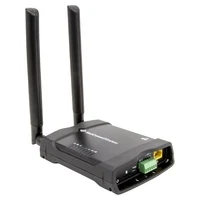
For mobile broadband, backup WAN, travel, remote sites and locations where a fixed-line connection is not suitable. Check mobile band support, SIM requirements, Wi-Fi standard and Ethernet connectivity.
Shop mobile broadband routers →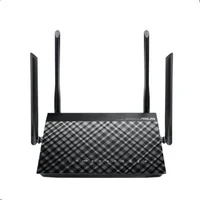
Combined modem-router devices for compatible DSL services. For NBN FTTN or FTTB, verify VDSL2 and NBN requirements as well as your provider's configuration before purchase.
Shop modem routers →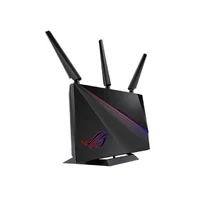
Connect an Ethernet WAN or existing modem and create a wired and wireless local network. Compare Wi-Fi generation, bands, LAN/WAN speeds, management features and supported security options.
Shop Wi-Fi routers →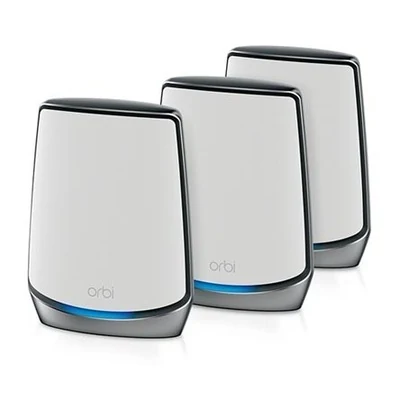
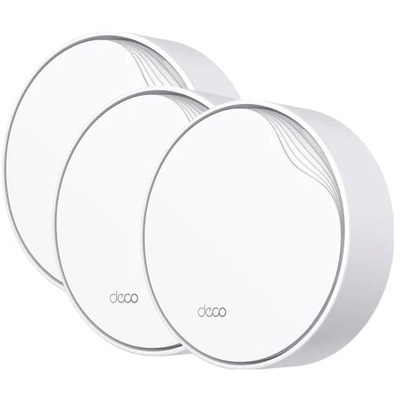
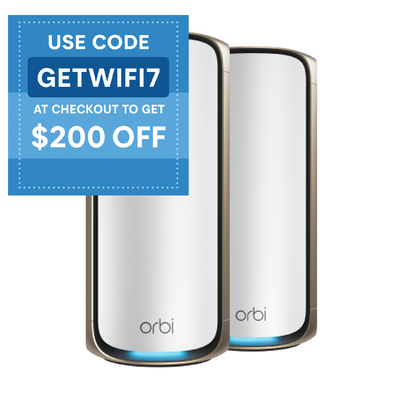
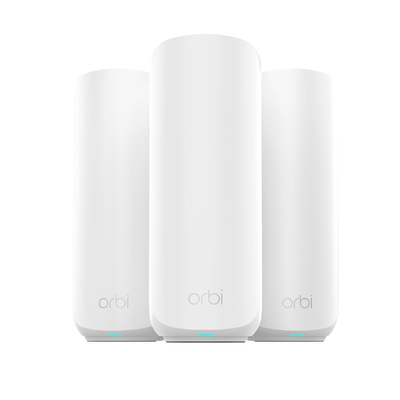
Use multiple coordinated Wi-Fi nodes to improve coverage across larger or more difficult layouts. Compare pack size, wired backhaul support, Wi-Fi generation, available ports and management features.
Shop mesh Wi-Fi →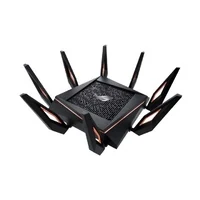
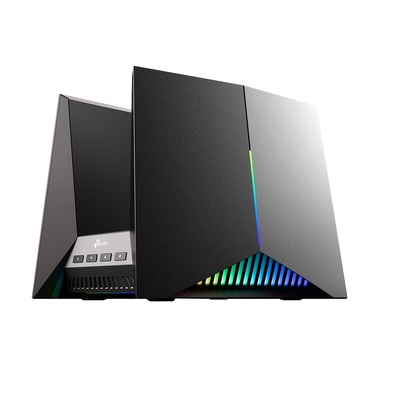
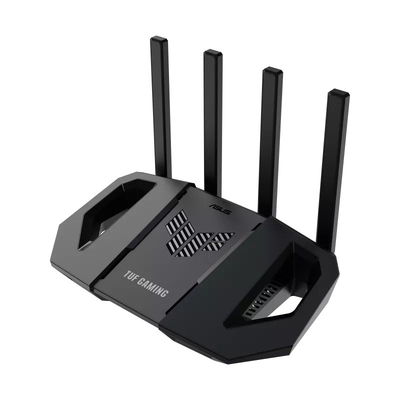
Designed for users who want advanced traffic controls, fast wired connectivity and gaming-focused management features. Actual latency still depends on your ISP, game server, connection path and local network conditions.
Shop gaming routers →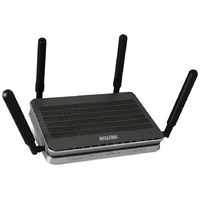
For networks that need router-based VPN capabilities. Supported VPN protocols, concurrent tunnels, throughput, authentication and management options vary by model, so check the exact specifications.
Shop VPN routers →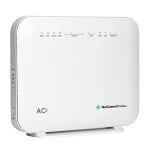
Router and modem-router options with voice features on supported models. If your phone service is provided through your internet service, confirm SIP/voice compatibility and provider requirements before changing equipment.
Shop VoIP routers →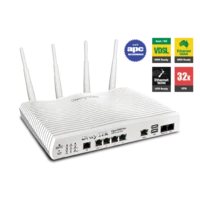
For business or advanced networking requirements where routing, security, WAN options and management capabilities matter. Match the product to the required interfaces, performance and administration model.
Shop enterprise routers →
Browse routers and modem routers for Australian NBN connections. The right device depends on your NBN access technology, provider configuration, phone-service needs and required Wi-Fi and Ethernet performance.
Shop NBN routers →NBN is delivered through several access technologies. Before buying, identify the connection technology at the premises and check the requirements of your retail service provider (RSP), especially if you use a bundled phone service.
| NBN connection | What normally connects at the premises | Router buying check |
|---|---|---|
| FTTN / FTTB | The service uses the copper phone wiring into the premises/building and does not use a standard NBN connection box in the same way as FTTP/HFC/FTTC. | Confirm a compliant VDSL2 modem or modem-router and your provider's setup requirements. |
| FTTP | An NBN connection box/NTD terminates the fibre service. | Choose a router with a suitable Ethernet WAN interface and enough routing/LAN/Wi-Fi performance for the service and devices. |
| HFC | An NBN connection box terminates the HFC service. | Use a suitable Ethernet-WAN router and confirm your provider's configuration and voice-service requirements. |
| FTTC | An NBN-supplied network connection device connects the copper lead-in to your router. | Use a suitable Ethernet-WAN router and keep the NBN-supplied device with the premises. |
| Fixed Wireless / Satellite | NBN-supplied equipment provides the network hand-off. | Confirm the required Ethernet WAN interface and provider settings for the service. |
Important: “NBN ready” is not a substitute for checking the exact service. Your RSP may require particular WAN settings, VLAN configuration, authentication or voice support. If you rely on a provider-supplied phone service, confirm what happens before replacing the provider's modem/router.
Newer Wi-Fi generations can add efficiency, new spectrum options and higher potential throughput, but the client device must support the relevant standard, band and features. Internet speed is also limited by your plan, WAN connection and network conditions.
A mature 5 GHz generation still used by many devices. It can be suitable for straightforward networks, but it lacks the newer multi-device efficiency and 6 GHz capabilities found in later standards.
Designed to improve efficiency in networks with many connected devices while continuing to use 2.4 GHz and 5 GHz. It is a strong mainstream choice when your devices support Wi-Fi 6.
Extends Wi-Fi 6 into the 6 GHz band on compatible equipment and client devices, providing additional spectrum that can reduce contention in suitable environments.
The newest certified generation. Depending on the product, client and local spectrum support, Wi-Fi 7 can add features such as Multi-Link Operation, wider channels and 4K QAM for higher throughput and improved link flexibility.
Do you need Wi-Fi 7? Consider it when buying for newer compatible devices, multi-gigabit wired networks, demanding local transfers or a longer upgrade horizon. Wi-Fi 6 can remain a practical choice when your internet plan, devices and usage do not benefit from newer features. Check the exact router and client capabilities rather than relying on the Wi-Fi generation name alone.
Advertised Wi-Fi classes and theoretical rates are useful comparison points, but real network performance depends on many factors. Check the features that match how the network will actually be used.
Walls, floors, building materials, interference and router placement all affect coverage. Larger or difficult sites may benefit from mesh Wi-Fi or multiple access points.
Match the WAN and routing capability to the internet service. Faster broadband may justify Gigabit or multi-gigabit WAN and LAN interfaces depending on the rest of the network.
Count the LAN ports required for PCs, NAS, switches, TVs, access points and other fixed equipment. Check port speeds instead of assuming every Ethernet port is identical.
Compare guest networking, parental controls, VPN support, QoS, failover, VLANs, remote management and security features only where those functions matter to your network.
Choose equipment that is still supported by its manufacturer, then keep it configured and updated. Security features are most useful when they are enabled and maintained correctly.
Keep the existing DeviceDeal tools and guides close to the router range.
These product rows remain connected to the existing Neto advert groups, so merchandising can continue to be managed from the catalogue instead of being hard-coded into this page.
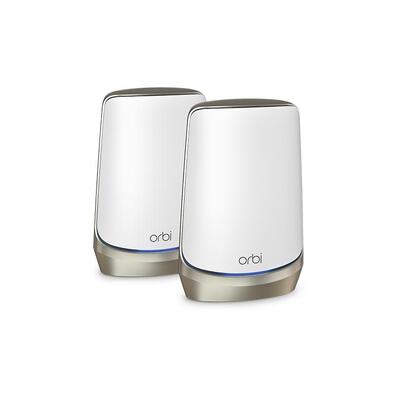

$3,485.00 $4,299.00
The original related-category links and pictures are retained in a cleaner responsive grid.
Short answers to common buying questions. Always confirm the final product specifications and your internet provider's requirements before ordering.
A modem connects your network to the internet service, while a router manages traffic between devices on your local network and usually provides Wi-Fi. Some devices combine both functions in one modem router.
It depends on the NBN connection type. FTTN and FTTB generally require a compatible VDSL2 modem or modem router, while services using an NBN connection device typically connect to a router through Ethernet WAN. Check your RSP's exact requirements.
Wi-Fi 7 is the newer generation and can add capabilities such as Multi-Link Operation, wider channels and 4K QAM on compatible equipment. Whether it improves your network depends on the router, client devices, spectrum support, internet speed and local conditions.
Wi-Fi 6E extends Wi-Fi 6 into the 6 GHz band on supported equipment and client devices. The additional spectrum can provide more channel options and reduce congestion in suitable environments.
A mesh system can be useful when one router cannot provide reliable coverage across a larger home, multi-storey building or difficult layout. Placement, building materials, backhaul method and the number of nodes still affect performance.
No. Gaming routers can include traffic-management and fast wired-network features, but internet latency also depends on your ISP, connection technology, route to the game server, server location and local congestion.
Use WPA3 when it is supported by both the router and your devices. If older devices cannot connect, a supported transition mode or an appropriate WPA2 configuration may be required.
Install manufacturer firmware updates when they are available and periodically check for new releases. A router that is end-of-life and no longer receives security updates should be considered for replacement.
They are different wireless frequency bands with different propagation, channel and compatibility characteristics. 2.4 GHz generally travels farther through obstacles, while 5 GHz and 6 GHz can offer more capacity or wider channels at shorter practical ranges, depending on the device and environment.
Confirm the WAN connection type, authentication or VLAN settings, NBN access technology, phone-service requirements and any provider support limitations. Keep NBN-supplied connection equipment at the premises where required.
Start with your connection type and coverage needs, then compare the exact Wi-Fi, WAN, Ethernet, security and management features of the products in the DeviceDeal range.








 Network Cards
 Wi-Fi Extenders
 Network Switches
 Access Points
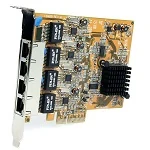 Network Adapters
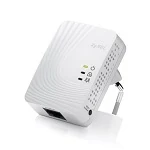 Network Power Line
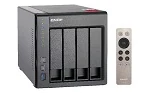 Network Attached Storage
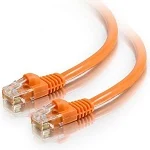 Network Cables