



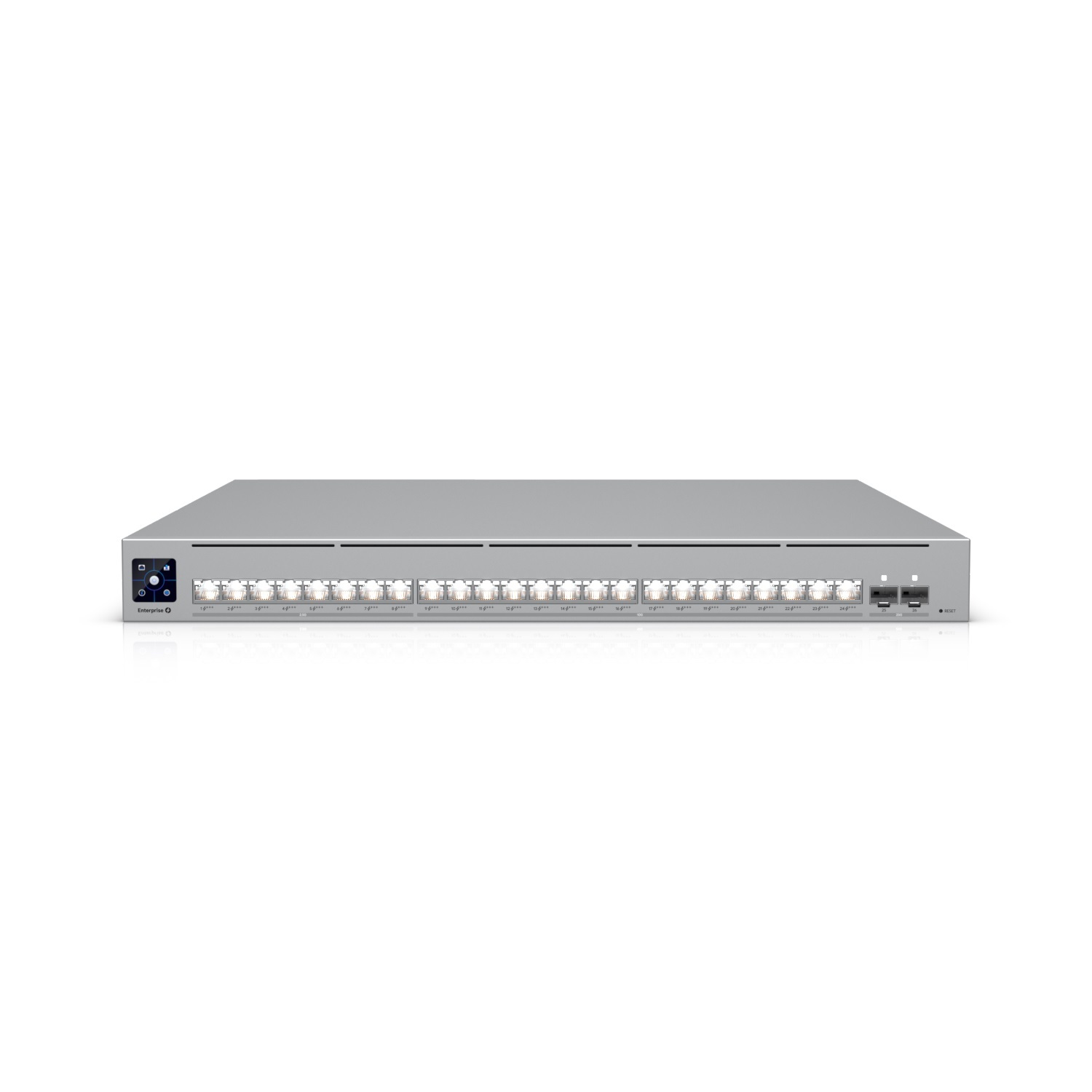
Ubiquiti
Ubiquiti ECS-24-PoE Enterprise Campus 24-Port Layer 3 PoE+++ Switch
Managed • 24 ports • 2.5Gbps,10Gbps
DeviceDeal Buying Guide
Compare managed, unmanaged, PoE and high-speed switches. Use the finder to choose by port count, network speed and power requirements.
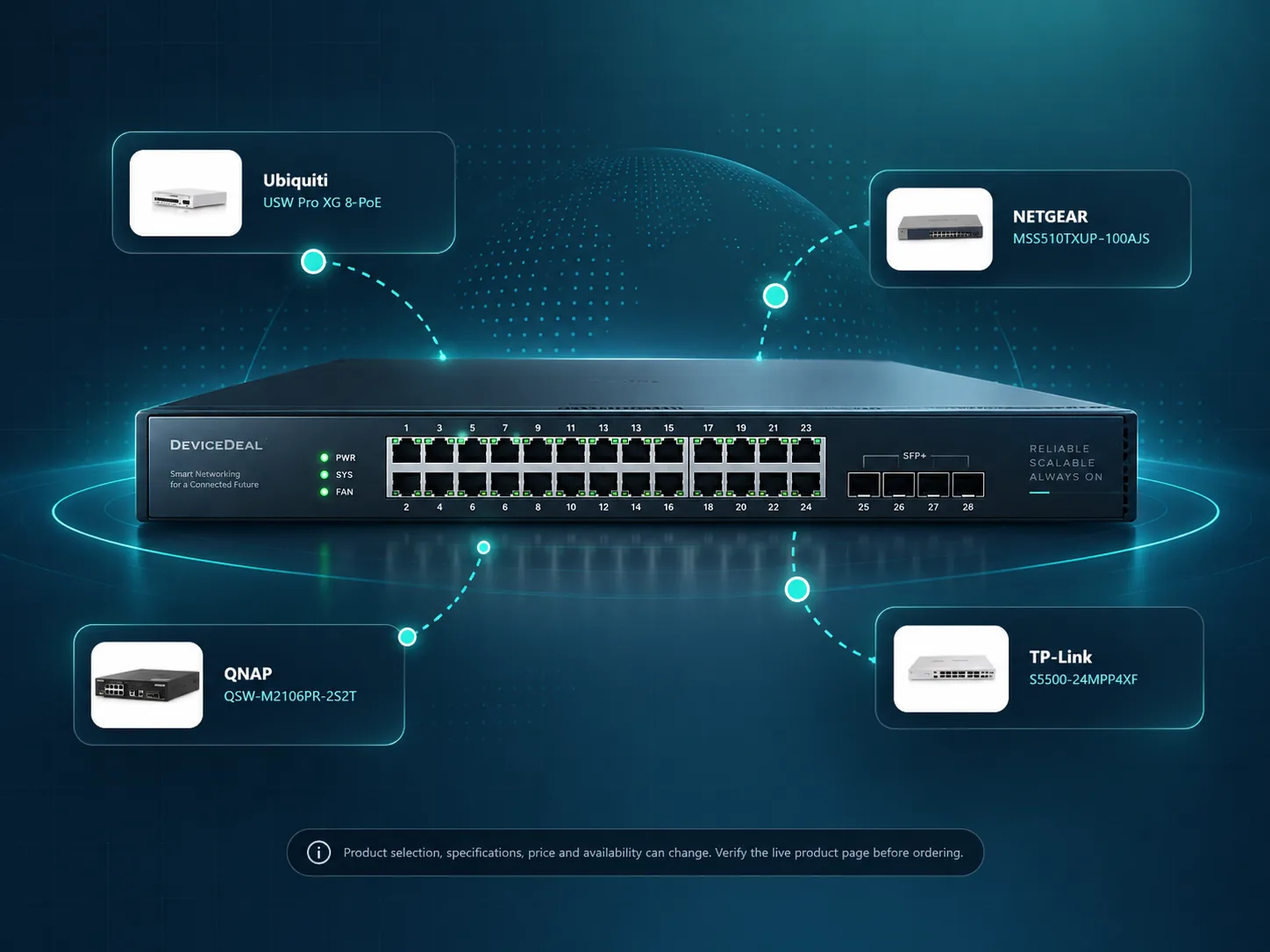
Simple plug-and-play networking for straightforward connections at home, in small offices or wherever advanced control is not required.
Better suited to businesses and projects that need more control, monitoring, VLAN support or room for future growth.
Power compatible access points, IP phones, cameras and other devices through the network cable while reducing separate power adaptors.
Consider 2.5GbE, 10GbE or SFP/SFP+ uplinks when your environment includes fast Wi-Fi, servers, NAS or heavier traffic.
Explore a selection of business, PoE and higher-speed switches available at DeviceDeal.
Ubiquiti
Managed • 24 ports • 2.5Gbps,10Gbps
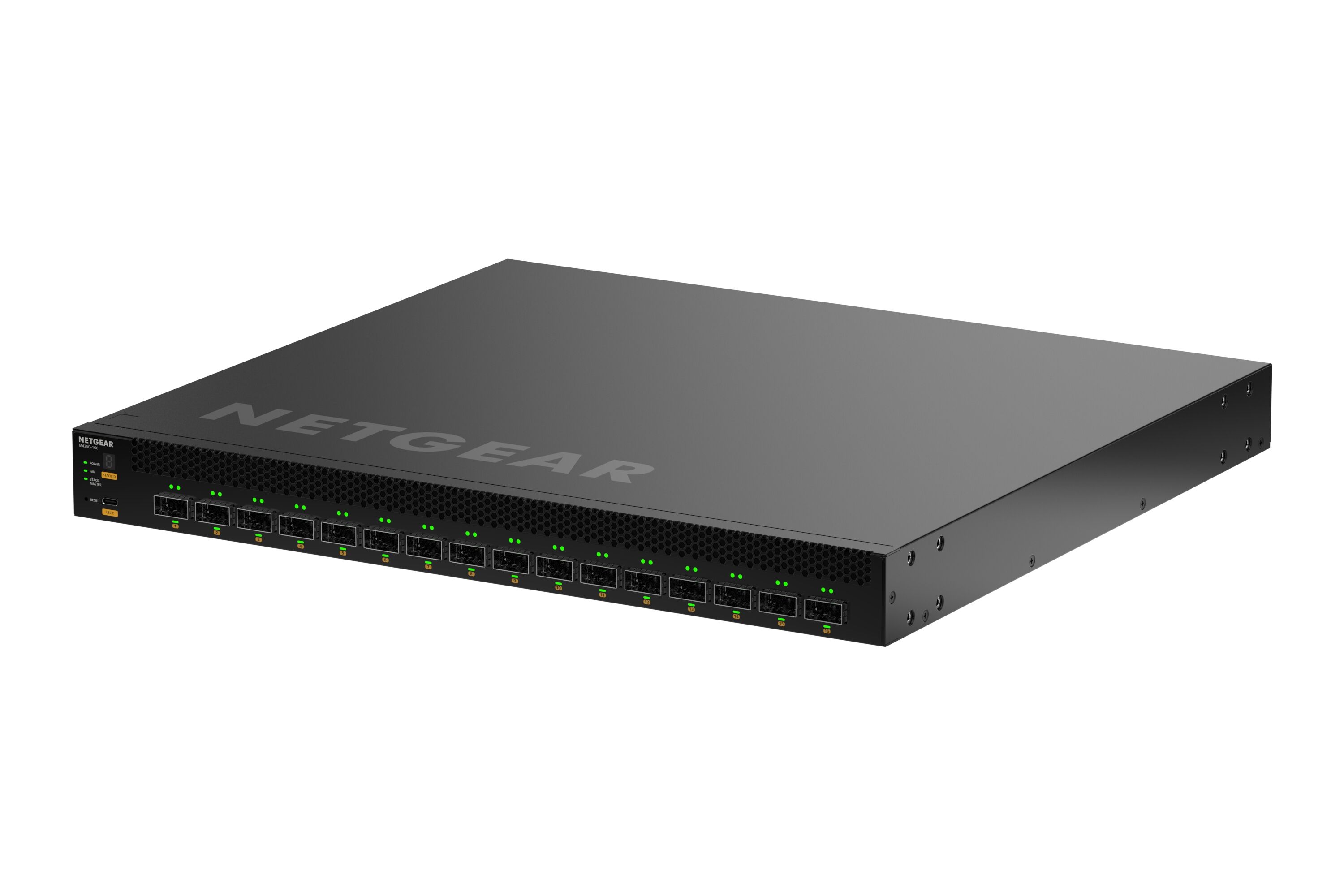
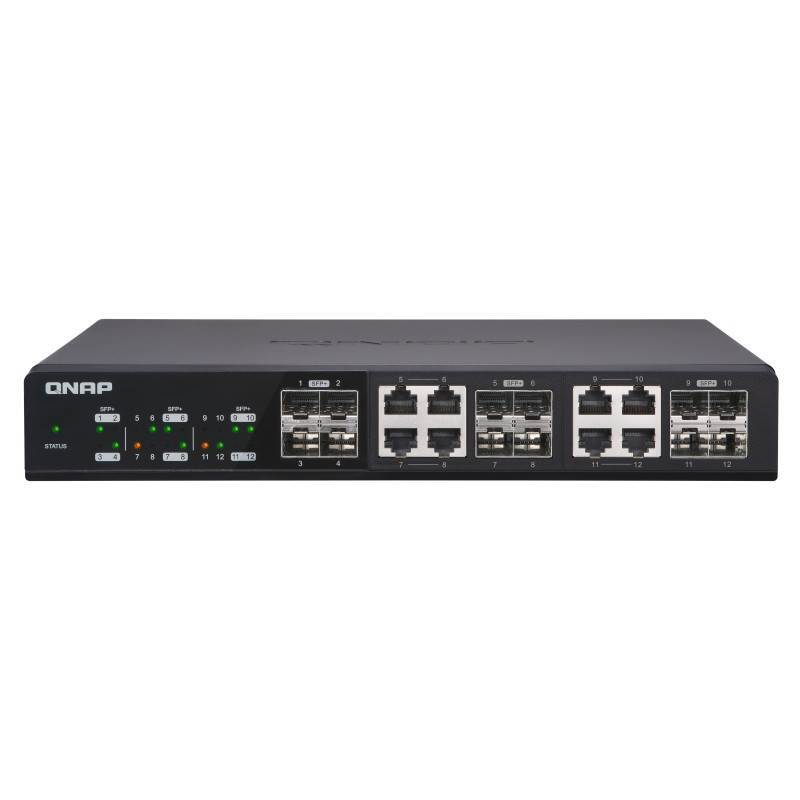
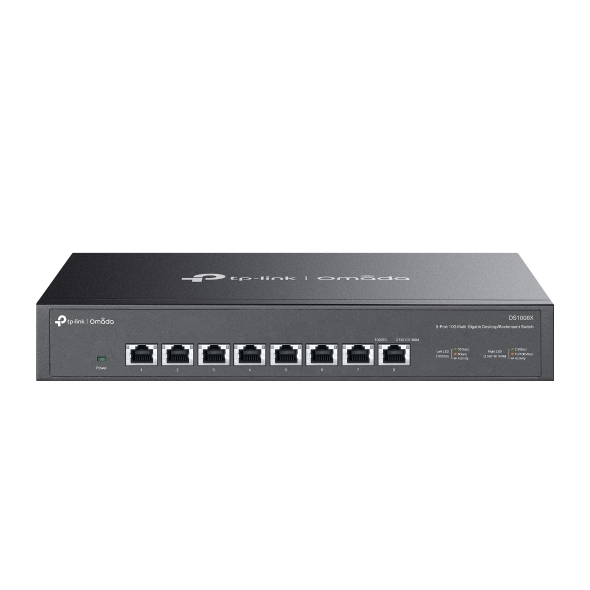
TP-LINK
Unmanaged • 8 ports • 10Gbps
Interactive finder
Search by model, SKU or brand, or narrow the list by port count, management type, PoE and speed.
Tip: use the search box for a specific model or SKU, or leave all filters open to browse featured options.
Showing featured switch options from the DeviceDeal range.
Specifications, price and availability can change. Please confirm the live product page before ordering.
Buyer education
The best choice depends on how many devices you need to connect, whether you need PoE, how much control the network requires and whether faster uplinks matter for your environment.
Best when simplicity matters most.
A middle ground for buyers who want extra control without moving to more advanced enterprise-style management.
Better for more complex business networks and projects.
Selected for more demanding environments and specialised installations.
| What to compare | Unmanaged | Managed / Smart Managed | Industrial |
|---|---|---|---|
| Ease of setup | Usually the simplest option | More setup, but more control | Depends on the environment and project |
| Best for | Home, small office, straightforward connectivity | Business networks, segmented traffic, future growth | Demanding or specialised deployments |
| PoE availability | Available on some models | Common across many business-focused models | Available on selected industrial models |
| Higher-speed options | Available on selected models | Broad choice, including uplinks and advanced options | Depends on the product range and project needs |
| Who should shortlist it | Buyers who want simple networking | Buyers who need control, visibility and scalability | Buyers with installation-specific environmental needs |
Use cases
Often a smaller unmanaged or smart-managed switch is enough.
PoE is commonly important for access-point deployments.
Camera networks often depend on PoE and enough ports.
Higher-speed uplinks may become more important.
Managed switching usually provides better long-term flexibility.
Choose products that fit the environment and application.
PoE planning
This simple calculator adds together the estimated wattage of access points, cameras, IP phones and other powered devices, then applies headroom. It is a planning tool only.
Enter device quantities and estimated watts per device.
This calculator is an estimate only. Use it to shortlist switch options, then verify the product page for the exact PoE budget and port support.
Frequently asked questions
Quick answers to common questions about choosing the right network switch.
A network switch connects devices on the same local network and directs data to the correct destination port. In practice, it helps computers, access points, IP phones, cameras, servers and NAS devices communicate more efficiently than a simple shared connection.
Start with the number of devices you need to connect now, then allow room for growth. Common sizes include 5, 8, 16, 24 and 48 ports. Many buyers choose a larger model when they expect more cameras, access points, desks or networked equipment later.
Unmanaged switches are simple plug-and-play models for straightforward networks. Managed switches provide more control, including VLANs, monitoring and other advanced networking features. If you need segmentation, business policies or future flexibility, managed models are usually the better fit.
Choose a PoE switch when you want to power devices such as wireless access points, VoIP phones, IP cameras or other compatible hardware through the network cable. Check both the number of PoE ports you need and the total PoE power budget.
PoE budget is the total power a switch can deliver across all PoE ports. For example, a switch may have many PoE ports but a limited overall power budget, so not every port can always supply the maximum power at the same time.
These terms refer to different power standards. PoE suits lighter devices, PoE+ supports higher-power devices, and PoE++ is used for more demanding equipment. The right choice depends on the requirements of the connected device.
Higher-speed switching can make sense for fast Wi-Fi access points, shared storage, editing workflows, uplinks between switches or other heavier traffic. If your network devices are mostly standard 1GbE, a gigabit switch may still be the right and more cost-effective option.
SFP and SFP+ ports are commonly used for fibre or high-speed uplink connections. They are helpful when you need longer runs, flexible transceiver options or faster links between network equipment.
Yes, in many cases you can, especially when the switch has suitable PoE support and enough power budget. However, some businesses prefer dedicated switching or network segmentation for cameras, voice and general office traffic.
Industrial switches are designed for more demanding environments and installations. They are often selected for factory, warehouse, roadside, cabinet or other specialised environments where a standard office switch may not be the best fit.
DeviceDeal lists switches from multiple brands in one place. You can compare by management type, port count, PoE support, speed, uplink type, brand and product details, then open the live product page for the latest information.
Yes. If you are planning a business, school, surveillance, Wi-Fi, storage or multi-site rollout, you can use the guide to shortlist options and then contact DeviceDeal for product advice based on your project requirements.
Use the finder above, review the live product pages, or contact DeviceDeal if you are planning a business, education, storage, Wi-Fi or surveillance switch deployment.