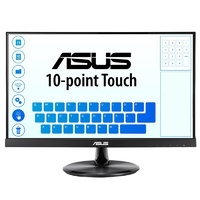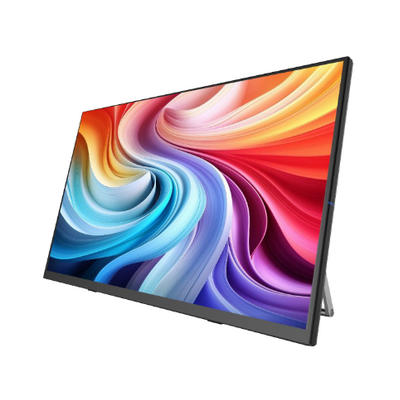
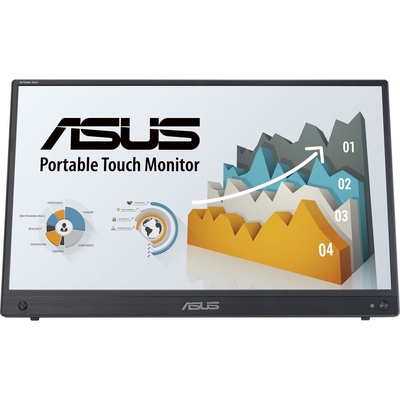
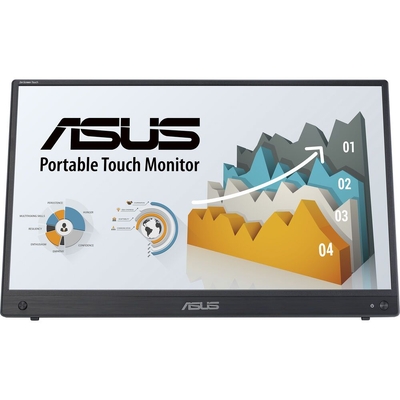
ASUS ZenScreen Touch MB16AMTR 15.6" FHD IPS 10-Point Touch USB-C Portable Monitor with 7800mAh Battery - MB16AMTR
Model # MB16AMTR
-

SKU: MB16AMTR
- Pick Up Available
- Australian Warranty
- Checkout Securely




ASUS ZenScreen Touch Portable Monitor
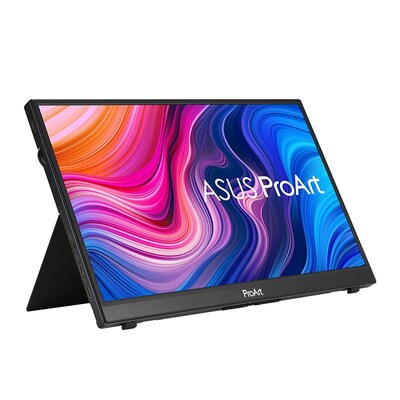
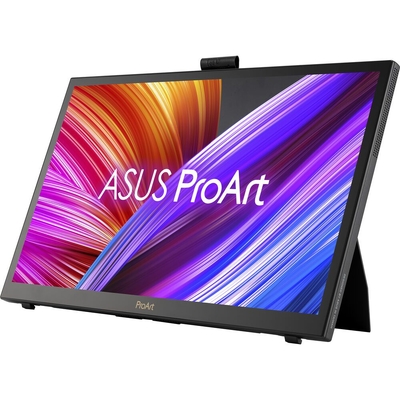
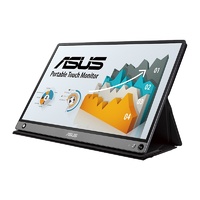
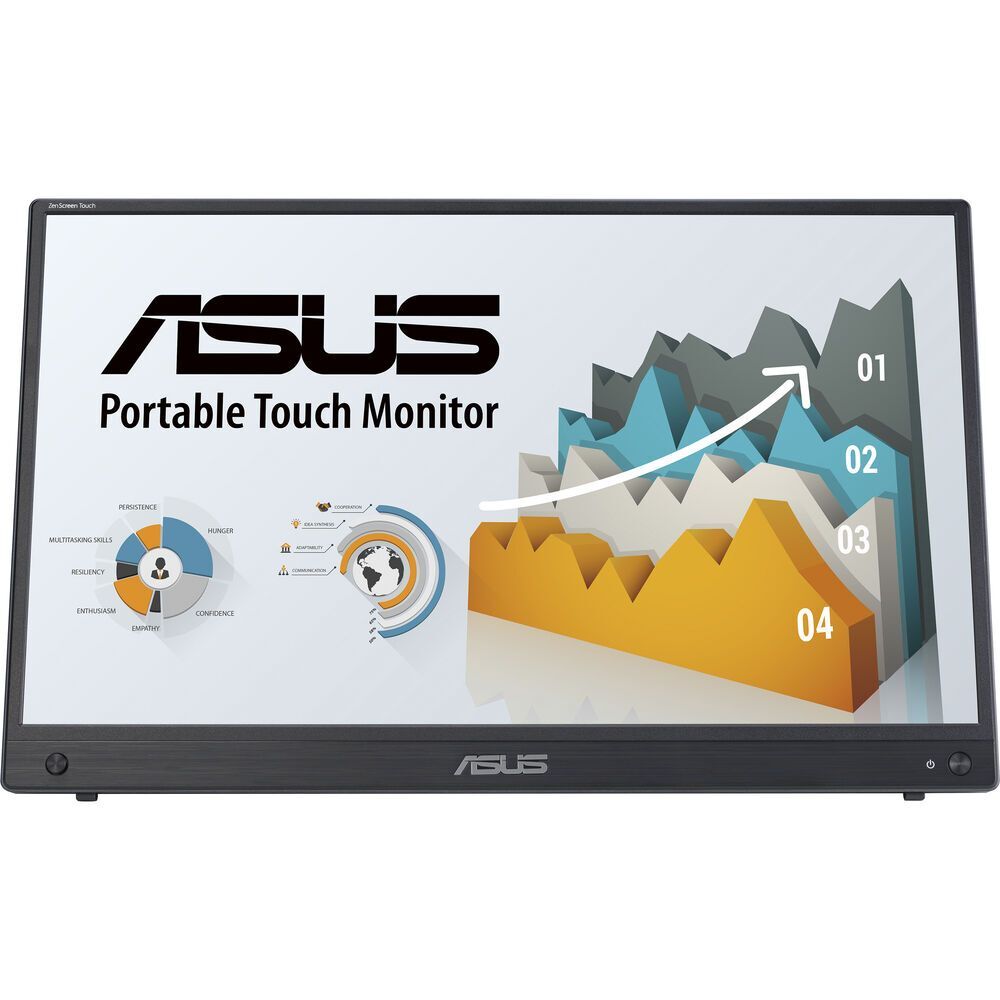
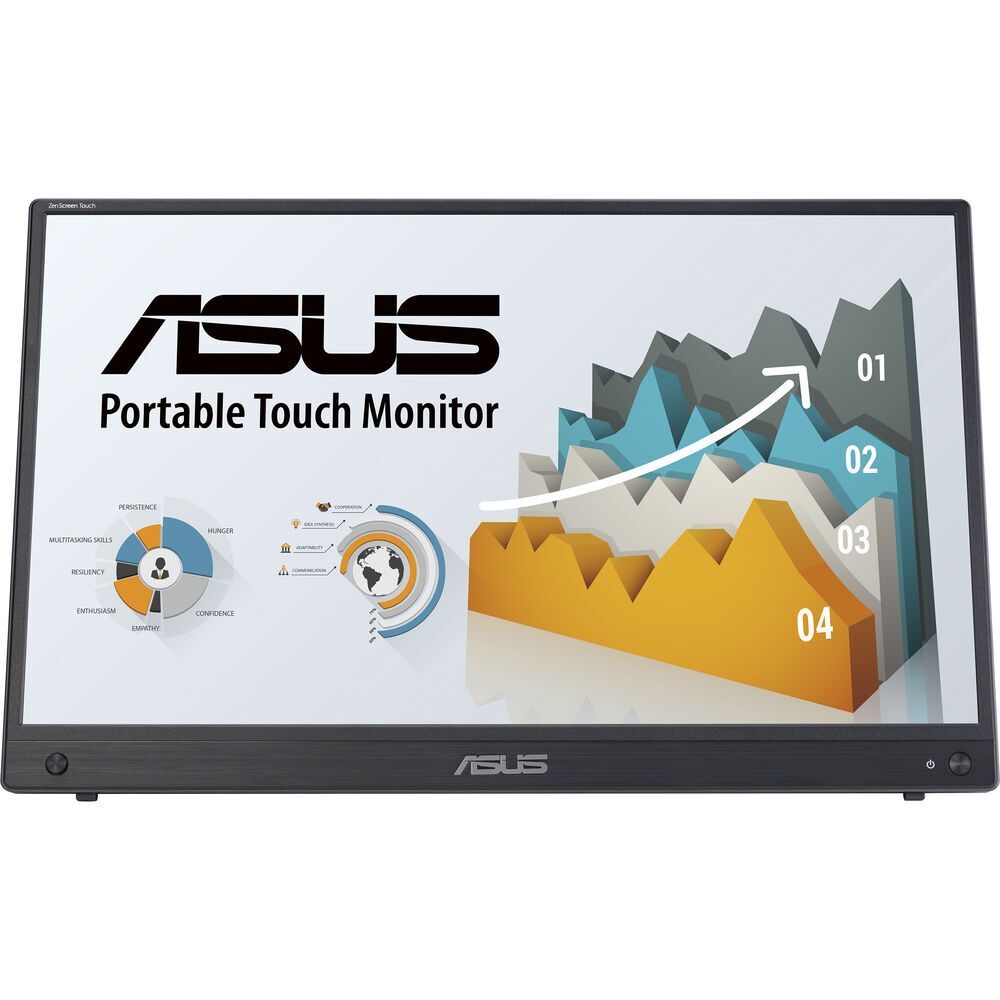
ASUS ZenScreen Touch MB16AMTR 15.6-inch Full HD Touch Portable Monitor
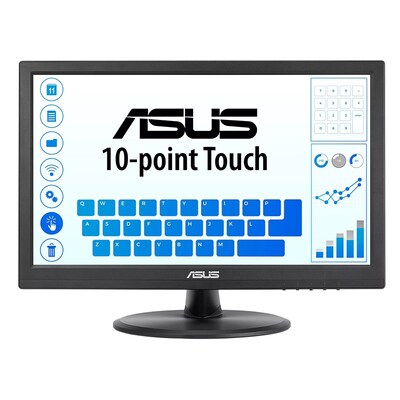
The ASUS ZenScreen Touch MB16AMTR combines a 15.6-inch Full HD IPS display with responsive 10-point touch control, a built-in 7800mAh battery and flexible USB-C and mini-HDMI connectivity. Its slim portable design, integrated kickstand, built-in speakers and tripod socket make it a practical second screen for mobile productivity, presentations and entertainment.
Portable Full HD IPS display
15.6-inch Full HD panel
The MB16AMTR provides 1920 x 1080 Full HD resolution on a 15.6-inch IPS panel, giving notebooks and other compatible devices additional screen space without the size of a conventional desktop monitor.
IPS viewing consistency
The IPS panel provides 170-degree horizontal and vertical viewing angles, helping maintain a consistent image when the portable screen is viewed from different positions.
Anti-glare display surface
An anti-glare surface helps reduce distracting reflections when working in offices, meeting rooms, home workspaces and other indoor environments.
250cd/m² brightness
ASUS specifies typical brightness of 250cd/m² with a typical contrast ratio of 700:1 for everyday productivity and multimedia use.
Responsive 10-point touchscreen
Projective capacitive touch
The display supports projective capacitive 10-point touch, allowing compatible systems and applications to respond to gestures such as tapping, scrolling, dragging and pinching.
Designed for interactive productivity
Touch control can make it easier to work with documents, presentations and compatible applications when the MB16AMTR is connected to a supported computer or device.
Touch compatibility
Touch functionality depends on the connected device, operating system, application and USB data connection. ASUS provides Windows drivers and DisplayWidget Center support for the MB16AMTR.
Built-in 7800mAh battery
Portable battery power
The integrated 7800mAh battery allows the MB16AMTR to operate without continuously drawing power from a connected notebook or other source device.
Up to four hours of use
ASUS states that the built-in battery can provide up to four hours of use, with actual battery life varying according to brightness, usage, connected equipment and other operating conditions.
Flexible USB-C and mini-HDMI connectivity
USB-C with DisplayPort Alt Mode
USB-C supports DisplayPort Alt Mode and USB data, allowing compatible notebooks and devices to provide video and touch data through a modern USB-C connection.
Dedicated USB-C power connection
A second USB-C connection is provided for DC power input, helping support charging and portable operation.
Mini-HDMI
Mini-HDMI provides video connectivity for compatible laptops, game consoles, cameras and other HDMI-equipped source devices. A mini-HDMI to HDMI cable is included.
USB-C Power Delivery
ASUS specifies USB-C Power Delivery support of 10W for the MB16AMTR.
Integrated kickstand and tripod socket
Built-in adjustable kickstand
The integrated kickstand supports tilt adjustment from approximately +15° to +35° and allows the portable monitor to be positioned without a separate desktop stand.
Landscape and portrait use
The kickstand design allows the monitor to be positioned for both landscape and portrait-oriented workflows depending on the application and workspace.
1/4-inch tripod socket
A standard 1/4-inch threaded socket allows the monitor to be attached to a compatible tripod or stand for alternative positioning.
Auto Rotation
ASUS DisplayWidget Center supports Auto Rotation, allowing supported systems to adjust the desktop orientation when the monitor is repositioned.
Built-in stereo speakers
Dual 1W speakers
Two integrated 1W speakers provide convenient audio playback for presentations, videos and general portable use without requiring separate desktop speakers.
Earphone jack
An earphone jack is included for connecting compatible headphones or external audio equipment.
Portable design
1.19cm slim profile
The monitor measures approximately 1.19cm deep, helping it fit into suitable laptop and travel bags alongside a mobile workstation.
Approximately 1.15kg
ASUS specifies a net weight of approximately 1.15kg without a separate stand, making the display suitable for portable and hybrid-work setups.
ASUS Eye Care features
Low Blue Light technology
ASUS Low Blue Light technology provides selectable filtering options designed to reduce exposure to high-energy blue light during extended viewing sessions.
Flicker-Free technology
TÜV-certified Flicker-Free technology is designed to reduce screen flicker and support more comfortable viewing during prolonged use.
Useful ASUS display features
- Projective capacitive 10-point touchscreen
- ASUS SPLENDID display technology
- Four colour temperature modes
- DisplayWidget Center
- Auto Rotation
- QuickFit photo and alignment grid
- HDCP support
- Low Blue Light technology
- Flicker-Free technology
- Integrated 7800mAh battery
- Built-in stereo speakers
- 1/4-inch tripod socket
Australian warranty coverage
Built-in battery monitor warranty
ASUS Australia's MB16AMTR warranty page states that LCD monitors with built-in batteries and the power adaptor receive one year Australia-wide mainland pick-up warranty coverage. Warranty service remains subject to ASUS warranty terms, eligibility requirements and proof of purchase.
What to know before buying
Touch and USB-C requirements
USB-C video requires a compatible source device with DisplayPort Alt Mode. Touch functionality also requires a supported operating system, application and USB data connection. Mini-HDMI carries the video signal but does not by itself provide USB touch data. Battery runtime varies according to operating conditions.
Why choose the ASUS ZenScreen Touch MB16AMTR?
The MB16AMTR combines a portable Full HD IPS screen with 10-point touch, a built-in 7800mAh battery, USB-C, mini-HDMI, speakers and flexible stand options. It is designed for users who need an interactive second screen that can move between home, office, meetings and mobile workspaces.
Frequently asked questions
What resolution does the ASUS MB16AMTR have?
The MB16AMTR has a native resolution of 1920 x 1080, also known as Full HD or FHD.
Is the MB16AMTR a touchscreen?
Yes. It uses projective capacitive technology and supports up to 10 simultaneous touch points with compatible systems.
What is the maximum refresh rate?
The MB16AMTR supports a maximum refresh rate of 60Hz.
Does the MB16AMTR have a built-in battery?
Yes. It has a built-in 7800mAh battery. ASUS states that it can provide up to four hours of use depending on operating conditions.
What connections does the MB16AMTR have?
It includes two USB-C connections, one mini-HDMI input and an earphone jack.
Does the MB16AMTR have speakers?
Yes. Two built-in 1W speakers are included.
Can the MB16AMTR automatically rotate?
Yes. Auto Rotation is supported through ASUS DisplayWidget Center on supported systems.
Can the MB16AMTR be mounted on a tripod?
Yes. It includes a standard 1/4-inch threaded tripod socket.
How much does the MB16AMTR weigh?
ASUS specifies a net weight of approximately 1.15kg.
What warranty applies to the MB16AMTR in Australia?
ASUS Australia's model-specific warranty page states one year Australia-wide mainland pick-up warranty coverage for LCD monitors with built-in batteries and the power adaptor, subject to ASUS warranty terms.
Not sure which monitor is right for you?
Compare screen sizes, resolutions, refresh rates, panel technologies and connectivity options in the DeviceDeal Monitor Buying Guide.
View the Monitor Buying Guide(MB16AMTR)
ASUS ZenScreen Touch MB16AMTR Specifications
Display
Image Quality
Touch
Display Features
Connectivity
Audio
Battery
Signal Frequency
Mechanical Design
Power
Dimensions
Weight
Operating Environment
Included Accessories
Certifications
Warranty
| SKU | MB16AMTR |
| Barcode # | 4711387372982 |
| Brand | ASUS |
| Shipping Weight | 3.0000kg |
| Shipping Width | 0.010m |
| Shipping Height | 0.049m |
| Shipping Length | 0.030m |
Manufacturer Warranty
Be The First To Review This Product!
Help other Device Deal users shop smarter by writing reviews for products you have purchased.
More From This Category