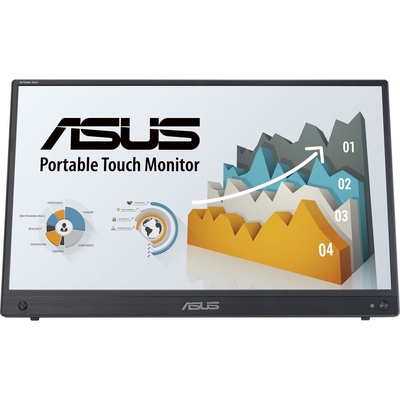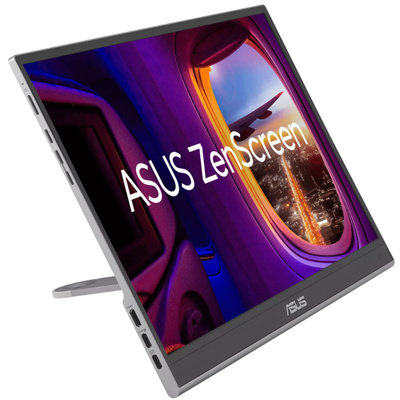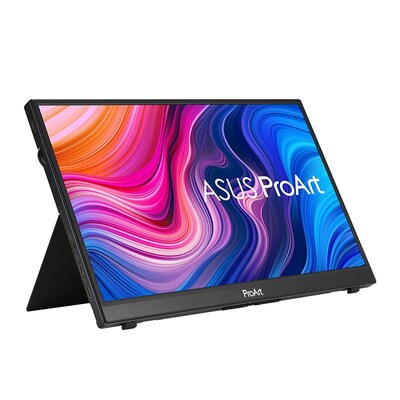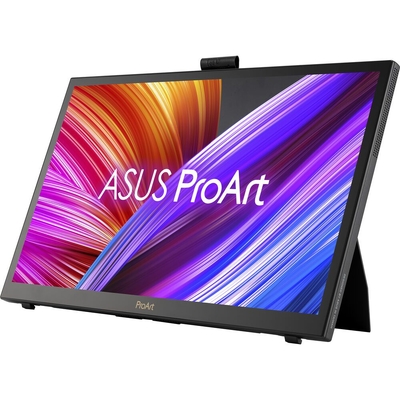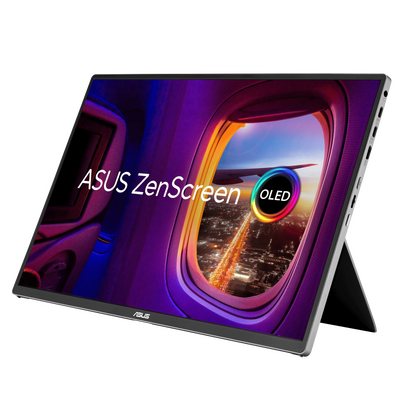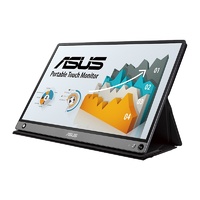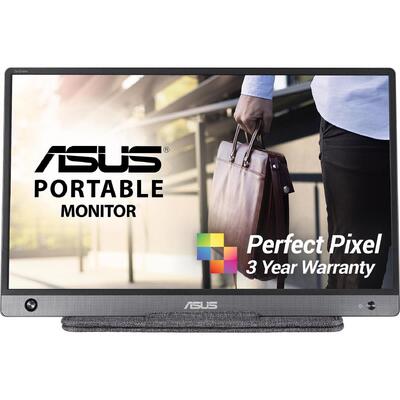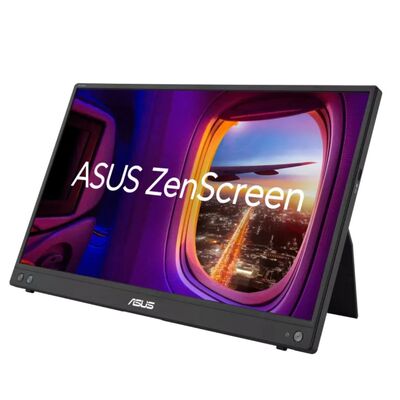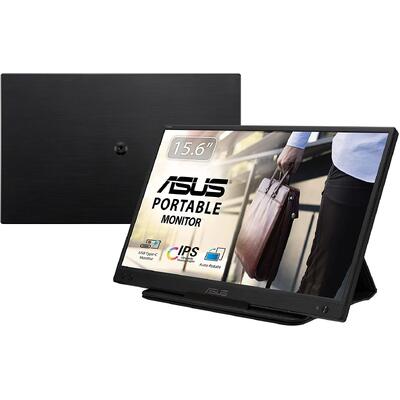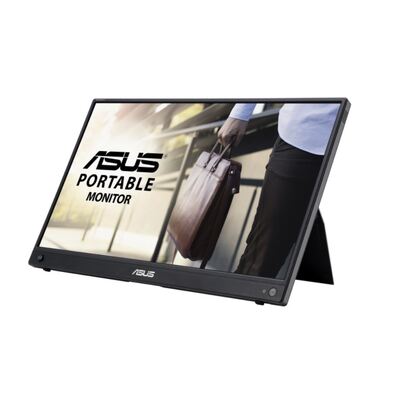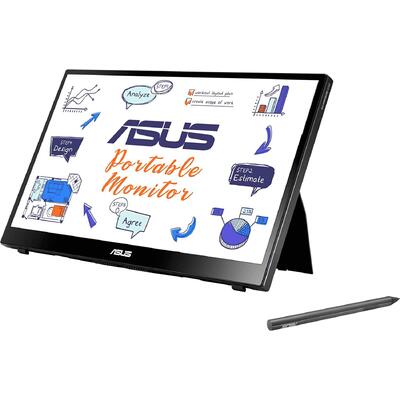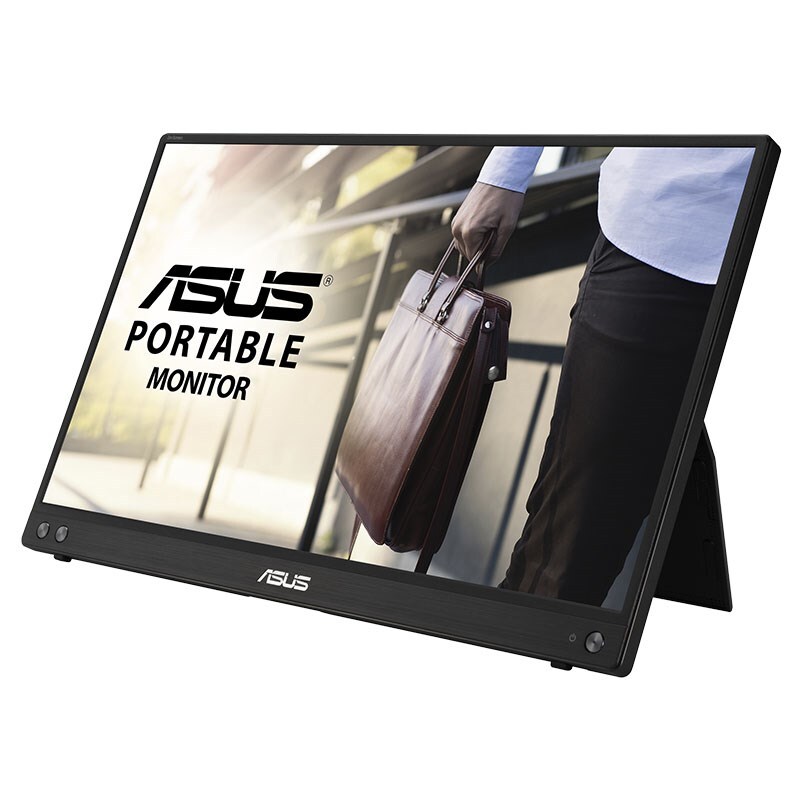
ASUS ZenScreen MB16ACV 15.6" FHD 5ms IPS Hybrid-Signal USB-C Portable Monitor - MB16ACV
Model # MB16ACV
-

SKU: MB16ACV
Stock Availability
🟢Live
Allow 1–2 business days for stock transfer
- Pick Up Available
- Australian Warranty
- Checkout Securely




ASUS ZenScreen Portable Monitor
ASUS ZenScreen MB16ACV 15.6-inch Full HD IPS Portable Monitor
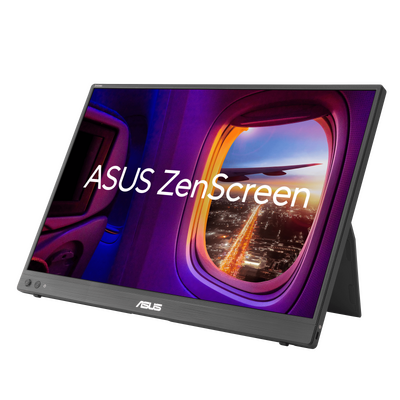
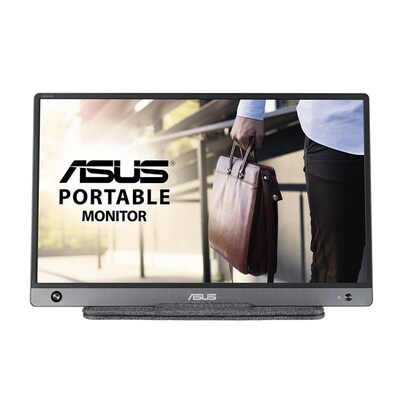
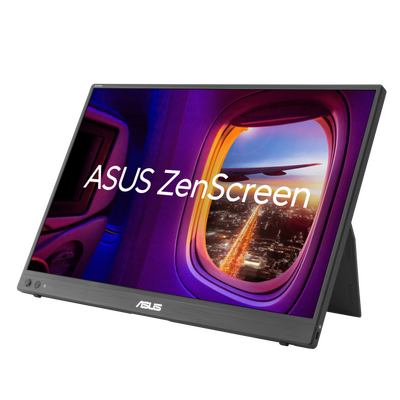
The ASUS ZenScreen MB16ACV is a lightweight 15.6-inch Full HD IPS portable monitor designed to extend your workspace at home, in the office or while travelling. Its USB-C hybrid-signal connection supports power and video, while a supplied USB-C to USB-A cable and ASUS driver provide compatibility with suitable USB Type-A systems. A fold-out kickstand, tripod socket, Auto Rotation and antibacterial treatment add flexibility for mobile work.

Portable Full HD workspace
15.6-inch Full HD IPS
The MB16ACV provides a 1920 x 1080 Full HD workspace on a 15.6-inch IPS panel, making it useful as an additional display for documents, spreadsheets, presentations and everyday mobile productivity.
178-degree viewing angles
IPS technology provides wide 178-degree horizontal and vertical viewing angles to help maintain consistent image appearance when the portable display is viewed from different positions.
Anti-glare display surface
The anti-glare panel helps reduce distracting reflections when the monitor is used in offices, home workspaces, meeting rooms and other indoor environments.
250cd/m² brightness
ASUS specifies typical brightness of 250cd/m² together with an 800:1 typical contrast ratio and a 5ms GTG response time.
One USB-C connection for power and video
USB-C with DisplayPort Alt Mode
The USB-C connection supports DisplayPort Alt Mode and USB 3.2, allowing a compatible USB-C device to provide the display signal and power through a single cable.
Hybrid-signal design
ASUS designed the MB16ACV to support both compatible USB Type-C and USB Type-A host systems, providing additional flexibility when moving between different computers.
USB Type-A compatibility
Driver-supported USB-A connection
A USB-C to USB-A cable is included. When using a USB Type-A connection, the ASUS MB Series USB Monitor Driver is required because USB Type-A does not provide native DisplayPort Alt Mode video. When using a compatible USB-C DisplayPort Alt Mode connection, ASUS states that the additional USB monitor driver is not required.
Portrait and landscape flexibility
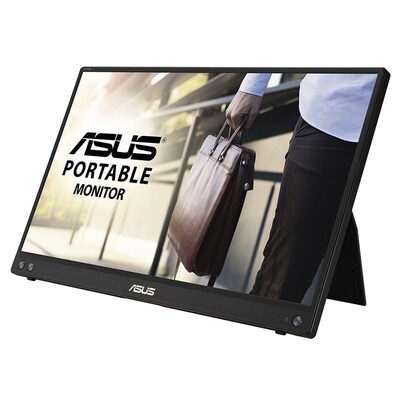
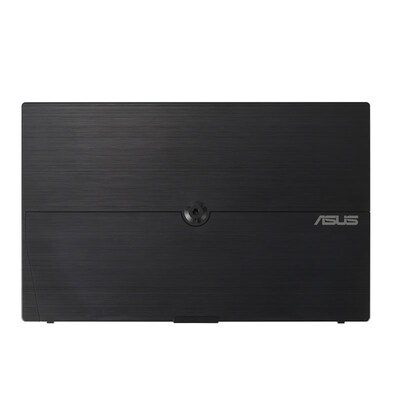
Integrated fold-out kickstand
The built-in kickstand supports the monitor on a flat surface and provides tilt adjustment from approximately +15° to +35° for comfortable portable viewing.
Landscape or portrait use
The kickstand design allows the MB16ACV to be positioned for either landscape or portrait-oriented workflows depending on your available space and application.
Auto Rotation
ASUS DisplayWidget software can automatically detect monitor orientation and switch supported Windows systems between landscape and portrait modes.
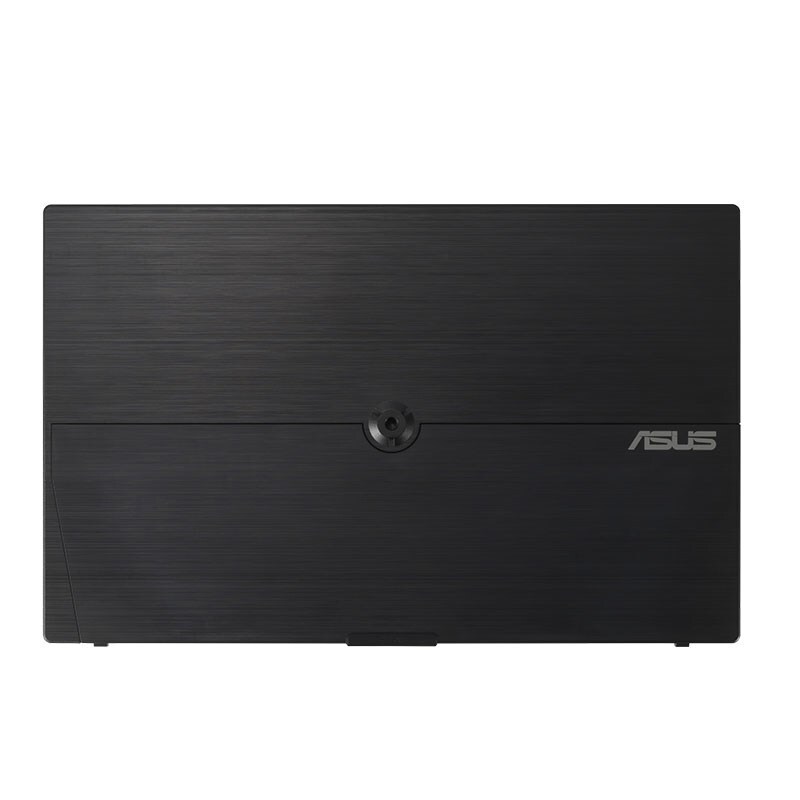
1/4-inch tripod socket
A standard 1/4-inch threaded socket allows the MB16ACV to be attached to a compatible tripod or table-mount solution for alternative positioning.
Lightweight for mobile productivity
Approximately 0.9kg
ASUS specifies a net weight of approximately 0.9kg, making the MB16ACV practical to carry alongside a compatible notebook between work locations.
Approximately 10mm deep
The monitor measures approximately 35.8 x 22.5 x 1.0cm, giving it a slim profile suited to portable and hybrid-work setups.
Embedded antibacterial treatment
Ionic silver treatment
ASUS applies a proprietary antibacterial ionic silver treatment to key external areas including the bezel and rear of the monitor.
Tested antibacterial performance
ASUS states that the treatment inhibits up to 99.9% of bacterial growth and adhesion, with testing performed to JIS Z 2801 and ISO 22196 standards.
ASUS Eye Care technology
Low Blue Light
ASUS Low Blue Light technology provides adjustable filtering designed to reduce blue-light exposure during extended viewing sessions.
Flicker-Free technology
TÜV-certified Flicker-Free technology is designed to reduce screen flicker and support a more comfortable viewing experience during prolonged use.
Useful ASUS display features
- ASUS SPLENDID display technology
- Trace Free technology
- Four colour temperature modes
- GamePlus functions
- QuickFit photo and alignment grid
- HDCP support
- DisplayWidget software support
- Auto Rotation on supported Windows systems
- Low Blue Light technology
- Flicker-Free technology
- Antibacterial treatment
- 1/4-inch tripod socket
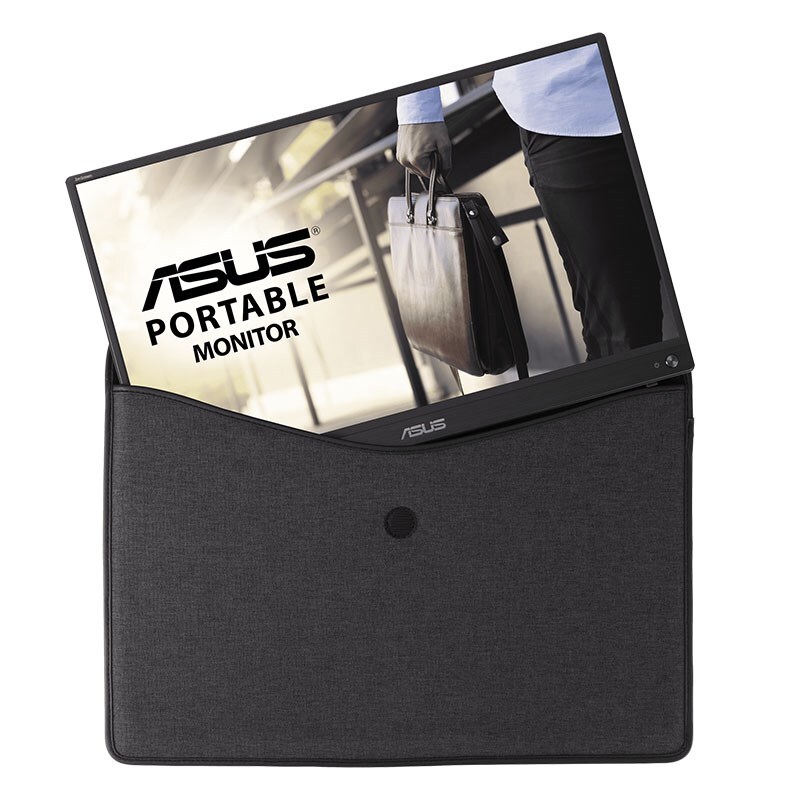
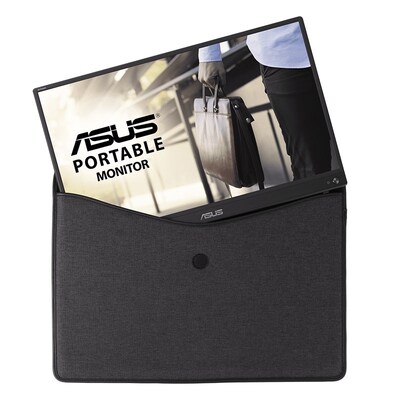
Protective ZenScreen sleeve included
Ready for portable use
ASUS lists a ZenScreen sleeve, USB-C cable, USB-C to USB-A cable, warranty card and quick start guide among the bundled accessories, with included items subject to regional variation.
Three-year ASUS Australia monitor warranty
Australian LCD monitor warranty coverage
The MB16ACV does not contain a built-in battery. ASUS Australia's LCD monitor warranty policy provides three years of Australia-wide mainland pick-up warranty coverage for LCD monitors, subject to ASUS warranty terms, eligibility requirements and proof of purchase.
What to know before buying
Check your USB connection
For native USB-C video, the connected device must support DisplayPort Alt Mode over USB-C. USB Type-A operation requires the ASUS MB Series USB Monitor Driver and the supplied compatible cable. ASUS also notes that protected media or applications may restrict content playback when the monitor is operating through USB 3.0 mode. Auto Rotation through ASUS DisplayWidget software is supported on Windows.
Why choose the ASUS ZenScreen MB16ACV?
The MB16ACV combines a lightweight 15.6-inch Full HD IPS screen with single-cable USB-C operation, driver-supported USB Type-A compatibility, a built-in kickstand and tripod socket. Auto Rotation, ASUS Eye Care features, antibacterial treatment and an included sleeve make it a practical portable second screen for work, study and travel.
Frequently asked questions
What resolution does the ASUS MB16ACV have?
The MB16ACV has a native resolution of 1920 x 1080, also known as Full HD or FHD.
What panel type does the MB16ACV use?
It uses a 15.6-inch IPS panel with 178-degree horizontal and vertical viewing angles.
What is the maximum refresh rate?
The ASUS MB16ACV supports a maximum refresh rate of 60Hz.
Can one USB-C cable provide video and power?
Yes. A compatible USB-C host with DisplayPort Alt Mode can provide both video and power through the monitor's USB-C connection.
Can the MB16ACV work through USB Type-A?
Yes. ASUS provides a USB-C to USB-A cable and an MB Series USB Monitor Driver for supported USB Type-A systems.
Does USB-C DisplayPort Alt Mode require the ASUS USB monitor driver?
No. ASUS states that the MB Series USB Monitor Driver is not required when the monitor receives a native DisplayPort Alt Mode video signal through compatible USB-C.
Can the MB16ACV be used in portrait mode?
Yes. The monitor can be positioned in portrait or landscape orientation. ASUS DisplayWidget software can also provide automatic orientation switching on supported Windows systems.
Can the MB16ACV be mounted on a tripod?
Yes. A standard 1/4-inch threaded tripod socket is built into the rear of the monitor.
Does the MB16ACV have built-in speakers?
No. ASUS does not specify built-in speakers for the MB16ACV.
How much does the MB16ACV weigh?
ASUS specifies a net weight of approximately 0.9kg.
What warranty applies in Australia?
ASUS Australia provides three years of Australia-wide mainland pick-up warranty coverage for LCD monitors without built-in batteries, subject to ASUS warranty terms and conditions.
Not sure which monitor is right for you?
Compare screen sizes, resolutions, refresh rates, panel technologies and connectivity options in the DeviceDeal Monitor Buying Guide.
View the Monitor Buying Guide(MB16ACV)
ASUS ZenScreen MB16ACV Specifications
Display
Image Quality
Display Features
Connectivity
Audio
Signal Frequency
Mechanical Design
Antibacterial Treatment
Power
Dimensions
Weight
Included Accessories
Certifications
Warranty
| SKU | MB16ACV |
| Barcode # | 4718017978477 |
| Brand | ASUS |
| Shipping Weight | 2.7000kg |
Manufacturer Warranty: 3 Years Manufacturer Warranty
Be The First To Review This Product!
Help other Device Deal users shop smarter by writing reviews for products you have purchased.