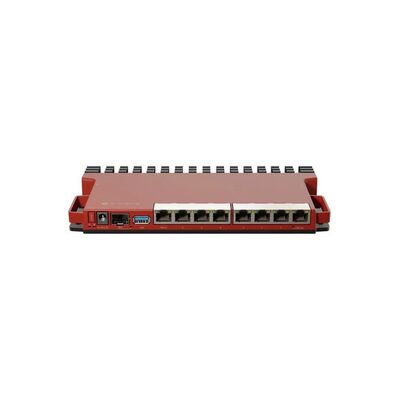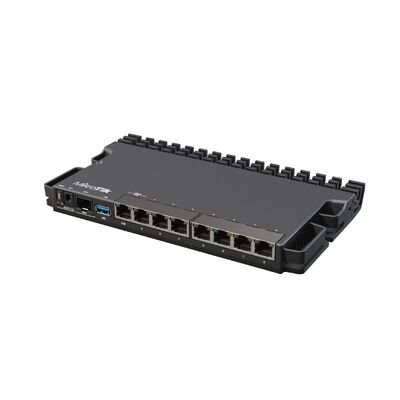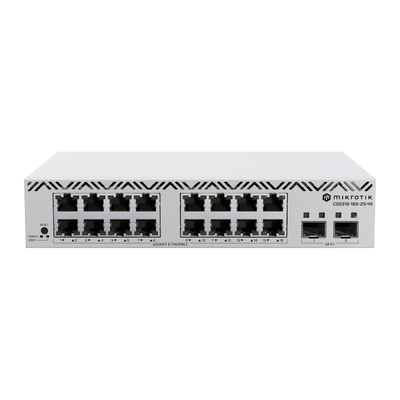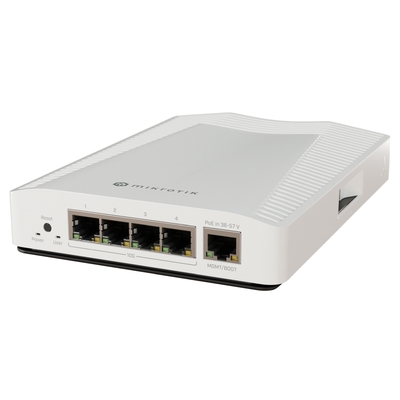
Choose the right network for your home, business or next project. Compare MikroTik routers, Wi-Fi, PoE switches, 5G connectivity and high-speed fibre networking.
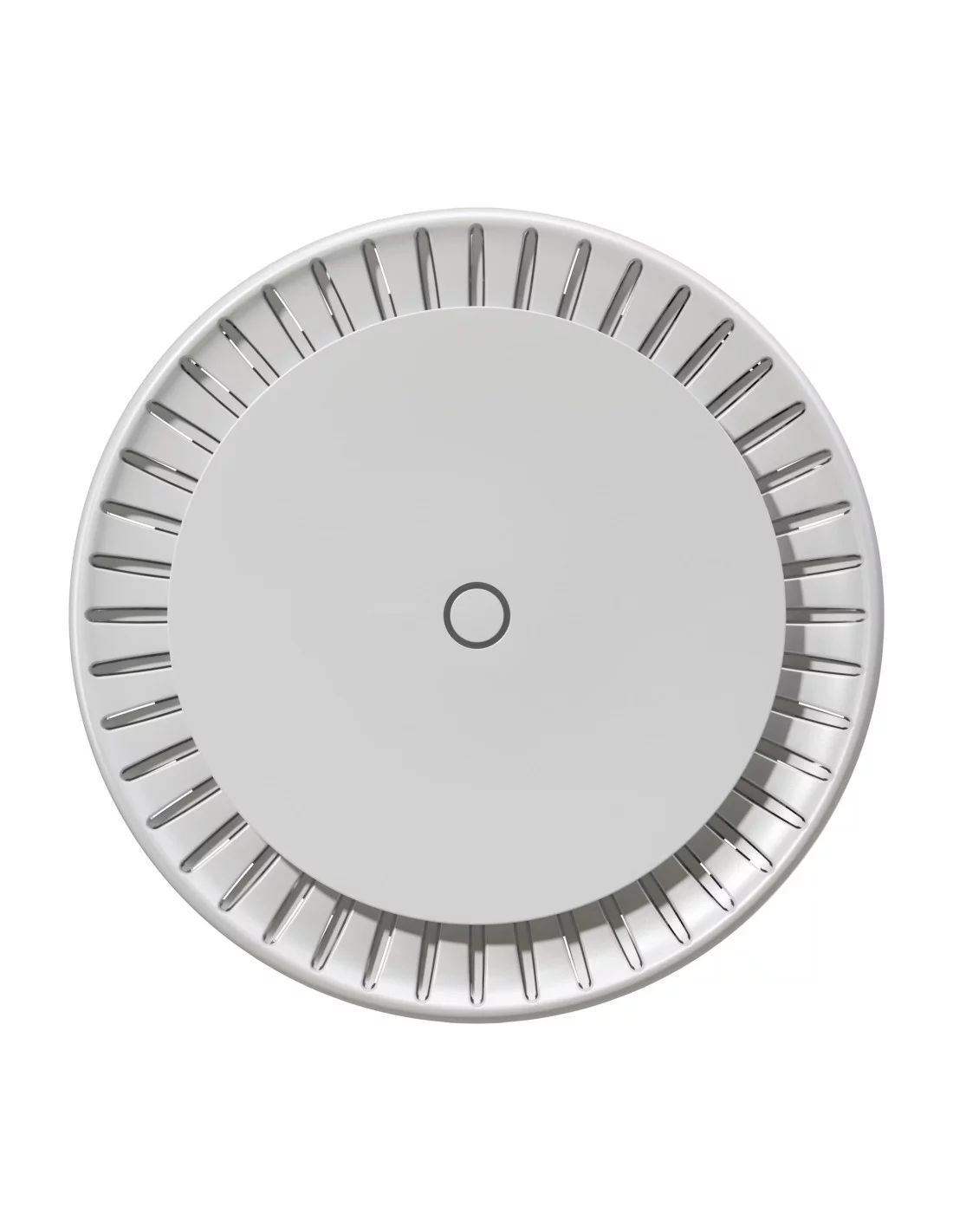
Choose an hAP for routing with built-in Wi-Fi, an hEX or RB5009 for wired routing, a CSS or CRS switch for more network ports, and a Chateau LTE/5G model for mobile broadband. Use cAP or wAP access points for Wi-Fi coverage, and directional wireless equipment to link separate locations.
DeviceDeal is an authorised MikroTik reseller in Australia. Explore the models below, compare the connections you need and get help selecting compatible equipment.
Start with the job your network needs to do. Then match the router, switch, wireless coverage and power requirements.
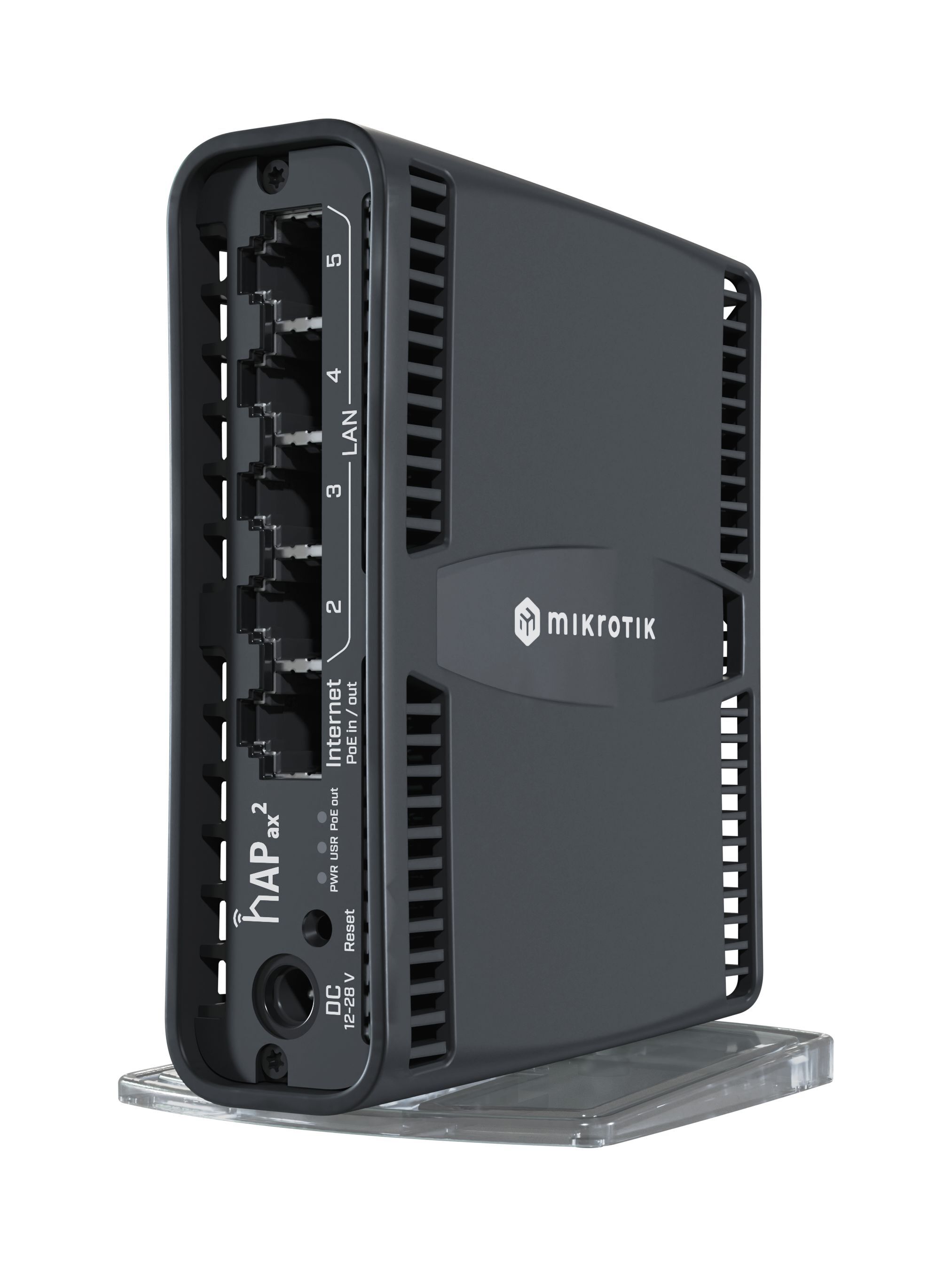 Home & small officeWi-Fi routers and compact wired routers for everyday devices and home labs.Compare hAP & hEX →
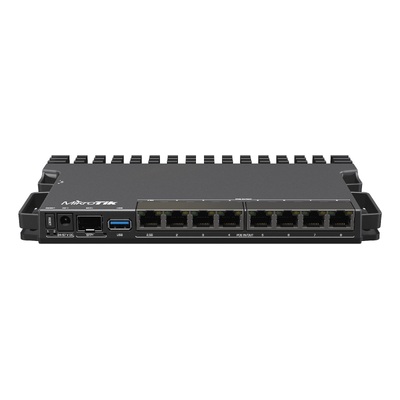
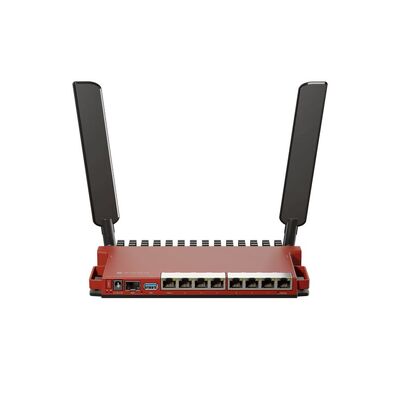
 Business routing & VPNControl internet access, separate networks and connect offices or remote users.Explore L009 & RB5009 →
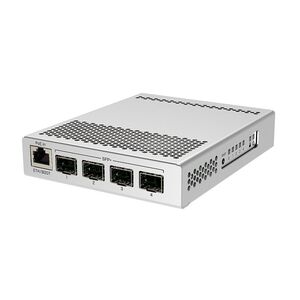
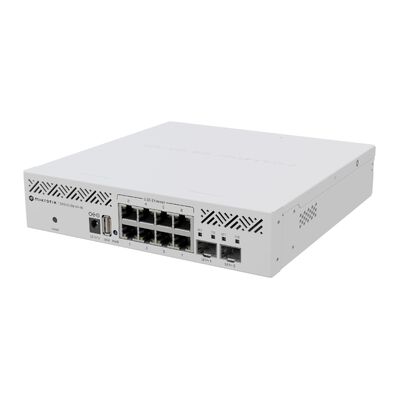
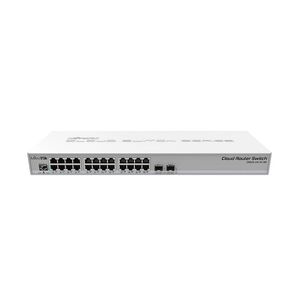
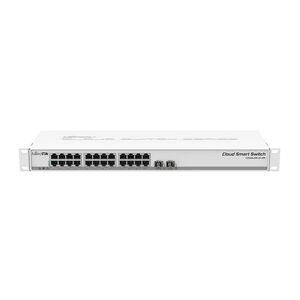
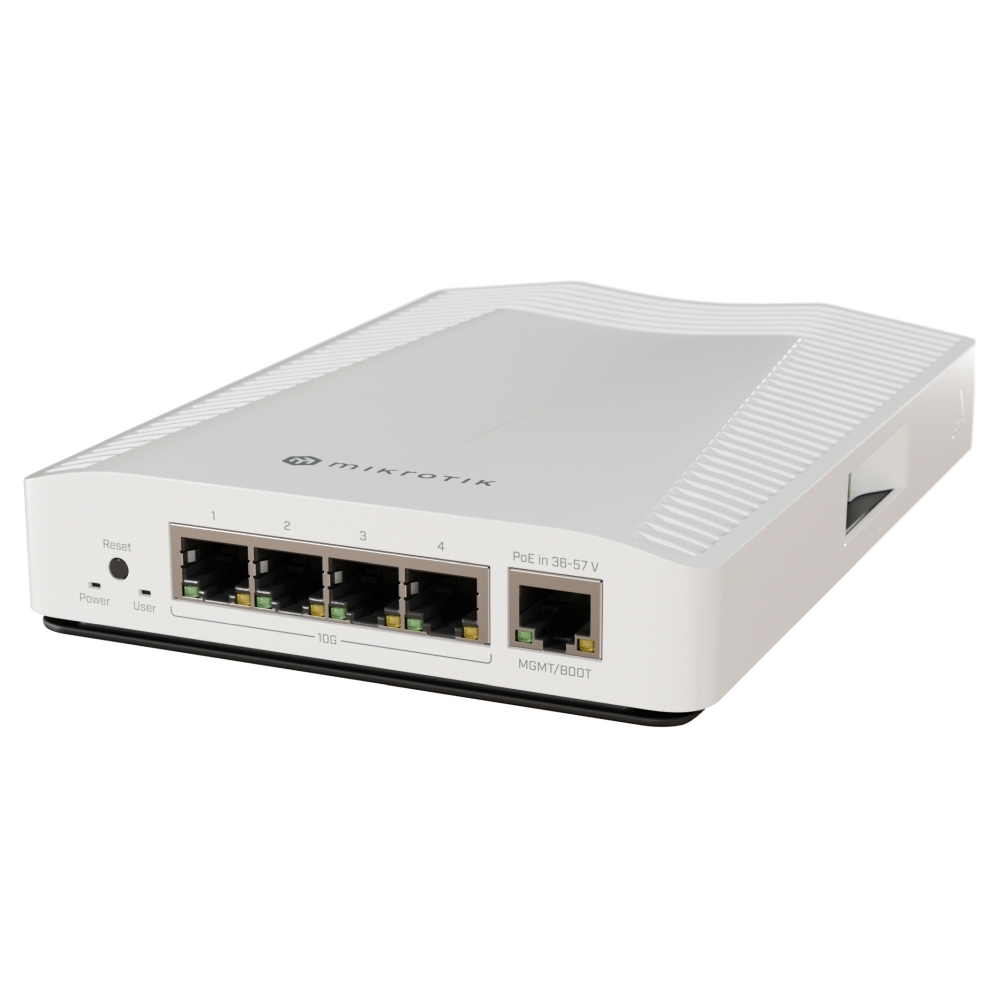 More ports & faster storageManaged Gigabit, 2.5G and 10G switching for workstations, servers and NAS.Compare CSS & CRS →
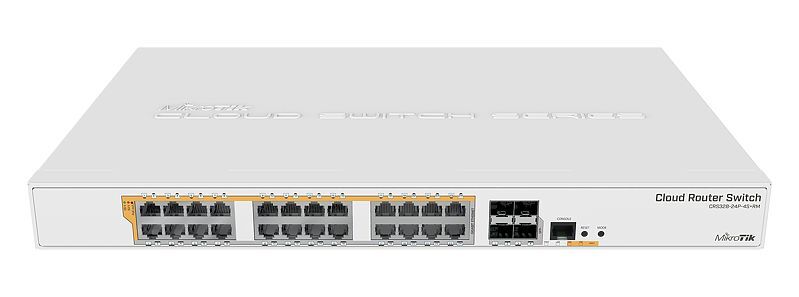 Cameras, phones & access pointsCarry data and compatible PoE power over the same Ethernet cable.Find a PoE switch →
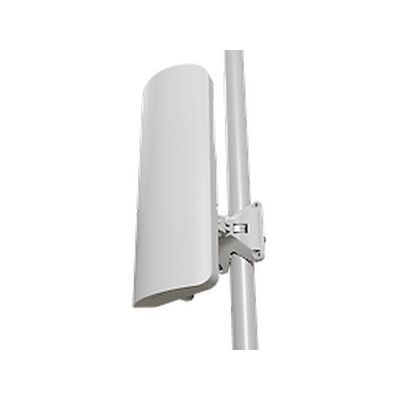
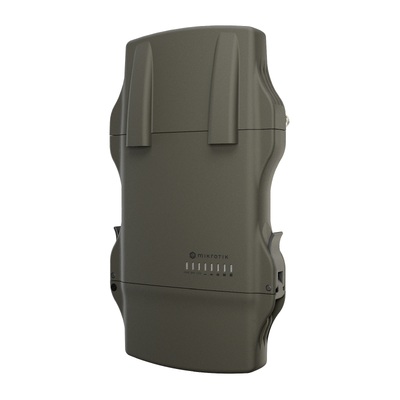
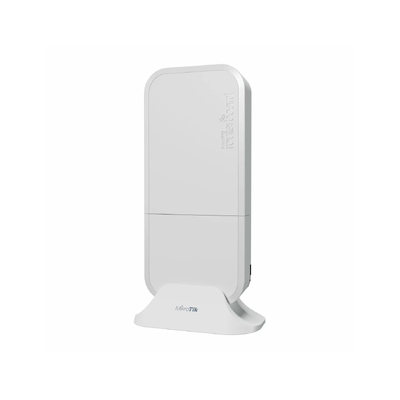
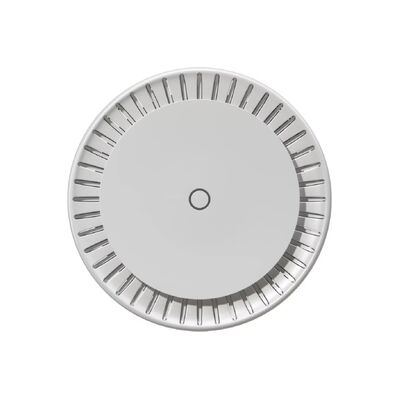
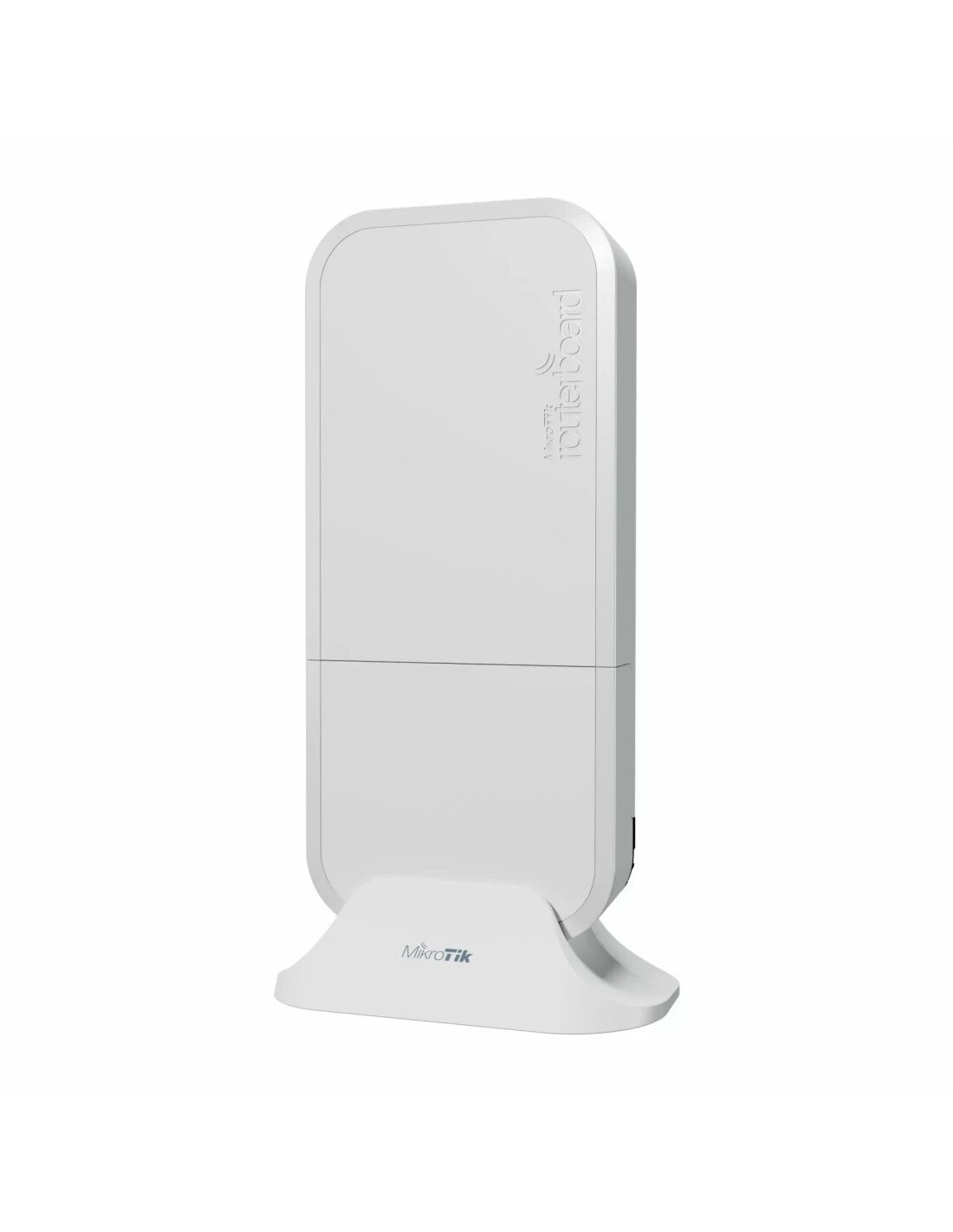 Wi-Fi & building linksImprove indoor coverage or connect separate buildings with outdoor radios.Explore wireless options →
 5G & LTE internetConnect a remote site or plan a mobile broadband backup connection.Compare mobile connectivity →
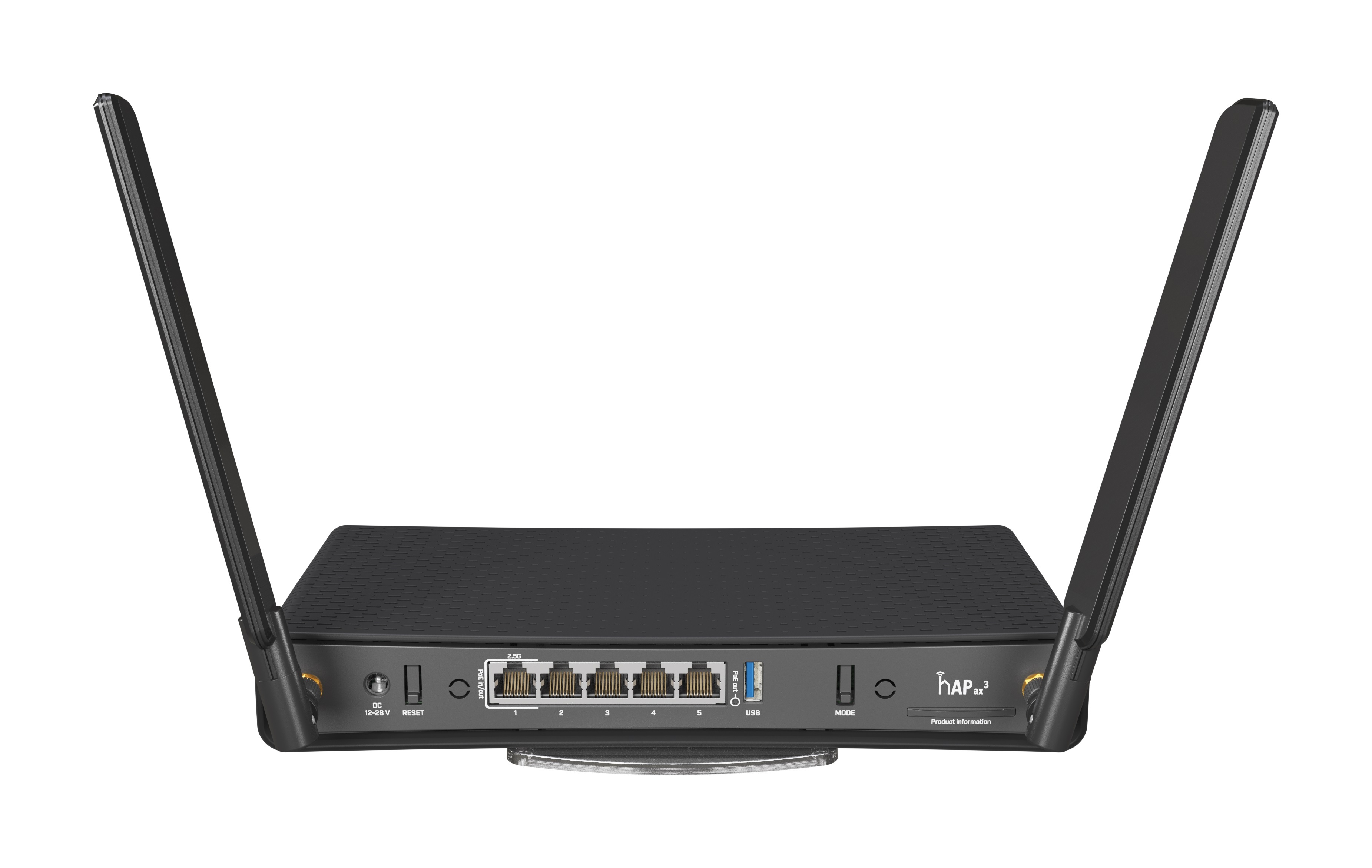
An hAP combines a router and wireless access point. An hEX is a wired router that works with separate Wi-Fi access points. Choose the port speeds and wireless bands that fit your devices.
Choosing for faster internet? A 2.5G SFP cage is different from a 2.5G RJ45 Ethernet port. Match the physical connection to your provider equipment and allow headroom for firewall and VPN processing.
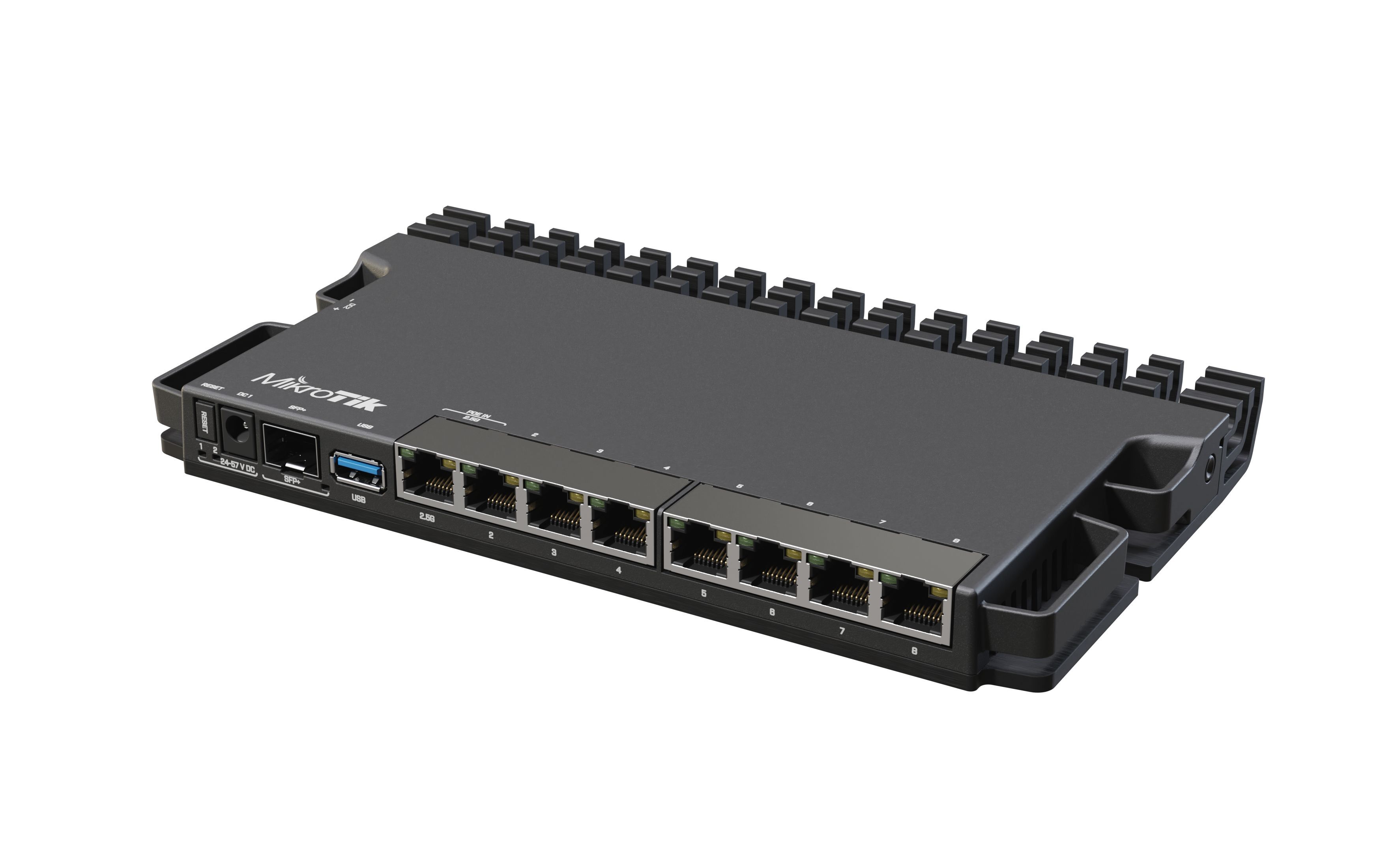
Use a dedicated router when you want to choose your switches and Wi-Fi access points separately. L009 and RB5009 models offer different port layouts, processing capacity and power options.
Port speed is not VPN speed. NAT, firewall rules, queues, encryption and packet size affect throughput. Size the router against the actual workload and MikroTik’s published test configurations.
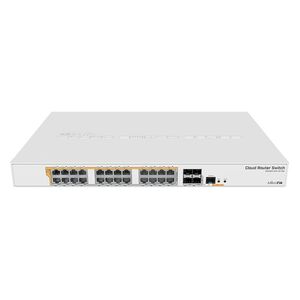
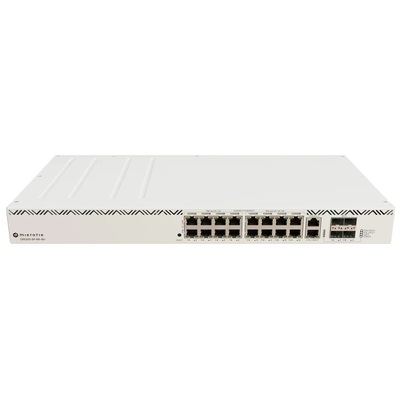
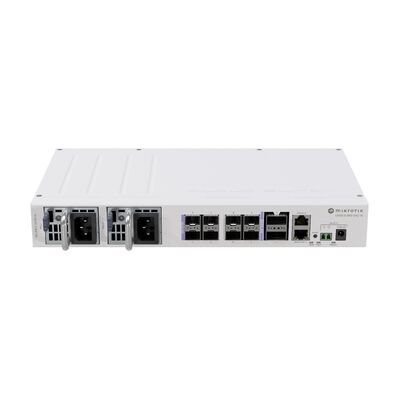
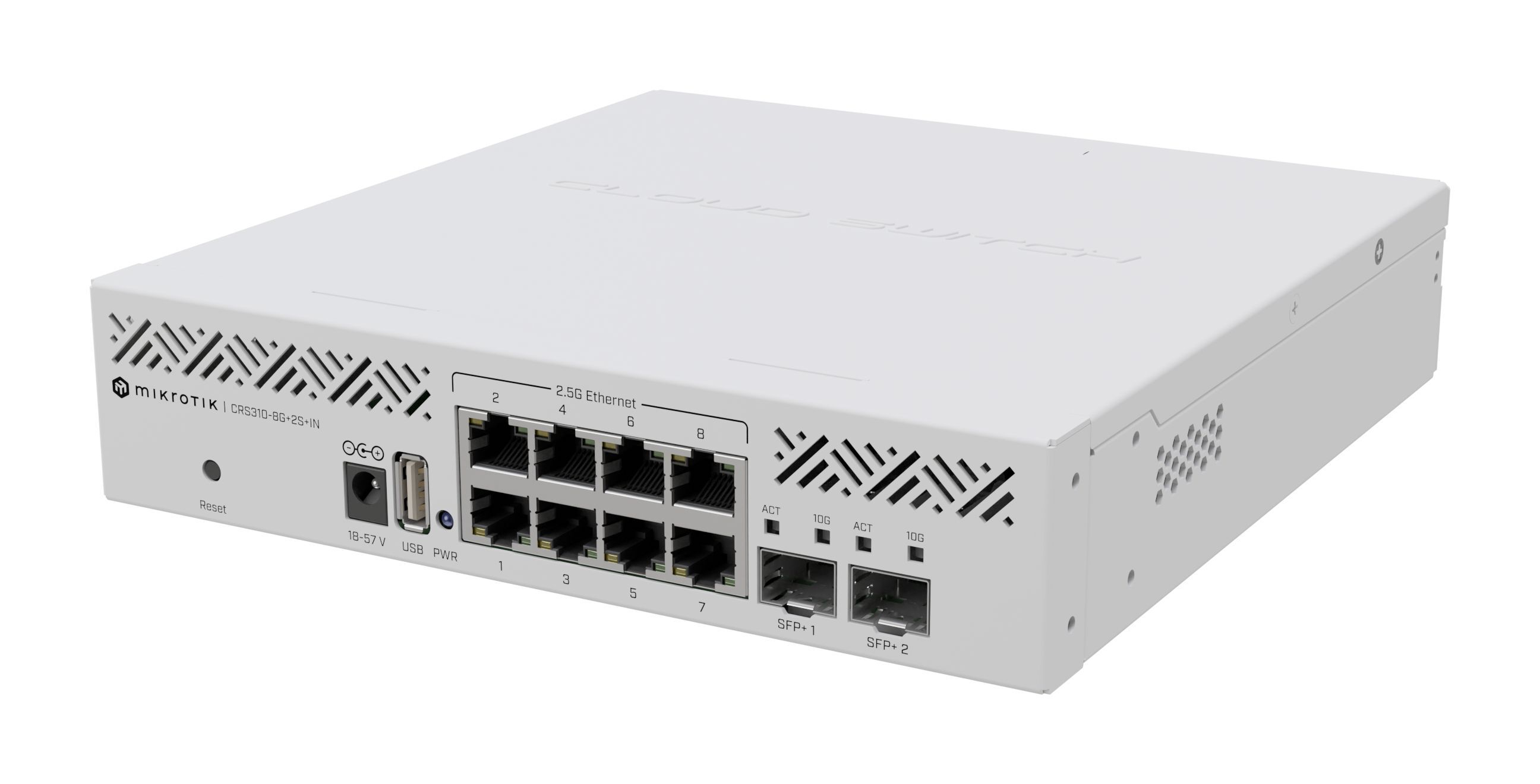
Add ports, separate traffic with supported VLAN features and connect faster storage. Choose a CSS for switch-focused management or a CRS when the model’s RouterOS features suit your design.
Building a faster NAS network? Match the NAS adapter, switch port, uplink and workstation connection. The slowest part of that path can limit a file transfer.
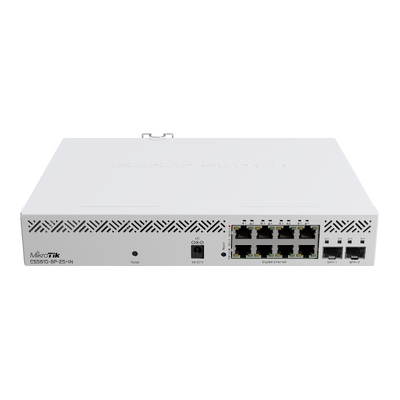
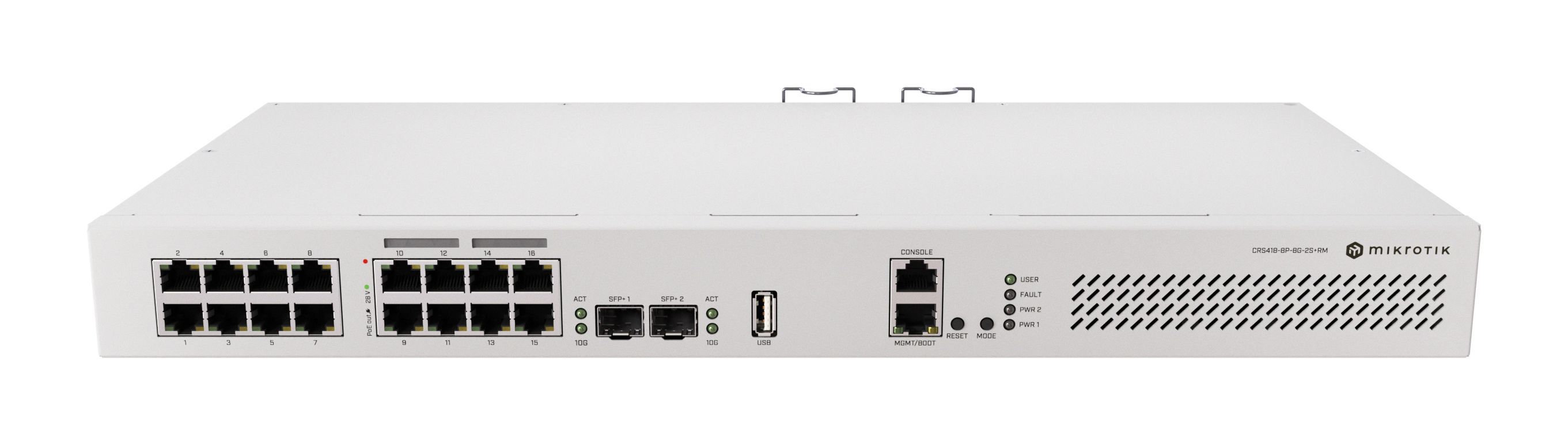
Choose PoE by the powered device’s requirements: its standard, input voltage and maximum draw. Then allow spare capacity within both the per-port limits and the switch’s total power budget.
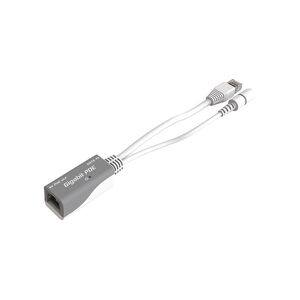
PoE-in powers the MikroTik device; PoE-out powers another device. Passive PoE and 802.3af/at/bt are different. Match voltage and pinout as well as wattage; a PoE label alone does not establish compatibility.
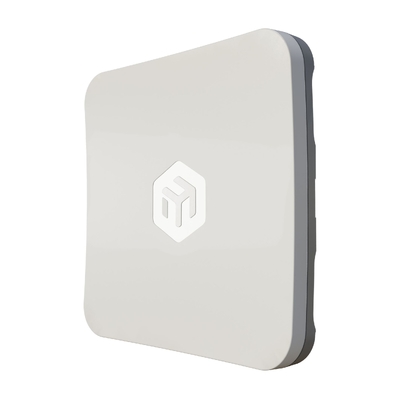
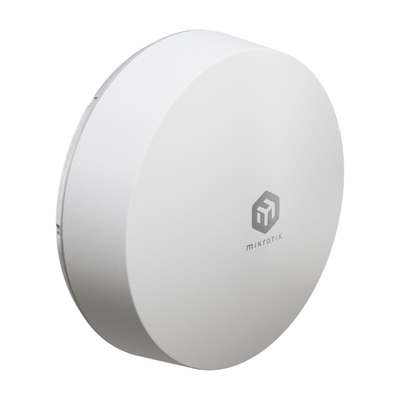
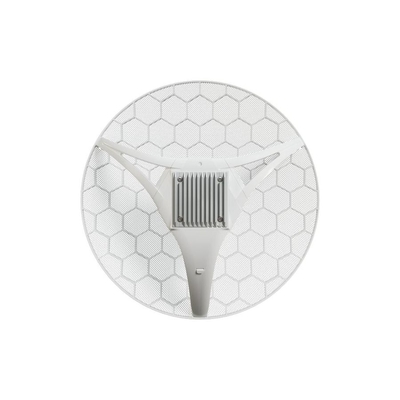
An access point provides coverage for local devices. A directional point-to-point link connects separate locations. Select the radio type, installation position and power method for the job.
Plan the wireless path. Building links need suitable line of sight, alignment and mounting. Distance, obstructions, interference and weather affect performance. CAPsMAN support must also match the AP’s wireless package and RouterOS version.
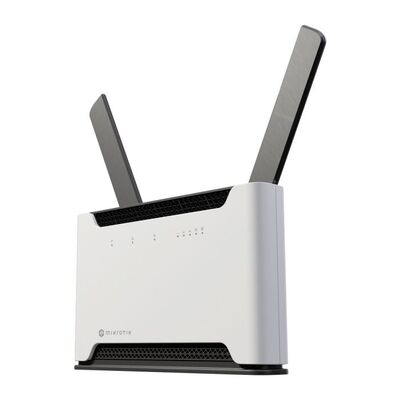
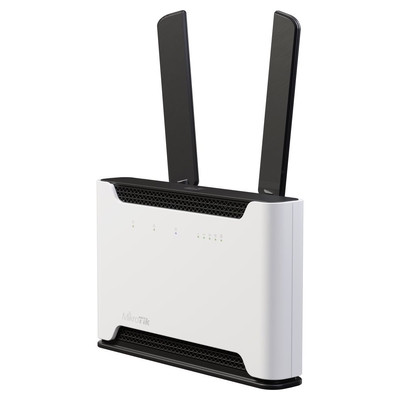
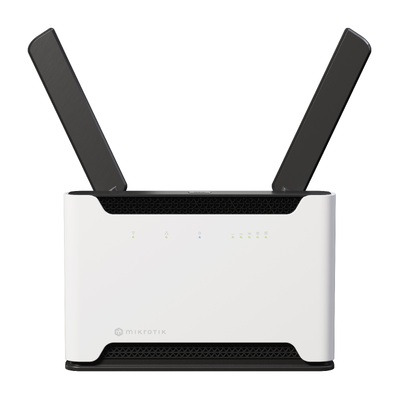
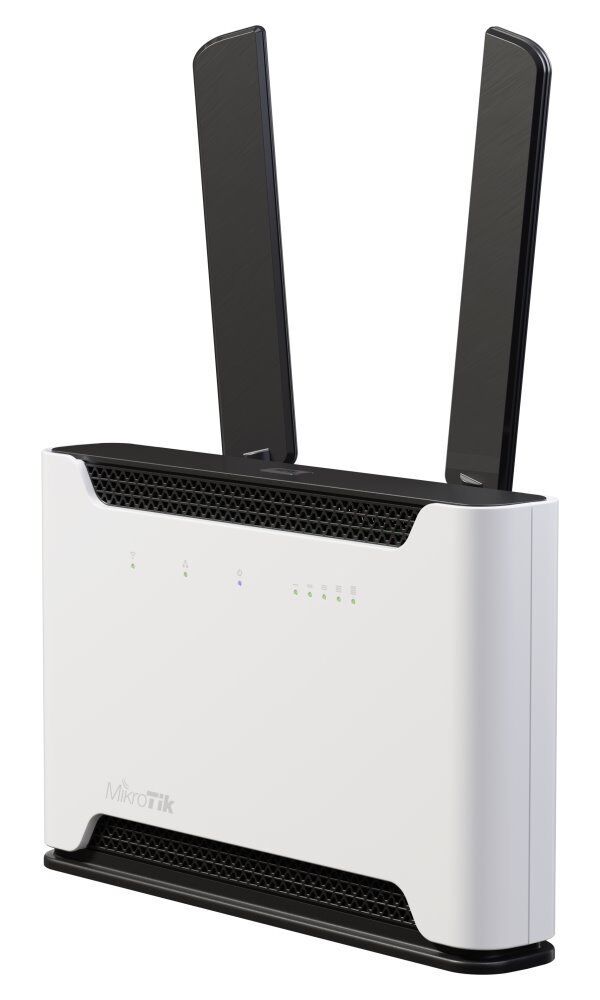
Use a mobile broadband router for a suitable primary connection or a configured backup path. Select an indoor Chateau for local Wi-Fi, or an outdoor cellular unit where antenna placement is the priority.
Match the mobile service before ordering. Check the exact regional model, carrier bands, local coverage, data plan and SIM/eSIM provisioning. Failover requires configuration; a second connection does not automatically provide uninterrupted service.
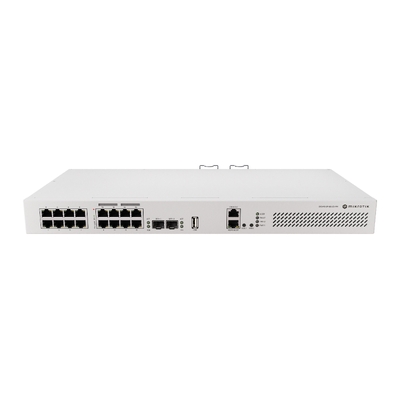
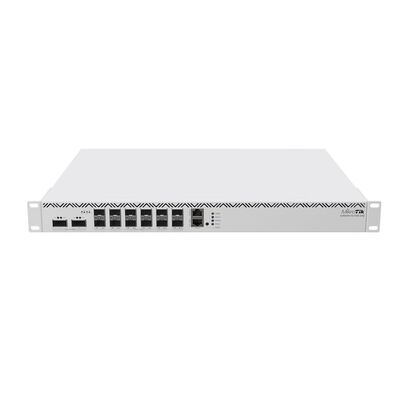
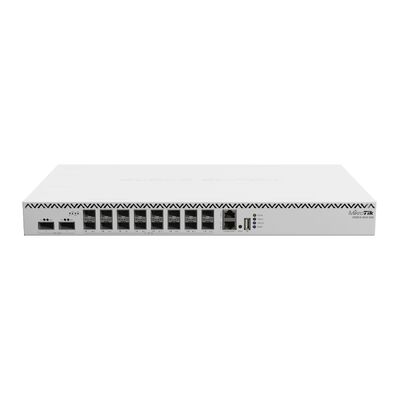
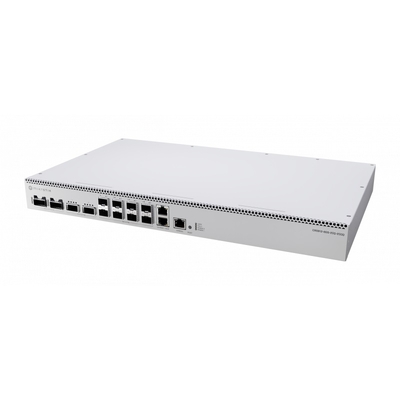
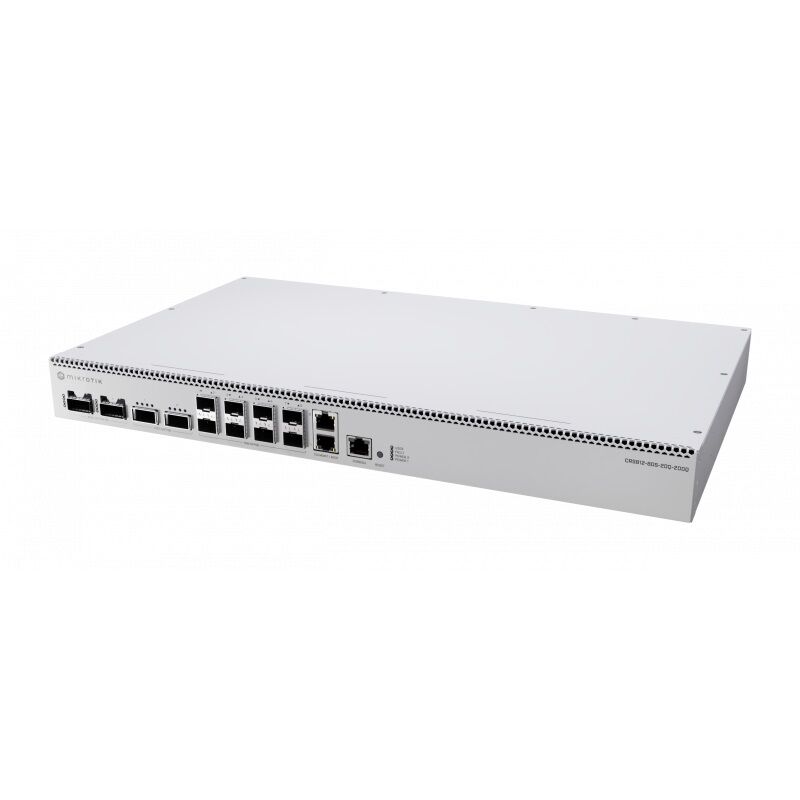
Separate routing requirements from switching requirements. CCR routers and higher-speed CRS switches support different roles in larger business, service-provider and data-centre designs.
Planning a larger deployment? Include route scale, traffic mix, redundancy, rack power, airflow and transceiver or breakout requirements in your brief. Hardware-offloaded functions depend on the switch chip, software and configuration.
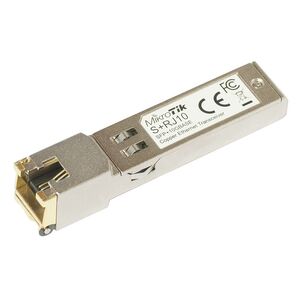
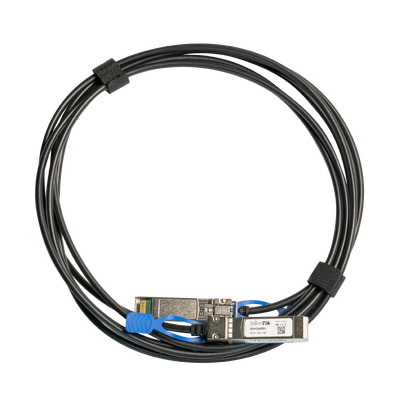
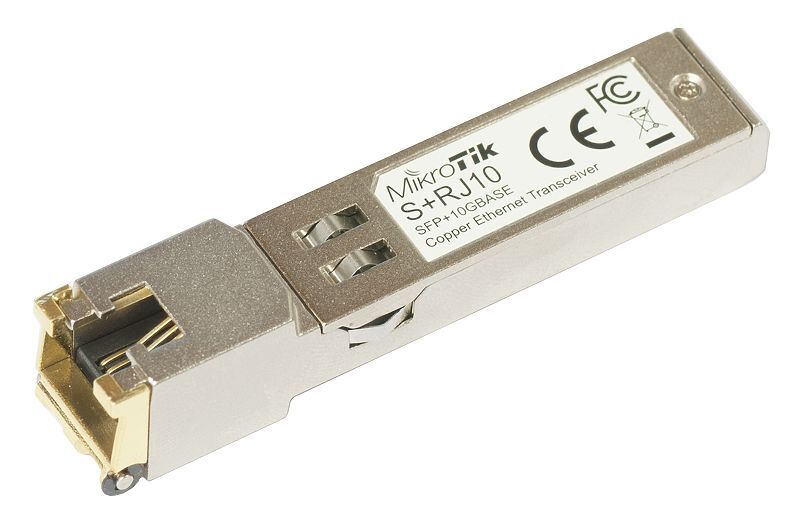
Choose the connection and mounting accessories alongside the hardware. Match host-port compatibility, link speed, connector type, cable or fibre type and the distance between devices.
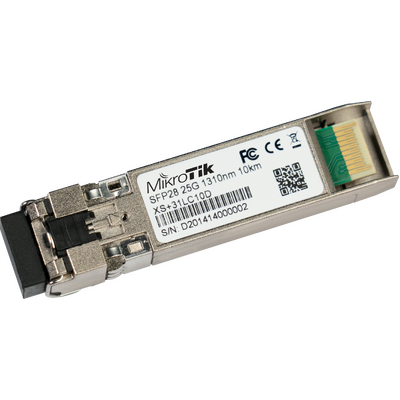
Check both ends of the link. An SFP, SFP+, SFP28 or QSFP label does not guarantee a particular module, cable or breakout mode will work in every host.
RouterOS manages routing and broader network functions. SwOS focuses on managing supported switches. CSS and CRS are hardware families; RouterOS and SwOS are operating systems. The exact model determines the available software.
| Requirement | RouterOS | SwOS / SwOS Lite |
|---|---|---|
| Primary purpose | Routing, firewall, VPN and broader network management. | Switch-focused Layer 2 management. |
| Where you will find it | MikroTik routers, wireless devices and supported CRS switches. | CSS switches and selected dual-boot CRS models. |
| Management | WinBox, WebFig and command-line tools. | A browser-based switch interface. |
| VLANs and switching | Model-specific switching features and hardware offload. | Model-specific VLAN, port and monitoring controls. |
| Internet gateway or VPN | Choose hardware sized for the routing and encryption load. | Pair the switch with a separate router. |
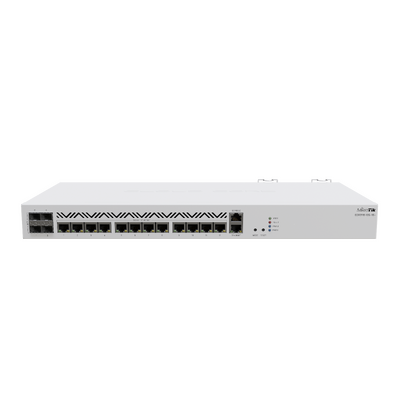
Can a CRS replace a router? Some CRS models can handle routing workloads, including supported hardware offload. The CRS418 also has a stronger CPU than many older CRS models. Choose against the required firewall, NAT and VPN performance; switch capacity alone does not describe that performance.
Use these as starting points for a shortlist. Final equipment and quantities depend on your layout, workload and connection requirements.
hAP ax³ for routing and Wi-Fi, with a CRS310 when you need additional 2.5G ports.
Match the NAS and workstation adapters to the switch, and decide which device uses the router’s 2.5G port.
RB5009 for routing, a suitably sized PoE switch, and cAP ax access points where coverage is needed.
Plan staff, guest and device networks, then verify AP power compatibility and the total PoE budget.
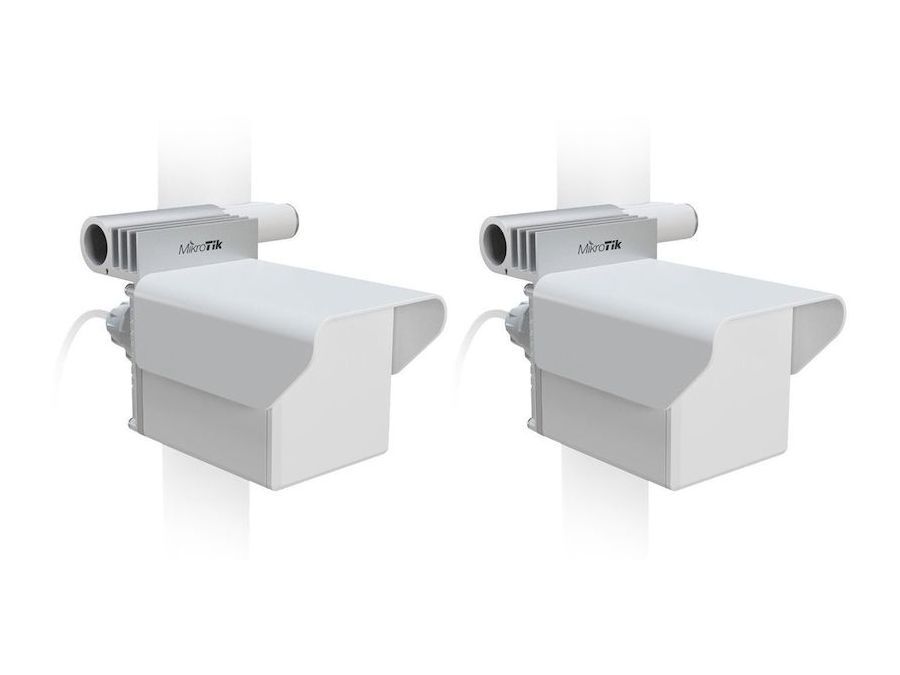
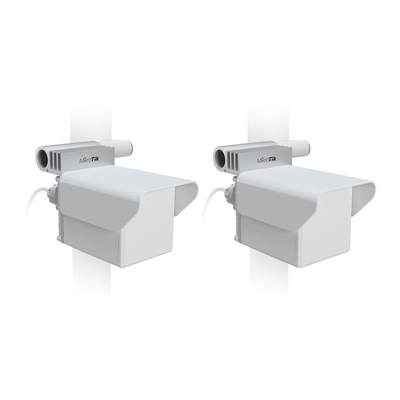
A Wireless Wire Cube Pro kit links the locations; switches and local access points connect devices at each end.
Survey the path and mounting positions, allow for weather, and check power at both ends.
Yes. DeviceDeal is an authorised MikroTik reseller in Australia. Buy genuine MikroTik networking products and get Australian product advice to help choose equipment for your home, business or project.
MikroTik hardware purchased from DeviceDeal is covered by the applicable official manufacturer warranty. DeviceDeal is an authorised reseller. Product-specific warranty terms apply to the model purchased.
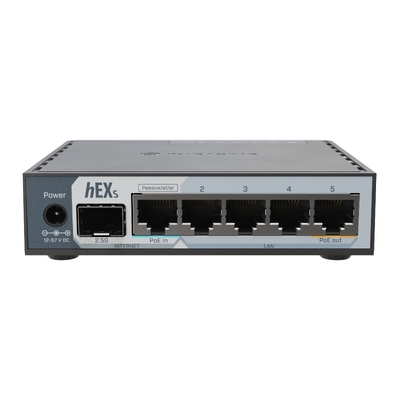
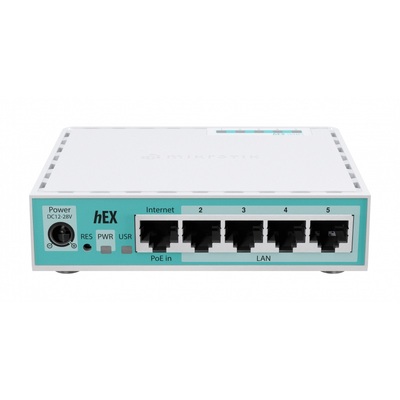
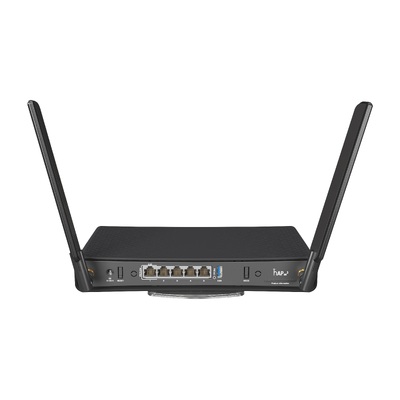
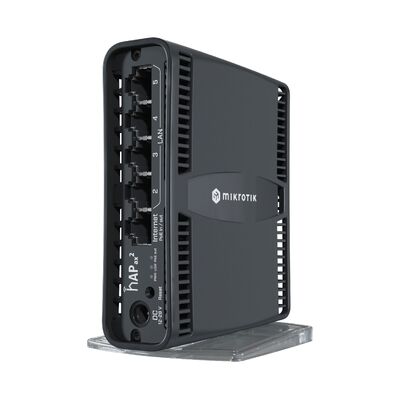
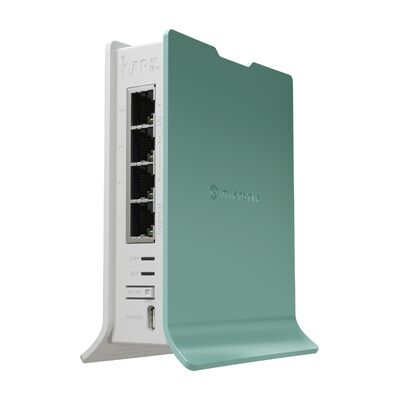
Choose an hAP model if you want routing and Wi-Fi in one device. Compare hAP ax², hAP ax³ and hAP ax S for wireless bands and port connections. Choose an hEX or hEX S if you will use separate access points. For a more demanding wired design, compare RB5009 models against your firewall and VPN workload.
Yes, a suitable MikroTik Ethernet router can connect to an nbn service with an Ethernet handoff, such as FTTP, using your provider’s required settings. FTTN and FTTB services need a compatible VDSL2 modem ahead of an Ethernet-only router. Confirm the connection type, authentication, any VLAN settings and provider phone-service requirements before replacing existing equipment.
Both offer dual-band Wi-Fi 6. The hAP ax³ has one 2.5G RJ45 Ethernet port and four Gigabit ports. The hAP ax S has five Gigabit Ethernet ports and an SFP cage with 2.5G support. Choose the physical uplink you need, then compare processing performance and wireless requirements.
MikroTik has announced the hAP be³ Media, a triple-band Wi-Fi 7 router with five 2.5G Ethernet ports. Check availability and expected delivery with DeviceDeal before planning an installation. Wireless benefits depend on compatible clients, local radio settings and the rest of the network.
The L009UiGS-2HaxD-IN has 2.4 GHz Wi-Fi 6 only. It does not include a 5 GHz radio. Choose a suitable dual-band hAP or add a separate access point if you need 5 GHz Wi-Fi. The L009UiGS-RM is the wired version.
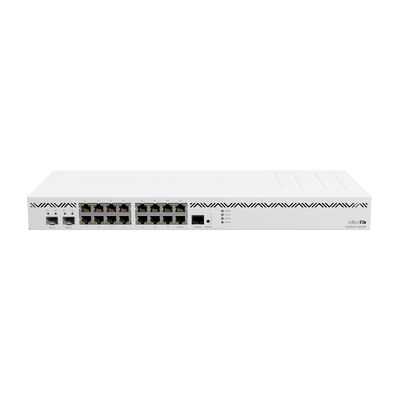
CSS switches use switch-focused SwOS or SwOS Lite management. CRS switches support RouterOS, and selected models also support SwOS dual boot. Choose according to the ports, PoE, switching features and management you need. Routing and hardware offload capabilities vary between CRS models.
The CRS310-8G+2S+IN provides eight 2.5G RJ45 Ethernet ports and two 10G SFP+ cages. The CRS304-4XG-IN provides four 10G RJ45 ports, while the CRS305-1G-4S+IN provides four 10G SFP+ cages. Match the NAS, workstation, cable or module and switch connections to your intended link speed.
Yes, suitable MikroTik PoE-out switches can power compatible devices. Match the required 802.3af, 802.3at, 802.3bt or passive PoE type, voltage and pinout. Check per-port limits, the total power budget and any grouped limits. PoE-in only means the switch itself can receive power.
Yes. RouterOS v7 supports WireGuard VPN. Select a router with enough capacity for the expected number of tunnels and encrypted traffic. Actual VPN throughput depends on the model, configuration and traffic conditions, and is not the same as the advertised Ethernet port speed.
Yes, CAPsMAN can centrally configure compatible MikroTik access points. Match the management system to the AP hardware, RouterOS version and wireless package. Legacy CAPsMAN and WiFi CAPsMAN do not manage every device interchangeably; check compatibility before combining different generations.
Yes. Suitable directional MikroTik radios can form a point-to-point link between buildings. The Wireless Wire Cube Pro kit includes a preconfigured pair of 60 GHz radios with automatic 5 GHz backup. Plan line of sight, distance, mounting, power and local conditions before selecting the equipment.
Compatibility depends on the exact regional modem, supported frequency bands, local coverage and the carrier’s data-plan and SIM or eSIM requirements. Compare these before buying. Mobile speed varies with signal, congestion and plan limits; a theoretical modem rate is not a guaranteed internet speed.
The featured MikroTik routers include a preinstalled RouterOS licence, so a separate RouterOS subscription is not required for their included functionality. Licence level and hardware capabilities vary by model. Internet access, mobile data plans and any separately selected services are additional.
Compatibility depends on the host and module combination. Match the supported speed, form factor, connector, fibre type and link distance. For copper modules, also check power and cooling. For optical links and breakout cables, verify the equipment and configuration at both ends.
Send us your internet speed, site layout, device and port counts, PoE requirements and preferred uplinks. The DeviceDeal team can help you shortlist equipment for your project.
Guide updated · DeviceDeal Australia