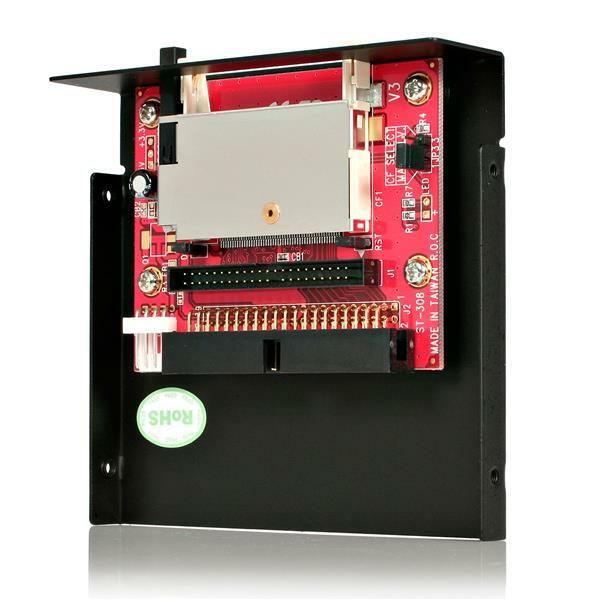
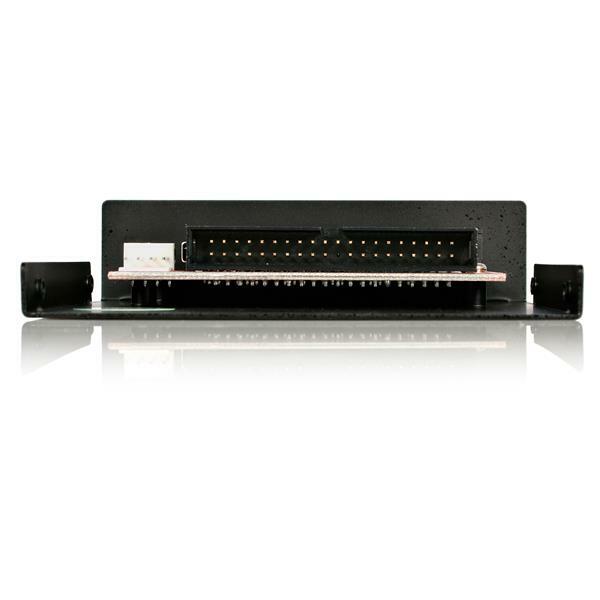
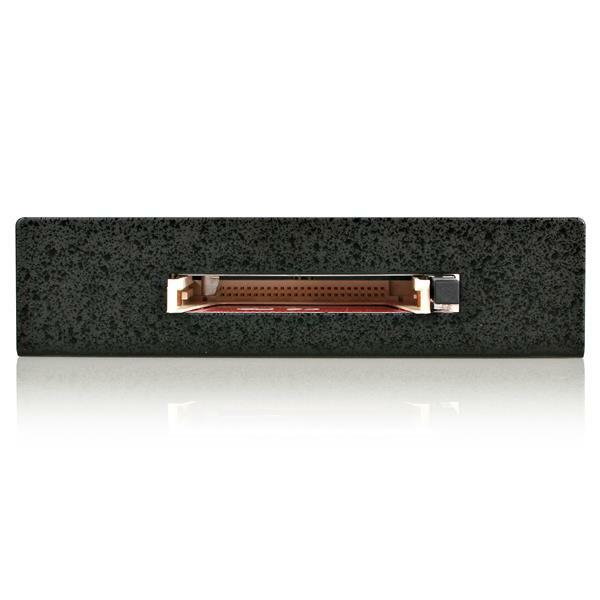
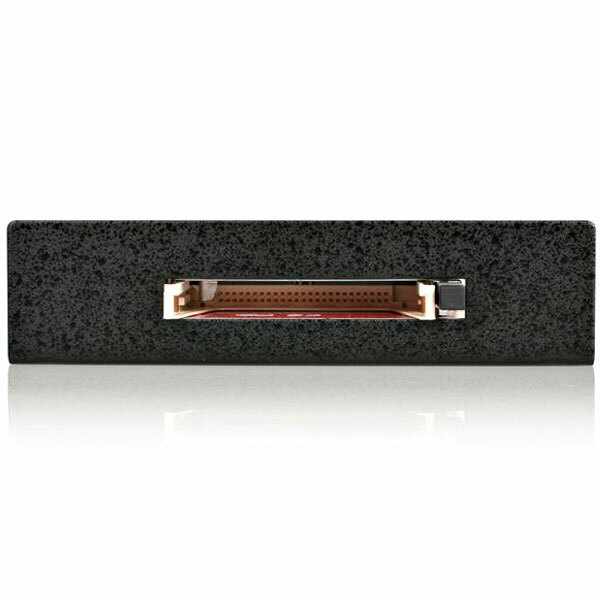
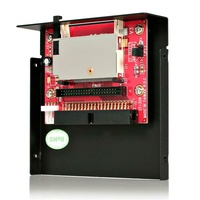
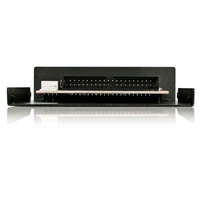
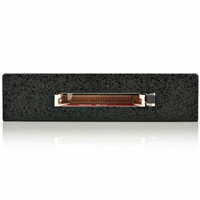




3.5-inch Drive-Bay IDE to CompactFlash Adapter
Use a CompactFlash Type I/II card or Microdrive as IDE storage through a 40-pin PATA connection, with front-bay or expansion-slot mounting and master/slave selection.
Key features
CompactFlash as IDE storage
Present a compatible CF Type I, CF Type II or Microdrive card to the computer as an IDE storage device.
Bootable-media support
Use a compatible CompactFlash card as bootable storage for system recovery, legacy environments or removable operating-system workflows.
Flexible chassis mounting
Install the adapter in a 3.5-inch front bay or use the supplied full-profile expansion-slot bracket for rear access.
Simple IDE configuration
Master/slave jumpers, a built-in card ejector and driver-free operation simplify deployment in compatible IDE systems.
What to know
A storage bridge for legacy IDE systems
Connect the adapter to a compatible 40-pin EIDE/PATA interface and use the supplied power cable to operate supported CompactFlash media as a drive.
Operating-system independent
The adapter does not require software drivers. Detection, boot behaviour and capacity support depend on the host BIOS, IDE controller and CompactFlash card.
Australian version with official StarTech.com warranty
2-Year manufacturer warranty
This is the Australian version supplied by DeviceDeal and is covered by a two-year official StarTech.com manufacturer warranty in Australia. Keep your DeviceDeal invoice as proof of purchase. Warranty coverage and claims are subject to StarTech.com warranty terms and product assessment.
StarTech 35BAYCF2IDE FAQ
What does the 35BAYCF2IDE do?
It lets a compatible CompactFlash card operate as IDE storage through a 40-pin PATA connection.
Which cards are supported?
It supports CompactFlash Type I, CompactFlash Type II and IBM-compatible Microdrive media.
Can a CompactFlash card be used as a boot drive?
Yes, when the card, host BIOS and IDE controller support booting from the detected device.
Does it need a driver?
No. StarTech lists it as operating-system independent with no software driver required.
Can cards be swapped while the computer is on?
No. StarTech states that hot swapping is not supported; power the computer off before changing cards.
Can it be set as master or slave?
Yes. Jumpers provide master/slave configuration for compatible IDE systems.
What is included?
The official package includes the CF-to-IDE adapter, 3.5-inch enclosure, full-profile bracket, SP4-to-LP4 power cable and instruction manual.
What warranty covers the 35BAYCF2IDE?
This Australian-version product is covered by a two-year official StarTech.com manufacturer warranty in Australia. Keep the DeviceDeal invoice as proof of purchase; claims remain subject to StarTech.com terms and assessment.