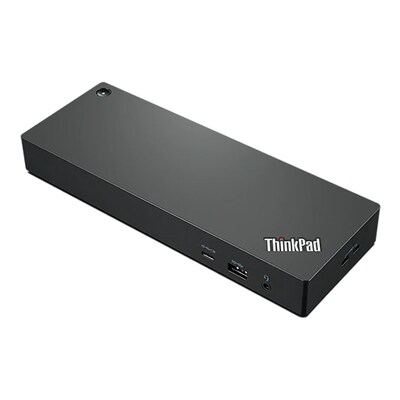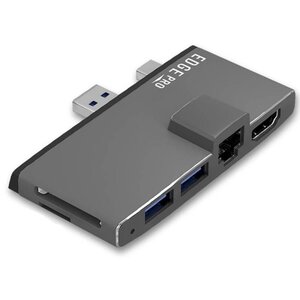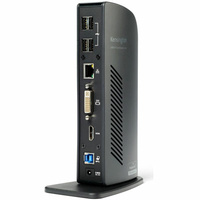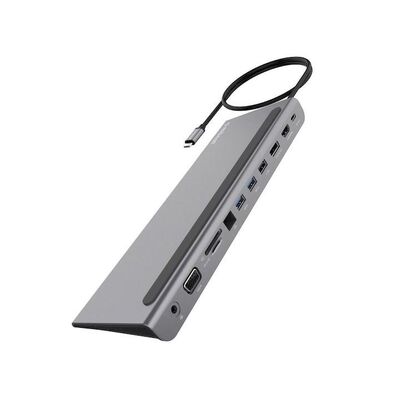
StarTech Dual Monitor USB-C Dock, Windows, 60W PD, 5x USB 3.0 - MST30C2HHPD
Model # MST30C2HHPD
-

SKU: MST30C2HHPD
- Pick Up Available
- Australian Warranty
- Checkout Securely





StarTech MST30C2HHPD Dual-Monitor USB-C Dock with 60W Power Delivery
Dual-Monitor USB-C Dock with 60W Power Delivery designed for professional IT, electronics, security or workstation use.
Frequently asked questions
What is StarTech MST30C2HHPD?
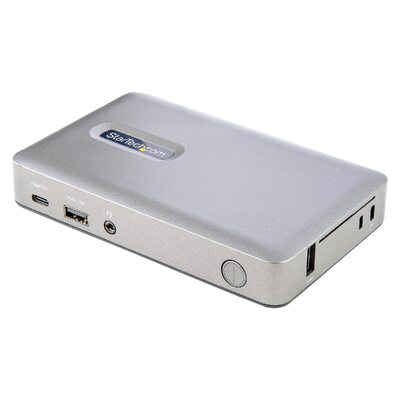
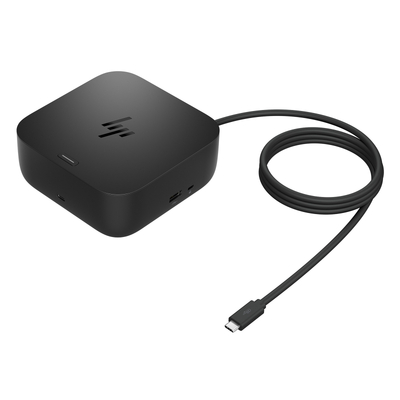
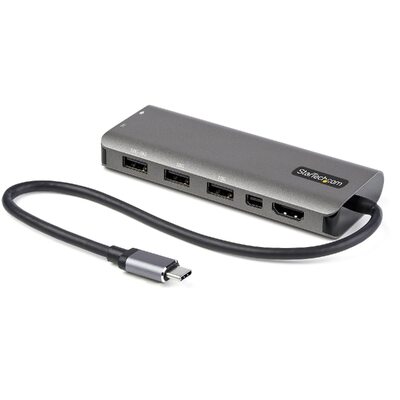
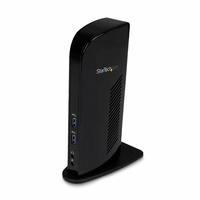
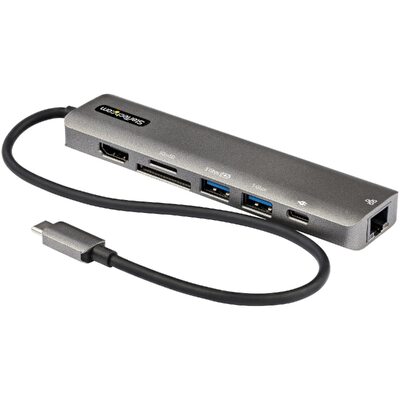
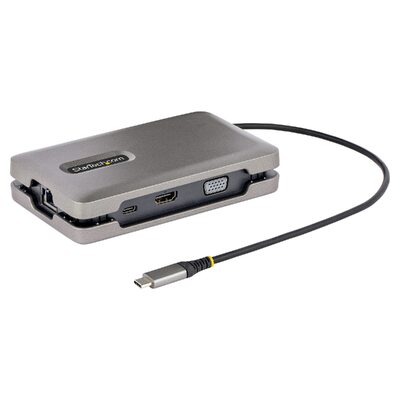
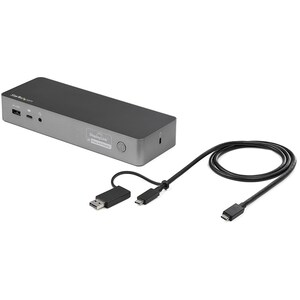
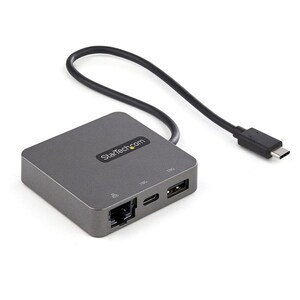
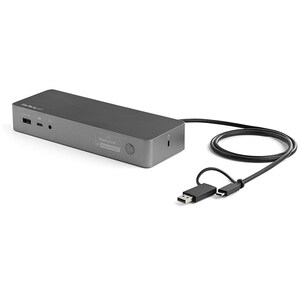
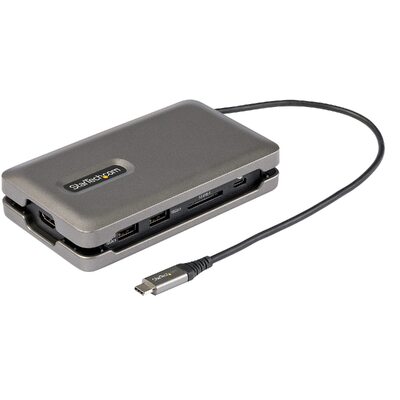
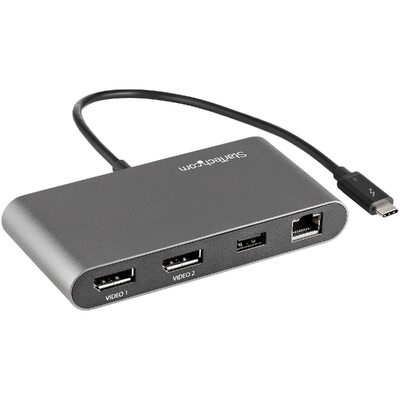
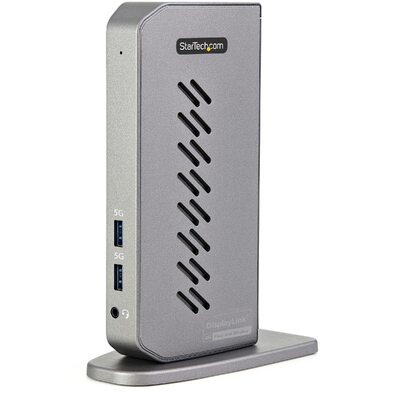
It is a dual-monitor USB-C docking station with 60W laptop charging that adds two HDMI or DVI displays, five USB 3.0 ports, Gigabit Ethernet and audio while supplying up to 60W to a compatible USB-C laptop.
Which connections or mounting method are provided?
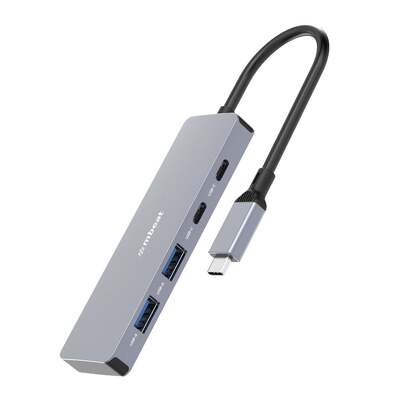
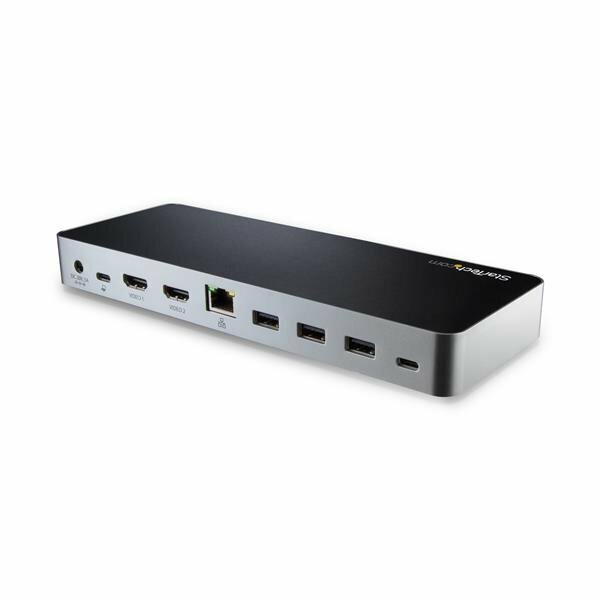
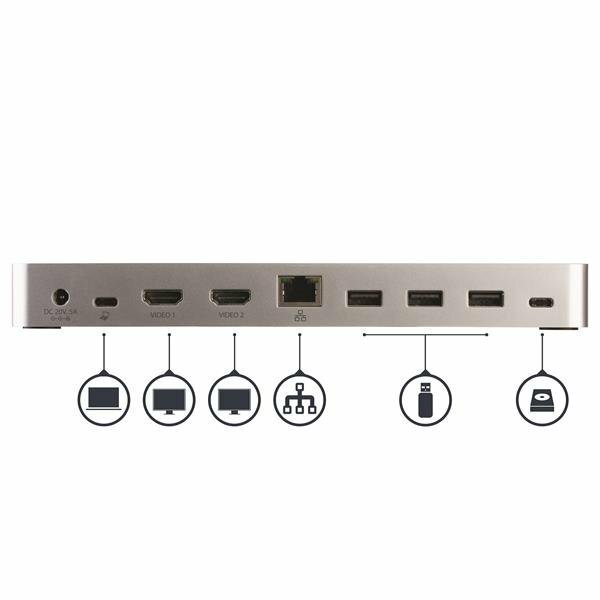
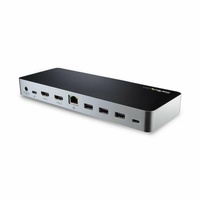
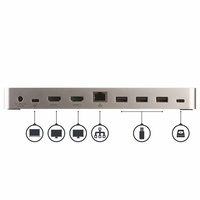
USB-C host; 2 × HDMI with included DVI adapters; 5 × USB 3.0; Gigabit Ethernet; headset and microphone
What performance is specified?
Dual 1920 × 1200 60Hz; single HDMI up to 4096 × 2160 24Hz or 3840 × 2160 30Hz; 60W Power Delivery
How is the product constructed?
Desktop dock supplied with a 100W power adapter, USB-C host cable and two HDMI-to-DVI adapters
What is the dual-monitor resolution?
The dock supports two displays at up to 1920 × 1200 at 60Hz each through HDMI or the included DVI adapters.
How much laptop charging power is available?
The dock supplies up to 60W of USB Power Delivery to a compatible USB-C laptop.
What should be checked before ordering?
The host must support USB-C video and charging for full functionality; dual-display maximum is 1920 × 1200 at 60Hz per screen.
What warranty applies?
MST30C2HHPD carries a StarTech.com 3 years manufacturer warranty, subject to the manufacturers terms and eligibility requirements.
Planning a broader setup? Browse the DeviceDeal buying guides.
(MST30C2HHPD)
Why choose MST30C2HHPD?
MST30C2HHPD specifications
Exact-model specifications for compatibility checking. Measurements may be rounded.
| Warranty Information | |
|---|---|
| Warranty | 3 Years |
| Hardware | |
| 4K Support | Yes |
| Bus Type | USB-C |
| Chipset ID | VIA/VLI - VL813; MegaChips - STDP4320; Realtek - RTL8153; C-Media - CM6533; Texas Instruments - TPS65983 |
| Displays Supported | 2 |
| Fast-Charge Port(s) | Yes |
| Industry Standards | USB Power Delivery Specification Rev. 2.0; USB Battery Charging Specification Rev. 1.2 ; DisplayPort 1.2 with MST; IEEE 802.3, IEEE 802.3u, IEEE 802.3ab ; USB 3.0 - Backward compatible with USB 2.0 and 1.1 |
| Performance | |
| Auto MDIX | Yes |
| Compatible Networks | 10/100/1000 Mbps |
| Full Duplex Support | Yes |
| Maximum Data Transfer Rate | 5 Gbps (USB 3.0); 2 Gbps (Ethernet; Full-Duplex) |
| Maximum Digital Resolutions | 1920 x 1200p @ 60Hz (HDMI/DVI - Dual Monitors) ; 4096 x 2160p @ 24Hz (HDMI - Single Monitor) ; 3840 x 2160p @ 30Hz (HDMI - Single Monitor); 1920 x 1200p @ 60Hz (DVI - Single Monitor) |
| PXE | Yes |
| Type and Rate | USB 3.0 - 5 Gbit/s |
| UASP Support | Yes |
| Connector(s) | |
| Connector Type(s) | 2 - USB Type-C (24 pin) USB 3.0 (5Gbps) Female |
| Software | |
| OS Compatibility | Windows® 7, 8, 8.1, 10; |
| Special Notes / Requirements | |
| Note | Ensure your laptops drivers, firmware, and operating system are up to date prior to using the docking station. |
| System and Cable Requirements | A Windows-based laptop with an available USB-C port (to ensure full adapter functionality, the host USB-C port must support USB Power Delivery 2.0 and DP Alt Mode) |
| Power | |
| Center Tip Polarity | Positive |
| Input Current | 2 A |
| Input Voltage | 100 - 240 AC |
| Output Current | 5 A |
| Output Voltage | 20V DC |
| Plug Type | N |
| Power Consumption (In Watts) | 100 W |
| Power Delivery | 60W |
| Power Source | AC Adapter Included |
| Environmental | |
| Humidity | 5%~95% RH (Non-condensing) |
| Operating Temperature | 0°C to 40°C (32°F to 104°F) |
| Storage Temperature | -20°C to 70°C (-4°F to 158°F) |
| Physical Characteristics | |
| Color | Black |
| Enclosure Type | Plastic |
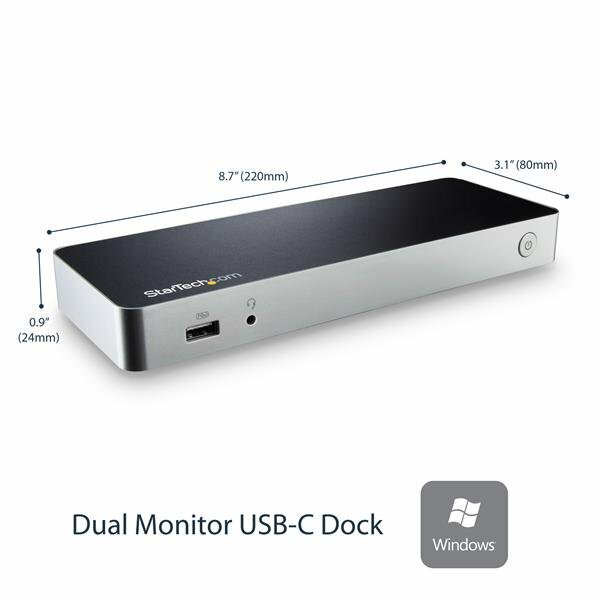
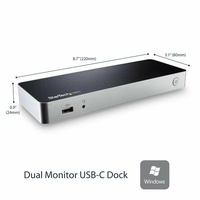
| Product Height | 0.9 in [2.4 cm] |
| Product Length | 8.7 in [22 cm] |
| Product Width | 3.1 in [80 mm] |
| Weight of Product | 9.1 oz [258 g] |
| Packaging Information | |
| Package Height | 3.5 in [90 mm] |
| Package Length | 6.2 in [15.8 cm] |
| Package Width | 10.4 in [26.5 cm] |
| Shipping (Package) Weight | 3.1 lb [1.4 kg] |
| What's in the Box | |
| Included in Package | 1 - docking station |
Sources: https://www.devicedeal.com.au/startech-dual-monitor-usb-c-dock-windows-60w-pd-5x and https://www.startech.com/
| SKU | MST30C2HHPD |
| Barcode # | 65030868334 |
| Brand | STARTECH |
| Shipping Weight | 1.4100kg |
| Shipping Width | 0.160m |
| Shipping Height | 0.090m |
| Shipping Length | 0.265m |
| Shipping Cubic | 0.003816000m3 |
This Australian-version product is supplied by DeviceDeal and is covered by the 3-year manufacturer warranty term listed for this exact product.
- Keep your DeviceDeal tax invoice as proof of purchase.
- Coverage is subject to StarTech.com warranty terms, eligibility and product assessment.
- Warranty service does not replace rights that may apply under Australian Consumer Law.
Be The First To Review This Product!
Help other Device Deal users shop smarter by writing reviews for products you have purchased.