1
Explore the UniFi ecosystem
Browse gateways, switches, WiFi, Protect cameras, access, power and related product families.
Browse All UniFi ProductsChoose the right UniFi gateway, WiFi access point, switch, camera and accessory for your home or business network.
Reviewed by the DeviceDeal networking team • Last updated July 2026
Start with the product overview, use the buying guide to design the solution, then compare shortlisted models before ordering.
Browse gateways, switches, WiFi, Protect cameras, access, power and related product families.
Browse All UniFi ProductsUnderstand product types, deployment use cases, required components and recommended setups.
Read the Buying GuideCompare selected UniFi SKUs side by side using detailed technical specifications.
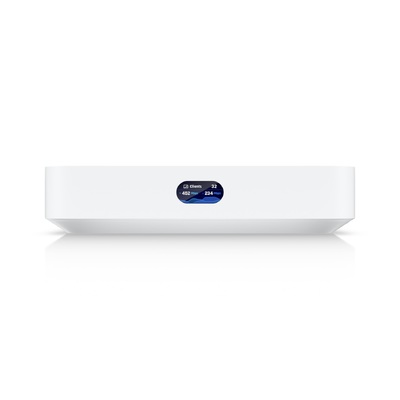
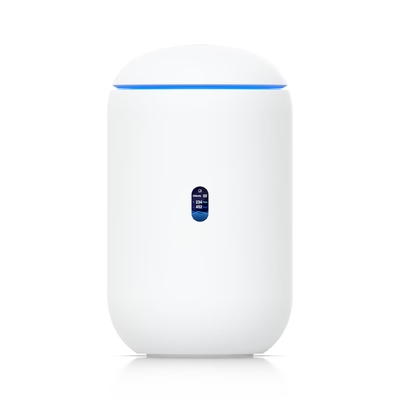
Open the Comparison ToolThe UDR7-15W combines a gateway, WiFi 7 and switching in one compact device.
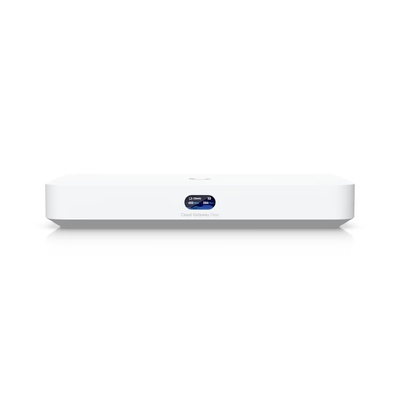
Pair a UCG gateway with U7 access points for better placement, coverage and expansion.
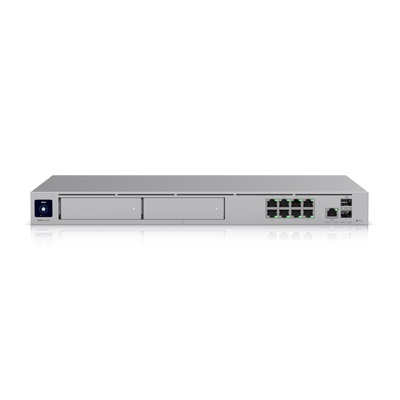
Use a UDM or UCG gateway, PoE switch and multiple APs for VLANs, cameras and phones.
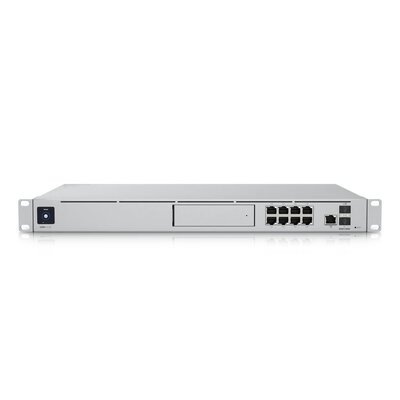
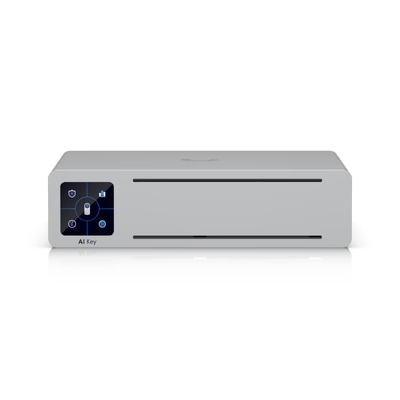
Select a Dream Machine, CloudKey or NVR with enough storage and camera capacity.
Use the DeviceDeal UniFi Product Comparison Tool to compare gateways, switches, WiFi access points, cameras and access-control products side by side by SKU, ports, PoE, throughput, capacity and supported features.
Ubiquiti’s UniFi ecosystem gives you enterprise-grade networking at consumer-friendly prices. Every device is managed through one app — no recurring licence fees, no cloud subscriptions required.

Control WiFi, switches, cameras and door access from one dashboard.

Commercial-quality hardware without the commercial price tag.

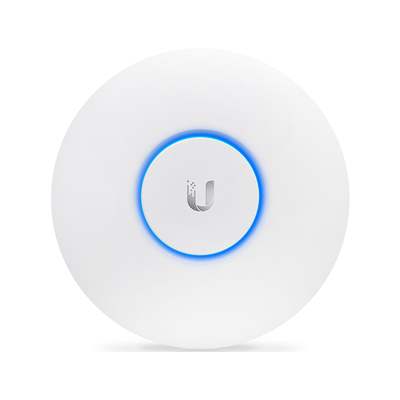
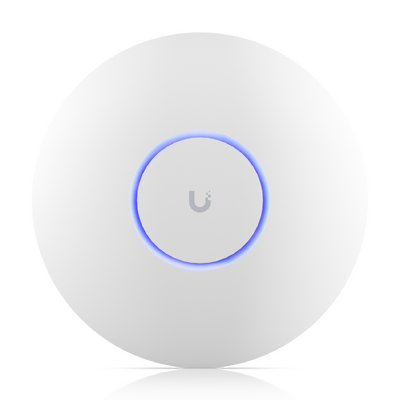
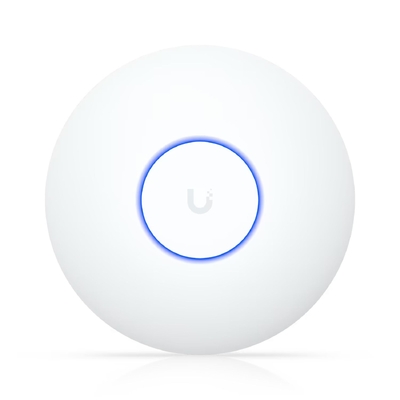
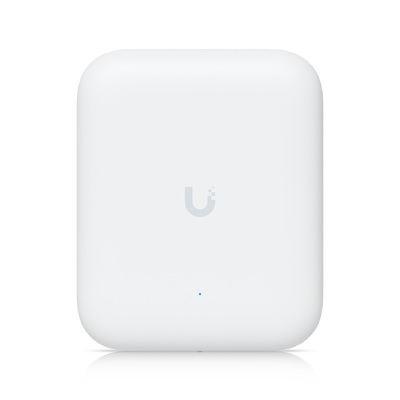
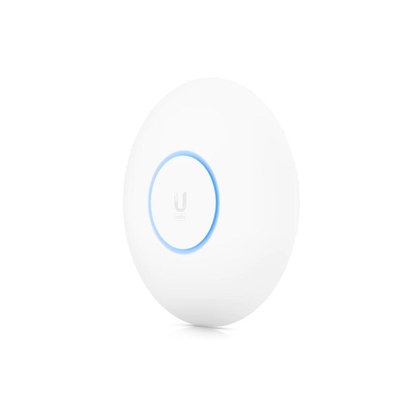
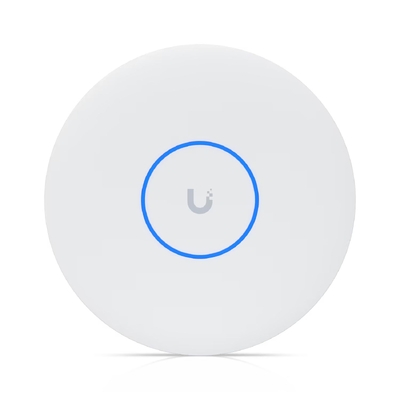
U7 access points deliver multi-gig wireless on the newest WiFi 7 standard.

Start with one access point and scale to a full campus deployment.
Ubiquiti’s U7 series supports WiFi 7 (802.11be) with tri-band 6 GHz operation and Multi-Link Operation (MLO) for lower latency and higher throughput. The U6 series remains excellent value on WiFi 6.
Top-Selling Access Points
A UniFi Gateway handles routing, firewall and VPN but has no built-in WiFi — pair it with separate APs and switches for maximum flexibility. A Dream Router is an all-in-one that combines gateway, switch and WiFi AP in a single box — great for simple setups.
Top-Selling Gateways & Routers
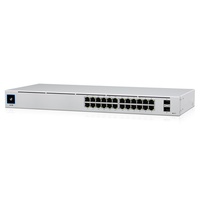
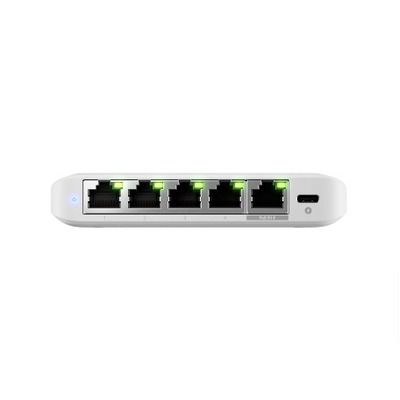
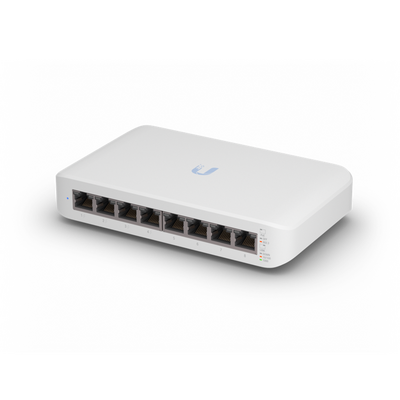
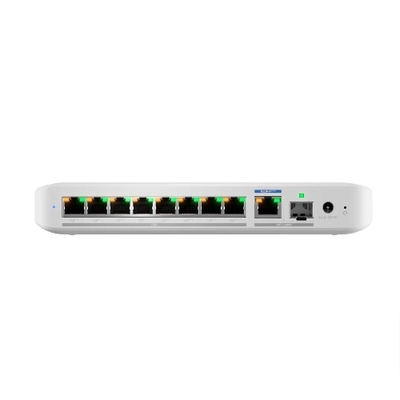
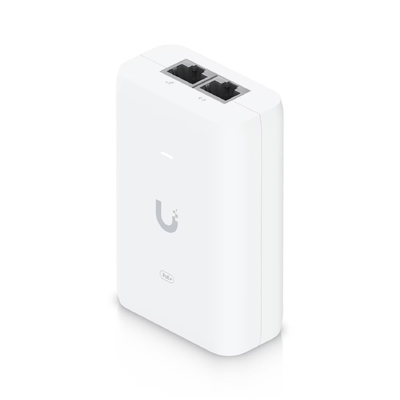
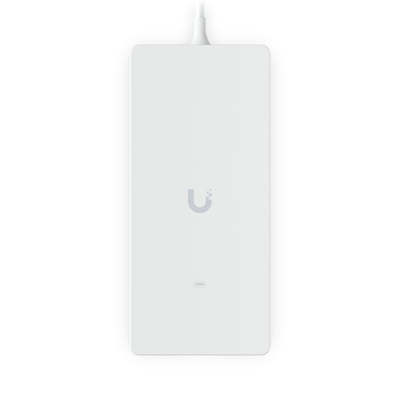
Power over Ethernet (PoE) lets you power access points, cameras and phones through the same Ethernet cable — no separate power adapters. Look for PoE+ or PoE++ models if you plan to connect UniFi APs or Protect cameras.
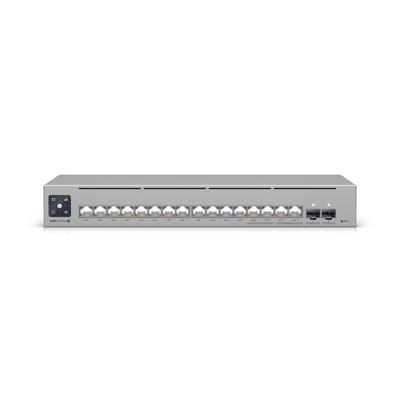
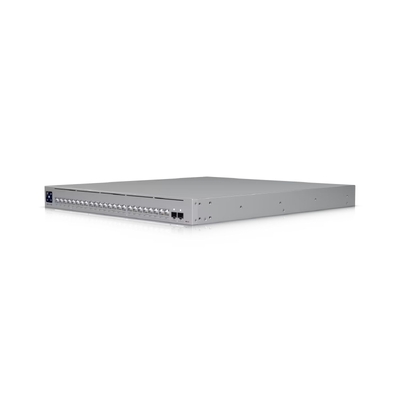
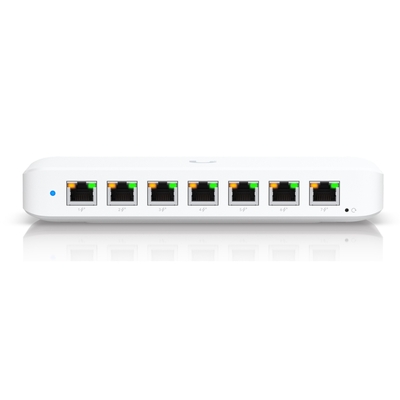
Top-Selling Switches
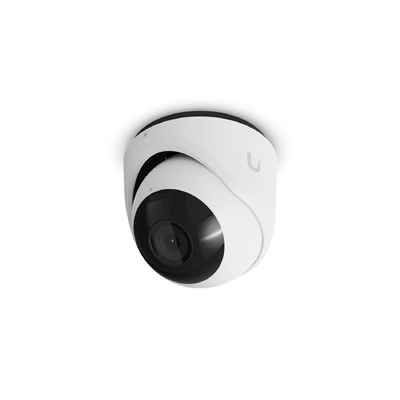
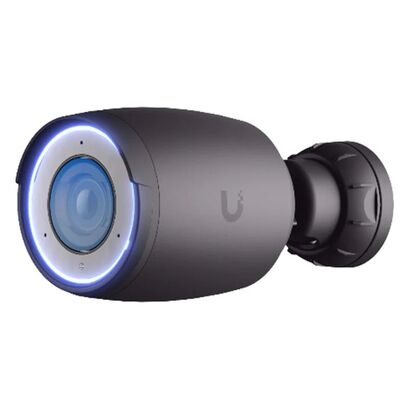
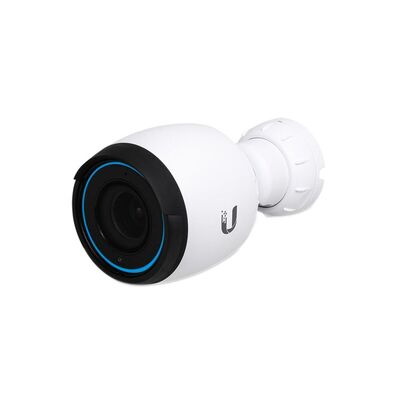
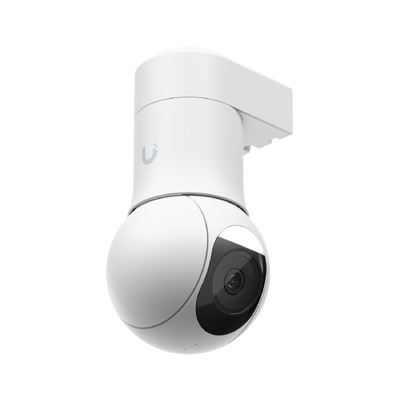
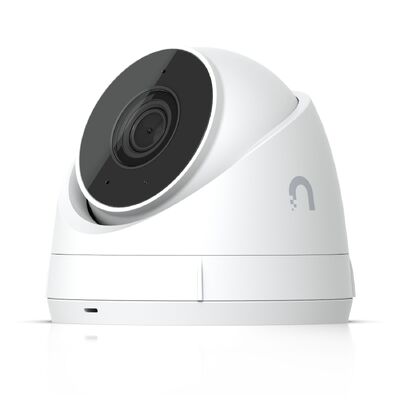
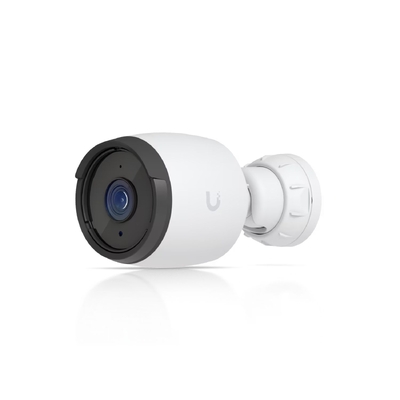
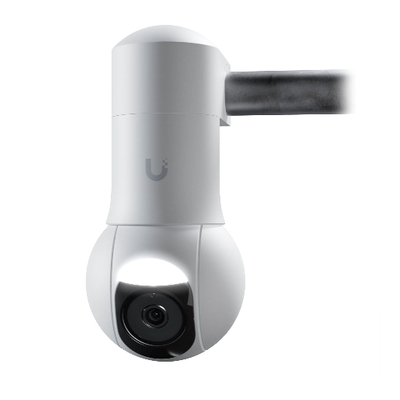
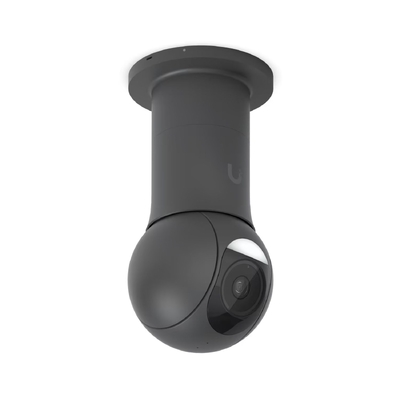
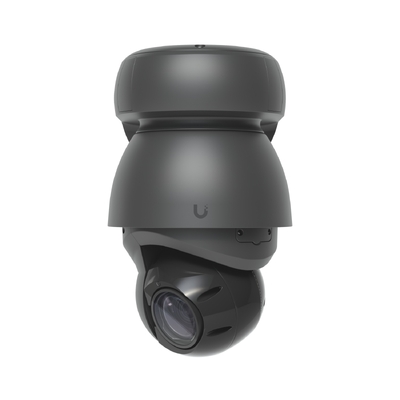
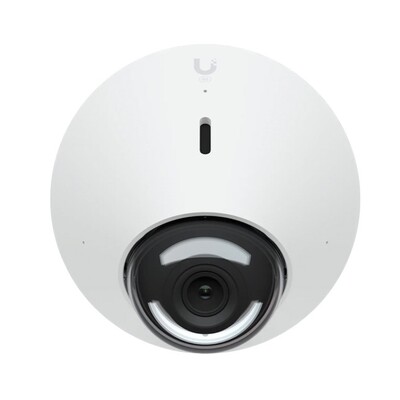
UniFi Protect cameras record locally to your Dream Machine or NVR — no monthly cloud fees ever. AI-powered smart detections for person, vehicle, package and animal are included at no extra cost on all models.
Top-Selling Cameras
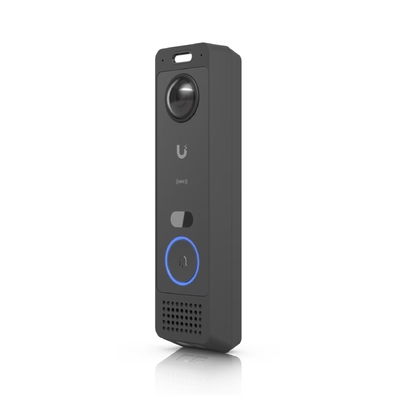
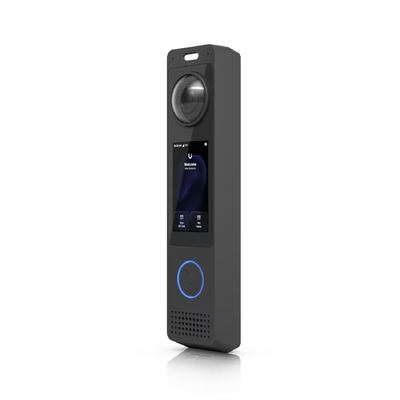
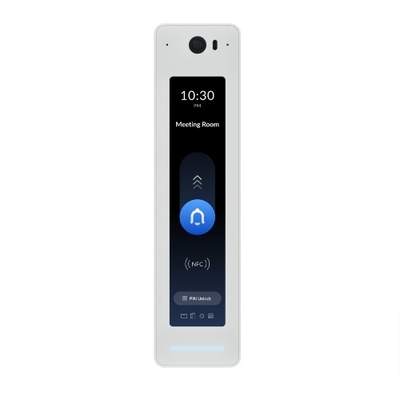
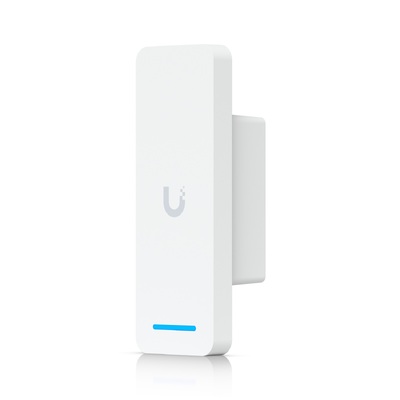
Ubiquiti’s ecosystem now includes doorbells, smart sensors and physical access control — all managed from the same UniFi app alongside your network and cameras.
Top-Selling Smart Home & Access
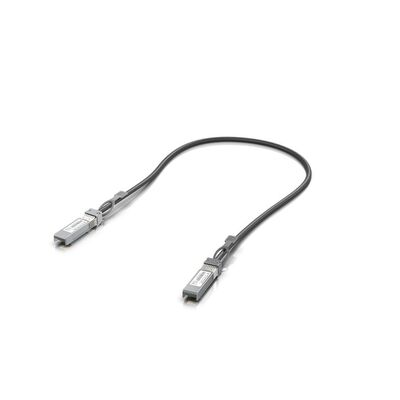
Complete your setup with these commonly purchased accessories.
Top-Selling Accessories
Not sure where to start? Here are three proven setups based on real customer purchases.
Perfect for apartments and small homes up to 180 m².
| Role | Product | Why |
|---|---|---|
| Gateway + WiFi | UDR7-15W | All-in-one gateway, WiFi 7 AP & 4-port switch |
| Camera | UVC-G5-Turret-Ultra | 2K indoor/outdoor turret with AI detections |
| Doorbell | UVC-G6-Entry | PoE+ video doorbell with AI & two-way audio |
Reliable coverage for a small-to-medium office with PoE for APs and cameras.
| Role | Product | Why |
|---|---|---|
| Gateway | UCG-Fiber-30W | 10G gateway with SFP+ fibre, IDS/IPS at line rate |
| Switch | USW-PRO-MAX-16-POE | 16-port L3 switch, PoE++ powers all APs & cameras |
| WiFi (x2–3) | U7-Pro-XG | Flagship quad-radio WiFi 7 AP with 10GbE uplink |
| Cameras (x3–4) | UVC-AI-PRO | 4K AI Professional with licence-plate recognition |
| Access | UA-G3-SK | All-in-one starter kit for single-door access control |
High-performance rack-mount setup for larger deployments.
| Role | Product | Why |
|---|---|---|
| Gateway | UDM-PRO-MAX | Rack-mount gateway, 10GbE, HDD bay, full IDS/IPS |
| Core Switch | USW-Pro-XG-24-PoE | 24-port 10GbE L3 PoE++ Etherlighting switch |
| WiFi (x5+) | U7-Pro-XGS | 8-stream WiFi 7 with spectral scanning radio |
| Cameras (x6+) | UVC-AI-PRO | 4K AI Pro with licence-plate & facial detection |
| PTZ Camera | UVC-G5-PTZ | 22× optical zoom for car parks & yards |
| Access | UA-G3-SK-Pro | Entry & exit control for single door with Pro reader |
Browse current DeviceDeal promotions across eligible Ubiquiti networking, WiFi, switching and surveillance products. Availability and promotional pricing can change while stock lasts.
Tell the DeviceDeal team about your property, users, internet connection, cameras and expansion plans. Our Australian networking specialists can help you build a practical UniFi solution before you order.
Ask a UniFi Specialist