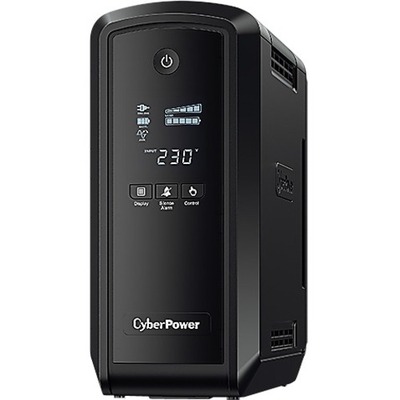
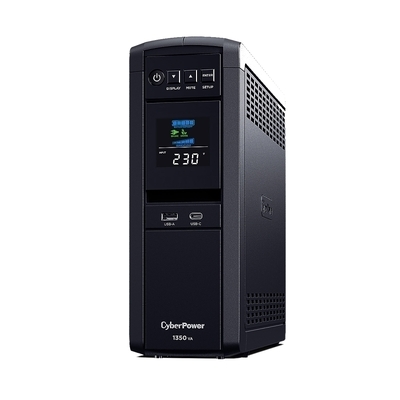
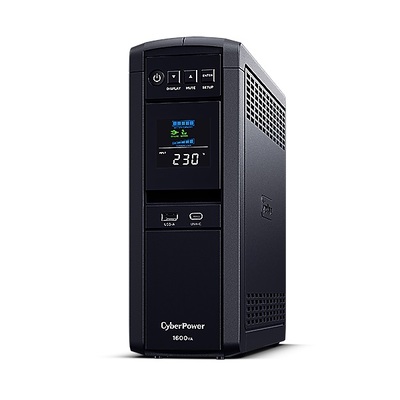
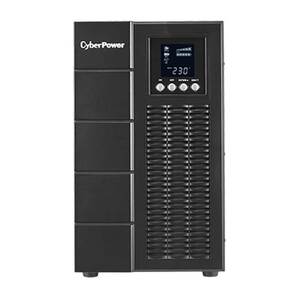
The Complete CyberPower UPS Buying Guide

Find the right UPS, PDU and power protection for your home, office or server room — from affordable standby units to enterprise-grade online UPS systems.
CyberPower UPS

Last updated: March 2026 • Based on real Australian sales data

Why Choose CyberPower?

CyberPower is one of the world’s largest UPS manufacturers, trusted by homes, offices, and data centres across Australia. Their range covers everything from basic desktop backup to rack-mount online UPS with remote management.

Value for Money

Enterprise features at competitive prices — often 20–30% less than comparable brands.

PowerPanel Software

Free PowerPanel Personal & Business software for monitoring, scheduling shutdowns and energy management.

Full Range

Standby, line-interactive and online topologies from 650VA to 10kVA+ in tower and rack-mount form factors.

GreenPower UPS

Energy-efficient design reduces power consumption and heat output compared to conventional UPS units.

UPS Topology Explained

Standby vs Line-Interactive vs Online

Understanding UPS topology is the first step to choosing the right unit:

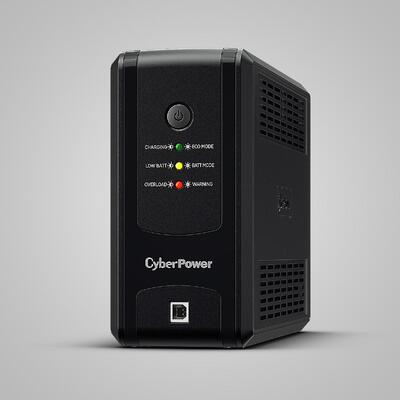
  • Standby (offline): Simplest and cheapest. Switches to battery when power fails (5–12ms transfer time). Fine for home PCs and basic electronics. CyberPower UT series.
  • Line-interactive: Adds automatic voltage regulation (AVR) to correct brownouts and overvoltage without switching to battery. Better for areas with unstable power. CyberPower Value Pro and Professional series. Transfer time typically 2–6ms.
  • Online (double-conversion): Power flows through the UPS continuously — zero transfer time (0ms). Essential for servers, networking equipment and sensitive medical or lab instruments. CyberPower Online S and Online Pro series.

VA vs Watts — Sizing Your UPS

UPS capacity is rated in VA (volt-amps) and watts. The watt rating is what matters for sizing — it’s typically 60% of the VA rating. Add up the wattage of all connected devices and choose a UPS with at least 20–30% headroom. For example, a 300W PC + 80W monitor = 380W → choose at least a 700VA/420W UPS.

Home & Gaming UPS

Choosing a Home UPS

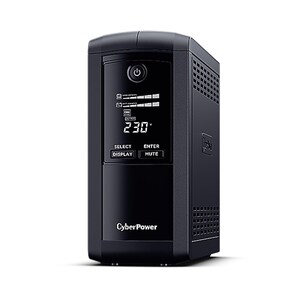
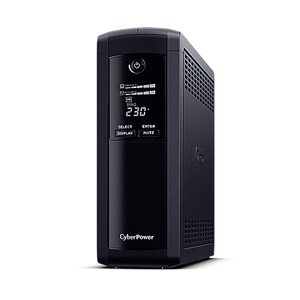
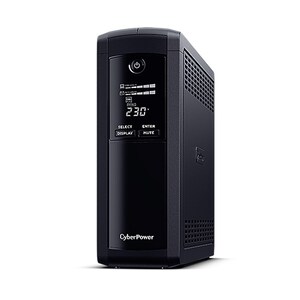
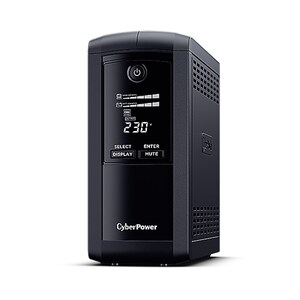
CyberPower’s Value Pro series provides line-interactive protection with simulated sinewave output — ideal for PCs, monitors, routers and NAS devices.
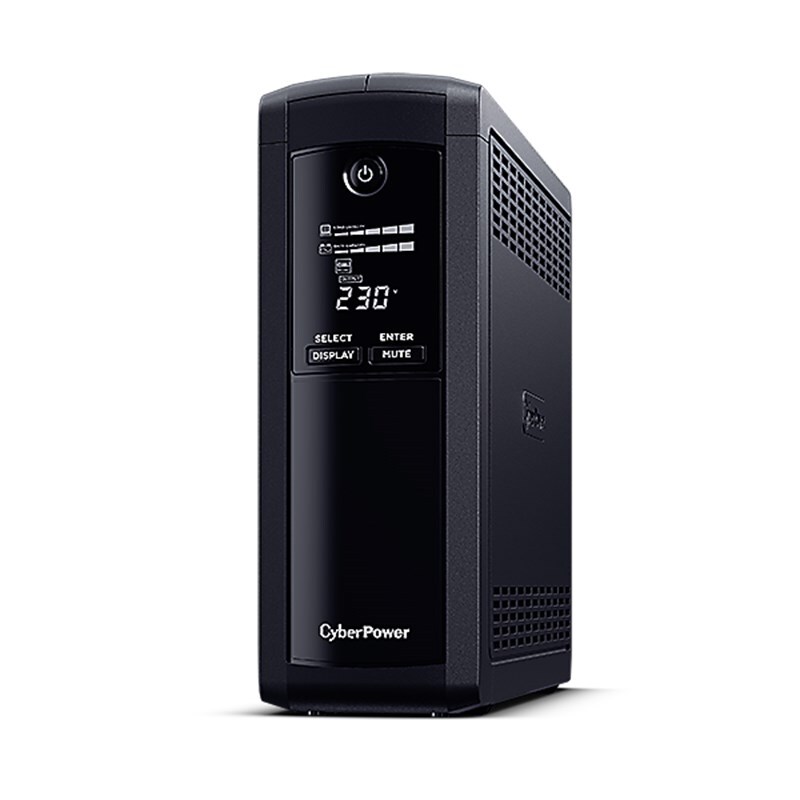
  • Home router & modem: VP700ELCD (700VA/390W) — our best-selling CyberPower UPS, keeps your internet running during outages.
  • Desktop PC + monitor: VP1000ELCD (1000VA/550W) or VP1200ELCD (1200VA/720W) — enough headroom for a mid-range gaming rig.
  • Gaming PC + peripherals: VP1600ELCD (1600VA/960W) — handles high-draw GPUs with plenty of runtime.
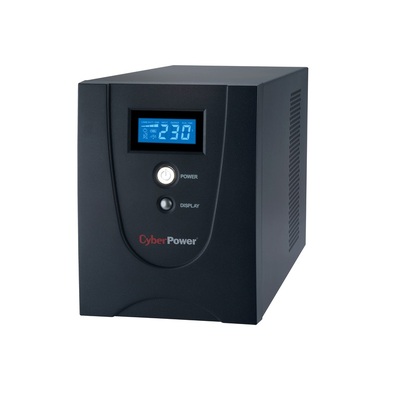
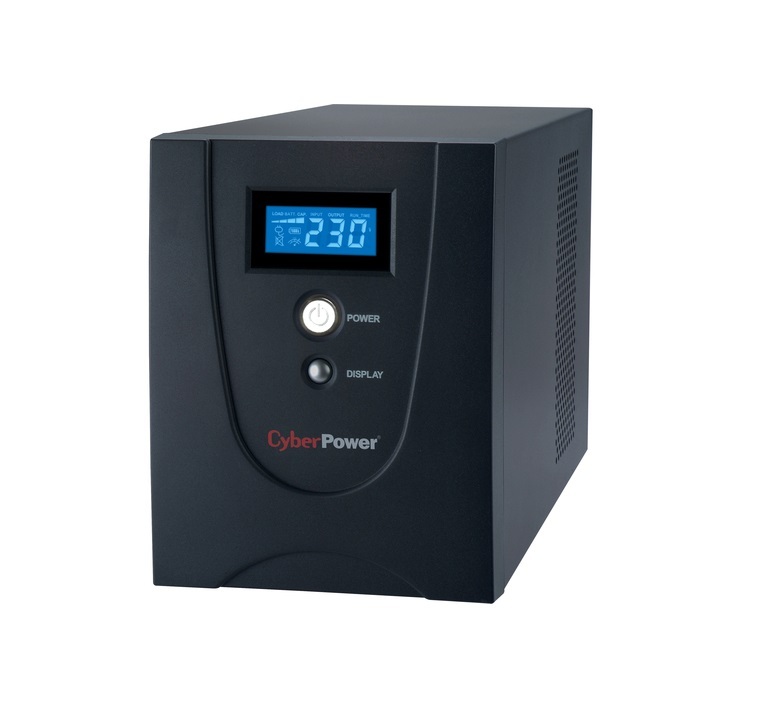
  • Home office / multi-device: Value2200ELCD (2200VA/1320W) — our most popular UPS overall, protects an entire workstation setup.
  • Budget option: UT850EG (850VA/425W) — standby topology, great for a single PC or entertainment centre.
CyberPower Value Pro UPS

Top-Selling Home & Gaming UPS


Business Sinewave UPS

Why Pure Sinewave Matters

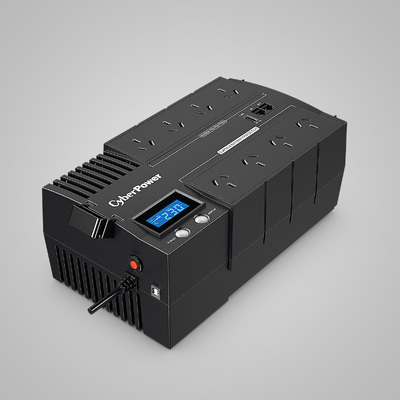
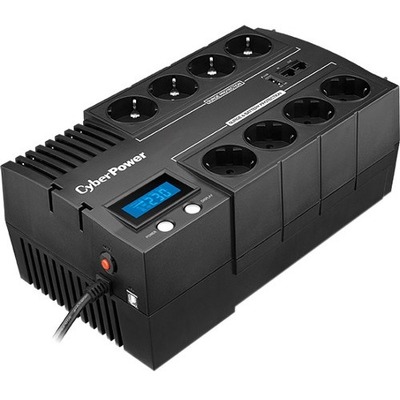
Active PFC power supplies in servers, high-end PCs and networking gear require pure sinewave output. CyberPower’s BR (BRICSafe) and CP (PFC-compatible) series deliver clean power that won’t damage sensitive electronics.
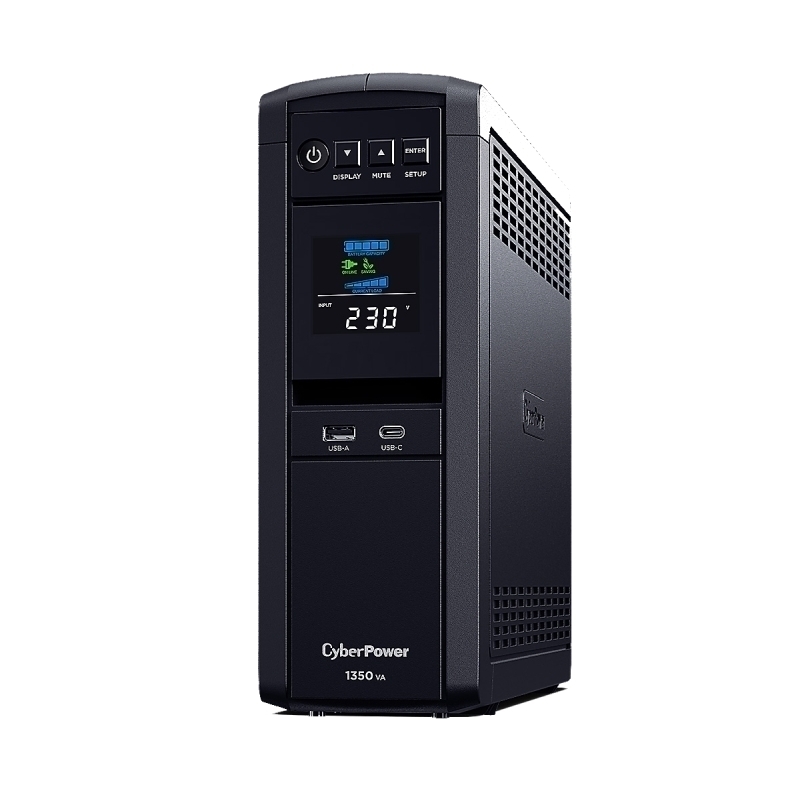
  • Single workstation: BR700ELCD (700VA/390W) or CP900EPFCLCDa (900VA/540W) — compact tower with pure sinewave and USB monitoring.
  • Small server / NAS: BR1200ELCD (1200VA/720W) — reliable protection for a Synology or QNAP NAS.
  • Office server + switch: CP1350EPFCLCD (1350VA/810W) or CP1600EPFCLCD (1600VA/960W) — PFC-compatible with LCD display and multiple outlet groups.
CyberPower PFC Sinewave UPS

Top-Selling Business UPS


Enterprise Online UPS

Zero Transfer Time for Critical Systems

CyberPower’s Online Series provides true double-conversion with 0ms transfer time. Power is continuously conditioned through the inverter, making these ideal for servers, VoIP systems, medical equipment and any load that cannot tolerate even brief power disturbances.

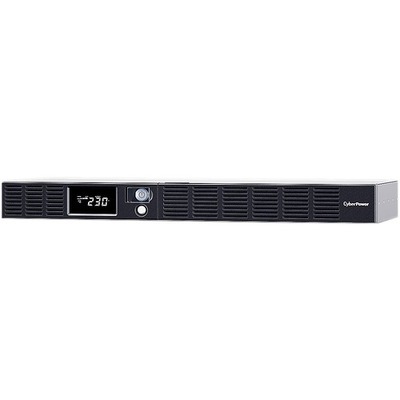
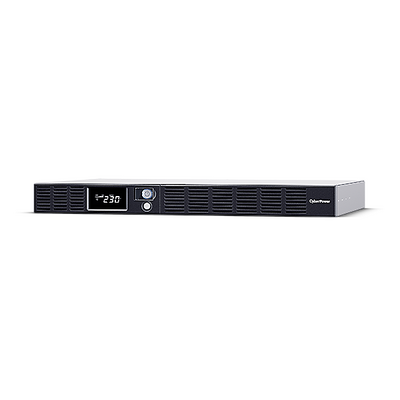
  • Small comms rack: OR600ERM1U-AU (600VA/360W, 1U rack) — compact rack-mount for network switches and patch panels.
  • Server rack: OR1500ERM1U (1500VA/900W, 1U rack) — powers a single rack server with remote management option.
  • Tower deployment: OLS2000E (2000VA/1800W) — high-efficiency online tower UPS with ECO mode.
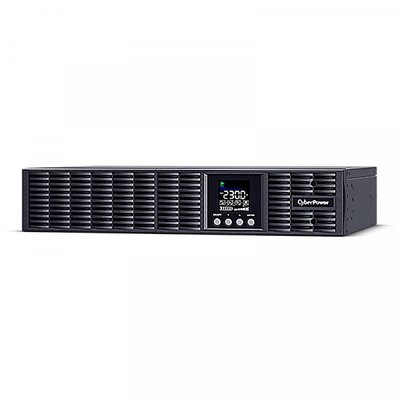
  • Rack/tower convertible: OLS2000ERT2Ua (2000VA/1800W, 2U) — our most versatile online UPS, fits 19″ racks or stands as a tower.
CyberPower Online UPS

Top-Selling Enterprise UPS


PDUs & Management

Power Distribution & Remote Monitoring

A proper rack setup needs PDUs for clean power distribution and network management cards for remote UPS monitoring.

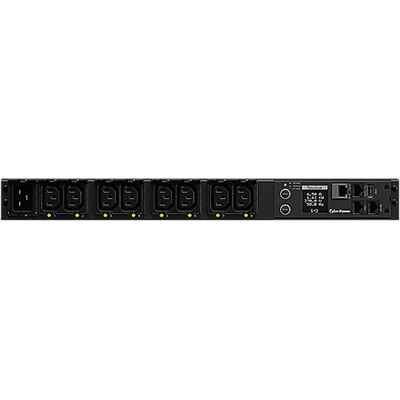
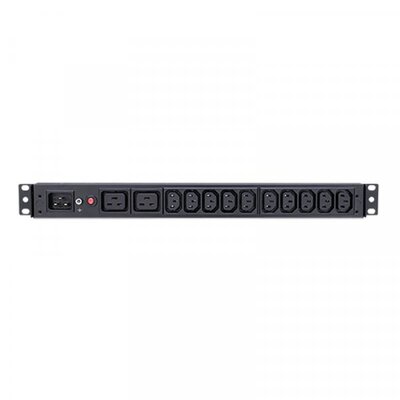
  • Basic PDU: PDU20BHVIEC12Ra (1U, 16A, 12x IEC C13) — simple, reliable power distribution for rack equipment.
  • Switched PDU: PDU41005 (1U, 16A) — individually switchable outlets with current monitoring, controllable via web interface.
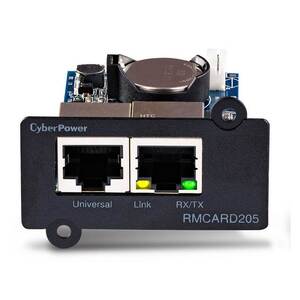
  • SNMP card: RMCARD205 — adds network management (SNMP, web, email alerts) to any compatible CyberPower UPS.
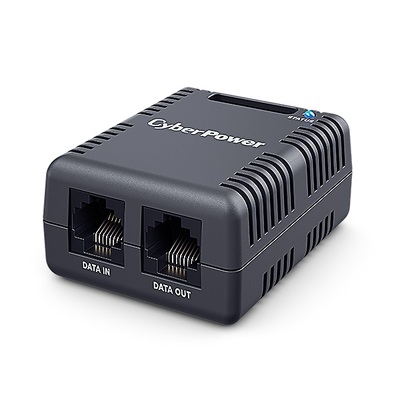
  • Environmental sensor: SNEV001 — monitors temperature and humidity in your server room or comms cabinet. Pairs with RMCARD for alerts.
  • Environmental monitoring: Pair the SNEV001 with an RMCARD for comprehensive temperature, humidity and contact-closure monitoring.
CyberPower PDU

Top-Selling PDUs & Management


Surge Protection

Protect Without Battery Backup

Not everything needs a UPS. CyberPower’s surge protectors guard against voltage spikes from lightning, switching events and noisy appliances — at a fraction of the cost of a UPS.

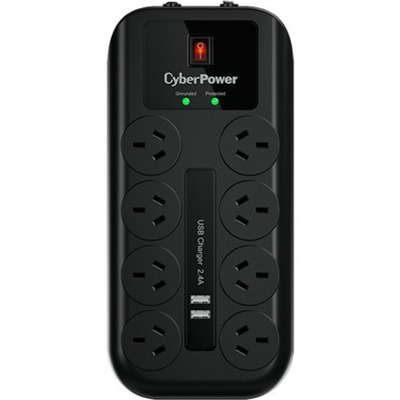
  • Home & office: CPSURGE08USB-ANZ (8-outlet with USB-A charging) — protects TVs, consoles, PCs and chargers with 2160J surge protection.

Surge Protectors


Batteries & Accessories

Keep Your UPS Running

UPS batteries typically last 3–5 years. CyberPower’s replacement battery cartridges are hot-swappable — no need to power down your equipment. Rack accessories keep your server room tidy.

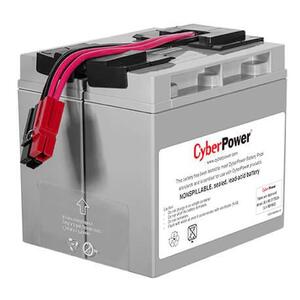
  • Replacement battery: RB12170X2A — fits multiple CyberPower UPS models, hot-swappable for zero-downtime replacement.
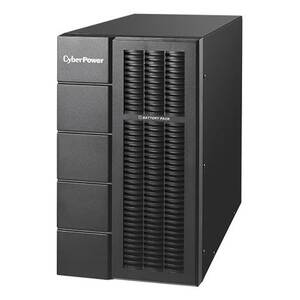
  • Extended runtime pack: BPSE72V45A — adds hours of runtime to Online S series UPS for mission-critical loads.
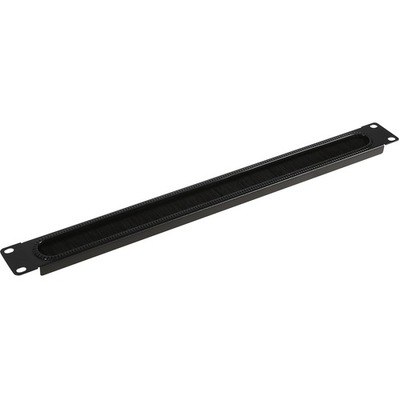
  • Cable management: CRA30005 (1U brush panel) — our most popular rack accessory, keeps cable runs neat and improves airflow.

Top-Selling Batteries & Accessories


Recommended Bundles

Not sure where to start? Here are three proven setups based on real customer purchases.

Home / Gaming Bundle

Keep your PC, monitor and router running during outages.

Role Product Why
PC + Monitor Value2200ELCD 2200VA pure sinewave, our #1 seller
Router / Modem VP700ELCD Keeps internet alive for 30+ mins
Surge protection CPSURGE08USB-ANZ Protects TV, console & chargers

Office Bundle

Protect workstations, NAS and networking gear in a small office.

Role Product Why
Server / NAS CP1600EPFCLCD Pure sinewave, PFC-compatible for active PSUs
Workstations VP1600ELCD Line-interactive with AVR for 2–3 PCs
Network switch VP700ELCD Keeps network running during outages

Server Room Bundle

Enterprise-grade protection for rack-mounted servers and switches.

Role Product Why
Primary UPS OLS2000ERT2Ua Online double-conversion, 0ms transfer, 2U rack
Extended runtime BPSE72V45A Adds hours of backup to Online S series
PDU PDU41005 Switched PDU with per-outlet control
Monitoring RMCARD205 SNMP network management card
Environment SNEV001 Temperature & humidity monitoring
Cable management CRA30005 1U brush panel for neat cabling

Frequently Asked Questions

What is the difference between simulated and pure sinewave UPS?
A simulated sinewave (stepped approximation) UPS is fine for most home electronics, monitors and routers. A pure sinewave UPS produces a smooth power waveform identical to mains power — required for equipment with Active PFC power supplies (most modern servers, high-end PCs and networking gear). If in doubt, choose pure sinewave.
How long will a UPS keep my equipment running?
Runtime depends on the UPS capacity (VA/watts) and the connected load. A typical 1500VA UPS running a 300W load provides around 15–20 minutes of backup — enough to save work and shut down gracefully. For longer runtime, choose a higher-capacity UPS or add an external battery pack (e.g. BPSE72V45A).
How do I size a UPS for my setup?
Add up the wattage of all connected devices (check the power supply label or use a power meter). Choose a UPS with a watt rating at least 20–30% higher than your total load. For example: 400W total load → choose at least a 1000VA/600W UPS.
When should I replace my UPS battery?
Most UPS batteries last 3–5 years. Replace when the UPS signals a battery fault, self-test fails, or runtime drops noticeably. CyberPower replacement battery cartridges are hot-swappable — you can swap them without powering down your equipment.
Can I monitor my CyberPower UPS remotely?
Yes. Install the free PowerPanel software for local USB monitoring. For network/remote monitoring, add an RMCARD205 SNMP card — it provides a web interface, email alerts, SNMP traps and scheduled shutdown for multiple servers.

Need Help Choosing a CyberPower UPS?

Our power protection specialists can help you find the right UPS for your home, office or server room.

Contact Us

<