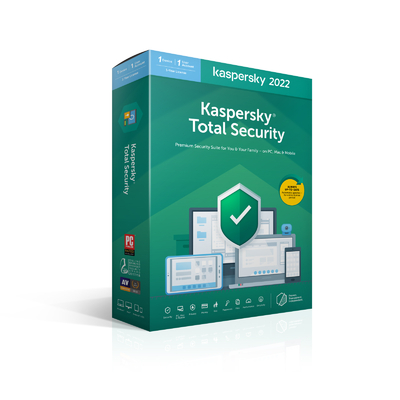
This license only works for Australia and New Zealand.
Please note: License codes are sent by email.

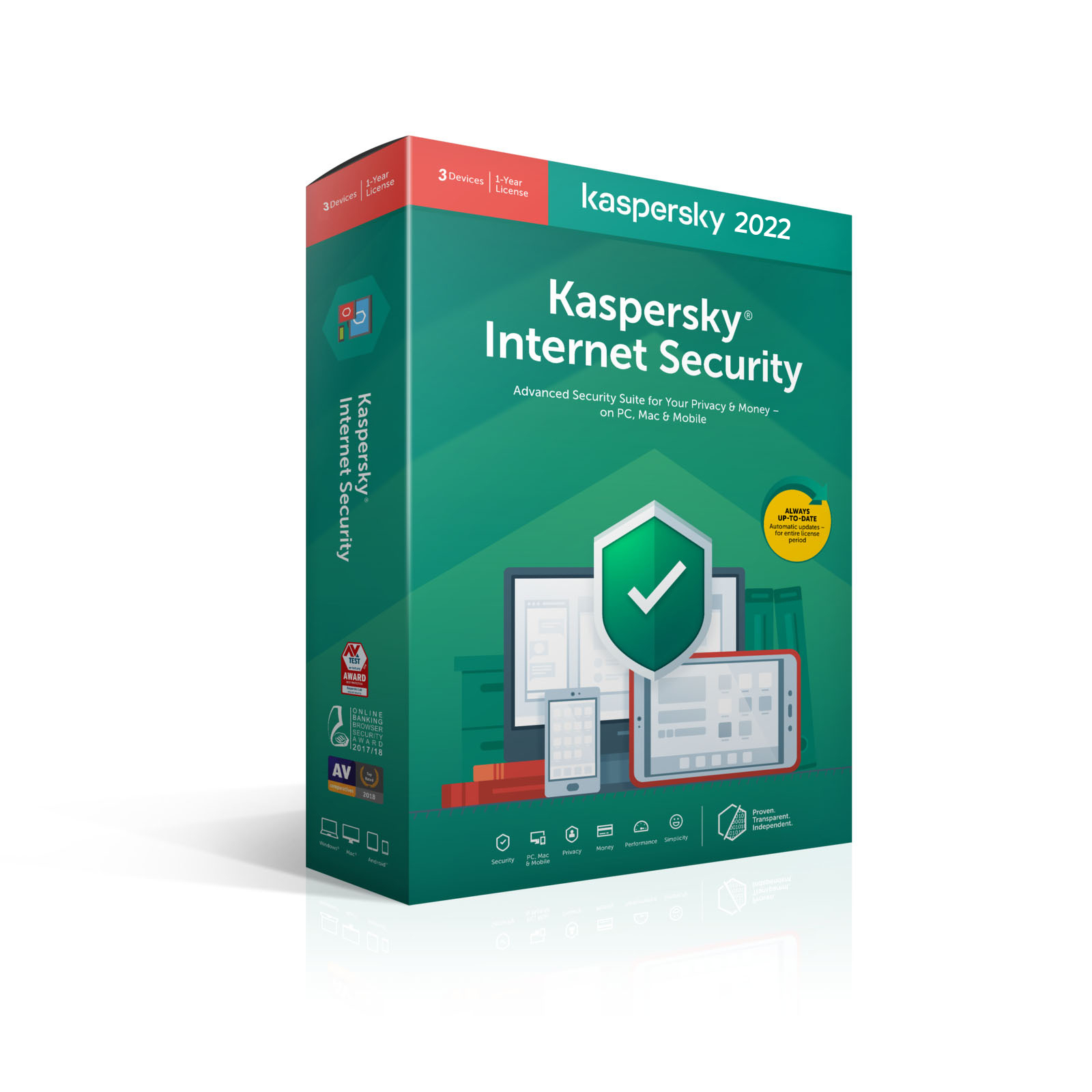
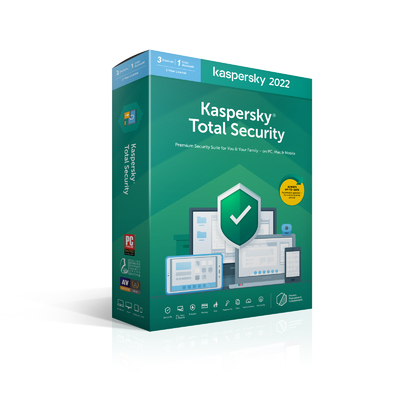
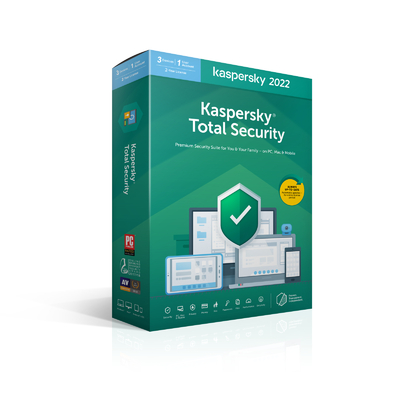
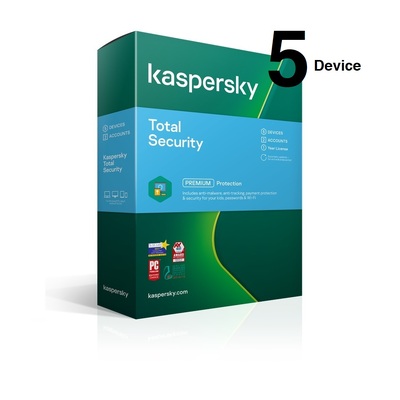
Our best-performing, best-selling security suite
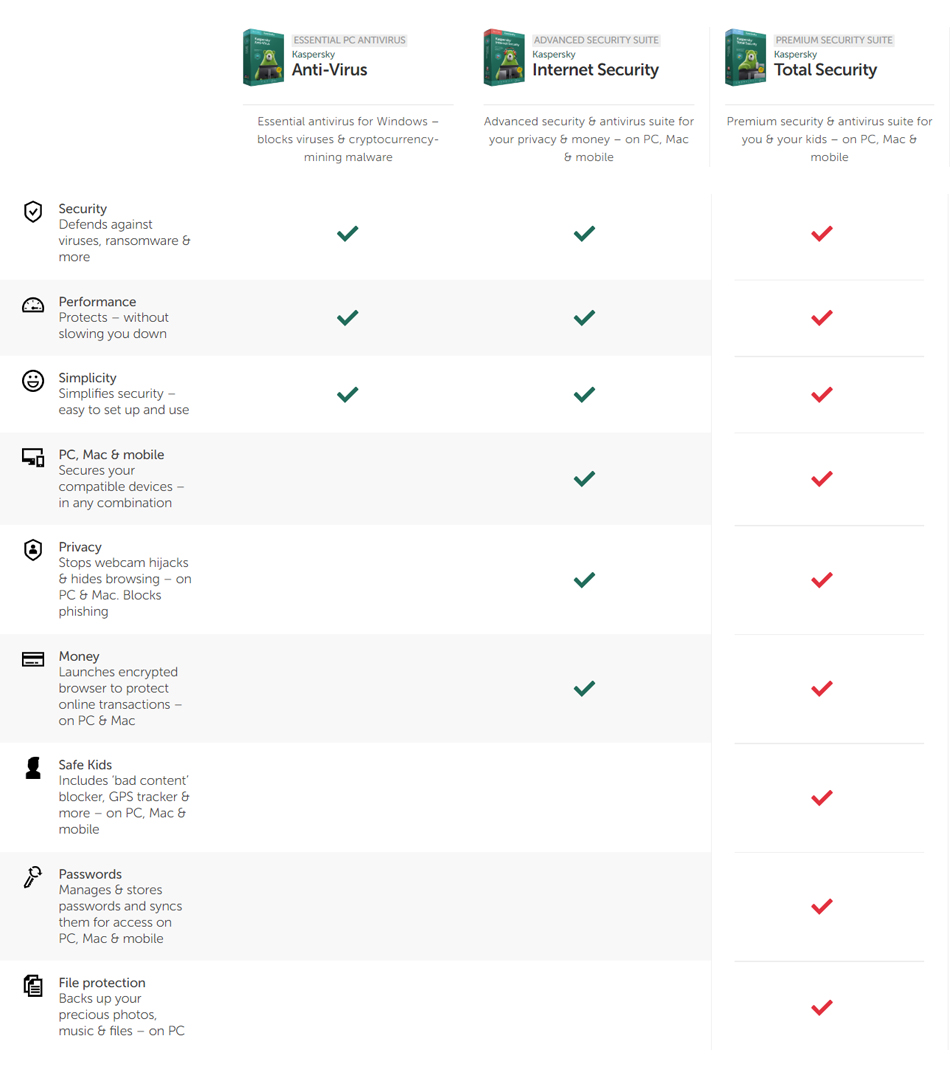
Multi-device family security – with antivirus, anti-ransomware, webcam security, password manager, VPN and 87 more technologies – all in one license
Blocks viruses, cryptolockers & other threats
Protects payments, with bank-grade encryption*
Secures passwords & images of personal documents
Encrypts data you send & receive online – VPN**
Stops webcam spies watching you in your home*
Helps guard kids – advanced parental controls
* PC and Mac only
** VPN service protects up to 200MB of data traffic per device, per day
To Download the latest Kaspersky Internet Security software click here .
How to install Kaspersky Internet Security manually
Download the Kaspersky Internet Security installation package from the Kaspersky website, or via the link in the email you received from the online store.
Run the installer.
Wait until the searching for a newer version of the application has been completed, or click Skip.
Read the End User License Agreement and click Continue if you agree to the terms.
Read the Kaspersky Security Network Statement carefully. Select the checkbox if you agree to the terms.
If you don’t want to participate in the Kaspersky Security Network, clear the checkbox.
Together with Kaspersky Internet Security, Kaspersky Secure Connection will be installed to ensure protected connection to the Internet. Click Install.
Wait for the installation to complete. Make sure the recommended settings are enabled and click Apply.
Click Done.
Kaspersky Internet Security will be installed.
After starting the application, activate Kaspersky Internet Security.
(Kaspersky-internet3U1Y)
SKU
Kaspersky-internet3U1Y
Barcode #
5056244908201
Brand
KASPERSKY
Be The First To Review This Product!
Help other Device Deal users shop smarter by writing reviews for products you have purchased.