Monitor Buying Guide 2026
Australia’s best monitor prices — gaming, office, ultrawide, 4K and portable displays from LG, ASUS, AOC, Philips, Dell, ViewSonic, BenQ and Samsung. In stock and ready to ship.
Last updated: March 2026
Navigate
Why DeviceDeal Top Picks How to Choose Office & Productivity UltraWide Gaming Creative & Pro Portable Bundles FAQWhy Buy Monitors from DeviceDeal?
Whether you need a budget office display, a high-refresh gaming panel or a colour-accurate creative monitor, DeviceDeal stocks monitors from all the leading brands at Australia’s most competitive prices.
Competitive pricing across LG, ASUS, AOC, Philips, Dell, ViewSonic, BenQ and Samsung monitors.
All monitors ship from our Australian warehouse. Same-day dispatch on orders before 2pm AEST.
Gaming, office, ultrawide, 4K, portable and professional — one supplier for every monitor need.
Not sure which panel, resolution or size is right? Our team helps you pick the perfect monitor.
Top Picks — Editor’s Choice
Hand-picked monitors across key categories to help you find the right display fast.
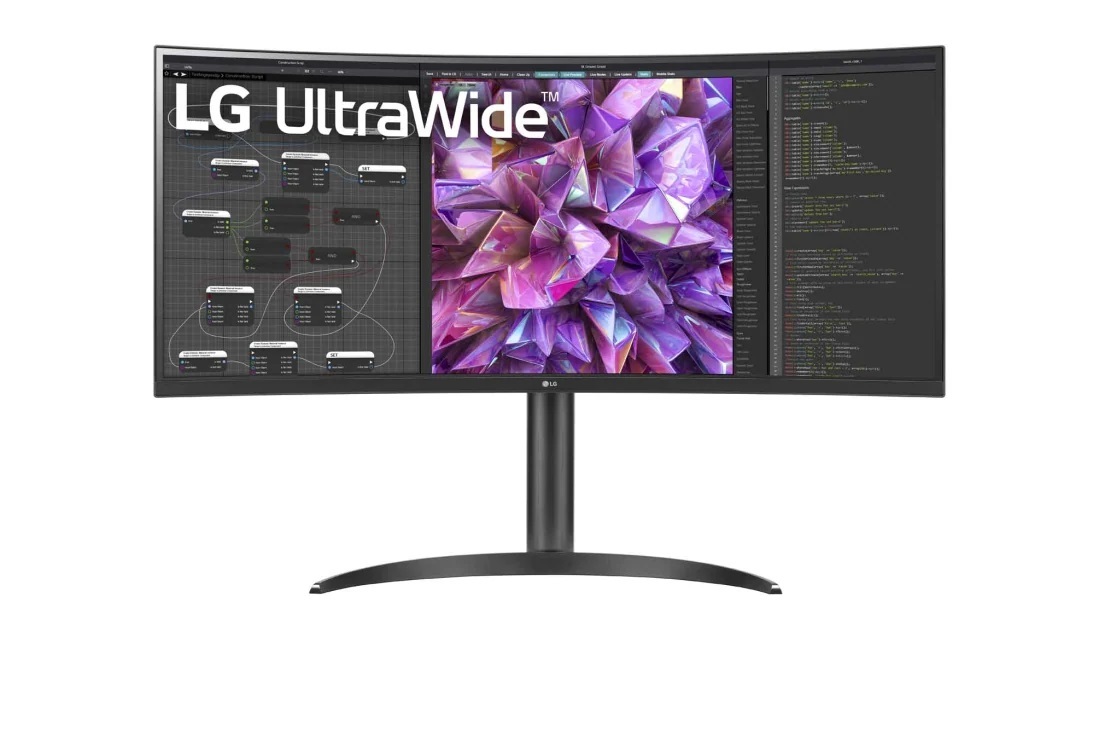
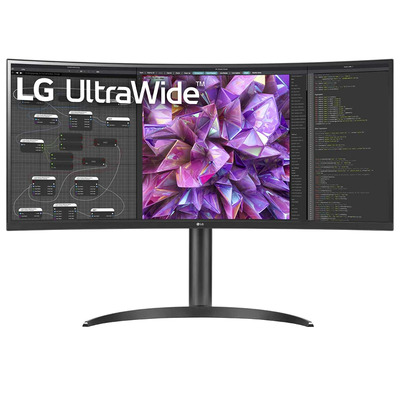
LG 34WQ75C-B — 34″ QHD UltraWide Curved
The ultimate productivity display. 3440×1440 resolution on a curved 34″ IPS panel gives you the equivalent of two 24″ monitors side by side — without the bezel gap. USB-C with 90W power delivery charges your laptop while displaying video.
- Panel: 34″ IPS, 3440×1440 QHD
- Curve: 1800R for immersive viewing
- USB-C: 90W power delivery + video
- Extras: HDR10, sRGB 99%, KVM switch
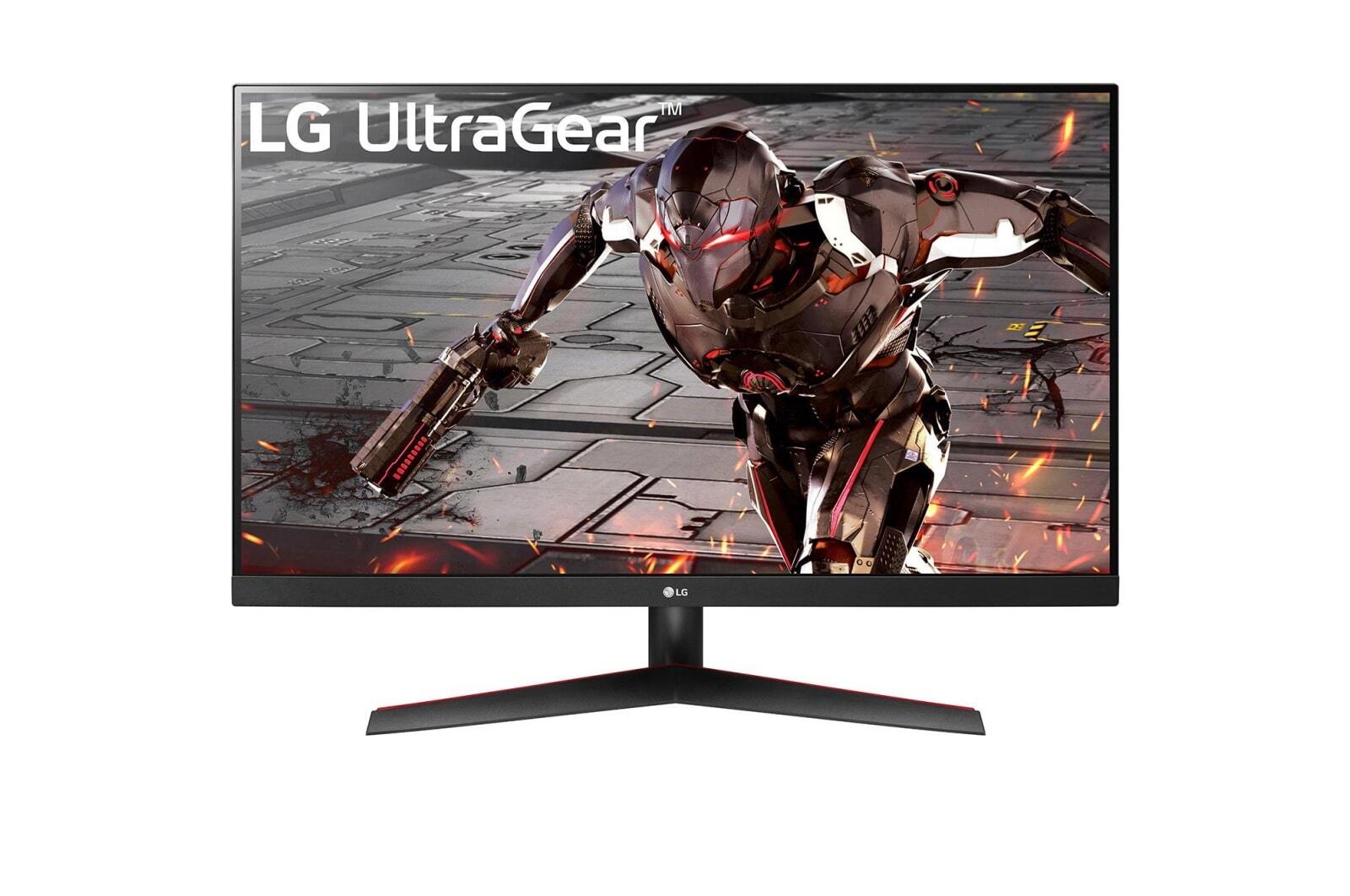
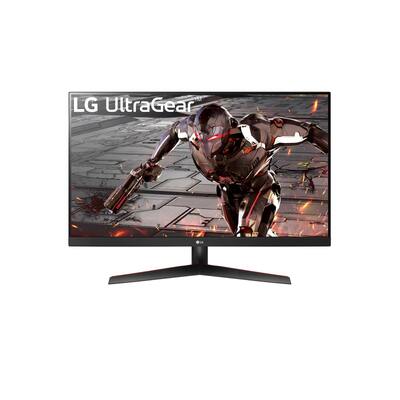
LG 32GN600-B — 31.5″ QHD Gaming 165Hz
High-refresh QHD gaming at an incredible price. The UltraGear 32GN600-B delivers 165Hz, 1ms response time and AMD FreeSync Premium on a 31.5″ VA panel with deep blacks and HDR10 support.
- Panel: 31.5″ VA, 2560×1440 QHD
- Refresh: 165Hz, 1ms MBR
- Sync: AMD FreeSync Premium
- HDR: HDR10, 350 nits

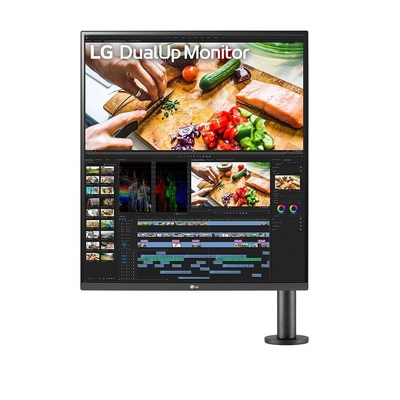
LG 28MQ780-B — DualUp 27.6″ SDQHD
A monitor like no other. The LG DualUp features a unique 16:18 aspect ratio — essentially two 21.5″ displays stacked vertically in one panel. Perfect for coders, content creators and multitaskers who want vertical real estate without dual-monitor complexity.
- Panel: 27.6″ Nano IPS, 2560×2880 SDQHD
- Aspect: 16:18 (two 16:9 panels stacked)
- Colour: DCI-P3 98%, HDR400
- Stand: Ergo clamp stand, USB-C 90W
How to Choose the Right Monitor
Choosing a monitor can be overwhelming with so many specs to compare. Here’s what actually matters for each use case.
Panel Technology: IPS vs VA vs TN
The panel type determines colour accuracy, viewing angles and contrast. Here’s how they compare:
- IPS (In-Plane Switching): Best all-rounder. Wide 178° viewing angles, accurate colours, good for office work, photo editing and general use. Monitors like the 24MR400-B and 27MS500-B use IPS panels.
- VA (Vertical Alignment): Superior contrast ratios (3000:1+) and deeper blacks, making them excellent for movies, dark-room gaming and content consumption. The 32GN600-B and 32UR550K-B use VA panels.
- TN (Twisted Nematic): Fastest response times but narrow viewing angles and weaker colours. Mostly found in budget esports monitors — being phased out in favour of fast IPS.
Resolution: 1080p vs 1440p vs 4K
Higher resolution means sharper text and more screen real estate, but requires more GPU power for gaming.
- 1080p (Full HD, 1920×1080): Perfect for 24″ monitors and budget setups. Sharp enough at this size, easy to drive for gaming. The 24MR400-B and 27MS500-B are excellent FHD options.
- 1440p (QHD, 2560×1440): The sweet spot for 27–32″ displays. Noticeably sharper text, more workspace, and modern GPUs handle it well. The 32GN600-B delivers QHD at 165Hz for gaming.
- 4K (UHD, 3840×2160): Ideal for 27″+ monitors, creative work and media consumption. Incredibly sharp text and detail. The 27UP550N-W and 27US500-W offer affordable 4K IPS panels.
Refresh Rate & Response Time
Critical specs for gamers, less important for office use.
- 60Hz: Standard for office work. Perfectly smooth for document editing, browsing and video playback.
- 75Hz: Slight upgrade over 60Hz. Noticeable improvement in general desktop smoothness. Many office IPS panels like the 24MR400-B include 100Hz AMD FreeSync.
- 144–165Hz: The gaming sweet spot. The 32GN600-B at 165Hz delivers buttery-smooth gameplay in competitive and AAA titles alike.
- Response time: 1ms GtG/MBR is ideal for competitive gaming. 5ms is fine for casual gaming and office use.
Adaptive Sync: FreeSync & G-Sync
Adaptive sync eliminates screen tearing by matching the monitor’s refresh rate to your GPU’s frame output.
- AMD FreeSync: Free, works with AMD GPUs and most modern NVIDIA cards. The 32GN600-B supports FreeSync Premium for tear-free gaming.
- NVIDIA G-Sync Compatible: Many FreeSync monitors are G-Sync compatible, meaning they work with NVIDIA GPUs without a dedicated G-Sync module.
HDR, USB-C & Ergonomics
- HDR (High Dynamic Range): Look for HDR10 or DisplayHDR 400+ for improved contrast and colour range. The 27US500-W supports HDR10 with DCI-P3 colour for vivid visuals.
- USB-C connectivity: Single-cable convenience — video, data and power through one USB-C connection. The 34WQ75C-B delivers 90W charging via USB-C, ideal for laptop users. The 16MR70 portable display connects entirely via USB-C.
- Ergonomic stands: Height, tilt, swivel and pivot adjustments reduce neck and eye strain. The 28MQ780-B includes LG’s Ergo clamp stand with full adjustability.
- Colour accuracy: For creative work, look for sRGB 99%+ and DCI-P3 90%+. Factory calibration and hardware LUT support matter for professional colour grading.
Office & Productivity Monitors
Reliable Displays for Everyday Work
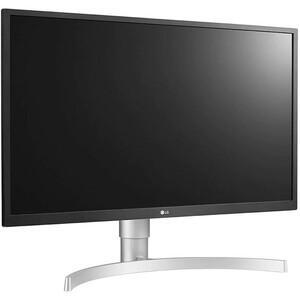
A good office monitor should deliver sharp text, comfortable viewing angles and eye-care features for all-day use. IPS panels with FHD or 4K resolution are the go-to for productivity.
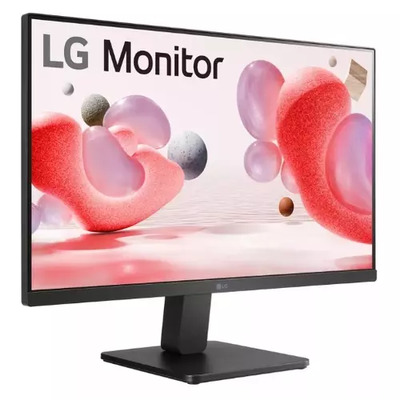
- Budget 24″ FHD: 24MR400-B (IPS, 100Hz, AMD FreeSync) — compact, affordable and sharp. Ideal for reception desks, hot desks and secondary displays. Flicker-free with Reader Mode for reduced eye strain.
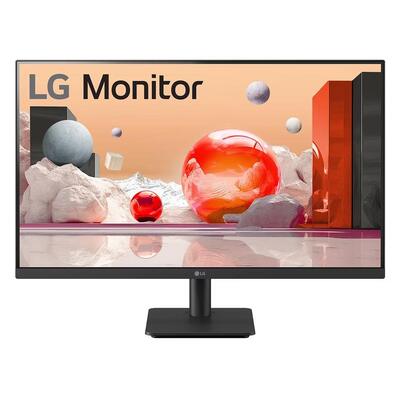
- 27″ FHD all-rounder: 27MS500-B (IPS, FHD) — step up to 27″ without stepping up to 4K prices. IPS panel with LG’s eye protection technology for comfortable all-day work.
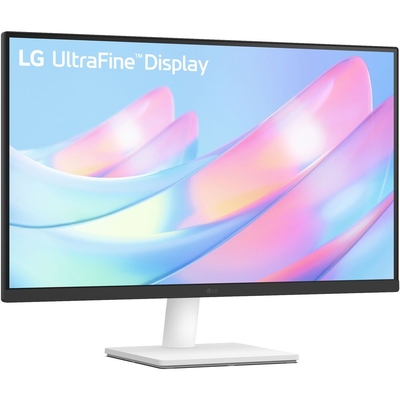
- 27″ 4K IPS (white): 27UP550N-W (4K UHD, IPS, white finish) — ultra-sharp 4K text and detail on a sleek white panel. Perfect for design-conscious offices and Mac setups.
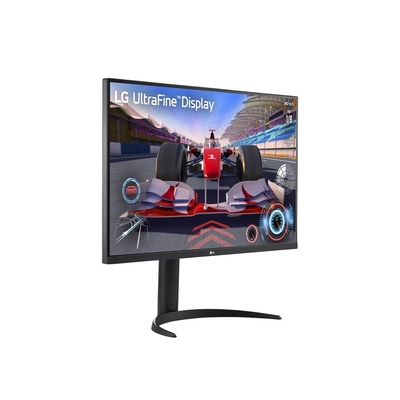
- 27″ 4K HDR UltraFine: 27US500-W (4K, HDR10, DCI-P3 98%, white) — professional-grade colour accuracy with HDR support. Ideal for photo editing, design work and media playback.
- 31.5″ 4K VA: 32UR550K-B (4K UHD, HDR10, DCI-P3 90%) — large-format 4K for spreadsheets, CAD and data analysis. VA panel delivers deep blacks for comfortable dark-mode working.
Shop Office & Productivity Monitors
UltraWide Monitors
More Screen, Fewer Bezels
UltraWide 21:9 monitors give you 33% more horizontal screen space than a standard 16:9 display. They’re ideal for multitasking, video editing timelines, spreadsheets and immersive gaming — all without the gap between two monitors.
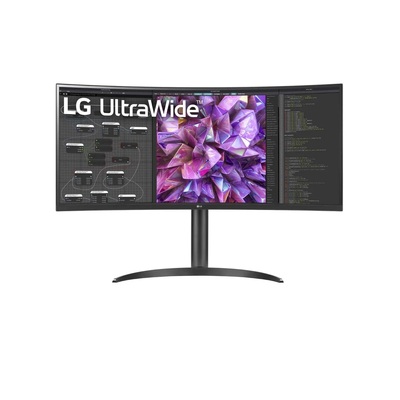
- 34″ QHD USB-C: 34WQ75C-B (3440×1440, IPS, 1800R curve, USB-C 90W) — our top UltraWide pick. KVM switch lets you control two PCs with one keyboard and mouse. USB-C charges your laptop while displaying video.
- 34″ QHD Curved: 34WP75C-B (3440×1440, IPS, 1800R curve) — similar UltraWide QHD experience with USB-C connectivity. Great for productivity and content creation at a competitive price.
Who should buy UltraWide? Anyone who currently uses dual monitors, works with wide timelines (video/audio editing), manages multiple documents side-by-side, or wants immersive gaming without multi-monitor bezels.
Shop UltraWide Monitors
Gaming Monitors
High-Refresh Displays for Competitive & Casual Gamers
A great gaming monitor combines high refresh rate, low response time and adaptive sync for smooth, tear-free gameplay. The right panel choice depends on whether you prioritise colour accuracy (IPS) or deep blacks and contrast (VA).
- 31.5″ QHD 165Hz: 32GN600-B (VA, 2560×1440, 1ms, FreeSync Premium, HDR10) — outstanding value for QHD gaming. The VA panel delivers 3000:1 contrast ratio for deep blacks in dark scenes, while 165Hz and 1ms response time keep gameplay smooth and responsive.
Gaming monitor tips: For competitive esports (CS2, Valorant), prioritise refresh rate (144Hz+) and response time (1ms). For AAA and cinematic games, QHD resolution and HDR matter more. AMD FreeSync and NVIDIA G-Sync Compatible support eliminates tearing regardless of your GPU brand.
Shop Gaming Monitors
Creative & Professional Monitors
Colour-Accurate Displays for Creators
Professional and creative monitors prioritise colour accuracy, wide colour gamuts and high resolution for photo editing, video production, graphic design and coding.
- DualUp 27.6″: 28MQ780-B (Nano IPS, 2560×2880, DCI-P3 98%, HDR400, Ergo stand) — LG’s revolutionary 16:18 aspect ratio monitor. The equivalent of two 21.5″ panels stacked vertically, it’s ideal for coders who want to see more lines, designers working with long web pages, and anyone who values vertical screen space. USB-C 90W, built-in KVM.
Also great for creative work: The 27US500-W (27″ 4K, DCI-P3 98%) offers professional colour accuracy at a mainstream price, while the 34WQ75C-B (34″ UltraWide) gives video editors a wide timeline without dual-monitor gaps.
Shop Creative & Professional Monitors
Portable Monitors
Take Your Second Screen Anywhere
Portable monitors turn any laptop into a dual-screen workstation. Lightweight, USB-C powered and designed for travel, they’re essential for remote workers, field technicians and anyone who needs extra screen space on the go.
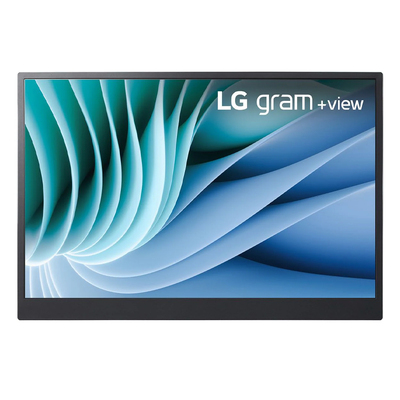
- 16″ WQXGA portable: 16MR70 (2560×1600, IPS, USB-C, 670g) — LG’s gram+view portable display delivers stunning WQXGA resolution in a lightweight package. Connects via a single USB-C cable for video and power — no external power adapter needed. DCI-P3 99% colour gamut makes it suitable for creative work on the move.
Who needs a portable monitor? Remote workers, business travellers, field engineers, students and anyone who wants dual-screen productivity without a permanent desk setup.

Shop Portable Monitors
Browse All Monitors
Explore our full range of monitors from LG, ASUS, AOC, Philips, Dell, ViewSonic, BenQ and Samsung.
All Monitors

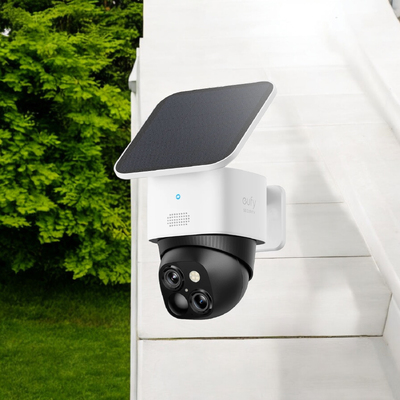
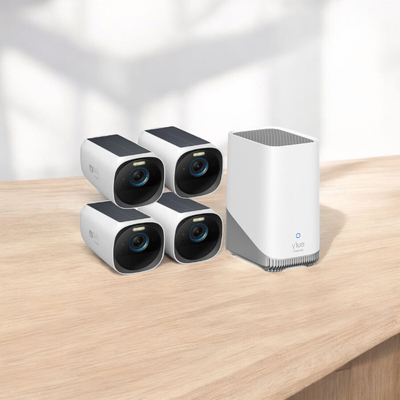
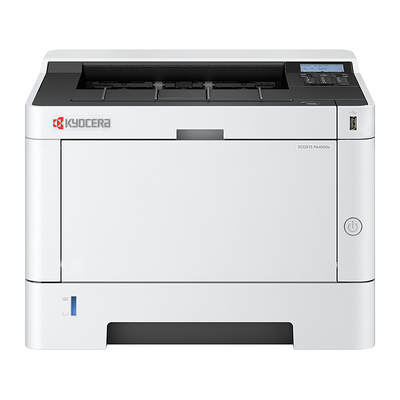
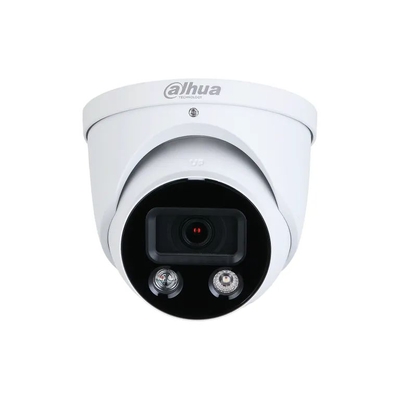
DAHUA 8MP SMART TIOC ACTIVE DETERRENCE TURRET WIZSENSE NETWORK CAMERA - HDW3849H-AS-PV
$199.00 $396.00
Sale

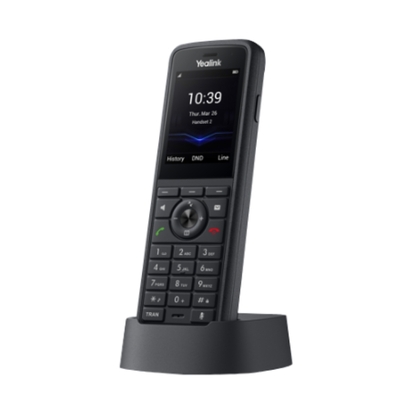
Yealink W59R-P Rugged DECT Handset Only, IP67, Bluetooth 5.2,dual-mic noise cancellation
$229.00 $268.00
Model
Recommended Monitor Bundles
Proven setups based on real use cases and our team’s recommendations.
Home Office Bundle
Comfortable, productive dual-screen setup for remote workers.
| Role | Product | Why |
|---|---|---|
| Primary display | 27US500-W | 27″ 4K HDR with DCI-P3 for sharp text and colour |
| Secondary display | 24MR400-B | 24″ FHD IPS for email, chat and reference docs |
Gaming Setup Bundle
High-refresh primary with a secondary panel for streaming or Discord.
| Role | Product | Why |
|---|---|---|
| Primary gaming | 32GN600-B | 31.5″ QHD 165Hz VA — fast, sharp and affordable |
| Secondary | 27MS500-B | 27″ FHD IPS for streaming overlay, Discord and chat |
Creator Workstation Bundle
Colour-accurate multi-monitor setup for video editing, design and development.
| Role | Product | Why |
|---|---|---|
| Primary timeline | 34WQ75C-B | 34″ UltraWide QHD with USB-C 90W — wide timeline view |
| Vertical reference | 28MQ780-B | DualUp 16:18 for code, web previews and vertical content |
| Portable review | 16MR70 | 16″ portable for on-location review and client meetings |
Frequently Asked Questions
Need Help Choosing the Right Monitor?
Our display specialists can help you pick the perfect monitor for your workspace, gaming setup or creative studio — at Australia’s best prices.
Contact Us