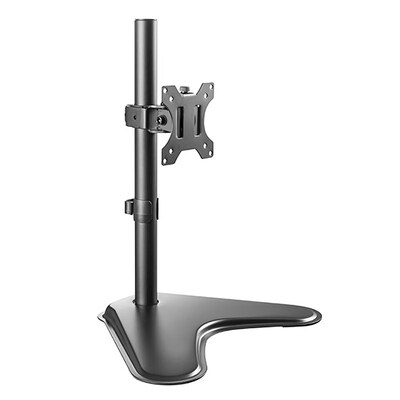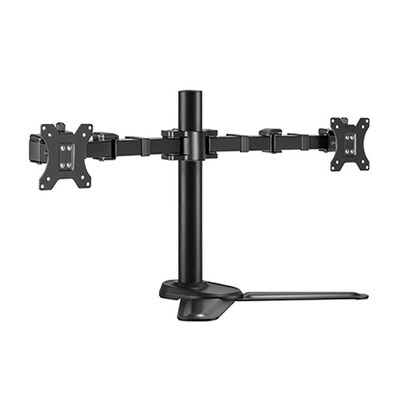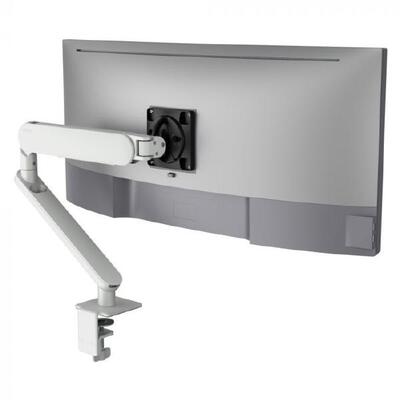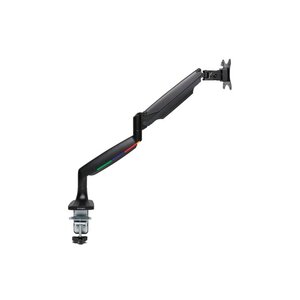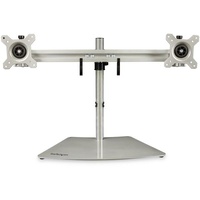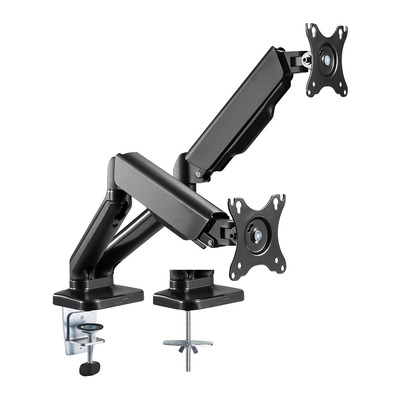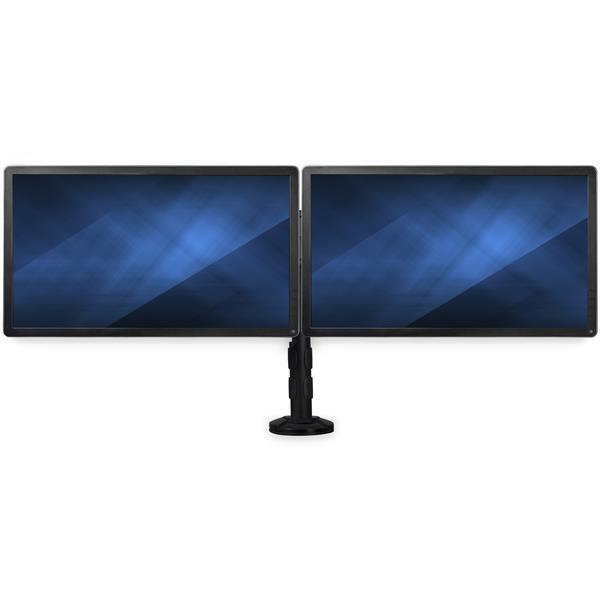
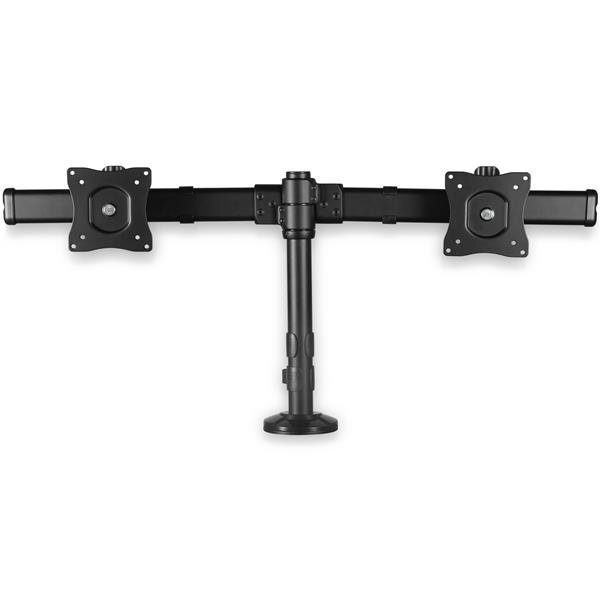
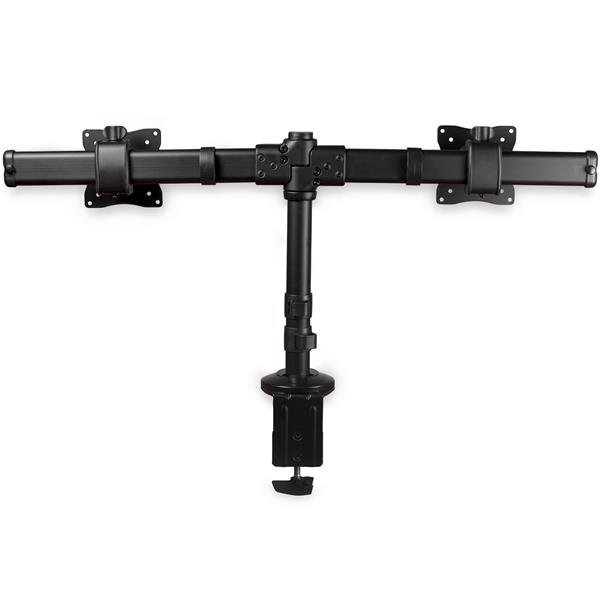
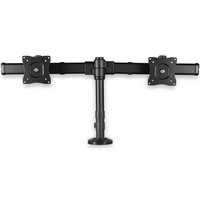
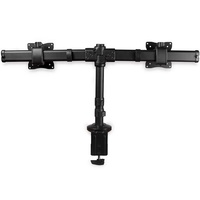




Desk-Mount Dual-Monitor Crossbar Arm
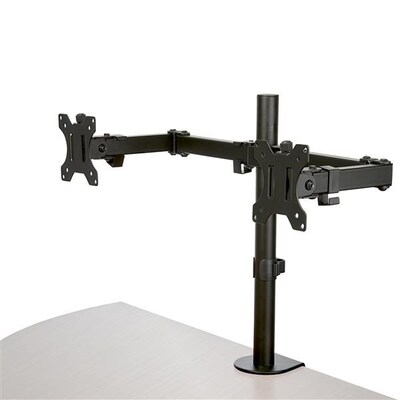
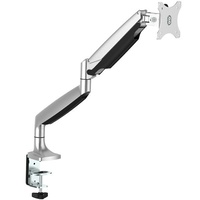
Mount two compatible displays up to 27 inches and 8kg each on a low-profile crossbar with height adjustment, ±30° tilt and swivel, 360° rotation and cable management.
Key features
Two mounting methods
Install the stand using the included desk clamp or grommet hardware on compatible surfaces approximately 1080mm thick.
Low-profile crossbar
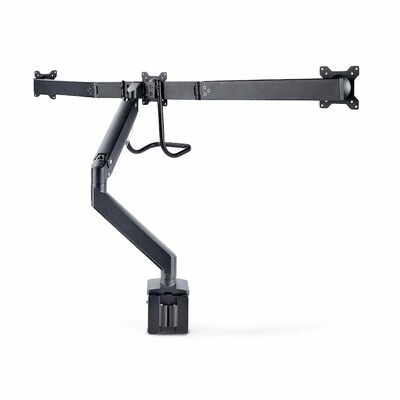
The 835mm dual-arm span keeps compatible displays aligned and allows positioning close to a wall or cubicle divider.
Ergonomic adjustment
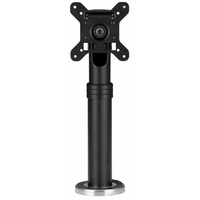
Adjust height along the 360mm pole, tilt and swivel each display ±30° and rotate 360° for portrait or landscape use.
Integrated cable management
Clips on the pole and monitor arms help guide display and power cables away from the work surface.
What to know
Free space without a large base
Clamp or grommet mounting lifts two compatible monitors above the desk while keeping the rear profile compact.
Confirm desk and monitor compatibility
Measure desk thickness and grommet opening, then check each monitor's size, weight and VESA pattern plus wall, cable and movement clearances.
Australian version with official StarTech.com warranty
5 Years manufacturer warranty
This is the Australian version supplied by DeviceDeal and is covered by an official StarTech.com 5 years manufacturer warranty in Australia. Keep your DeviceDeal invoice as proof of purchase. Warranty coverage and claims are subject to StarTech.com warranty terms, eligibility and product assessment.
StarTech ARMBARDUOG FAQ
What is the StarTech ARMBARDUOG?
It is a desk-clamp or grommet-mounted dual-monitor crossbar arm: Mount two compatible displays up to 27 inches and 8kg each on a low-profile crossbar with height adjustment, ±30° tilt and swivel, 360° rotation and cable management.
What are the main features of ARMBARDUOG?
Two mounting methods: Install the stand using the included desk clamp or grommet hardware on compatible surfaces approximately 1080mm thick. Low-profile crossbar: The 835mm dual-arm span keeps compatible displays aligned and allows positioning close to a wall or cubicle divider. Ergonomic adjustment: Adjust height along the 360mm pole, tilt and swivel each display ±30° and rotate 360° for portrait or landscape use.
What must I check before buying ARMBARDUOG?
Confirm a suitable 1080mm desktop or correctly sized grommet opening. Each monitor must be 1327 inches, 8kg or less and VESA 75x75 or 100x100mm.
What is included with ARMBARDUOG?
Column, two monitor arms and VESA adapters, desk clamp, grommet hardware, cable clips, mounting screws, washers, rubber pads, hex tools and manual
Does ARMBARDUOG require compatible equipment?
Yes. Connector type, interface standard, system support and the complete installation must match the product requirements shown in the specifications.
Is ARMBARDUOG the Australian version?
Yes. DeviceDeal supplies the Australian version, backed by the official StarTech.com 5 years manufacturer warranty in Australia.
Do I need to keep my DeviceDeal invoice?
Yes. Keep the DeviceDeal tax invoice as proof of purchase if manufacturer warranty support is required.
What warranty covers ARMBARDUOG?
ARMBARDUOG carries an official StarTech.com 5 years manufacturer warranty in Australia, subject to StarTech.com terms, eligibility and product assessment.