Synology NAS Buying Guide 2026
Australia’s complete guide to Synology DiskStation NAS, HAT hard drives, surveillance cameras and accessories — all in stock with fast shipping from DeviceDeal.
Last updated: March 2026
Navigate
Why DeviceDeal Top Picks DiskStation NAS RackStation BeeStation HAT Hard Drives Enterprise SSDs Surveillance Accessories Bundles FAQWhy Buy Synology from DeviceDeal?
Synology is the world’s leading NAS manufacturer, trusted by millions of homes and businesses for data storage, backup, media streaming and surveillance. DeviceDeal is an authorised Synology reseller offering competitive pricing and expert advice on every DiskStation, drive and accessory.
Competitive pricing on the full Synology range — DiskStation, RackStation, HAT drives, cameras and accessories.
All products ship from our Australian warehouse. Same-day dispatch on orders before 2pm AEST.
We help you choose the right NAS, drives and RAM for your exact use case — home, office or enterprise.
One supplier for your entire Synology setup: NAS, drives, SSDs, RAM, cameras, expansion units and more.
Top Picks from Our Best Sellers
Hand-picked products based on what Australian homes and businesses are buying most.
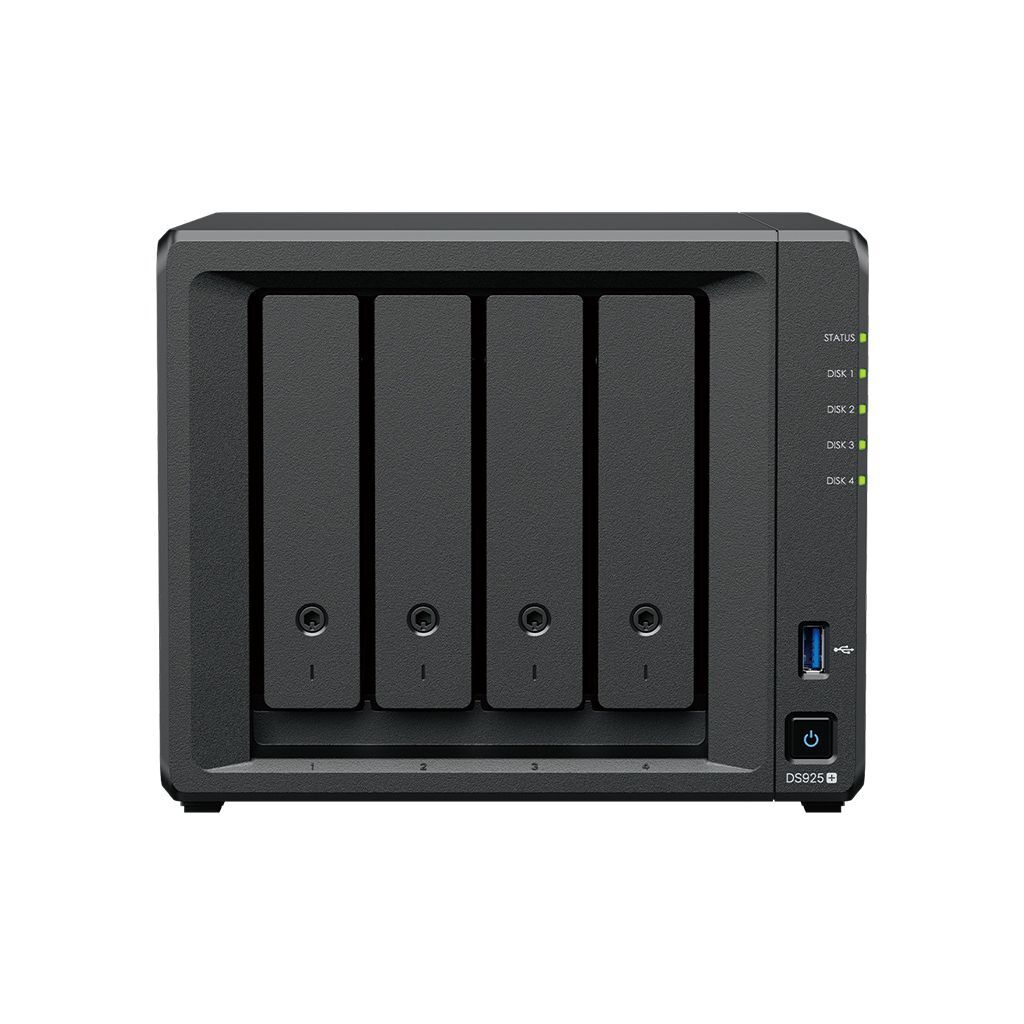
DS925+ — 4-Bay DiskStation
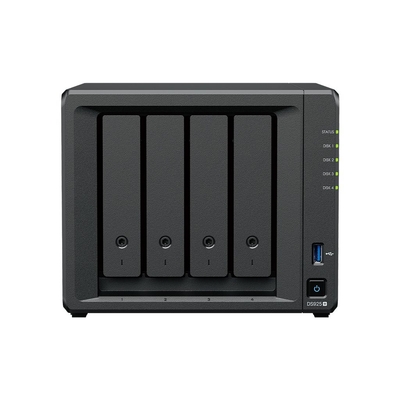
Our best-selling Synology NAS. Powered by an AMD Ryzen R1600 processor, the DS925+ handles everything from file storage and Synology Photos to Active Backup for Business and Docker containers. Four drive bays with expandability to nine bays via a DX517.
- CPU: AMD Ryzen R1600 dual-core 2.6 GHz
- RAM: 4 GB DDR5 ECC (expandable to 32 GB)
- Bays: 4x 3.5″ SATA + 2x M.2 NVMe cache
- Network: 2x 2.5GbE RJ45
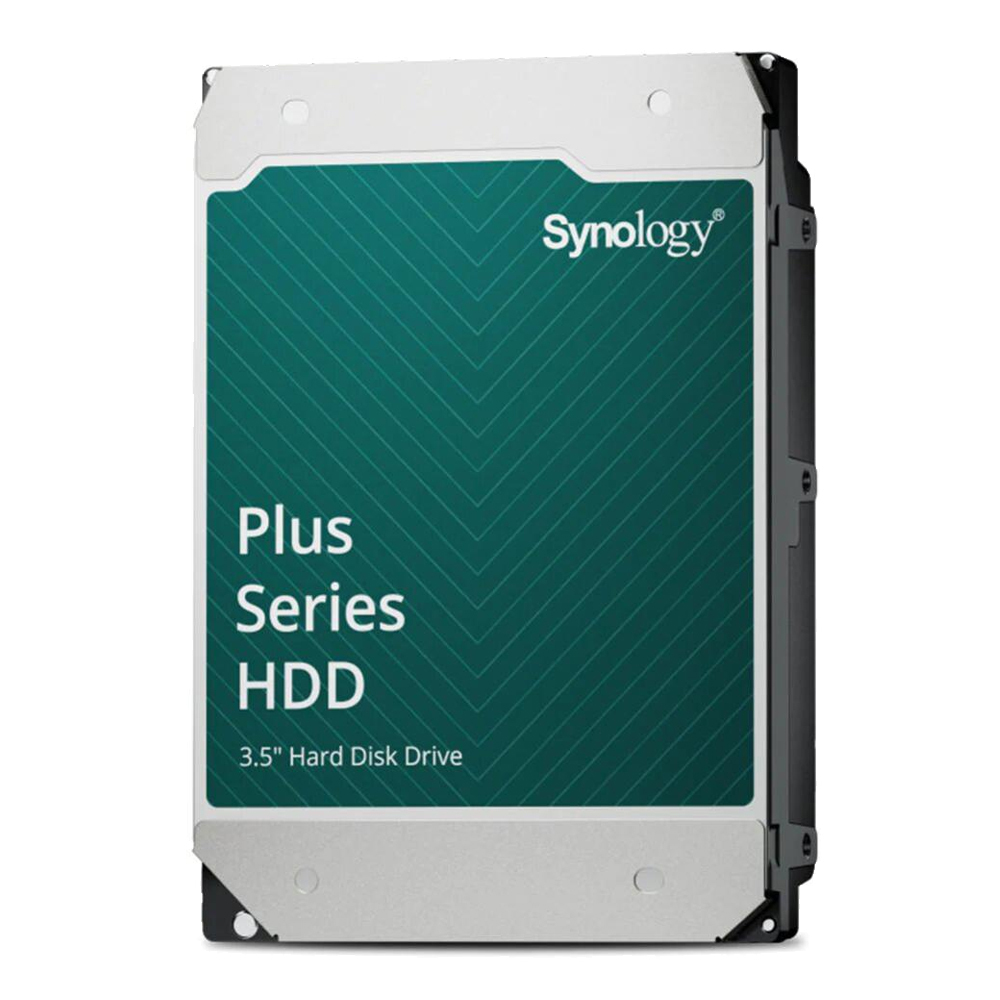
HAT3310-16T — Plus Series 16TB HDD
Our top-selling Synology hard drive. Purpose-built for Synology NAS with firmware-level optimisation, vibration resistance and guaranteed DSM compatibility. 7200 RPM with 256MB cache delivers consistent throughput for large file transfers and RAID rebuilds.
- Capacity: 16 TB
- Interface: SATA 6Gb/s, 7200 RPM
- Workload: 180 TB/year
- Warranty: 3 years

BST150-4T — BeeStation Personal Cloud
Synology’s simplest storage solution. BeeStation is a personal cloud device with 4TB built-in storage, automatic photo backup from your phone, and remote access from anywhere — no technical knowledge required. Think of it as your own private Google Drive.
- Storage: 4 TB built-in HDD
- Setup: Plug in, scan QR code, done
- Access: BeeFiles & BeePhotos apps
- Network: 1x GbE RJ45
DiskStation NAS
The Heart of Your Data — Powered by DSM
Every Synology DiskStation runs DiskStation Manager (DSM) — Synology’s award-winning operating system. DSM transforms a simple NAS into a full-featured server with file sharing, automatic backup, photo management, surveillance, Docker containers and more. DSM receives free updates for the life of the product, including security patches and new features.
Key DSM Features
- Synology Photos: A private, self-hosted alternative to Google Photos. AI-powered face and scene recognition, automatic mobile backup, and shared family albums — all stored on your NAS, not in the cloud.
- Active Backup for Business: Free enterprise-grade backup for PCs, servers, VMs (VMware/Hyper-V) and Microsoft 365/Google Workspace. No per-device licensing fees.
- Hyper Backup: Versioned backups of your NAS to external drives, another Synology NAS, or Synology C2 cloud storage. Full 3-2-1 backup strategy from one app.
- Synology Drive: Your own private Dropbox. Real-time file sync across all your devices with versioning and on-demand sync.
Choosing the Right DiskStation
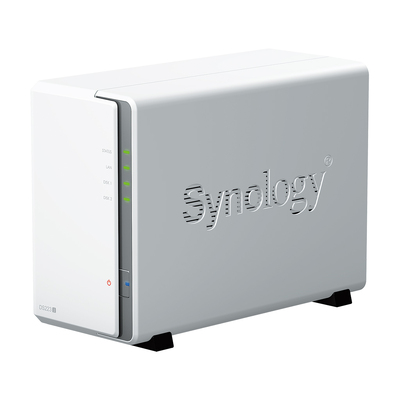
- Budget 2-bay: DS223j — entry-level NAS for basic file sharing and media streaming. ARM-based, ideal for home users on a budget.
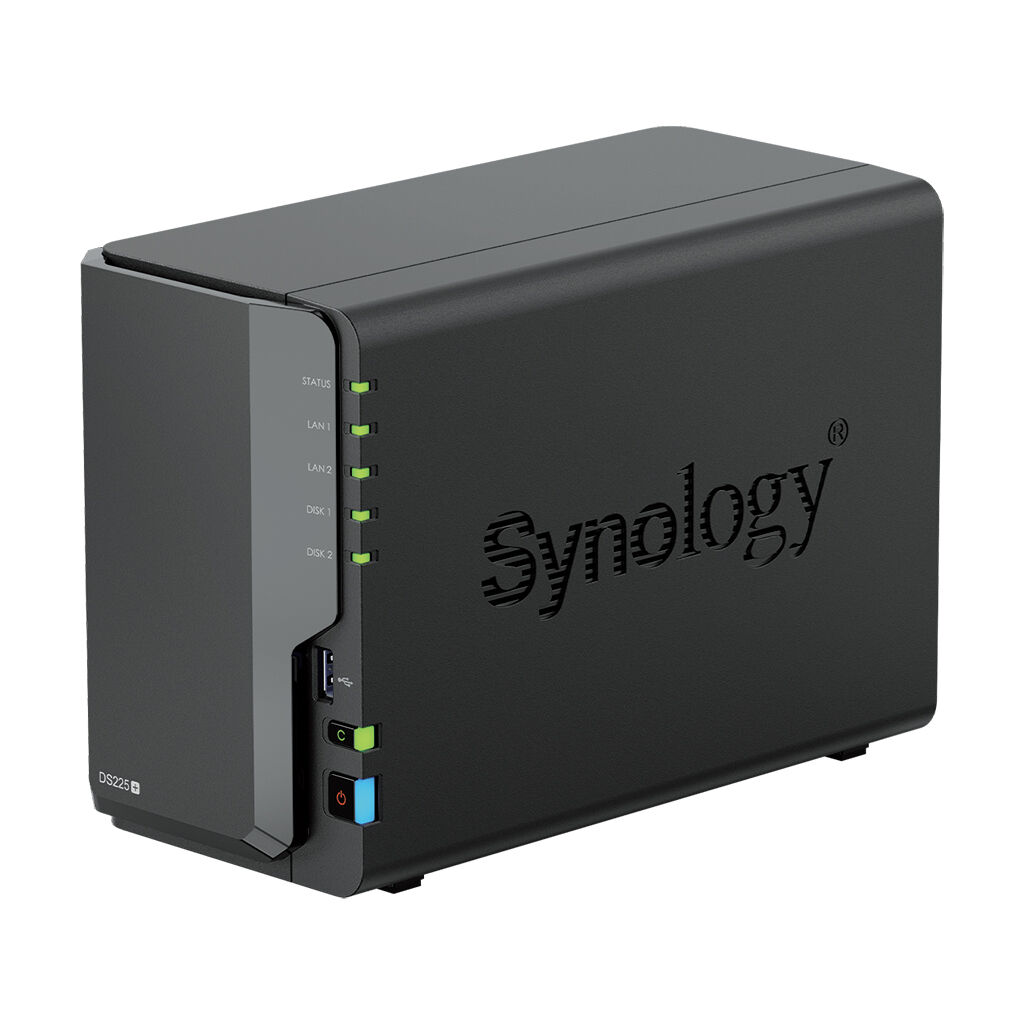
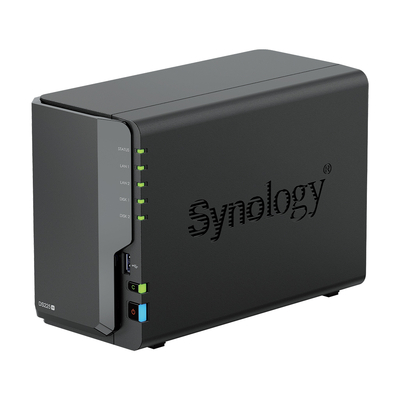
- Plus 2-bay: DS225+ — Intel Celeron-powered 2-bay with hardware transcoding, Synology Photos, Docker and Active Backup. The sweet spot for home and small office.
- Plus 2-bay Ryzen: DS725+ — AMD Ryzen R1600 with 2x 2.5GbE, more RAM and faster performance. For power users who want a 2-bay with serious processing power.
- Compact 4-bay: DS425+ — Intel Celeron 4-bay in a compact form factor. Great for RAID 5/SHR with parity protection in a small footprint.
- Best Seller 4-bay: DS925+ — AMD Ryzen 4-bay with 2x 2.5GbE, 2x M.2 NVMe slots, expandable to 9 bays. Our most popular NAS for home and SMB.
- 5-bay powerhouse: DS1525+ — AMD Ryzen 5-bay with 4x 2.5GbE, 2x M.2 NVMe, expandable to 15 bays. Ideal for growing businesses and media professionals.
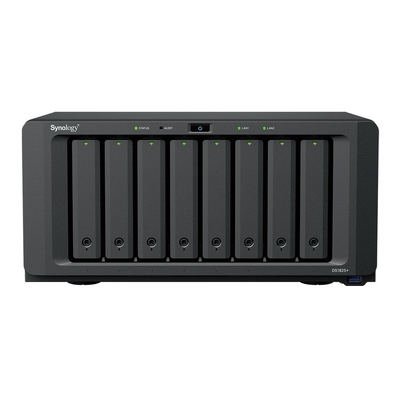
- 8-bay enterprise: DS1825+ — AMD Ryzen 8-bay with 4x 2.5GbE, 2x M.2 NVMe, expandable to 18 bays. For large file servers, multi-user environments and virtualisation.
- Previous gen 4-bay: DS423+ — still a capable Intel-based 4-bay at a lower price point.
DiskStation NAS Range
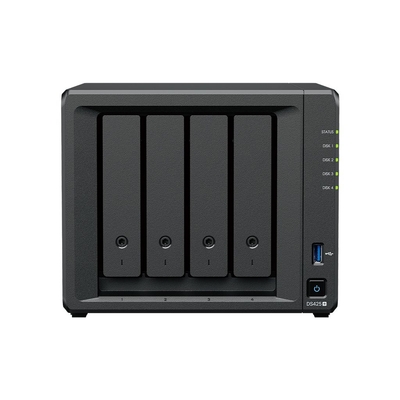
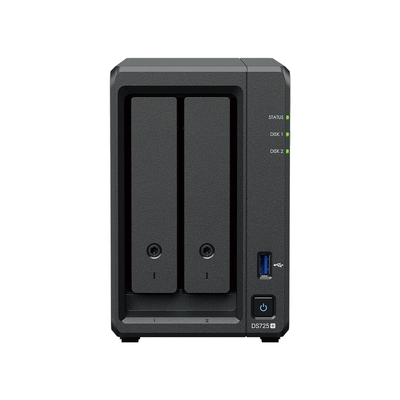
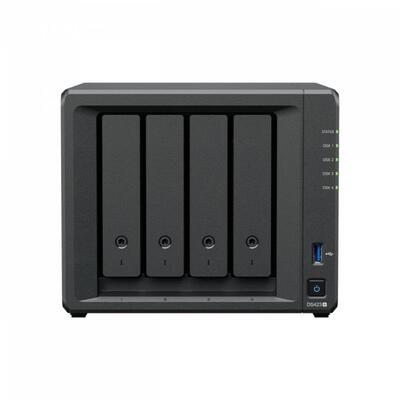
RackStation
Rack-Mounted Storage for Server Rooms
Synology’s RackStation range brings DiskStation-quality DSM software to standard 19-inch rack form factors. Perfect for businesses with existing server racks that need centralised storage, backup and surveillance.
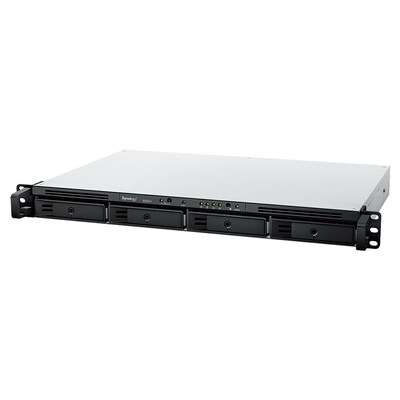
- Compact rackmount: RS422+ — 4-bay 1U rackmount with AMD Ryzen R1600, 2x 1GbE, 2GB ECC RAM. Runs the full DSM suite including Active Backup, Surveillance Station and Docker. Ideal for small server rooms and remote offices.

RackStation
BeeStation — Personal Cloud Made Simple
Your Own Private Cloud, Zero Complexity
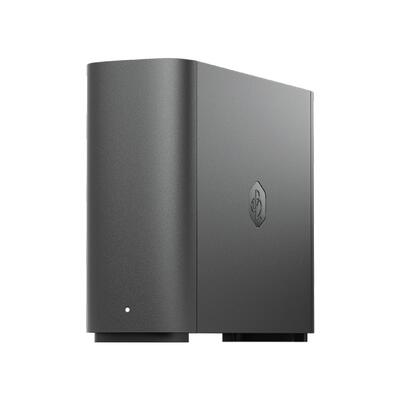
BeeStation is Synology’s answer to cloud storage subscriptions. Instead of paying monthly for Google One, iCloud or Dropbox, you buy a BeeStation once and get 4TB of personal cloud storage that you own forever. No monthly fees, no data mining, no storage limits to worry about.
- BeePhotos: Automatic photo and video backup from iOS and Android. AI-powered organisation with face recognition and scene detection — just like Google Photos, but on your own device.
- BeeFiles: Access, share and sync files from any device, anywhere. Share links with friends and family without cloud subscriptions.
- Setup in minutes: Plug in power and Ethernet, scan the QR code with your phone, and you’re done. No technical knowledge required.
- BST150-4T — the only model, and it includes a 4TB hard drive pre-installed.
BeeStation
Synology HAT Hard Drives
Purpose-Built Drives for Synology NAS
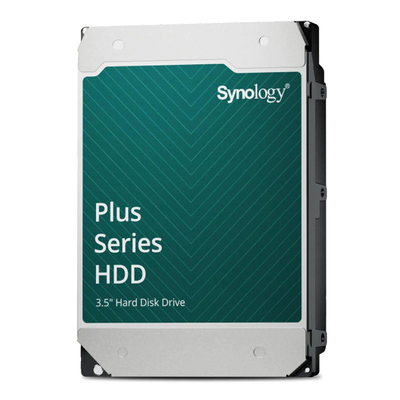
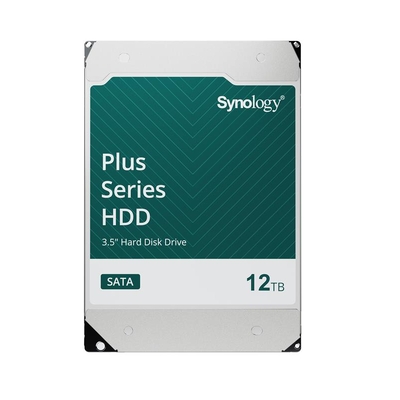
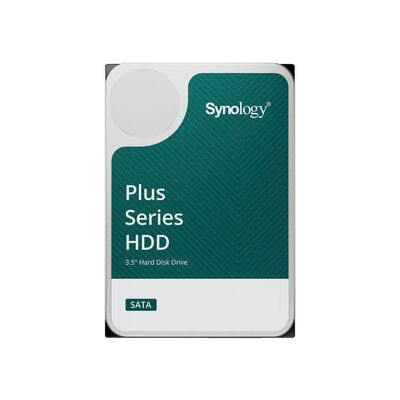
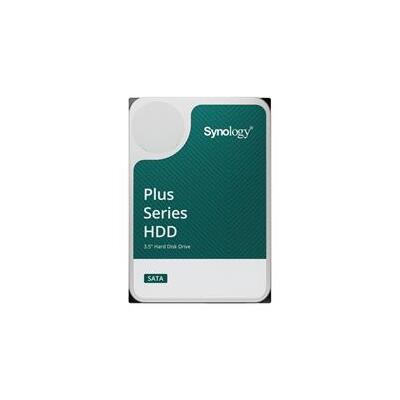
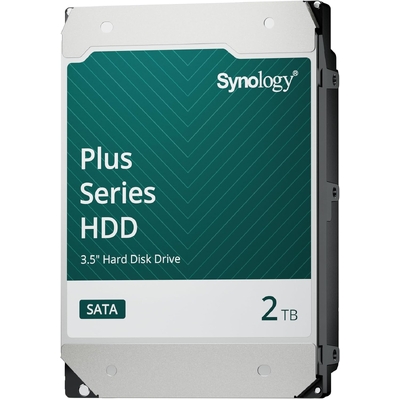
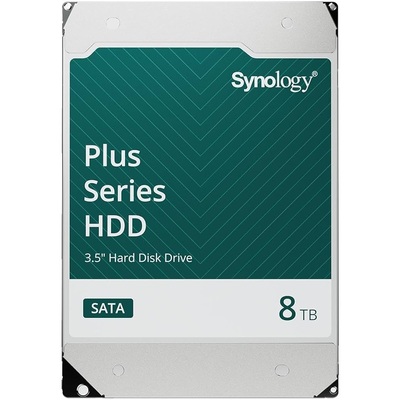
Synology’s HAT (Hard drive And Tough) series are 3.5-inch SATA drives designed and tested specifically for Synology NAS. They’re the only drives that receive firmware-level integration with DSM, meaning you get proactive health monitoring, vibration compensation tuned to Synology chassis, and guaranteed compatibility — no more checking the Synology compatibility list.
Why Choose Synology HAT Over Other NAS Drives?
- DSM integration: HAT drives report health data directly to DSM’s Storage Manager, including predicted lifespan and early failure warnings that go beyond standard S.M.A.R.T. monitoring.
- Vibration optimisation: Firmware is calibrated for multi-bay Synology NAS enclosures, reducing rotational vibration in 4+ bay units where drive-to-drive interference is common.
- Guaranteed compatibility: No guessing — every HAT drive is certified for every current Synology NAS.
HAT3300 Series (Standard)
- HAT3300-2T — 2TB, ideal for light home use and basic file storage.
- HAT3300-4T — 4TB, our second best-selling drive. Great value for 2-bay home NAS setups.
- HAT3300-6T — 6TB, a balanced choice for home and small office.
HAT3310 Plus Series (High Performance)
- HAT3310-8T — 8TB, 7200 RPM, 256MB cache. For 4+ bay NAS with heavier workloads.
- HAT3310-12T — 12TB, 7200 RPM. The sweet spot for capacity vs cost in business NAS.
- HAT3310-16T — 16TB, 7200 RPM. Our best seller. Maximum capacity per bay for large storage pools.
Synology HAT Hard Drives
Enterprise NVMe SSDs
SSD Caching & Storage Acceleration
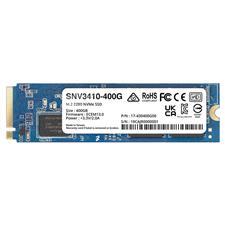
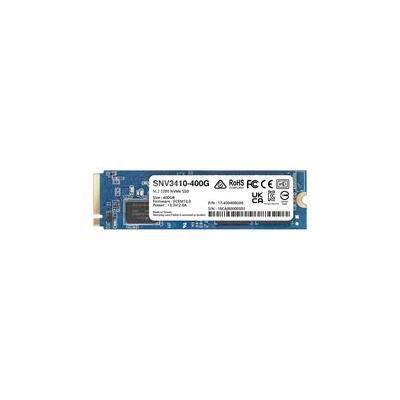
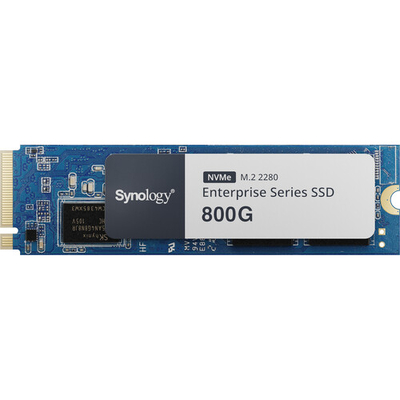
Synology’s SNV series NVMe SSDs are designed for M.2 cache slots in DiskStation and RackStation. SSD caching dramatically improves random read/write performance for frequently accessed files, virtual machines and databases without replacing your existing hard drives.
- M.2 2280 cache: SNV3410-400G — 400GB NVMe SSD for M.2 cache slots. Ideal for read/write caching in DS925+, DS1525+ and DS1825+.
- High endurance: SNV5420-800G — 800GB NVMe with higher write endurance for sustained write-intensive workloads like surveillance recording and VM hosting.
Both SSDs feature power-loss protection and are validated for 24/7 operation in Synology NAS.
Enterprise SSDs
Surveillance Cameras
AI-Powered Cameras for Surveillance Station
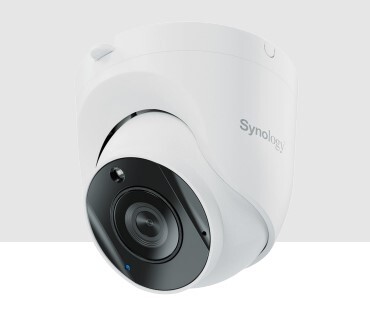
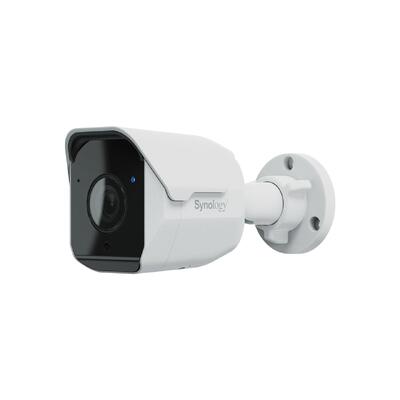
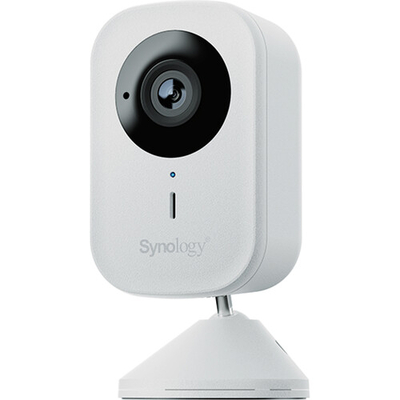
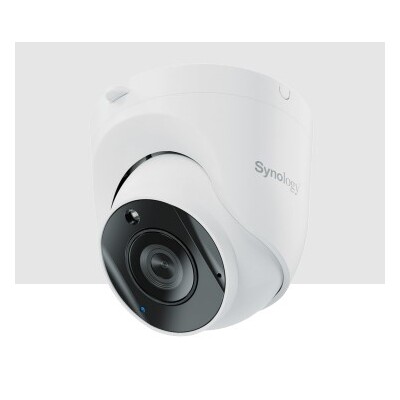
Synology’s cameras are designed to work seamlessly with Surveillance Station on DSM. Each Synology camera includes a free camera licence (normally $80+ per third-party camera), and features on-edge AI analytics for person, vehicle and intrusion detection — reducing false alerts from animals, shadows and weather.
- Indoor turret: TC500 — 5MP AI-powered turret camera with wide dynamic range, IR night vision and built-in microphone. PoE powered, IP67 rated. Includes free Surveillance Station licence.
- Outdoor bullet: BC500 — 5MP AI bullet camera with the same AI analytics as TC500. Ideal for building exteriors, car parks and entry points. PoE powered with IP67 weatherproofing.
- Outdoor WiFi: CC400W — 4MP outdoor cube camera with WiFi connectivity. No Ethernet cabling required — ideal for locations where running cable is impractical. Night vision and two-way audio.
Surveillance Station licensing: Every Synology NAS includes 2 free camera licences. Synology-branded cameras (BC500, TC500, CC400W) each include 1 additional free licence. Third-party ONVIF cameras require additional licence purchases.
Surveillance Cameras
Accessories & Upgrades
Get the Most Out of Your Synology NAS
Synology offers a full range of genuine accessories to expand and optimise your NAS. Using Synology-certified RAM and network cards ensures full DSM compatibility and support coverage.
10GbE Network Upgrades
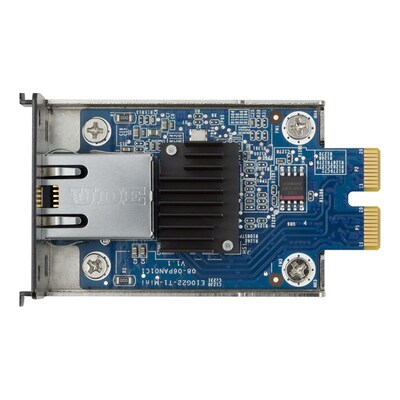
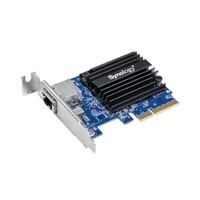
- E10G22-T1-Mini — 10GbE RJ45 PCIe 3.0 add-in card. Upgrade your DS925+, DS1525+ or DS1825+ to 10-gigabit Ethernet for fast NAS-to-workstation transfers.
- E10G18-T1 — 10GbE RJ45 PCIe card (previous generation). Compatible with older Synology models.
RAM Upgrades
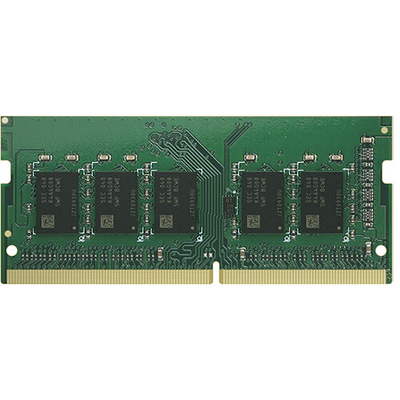
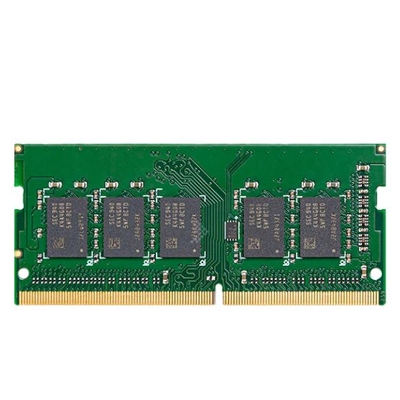
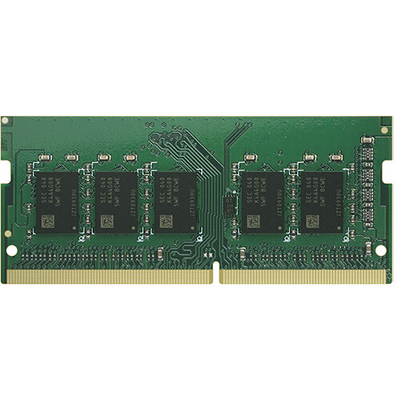
- D4ES03-16G — 16GB DDR4 ECC unbuffered SO-DIMM. For DS1525+, DS1825+ and other Plus-series models that support ECC RAM.
- D4ES03-8G — 8GB DDR4 ECC unbuffered SO-DIMM. A cost-effective RAM upgrade for medium workloads.
- D4NS01-4G — 4GB DDR4 non-ECC SO-DIMM. For DS220+, DS720+ and similar 2-bay models.
Expansion & Other Accessories
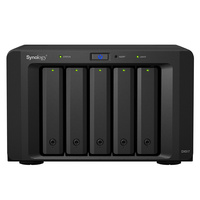
- DX517 — 5-bay expansion unit. Adds 5 additional drive bays to compatible DiskStation models via eSATA. Expand a DS925+ from 4 to 9 bays.
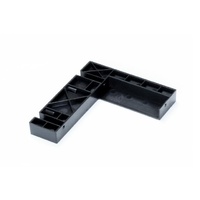
- 2.5DISKHOLDER — 2.5-inch disk holder adapter. Mount 2.5″ SSDs or HDDs in 3.5″ bays.
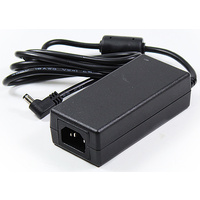
- ADAPTER60W_1 — 60W replacement power adapter for compatible Synology NAS units.
- EW201 — extended warranty. Extends your Synology NAS warranty for additional peace of mind.
Accessories & Upgrades
Recommended Bundles
Proven setups based on real customer purchases and our team’s recommendations.
Home & Photo Backup
Replace Google Photos and cloud storage with your own private NAS.
| Role | Product | Why |
|---|---|---|
| NAS | DS225+ | 2-bay with hardware transcoding, Synology Photos and Docker |
| Drives (x2) | HAT3300-4T | 4TB HAT drives in SHR mirror — 4TB usable, fully protected |
| Extra RAM | D4NS01-4G | Upgrade to 6GB total for smoother photo indexing |
Small & Medium Business
Centralised storage, backup for all PCs and servers, plus surveillance.
| Role | Product | Why |
|---|---|---|
| NAS | DS925+ | 4-bay Ryzen with 2x 2.5GbE, SSD cache slots, expandable to 9 bays |
| Drives (x4) | HAT3310-16T | 16TB HAT drives in SHR — 48TB usable with one-drive redundancy |
| SSD Cache (x2) | SNV3410-400G | NVMe read/write cache for fast random I/O |
| RAM | D4ES03-16G | 16GB ECC upgrade for Active Backup and VM workloads |
| Camera (x2) | TC500 | 5MP AI turret cameras with free Surveillance Station licences |
Enterprise & Creative Studio
High-capacity storage with 10GbE, expansion and maximum redundancy.
| Role | Product | Why |
|---|---|---|
| NAS | DS1825+ | 8-bay Ryzen with 4x 2.5GbE, expandable to 18 bays |
| Drives (x8) | HAT3310-16T | 16TB HAT drives in SHR-2 — 96TB usable with two-drive redundancy |
| SSD Cache (x2) | SNV5420-800G | 800GB high-endurance NVMe for write-heavy workloads |
| 10GbE | E10G22-T1-Mini | 10GbE PCIe card for direct workstation connection |
| Expansion | DX517 | 5-bay expansion unit for future growth to 13 bays |
| RAM | D4ES03-16G | 16GB ECC for virtualisation and multi-user access |
| Warranty | EW201 | Extended warranty for mission-critical deployments |
Frequently Asked Questions
Need Help Choosing Your Synology NAS?
Our storage team can help you pick the right DiskStation, drives and accessories for your exact use case — whether it’s home photo backup or enterprise-grade business storage.
Contact Us