



SaleDaily DealsClearanceBuying Guides


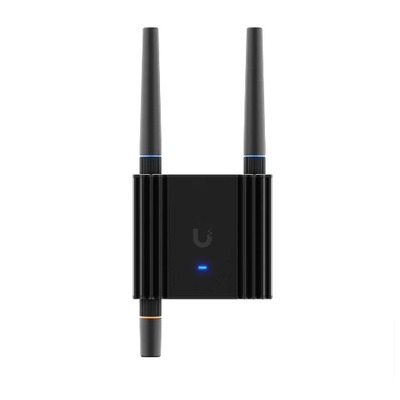
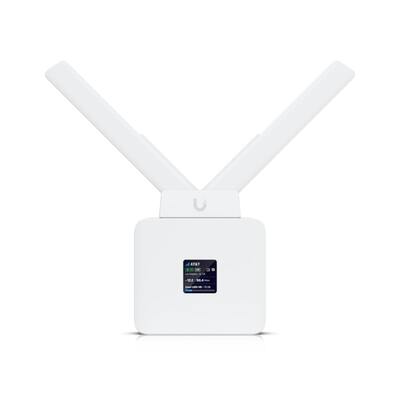
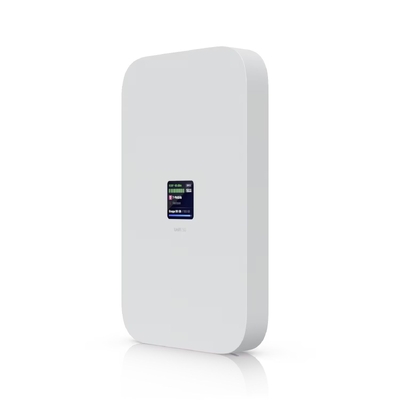
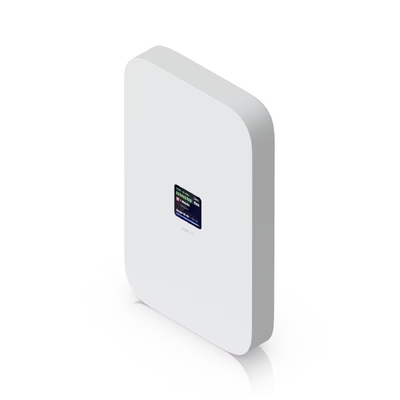
UniFi High-Performance 5G Modem
3.4 Gbps Connectivity | Dual SIM/eSIM | Plug-and-Play Failover

Ensure your network remains online with the UniFi high-performance 5G modem. Delivering blistering download speeds up to 3.4 Gbps, this carrier-certified solution is designed for mission-critical deployments that demand absolute uptime. With instant UniFi adoption and seamless failover capabilities, this modem acts as a powerful primary or backup internet source, keeping your enterprise connected even when traditional wired services fail.

Main Features
  • High-Speed 5G: Achieve ultra-fast throughput up to 3.4 Gbps for data-heavy applications.
  • Seamless Failover: Provides automatic, transparent backup to prevent network downtime.
  • Dual SIM & eSIM: Flexible carrier management with support for physical and digital SIMs.
  • Instant Adoption: Simple setup through any UniFi PoE port with automatic configuration.
Technical Specs
  • Performance: Up to 3.4 Gbps Downlink / 900 Mbps Uplink
  • Interface: Powered via PoE (Power over Ethernet)
  • Integration: Native support within the UniFi Network application
  • Connectivity: 1x Nano-SIM slot and eSIM capability
The Ultimate Enterprise Resilience Hub
The UniFi 5G Modem is the definitive solution for modern business continuity. By utilizing carrier-certified 5G technology, it offers a high-bandwidth alternative to standard ISP connections. Its PoE-driven design allows for flexible placement where cellular signal is strongest, while native UniFi integration provides a unified view of your network health. Whether serving as the backbone for a remote site or a safety net for your HQ, this modem ensures your UniFi deployment is always ready for what's next.


What is UniFi 5G Max?

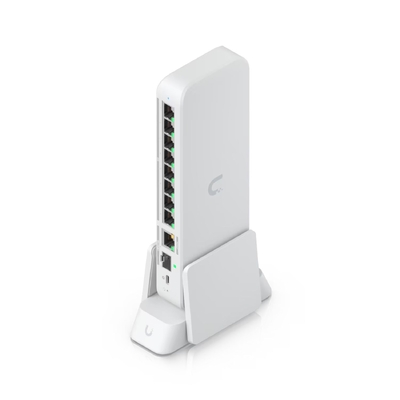
UniFi 5G Max is a high-performance 5G modem designed to enhance any UniFi Cloud Gateway or UniFi Gateway with reliable cellular connectivity. It supports dual SIM, with a secondary physical or eSIM, enabling seamless failover for critical applications.
How do I power on the UniFi 5G Max?

The power method depends on how the device is connected:
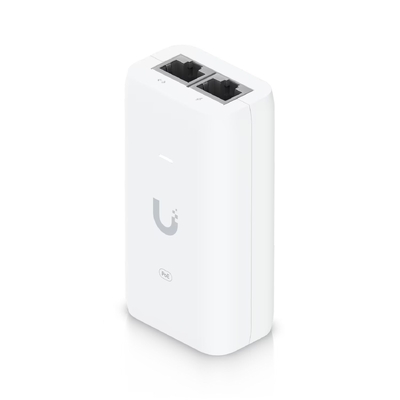
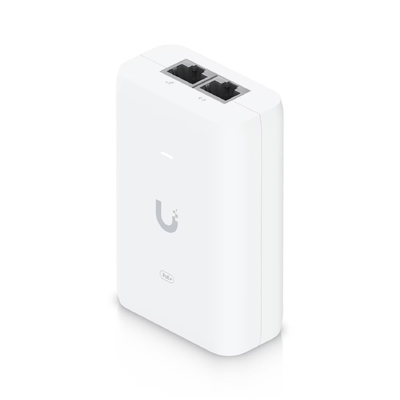
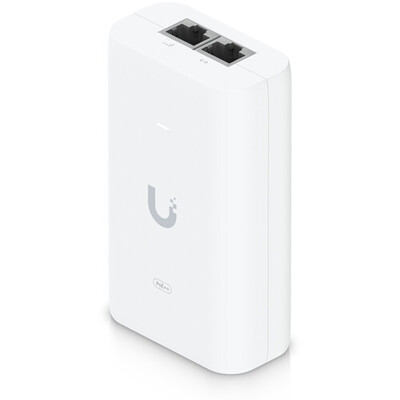
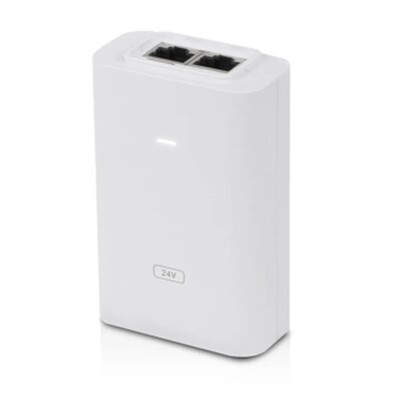
For LAN Connections: Power the device using any PoE switch or a PoE adapter (not included).
For WAN Connections: Power the device using PoE adapter (not included). Please ensure a direct connection to your gateway.
Does UniFi 5G Max support eSIM?

Yes. UniFi 5G Max supports eSIM, allowing you to connect to supported carriers without a physical SIM card. Please refer to the Setup Guide for instructions on activating the eSIM for the UniFi 5G Max.

Important Note for T-Mobile Users: T-Mobile Home Internet SIMs are not supported, please use a data-only plan.
For the smoothest setup experience with T-Mobile, we highly recommend to use a physical nano-SIM. If you prefer to use an eSIM, please be aware of the following requirements:

Request an Activation Code: T-Mobile does not provide activation QR codes by default. You must request a manual eSIM activation and ask the representative to email the QR code to you.
False Incompatibility Errors: T-Mobile systems may flag the UniFi 5G Max as incompatible due to a known database issue on their end. Please instruct the representative to disregard this error and proceed with issuing the activation code.
How many SIM cards can UniFi 5G Max use?

UniFi 5G Max supports dual SIM functionality with flexible options. It can operate in Dual SIM Single Standby (DSSS) mode, where only one SIM is active at a time:
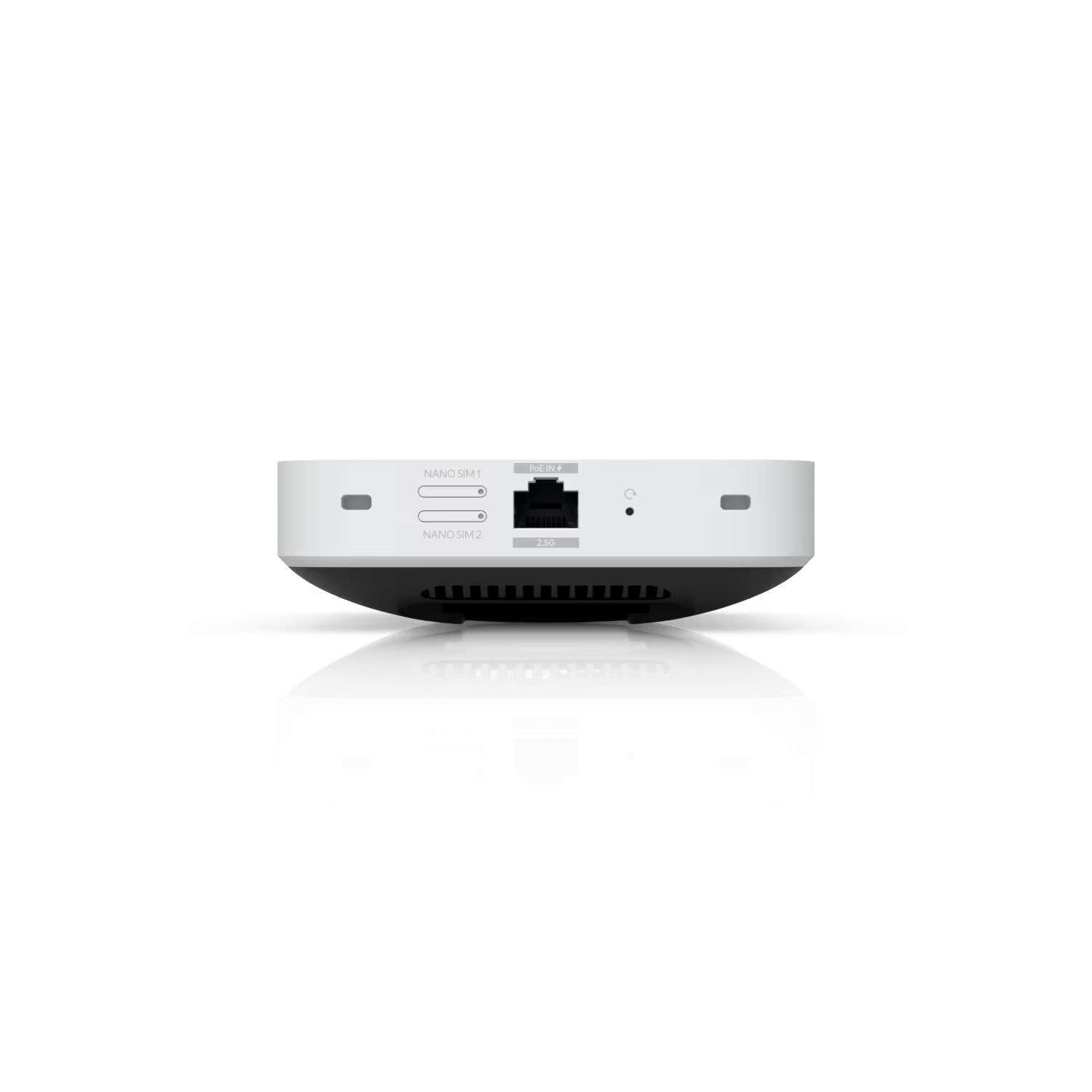
Option 1: (1) external SIM (SIM1) + (1) embedded eSIM (SIM2)
Option 2: (2) external SIMs (SIM1 and SIM2)
This setup enables automatic failover, ensuring your connection stays reliable.
Can UniFi 5G Max work as a standalone device?

No, UniFi 5G Max must be adopted by a UniFi Cloud Gateway or UniFi Gateway and cannot function independently.
What is the difference between UniFi 5G Max and UMR series?

UniFi 5G Max is a LTE/5G modem that connects to a UniFi Gateway via any LAN port and directly passes the provider's IP to the gateway. UMR Series (UniFi Mobile Routers) are LTE-to-Wi-Fi routers that work standalone, allowing direct device connections without a UniFi Gateway.

Choose UniFi 5G Max if you need reliable, high-performance WAN connectivity for your UniFi network and want seamless backup internet without interrupting your IP assignments. Opt for a Mobile Router for small deployments or low-traffic scenarios, such as a small office, kiosk, or home setup where a few devices need LTE internet access via Wi-Fi.
When should I adopt UniFi U5G Max on a WAN port?

For most installations, LAN adoption provides the greatest flexibility for physical placement and wired connectivity, while still supporting Teleport for remote VPN access on most carriers. WAN adoption is recommended when your cellular carrier assigns a public IP and you need remote access to services hosted behind your Cloud Gateway, such as a VPN server.
To adopt on WAN, connect the UniFi U5G Max to a PoE injector or a remapped PoE WAN port on the Cloud Gateway, then complete adoption in UniFi Network or the UniFi mobile app.

(U5G-Max)

What is UniFi 5G Max?
 
UniFi 5G Max is a high-performance 5G modem designed to enhance any UniFi Cloud Gateway or UniFi Gateway with reliable cellular connectivity. It supports dual SIM, with a secondary physical or eSIM, enabling seamless failover for critical applications.
How do I power on the UniFi 5G Max?
 
The power method depends on how the device is connected:
  • For LAN Connections: Power the device using any PoE switch or a PoE adapter (not included).
  • For WAN Connections: Power the device using PoE adapter (not included). Please ensure a direct connection to your gateway.
Does UniFi 5G Max support eSIM?
 

Yes. UniFi 5G Max supports eSIM, allowing you to connect to supported carriers without a physical SIM card. Please refer to the Setup Guide for instructions on activating the eSIM for the UniFi 5G Max.

Important Note for T-Mobile Users: T-Mobile Home Internet SIMs are not supported, please use a data-only plan.
For the smoothest setup experience with T-Mobile, we highly recommend to use a physical nano-SIM. If you prefer to use an eSIM, please be aware of the following requirements:

  • Request an Activation Code: T-Mobile does not provide activation QR codes by default. You must request a manual eSIM activation and ask the representative to email the QR code to you.
  • False Incompatibility Errors: T-Mobile systems may flag the UniFi 5G Max as incompatible due to a known database issue on their end. Please instruct the representative to disregard this error and proceed with issuing the activation code.
How many SIM cards can UniFi 5G Max use?
 
UniFi 5G Max supports dual SIM functionality with flexible options. It can operate in Dual SIM Single Standby (DSSS) mode, where only one SIM is active at a time:
Option 1: (1) external SIM (SIM1) + (1) embedded eSIM (SIM2)
Option 2: (2) external SIMs (SIM1 and SIM2)
This setup enables automatic failover, ensuring your connection stays reliable.
Can UniFi 5G Max work as a standalone device?
 
No, UniFi 5G Max must be adopted by a UniFi Cloud Gateway or UniFi Gateway and cannot function independently.
What is the difference between UniFi 5G Max and UMR series?
 
UniFi 5G Max is a LTE/5G modem that connects to a UniFi Gateway via any LAN port and directly passes the provider's IP to the gateway. UMR Series (UniFi Mobile Routers) are LTE-to-Wi-Fi routers that work standalone, allowing direct device connections without a UniFi Gateway.

Choose UniFi 5G Max if you need reliable, high-performance WAN connectivity for your UniFi network and want seamless backup internet without interrupting your IP assignments. Opt for a Mobile Router for small deployments or low-traffic scenarios, such as a small office, kiosk, or home setup where a few devices need LTE internet access via Wi-Fi.
When should I adopt UniFi U5G Max on a WAN port?
 

For most installations, LAN adoption provides the greatest flexibility for physical placement and wired connectivity, while still supporting Teleport for remote VPN access on most carriers. WAN adoption is recommended when your cellular carrier assigns a public IP and you need remote access to services hosted behind your Cloud Gateway, such as a VPN server.
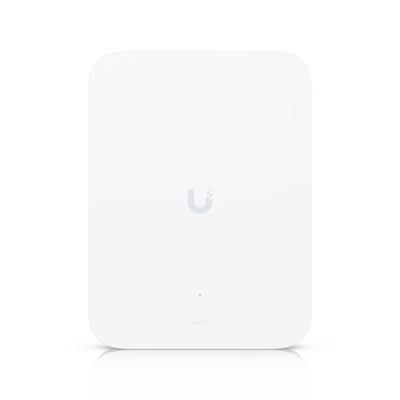
To adopt on WAN, connect the UniFi U5G Max to a PoE injector or a remapped PoE WAN port on the Cloud Gateway, then complete adoption in UniFi Network or the UniFi mobile app.
Detailed Specifications
Cellular Connectivity
5G NR / LTE Categories
5G NR, 4G LTE, 3G UMTS
5G Peak Speeds
NSA: 3.4 Gbps DL / 560 Mbps UL | SA: 1.8 Gbps DL / 650 Mbps UL
4G LTE Peak Speeds
Downlink: 1.6 Gbps | Uplink: 210 Mbps
SIM Support
(1) Nano SIM slot | (1) Nano-SIM or eSIM
Antennas
(4) Embedded cellular antennas
Hardware & Interface
Networking Port
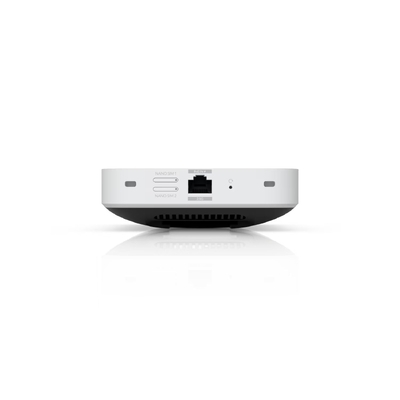
(1) 2.5 GbE RJ45 port
Display
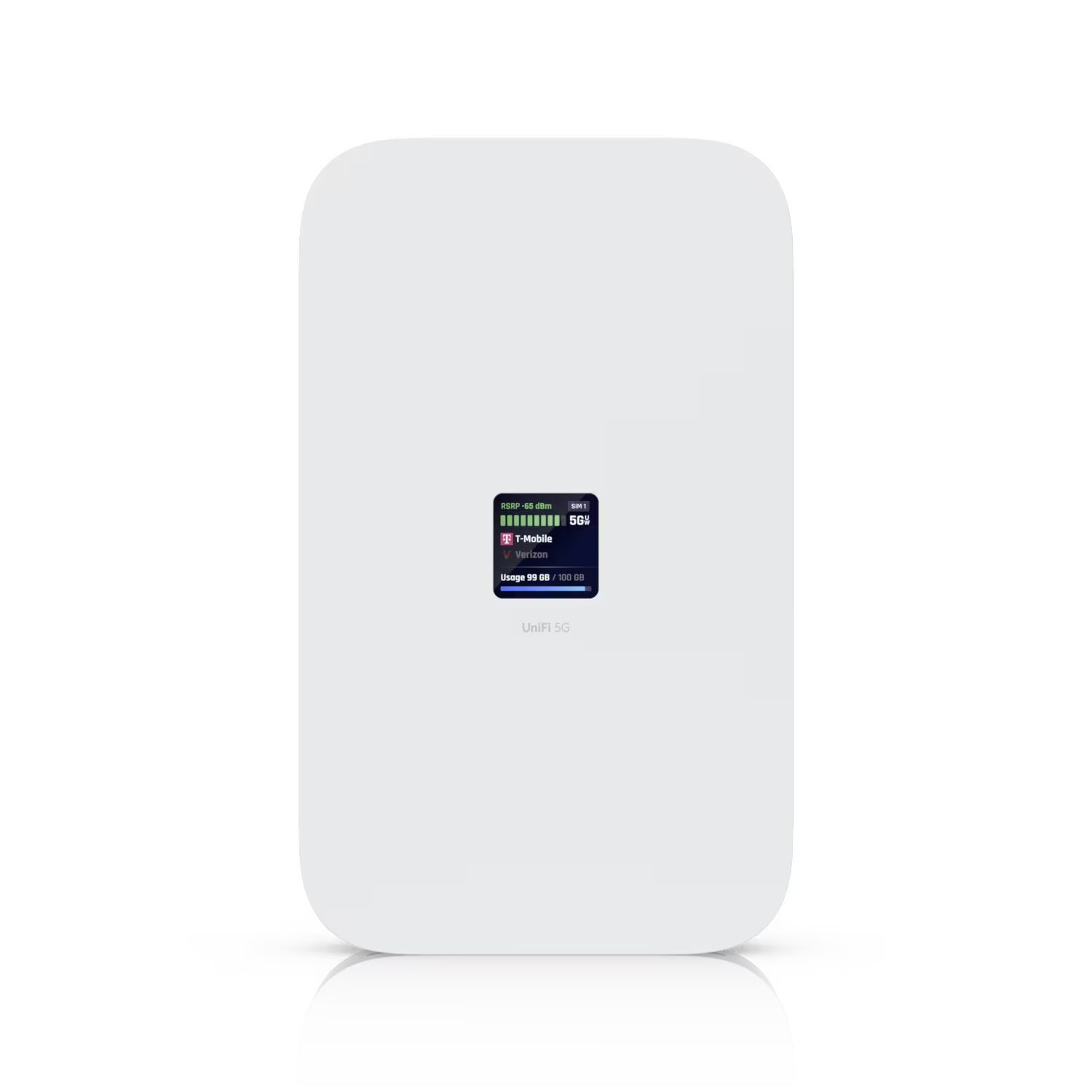
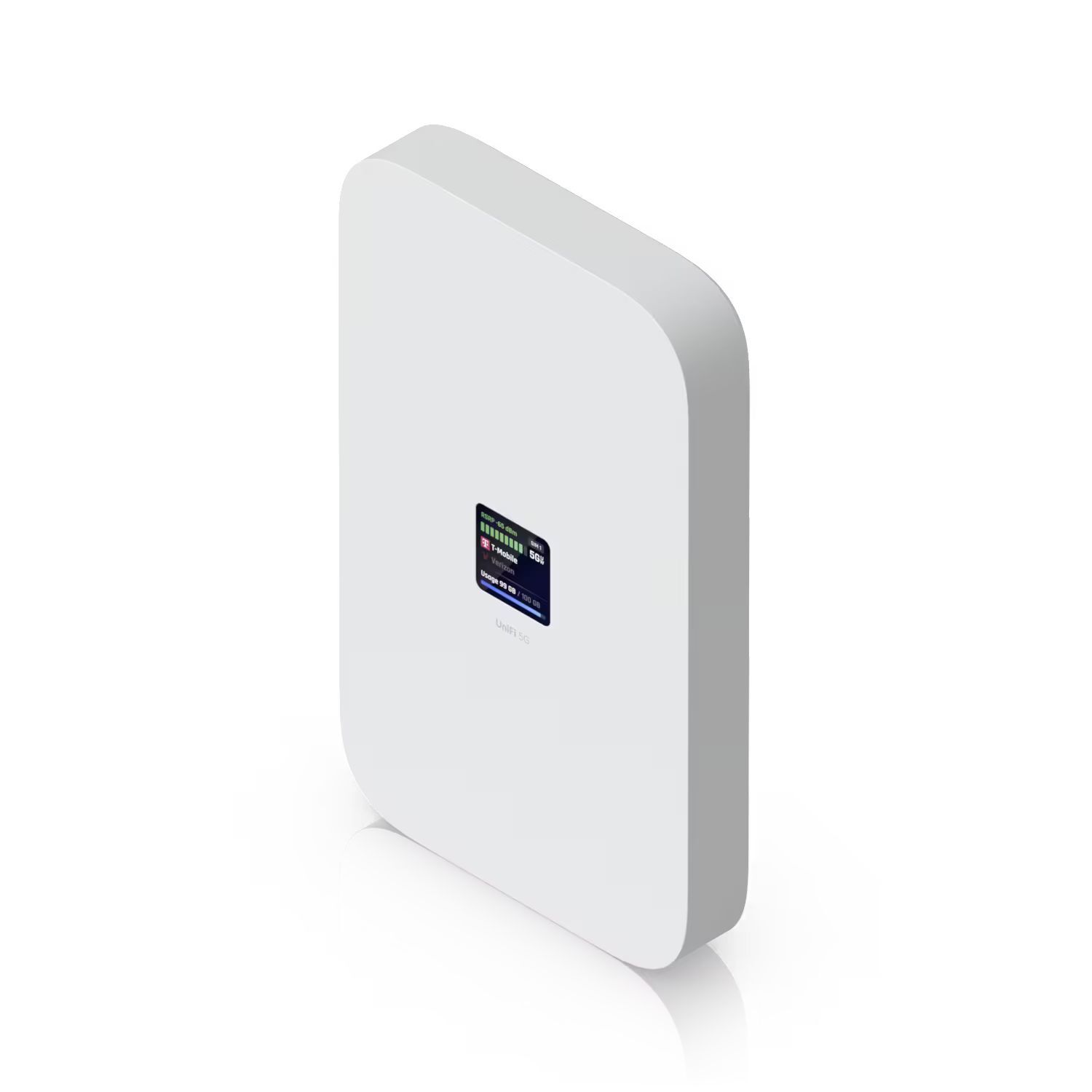
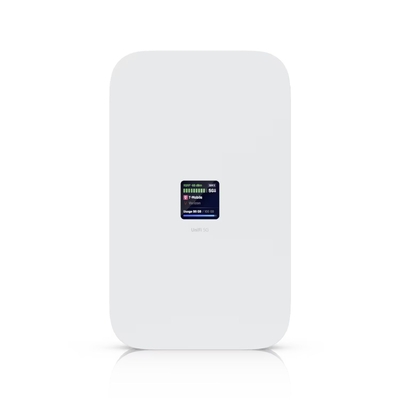
1.3" Touchscreen
Power Method
PoE Input | Max. Consumption: 14.5W
Management
Ethernet | UniFi Network v10.0.162+
Mechanical & Design
Dimensions
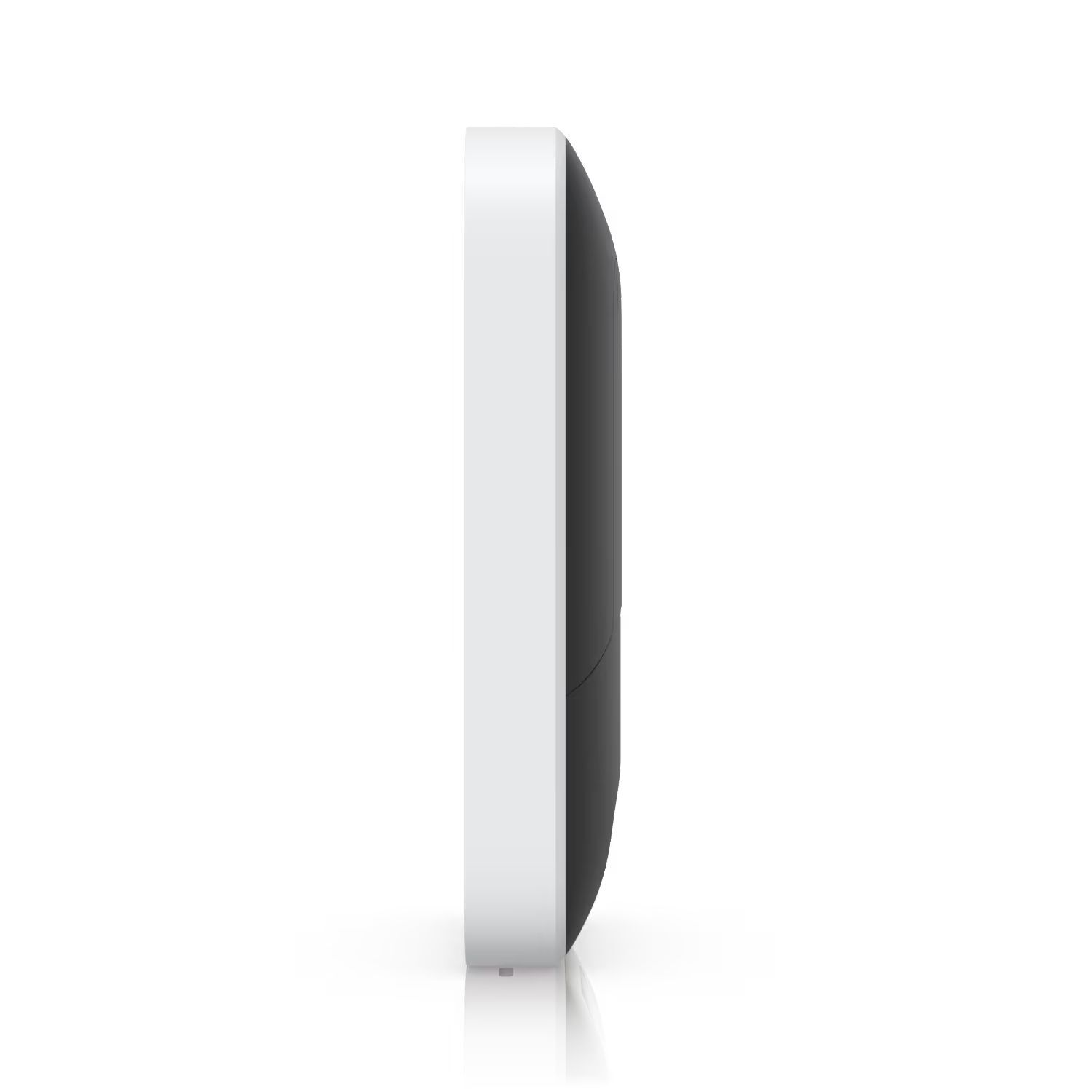
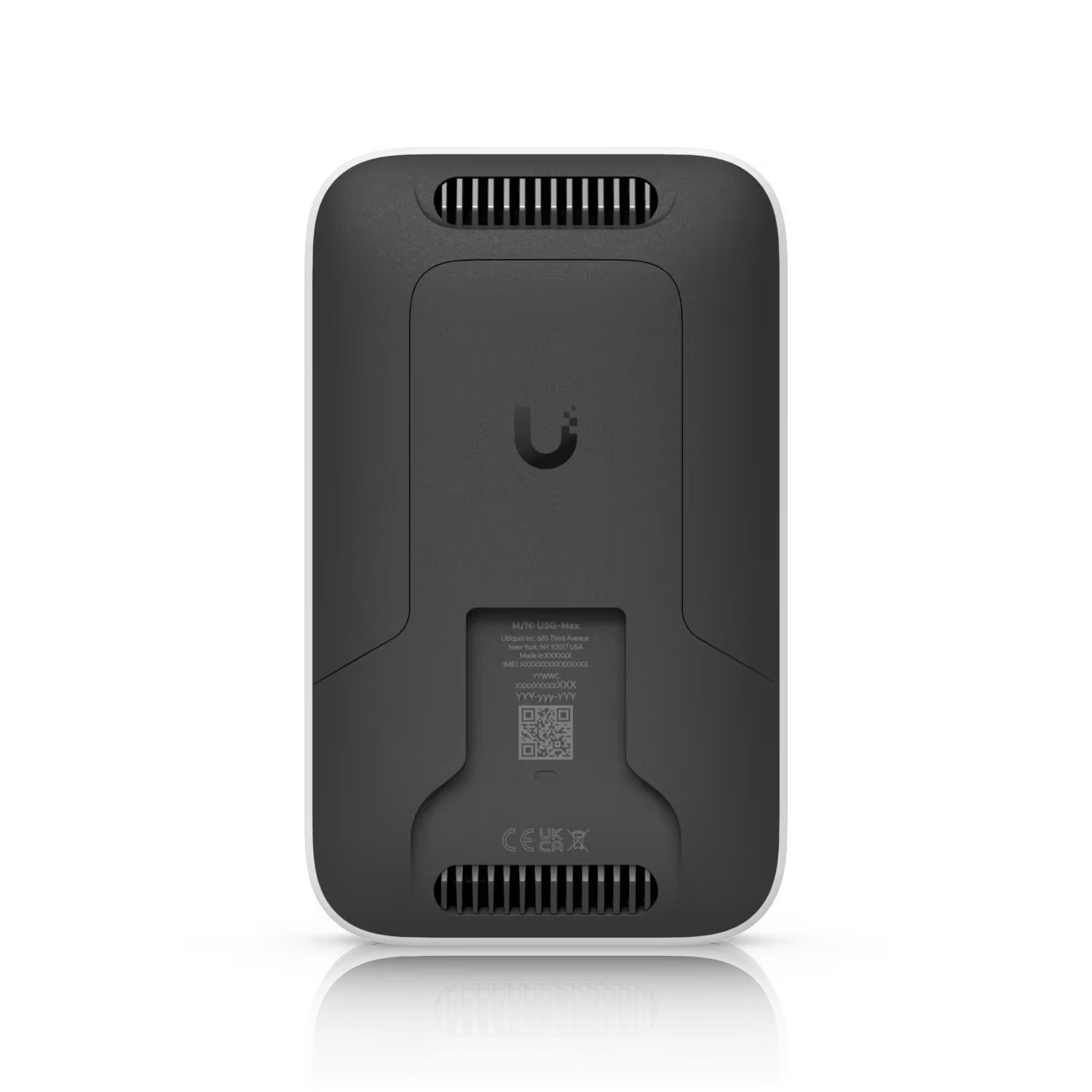
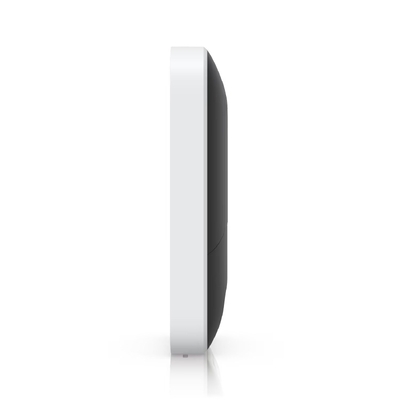
180 x 109 x 33.8 mm (7.1 x 4.3 x 1.3")
Weight (Device/Stand)
Device: 410 g | Stand: 215 g
Enclosure Materials
Polycarbonate, Aluminum Alloy (IK04 rated)
Mounting Options
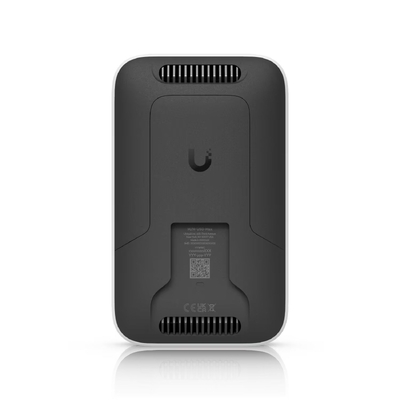
Desktop stand, wall mount, window mount (Included)
Certifications & Compliance
Safety/Compliance: FCC, IC, CE, PTCRB, GCF, NDAA Compliant
Carrier Certified: AT&T, T-Mobile, Verizon
SKU U5G-Max
Barcode # 810177161905
Brand Ubiquiti
Shipping Weight 1.0000kg
Shipping Width 0.180m
Shipping Height 0.050m
Shipping Length 0.110m
Shipping Cubic 0.000990000m3

Manufacturer Warranty : 1 year Manufacturer Warranty

Be The First To Review This Product!

Help other Device Deal users shop smarter by writing reviews for products you have purchased.

Write a product review

Ubiquiti U5G-Max A high-performance 5G (3.4 Gbps) modem

Model # U5G-Max

  • SKU: U5G-Max

$770.00
$849.00
SAVE $79.00 (9%)
In Stock
IN STOCK


Others Also Bought


More From This Category