
Connect
Cables, hubs and adapters
COMPUTER ACCESSORIES FOR WORK, HOME & PLAY
Shop cables, keyboards, mice, bags, hubs, chargers, webcams, gaming controls and everyday essentials—organised around how each accessory connects, protects or improves your technology.
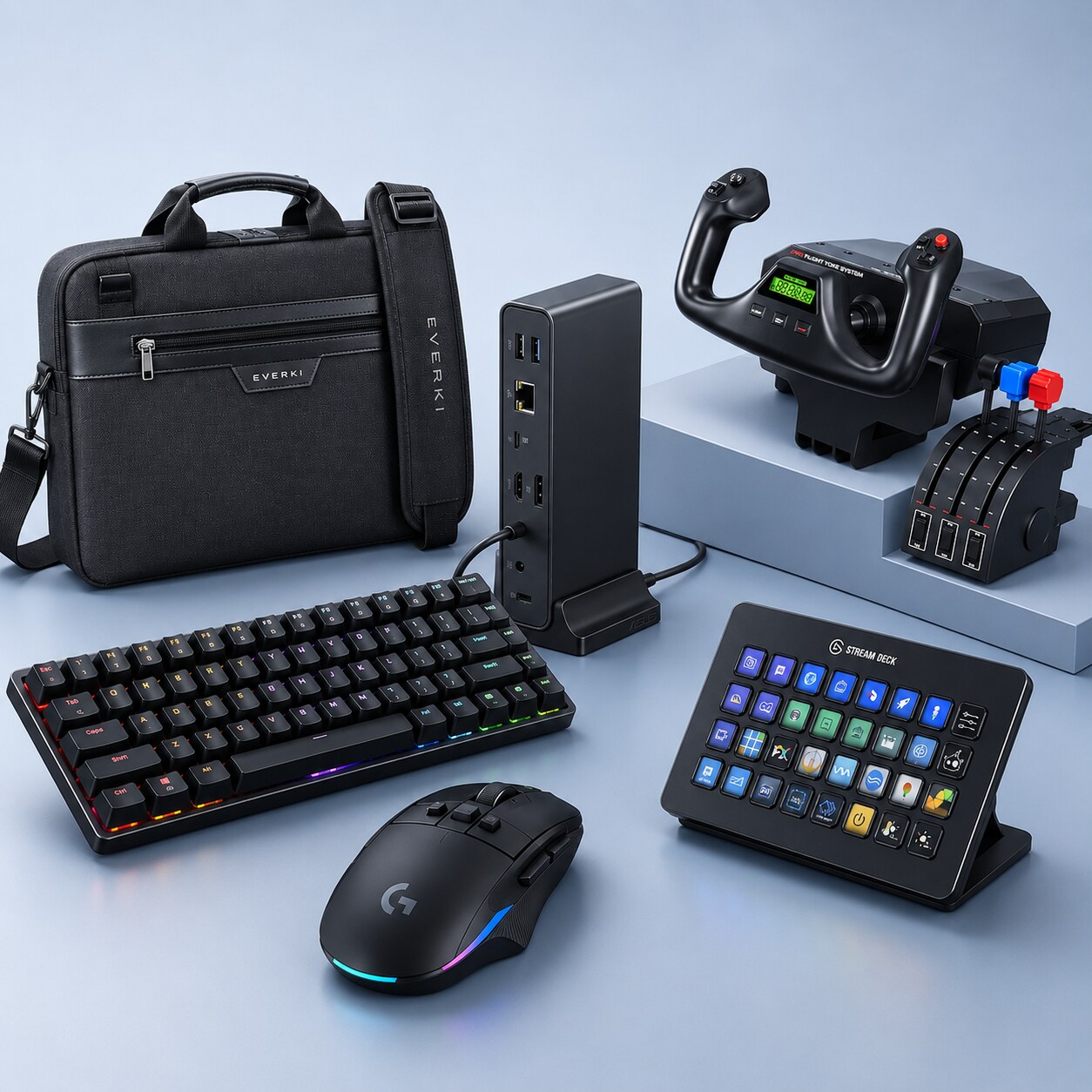
EVERYDAY TECHNOLOGY, SORTED
The right cable can unlock a display’s full capability. The right hub can turn a laptop into a desktop. The right keyboard, mouse, charger, case or lock can make daily technology easier, safer and more productive.
Cables, hubs and adapters
Keyboards, mice and webcams
Bags, sleeves and cases
Chargers and power banks
SHOP COMPUTER ACCESSORIES
Choose a product area, then use the direct catalogue links to reach the exact DeviceDeal category—not a generic results page.
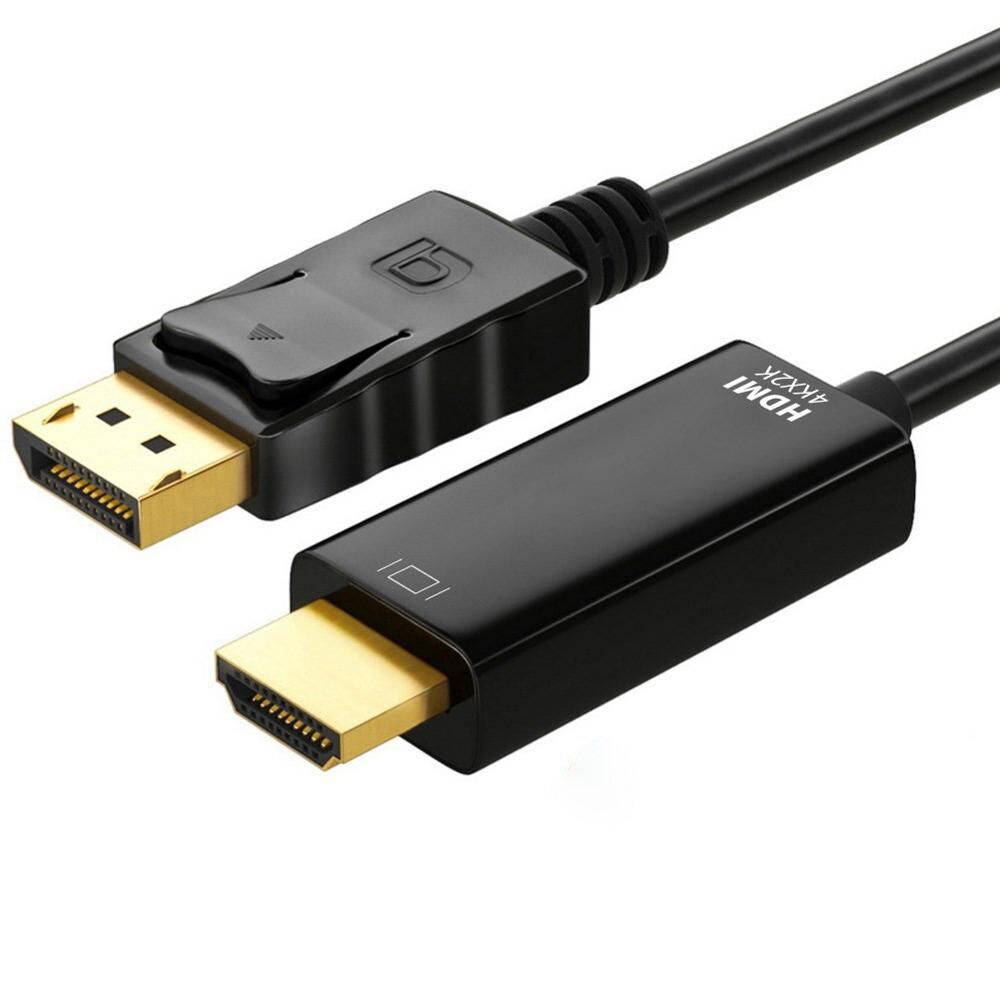 ⌁Shop main category →
Connect displays, storage, networks, audio and power with the right cable standard.
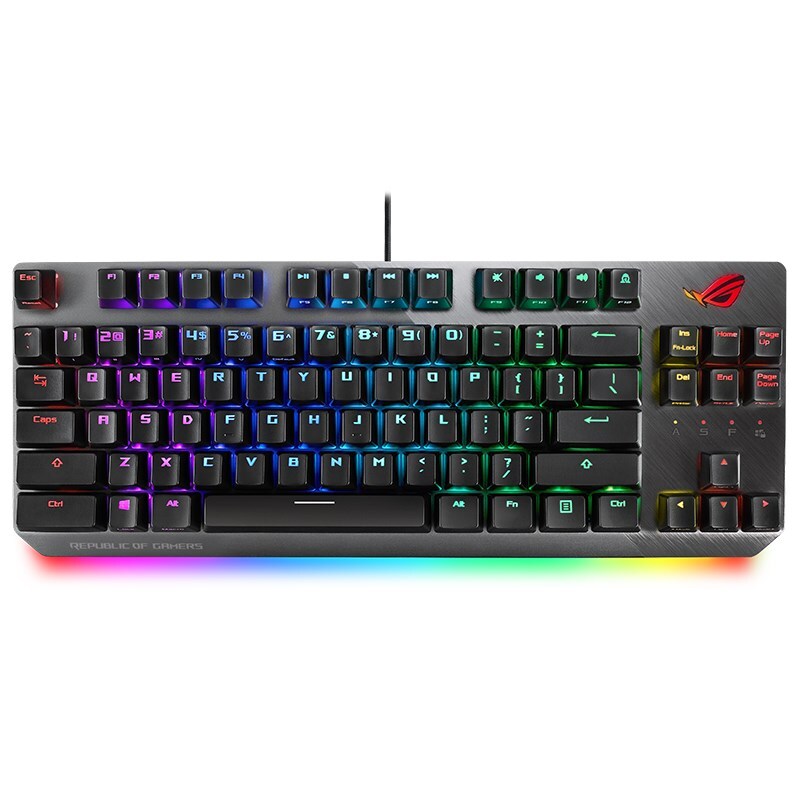 ⌨Shop main category →
Build a more productive desk with wired, wireless and keyboard-and-mouse combinations.
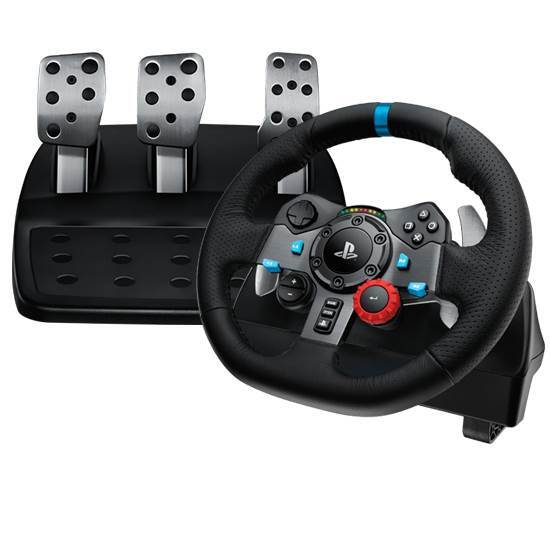 ◉Shop main category →
Choose mice, mouse pads, presenters and gaming controls for work, play and presentations.
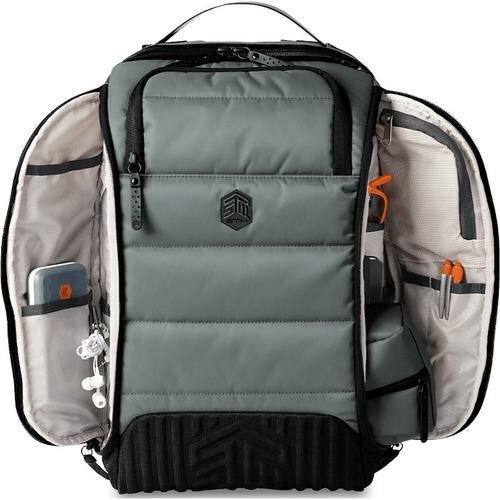 ▣Shop main category →
Protect laptops and tablets at work, on the commute and while travelling.
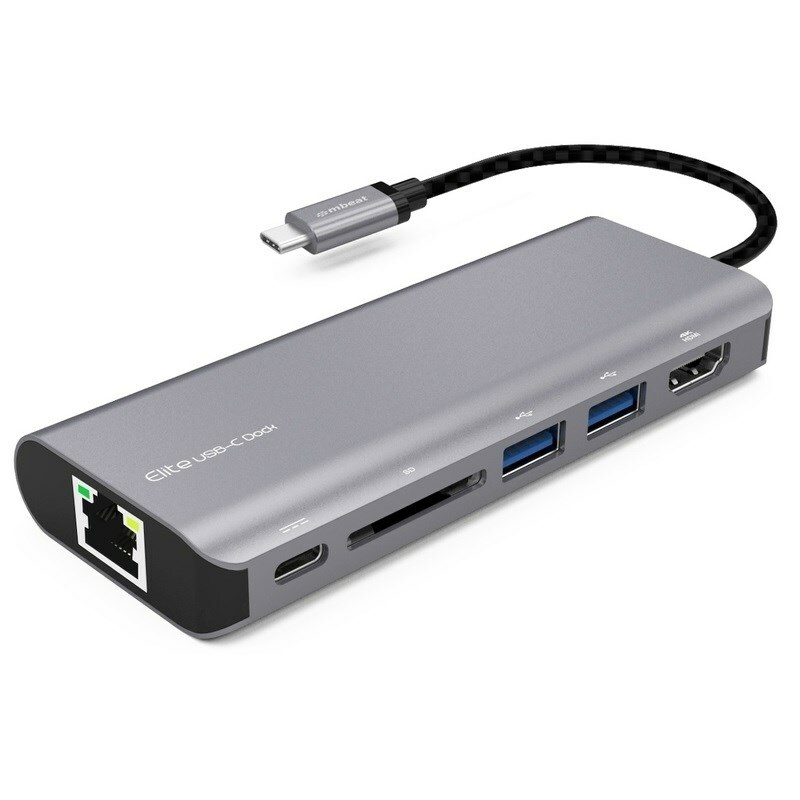 +Shop main category →
Add ports, connect displays and bridge different interfaces with the right adapter or hub.
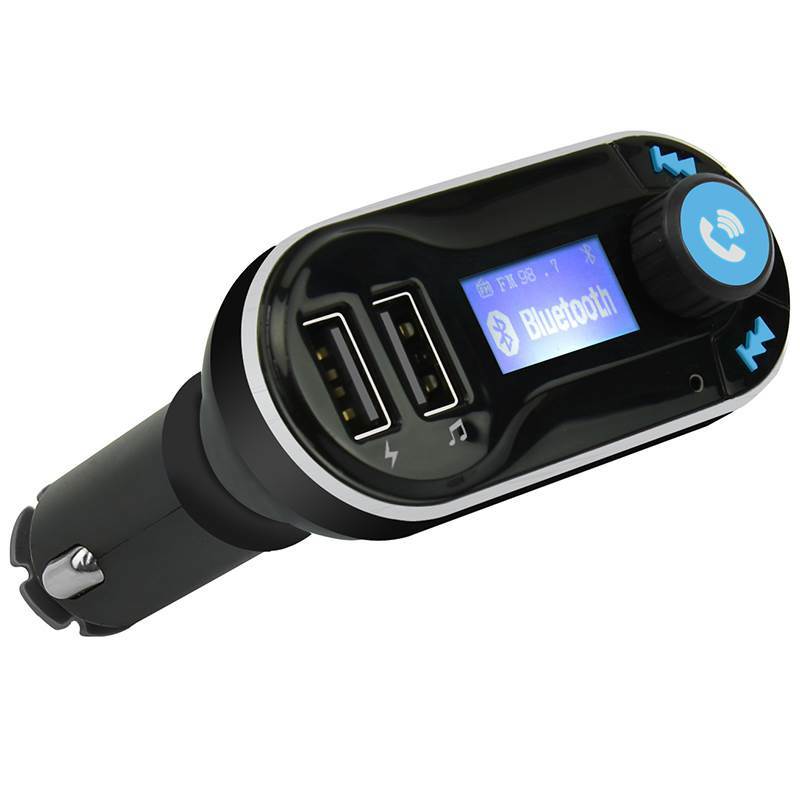 ↯Shop main category →
Keep phones, tablets and portable devices powered at home, at work, in the car and on the move.
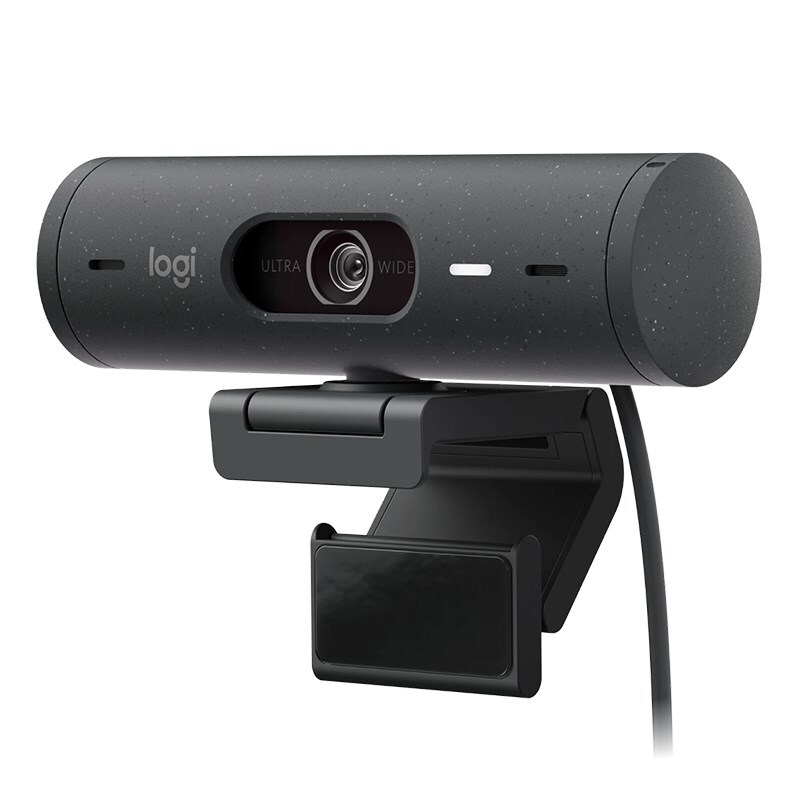 ◫Shop main category →
Complete video calls, presentations, shared desks and everyday office workflows.
SHOP BY USE CASE
Start with where and how the equipment will be used, then choose the accessories that solve the most important practical needs.
01Create a comfortable desk with an ergonomic keyboard and mouse, a clear webcam, the right display cable and reliable everyday connections.
Explore this setup →02Pack device protection, portable power and the essential adapters for moving between home, office and travel locations.
Explore this setup →03Build around responsive controls, suitable connections and organised cabling for a more capable and enjoyable gaming space.
Explore this setup →04Standardise hubs, cables, input devices and office accessories so teams can connect reliably at permanent and shared workstations.
Explore this setup →CATEGORY BUYING GUIDES
Each accessory category has different compatibility requirements. Start with your exact device, then use the relevant checklist below before comparing products.
Match the connector at both ends, then check the required signal standard, resolution, refresh rate, data speed and cable length.
Choose the connection type and physical design that suit the device, workspace and people using it every day.
Start with the host computer and identify every port, display and power feature the hub needs to support at the same time.
Physical compatibility matters most: compare the device dimensions and security-slot type with the product specification.
A matching connector is only the beginning. Confirm the charging standard and enough output power for the exact device.
Choose for the room, software and type of work—not resolution alone—and confirm mounting and operating-system support.
USB-C is a connector, not a capability guarantee. Data speed, charging, video output and Thunderbolt support can differ between devices, ports, cables and adapters.
FEATURED ACCESSORY BRANDS
Explore the accessories range using the official DeviceDeal brand artwork and brand destinations. Product counts can change as the catalogue is updated.



















A BETTER ACCESSORY MATCH
Computer accessories are the bridge between a device and the way it is actually used. A well-matched hub can add the ports a slim laptop lacks. A suitable keyboard and mouse can make long work sessions more comfortable. A properly specified cable can support the resolution, refresh rate, data speed or charging performance the connected equipment was designed to deliver.
For mobile users, the priorities often shift to protection, weight and power. A correctly sized laptop bag, compatible charger, power bank and compact adapter can make travel simpler. Businesses may focus on standardisation, durability, device security and consistent connectivity across desks, meeting rooms and hybrid work locations.
Always compare the exact accessory specification with the device it will connect to. Connector names, screen-size labels and broad compatibility statements are useful starting points, but model-specific ports, dimensions, power limits and software support determine the final fit.
COMPUTER ACCESSORIES FAQ
Guidance for cables, hubs, chargers, bags, input devices, webcams and compatibility.
Shop all accessories →A keyboard and mouse suited to your working style, a webcam or headset for meetings, suitable display and USB cables, and a hub or dock for extra ports are common starting points. Ergonomic stands, mouse pads and cable management can also improve comfort and organisation.
Check the connector at both ends, the USB generation supported by the devices, required data speed, charging wattage and whether video output is needed. Connector shape alone does not confirm speed or charging capability.
No. USB-C describes the connector shape. Supported data speed, charging, DisplayPort video, Thunderbolt and other features vary by device, cable and adapter.
Match the cable and port standard to the display resolution, refresh rate, audio and feature requirements of both devices. The source, cable and display must all support the desired mode.
Confirm the host connector, number and type of ports, data-speed requirements, video support, power delivery, operating-system support and whether the hub is bus-powered or uses an external power adapter.
Only hubs or docks that explicitly support USB Power Delivery at a suitable wattage can pass charging power to a compatible laptop. Check the laptop, charger, cable and hub specifications together.
Wired keyboards use a direct cable connection and avoid battery management. Wireless models reduce desk clutter and may use Bluetooth, a USB receiver or both. Check connection type, device compatibility, layout and power source.
Consider hand size, grip style, dominant hand, button placement, weight and the work you do. Comfort is personal, so shape and fit matter as much as sensor specifications.
Often yes. Gaming keyboards and mice can provide precise sensors, programmable controls and durable switches, but size, noise, lighting and software requirements may not suit every workplace.
Match the bag’s internal laptop compartment dimensions to the exact width, depth and thickness of your device. Screen-size labels alone are not enough because bezel and chassis dimensions vary.
A sleeve offers compact protection, a briefcase adds handles and organisation, and a backpack distributes weight across both shoulders and usually provides more storage. Choose for protection, carrying distance and accessory capacity.
Check which security-slot type the laptop or docking station uses and confirm the lock is designed for that slot. Some slim devices use compact or manufacturer-specific slot formats.
No. Confirm connector type, supported charging standard, voltage and sufficient wattage. USB-C devices may negotiate power, but the charger and cable must support the power level required by the device.
Consider usable capacity, output wattage, charging protocols, port types, size and airline rules if travelling. Higher-capacity models may be larger and heavier.
Review resolution, frame rate, field of view, autofocus, microphone, mounting options, lighting needs, privacy shutter and compatibility with your operating system and meeting software.
A correctly specified adapter should support the stated output, but the maximum resolution and refresh rate are limited by the source port, adapter, cable and display. Passive and active adapters can also support different conversions.
Many USB-C hubs, keyboards, mice, displays, storage devices and chargers work with Mac computers, but confirm macOS support, connector type, keyboard layout, video capability and charging requirements for the exact Mac model.
Use cable trays, clips, ties, sleeves and labelled leads. Keep power and data cables accessible, avoid sharp bends, allow ventilation around power adapters and leave enough slack for sit-stand desks.
Some multi-device Bluetooth or receiver-based sets can switch between supported devices. KVM switches can also share displays and USB peripherals, but compatibility and supported resolutions vary.
Check the accessory specification against the exact device model, port type, operating system, required standards, dimensions and power needs. Product names such as USB-C, HDMI or laptop bag do not by themselves guarantee compatibility.
READY TO COMPLETE YOUR SETUP?