
Home, study and everyday tasks
Prioritise a balanced processor, enough memory for your usual applications, suitable SSD capacity and the ports needed for your display and accessories.
Compare desktop PCs for home, office and specialist workloads. Shop full-size systems, all-in-ones, mini and barebone PCs, and professional workstations.
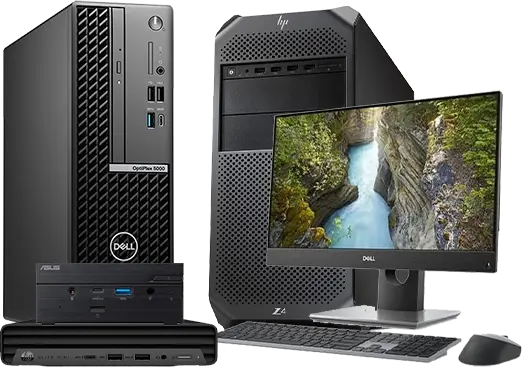
Start with the work you need to do and the space available. A home and office PC suits everyday productivity, an all-in-one combines the computer and display, a mini PC saves desk space, and a workstation is designed for more demanding professional or technical workloads. Always check the individual product listing for its exact processor, memory, storage, graphics, ports, operating system and included accessories.
Start with your available space and main workload. Choose a category below, then compare the exact processor, memory, storage, graphics, ports and inclusions on individual models.
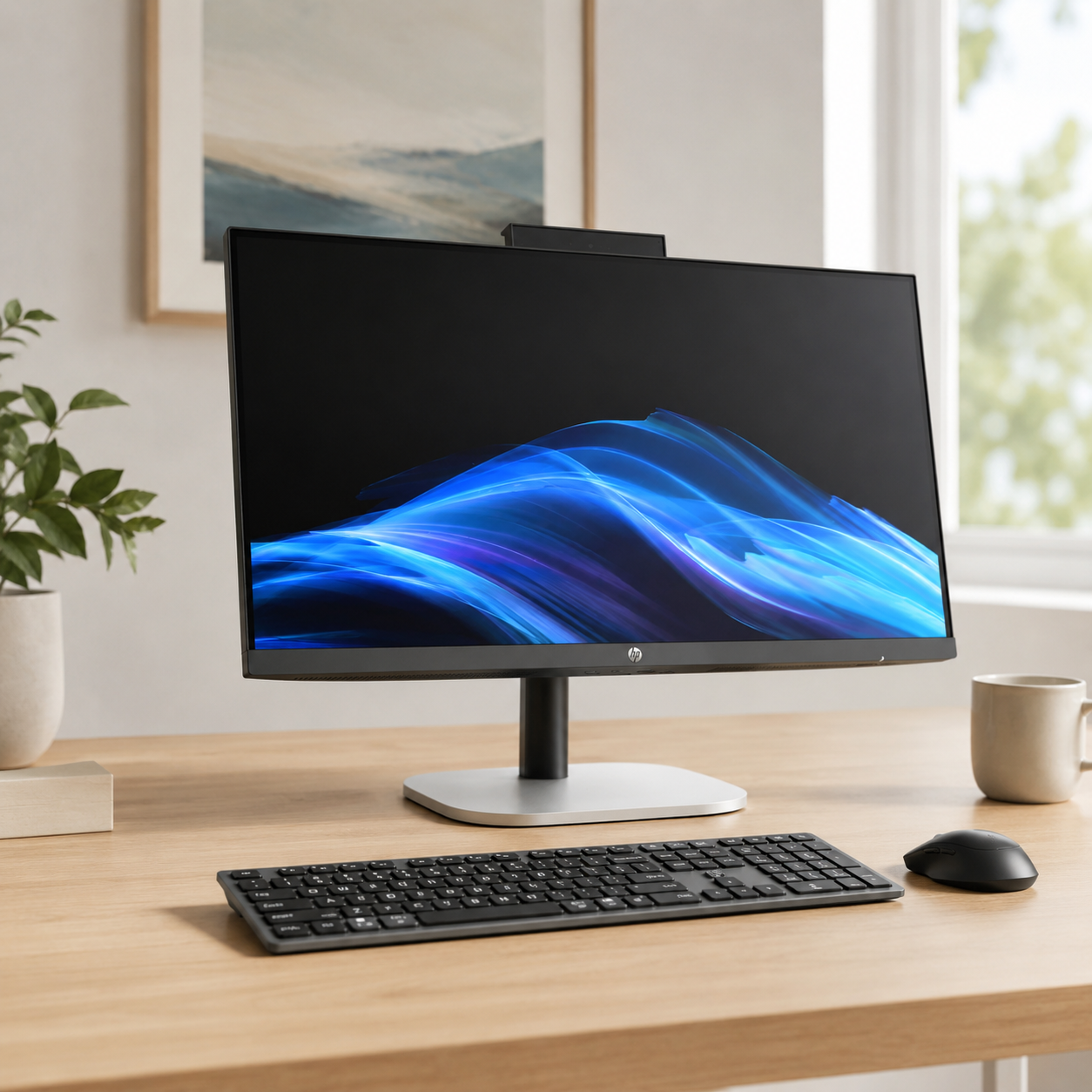
The computer is built into the display for a tidy, integrated setup. Check each listing for screen size, ports, input devices and other inclusions.
Shop all-in-ones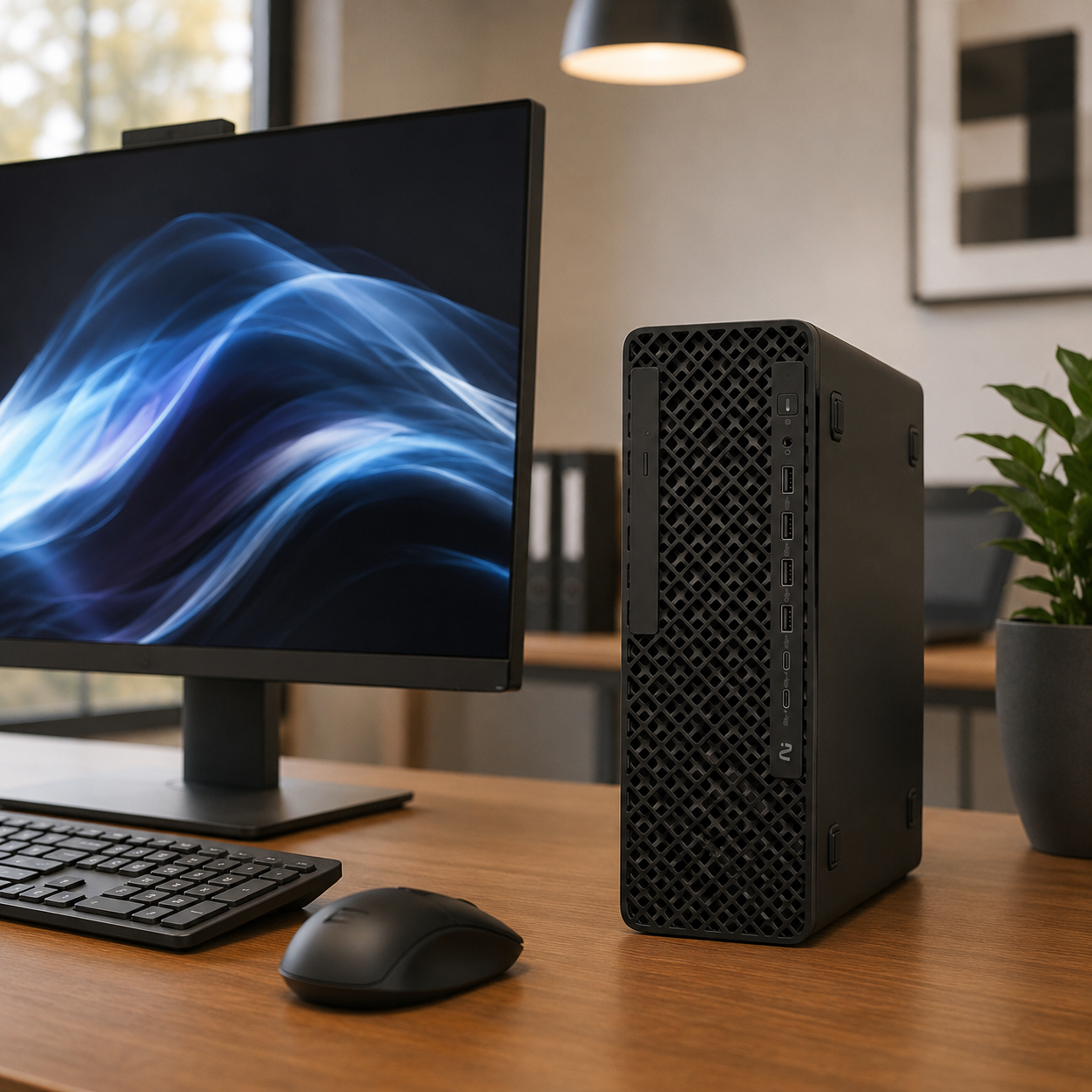
Explore desktops for general computing, study, administration, communication and business applications. Match the specification to your software.
Shop home & office PCs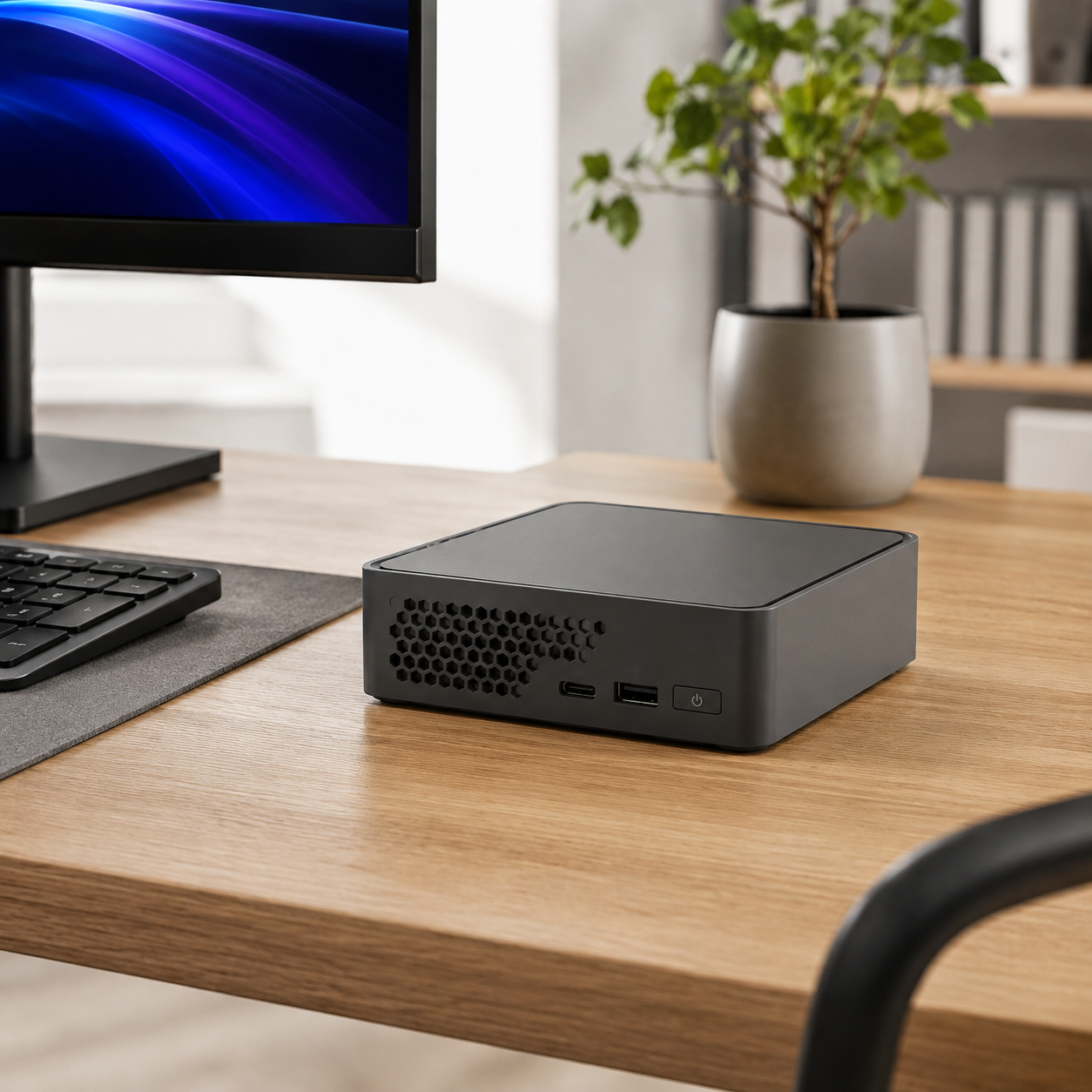
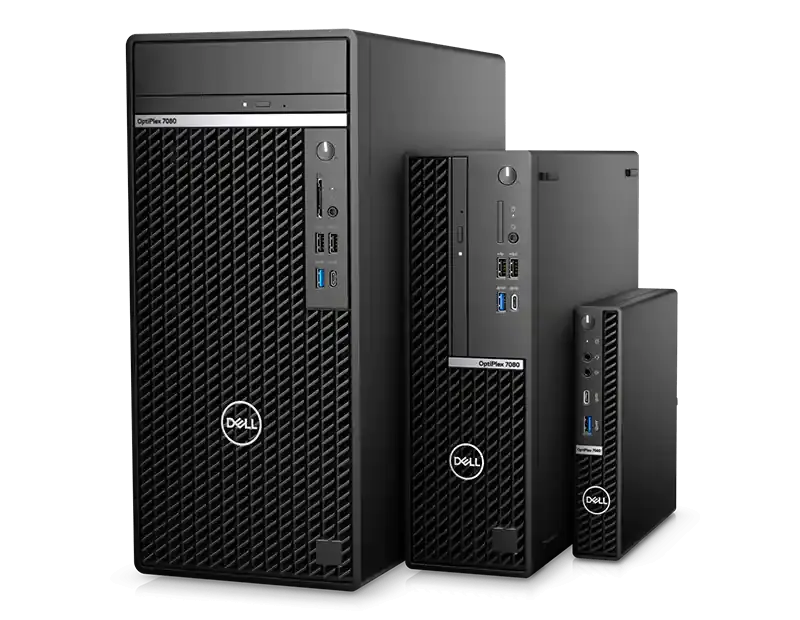
Choose a compact desktop when desk space matters. Barebone systems may require additional components or software, so confirm the listing before buying.
Shop mini & barebone PCs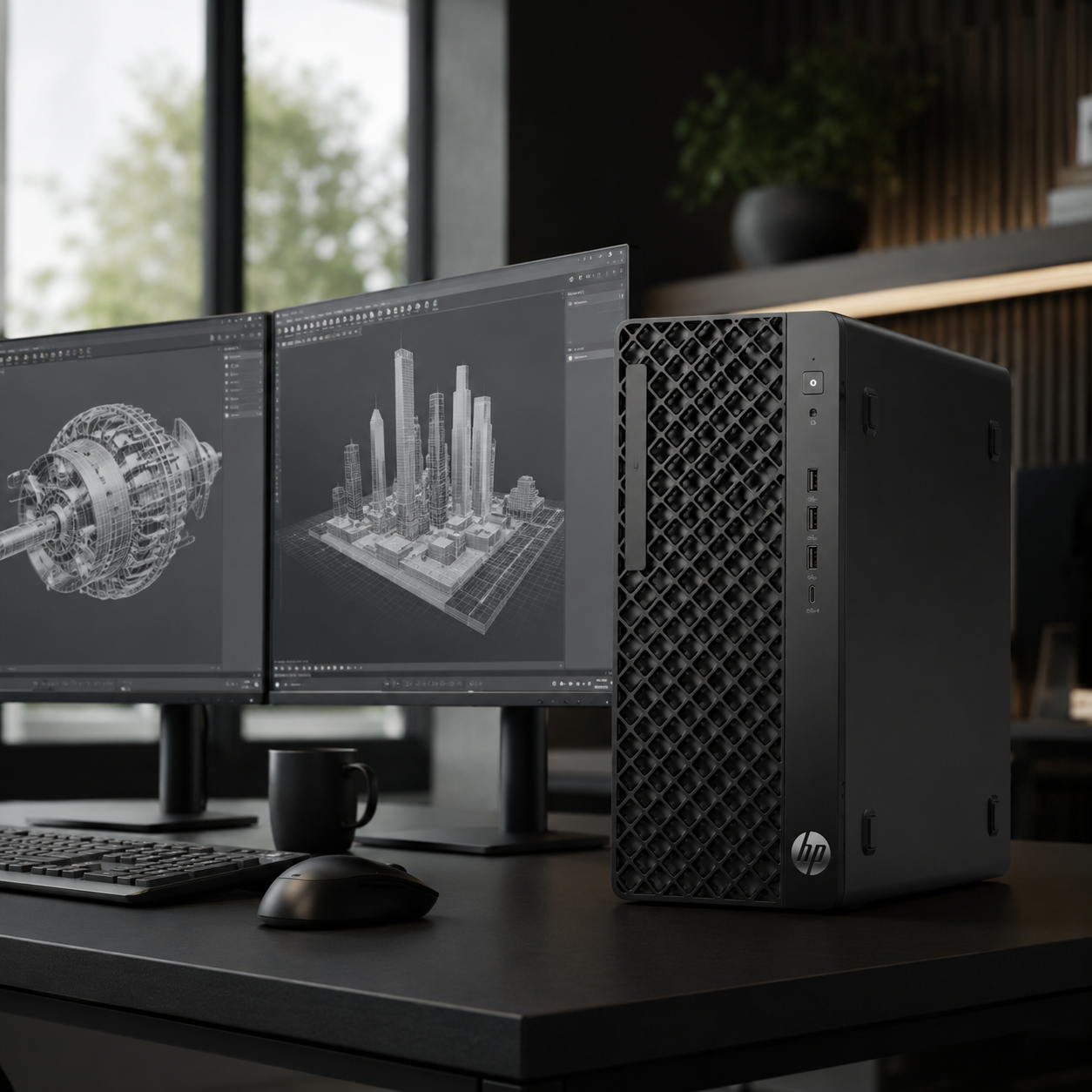
Compare professional systems for technical, creative and other demanding applications. Verify software, graphics and operating-system requirements first.
Shop workstations
The right computer is not simply the one with the largest numbers. Start with your applications, then compare the hardware and connections they require.
Prioritise a balanced processor, enough memory for your usual applications, suitable SSD capacity and the ports needed for your display and accessories.
Consider the operating system, memory, storage, wired or wireless networking, monitor support and compatibility with your organisation’s software.
Mini PCs reduce the desktop footprint, while all-in-ones combine the screen and computer. Compare service access, upgrade options and included parts by model.
Check the recommendations for your editing or design software, including processor, memory, graphics, storage capacity and monitor connections.
A workstation may be more suitable when your applications call for specialist graphics, larger memory capacity or validated hardware and software combinations.
Confirm the model, framework, operating environment, processor architecture, GPU or unified memory needs and software support before choosing specialist AI hardware.
The answer depends on where the AI runs and what software, model and framework you intend to use. A single performance figure does not determine whether a system is suitable.
The complete guide explains desktop types, use cases, CPU, GPU and NPU roles, memory, storage, operating systems, ports, displays and AI hardware choices in plain language.
Before ordering, check what is included with the desktop and what you may need to add for your workspace.
Match the monitor’s connections to the desktop and choose the screen size, resolution and features appropriate for your work.
Shop monitorsCheck whether you need a keyboard, mouse, headset, speakers, webcam, cables, adapters or other workspace accessories.
Shop accessoriesConfirm operating-system and application requirements, licence terms and processor-architecture compatibility before purchasing software.
Shop software & licencesChoose according to your applications, workload and available space. A home and office PC suits general productivity, an all-in-one integrates the display, a mini PC saves space, and a workstation targets more demanding professional or technical work. Compare the exact product specifications before ordering.
A conventional desktop PC is a separate computer that connects to a monitor. An all-in-one integrates the computer into the display. The better choice depends on your space, preferred screen, ports, upgrade needs and the specifications of the individual model.
A mini PC can suit a space-conscious home or business setup. A barebone system may require memory, storage, an operating system or other parts before use. Read the product listing carefully to confirm exactly what is included.
Consider a workstation when your professional, creative, engineering, scientific or other specialist software requires hardware beyond a mainstream desktop. Check the software vendor’s processor, graphics, memory, storage and operating-system requirements before choosing.
Inclusions vary by product. A standard desktop may be sold without a monitor, while an all-in-one includes a display. Keyboards, mice, cables and other accessories may or may not be included, so verify the individual product description.
Compare the processor, memory, storage, graphics, operating system, wired and wireless networking, display outputs, USB ports, physical size and included accessories. Also confirm that the system meets the requirements of the software and peripherals you plan to use.
DeviceDeal currently has selected AI supercomputer and specialist AI systems in stock and is receiving enquiries for this category. Available configurations can change. Contact our team with the models, frameworks, operating environment and workload you need to run, then confirm the exact product specifications and current availability before ordering.
Browse the full range, or contact DeviceDeal if you need help narrowing the options.