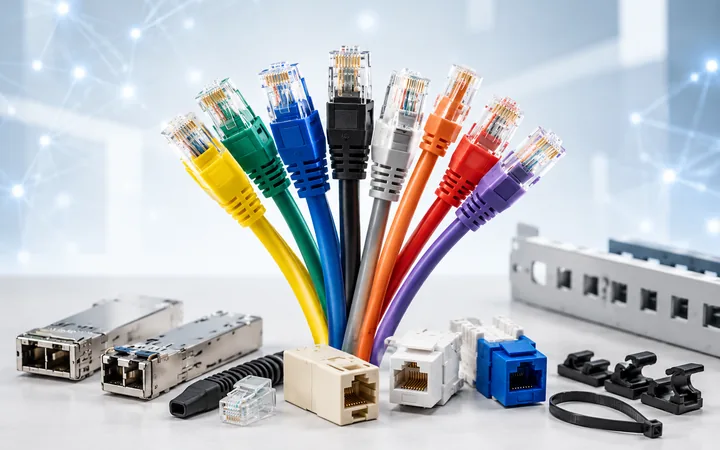
Networking accessories
Add interfaces, power and supporting hardware with network adapters, modules, cards, PoE kits and accessories for routers, switches and firewalls.
Shop networking accessories →Shop networking equipment by the job it needs to do—from home Wi-Fi and wired connections to managed business networks, racks, KVM, fibre links and remote-site connectivity.

The DeviceDeal networking range covers everyday connectivity, business infrastructure and specialist deployment products. Start with a main family, then use the direct links to narrow the range.
What is a networking device? It is hardware used to connect, direct, extend, convert, power or manage data connections between computers, servers, storage, phones, cameras and other networked equipment.
Add interfaces, power and supporting hardware with network adapters, modules, cards, PoE kits and accessories for routers, switches and firewalls.
Shop networking accessories →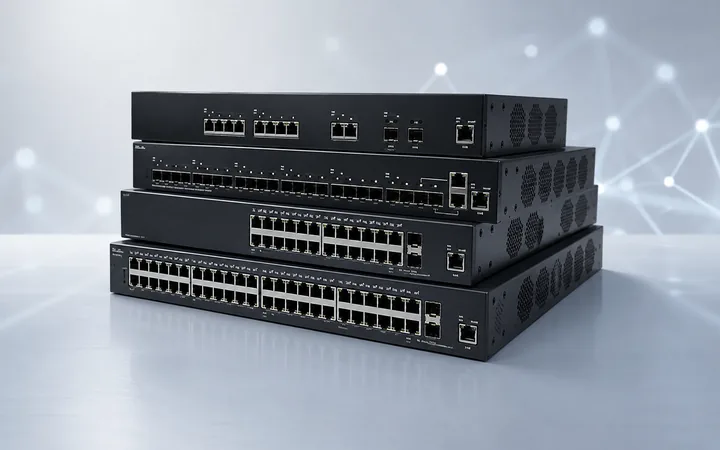
Add wired connections across a local network. Compare simple unmanaged models with managed, PoE, cloud-managed, enterprise and industrial switches.
Shop network switches →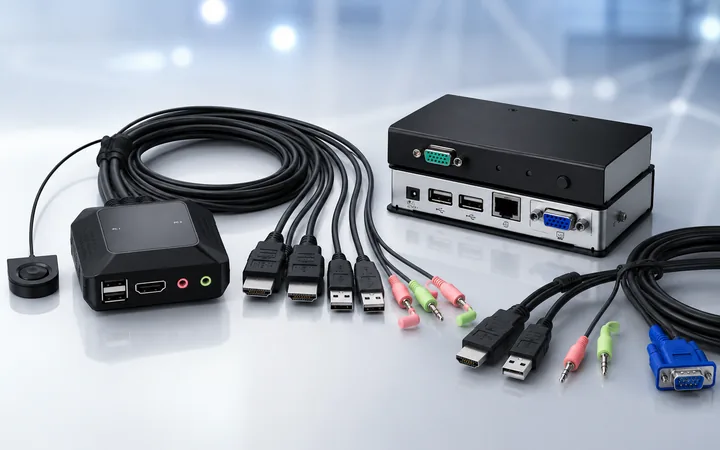
Control multiple computers from a shared keyboard, display and mouse setup. Match the system count, console connections, host connections and video requirements.
Shop KVM solutions →
Build business, enterprise, outdoor or specialist wireless coverage with access points, central management, antennas and point-to-point links.
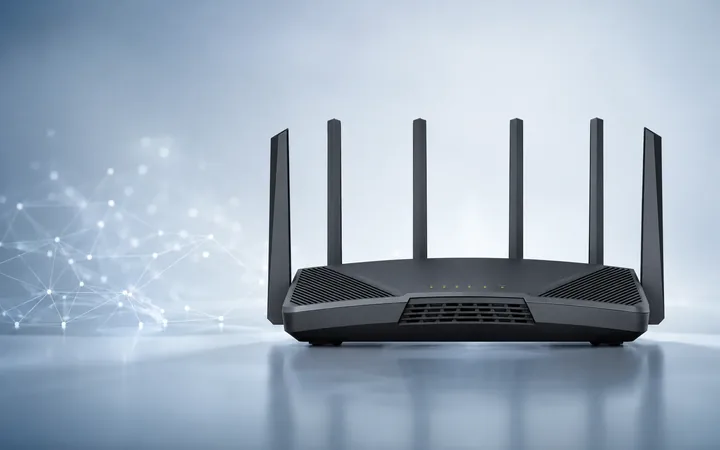
Connect a local network to an internet or wide-area connection. Choose from wireless, mobile broadband, VPN, industrial, enterprise and modem-router categories.
Shop routers →
Improve wireless coverage around a home or smaller site with mesh Wi-Fi systems or range extenders, selected for the layout and existing network.
Shop Wi-Fi systems →Supporting categories for physical infrastructure, fibre and interface links, software entitlements and media conversion.
Organise compatible equipment and plan mounting, cable access, airflow and space.
Shop passive networking → 02Match form factor, speed, connector, media, distance and equipment compatibility.
Shop transceivers → 03Find licence products and confirm the exact platform, feature, term and deployment requirement.
Shop networking licences → 04Connect network segments that use different media or interface types.
Shop media converters →A project-based starting point can be easier than choosing one device in isolation. Follow the links below, then verify how every component works together.
Compare wireless routers, mesh systems and Wi-Fi extenders for the size and layout of the space.
Plan access points, management, antennas and enterprise wireless around coverage, capacity and administration needs.
Add network ports and power compatible devices through managed, unmanaged or PoE switching and adapter products.
Explore mobile broadband, industrial routing and switching, plus outdoor wireless equipment for demanding locations.
Bring together switches, KVM products, racks, cabinets, transceivers and accessories for the planned equipment.
Review point-to-point or multipoint wireless, outdoor equipment and suitable antennas for the intended link.
Networking products work as a system. Define the connection, physical layout and management needs first, then match every component.
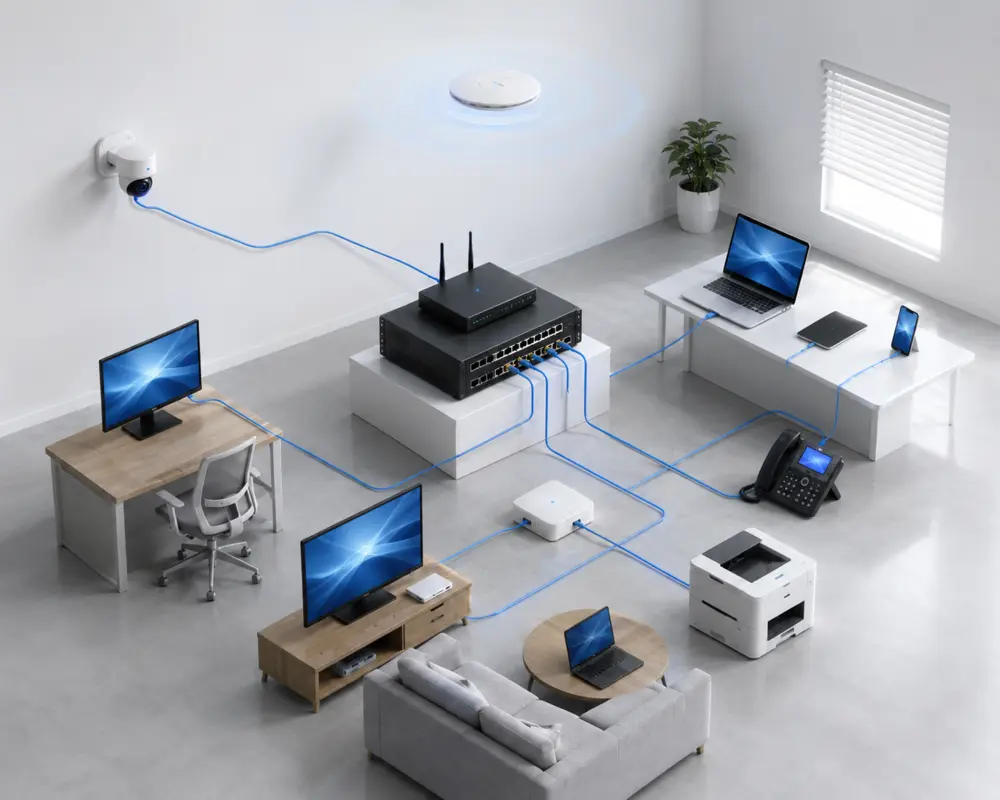
| Device type | Main role | Important checks |
|---|---|---|
| Router | Connects the local network to an internet or WAN service and directs traffic between networks. | Connection type, wired ports, wireless features, VPN or mobile support and management needs. |
| Network switch | Adds wired network connections between compatible devices on a local network. | Port count, port speeds, uplinks, PoE requirements, management and mounting. |
| Wireless access point | Adds or extends Wi-Fi as part of a wired network and may support central management. | Coverage, capacity, wired uplink, PoE, controller or cloud requirements and environment. |
| Mesh Wi-Fi or extender | Improves wireless coverage around a home or smaller site. | Existing router, property layout, placement, backhaul options and product compatibility. |
| KVM switch | Lets one console control multiple computers or servers. | Computer count, host and console connectors, video support, cables and local or remote access. |
| Transceiver or media converter | Adds a network interface or connects links that use different media. | Form factor, speed, connector, cable or fibre type, distance and equipment compatibility. |
Browse the requested networking brand stores, then confirm the exact product features and compatibility for your deployment.
Planning a new office, wireless rollout, switch upgrade, remote-site deployment or multi-location network? Project and quantity pricing may be available for eligible requirements. Send the details to DeviceDeal for a tailored review.
Practical answers to 38 common questions about routers, switches, Wi-Fi, cabling, infrastructure and networking projects.
Start with the required job. A router connects networks, a switch adds wired local connections, an access point adds managed Wi-Fi, a mesh system improves coverage, and specialist products handle functions such as KVM control, media conversion or rack mounting.
A router directs traffic between different networks, commonly between a local network and an internet service. A network switch connects compatible wired devices within the local network and expands the available network ports.
Mesh Wi-Fi is commonly used to improve coverage around a home or smaller site with a coordinated set of units. Business access points usually connect to a wired network and may support PoE and central management. The right choice depends on the site, cabling and administration requirements.
An unmanaged switch is intended for straightforward port expansion with minimal configuration. A managed switch provides additional control and monitoring features. Choose according to the network design and the functions supported by the exact model.
A PoE switch can power multiple compatible devices from its PoE ports, while an injector can add PoE to an individual link. Check the powered device requirement, PoE standard, port output and total power budget before choosing.
A KVM switch lets one keyboard, display and mouse console control multiple computers or servers. Check the number of systems, host and console connections, supported video requirements, included cables and whether local or remote access is needed.
Confirm the computer's available interface, operating-system and driver support, required network type and target speed. For wireless adapters, also check the supported Wi-Fi bands and standards; for wired adapters, check the Ethernet speed and connector.
Point-to-point wireless is used to create a wireless data link between two locations, such as separate buildings. Site layout, distance, mounting, line of sight, interference, environment and local requirements all need to be considered.
Check the mounting format and dimensions of every device, then plan rack height, depth, load, cable entry, access, airflow and the installation location. Allow space for supporting equipment and future changes where appropriate.
A mobile broadband router may be used where the intended network connection uses a compatible cellular service or where that connection forms part of a backup or remote-site design. Confirm network, SIM, band, antenna and service compatibility for the exact model.
Match the form factor, supported network speed, connector, fibre or cable type, wavelength where applicable, intended distance and the compatibility requirements of the switch, router, server or other host equipment.
An Ethernet media converter connects network segments that use different physical media or interface types. Both ends of the link must match the required speeds, connectors, operating mode and media specifications.
Cloud-managed networking uses a vendor platform to configure or monitor supported network equipment. Check which functions are available, whether a licence or subscription is required, and how the platform fits the organisation's administration and security requirements.
Some networking products use licences to enable particular software, management, security or support functions. Confirm the exact hardware or platform, enabled feature, licence term, quantity and activation requirements before ordering.
Confirm the stated operating environment, temperature range, power input, mounting, enclosure or weather protection, connectors and any required accessories. An outdoor or industrial category name does not make every model suitable for every site.
Count every wired device and uplink that will connect to the switch, then consider planned additions. Also check port speeds, any dedicated uplink ports, PoE port availability and whether the physical switch format suits the installation.
Not necessarily. Internet performance depends on the service, connection technology, router capability, Wi-Fi conditions, device capability, placement, cabling and network load. Identify the existing limitation before replacing equipment.
Record the current connection, configuration, port use, addressing, VLANs, VPNs, PoE devices, wireless settings, licences and dependent equipment. Confirm that the replacement supports the required functions and plan how the configuration will be migrated.
A modem or service-termination device connects to the internet service, while a router directs traffic between the internet connection and the local network. A modem router combines relevant functions in one unit. The required equipment depends on the connection technology and service-provider arrangement.
It depends on the internet service and the equipment already installed. Some services use a separate connection device with a router, while others may use a combined modem router. Confirm the hand-off type, provider requirements and whether the selected router supports the intended connection.
Choose a practical central position close to the areas that need coverage, with suitable power and cabling. Building materials, obstructions, interference, floor levels and equipment orientation can affect performance, so larger or complex sites may require several access points or a site assessment.
The number depends on the floor plan, construction materials, coverage area, user and device density, required capacity, mounting positions and backhaul. Avoid choosing by floor area alone; map the site and follow the planning guidance for the selected system.
Backhaul is the connection carrying traffic between wireless units and the main network. Wireless backhaul uses a radio link, while Ethernet backhaul uses compatible network cabling. Support and behaviour vary by system, so confirm the available backhaul options before purchase.
These terms describe how many wireless frequency bands or radios a product can use. More bands can provide additional connection or backhaul options, but they do not guarantee better results by themselves. Check the supported bands, client devices, channel environment and system design.
Often they can, but compatibility depends on the supported bands, wireless modes, security settings and client hardware. Confirm the exact requirements of important older devices before changing standards or security settings across the network.
A VLAN logically separates network traffic on compatible managed equipment. It may be used to separate groups such as staff, guests, phones, cameras or management traffic. The router, switches, access points and configuration must support the intended design.
Link aggregation combines compatible network links as one logical connection for supported bandwidth or resilience designs. Both ends must support the same method and configuration. It does not necessarily make a single device or transfer use the combined speed.
The PoE power budget is the total power a switch or power source can provide across its PoE connections. Check each device's required PoE standard and power, each port's capability and the total available budget, including planned additions.
Transceiver formats can support different interfaces and network speeds. A similar physical appearance does not guarantee compatibility. Match the host port, supported format, speed, connector, media, wavelength where applicable and link requirements at both ends.
The decision depends on distance, required speed, existing infrastructure, electrical environment, available ports, installation conditions and budget. Confirm the cable, connectors and transceivers at both ends rather than selecting fibre or copper in isolation.
Higher-speed Ethernet can help when the internet service, servers, storage, wireless access points or workloads can use it. Check every part of the path—including endpoints, adapters, switches, router ports, transceivers and cabling—because the slowest link can limit performance.
A VPN router supports compatible virtual private network connections for remote access or links between locations. Compare the required VPN type, security settings, expected throughput, user or tunnel limits, management and any licence requirements for the exact model.
A router directs traffic between networks, while a firewall applies security rules to permitted and blocked traffic. Many products combine routing and firewall functions, but the available security, inspection, management and licence features vary by model.
Products from different brands may work together through common networking standards, but central management, mesh, roaming, stacking, transceiver support and other vendor-specific functions may not. Verify every required feature and interface across the proposed design.
They may require particular PoE, port, VLAN, quality-of-service, uplink or management capabilities. Check the endpoint requirements, total device count, traffic design and switch power budget before selecting the switch.
Provide the preferred products, brands or SKUs, quantities, delivery locations, required dates, current environment and important technical or compatibility requirements. Include acceptable alternatives if you want the team to review other supply options.
Project or quantity-based pricing may be available for eligible products and order quantities. Submit the required SKUs, quantities, delivery location and timeframe so DeviceDeal can review pricing and supply options.
Multi-site requirements can be submitted for review. Include the product quantities, delivery requirements and required timing for each location so availability, fulfilment and quotation information can be assessed.
Send the products or SKUs, quantities, delivery locations and project timeframe for a tailored pricing and supply review.