
Submit your request
Complete the trade-in form with your Orbi model and purchase information. If the model is not listed, ask the team to check its value.
Trade in an eligible Orbi router or satellite and receive DeviceDeal store credit towards an upgraded Orbi system.
Submit the model and purchase details first. DeviceDeal will review the request before you send any equipment.
Complete the trade-in form with your Orbi model and purchase information. If the model is not listed, ask the team to check its value.
DeviceDeal will review the request and send a confirmation email. Wait for this approval before packing or shipping your Orbi.
Pack the approved Orbi securely and send it as instructed. Store credit is issued after the device is received and assessed.
Review the listed models and the DeviceDeal store-credit amount shown for each one.
WiFi 6 AX6000 Mesh System
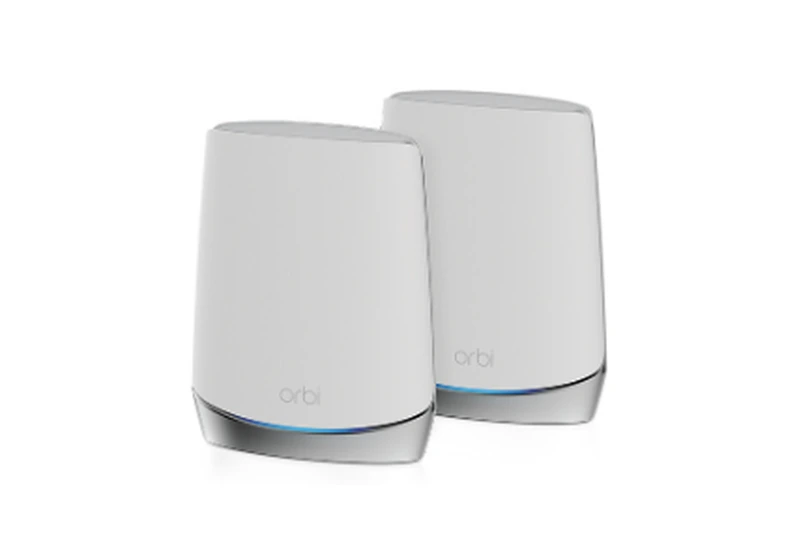
WiFi 6 AX4200 Mesh System
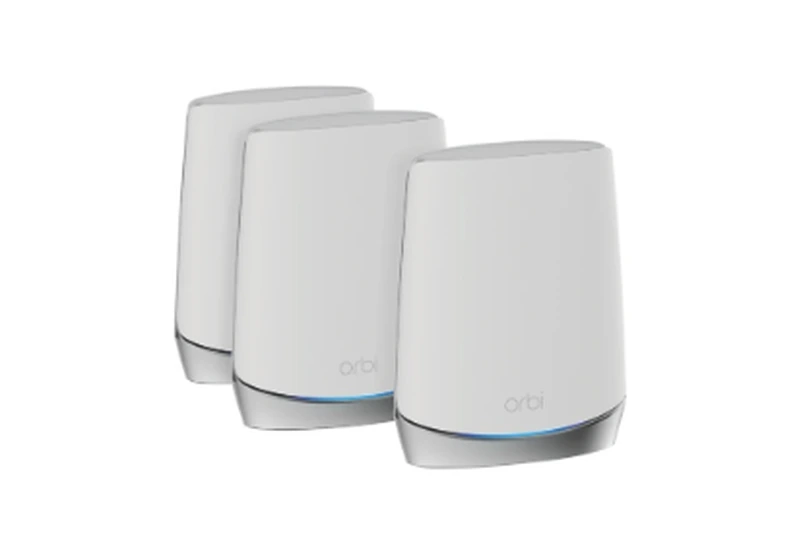
WiFi 6 AX4200 Mesh System
Mesh WiFi 6 Add-on Satellite
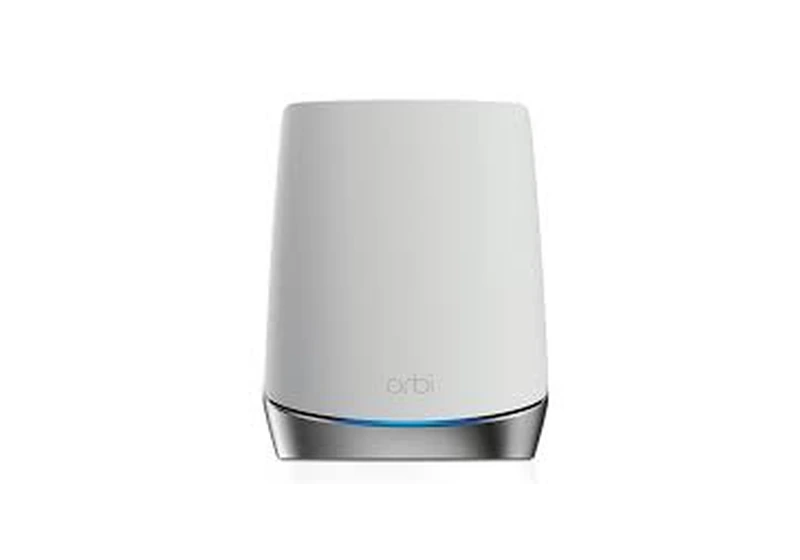
Mesh WiFi 6 Add-on Satellite
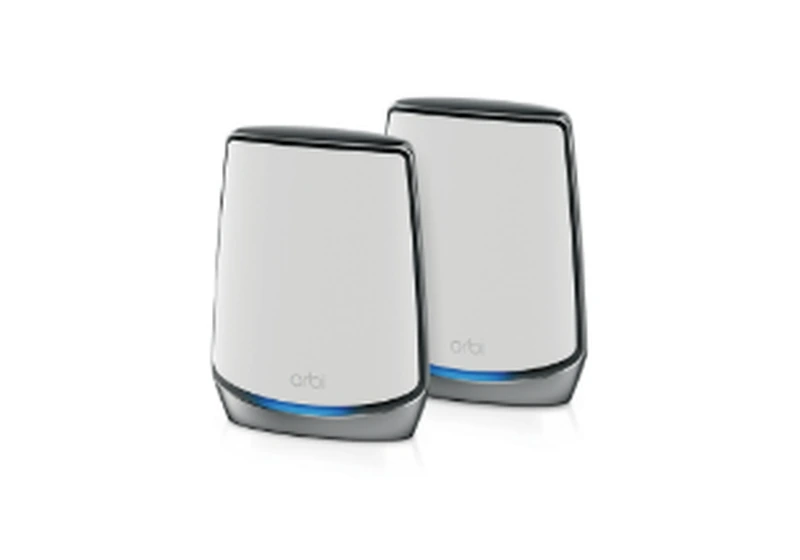
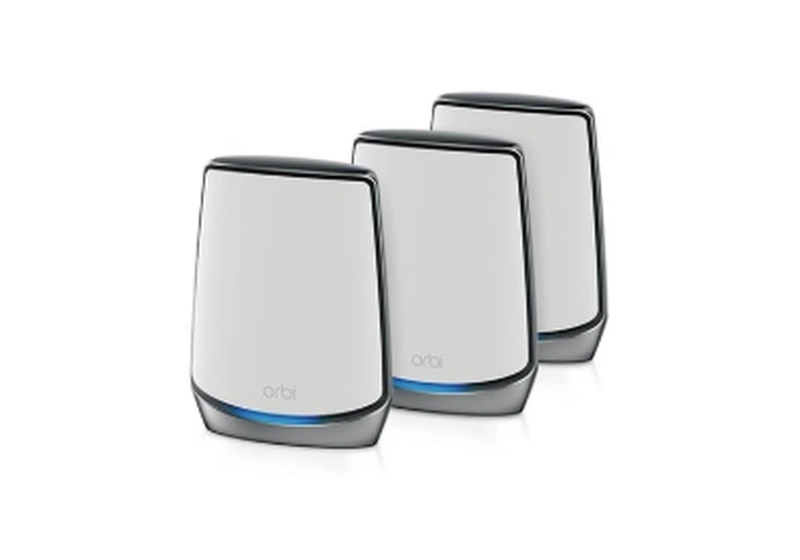
WiFi 6 AX6000 Mesh System
Orbi equipment submitted for trade-in must have been purchased from an authorised NETGEAR reseller in Australia. Keep the original invoice available for review.
Browse every matching product in the current DeviceDeal range. When more than four products are available, use the arrows or swipe to view the complete selection.
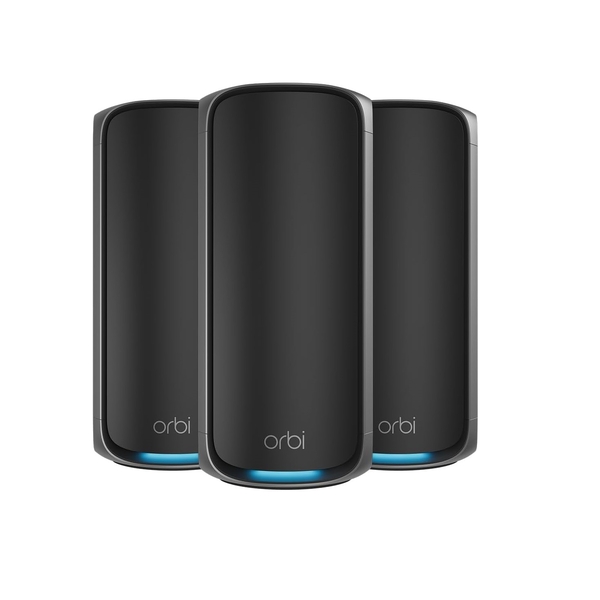
SKU: RBE973SB-100APS
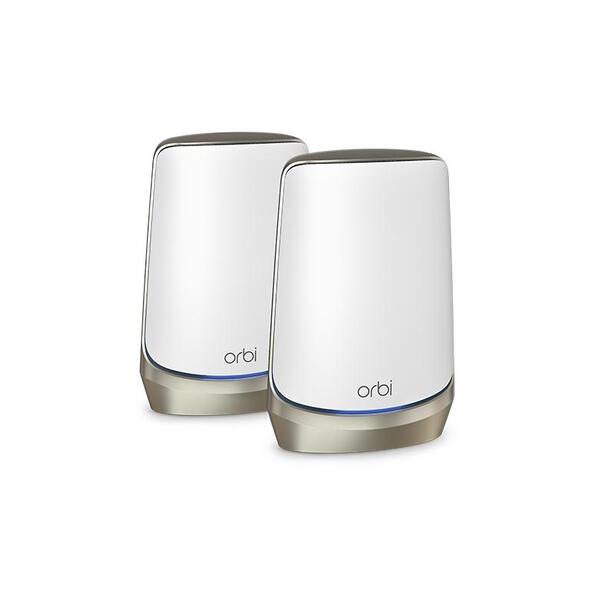
SKU: RBKE962-100APS
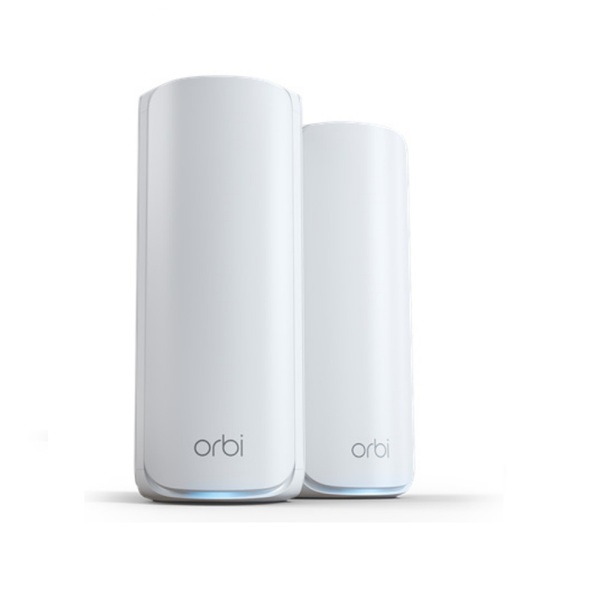
SKU: RBE772-100APS
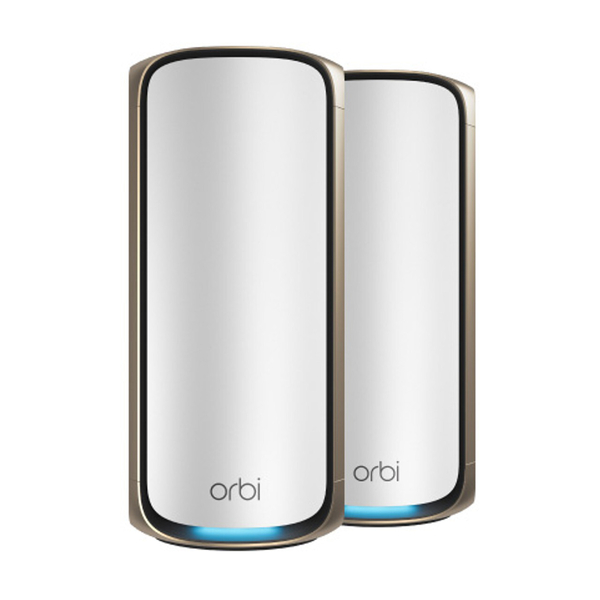
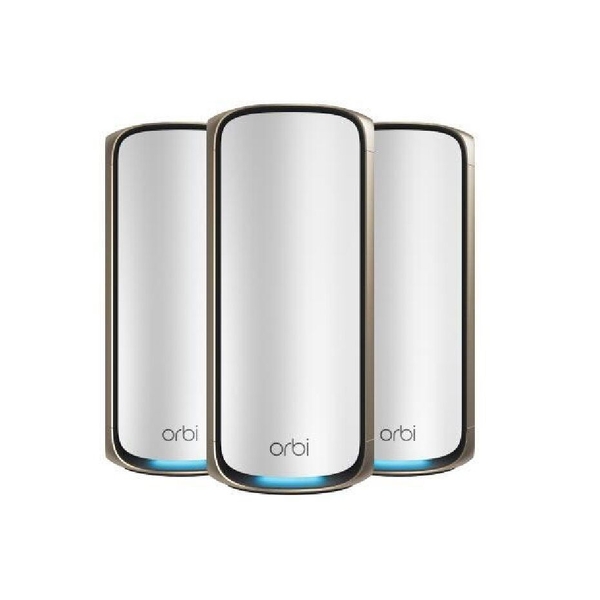
SKU: RBE973S-100APS
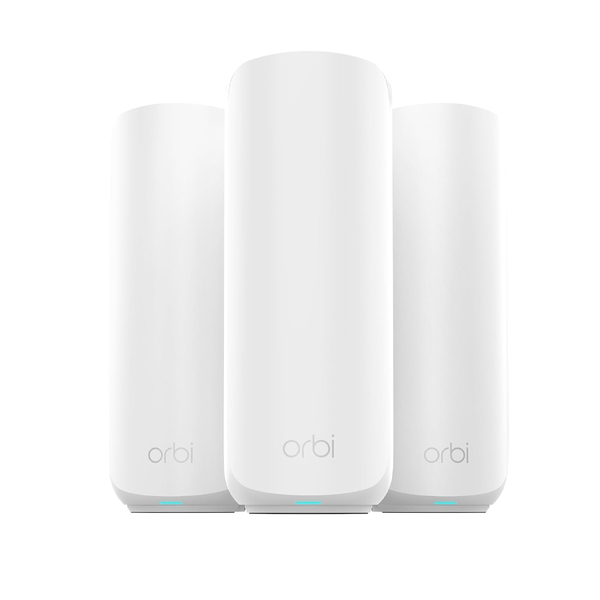
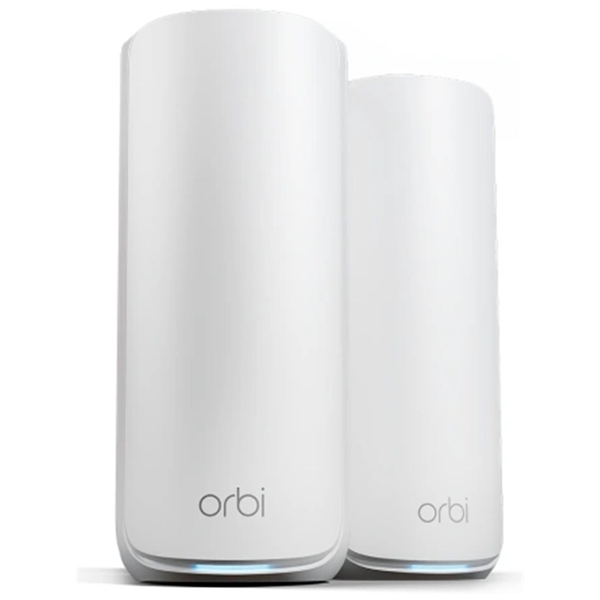
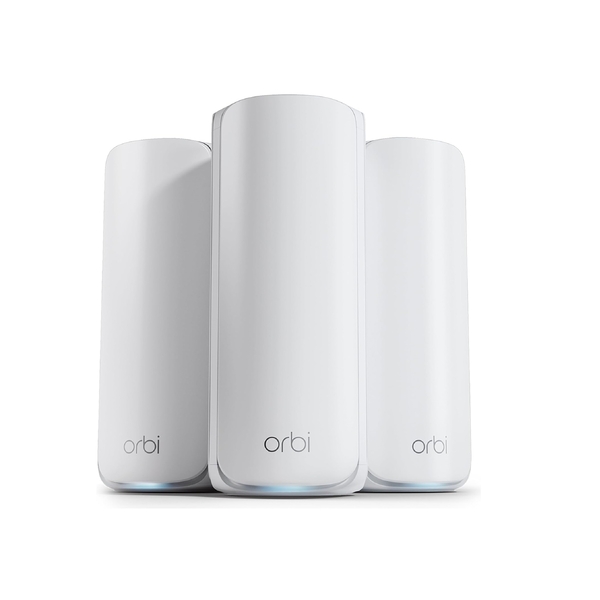
Follow the approval process below so the team can confirm eligibility and provide the correct shipping instructions.
Complete the trade-in form. If your Orbi model is not listed, use the same request to ask the team to check its trade-in value.
The team will review the details and send a confirmation email. Please wait for this before sending your device.
Pack the approved router or satellite securely and ship it according to the instructions provided.
After DeviceDeal receives and assesses the device, store credit is issued for use on an upgraded Orbi system.
After approval, you may purchase the new Orbi first and send the old device within 30 days to receive a refund credit equivalent to the approved trade-in value.
Do not send an Orbi before the team confirms your request.
Yes. Orbi routers purchased from any Australian authorised NETGEAR reseller can be considered, not only products purchased from DeviceDeal. A copy of the invoice is required.
Send it only after DeviceDeal reviews your request and sends a confirmation email with instructions. Do not ship the device before confirmation.
DeviceDeal will assess the Orbi and then issue store credit for use on an upgraded Orbi system.
Yes, after your request is approved. You may purchase the new Orbi first, then send the old device within 30 days to receive a refund credit equivalent to the approved trade-in value.
Submit a trade-in request and ask the DeviceDeal team to check whether the model has an available trade-in value.
Send the model and proof-of-purchase details for review, then explore current in-stock NETGEAR mesh WiFi systems while you wait for confirmation.