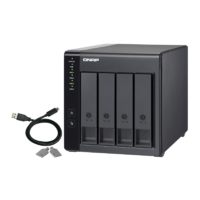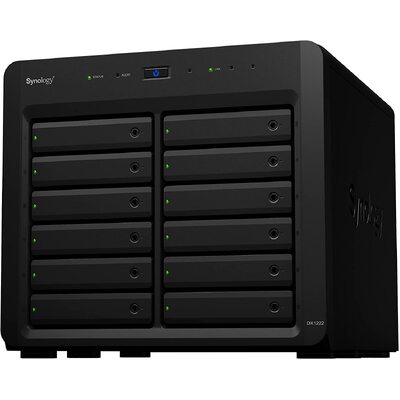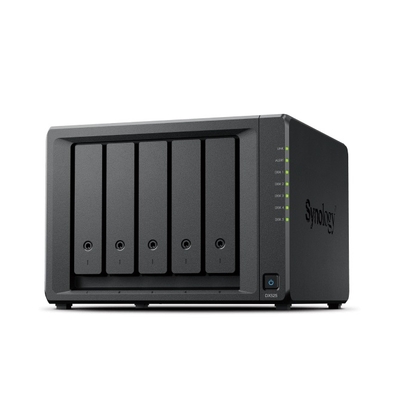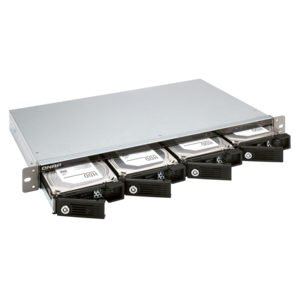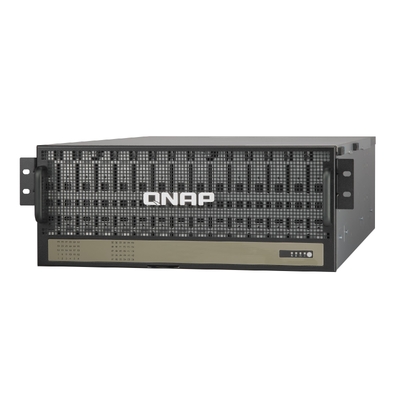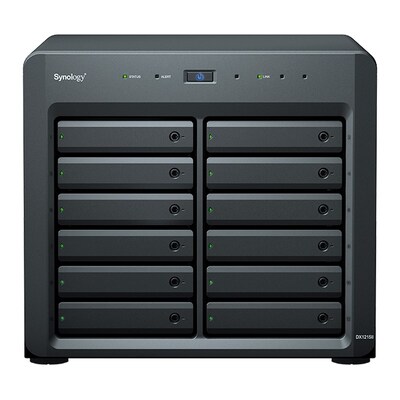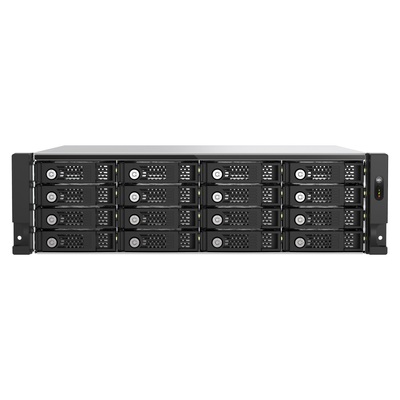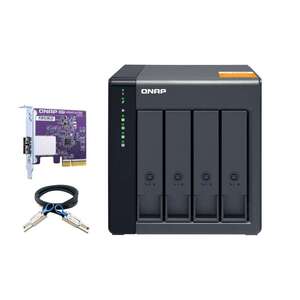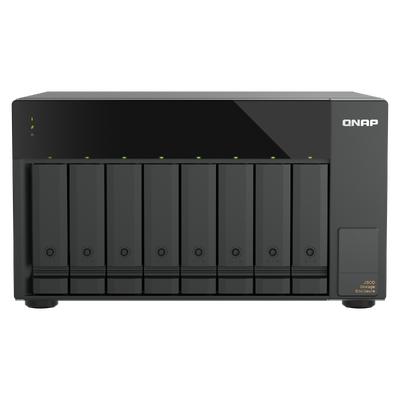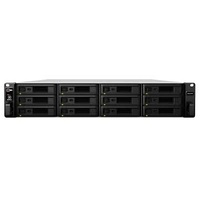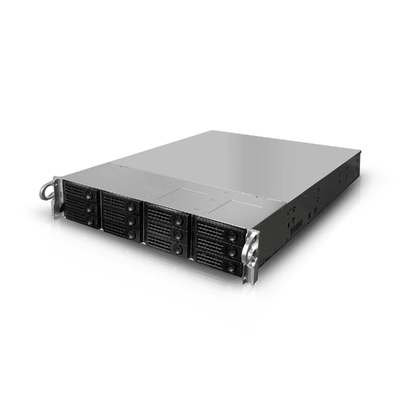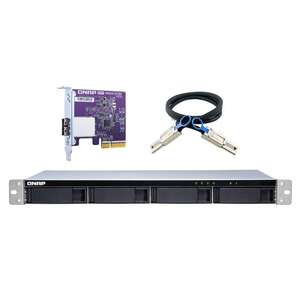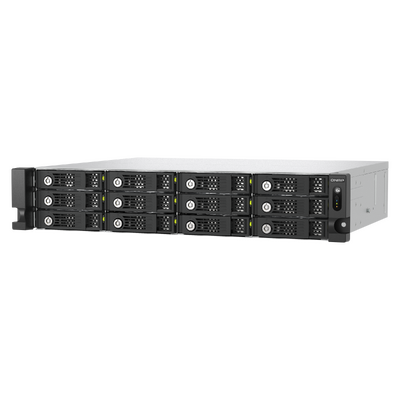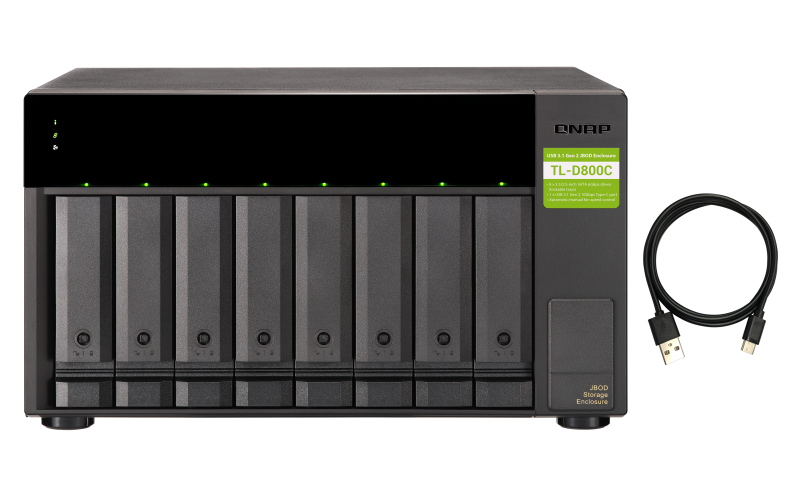
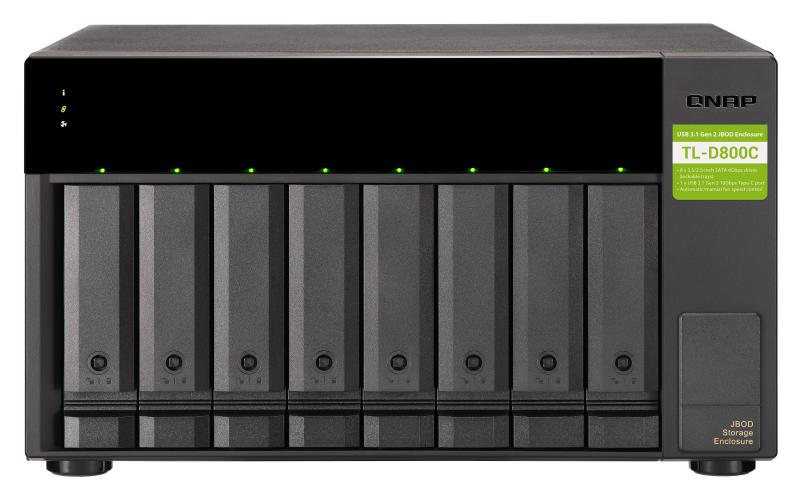
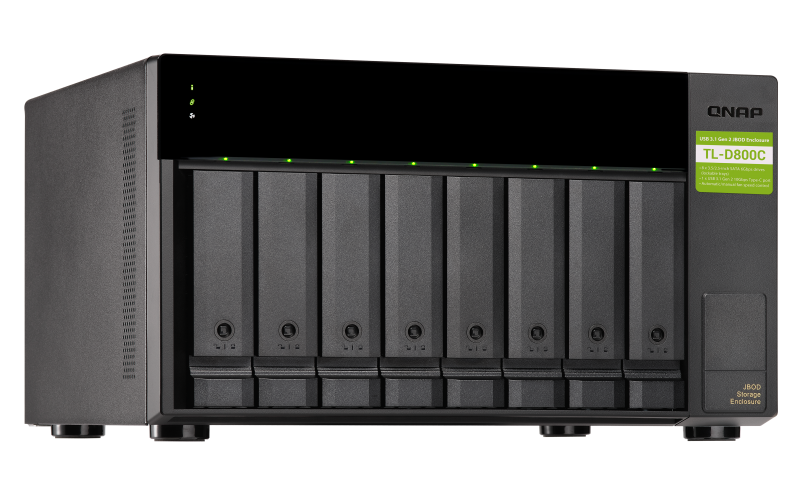
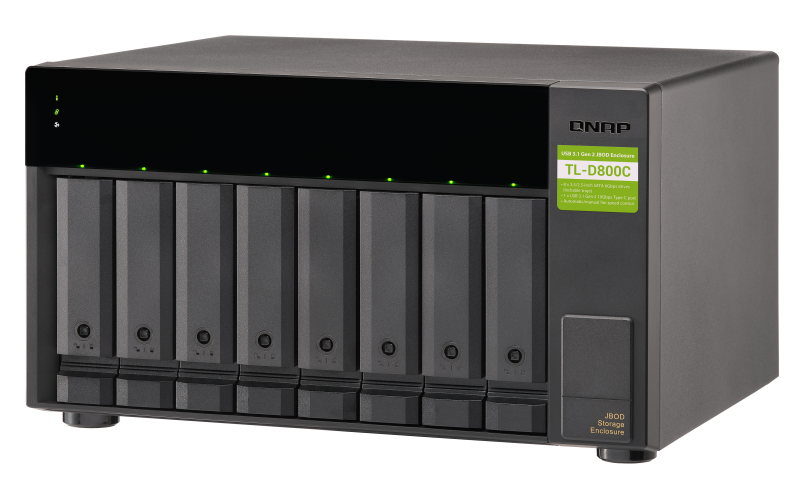
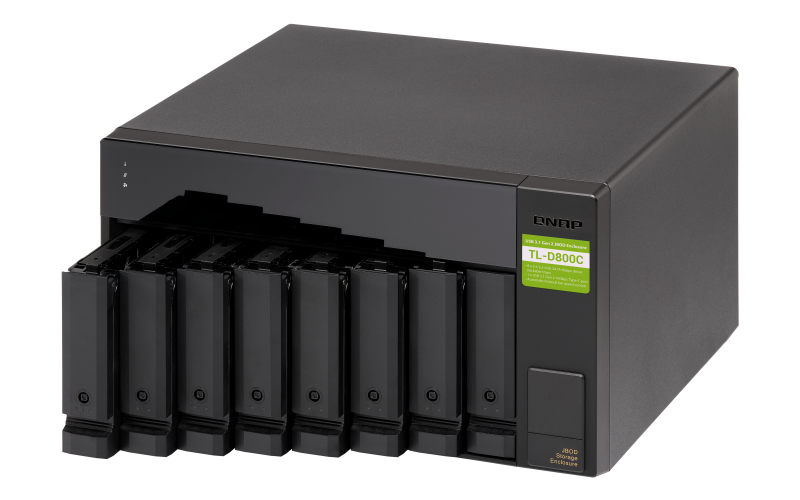
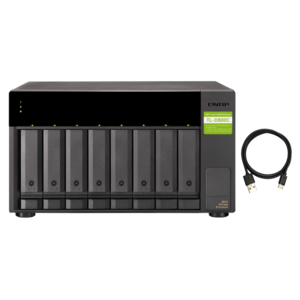
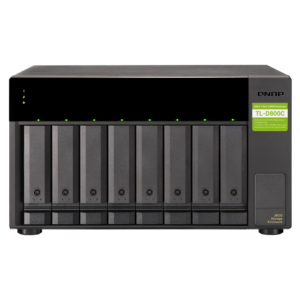
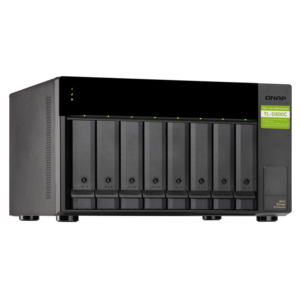
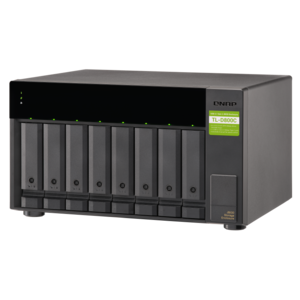
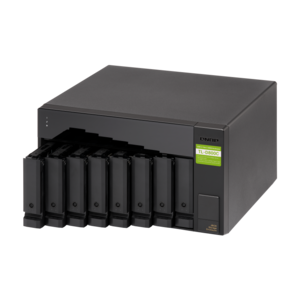

QNAP TL-D800C 8-bay desktop USB-C 3.2 Gen2 10Gbps JBOD expansion unit
Model # TL-D800C
-

SKU: TL-D800C
$1,088.00
Stock Availability
🟢Live
In Stock · 5+ available
Pickup from Vermont, VIC
Allow 1–2 business days for stock transfer
Allow 1–2 business days for stock transfer
- Pick Up Available
- Australian Warranty
- Checkout Securely




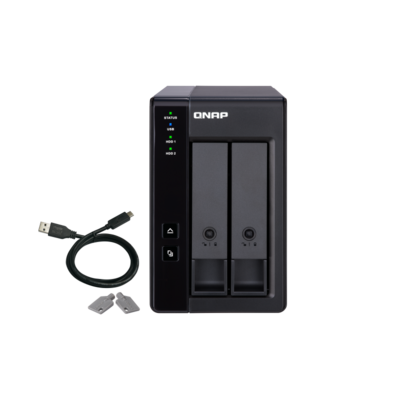
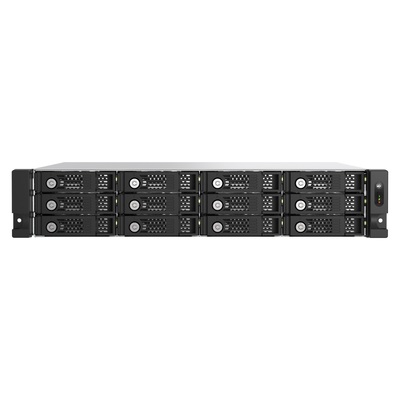
8-bay USB Type-C JBOD
QNAP TL-D800C 8-Bay USB 3.2 Gen 2 Type-C JBOD Expansion Unit
The QNAP TL-D800C is an eight-bay tower JBOD with USB 3.2 Gen 2 Type-C connectivity up to 10Gbps, hot-swappable SATA drive bays and support for compatible QNAP NAS, Windows and Ubuntu systems.
QNAPTL-D800CManufacturer warranty

What is the QNAP TL-D800C?
It is an eight-bay USB JBOD enclosure for adding separate direct-attached storage to supported QNAP NAS, Windows and Ubuntu systems.
Need help choosing a NAS?
Read NAS Buying Guide Explore the DeviceDeal NAS Buying Guide
Compare NAS types, storage considerations and practical features before selecting your next network attached storage solution.
USB 3.2 Gen 2 storage expansion
One USB 3.2 Gen 2 Type-C host interface provides transfer speeds up to 10Gb/s. The supplied description states that a USB Type-A to Type-C connection or a Thunderbolt 3 Type-C connection can be used with the appropriate cable.
- One USB 3.2 Gen 2 Type-C to Type-A cable is included.
- A cable no longer than one metre is recommended.
- The host must support UASP to use the stated UASP capability.
Eight hot-swappable SATA bays
The eight 3.5-inch bays support compatible 3.5-inch SATA HDDs and 2.5-inch SATA SSDs at 6Gb/s or 3Gb/s. Lockable trays help prevent accidental drive removal.
Supported platforms and storage use
The supplied information lists QTS / QuTS hero, Windows and Ubuntu support. On a NAS, the enclosure can be used only as an individual storage pool or volume.
Important buying and deployment notes
- The TL-D800C is supplied without drives.
- Connect the enclosure directly to the compatible NAS or computer USB port; do not use a USB hub or docking station.
- QNAP NAS support requires QTS 4.4.2 or later or QuTS hero.
- The supplied information says ASM1142-based USB ports and expansion cards are not supported, including QNAP USB-U31A2P01.
- Only one disk type, HDD or SSD, may be used within a RAID group.
Frequently asked questions
Does the QNAP TL-D800C include hard drives?
No. The enclosure is supplied without hard drives or solid state drives.
How many drives does the TL-D800C support?
It has eight 3.5-inch bays supporting compatible 3.5-inch SATA HDDs or 2.5-inch SATA SSDs.
Which host connection does the TL-D800C use?
It uses one USB 3.2 Gen 2 Type-C host interface with transfer speeds up to 10Gb/s.
Can the TL-D800C connect through a USB hub or docking station?
No. The supplied instructions require a direct connection to the compatible NAS or computer USB port.
Can its storage be combined with the connected NAS storage pool?
No. It must be used as an individual storage pool or volume.
What is required for UASP support?
The connected host computer and operating system must support USB Attached SCSI Protocol.
(TL-D800C)
Features and highlights
Key supplied features for TL-D800C.
Eight SATA drive bays
Eight 3.5-inch bays support compatible SATA HDDs and 2.5-inch SATA SSDs.
USB 3.2 Gen 2 Type-C
The host interface supports transfer speeds up to 10Gb/s.
UASP support
USB Attached SCSI Protocol is supported when the connected host and operating system also support it.
Hot-swappable lockable trays
The supplied description identifies lockable, hot-swappable drive trays.
QNAP, Windows and Ubuntu
The source lists support for compatible QNAP NAS, Windows and Ubuntu systems.
Included Type-C to Type-A cable
One USB 3.2 Gen 2 Type-C to Type-A cable is listed in the package.
Connection requirement: Connect directly to the compatible NAS or computer USB port and do not use a USB hub or docking station.
Technical specifications
Specifications are organised from the supplied QNAP product information.
Product and storage
| Model | TL-D800C |
|---|---|
| Product type | 8-bay desktop USB JBOD expansion unit |
| JBOD connection interface | USB |
| Drive bays | 8 × 3.5-inch |
| Drives included | No; shipped without HDDs |
| Drive compatibility | 3.5-inch SATA 6Gb/s and 3Gb/s HDDs; 2.5-inch SATA 6Gb/s and 3Gb/s SSDs |
| RAID disk-type limitation | Use only one disk type, HDD or SSD, within a RAID group |
| Hot-swappable | Yes |
Connectivity and controls
| Host interface | 1 × USB 3.2 Gen 2 Type-C |
|---|---|
| Maximum stated interface speed | Up to 10Gb/s |
| Host requirement | USB 3.2 Gen 1 port or later |
| Connection options stated | USB Type-A to Type-C or Thunderbolt 3 Type-C with the appropriate cable |
| UASP | Supported when the host and operating system also support UASP |
| Included cable | 1 × USB 3.2 Gen 2 Type-C to Type-A cable |
| Recommended cable length | Maximum 1 metre |
| LED indicators | HDD 18, status, link and fan error |
| Buttons | Power switch |
| Kensington security slot | Yes |
Physical, power and environment
| Form factor | Tower |
|---|---|
| Dimensions | 188.2 × 329.3 × 281.4mm, excluding foot pad |
| Foot pad note | May be up to 30mm / 1.18 inches high depending on model |
| Net weight | 8.13kg |
| Gross weight | 8.4kg |
| Power supply | 250W PSU, 100240V |
| Typical operating power consumption | 48.4W, tested with drives fully populated |
| Fan mode switch | Auto, high, medium and low |
| Fans | 2 × 120mm, 12VDC |
| System warning | Buzzer |
| Operating temperature | 040°C |
| Storage temperature | -2070°C |
| Relative humidity | 595% RH non-condensing; wet bulb 27°C |
Platforms and limitations
| QTS / QuTS hero | Yes; QTS 4.4.2 or later or QuTS hero stated |
|---|---|
| Windows | Yes |
| Ubuntu | Yes |
| Direct connection | Required; do not use a USB hub or docking station |
| Unsupported controller | ASM1142-based USB ports and cards, including QNAP USB-U31A2P01 |
| NAS storage limitation | Independent storage pool or volume only |
| Application installation | NAS applications cannot be installed on the enclosure |
| Windows volume note | Non-Server Windows has a 63TB limit for a single volume |
Warranty
| Standard warranty source value | 2; unit not stated |
|---|
| SKU | TL-D800C |
| Model # | TL-D800C |
| Barcode # | 885022018185 |
| Brand | QNAP |
| Shipping Weight | 8.5000kg |
| Shipping Width | 0.430m |
| Shipping Height | 0.300m |
| Shipping Length | 0.390m |
| Shipping Cubic | 0.050310000m3 |
QNAPManufacturer warranty
QNAP manufacturer warranty
The QNAP TL-D800C is supplied with QNAP manufacturer warranty.
Warranty coverage, eligibility and claim assessment are subject to QNAP's applicable warranty terms. Please retain your DeviceDeal tax invoice as proof of purchase.
Be The First To Review This Product!
Help other Device Deal users shop smarter by writing reviews for products you have purchased.