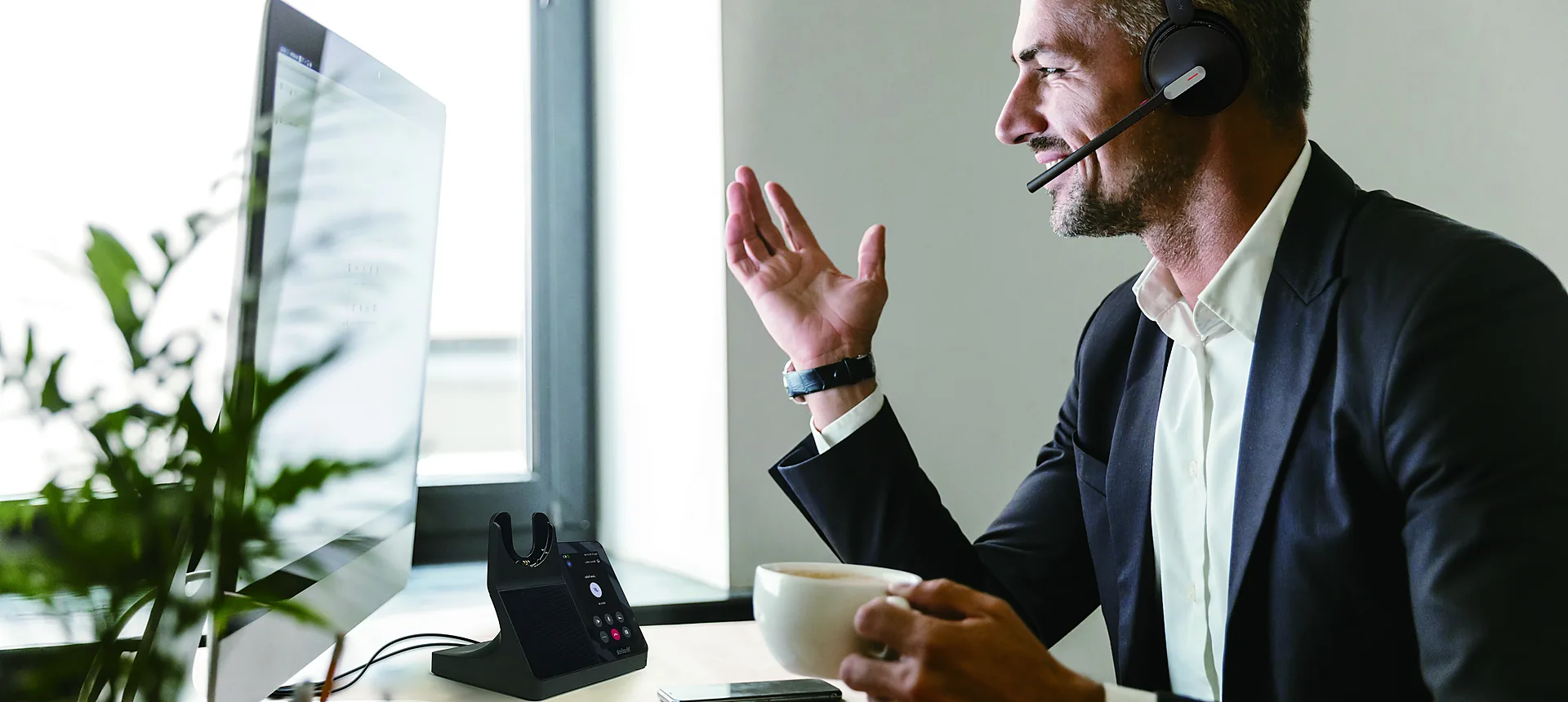
Yealink business audio

Yealink Headsets & Headphones for Work

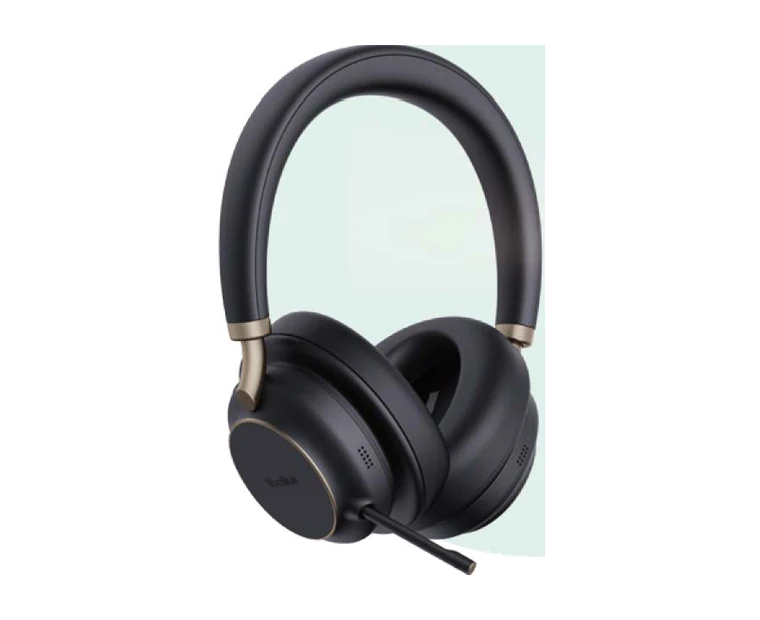
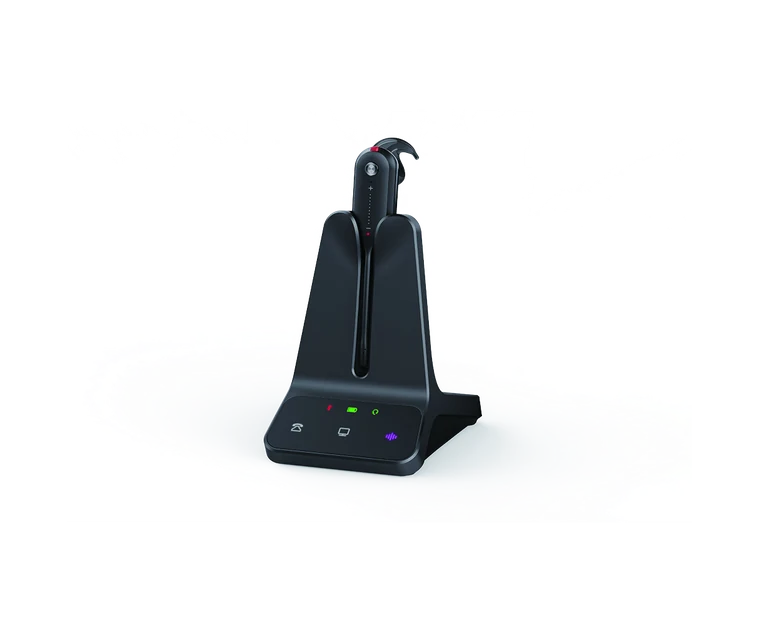
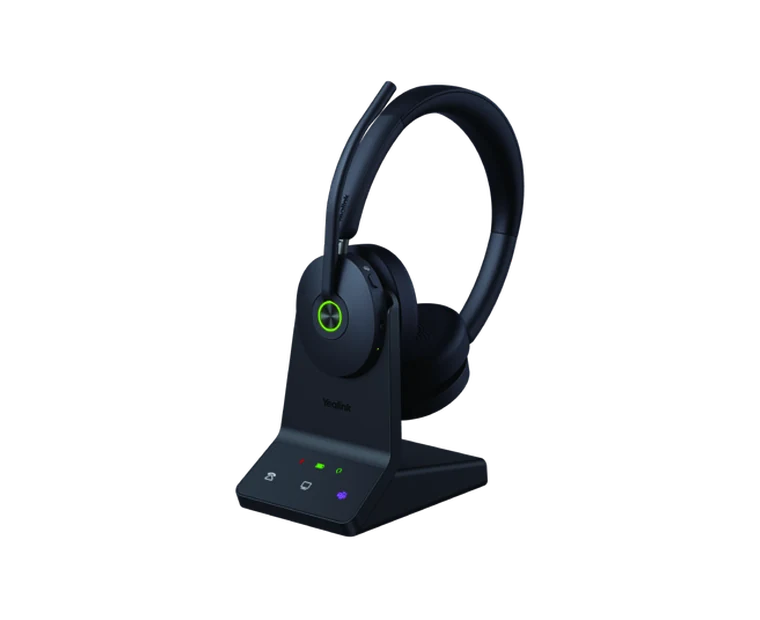
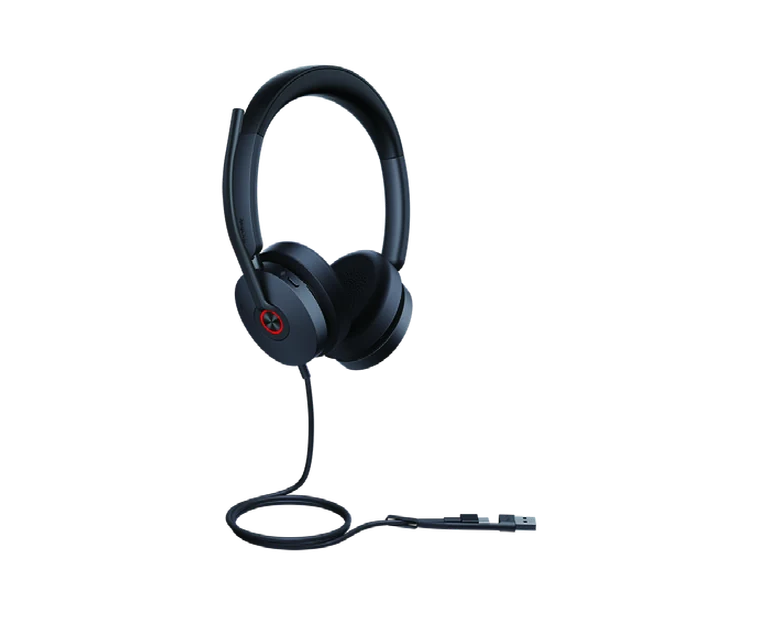
Compare Bluetooth, DECT, USB and desk-phone headsets for mobile work, hybrid offices, open-plan teams and call centres. Answer five quick questions to find a practical starting point in the DeviceDeal range.

  • Bluetooth, DECT, USB and QD/RJ9
  • Teams and UC variants
  • Mono, dual-ear and convertible options
A simple way to choose

Which Yealink headset should you choose?

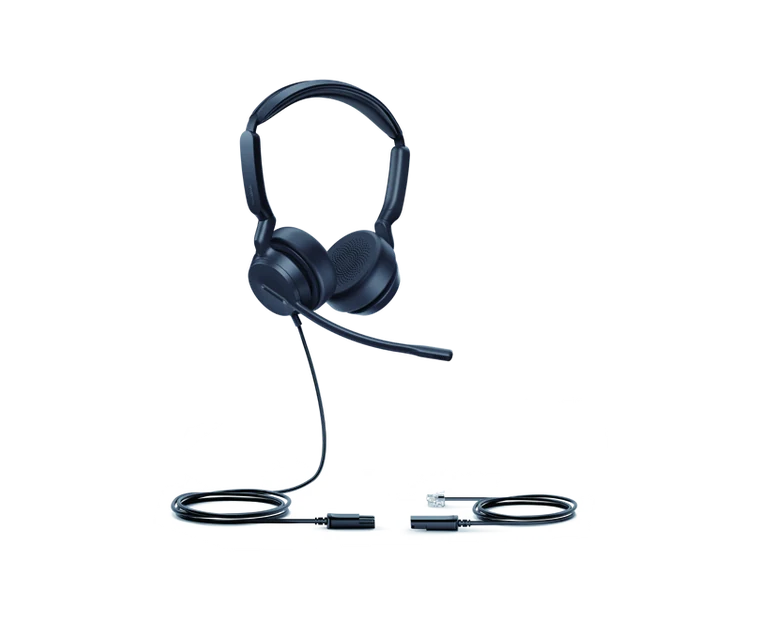
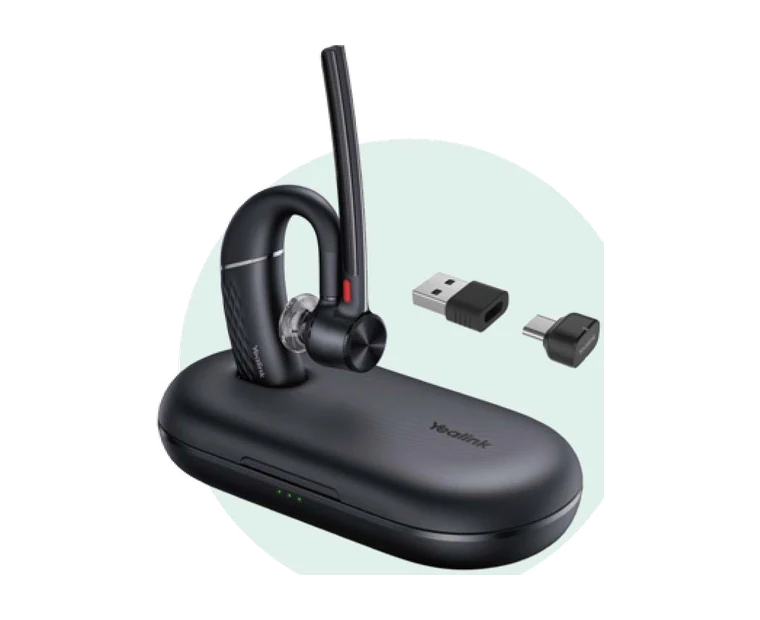
Start with the connection your work setup needs. Bluetooth suits flexible mobile and computer use, DECT is designed for desk-based wireless calling, USB provides a straightforward wired connection, and QD/RJ9 models suit compatible desk-phone workflows.

Then narrow the range by work environment, mono or dual-ear preference, Microsoft Teams or UC version, and whether you need active noise cancellation as well as microphone noise cancellation.

Important: the series guide and finder help narrow your options. Always confirm the exact phone, computer, platform, connector and package contents on the linked product page before ordering.
Before you order

Three details that prevent the wrong headset choice

1. Connection and compatibility

Identify whether the headset must connect to a mobile, computer, USB port, DECT base or desk phone. Desk-phone compatibility can depend on the exact phone model and cable.

2. Platform and package

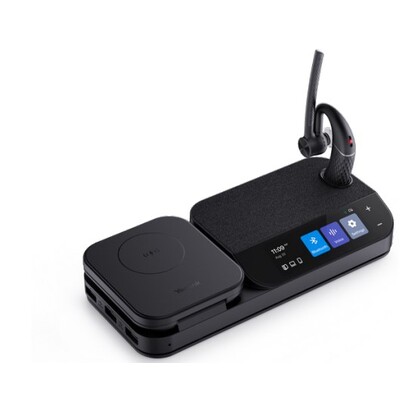
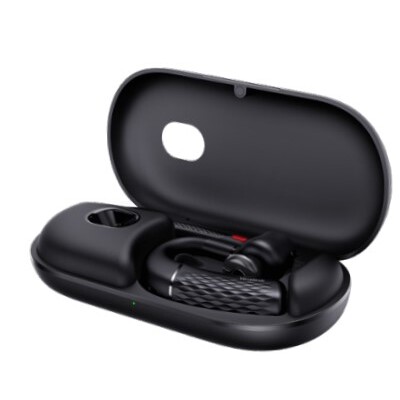
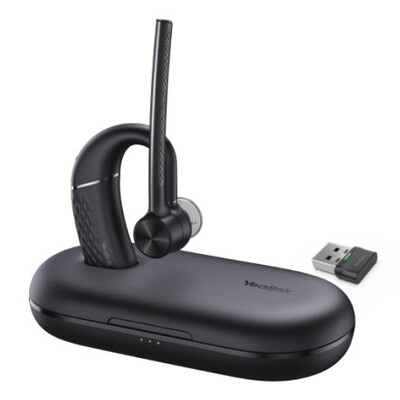
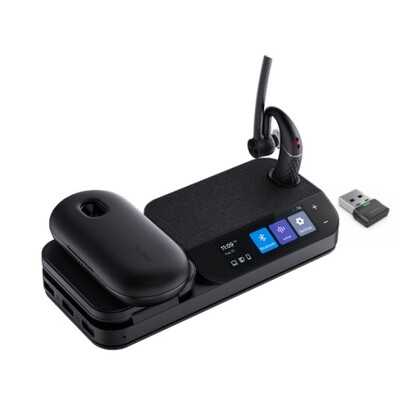
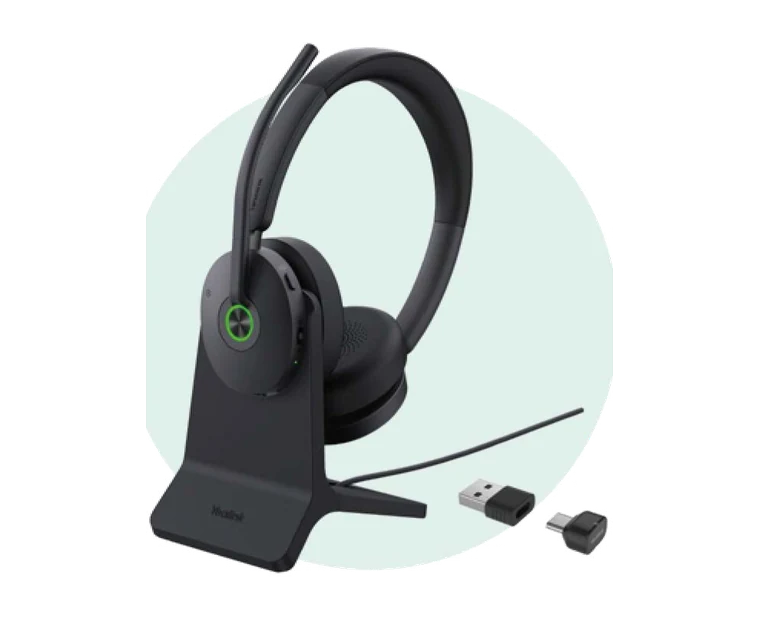
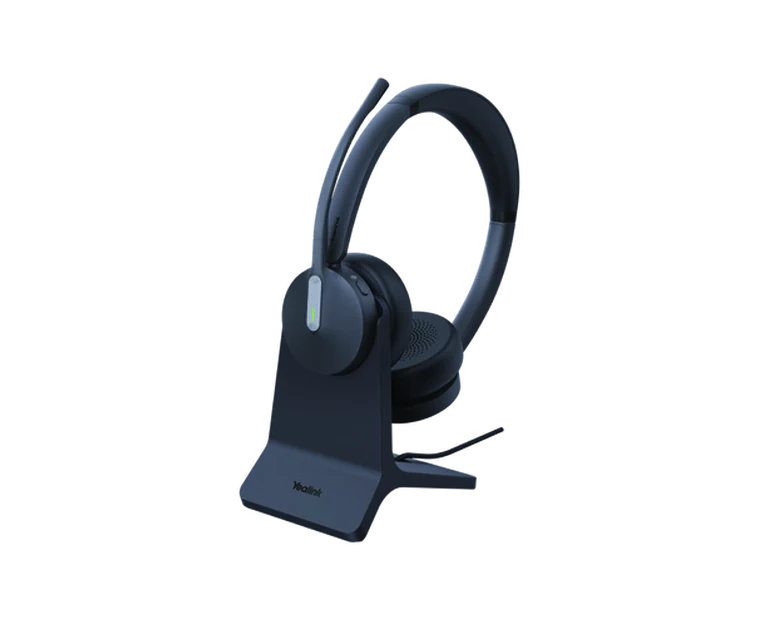
Choose the correct Teams or UC SKU and check whether the listing includes a dongle, charging stand, case or workstation. Similar-looking versions can have different package contents.

3. Noise control and wearing style

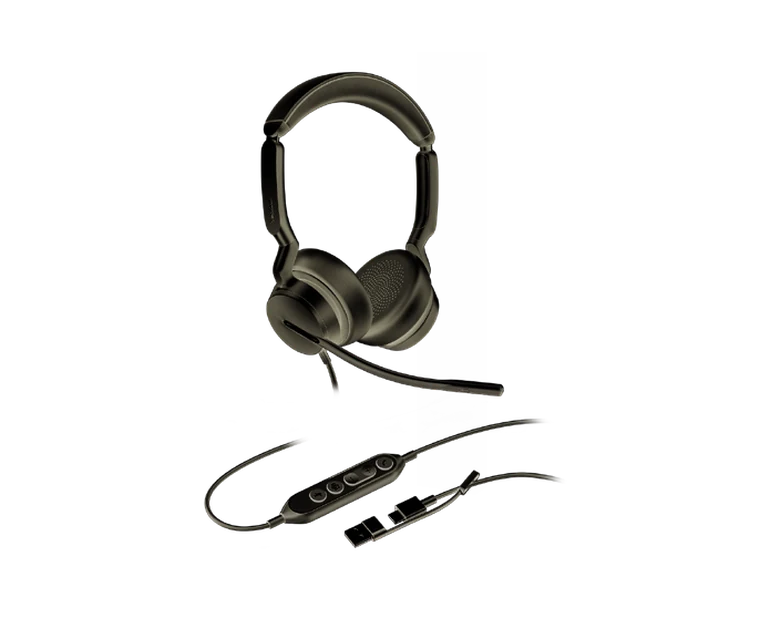
Separate active noise cancellation from microphone noise cancellation, then decide whether you prefer mono, dual-ear or a convertible design for your normal workday.

Ready to shortlist your Yealink headset?

Use the finder for a guided recommendation, or go directly to the relevant DeviceDeal connection category to compare the available product variants.