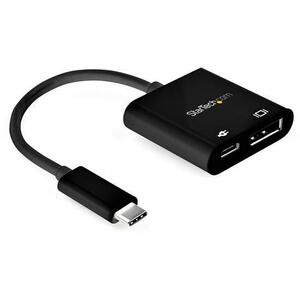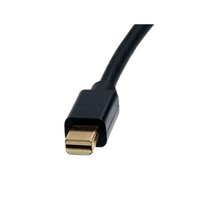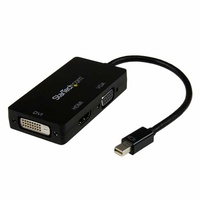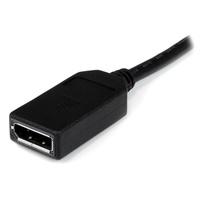
StarTech Thunderbolt 3 to Dual DP Adapter, 4K60, Mac and Windows - TB32DP2T
Model # TB32DP2T
-

SKU: TB32DP2T
- Pick Up Available
- Australian Warranty
- Checkout Securely




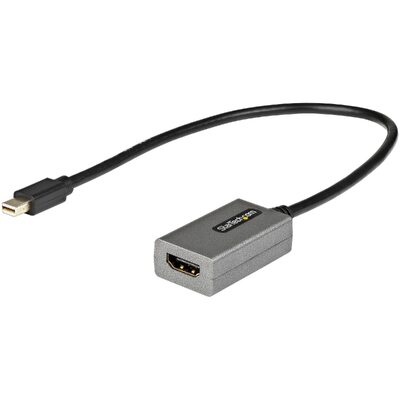
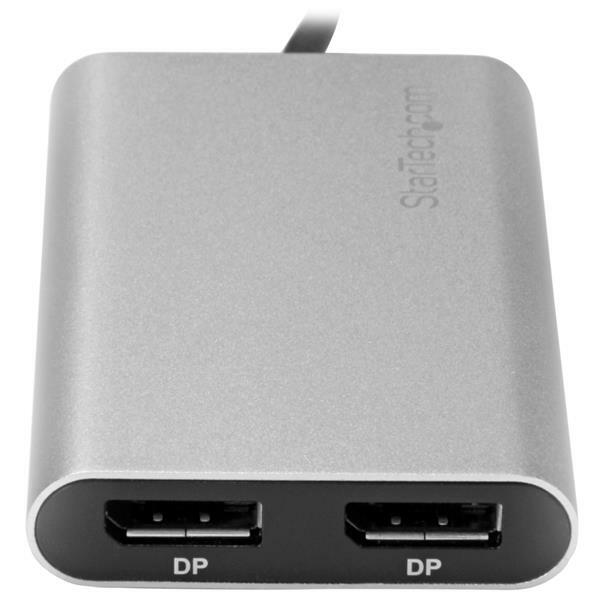
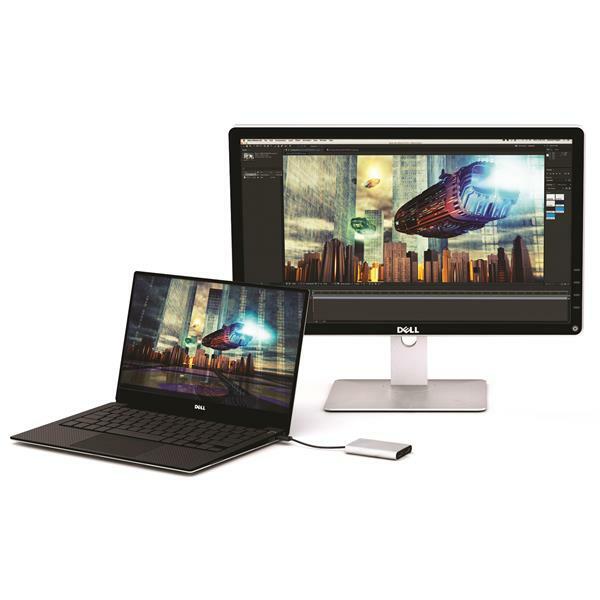
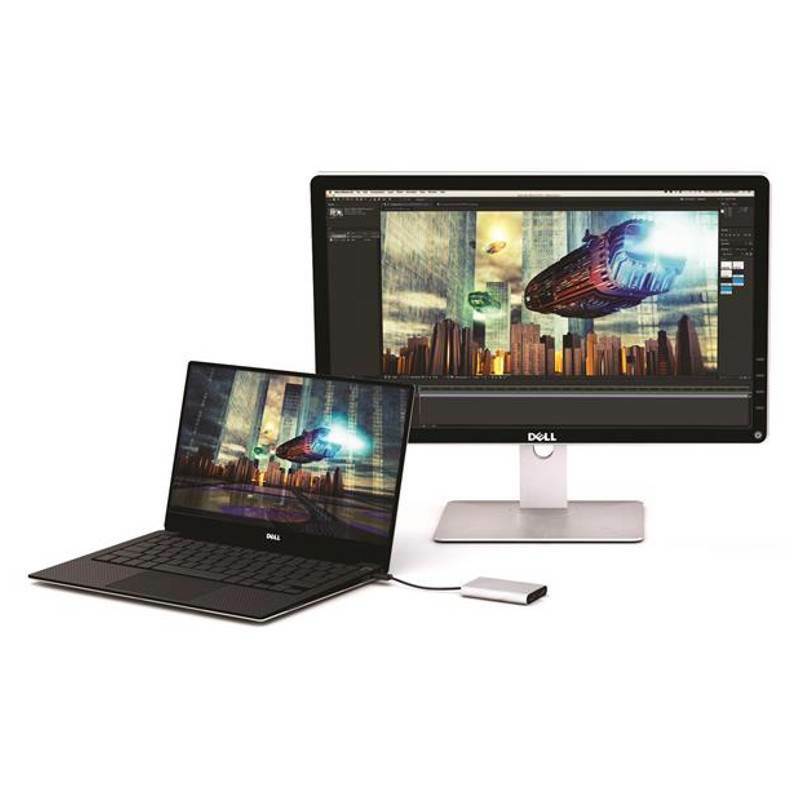
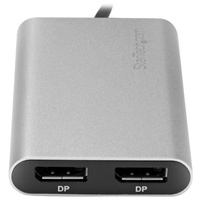
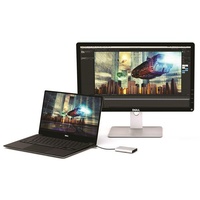
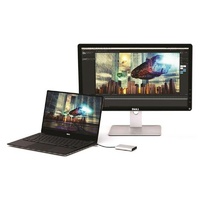
This high-performance Thunderbolt™ adapter lets you add two 4K 60Hz DisplayPort monitors to your Windows® or Mac computer through a single Thunderbolt port, or it can be used to connect your Thunderbolt 3 port to a 5K 60Hz display using two DP cables.
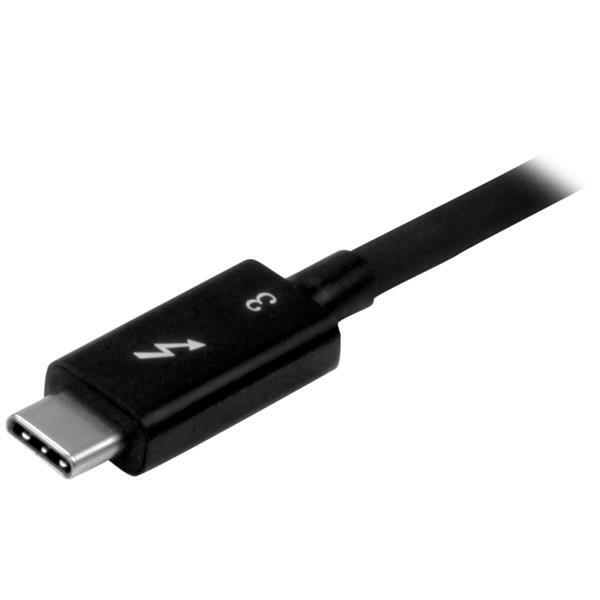
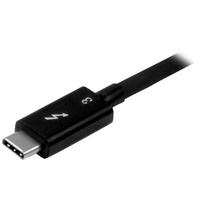
The Thunderbolt video adapter is compatible with computer systems that support Thunderbolt 3/4/5, such as models of MacBook Pro, Dell™ Precision, and Dell XPS. Thunderbolt is a protocol that uses the USB-C™ connector, but your computer system must support Thunderbolt in order for the adapter to function as expected. If you connect the adapter to a USB-C port that does not support Thunderbolt, the adapter will not function.
Connect two UHD 4K displays to your computer at 60Hz resolution
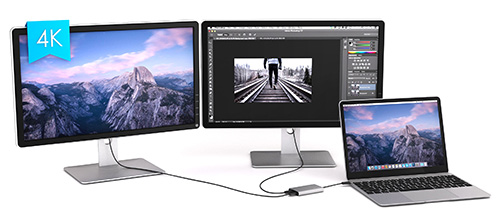
With an unprecedented 40Gbps of throughput, Thunderbolt 3 enables you to achieve the previously impossible feat of using a single port on your laptop to output dual 4K resolution at 60Hz to two independent displays. This performance enables you to run the most resource-demanding applications imaginable on two independent displays. You can output independent content to each display at resolutions of up to 4096 x 2160p (60Hz), which is perfect for editing 4K video or performing other Ultra HD tasks such as creating CAD drawings or reviewing medical imagery.
Connect a 5K display to your computer at 60Hz resolution
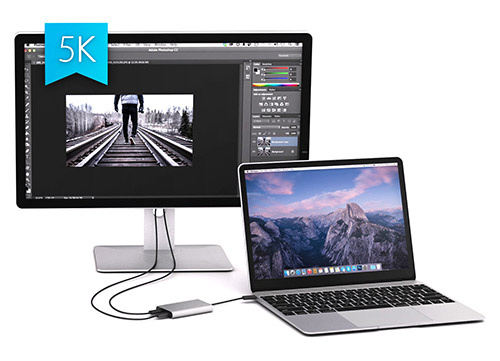
For added versatility, the Thunderbolt adapter can be used to connect two DisplayPort channels to a single 5K display. Using a Thunderbolt adapter is the only way to connect a 5K display to computers that don’t have multiple DP or Thunderbolt ports, such as your Dell Precision 15 3000 Series workstation.
Supports dual 4K displays to work more efficiently
Functioning as an external 2-port graphics adapter with audio support, this is a compact and convenient alternative to a laptop dock when you don’t need full docking capability.
With two UHD 4K displays, you can work more efficiently from your laptop, so you can accomplish more in the same amount of time. Plus, with each display delivering 4K performance, you can have four times the screen space compared to 1080p. Creative professionals can be more productive with the freedom to edit 4K video on one display while previewing raw video playback on the second 4K display.
Won't drain system resources
This adapter helps to keep your system running at peak performance. Unlike USB external video solutions, Thunderbolt 3 lets you run Ultra HD 4K resolution at 60Hz on both displays without draining system resources.
Because it’s backward compatible with your high-definition 1080p displays, this is a great accessory for home, office or other desktop workspace applications.

Your computer’s Thunderbolt 3 ports might not function properly until you update one or more of the following on your computer:
- BIOS
- Thunderbolt firmware
- Thunderbolt 3 controller drivers
- Thunderbolt 3 software
The required updates will vary depending on your computer.
For an up-to-date list of affected computers and instructions, visit http://thunderbolttechnology.net/updates. If your manufacturer isn’t listed on the Thunderbolt website, contact your manufacturer.
Notes:
-
If you're using a video adapter to connect this device to a monitor other than DisplayPort, such as HDMI or VGA, an active video adapter is required.
-
In order to connect to two displays at 4K 60Hz, your computer system must have a fully enabled Thunderbolt 3 port that supports up to 40Gbps or the host must support dual displays over Thunderbolt 3.
(TB32DP2T)
| Warranty Information | ||
|---|---|---|
| Warranty | 2 Years | |
| Hardware | ||
| Active or Passive Adapter | Active | |
| Audio | Yes | |
| AV Input | Thunderbolt™ 3 USB-C (24-pin) (40Gbps) | |
| AV Output | DisplayPort | |
| Performance | ||
| Maximum Data Transfer Rate | 40 Gbps | |
| Maximum Digital Resolutions | Dual monitor: 4K @ 60 Hz | |
| Supported Resolutions | 4096x2160 3840x2160 2560x1600 1920x1200 1920x1080 1280x720 Note: The adapter can support 5120×2880 (5K) when both DP outputs are connected to a single monitor that supports 5K. | |
| Connector(s) | ||
| Connector A | 1 - Thunderbolt™ 3 USB-C (24-pin) (40Gbps) Male Input | |
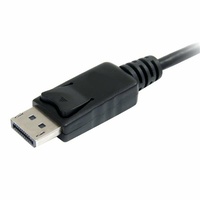
| Connector B | 2 - DisplayPort (20 pin) Female Output | |
| Software | ||
| OS Compatibility | Microsoft Windows® 8, 8.1, 10 macOS® 10.12 - 10.14 | |
| Special Notes / Requirements | ||
| Note | The adapter will only function when connected to the Thunderbolt 3 port of your computer. If the port is a USB-C port that does not support Thunderbolt 3 the adapter will not function. | |
| Physical Characteristics | ||
| Cable Length | 11.8 in [300 mm] | |
| Color | Silver | |
| Product Height | 0.6 in [1.5 cm] | |
| Product Length | 4.3 in [11 cm] | |
| Product Width | 2.4 in [60 mm] | |
| Weight of Product | 3.3 oz [93 g] | |
| Packaging Information | ||
| Package Height | 1.6 in [40 mm] | |
| Package Length | 8.3 in [21.2 cm] | |
| Package Width | 5.7 in [14.5 cm] | |
| Shipping (Package) Weight | 7.8 oz [221 g] | |
| What's in the Box | ||
| Included in Package | 1 - Thunderbolt 3 to dual DP adapter | |
| SKU | TB32DP2T |
| Barcode # | 65030867238 |
| Brand | Startech |
| Shipping Weight | 0.2200kg |
| Shipping Width | 0.140m |
| Shipping Height | 0.040m |
| Shipping Length | 0.210m |
| Shipping Cubic | 0.001176000m3 |
Be The First To Review This Product!
Help other Device Deal users shop smarter by writing reviews for products you have purchased.