Upgrade a computer
Check the available drive bay or slot, supported interface, physical dimensions, operating-system requirements and whether installation accessories are needed.
Compare storage for computer upgrades, backups, shared files, surveillance recording and portable use. Shop internal and external drives, solid-state storage, NAS systems, USB drives and memory cards.
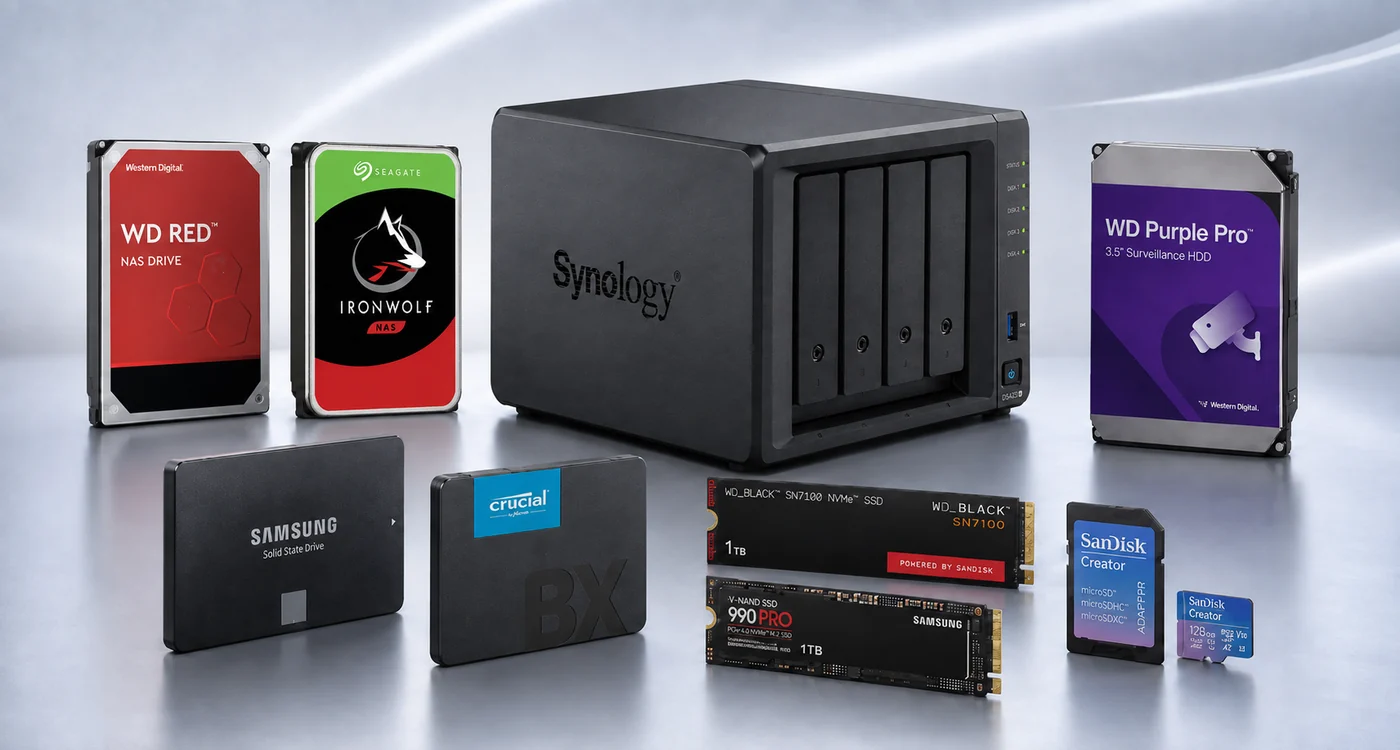
Choose an SSD when system responsiveness and fast file access are priorities; an HDD when capacity and value are more important; external storage for portable or direct-attached backup; and NAS when several devices or users need central network access. Always confirm capacity, interface, form factor, intended workload and device compatibility on the individual listing.
Choose a category below, then compare the exact capacity, interface, form factor, performance, compatibility and inclusions of individual products.
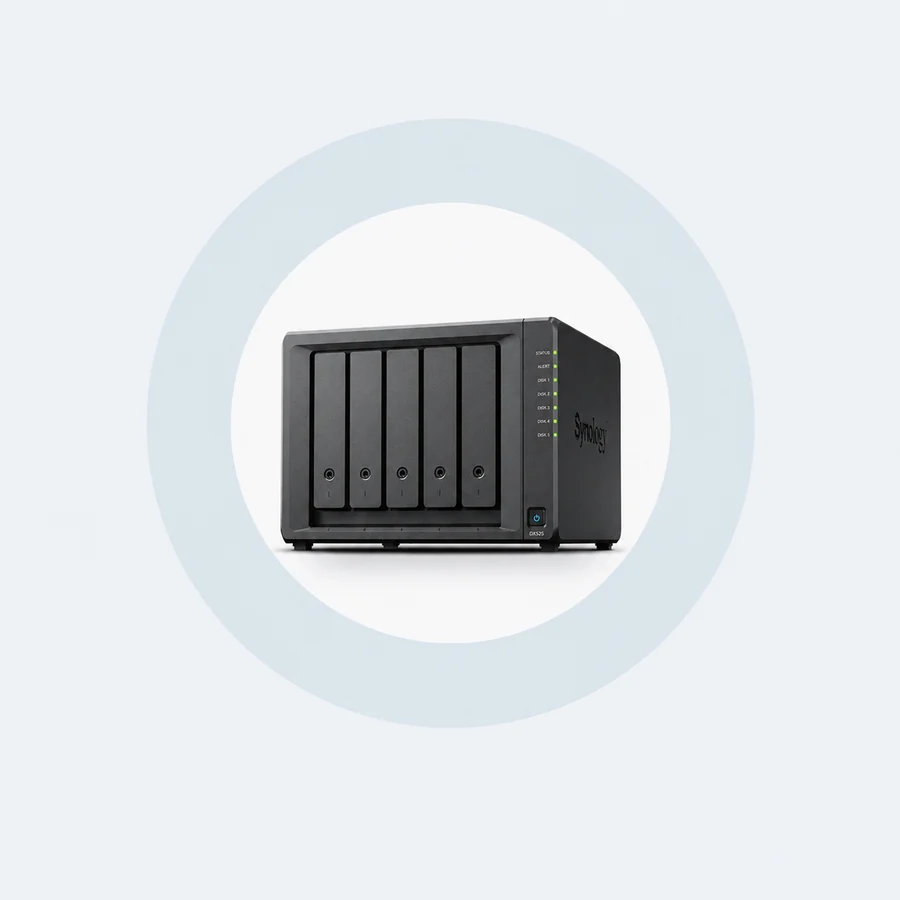
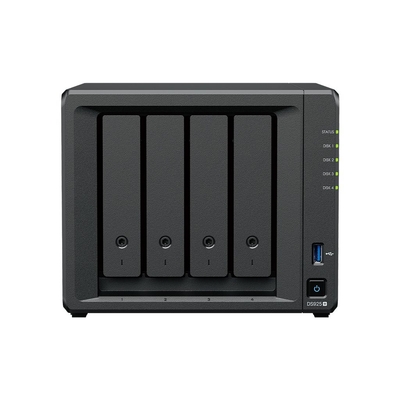
Centralise files and backup tasks for authorised access across a network. Check whether the NAS is diskless, its bay count, supported drives, connections and included software.
Shop NAS systems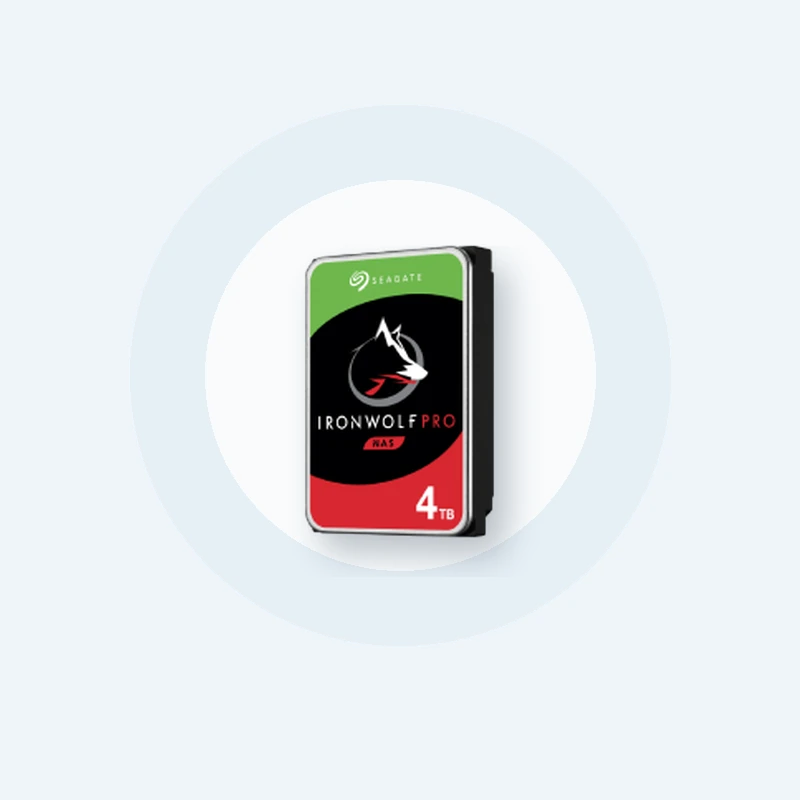
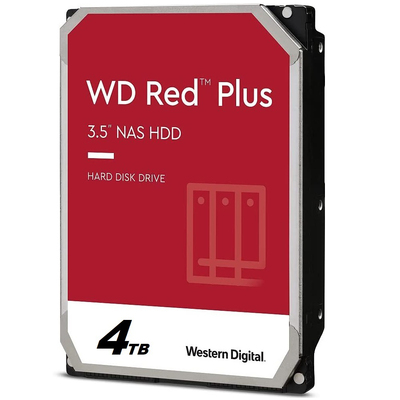
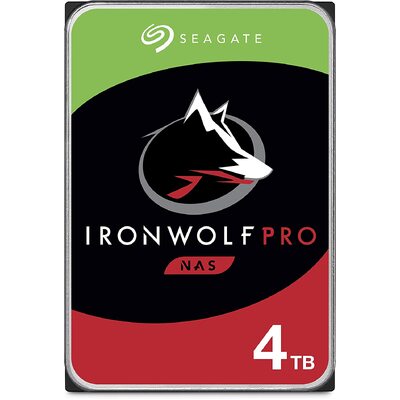
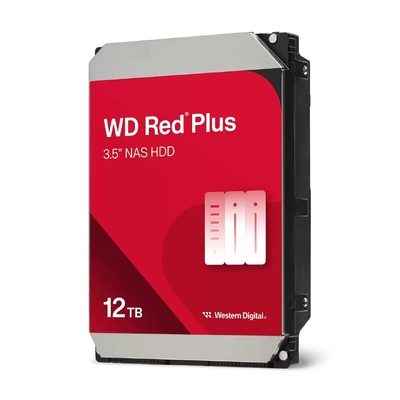
Compare HDDs for desktop, NAS, surveillance and enterprise applications. Match the drive interface, form factor, capacity and intended workload to the host device.
Shop internal hard drives
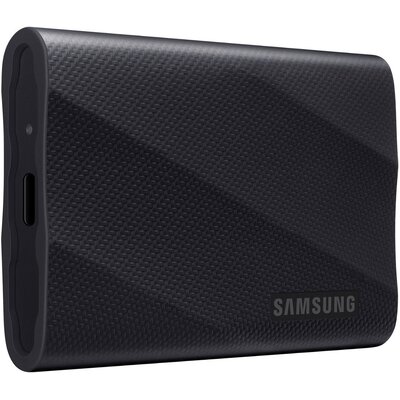
Add portable storage or a direct-attached backup device. Check the connection type, power requirements, dimensions, capacity and operating-system support.
Shop external storage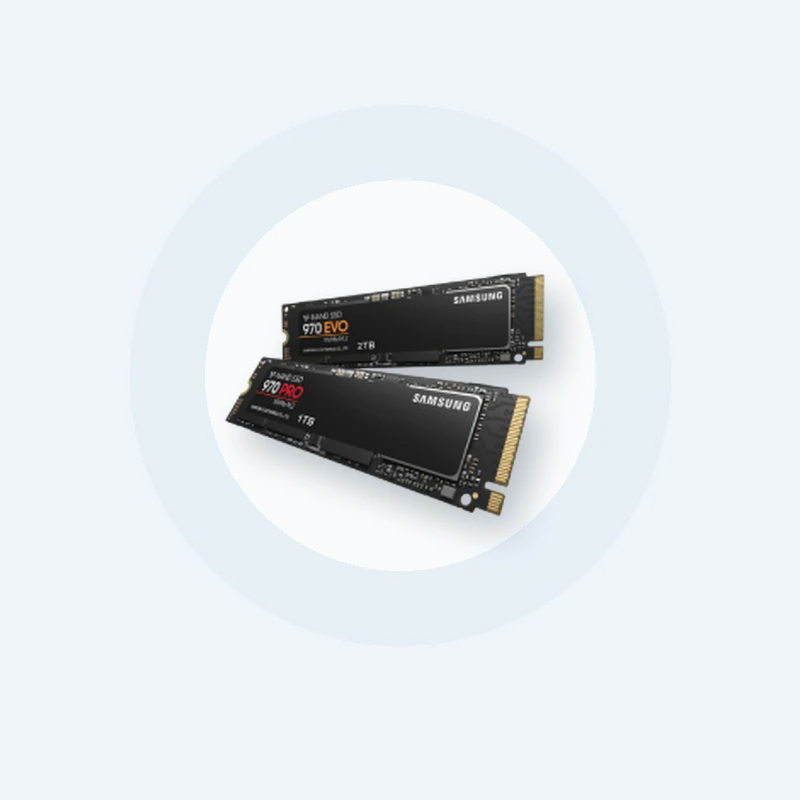
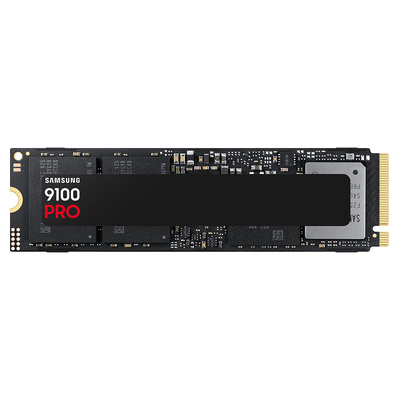
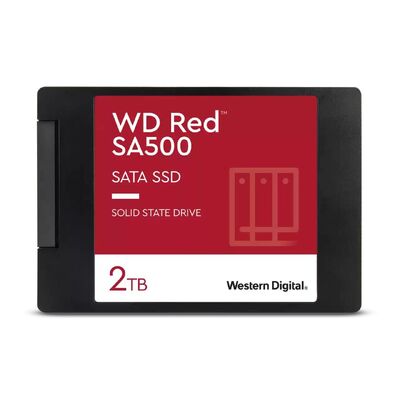
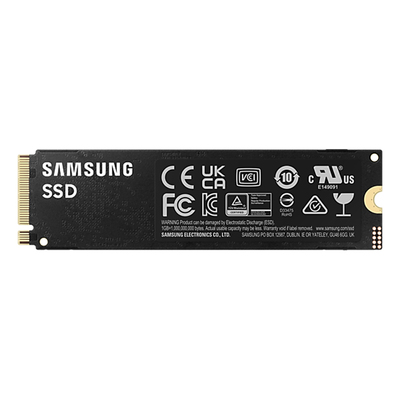
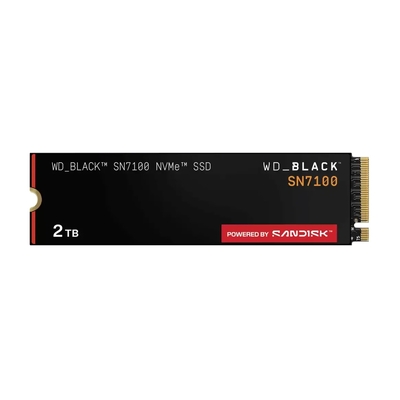
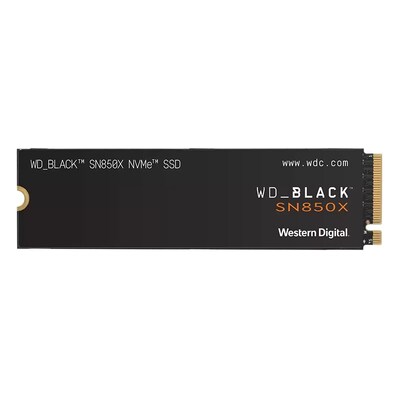
Explore SATA and PCIe/NVMe SSDs in supported form factors. Confirm the system slot, interface, drive length, keying and capacity support before ordering.
Shop solid-state drives
Choose removable storage for compatible cameras, mobile devices and other equipment. Confirm card type, capacity and the performance requirements of the device.
Shop memory cards
Carry and transfer files between compatible devices. Compare connector type, capacity, physical size and performance for the way you plan to use the drive.
Shop USB flash drivesLooking for CompactFlash, card readers or other formats? Browse all flash memory.
The intended workload matters as much as capacity. Start with what the storage must do, then verify the product and system requirements.
Check the available drive bay or slot, supported interface, physical dimensions, operating-system requirements and whether installation accessories are needed.
Choose enough capacity for the data you need to protect and future versions. Consider how often the backup will run, where it will be stored and how it will be restored.
A compatible NAS can centralise storage for authorised users and devices. Compare bay count, network connections, drive compatibility, software and expansion options.
Confirm the recorder’s supported drive list, maximum capacity and recording requirements. Select storage intended for the surveillance workload specified by the device manufacturer.
Photo, video and design workflows can need substantial capacity and sustained transfer performance. Match the storage connection and speed to the application and computer.
External SSDs, portable hard drives, USB drives and memory cards serve different connector, capacity and durability needs. Confirm compatibility with every device you will use.
These options solve different problems. A NAS is a networked storage system and may use HDDs, SSDs or both, depending on the model and configuration.
An HDD stores data on magnetic platters. It is commonly considered when capacity and cost per terabyte are important.
An SSD stores data in flash memory without moving parts. It is commonly chosen for quicker system, application and file responsiveness.
A NAS connects to a network and provides central storage that authorised devices or users can access, subject to its configuration and software.
Drive families can be designed and qualified for different workloads. Use the host manufacturer’s compatibility information and the individual product specifications as the final check.
For compatible personal computers. Confirm 2.5-inch or 3.5-inch form factor, SATA support, physical space, power and supported capacity.
Shop desktop & laptop HDDsFor compatible network storage enclosures. Check the NAS vendor’s drive list, interface, capacity support, bay configuration and intended workload.
Shop NAS hard drivesFor compatible surveillance recorders and continuous video workloads. Confirm the recorder’s compatibility list, channel requirements and supported capacity.
Shop surveillance HDDsFor compatible servers and storage systems. Confirm SATA or SAS interface, form factor, sector format, capacity and platform support.
Shop enterprise HDDs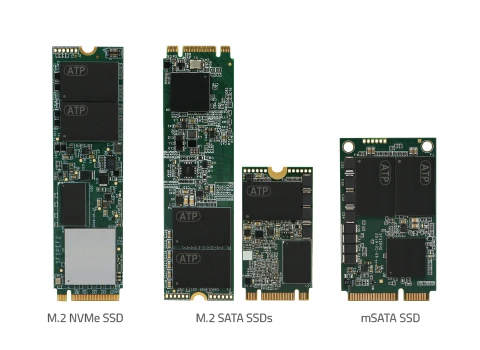
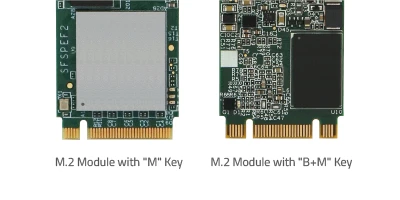
M.2 is a form factor, not a guarantee of interface compatibility. Keying is only one check; confirm whether the slot supports SATA or PCIe/NVMe, the accepted length and the system’s other limitations.
Two SSDs can look similar and still be incompatible. The physical format, connector, interface and system support all need to match.
| SSD type | Common use | Check before buying |
|---|---|---|
| 2.5-inch SATA SSD | Compatible desktop and laptop drive bays | 2.5-inch bay, SATA data and power connection, supported capacity and any mounting hardware |
| M.2 SATA SSD | Compact SATA storage in supported M.2 slots | The M.2 slot must support SATA; also confirm drive length, keying and supported capacity |
| M.2 PCIe/NVMe SSD | Compact high-performance storage in supported systems | PCIe/NVMe support, drive length, keying, generation, available lanes, cooling requirements and capacity support |
| mSATA SSD | Some older compact computers and embedded systems | A dedicated mSATA slot and the exact device requirements; mSATA is not the same connector as M.2 |
| PCIe add-in card SSD | Compatible desktops, workstations and servers | Expansion-slot type, physical clearance, boot support, operating-system support and platform requirements |
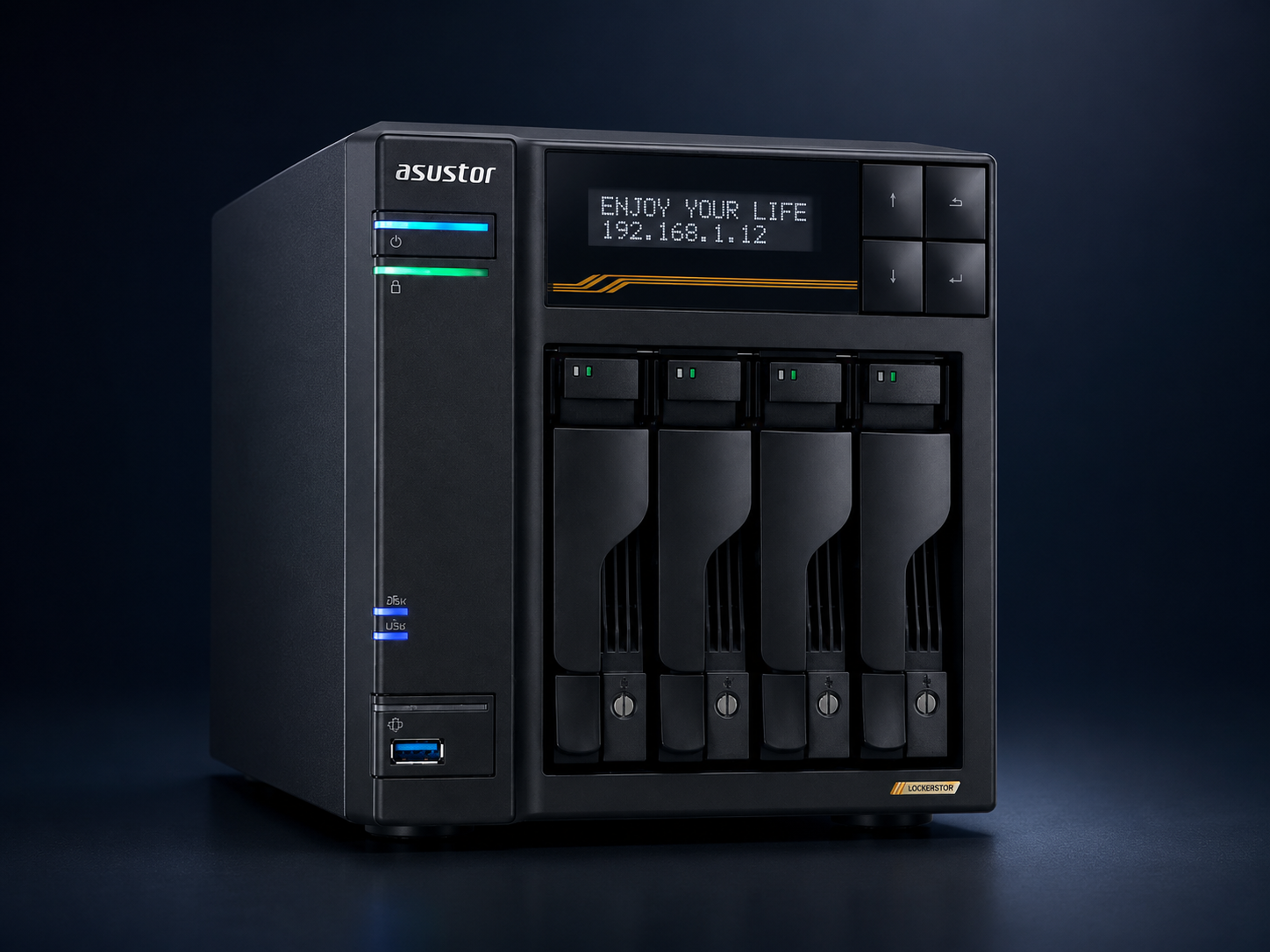
A NAS can provide central file storage, authorised network access and automated backup functions. The available features depend on the enclosure, installed drives, operating system, applications and configuration.
Use these answers to narrow the category, then confirm the exact product specifications and compatibility before ordering.
An HDD stores data on spinning magnetic platters, while an SSD uses flash memory and has no moving parts. SSDs are generally chosen for faster system and application responsiveness; HDDs are often chosen when high capacity and value are the priority. Check the exact product and system requirements before buying.
Choose capacity according to the files, applications and backups you expect to keep, then allow room for future growth. Photos and documents usually require less space than large video libraries, games, surveillance footage or business archives.
An external drive normally connects directly to one device, while a NAS connects to a network and can provide central storage for multiple authorised devices or users. Features vary by NAS model, installed drives, configuration and software.
No. M.2 describes a form factor, while the drive may use SATA or PCIe/NVMe and may have different lengths and keying. Check the device manual and product specifications for the supported interface, size, key and capacity.
Use a drive that the device manufacturer supports for the intended workload. NAS and surveillance systems can have different operating patterns and compatibility requirements, so confirm the enclosure or recorder compatibility list before ordering.
Inclusions vary. Many NAS products are sold diskless, while some are supplied with drives or as configured bundles. Check the individual product title, specifications and package contents.
A backup gives you another copy of important files if the original data is lost, damaged, deleted or affected by a security incident. The backup method and frequency should reflect how important the data is and how often it changes.
No. Depending on the configuration, RAID can help a storage system continue operating after certain drive failures, but it does not replace a separate backup against accidental deletion, malware, theft, hardware loss or site damage.
Promotional products are loaded automatically from the DeviceDeal catalogue. Prices, availability and included items can change; check each product page for the current details.