QNAP NAS Buying Guide 2026
Australia’s best prices on QNAP network-attached storage — desktop NAS, rackmount, expansion units, 10GbE networking and accessories. All in stock and ready to ship.
Last updated: March 2026
Navigate
Why DeviceDeal Top Picks 2-Bay NAS 4-Bay NAS 6+ Bay NAS Rackmount NAS Expansion & DAS 10GbE & Switches Accessories Bundles FAQWhy Buy QNAP from DeviceDeal?
QNAP is a world leader in network-attached storage, offering powerful NAS solutions for home users, creative professionals and enterprises. DeviceDeal is an authorised QNAP reseller with competitive pricing and same-day dispatch across Australia.
Consistently competitive pricing across the full QNAP range — desktop NAS, rackmount and accessories.
All products ship from our Australian warehouse. Same-day dispatch on orders before 2pm AEST.
We help Australian homes and businesses choose the right NAS — from 2-bay home units to 16-bay enterprise rackmounts.
NAS, expansion units, 10GbE cards, switches, rail kits and spare PSUs — one supplier for your entire QNAP setup.
Top Picks from Our Best Sellers
Hand-picked QNAP products based on what Australian homes and businesses are buying most.
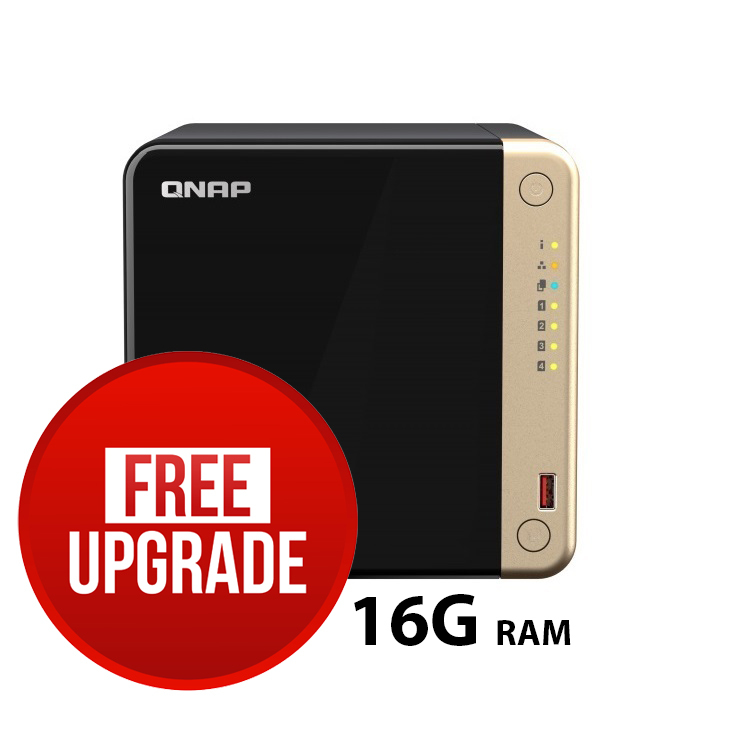
TS-464-8G — 4-Bay Intel NAS
Our #1 selling QNAP NAS. The TS-464 packs a Celeron N5095 quad-core CPU with 8GB RAM into a 4-bay desktop chassis. Dual 2.5GbE ports, two M.2 NVMe SSD slots for caching, HDMI 2.0 output for Plex media playback, and hardware transcoding for 4K video.
- CPU: Intel Celeron N5095, quad-core 2.9GHz
- RAM: 8GB DDR4 (expandable to 16GB)
- Network: 2x 2.5GbE RJ45
- Bays: 4x 3.5" SATA + 2x M.2 NVMe
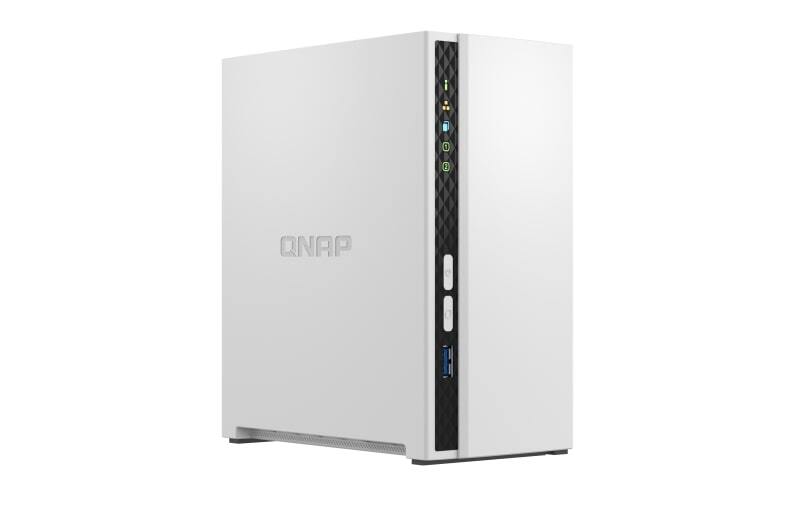
TS-233 — 2-Bay Budget NAS
The most affordable way into the QNAP ecosystem. ARM Cortex-A55 quad-core with 2GB RAM is perfect for personal file storage, automated backups and basic media streaming. Runs the full QTS operating system with access to QNAP’s extensive app centre.
- CPU: ARM Cortex-A55, quad-core 2.0GHz
- RAM: 2GB DDR4
- Network: 1x Gigabit Ethernet
- Bays: 2x 3.5" SATA
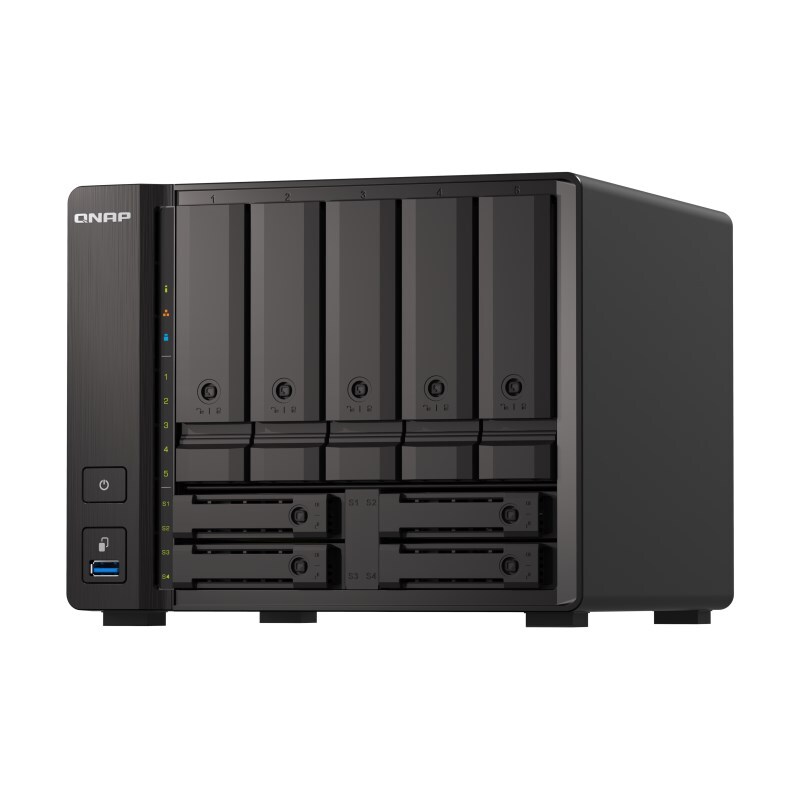
TS-h973AX-32G — 9-Bay Hybrid NAS
The ultimate prosumer NAS. AMD Ryzen V1500B with 32GB ECC RAM runs QuTS hero — QNAP’s ZFS-based operating system with inline data deduplication and compression. The unique 5+4 bay design mixes 3.5" HDDs and 2.5" SSDs for tiered storage. Dual 10GbE for demanding workloads.
- CPU: AMD Ryzen V1500B, quad-core 2.2GHz
- RAM: 32GB DDR4 ECC
- Bays: 5x 3.5" + 4x 2.5" (hybrid)
- Network: 2x 10GbE + 2x 2.5GbE
Desktop NAS — 2-Bay
Perfect First NAS for Home & Personal Use
A 2-bay NAS is the ideal starting point for personal cloud storage, automated PC/Mac backups, and basic media streaming. With two drive bays you can run RAID 1 (mirroring) for data protection — if one drive fails, your data survives on the other.
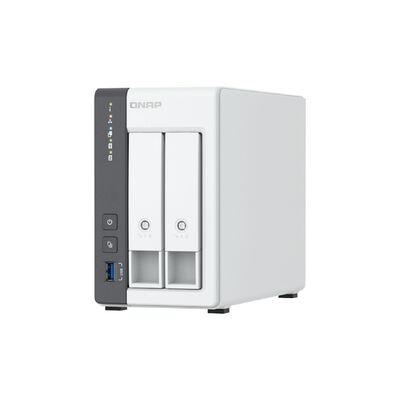
- Budget pick: TS-233 (ARM Cortex-A55, 2GB) — the most affordable QNAP NAS. Perfect for file storage, backups and light Plex streaming. Runs full QTS with app centre access.
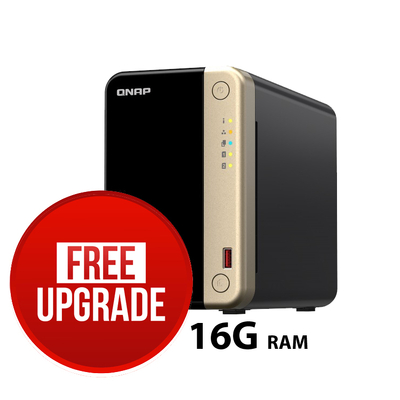
- Performance pick: TS-264-8G (Celeron N5095, 8GB) — Intel x86 CPU means hardware transcoding for Plex 4K, Docker containers, and Virtualization Station. Dual 2.5GbE ports and M.2 NVMe caching slots.
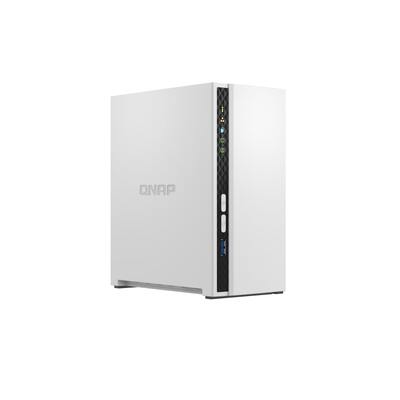
- 2.5GbE budget: TS-216G (ARM, 4GB, 2.5GbE) — ARM-based with 2.5 Gigabit Ethernet for faster transfers without the Intel price premium. Great for homes with 2.5G switches.
NAS vs External Hard Drive
Unlike a USB hard drive, a NAS is always on and accessible from any device on your network (and remotely via myQNAPcloud). It supports RAID for redundancy, runs apps like Plex and Surveillance Station, and serves as a true private cloud.
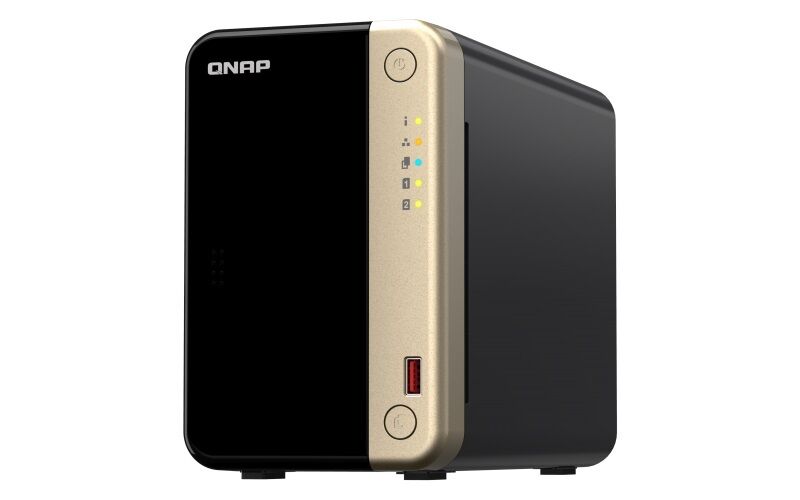
2-Bay Desktop NAS
Model On
Sale
Desktop NAS — 4-Bay
The Sweet Spot for Home & Small Business
Four bays open up RAID 5 — the most popular configuration that balances usable capacity with single-drive fault tolerance. A 4-bay NAS is ideal for families, content creators, small offices and Plex media servers.
- Best seller: TS-464-8G (Celeron N5095, 8GB, 2x 2.5GbE) — our #1 QNAP product. Intel x86 for Plex 4K transcoding, Docker, VMs and Surveillance Station. Two M.2 NVMe slots for SSD caching accelerate random I/O.
- Budget 4-bay: TS-433-4G (ARM, 4GB) — affordable 4-bay with ARM processor. Ideal for pure storage and backup workloads where transcoding and VMs are not needed.
- AMD powerhouse: TS-473A-8G (AMD Ryzen V1500B, 8GB) — AMD quad-core with PCIe Gen 3 expansion slot for adding 10GbE or M.2 SSD cards. Great for virtualisation and heavier workloads.
x86 vs ARM — Which CPU Do You Need?
x86 (Intel/AMD) models support hardware video transcoding (Plex), Docker containers, Virtualization Station and more demanding apps. ARM models are power-efficient and quieter, ideal for pure file storage and backup. If you plan to run Plex with transcoding or Docker, choose x86.
4-Bay Desktop NAS
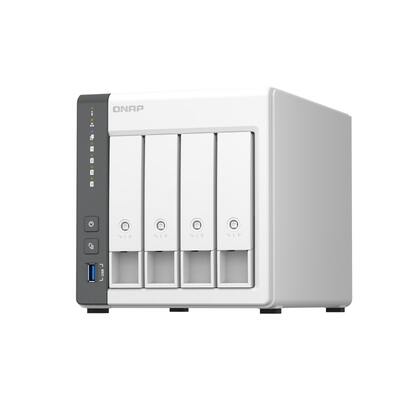

QNAP TS-464 4-BAY NAS Intel® Celeron® N5095 8GB RAM , 2.5GbE(2), M.2(2), PCIe - TS-464-8G
$1,049.00 $1,599.00
Sale Top
Seller

QNAP TS-473A-8G 4 Bay NAS with AMD R-Series Quad-core 2.2GHz, and 2 2.5GbE Ports
$1,269.00 $1,599.00
Sale
Desktop NAS — 6+ Bay
High-Capacity Storage for Professionals & SMBs
Six or more bays enable RAID 6 (dual-drive fault tolerance) and massive raw capacity. These NAS units serve content creators working with 4K/8K footage, surveillance deployments with dozens of cameras, and growing businesses that need room to expand.
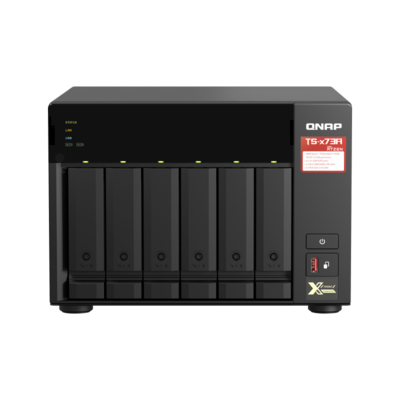
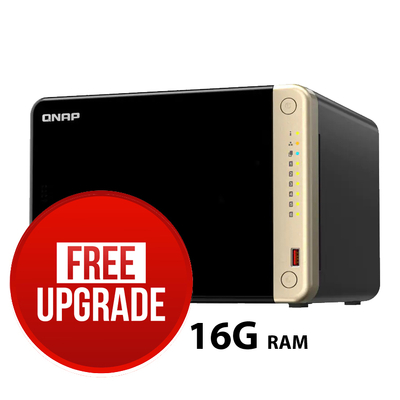
- 6-bay Intel: TS-664-8G (Celeron N5095, 8GB, 2x 2.5GbE) — the 6-bay version of our best-selling TS-464. Same Intel platform with more drive bays for expanded storage.
- 6-bay AMD: TS-673A-8G (AMD Ryzen V1500B, 8GB) — AMD quad-core with PCIe Gen 3 slot. Excellent for virtualisation, Docker and 10GbE upgrades.
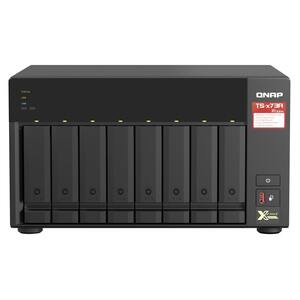
- 8-bay AMD: TS-873A-8G (AMD Ryzen V1500B, 8GB) — 8 hot-swappable bays for up to 144TB raw capacity. PCIe expansion for 10GbE or NVMe cards.
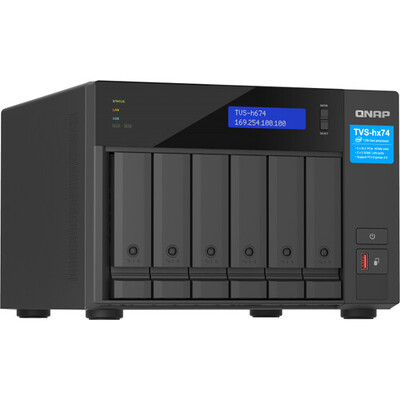
- Creator NAS: TVS-h674-i5-32G (Intel Core i5, 32GB, QuTS hero) — 6-bay with Intel 12th-gen Core i5, 32GB DDR4, Thunderbolt 4 and 2.5GbE. Runs QuTS hero (ZFS) for data integrity. Perfect for video editors and photographers.
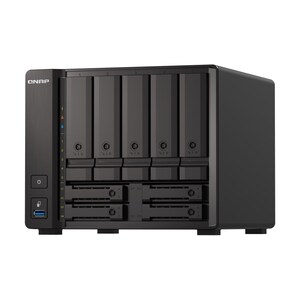
- 9-bay hybrid: TS-h973AX-32G (AMD Ryzen V1500B, 32GB ECC, QuTS hero) — unique 5+4 bay design mixing HDDs and SSDs. Dual 10GbE built-in. ZFS with inline deduplication and compression.
QTS vs QuTS hero
QTS is QNAP’s standard Linux-based operating system with ext4 file system — reliable and widely compatible. QuTS hero uses the ZFS file system for enterprise-grade data integrity, inline deduplication, compression and self-healing. Choose QuTS hero for mission-critical data, virtualisation and professional workflows.

6+ Bay Desktop NAS
Sale
Rackmount NAS
Enterprise & Data Centre Storage
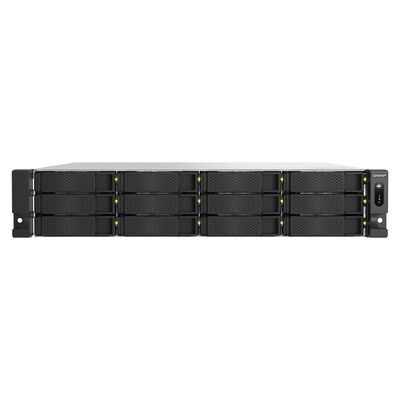
QNAP’s rackmount NAS units fit standard 19" server racks and deliver enterprise-grade performance with hot-swappable drive bays, redundant power supplies, 10GbE networking and ECC memory. Ideal for businesses, IT departments and service providers.
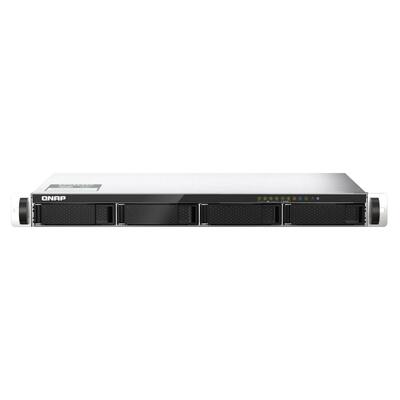
- 1U compact: TS-435XeU (Celeron, 4GB, 2x 10GbE) — 1U short-depth 4-bay rackmount with dual 10GbE SFP+ ports. Perfect for edge deployments and small server rooms.
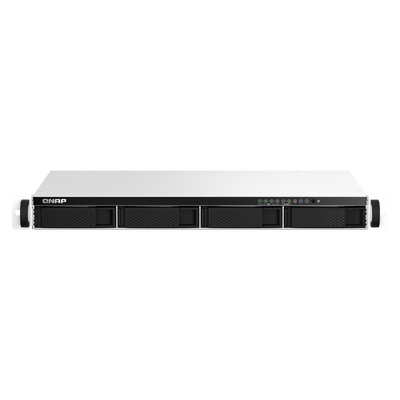
- 1U Intel: TS-464eU-8G (Celeron N5095, 8GB) — 1U 4-bay rack version of the popular TS-464. Intel x86 with 2.5GbE for branch offices.
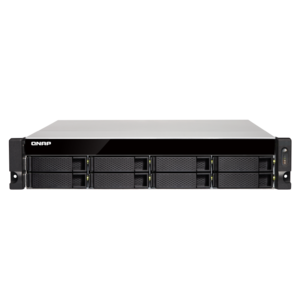
- 2U 8-bay: TS-832PXU-RP-4G (Alpine AL-324, 4GB, redundant PSU) — 8-bay rackmount with built-in 10GbE and redundant power supply. Cost-effective bulk storage for SMBs.
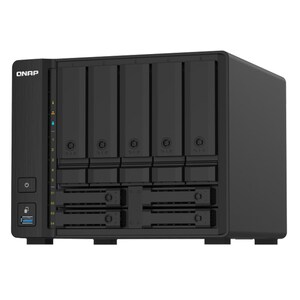
- 2U 9-bay mixed: TS-932PX-4G (Alpine AL-324, 4GB) — 9-bay desktop/rackmount with 5x 3.5" + 4x 2.5" bays. Dual 10GbE SFP+ and dual 2.5GbE.
- 2U 12-bay: TS-H1277AXU-RP-R7-32G (Ryzen 7, 32GB ECC, QuTS hero) — 12-bay rackmount with AMD Ryzen 7 and 32GB ECC RAM. Runs QuTS hero (ZFS) with redundant PSU. Our top enterprise pick.
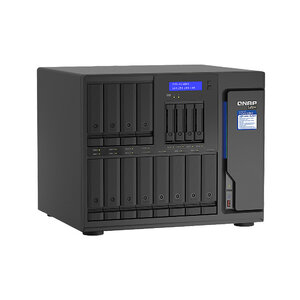
- 16-bay Xeon: TVS-h1688X-W1250-32G (Xeon W-1250, 32GB ECC) — 12+4 bay (HDD+SSD) with Intel Xeon. Thunderbolt 3 for direct-attach editing. Runs QuTS hero for maximum data integrity.
Hot-Swappable Bays & Redundant PSU
All QNAP rackmount NAS feature hot-swappable drive bays — you can replace a failed drive without shutting down the NAS. Models marked “RP” include redundant power supplies for zero-downtime operation even if a PSU fails.

Rackmount NAS
Expansion Units & DAS
Add More Storage Without Replacing Your NAS
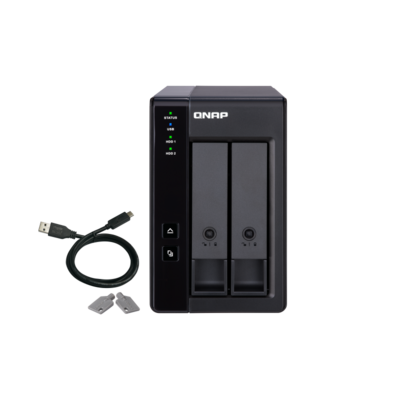
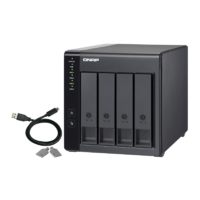
QNAP’s DAS (Direct Attached Storage) expansion units connect to your NAS or PC via USB-C and add extra drive bays. They support hardware RAID so they work as standalone DAS units too. A DAS is not a NAS — it connects directly to one host, not to the network.
- 2-bay DAS: TR-002 (USB 3.2 Gen 1, hardware RAID) — compact 2-bay expansion with RAID 0/1/JBOD. Connects to NAS or PC via USB-C. Perfect for adding storage to a laptop or expanding a 2-bay NAS.
- 4-bay DAS: TR-004 (USB 3.2 Gen 1, hardware RAID) — our best-selling expansion unit. 4 hot-swappable bays with RAID 0/1/5/10/JBOD. Ideal for expanding any QNAP NAS.
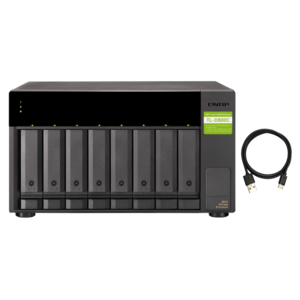
- 8-bay JBOD: TL-D800C (USB-C 3.2 Gen 2, 10Gbps) — 8-bay desktop JBOD for massive storage expansion. USB-C 10Gbps connection. Great for video editors and backup repositories.
NAS vs DAS — Which Do You Need?
A NAS is a standalone networked computer that serves files to multiple devices simultaneously over Ethernet. A DAS is a “dumb” storage box that connects to one computer via USB — faster for single-user workflows but no network sharing or apps.

Expansion & DAS Units
10GbE Networking & Switches
Unlock Your NAS’s Full Speed Potential
Gigabit Ethernet tops out at ~110 MB/s — a bottleneck for modern NAS with SSD caching or multi-user access. 10GbE delivers up to 1,000 MB/s, and 2.5GbE provides a cost-effective 2.5x speed boost over standard gigabit using existing Cat5e cabling.
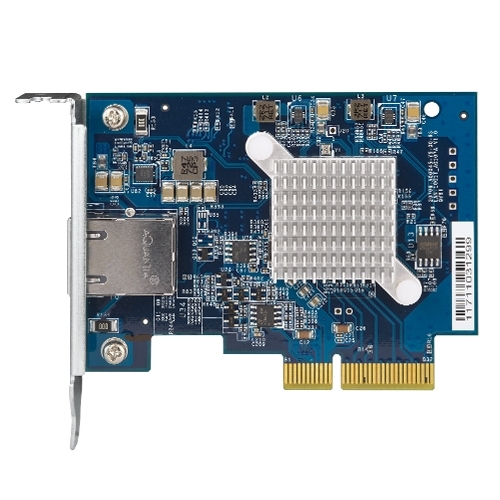
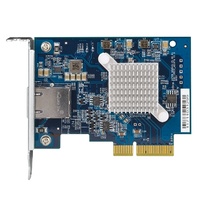
- PCIe 10GbE card: QXG-10G1T (10GBase-T RJ45, PCIe Gen 3) — add 10GbE to any QNAP NAS with a PCIe slot, or to a desktop PC. Uses standard RJ45 connectors and Cat6a cable.
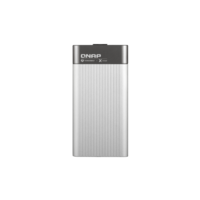
- Thunderbolt 3 to 10GbE: QNA-T310G1T (TB3 to 10GBase-T RJ45) — instant 10GbE for MacBook Pro and Thunderbolt 3 laptops. Perfect for video editors connecting to a 10GbE NAS.
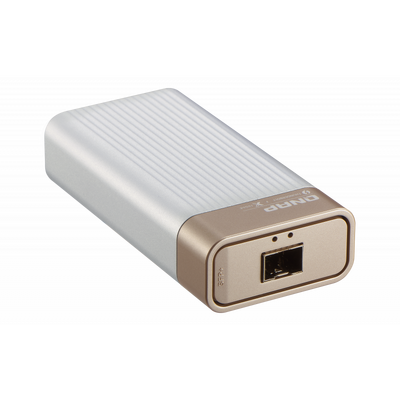
- Thunderbolt 3 to 10G SFP+: QNA-T310G1S (TB3 to 10G SFP+) — same concept but with SFP+ fibre output for direct NAS connections or existing fibre infrastructure.
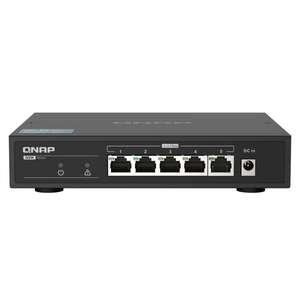
- 5-port 2.5G switch: QSW-1105-5T (5x 2.5GbE, fanless) — the simplest 2.5GbE upgrade. Connect your NAS, PC, laptop and AP for 2.5x faster file transfers with zero configuration.
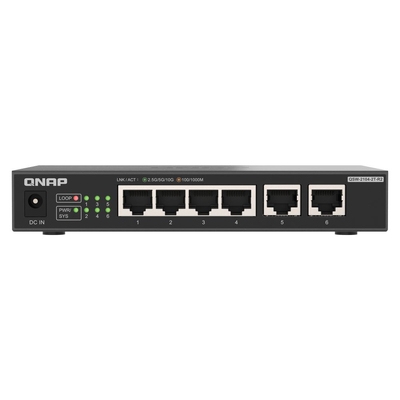
- 2.5G + 10G switch: QSW-2104-2T-R2 (4x 2.5GbE + 2x 10GbE) — connect 2.5G devices to the NAS via the 10GbE uplinks. Cost-effective way to add 10G to a small office.
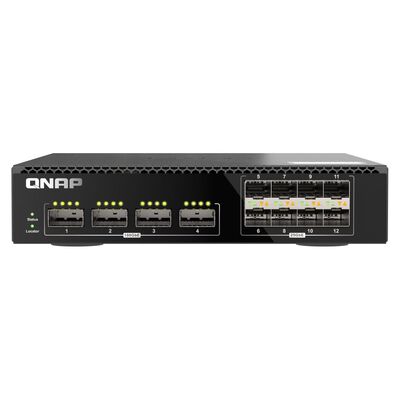
- Managed 10GbE switch: QSW-M7308R-4X (8x 10GbE + 4x 10G SFP+, half-width rack) — 12-port 10GbE managed switch for serious NAS deployments. VLAN, LACP and QoS support.
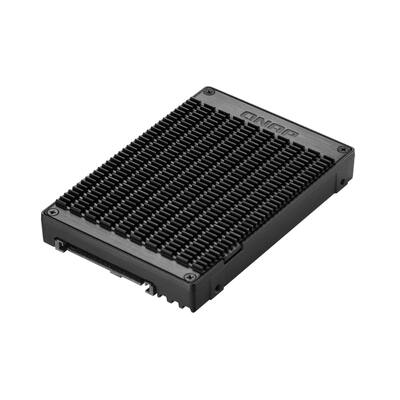
- U.2 to M.2 adapter: QDA-UMP4 (U.2 NVMe to M.2 NVMe, PCIe Gen 4) — converts a U.2 NVMe bay to accept standard M.2 NVMe SSDs. Essential for NAS models with U.2 bays.
Why Upgrade to 10GbE?
If you use your NAS for video editing, VM storage, large file transfers or multi-user access, 10GbE eliminates the network bottleneck. Even 2.5GbE (via the QSW-1105-5T) provides a noticeable improvement for everyday file access, Time Machine backups and Plex streaming.
10GbE Cards, Switches & Adapters
Accessories & Spare Parts
Keep Your NAS Running
Essential accessories for QNAP NAS installations — rail kits for rackmounting, replacement power supplies and adapters.
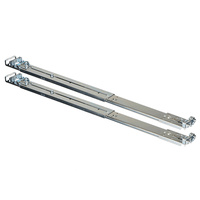
- Rackmount rail kit: RAIL-B02 — sliding rail kit for QNAP rackmount NAS models. Tool-less installation into standard 19" racks. Our best-selling QNAP accessory.
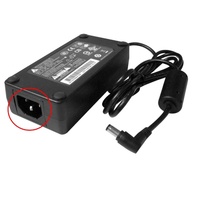
- 90W power adapter: SP-2BAY-ADAPTOR-90W — replacement/spare 90W external power adapter for 2-bay and 4-bay QNAP NAS and NVR models.
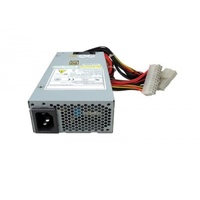
- 250W rackmount PSU: SP-4BAY-PSU — replacement 250W internal power supply unit for QNAP rackmount NAS models. Essential spare for redundant PSU configurations.
Accessories & Spare Parts
Recommended Bundles
Proven setups based on real customer purchases and our team’s recommendations.
Home / Media Server
4K Plex streaming, automated backups and personal cloud storage for the whole family.
| Role | Product | Why |
|---|---|---|
| NAS | TS-464-8G | 4-bay Intel NAS with 4K Plex transcoding |
| 2.5G Switch | QSW-1105-5T | 5-port 2.5GbE for faster NAS access |
| Backup expansion | TR-002 | 2-bay USB DAS for offsite backup rotation |
| Power adapter (spare) | SP-2BAY-ADAPTOR-90W | Keep a spare PSU for zero downtime |
Small Business (5–20 Users)
Centralised file storage, virtualisation and 10GbE backbone for a growing office.
| Role | Product | Why |
|---|---|---|
| Primary NAS | TS-673A-8G | 6-bay AMD NAS with PCIe slot for 10GbE |
| 10GbE card | QXG-10G1T | Add 10GbE to the NAS via PCIe |
| 10G + 2.5G switch | QSW-2104-2T-R2 | 4x 2.5G + 2x 10G ports for NAS uplink |
| Expansion DAS | TR-004 | 4-bay DAS for storage expansion |
| TB3 adapter | QNA-T310G1T | 10GbE for MacBook Pro users |
Enterprise / Data Centre
High-availability rackmount storage with ZFS, redundant PSU and 10GbE fabric.
| Role | Product | Why |
|---|---|---|
| Primary NAS | TS-H1277AXU-RP-R7-32G | 12-bay Ryzen 7 rackmount with QuTS hero |
| 10GbE switch | QSW-M7308R-4X | 12-port managed 10GbE for NAS fabric |
| Rail kit | RAIL-B02 | Sliding rails for rack installation |
| Spare PSU | SP-4BAY-PSU | Redundant PSU replacement for RP models |
| JBOD expansion | TL-D800C | 8-bay USB-C JBOD for backup repository |
Frequently Asked Questions
Need Help Choosing Your QNAP NAS?
Our storage team can help you design the right QNAP solution — from home media servers to enterprise rackmount deployments with 10GbE fabric.
Contact Us